Update mij als weer op voorraad is.
Vul hier je e-mailadres in en wij geven jou een update wanneer wij weer voorraad hebben.
Je ontvangt na het versturen van jouw e-mailadres een e-mail met daarin de bevestiging van jouw inschrijving.
Wij kunnen met deze notificatie geen garantie bieden dat je 100% zeker weten aanspraak maakt bij nieuwe voorraad. Wil je meer kans om het product te krijgen bij nieuwe voorraad? Kies er dan voor om het nu gelijk te bestellen en af te rekenen. Dan krijg je
Privacy Je e-mailadres wordt opgeslagen in een gesloten database. Wij kunnen die niet inzien. Je e-mailadres wordt na de voorraad update automatisch weer verwijderd.

Reviews

ERGONOMIC MOUSE FOR PAIN IN THE FINGERS/HAND

FROM ONLY 89.95
Filters
Vind snel jouw ideale
Start keuzehulp
0 reviews
129,00 99,00 Incl. tax
81,82 Excl. tax
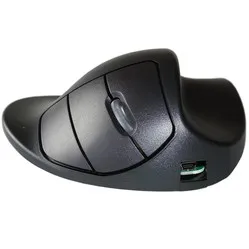
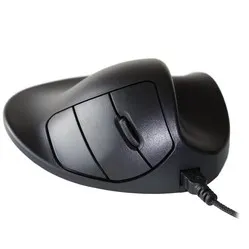
Handshoemouse Original wireless right-handed
0 reviews
140,00 Incl. tax
115,70 Excl. tax
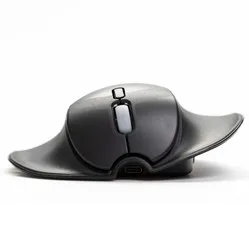
Handshoemouse Shift wireless left-/right-handed
0 reviews
140,00 Incl. tax
115,70 Excl. tax
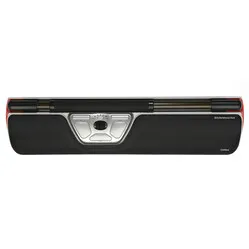
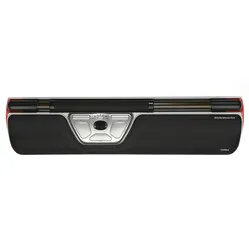
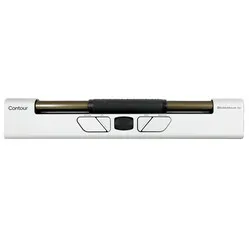
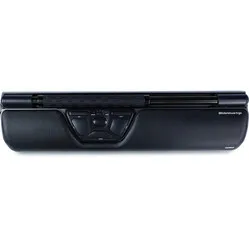
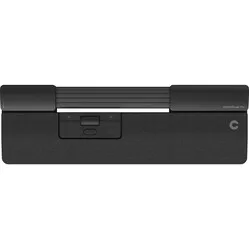
Contour Design Rollermouse Red trackpad wired
0 reviews
399,00 Incl. tax
329,75 Excl. tax
0 reviews
106,95 94,00 Incl. tax
77,69 Excl. tax
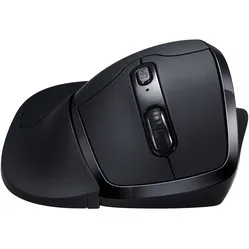
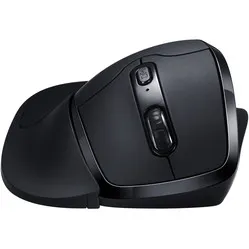
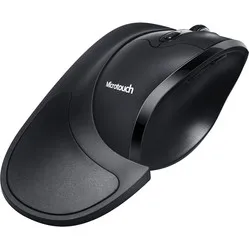
Newtral 3 wireless right-handed
0 reviews
81,95 Incl. tax
67,73 Excl. tax
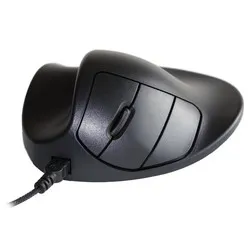
Handshoemouse Original wired right-handed
0 reviews
129,00 Incl. tax
106,61 Excl. tax
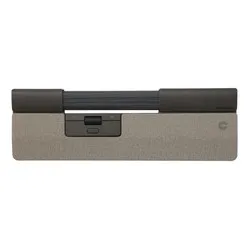
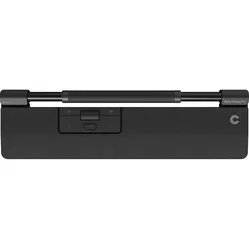
Contour Design Rollermouse Red wireless trackpad
0 reviews
429,00 Incl. tax
354,55 Excl. tax
0 reviews
129,00 99,00 Incl. tax
81,82 Excl. tax
Contour Design Rollermouse Red Plus wired trackpad
0 reviews
429,00 Incl. tax
354,55 Excl. tax
Contour Design Rollermouse GO trackpad wireless
0 reviews
289,00 Incl. tax
238,84 Excl. tax
0 reviews
309,00 199,00 Incl. tax
164,46 Excl. tax
Newtral 3 Wired Right-Handed
0 reviews
74,95 Incl. tax
61,94 Excl. tax
Handshoemouse Original wired left-handed
0 reviews
139,00 Incl. tax
114,88 Excl. tax
0 reviews
106,95 94,00 Incl. tax
77,69 Excl. tax
Contour Design Rollermouse Ergo wired trackpad
0 reviews
449,00 Incl. tax
371,07 Excl. tax
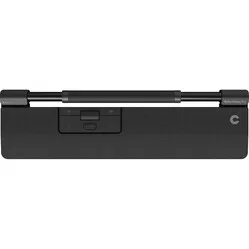
Contour Design RollerMouse Pro wired trackpad - Vegan Leather
0 reviews
299,00 Incl. tax
247,11 Excl. tax
Newtral 3 wireless left-handed
0 reviews
94,00 Incl. tax
77,69 Excl. tax
Contour Design RollerMouse Pro trackpad wireless - Vegan Leather
0 reviews
319,00 Incl. tax
263,64 Excl. tax
0 reviews
349,00 241,00 Incl. tax
199,17 Excl. tax
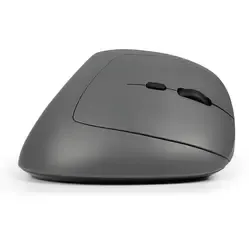
BakkerElkhuizen Midway 3-mode Right-handed
0 reviews
72,95 Incl. tax
60,29 Excl. tax
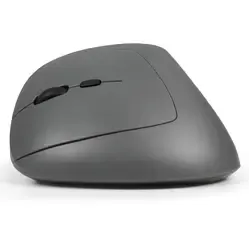
BakkerElkhuizen Midway 3-mode left-handed
0 reviews
72,95 Incl. tax
60,29 Excl. tax
0 reviews
329,00 241,00 Incl. tax
199,17 Excl. tax

Customer reviews of their anti-mouse arm mouse

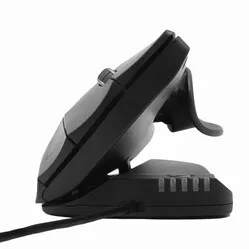
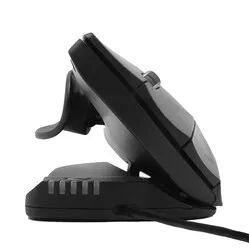
Bram R chose the Contour Design Unimouse: “I bought the mouse because I have RSI in my thumb and my previous, standard mouse didn't provide enough rest for it. The ergonomic mouse from Contour offers specific thumb support that can be fully adjusted to your hand. Additionally, you can tilt the mouse, which puts your upper arm in a much more natural position. After just one week, I had significantly fewer complaints in my thumb, so I am very satisfied with the purchase.”
Adriaan T was able to say goodbye to his complaints after purchasing the Handshoemouse: “Because I suffer from osteoarthritis, I started looking for an ergonomic mouse. Unfortunately, I couldn't see the wood for the trees and ended up on the Ergowerken website. I received truly excellent help via the chat function, and together we selected the right mouse. I have been using it for several weeks now to my complete satisfaction, and I notice that it really gives my hand more rest! A colleague also placed an order immediately yesterday!"

Tips to prevent hand and finger complaints

  • Mind your posture

    This is perhaps the easiest tip to implement. By consciously focusing on the correct working posture, you will feel fitter and experience less fatigue. Do you keep forgetting to sit in the correct posture? If necessary, stick a post-it under your screen. You can read how to properly adjust your workstation here.

  • Alternate tasks

    If you have many different tasks (for example, where you only use the mouse or only the keyboard), it is wise to alternate between tasks now and then. Work for a maximum of one hour continuously with the mouse, and then switch to the keyboard. This gives your hand the opportunity to rest.

  • Take a short break occasionally

    Doing the same work for hours can not only be boring, but it can also cause or worsen hand complaints. Therefore, take short breaks more often. In the meantime, for example, get coffee for yourself and your colleagues, tidy up your desk drawer, or see if you can do work that doesn't require your mouse.

  • Leave the mouse alone more often

    Are there tasks you can do without using a mouse? For example, working in Excel or answering your emails. These tasks can often be completed using only your keyboard. Also, use as many keyboard shortcuts as possible (e.g., Ctrl + C for copying) instead of the right mouse button.

  • Alternate between left and right

    Get a mouse that you can use with both your left and right hand. This allows you to alternate between your left and right hand. You'll probably need to get used to it at first, but we promise you it will be worth it!