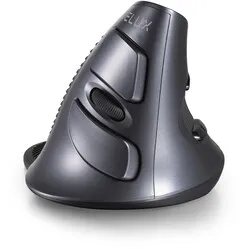
Hele fijne ergonomische muis
"Ontzettend fijne muis. I. v. m. Schouder en hand klachten aangeschaft. Klachten zijn aanzienlijk verminderd."



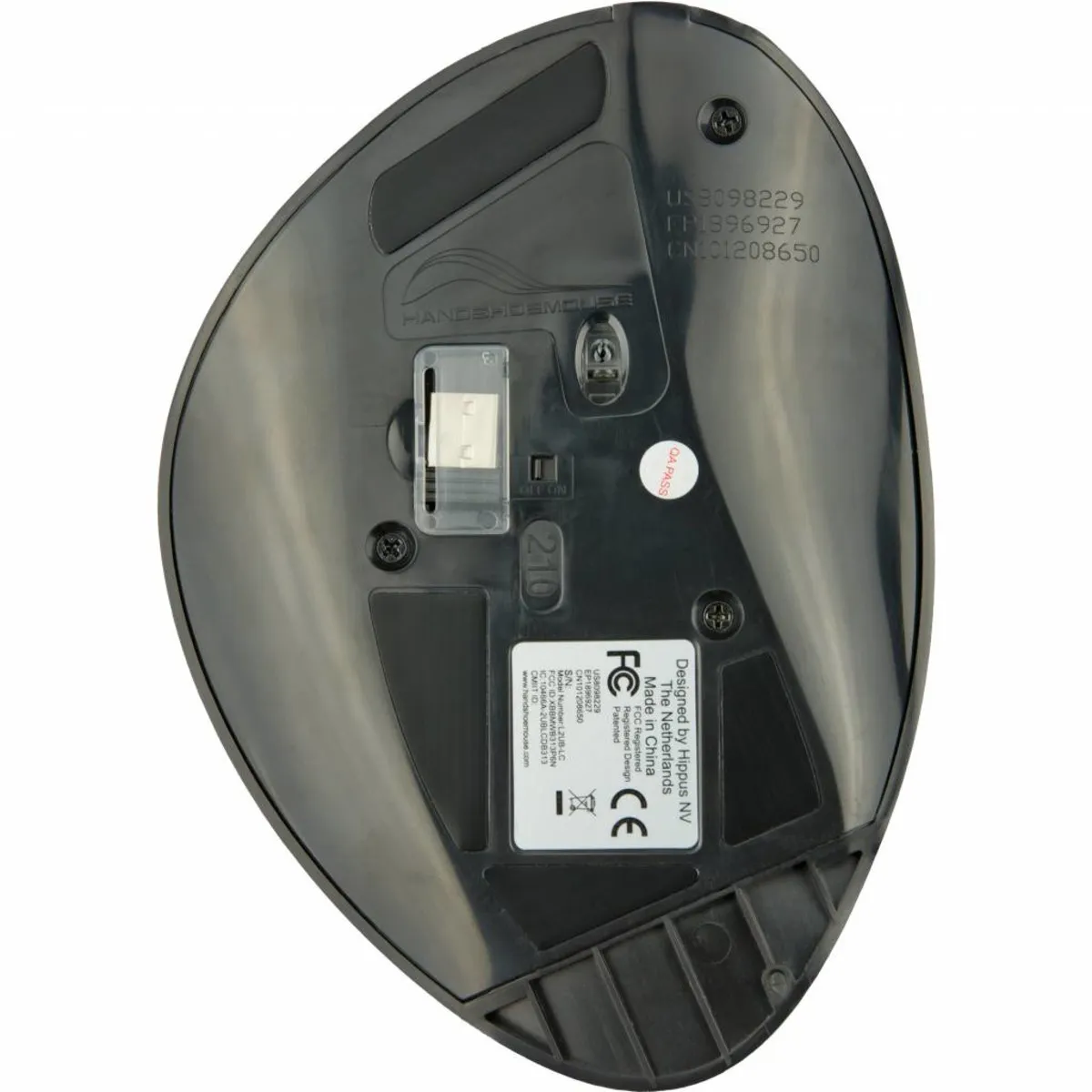


Measure your hand as shown in the image and choose your size using the table below:
| Size | Hand length |
|---|---|
| Small | 140 - 170 mm |
| Medium | 170 - 190 mm |
| Large | 190 - 210 mm |
Important: are you exactly between two sizes? Then choose the larger model. We can say this based on experience with previous customers.
You're bombarded with potential complaints that an incorrect mouse can cause. And you wouldn't guess it; it's true! An incorrect mouse causes complaints. What can you do about it? Well, for example, choose a mouse that has been scientifically proven to drastically reduce complaints.
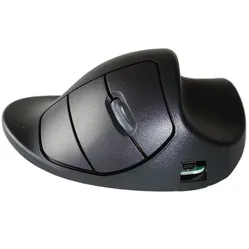
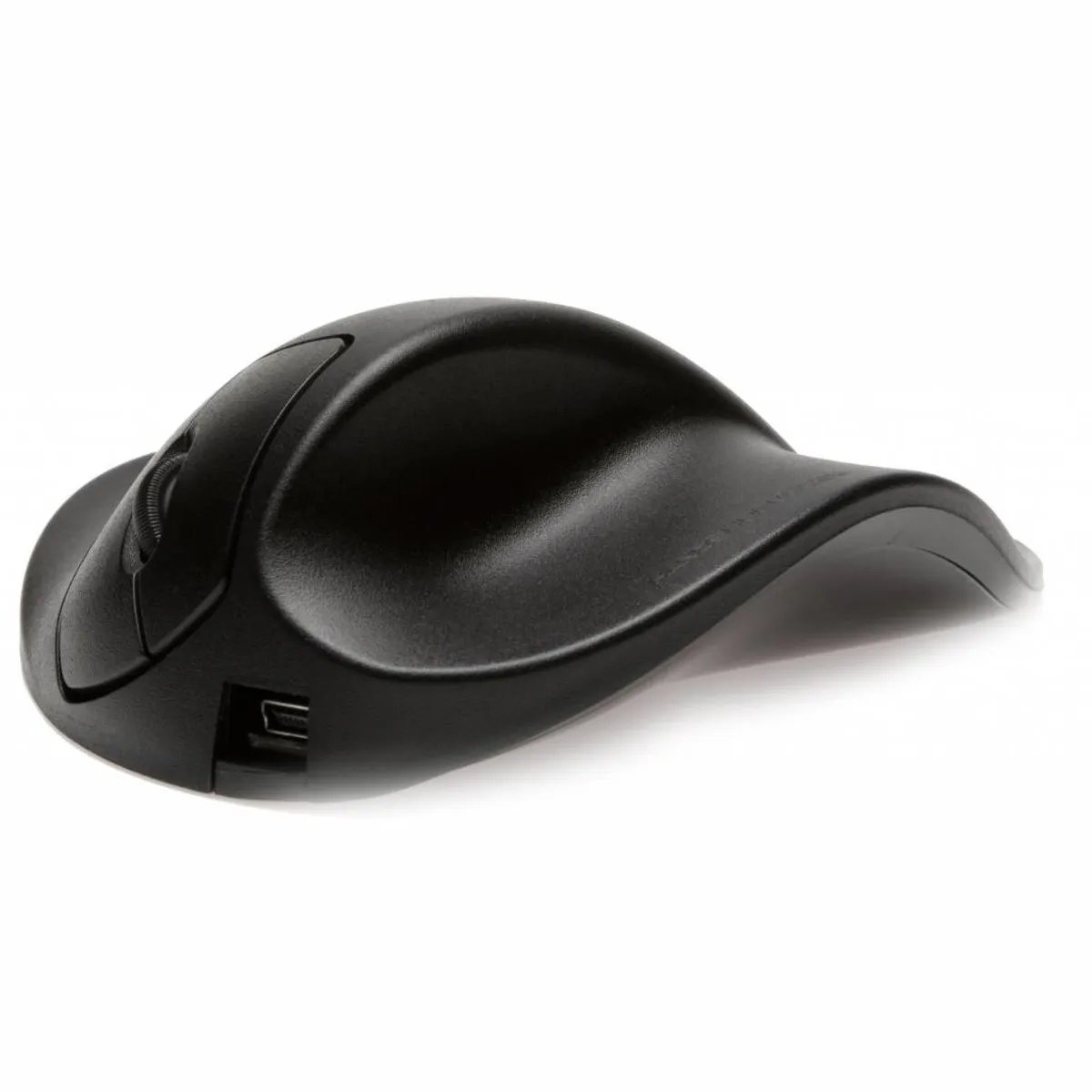
What makes the Handshoemouse unique is its hand-shaped design. This design ensures that the entire hand is supported. Additionally, the slightly tilted design places the entire arm in its natural position, which ensures it relaxes and remains free of complaints.
The Wireless Handshoemouse has several advantages that make it stand out. The biggest advantage is the choice of different sizes. Nothing is as important when choosing a good ergonomic mouse as its size. The wireless variant therefore has 3 different sizes available, as you can see in the image next to this text.
The Handshoemouse is equipped with 2 buttons and a scroll wheel. The mouse is Plug&Play, so you just need to plug the wireless receiver into your PC or laptop and you can get started.
The wireless Handshoemouse has an integrated battery. You charge it by connecting it to your computer with the included USB cable. Charging an empty battery takes about 6 hours, after which you can work with it for 4-6 weeks. You can also continue to use the mouse while charging. The battery will continue to work optimally for about 4 years. After that, you might need to charge it a bit more often.
Complaints in the arm and/or wrist can arise due to a lack of support and relaxation when using a traditional mouse. This is where the ergonomic mouse distinguishes itself; the mouse is tilted, forcing your wrist, arm, and hand into a natural posture. The common RSI complaint is thus prevented and counteracted.
The Handshoemouse is equipped with several smart technologies. One of them is the 'Light Click' system. This makes the mouse buttons easy to press. Normally, pressing the mouse buttons causes a lot of tension in the hand.
The mouse's other clever feature is the so-called 'Blueray Track', which allows the mouse to achieve a resolution (sensitivity) of up to 1500 DPI. This enables you to operate it with smaller movements and it works on almost any surface. These two ingenious features form an ideal combination for tasks involving a lot of clicking.
The company behind the Handshoemouse, Hippus, developed the Handshoemouse together with Erasmus University Medical Centre. This development took 2 years.
The reason behind the development of this mouse is research showing that 1 in 6 office workers suffer from RSI complaints or Carpal Tunnel Syndrome. The latter, in most cases, leads to an absence from work of more than 90 days. The complaints are largely due to an incorrect mouse, which is often too small and has the wrong shape. That is why Hippus and Erasmus University have joined forces.
The "gripping and squeezing the mouse" and "hovering the fingers above the buttons" are responsible for a large part of the complaints. That is why the shape, in particular, has been carefully considered and much development has gone into it. The entire hand rests on the mouse, making it easy to operate and eliminating the need to grip it. This also ensures that your fingers do not drag across the desk or hover above the buttons. It is also tilted 25 to 35 degrees, which places the hand, wrist, and arm in their natural posture.
Using the correct mouse can prevent a large number of annoying complaints, such as:
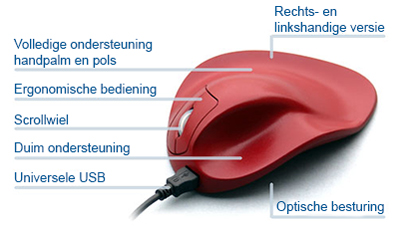
| Warranty | 3 years |
| Ergonomic design | |
| Usage | Right-handed |
| Hand length | From 140 mm to 210 mm |
| Plug & play | Yes |
| view all specifications |
| Item number | ERGO-MI062RSWL (small)/RMWL (medium)/RLWL (large) |
| Manufacturer's item number | S2UB-LC (small)/M2UB-LC (medium)/L2UB-LC (large) |
| Brand | Hippus |
| Warranty | 3 years |
| Type of guarantee | Ergowerken free warranty return service |
| Colour | Black |
| Ergonomic design | |
| Management | BRT (Bluray track), works on any surface |
| Left- or right-handed | Right-handed |
| Hand length | S: 155–170 mm, M: 170–190 mm and L: 190–210 mm, measured from the top of the ring finger to the edge of the wrist |
| Hand width | not applicable |
| Operation | Buttons and scroll wheel |
| Included receiver | Yes, micro USB dongle |
| Bluetooth | not applicable |
| USB port | |
| USB version | 2.0 |
| Number of buttons | XS/S/M have two buttons and a scroll wheel; the L has a third button with the same function as the scroll wheel. |
| On/off button | |
| Adjustable buttons | |
| Scroll wheel | |
| Trackball | |
| Adjustable sensitivity | |
| Sensitivity | 1500 dots per inch |
| Type of power supply | Battery |
| Battery type | Li-ion battery |
| Rechargeable | Yes, via USB cable (2 metres) |
| Minimum system requirements | Mac OS X v10.5, Mac OS X v10.6, Mac OS X v10.7, Mac OS X v10.8, Mac OS X v10.9, Mac OS X v10.10, Mac OS X v10.11, Windows XP, Windows Vista, Windows 7, Windows 8, Windows 10 |
| Plug and play | |
| Product weight |
Small: 156 grams Medium: 230 grams Large: 292 grams |
Customers who write a review enter a prize draw for a voucher. We pick one winner and publish all reviews, including critical ones.