






Square recessed socket

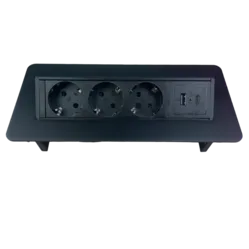
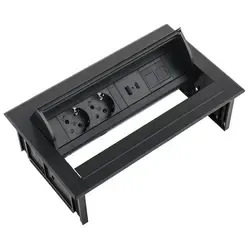
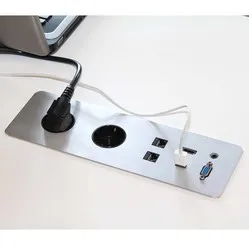
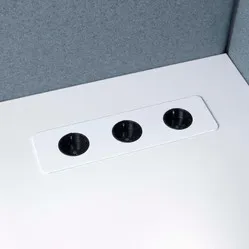
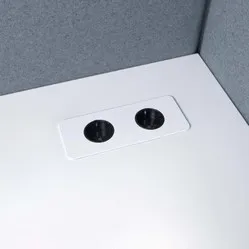
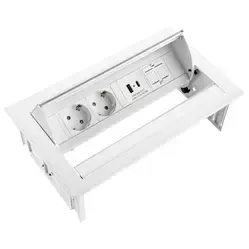
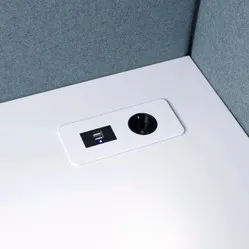
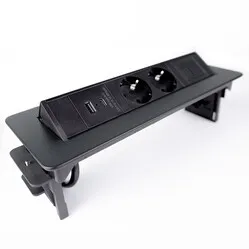
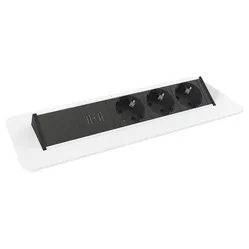
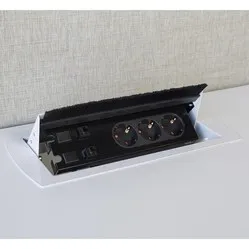
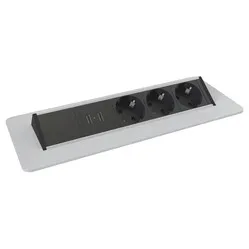
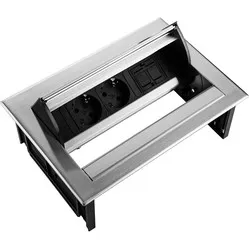
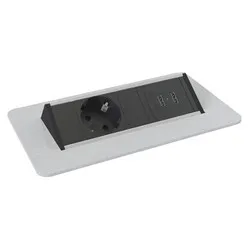
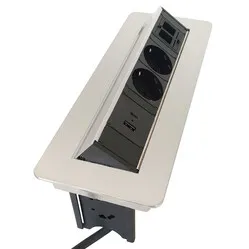
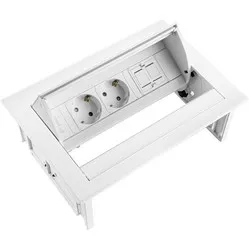
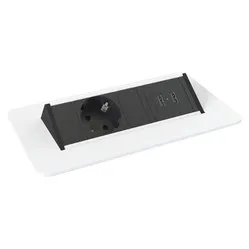
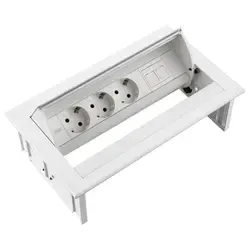
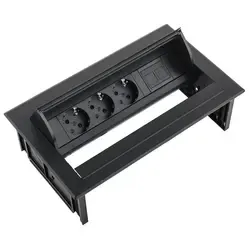
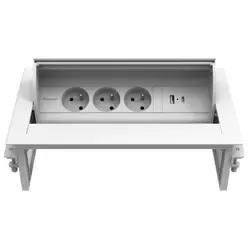
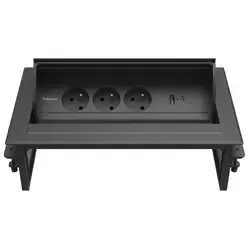
When do you choose a square built-in power socket?
You choose a square built-in power socket when your workspace or meeting table really needs a connection point with more than one or two connections.
- Do you connect a monitor and lamp besides your laptop?
- Do you want network or HDMI right in the top?
- Do several people work at the same table?
- Can the hole in the top be a bit larger?
If one or two connections are enough, a round built-in power socket is smaller and quicker to fit.
What makes a good square built-in power socket stand out?
Square built-in power sockets mainly differ in three points.
Number and type of connections
Count what you connect every day and keep one connection spare. Also check whether you need USB-A, USB-C or both.
Lid or open unit
A lid or push-to-open cover hides the connections. An open unit is simpler, but the sockets stay visible.
Expandability
With keystones or a modular design you choose which data connections go in, such as USB-C, HDMI or network.
How does a square built-in power socket help at your workspace?
A square built-in power socket brings power and data together in one spot in the top. That saves searching, bending and loose cables.
- all connections in one fixed spot
- fewer loose power strips and cables on the top
- less bending under the desk
- a calm meeting table without a tangle of cables
Tidy away the cables under the top with a cable tray. Need fewer connections? See the round built-in power sockets.
What should you look for when choosing a square built-in power socket?
When choosing, look at the size of the cut-out, the room under the top and the connections you need.
Size of the cut-out
Rectangular units need a cut-out that you saw or rout. Check the exact size on the product before you start.
Room under the top
The housing sticks out several centimetres under the top; the height is listed for each product. Check that no frame, drawer or cable tray is in the way.
Connection cable
Many units have a linking cable with a connector, to which you attach a connection cable of the right length. Choose the length to the nearest wall socket.
Tips for installing a square built-in power socket
- Mark out the cut-out
Draw the size from the specifications on the top in pencil and check it twice before you saw.
- Drill holes in the corners first
A hole in each corner makes sawing with a jigsaw much easier and tidier.
- Saw slightly too tight rather than too wide
A cut-out that's too tight can be sanded; one that's too wide can't be repaired.
- Route the cable away under the top
Use a cable tray or cable ties so the connection cable doesn't pull on the unit.
- Test the lid after fitting
Open and close the lid a few times before using the top, so you know nothing is catching.
Frequently asked questions about square built-in power sockets
- What is a square built-in power socket?
A square built-in power socket is a rectangular unit with several connections that you fit into a cut-out in your desk or table top.
- Who is a square built-in power socket suitable for?
For workspaces and meeting tables where you connect more than one or two devices, or where you want network or HDMI in the top as well.
- How do I make the cut-out?
Mark out the size, drill holes in the corners and saw the opening with a jigsaw. A router gives the neatest result.
- Do I need an electrician?
No. You connect the unit with a connection cable with a plug, which goes into an ordinary wall socket.