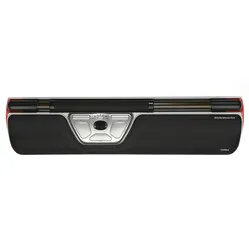
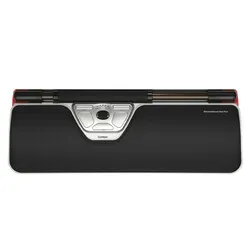
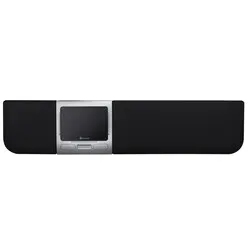
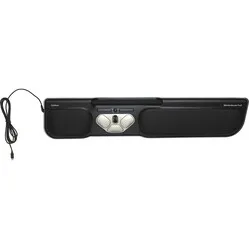
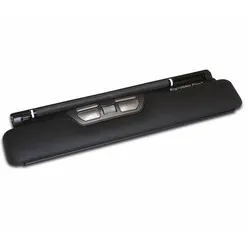
An ode to the wired Red Plus
The Rollermouse doesn't make it difficult to work healthier. Especially not with the Plus, which gives you even more comfort with its extra palm support. You get more done in an hour and spend less time at home with annoying hand, wrist, and arm complaints. The Rollermouse leaves no doubt. You will improve.
Why the Rollermouse Red Plus trackpad mouse?
For many, the Rollermouse is still an odd one out. Yet, it can make a significant contribution to healthy working in any workplace. In fact, it leaves many others behind in the family of ergonomic mice.
Central placement
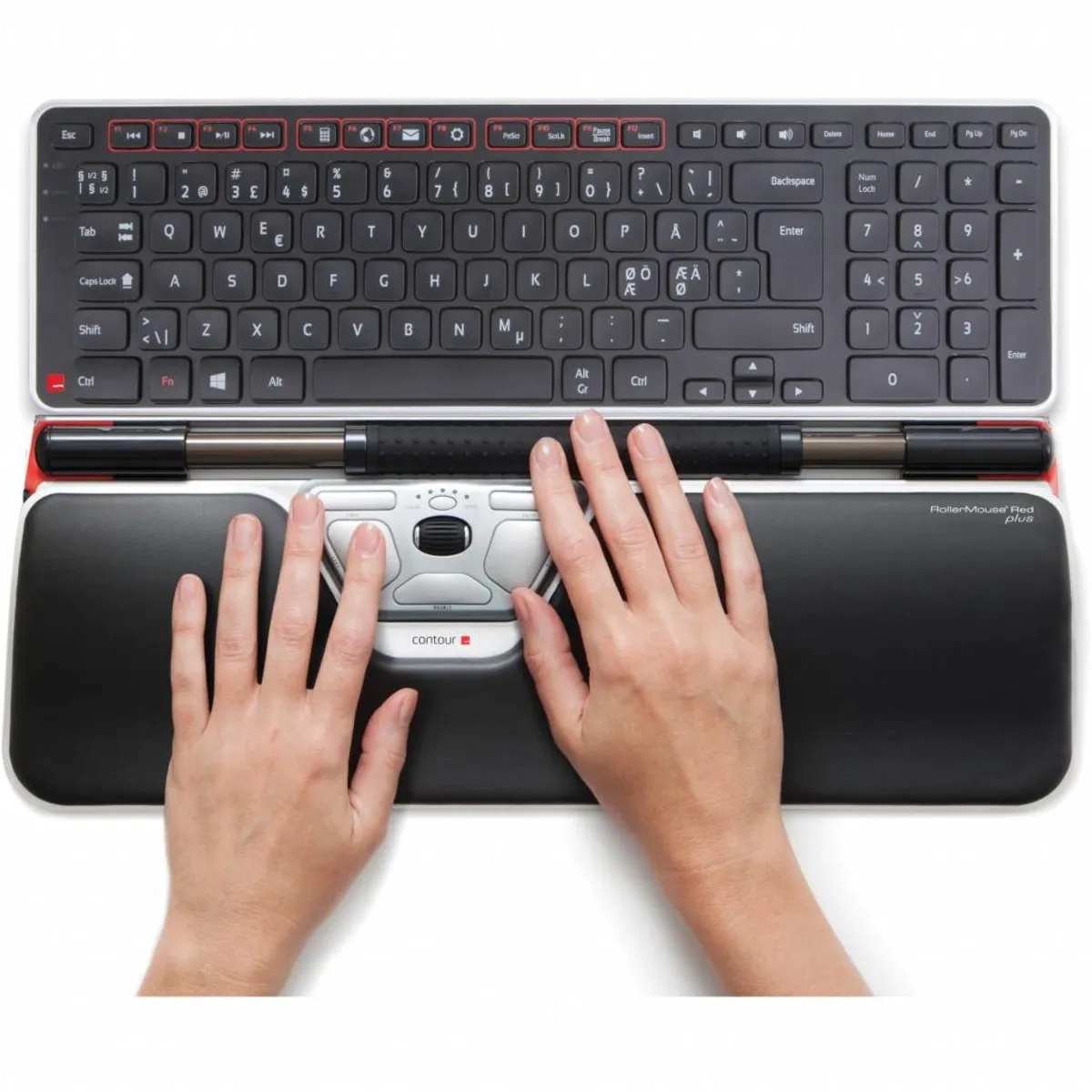
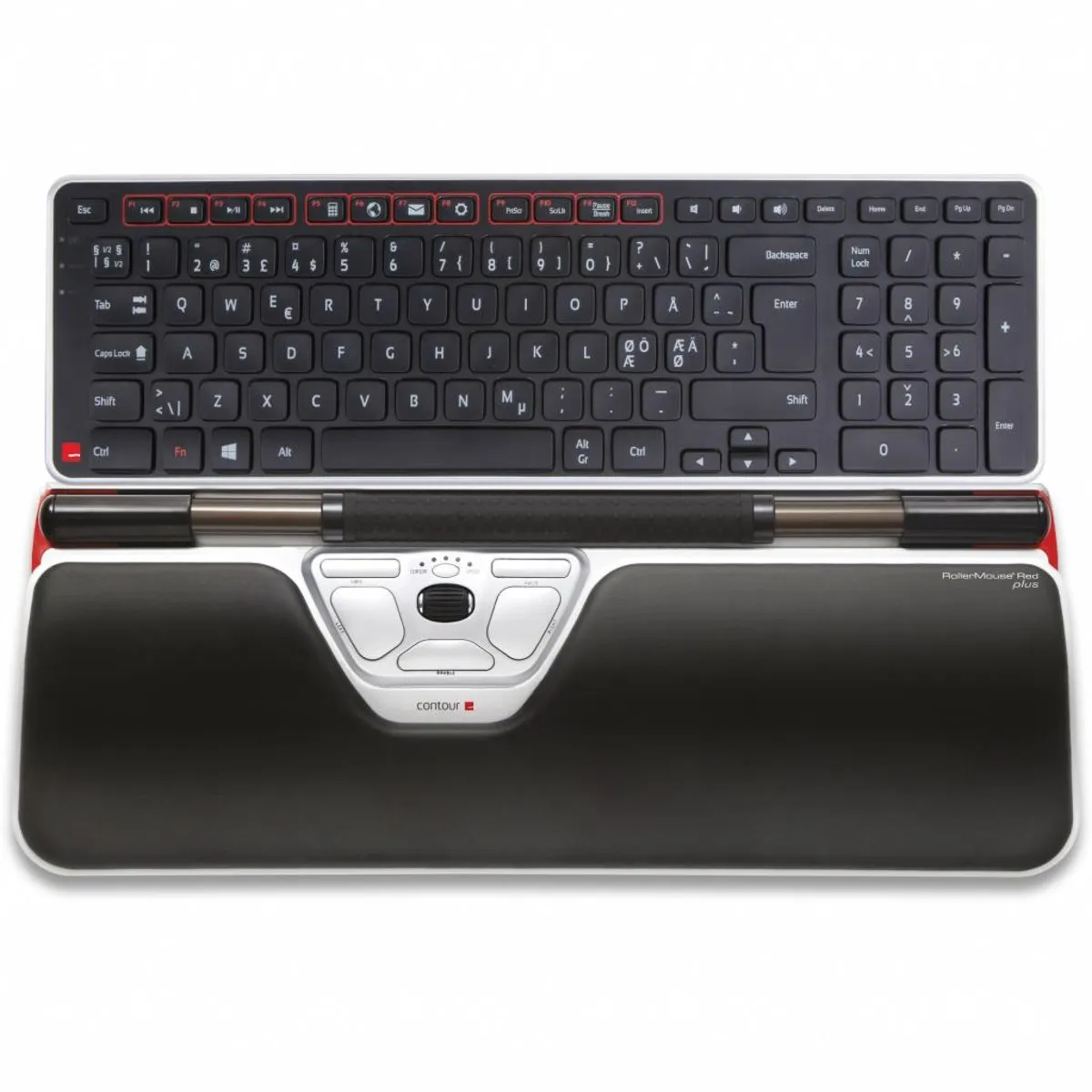
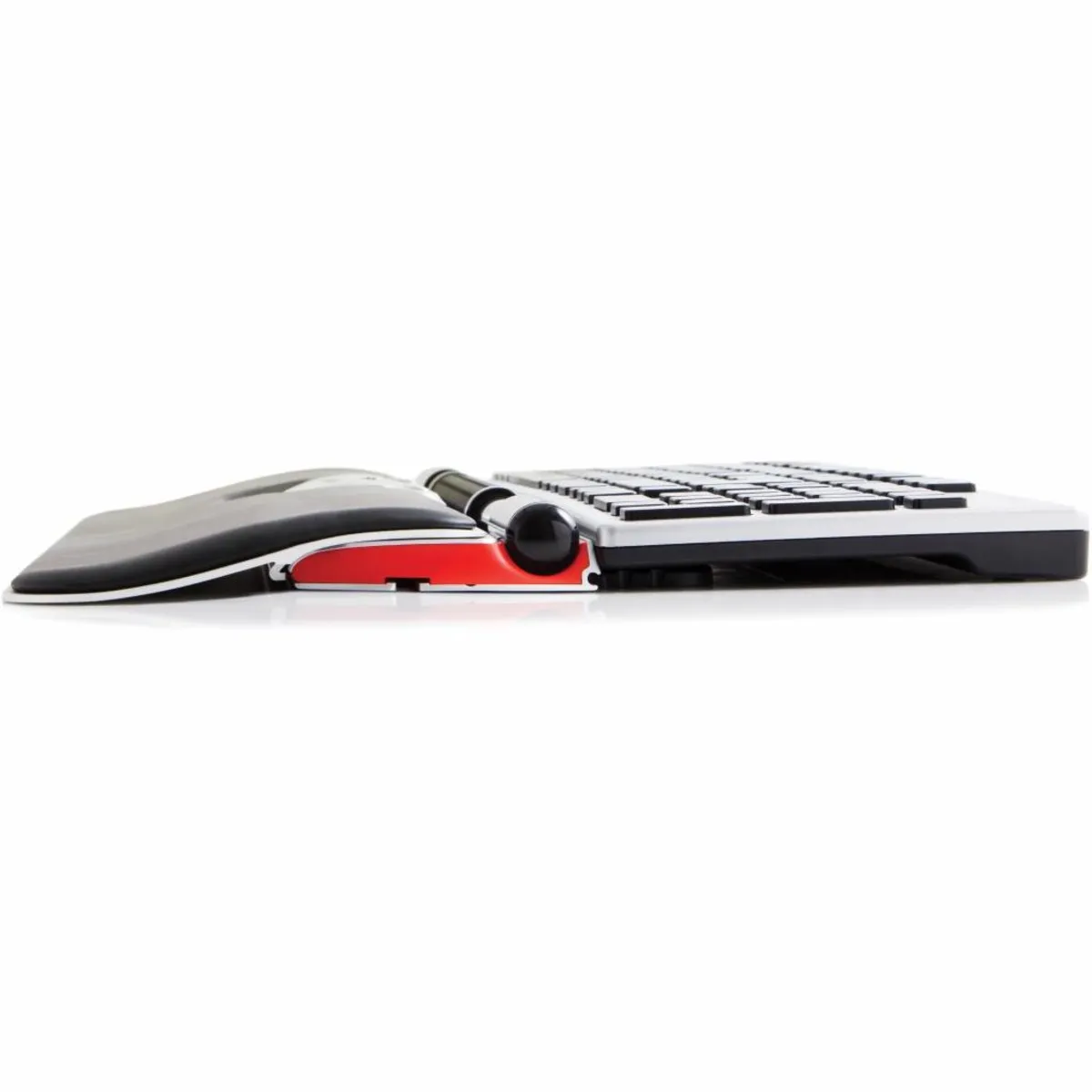
One of its strong features is its central position and the ability to operate it with 2 hands. It sits right in front of you, between you and your keyboard. This ensures your arms lie more relaxed in front of you, significantly reducing the risk of RSI complaints.
Operation
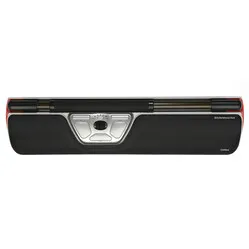
The Red Plus can do everything a normal mouse can. You can not only control the mouse, but also perform all sorts of handy functions at lightning speed using the available buttons. You can move the mouse with the 'bar' at the top of the Rollermouse. As can be guessed, you can roll it, but also slide it. A special click system on the sides prevents you from only being able to move the mouse horizontally to a limited extent.
Improved features
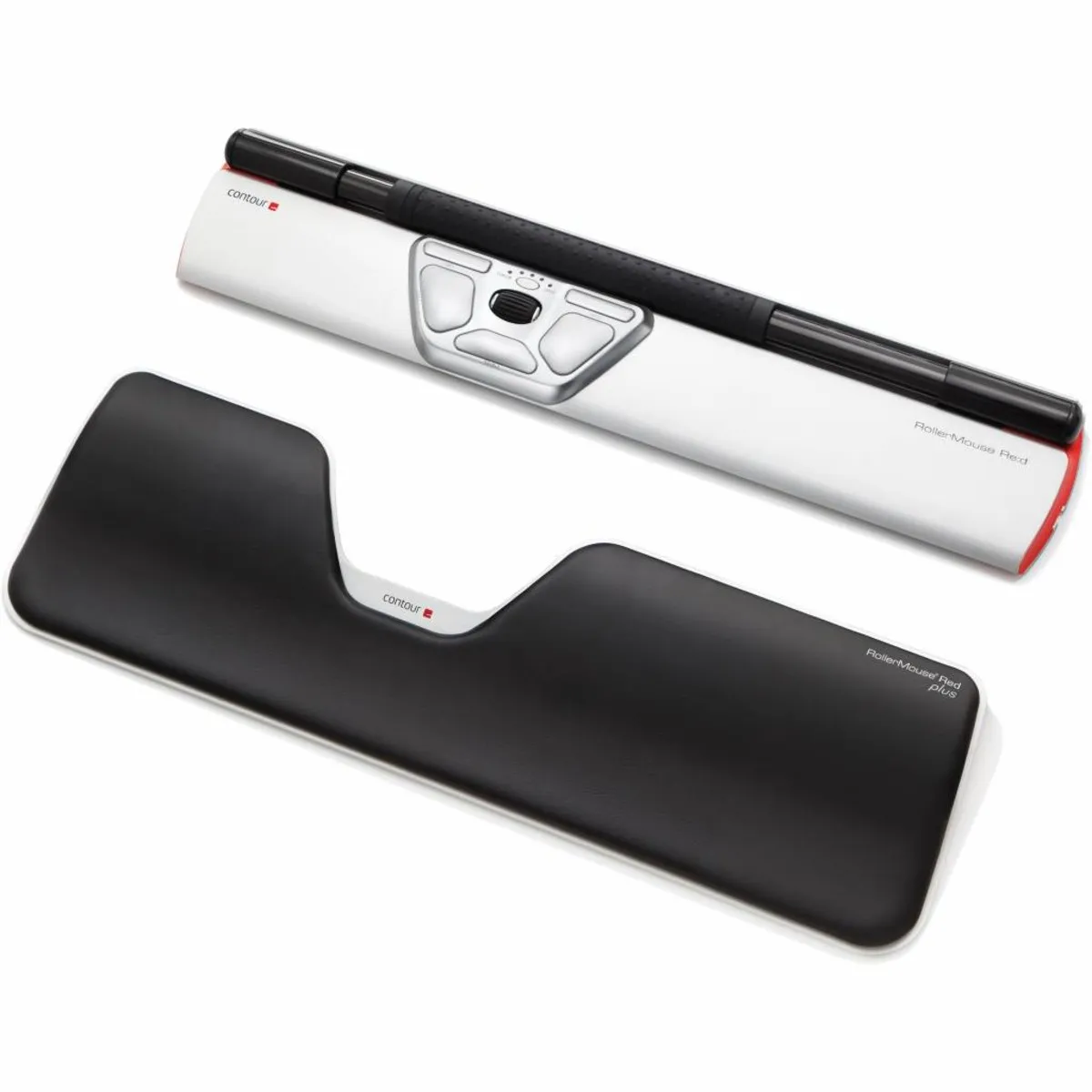
Contour has given the further developed Red Plus a thicker bar, allowing you to move the mouse even more precisely. The rubber dots on the bar give you more feel.
Furthermore, the mechanical mouse click has been replaced by a virtual click. You can now press the bar with less effort and activate the corresponding left mouse button. 2 lasers in the trackpad register the rolling and sliding of the bar, allowing it to be operated with the smallest movements. It analyses how you interact with it and adapts to your working style.
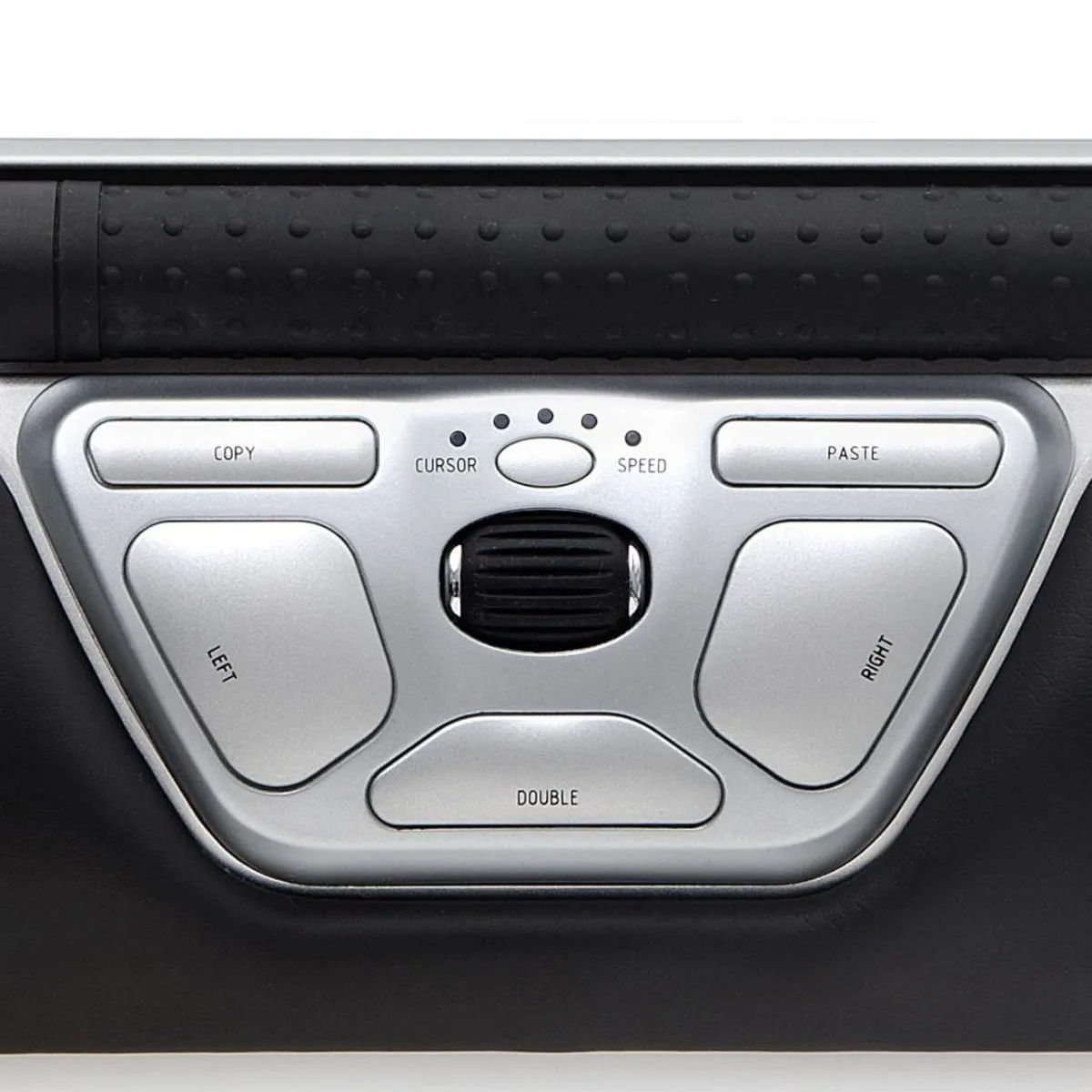
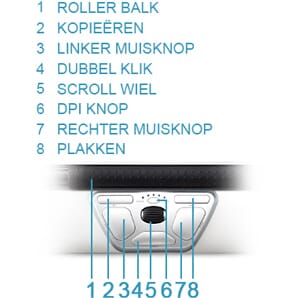
The Red Plus trackpad is complete thanks to all its buttons and associated functions. Of course, the scroll wheel is also present, allowing you to easily navigate through pages. An image below shows the function of each button.
This is what makes the Red Plus so good
The Rollermouse prevents 2 problems you often encounter with a normal mouse: its placement relative to you and its placement relative to your keyboard. Your mouse is usually next to the keyboard, causing your arm to reach further out and be under more tension. If you then move it closer to you, it constantly bumps against the keyboard, which is very annoying.
The Rollermouse sits directly in front of you, against your keyboard. This allows you to operate the mouse with minimal effort. In this way, complaints are prevented and counteracted.
Get the most out of it
The accessibility of a trackpad is much better compared to a normal mouse. It is centrally located, in line with your keyboard, monitor, and possibly document holder. It can be operated with both hands, significantly reducing the strain on one hand.
Varying your hands
Of course, you will continue to perform most tasks with your preferred hand, but it is now easier to let your 'less dominant' hand perform simple functions. During and between work, your hands can rest comfortably on the extra thick supports of the Red Plus.
For the advanced user
Although the Red Plus has a left mouse button, pressing the bar performs the same function. This is very convenient for experienced users, as it allows for faster clicking. You can easily adjust the sensitivity of pressing the bar, as well as the volume of the feedback the Rollermouse provides.
To ensure a good connection between the keyboard and the Rollermouse, keyboard risers are included. These risers are adjustable, allowing almost any keyboard to be seamlessly connected to the trackpad.
Also not to be missed
A nice extra is the downloadable driver. Contour has developed this software to further personalise the trackpads. The download allows you to change the functions of the buttons. Furthermore, the Mac download ensures that the copy & paste buttons work. You can find them under the heading downloads.
2024 update
In spring 2024, Contour gave a fresh update to a large part of their product range, including the RollerMouse Red Plus. A number of well-known advantages, such as the large and structured roller bar, programmable buttons, and adjustable settings, have naturally remained. The update concerns a number of changes within production and design;
| | Old model | Model from spring 2024 |
| Large and structured roller bar | | |
| Adjustable settings | | |
| Reduction of movements | | |
| Prevents 'gripping' the mouse | | |
| Variation of working posture | | |
| Antibacterial wrist rest made of vegan leather | | |
| Wrist rest with memory foam | | |
| Bluetooth connectivity (for wireless versions) | | |
| Charging via USB-C | | |
| Lower ecological footprint* | | |
* Made from recycled aluminium (GRS-certified) and a reduction of CO2-eq per product by more than 50% compared to previous versions.