An ode to the Rollermouse Red
Rollin Rollin Rollin
What if we agree to start working healthier today? That we want to be a bit more productive, show a bit less absenteeism, but don't really want to put too much effort into it. Then you've landed on the right page. Want to know more? You can read it below.
Why the Rollermouse Red trackpad mouse?
Given what the Rollermouse can do for your workplace, it is relatively unknown. Strange, because it possesses a number of features that your current mouse can only be jealous of.
Perfect placement
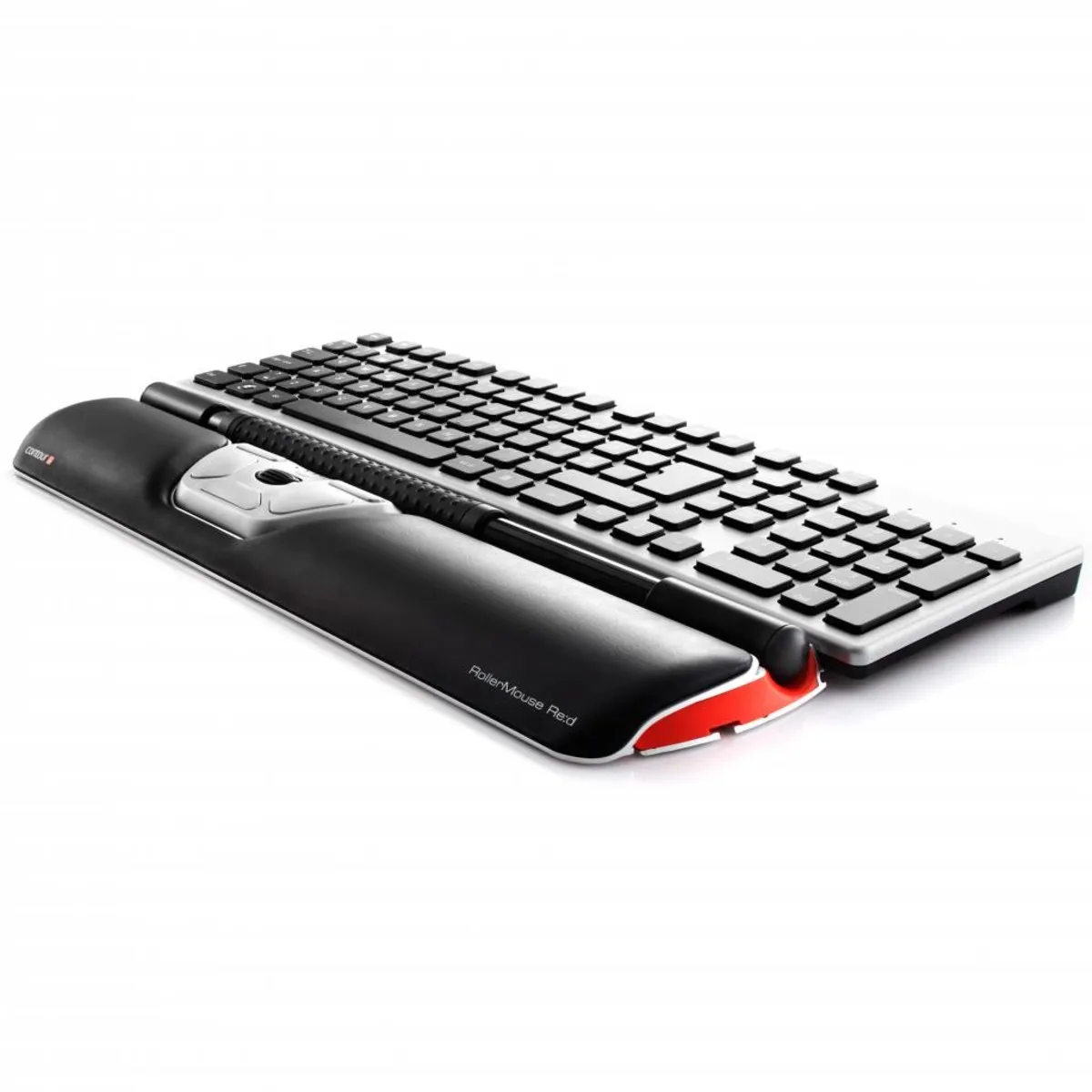
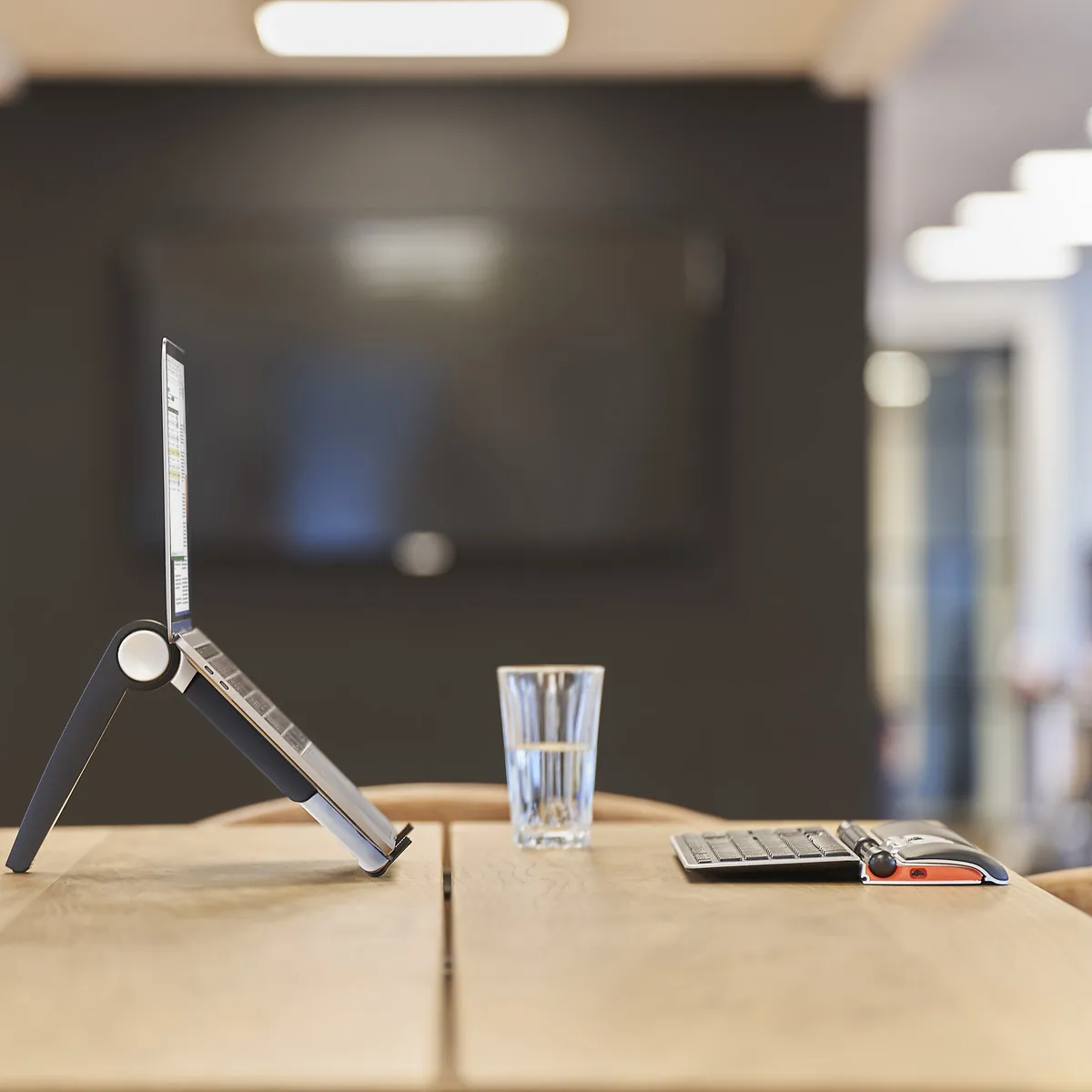
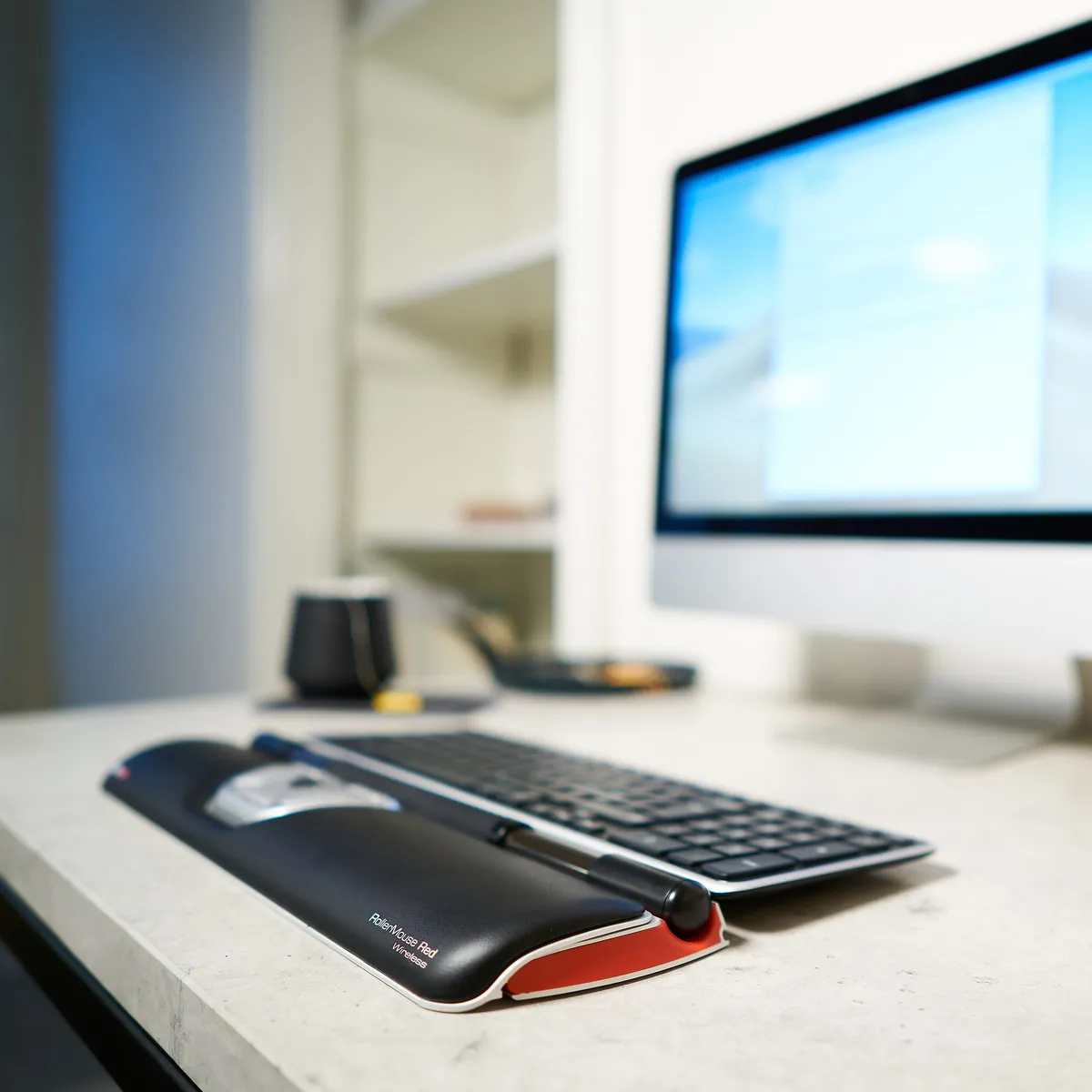
The Rollermouse is positioned directly in front of you, between you and your keyboard. So you don't have to stretch out your arm to operate the mouse. It provides more relaxation while working, thereby reducing the risk of RSI complaints.
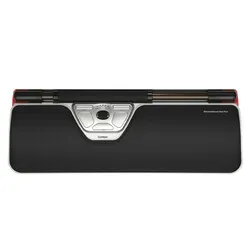
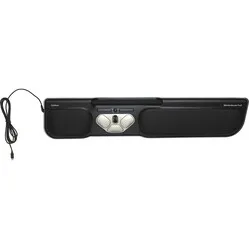
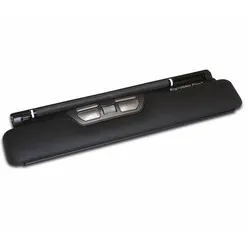
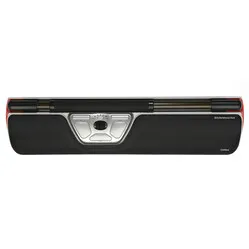
The Rollermouse Red can do the same as your current mouse. You can control the cursor with it, and it features a very extensive arsenal of useful buttons. You operate the mouse using the bar found at the top of the trackpad.
How to operate it
By 'rolling' the bar, the cursor moves vertically; by sliding it, it moves vertically. Thanks to a special mechanism on the sides of the Rollermouse, you are not limited in your horizontal movement. The Red's bar is a further developed version. It is thicker and has rubber nubs, allowing you to move it with super precision.
The mechanical left mouse click has been replaced by a virtual one, which simply means it takes less effort to click. The rolling and sliding of the bar are registered by a dual laser, further increasing precision. It analyses your movements and adapts to your working style.
The Red Rollermouse is complete thanks to all its buttons and associated functions. Of course, the scroll wheel is also present, allowing you to easily navigate through pages. The image below shows the functions per button.
This is what makes the Rollermouse so good
The common problems with a normal mouse lie in two things: its placement relative to your keyboard and relative to you. The mouse often bumps against the keyboard, preventing you from working precisely with it. If you then place it further away, more pressure is created on the arm and shoulder, which can lead to complaints.
The Rollermouse is positioned directly in front of you and does not move. All the functions you need can be performed with minimal effort. This way, complaints are counteracted and prevented.
Get the most out of it
What a trackpad primarily has over a normal mouse is its accessibility. It lies directly in front of you, allowing you to operate it with both hands. This reduces the workload on one hand. Of course, you always have a preference for a certain hand, but the Rollermouse enables you to take over certain functions with the other hand anyway.
For the demanding user
For the experienced user, the bar on the Red can also be used as a left mouse button. By means of an easy combination of buttons, you can adjust the sensitivity of the bar. The feedback volume can also be adjusted. Since the bar can no longer be pressed mechanically, the Rollermouse makes a sound when you press the bar. This way, you know you are using the left mouse function.
Connect the Red seamlessly to your keyboard
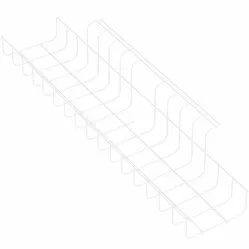
To ensure a good connection between the keyboard and the Rollermouse, keyboard risers are included. These risers are adjustable, allowing almost any keyboard to be seamlessly connected to the trackpad. Below you will find an image of a keyboard riser.
Don't miss this either
To make the Rollermouse even more to everyone's liking, Contour has developed additional downloadable software. By downloading these drivers, you can assign functions to the buttons yourself. Furthermore, the Mac download ensures that the copy & paste buttons work. You can find them here.
2024 update
In spring 2024, Contour gave a fresh update to a large part of their product range, including the RollerMouse Red. A number of well-known advantages, such as the large and structured roller bar, programmable buttons, and adjustable settings, have naturally remained. The update concerns a number of changes within production and design;
| | Old model | Model from spring 2024 |
| Large and structured roller bar | | |
| Adjustable setting | | |
| Reduction in the number of movements | | |
| Prevents 'gripping' the mouse | | |
| Variation in working posture | | |
| Antibacterial wrist rest made of vegan leather | | |
| Wrist rest with memory foam | | |
| Bluetooth connectivity (for the wireless versions) | | |
| Charging via USB-C | | |
| Lower ecological footprint* | | |
* Made from recycled aluminium (GRS-certified) and a reduction in CO2-eq per product by more than 50% compared to previous versions.