An ode to the Rollermouse Pro3
Numb music
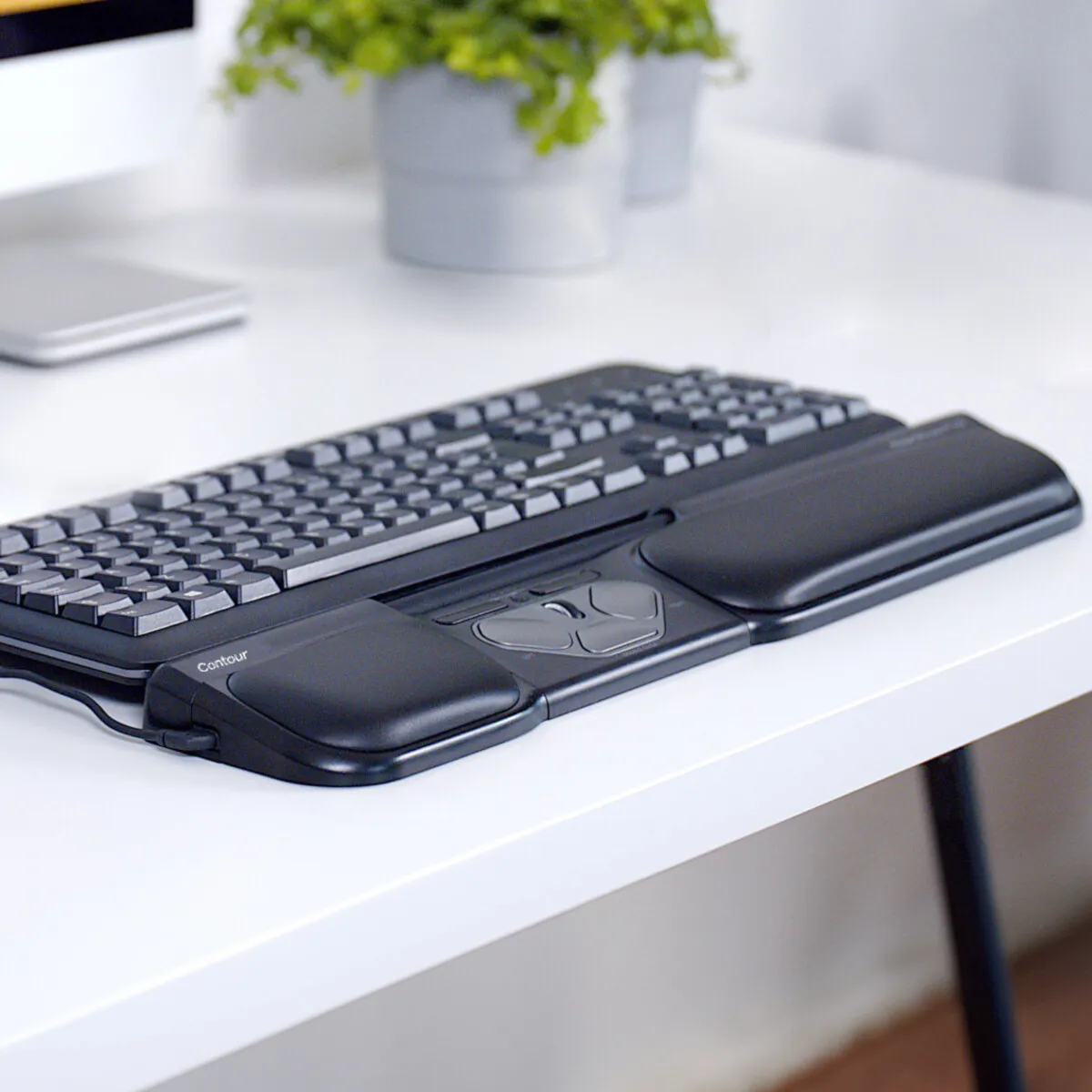
The transition from mouse to keyboard and back again has never been so smooth. It feels like playing a piano, where the higher black keys are fluidly incorporated into playing the white keys. The biggest difference is that with the Rollermouse and keyboard, almost no feeling is created. And that's a good thing.
Why the Rollermouse Pro3 trackpad?
Extra buttons and functions
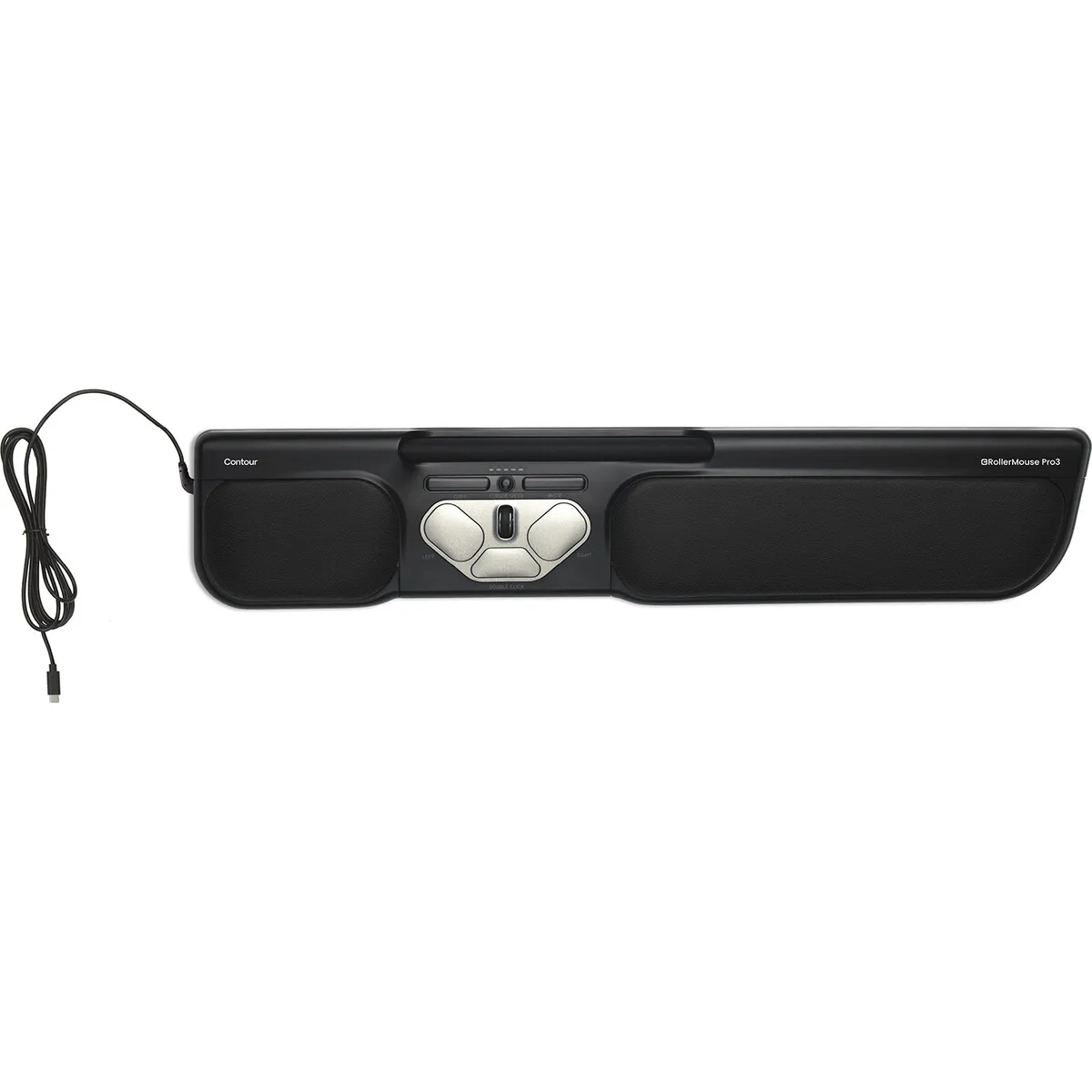
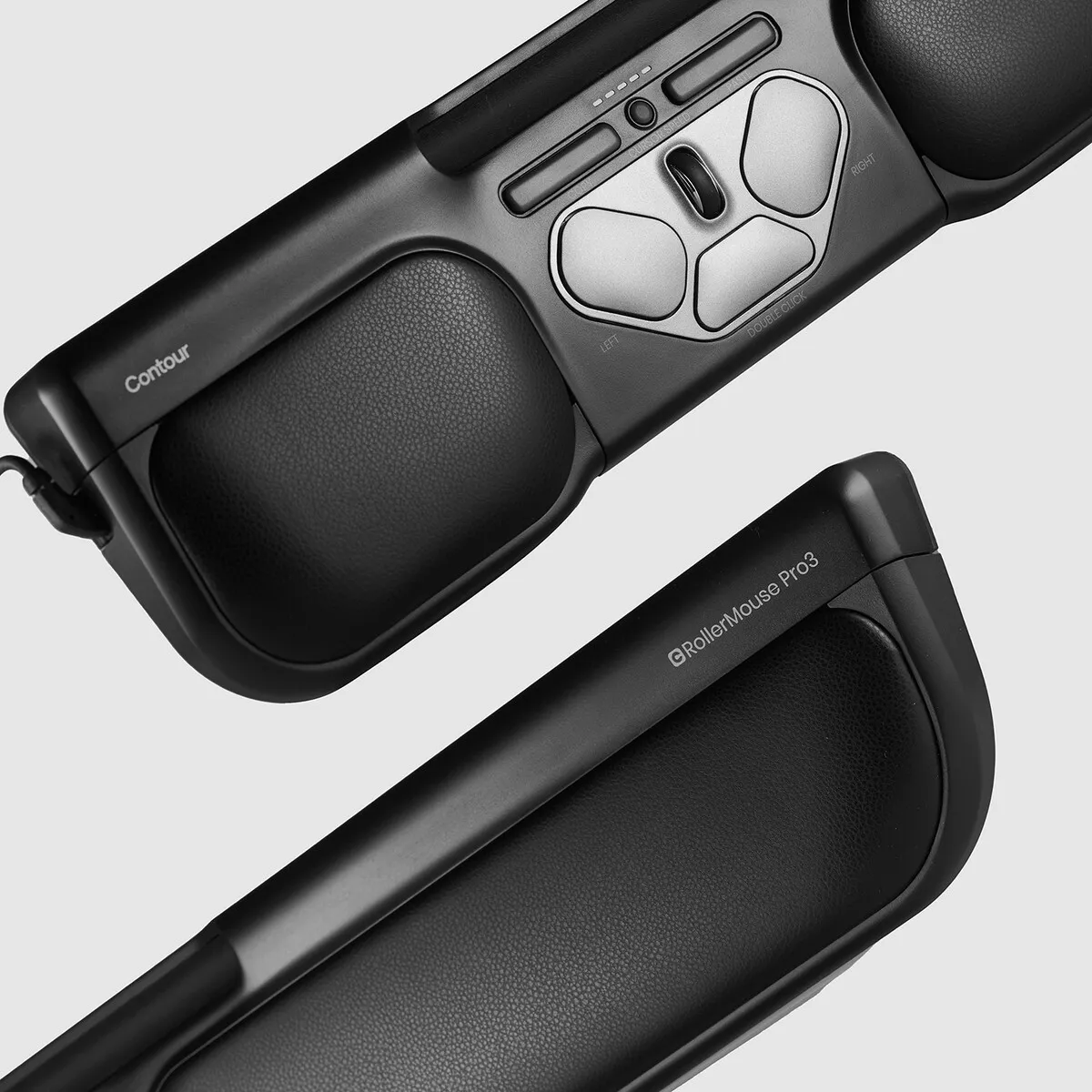
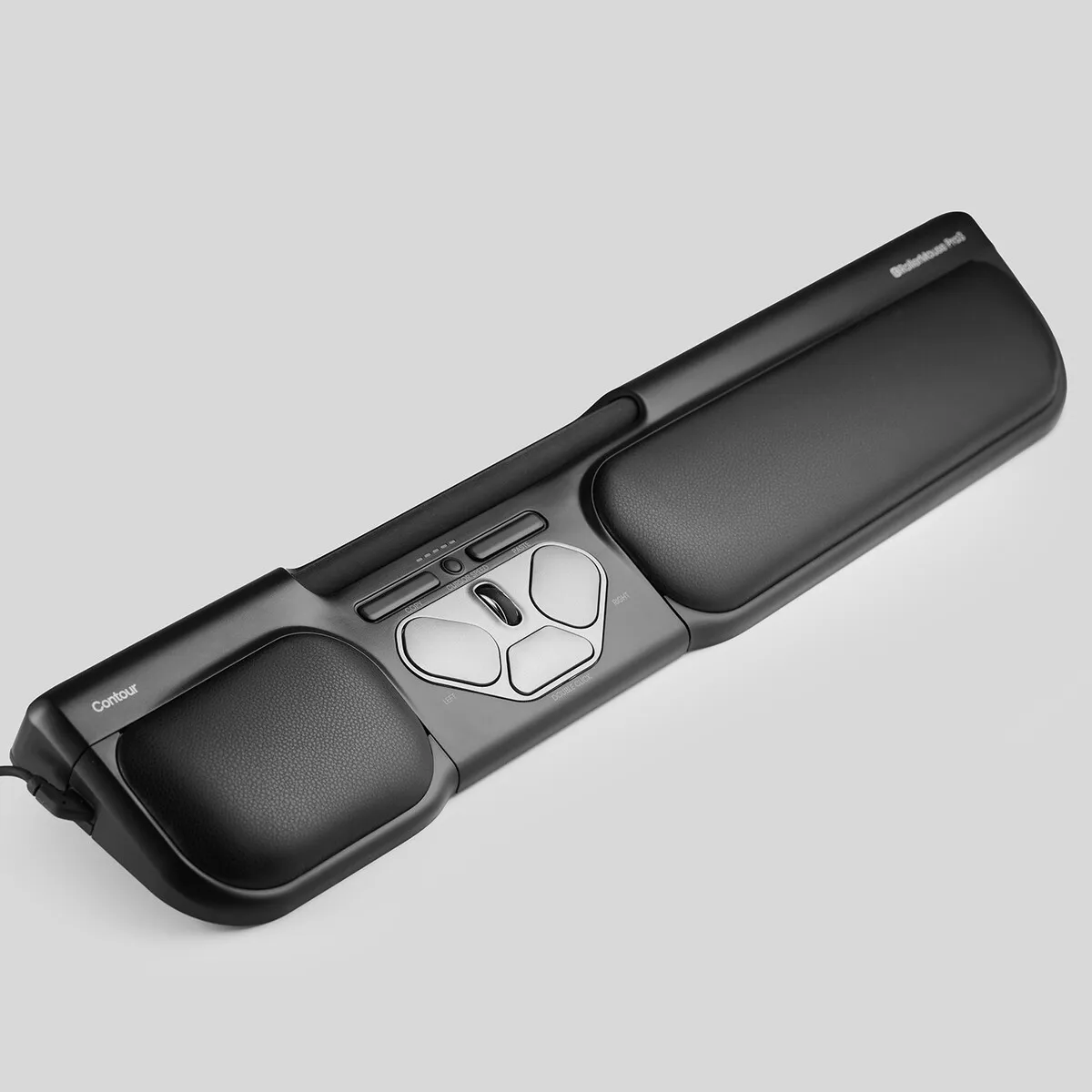
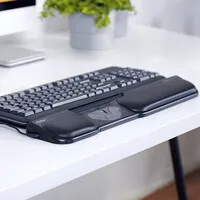
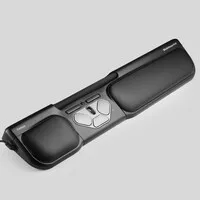
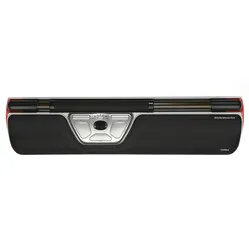
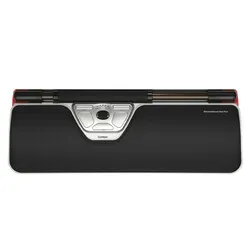
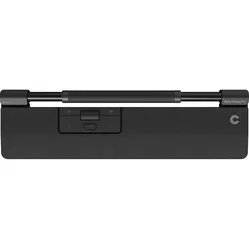
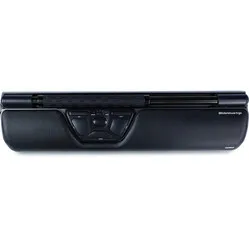
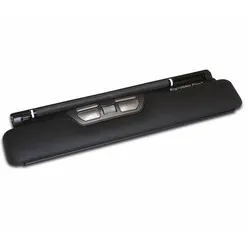
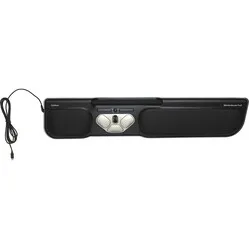
The Pro3 is a central mouse. This means it sits directly in front of you. You control the cursor with the bar. By sliding it left and right, the cursor moves horizontally. By rotating the bar, you move the cursor vertically.
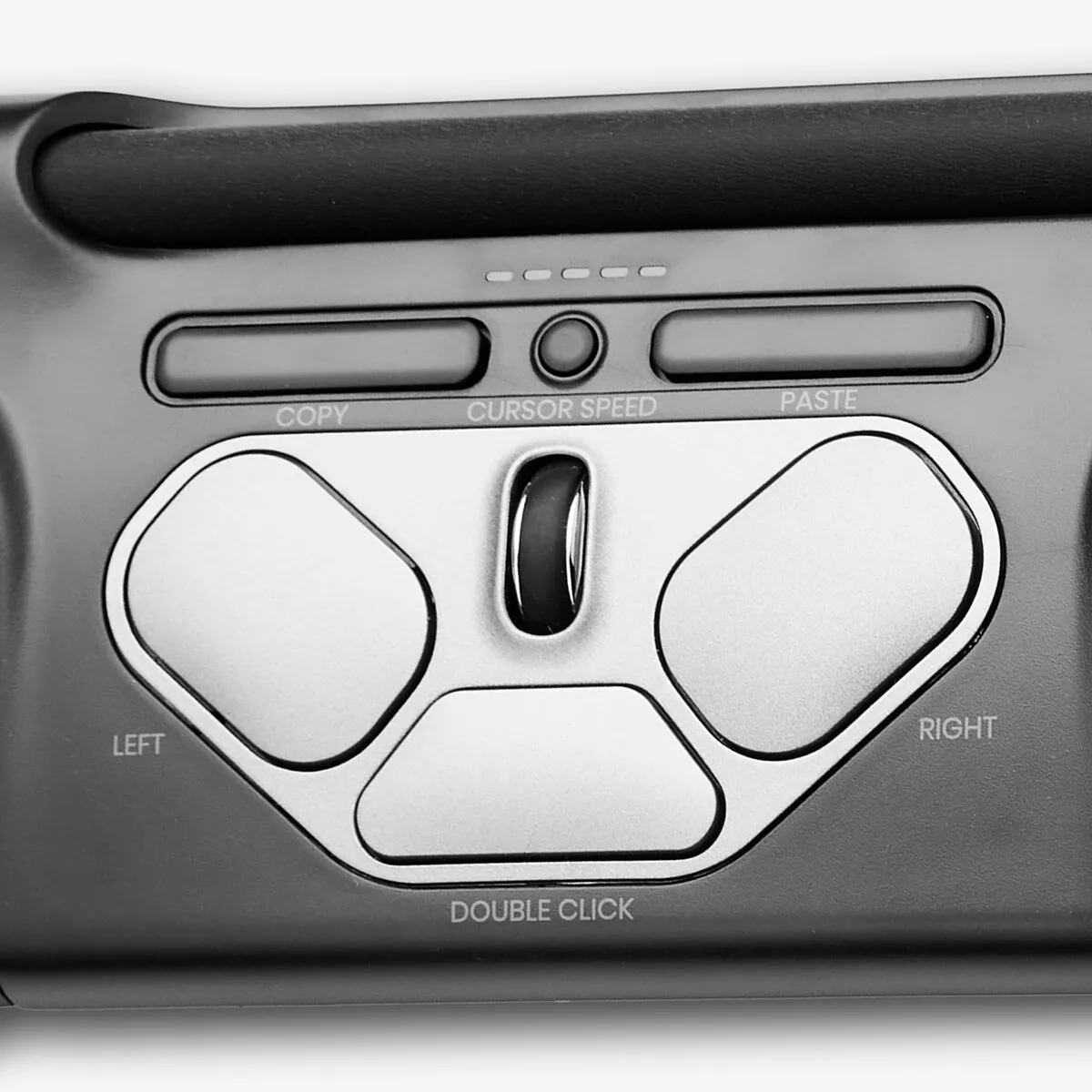
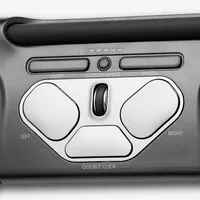
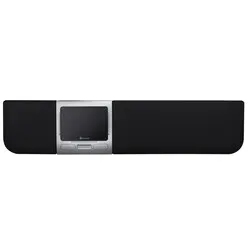
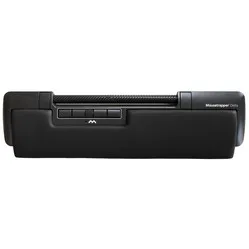
The bar can also be pressed. This acts as the left mouse button. At the bottom of the trackpad, you can adjust the sensitivity of the bar button. Below the cursor bar, there is a left and right mouse button, DPI button, double-click button, copy and paste button, and a scroll wheel.
Programmable
With the control software, you can easily change the mouse functions. There are 10 DPI settings: 600, 800, 1000, 1200, 1400, 1600, 1800, 2000, 2200 and 2400 DPI. This allows you to precisely adjust the speed to your working style.
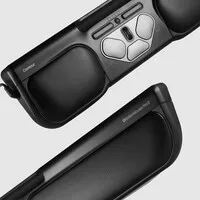
The double-click button can be very easily changed into the middle mouse button without the control software. You do this by pressing and holding the DPI button and the double-click button simultaneously for two seconds until the LED lights flash. Repeating this process changes the function back again. The integrated wrist rest provides wrist support while typing.
What makes an ergonomic mouse so good?
Ergonomic mice are designed to prevent and cure related complaints, such as RSI. The shape and/or operation of these mice contributes to optimal muscle relaxation. This allows you to work more comfortably, more efficiently, and therefore, more effectively.
However, there are more advantages. For example, you can distribute the load across your hands and arms nicely. Also, a product like the Pro3 houses a lot more buttons and functions than a regular mouse, meaning you need the keyboard and cursor less.
Get the most out of your Rollermouse Pro3
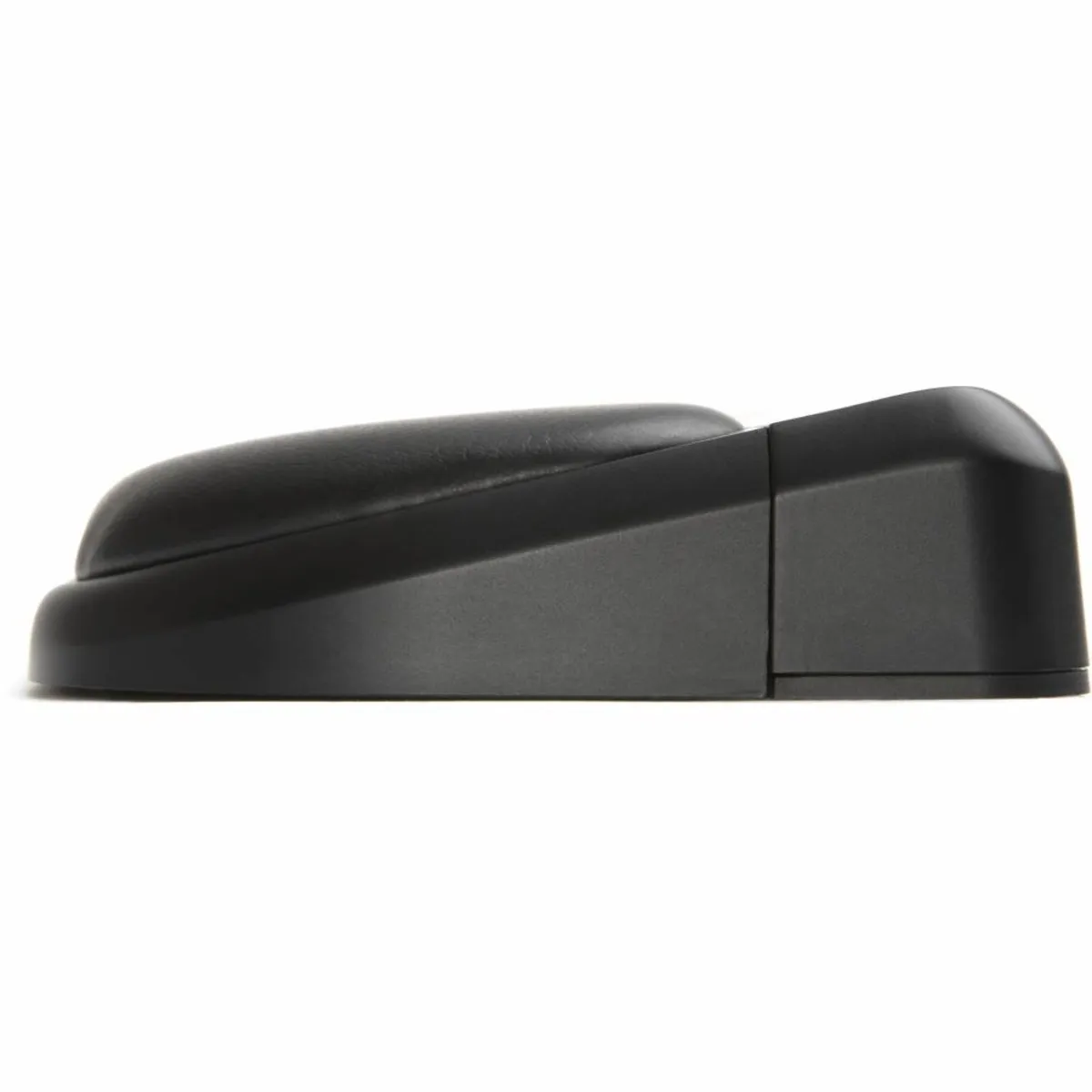
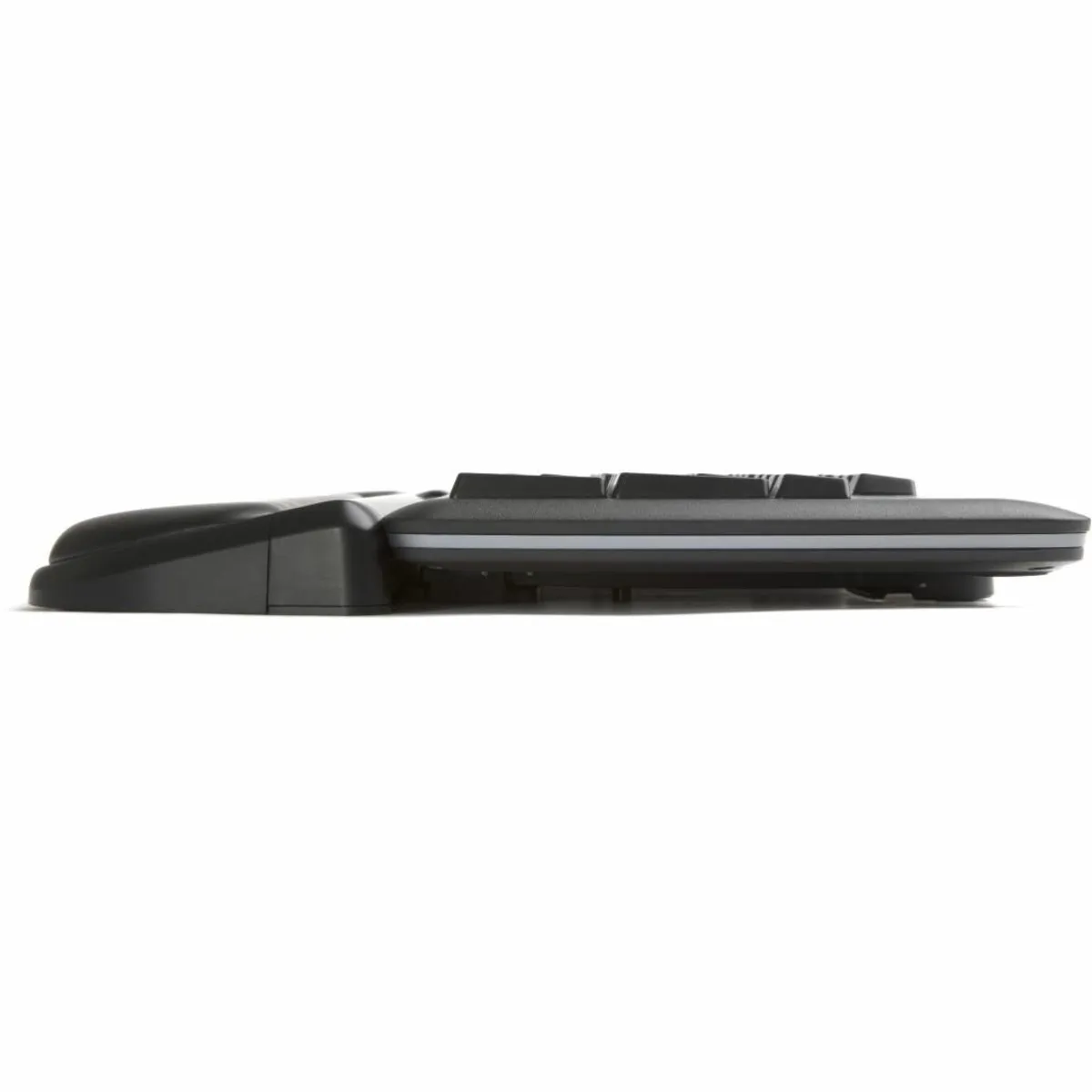
The Pro3 comes with keyboard risers. These allow you to set your keyboard at the correct height to get the most benefit from the combination with the trackpad.
Place the keyboard and trackpad against each other and ensure that the spacebar is just above the trackpad. A neutral and negative tilt (where the spacebar is higher than the top of the keyboard) is always better than a positive tilt (where the spacebar is lower than the top of the keyboard).
Don't miss this either
Furthermore, it is important to enable the mode that corresponds to your operating system. Press and hold the DPI button and the copy button simultaneously until the LED lights turn on. Then, hold down the DPI button while selecting the correct mode with the copy button.
The LED lights indicate which mode you are in:
WindowsThe lights turn on from left to right.
MacThe lights turn on from right to left.
LinuxThe lights turn on from the sides towards the middle.