Which size fits your hand?
Measure your hand as shown in the image and choose your size using the table below:
| Size | Hand length |
|---|
| One size | 172 - 193 mm |
3 in the name, 2 grips
So the Newtral 2 had 3 different grips and the Newtral 3 has 2 different grips? Can we really call that progress? We can, and we will explain exactly why below.
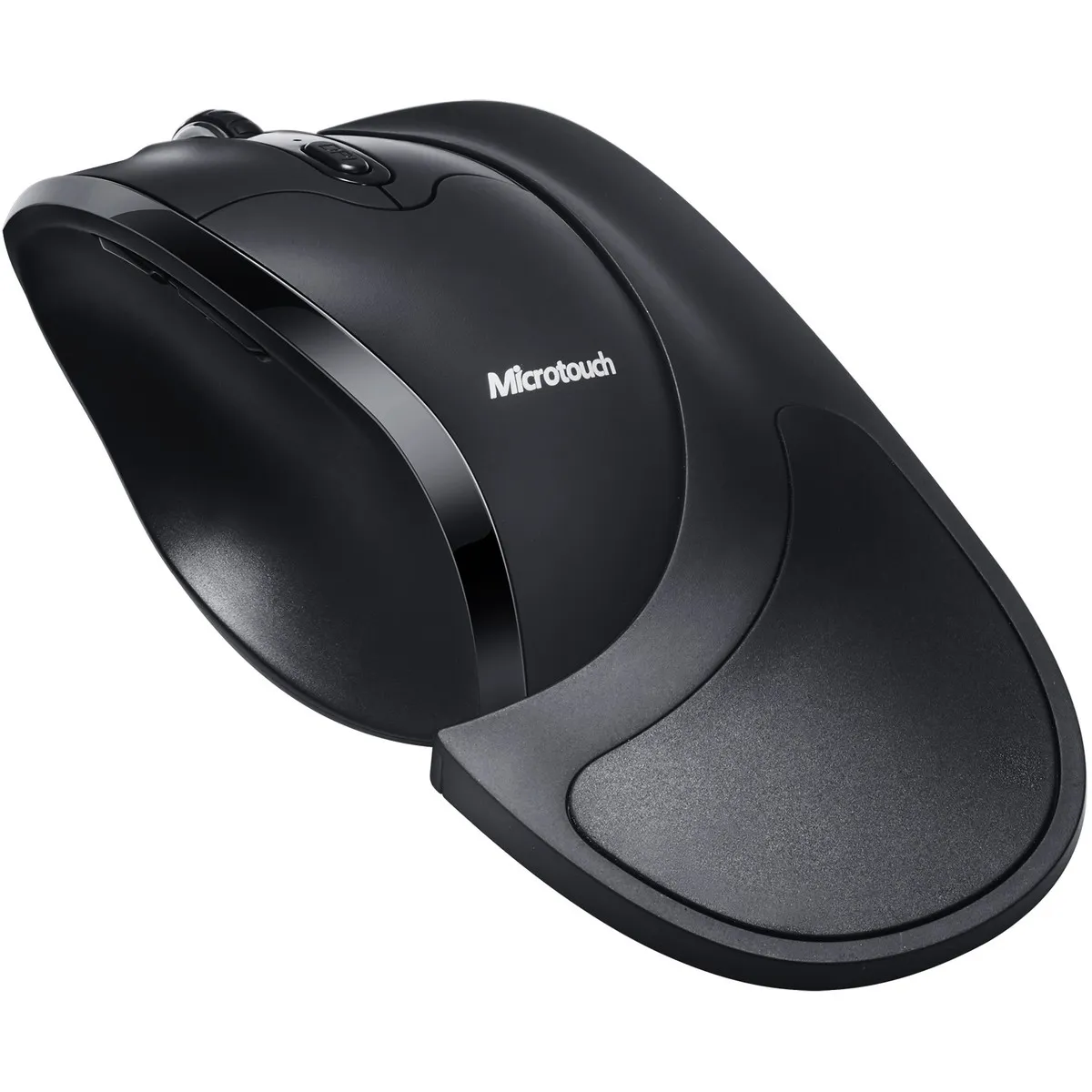
The Newtral 3 mouse is a semi vertical mouse that sits at an angle of 33°. This angle is meant to benefit the relaxation of your forearm. We also see added value in the support it gives your hand. With the extra large palm rest included, your hand lies relaxed on the mouse. The improved thumb indentation increases both grip and relaxation.
Detachable magnetic palm rest
The magnetic detachable palm rest is not just a nice gimmick. This detachable rest is precisely why you should consider this mouse. Without the rest, the Newtral is a fairly standard model. It has something of the Logitech models about it. Slightly tilted, an indentation for the thumb, long and light buttons, extra functions; simply a good mouse. But the palm rest is where the real added value lies.
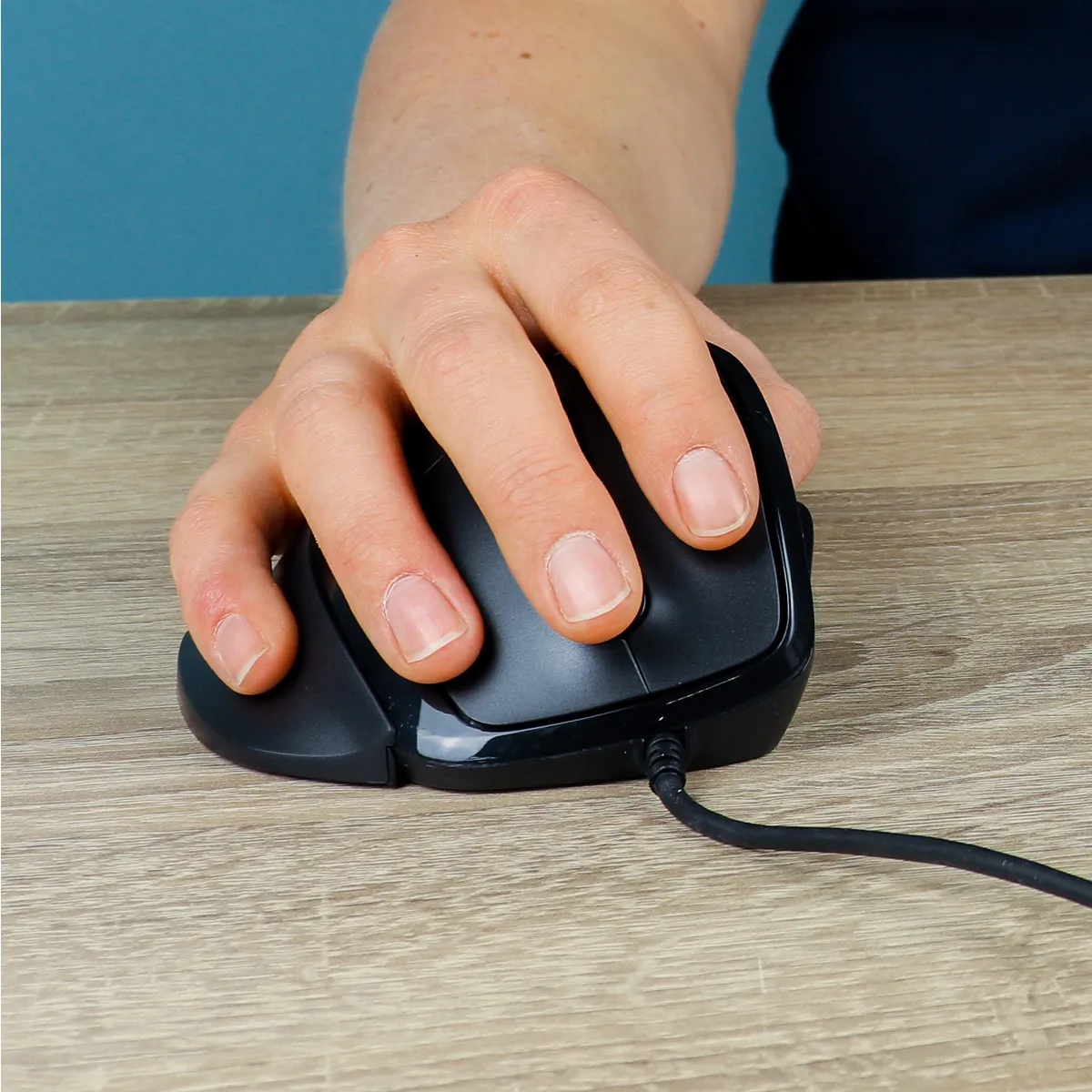
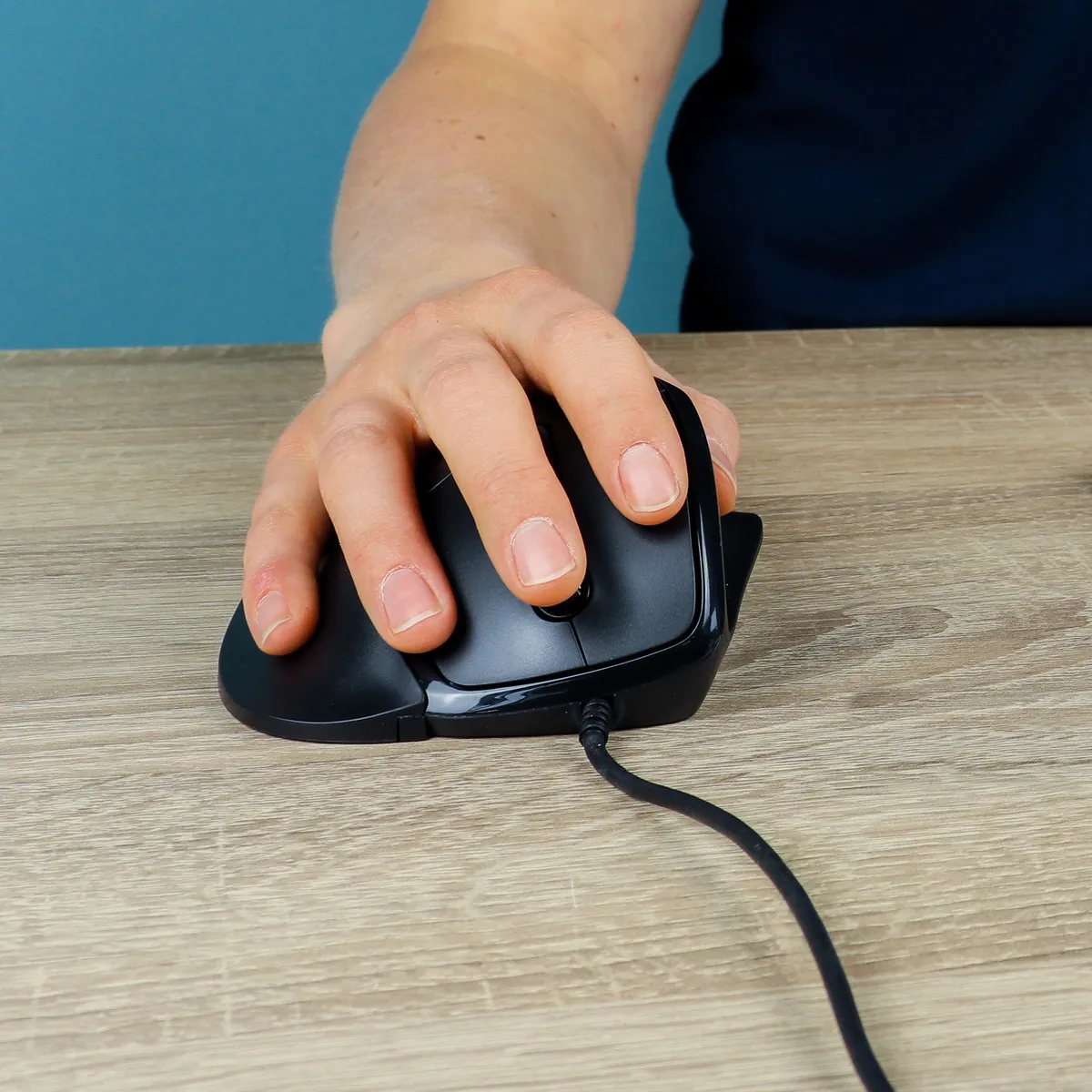
With the rest attached, your hand lies fully and comfortably on the mouse. Your little finger and part of your wrist also make contact with the mouse. It means you automatically mouse less from the wrist. You are, as it were, encouraged to move more from the arm. That takes the load off your wrist, which is welcome, since wrist complaints are the most common problem with mouse use. The detachable rest has a soft-touch section that feels soft and gives you more grip on the mouse.
Quick to get used to
The Newtral 3 has a very short learning curve. Certainly without the palm rest attached, you will be mousing as usual in no time. Attach that rest to your mouse more and more often and give yourself the chance to get familiar with it. For the palm rest you may need 1-2 days, but it is without doubt worth working with.
Suitable for every task
The detachable rest, and the larger or smaller surface the mouse has as a result, opens up possibilities. Without the rest, for instance, the mouse is a good deal more precise to handle. With tasks like graphic design or CAD you really want to be in charge of your cursor. The Newtral 3 gives you that control. With its widely adjustable DPI you can also play with the sensitivity of the cursor itself.
If you are doing general work such as answering emails or clicking through folders, do reach for the palm rest. You lose some precision, but with a little practice you will soon get close to your old speed and your wrist and hand will be happier for it.
Extra buttons and functions
Besides a left and right mouse button, the Newtral 3 also has 2 buttons near the thumb. These buttons work as 'backwards' and 'forwards'. In your browser or in folders you can use them to navigate back or forward at high speed. Please note: the buttons do not work on MAC.
Next to the 2 thumb buttons there is also a DPI button on top of the mouse. This button gives you the option to change the sensitivity of the cursor. That can come in handy with different screen sizes or tasks. Sometimes you want the cursor to shuffle from pixel to pixel, sometimes it has to fly from your left screen to the right screen with one small flick.
The big difference from a normal mouse is that the Newtral 3 mouse increases your comfort in the hand and the wrist. Its slightly tilted design puts your arm in a relaxed posture, and with the extra palm rest your whole hand lies relaxed on the mouse
there are a number of important differences between the Newtral 2 and 3. We will start with the most important question, and the answer to it is of course yes: is the Newtral 3 better than the Newtral 2?
Improved grip on the mouse
The grip of the Newtral 3 is much improved compared with the Newtral 2. A larger indentation for the thumb has been made, so the thumb sits better 'in' the mouse. It means you squeeze the mouse less and your hand can find more relaxation
Improved magnetic palm rest
One rest fewer has been added to the Newtral 3, but that does not matter much. As a rule you choose either the full grip with more comfort, or no grip for more precision. The way the magnetic attachment works has been much improved though. Previously there were magnets glued to the palm rest and those did tend to come loose. Those magnets are now embedded in the plastic, so that problem can no longer occur.
Improved precision
The Newtral 2 had 4 DPI settings with a maximum of 3000 DPI. The new model goes one better with 6 DPI settings and a maximum of 4800. A logical step, because with the ever larger screens at the workplace you need more range.