Stel hier je vraag over dit product
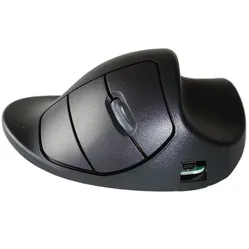
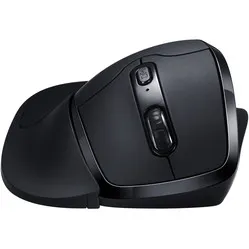
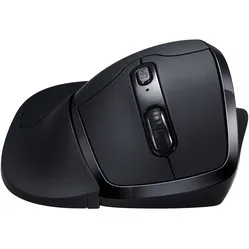
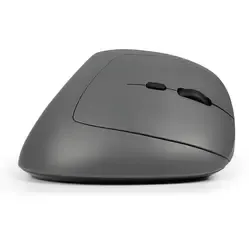
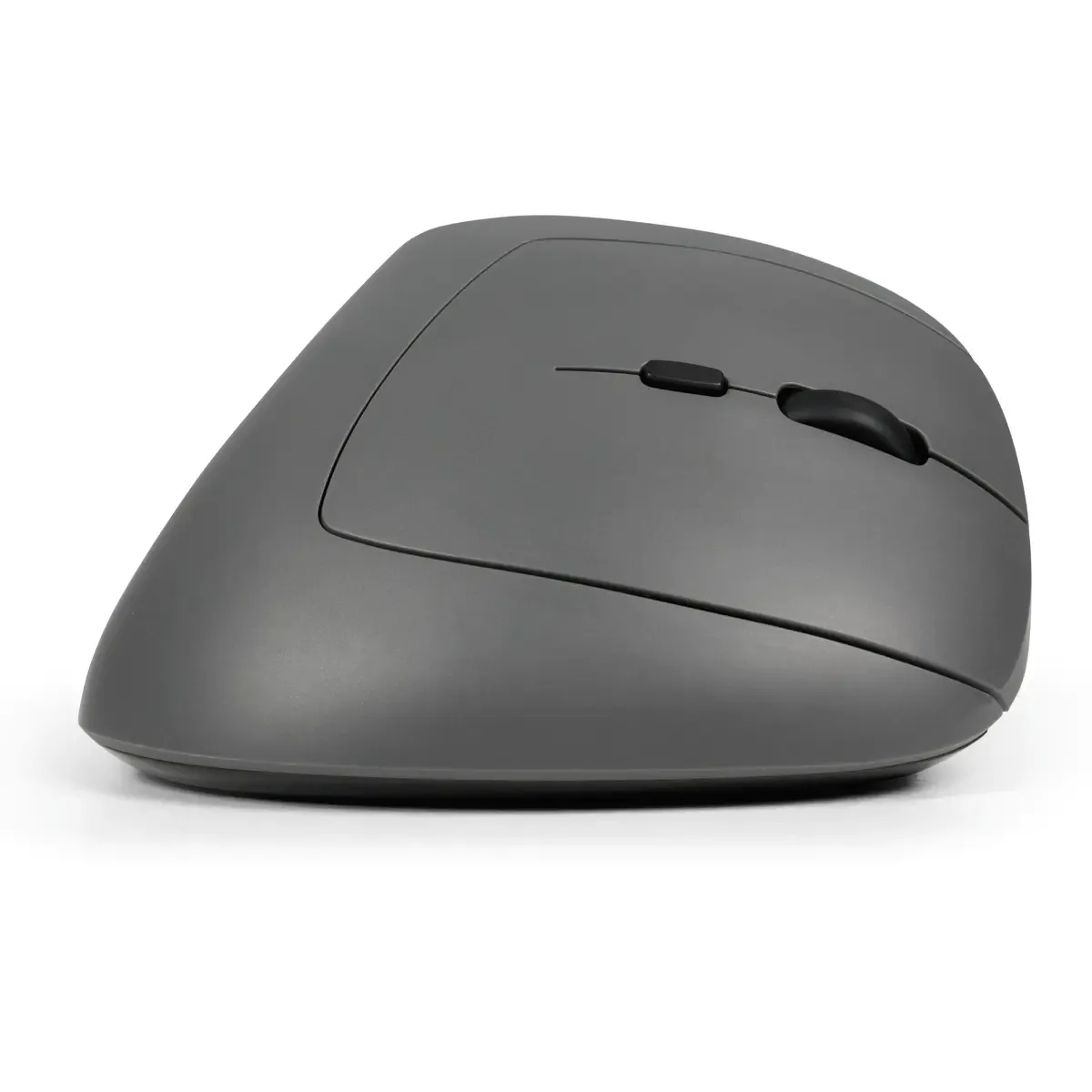
BakkerElkhuizen Midway 3-mode Right-handed Ergonomic Mouse

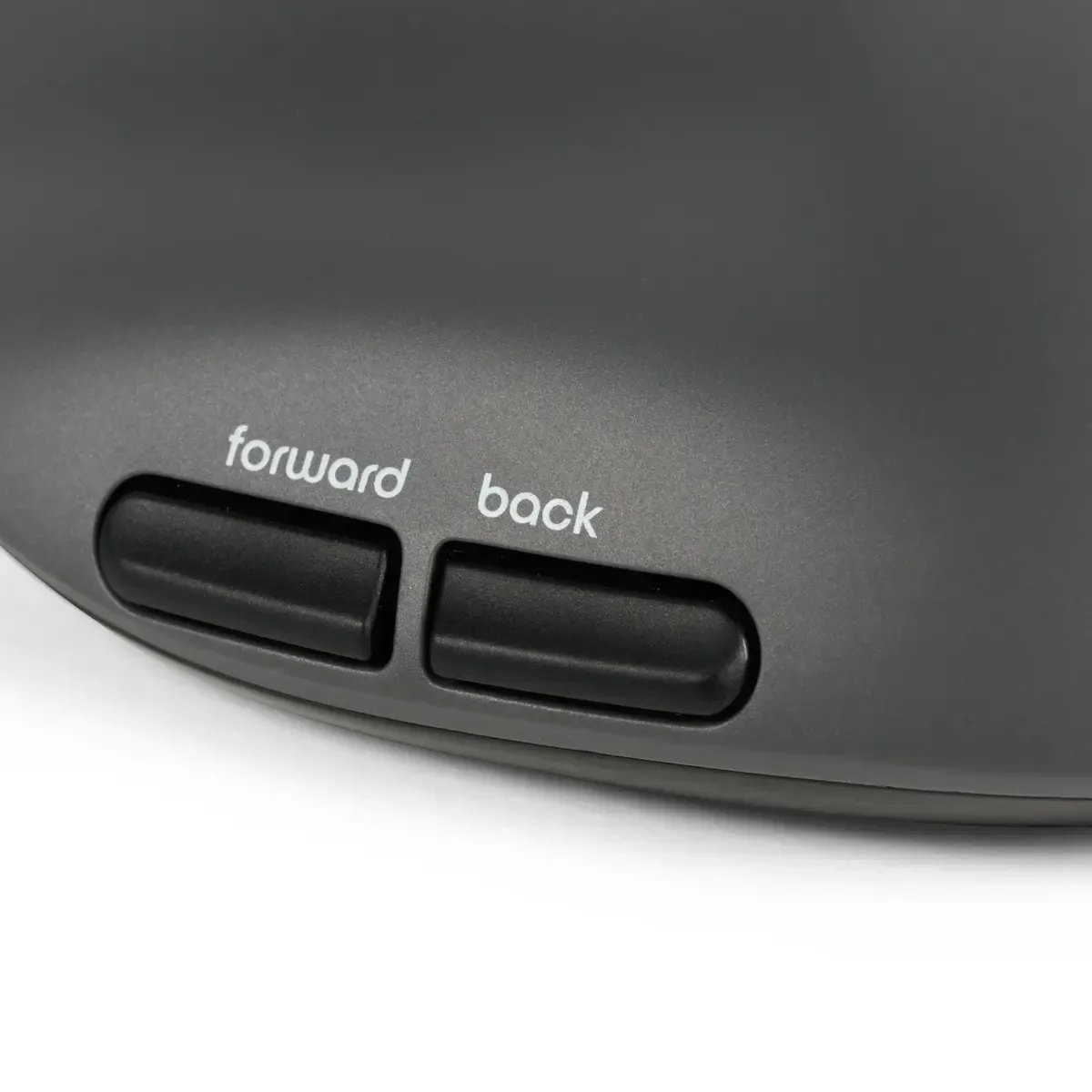
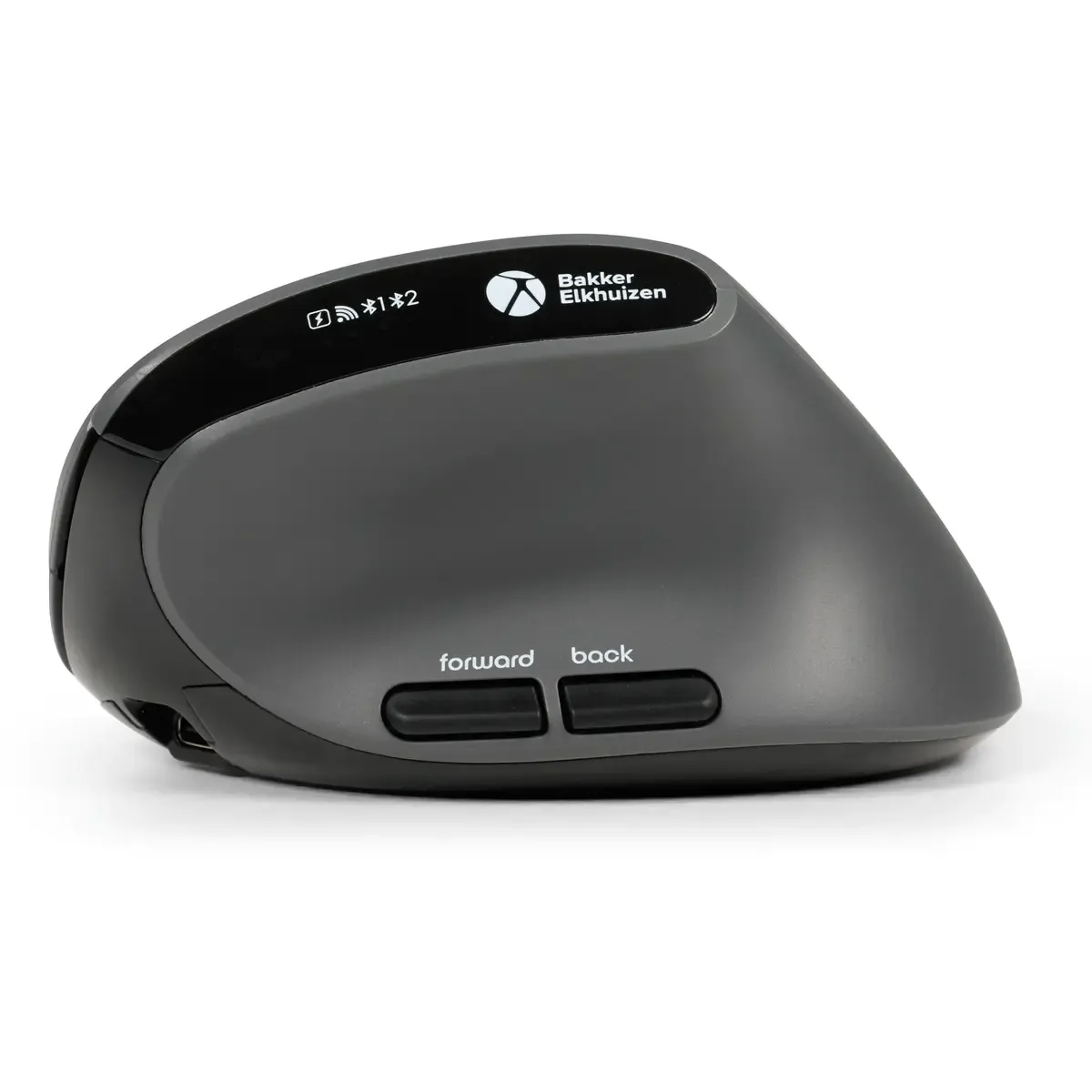
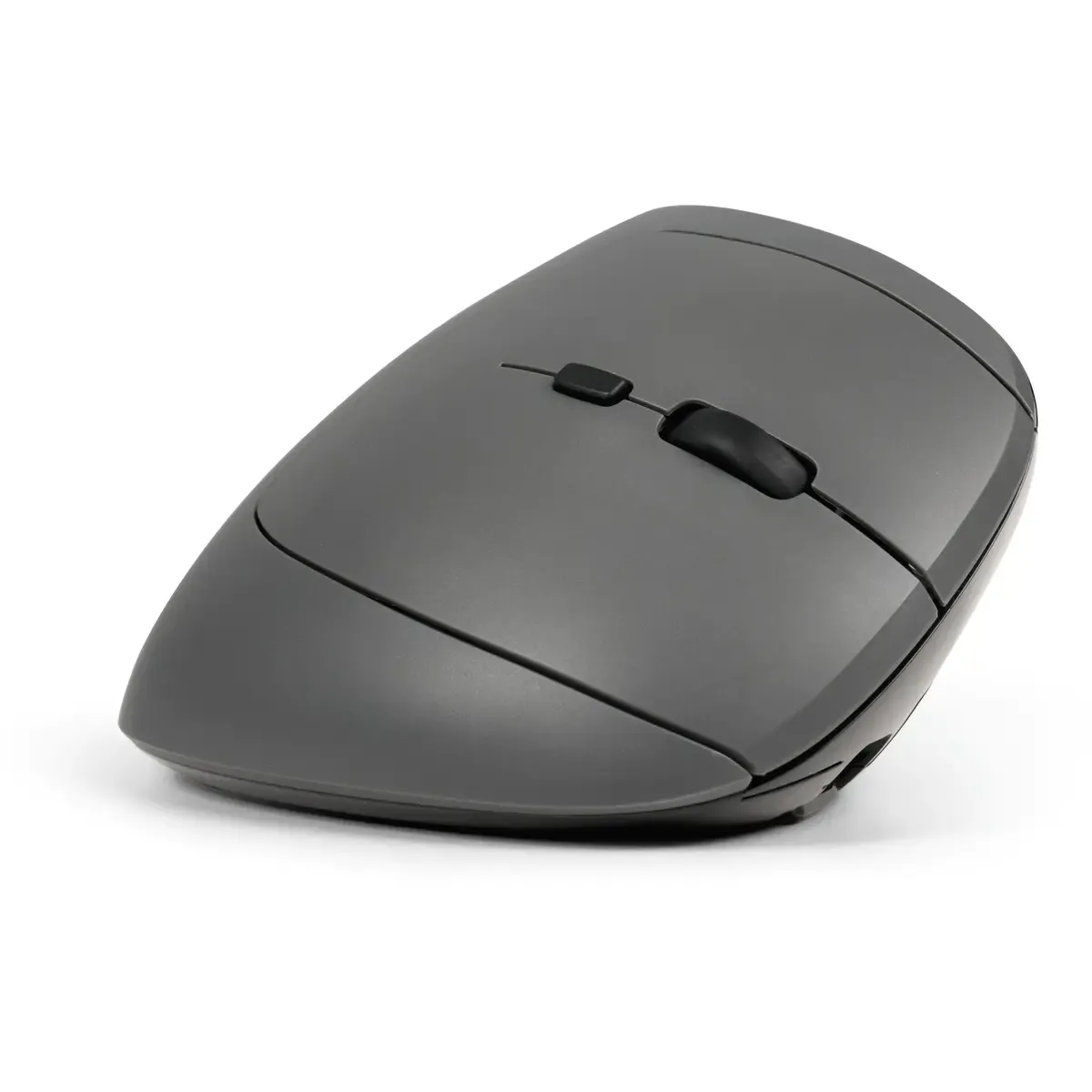
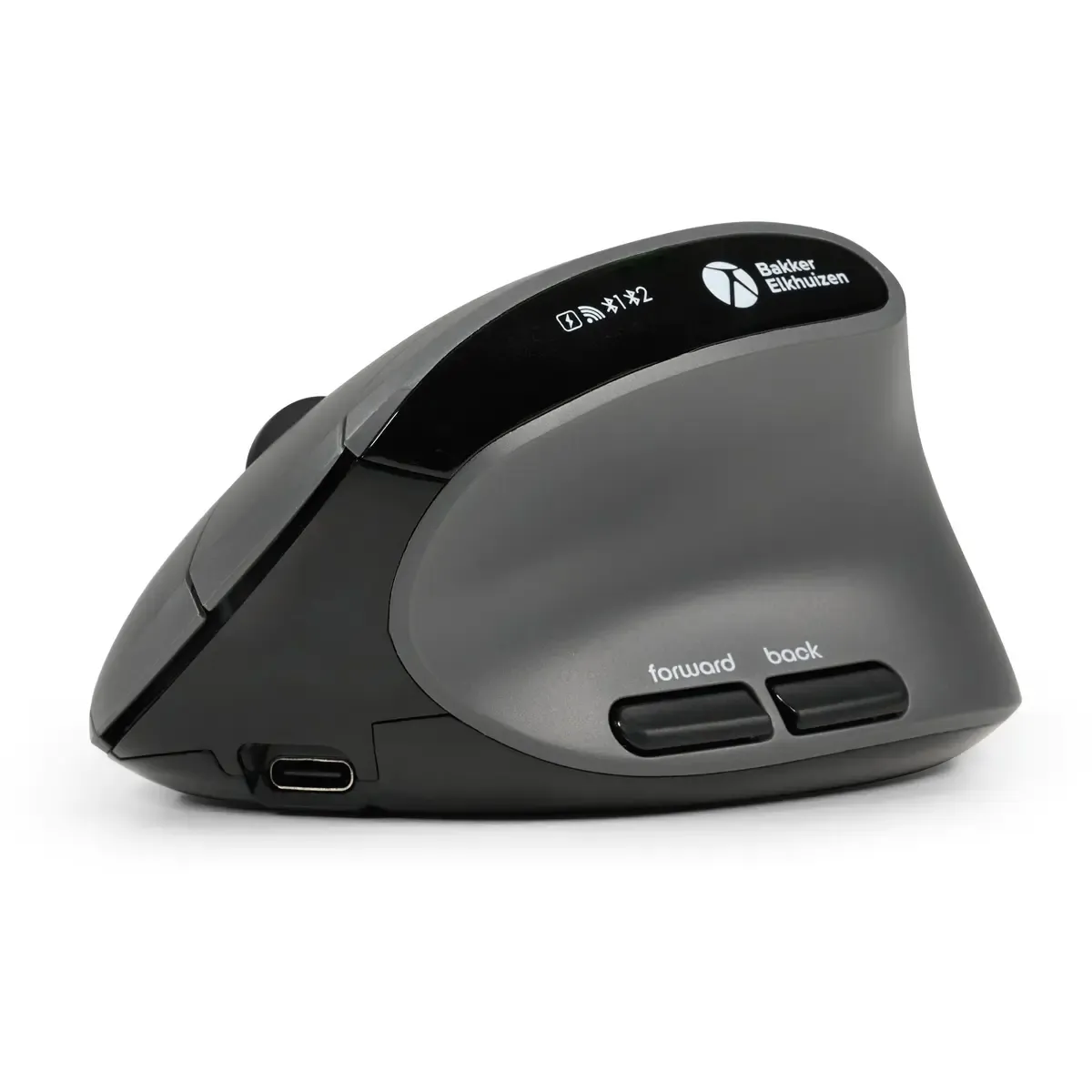
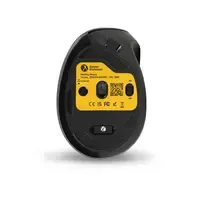
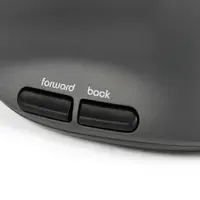
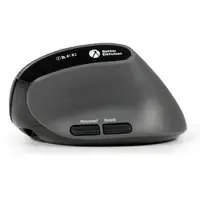
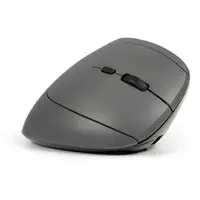
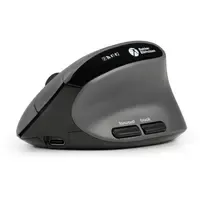
Product description of BakkerElkhuizen Midway 3-mode Right-handed Ergonomic Mouse
Which size fits your hand?
Measure your hand as shown in the image and choose your size using the table below:
| Size | Hand width | Hand length |
|---|---|---|
| One size | suitable | 165 - 195 mm |

An ode to the BakkerElkhuizen MidWay
Straightforward, exactly how your hand wants it
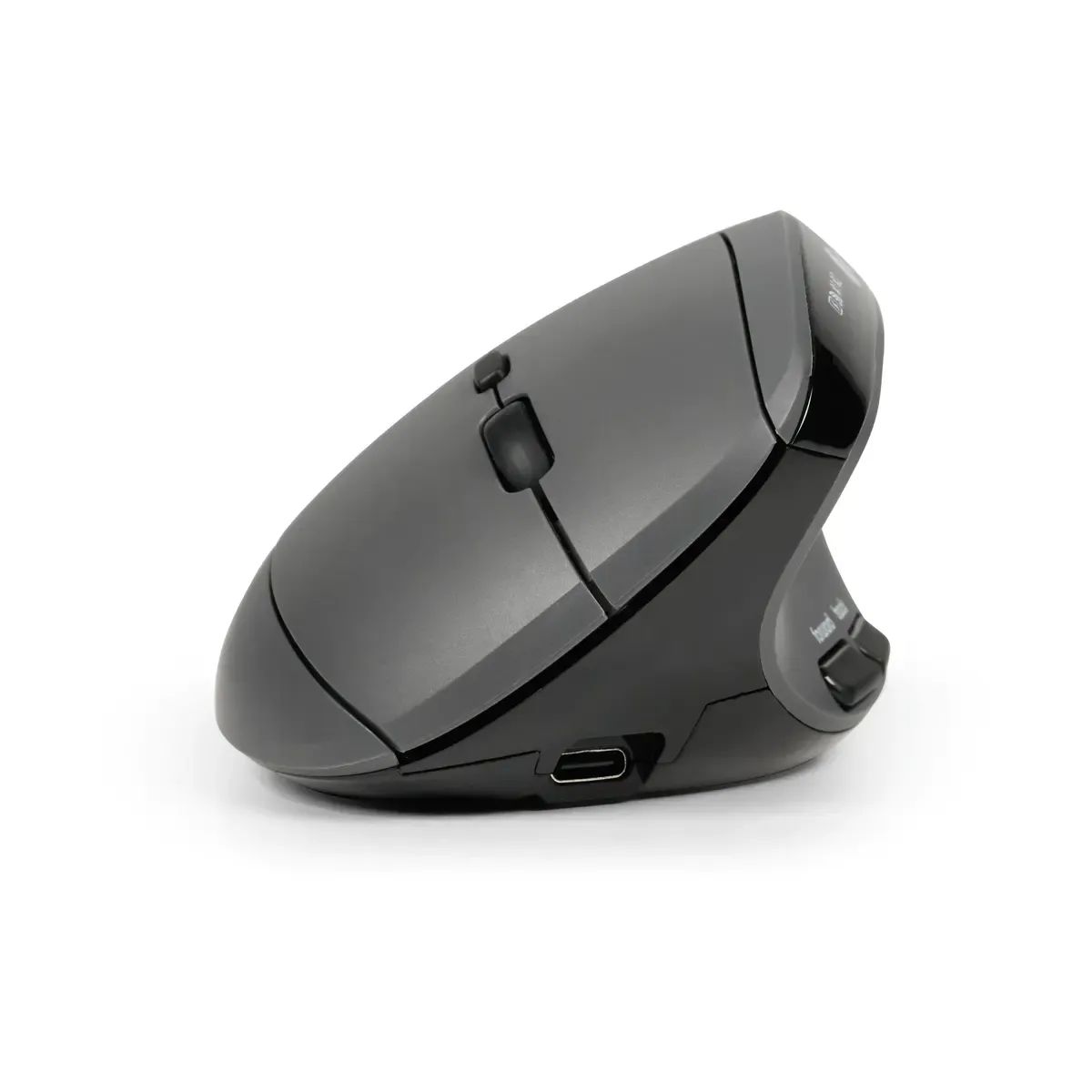
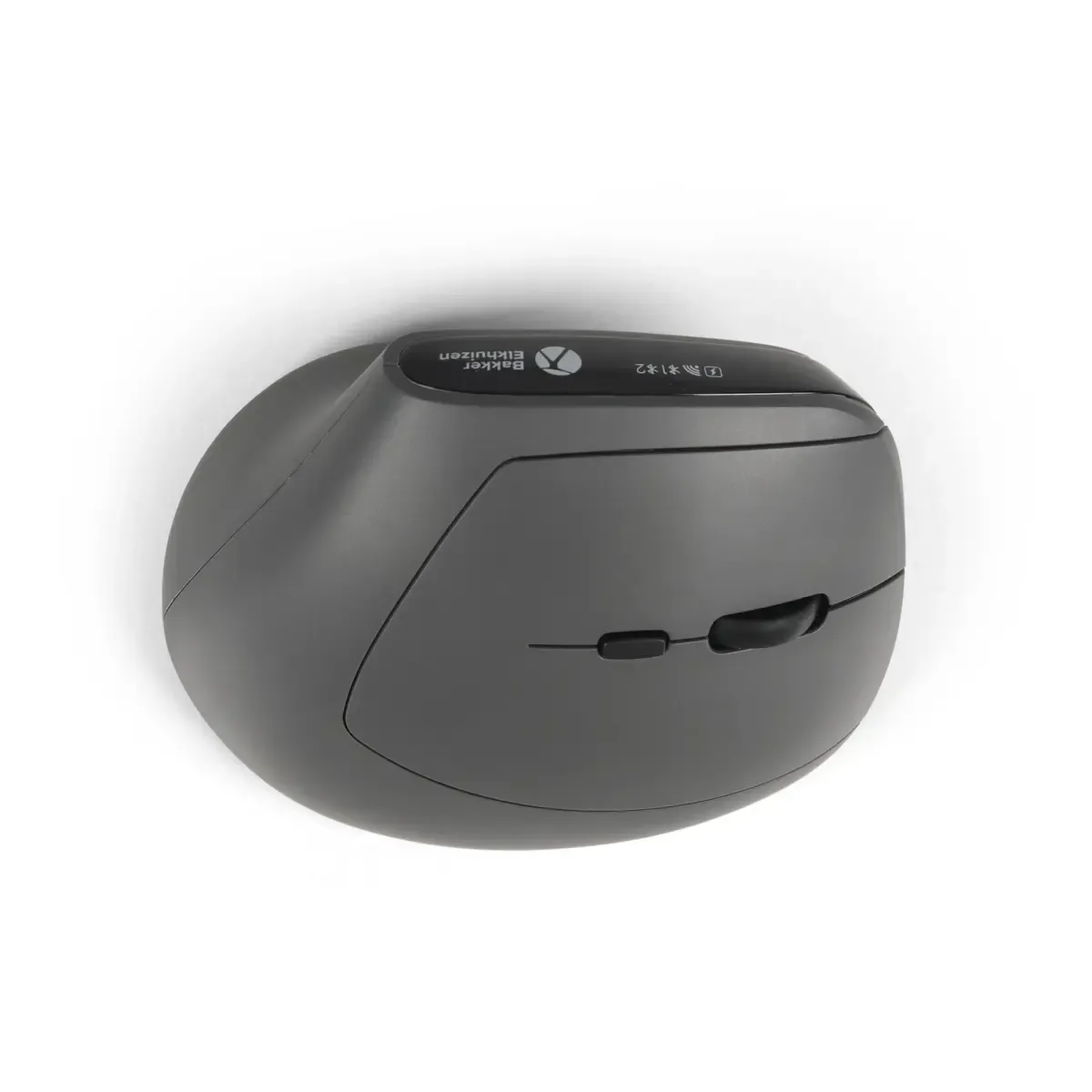
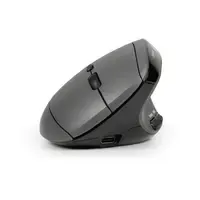
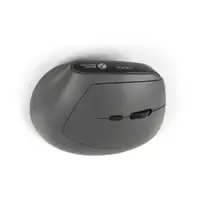
Some mice scream for attention. Not the MidWay. It's just there. Calm. Confident. As if it's saying: come on, put your hand down, I'll handle it. No silly antics, no extreme angles. Just a semi-vertical ergonomic mouse that sits precisely between traditional and fully vertical. MidWay, then. And yes, that feels surprisingly logical.
Why the BakkerElkhuizen MidWay?
A natural handshake position
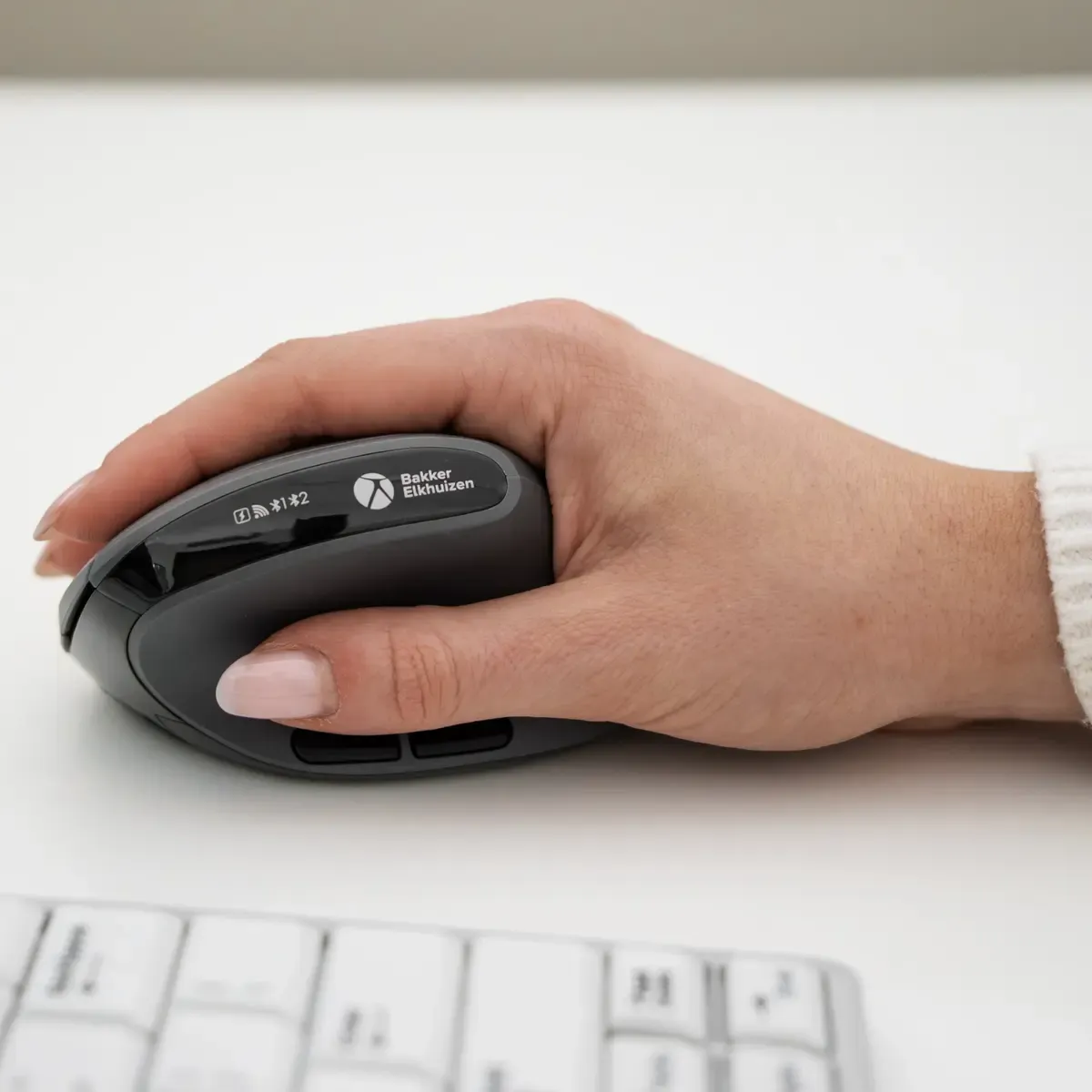
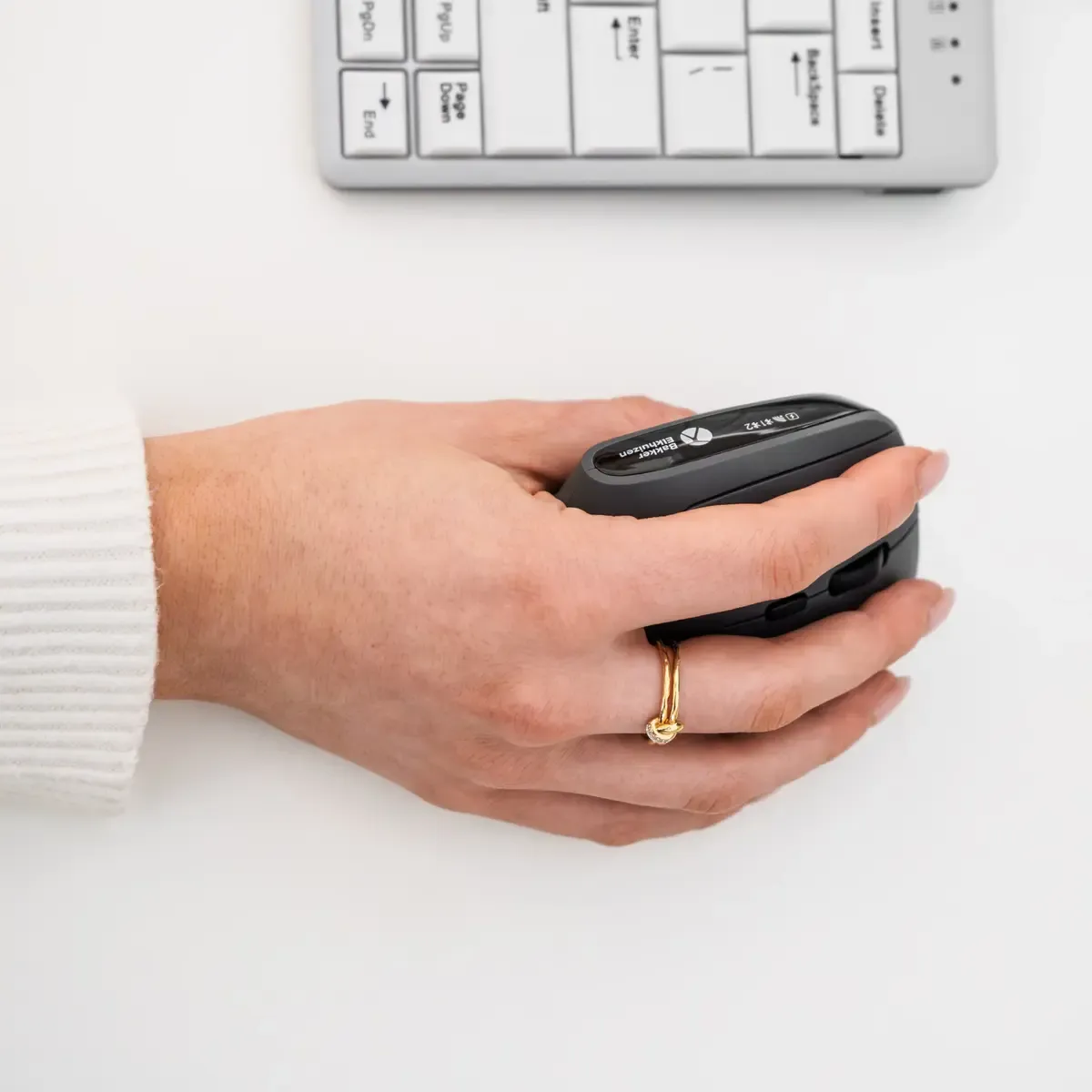
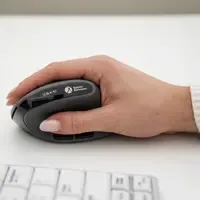
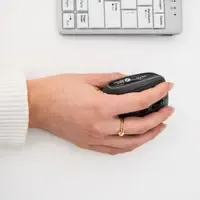
The MidWay places your hand in a semi-vertical position. Think of the position you adopt when shaking someone's hand. This means your forearm rotates less inwards than with a standard mouse. Less tension in the wrist and forearm, more comfort during long working days.
Universal, but not the same for everyone
According to the manufacturer, this model is universal in terms of hand size. In our experience, it works best for hand lengths between 165 and 195 mm. The width of your hand does not play a decisive role with this mouse. In doubt? Measure it. That prevents a bad purchase and your wrist will thank you.
What makes this mouse so good?
Low barrier to entry
The strength of the MidWay lies in its balance. It is less extreme than some fully vertical mice, but it does offer a clear ergonomic improvement compared to a flat mouse. This makes it suitable for those who want to take a step towards ergonomic working, without going all-in immediately.
Triple mode
The Midway seeks a middle ground in everything, including the way it connects. It supports multiple connections. Choose what you prefer; wired, wireless via USB dongle or connect it via Bluetooth.
Get the most out of your MidWay
Work from your arm, not just your wrist
An ergonomic mouse does a lot, but not everything. Make sure you use it from your forearm and shoulder. Don't fix your wrist on the desk, but move along relaxed. This way you benefit maximally from the natural position.
Combine with a compact keyboard
Do you work with a wide keyboard with a numeric keypad? Then your mouse will be further out. A compact keyboard brings your mouse closer to your body, so your shoulder rotates less outwards. That really feels different at the end of the day.
Don't miss this either
Measuring is knowing
Grab a ruler and measure from the tip of your middle finger to the bottom of your palm. Are you between 165 and 195 mm? Then the MidWay usually fits well. Are you far outside that range? Then please contact us, and we will look together for a better-fitting alternative.
Right or left?
The Midway is available in a right-handed and left-handed version. So make sure you have selected the correct version.
Pros and cons
- Semi-vertical, natural hand position
- Less forearm pronation
- Available in right-handed and left-handed versions
- Supports wired, wireless and Bluetooth connection
- Less suitable for very small or large hands
Brief specifications
| Type | Ergonomic mouse (semi-vertical) |
| Hand length | 165 – 195 mm |
| Hand width | Not decisive for this model |
| Suitable for | General and precise computer work |
| Connection | Wired, wireless via USB and Bluetooth |
How happy will my body be with this?
| Hand | |
| Wrist | |
| Arm | |
| Shoulder |
Product features
- Semi-vertical ergonomic shape
- Natural handshake position
- Relieves wrist and forearm
- Suitable for hand lengths 165 – 195 mm
- Hand width not decisive
- Connectable wired, wireless via USB and via Bluetooth
- Available in a right-handed or left-handed version
- Rechargeable battery
- Little acclimatisation needed due to semi-vertical position
Downloads
What's in the box?
- BakkerElkhuizen MidWay ergonomic mouse
- USB cable
- Manual
Specifications
| Item number | ERGO-MEDIATOR |
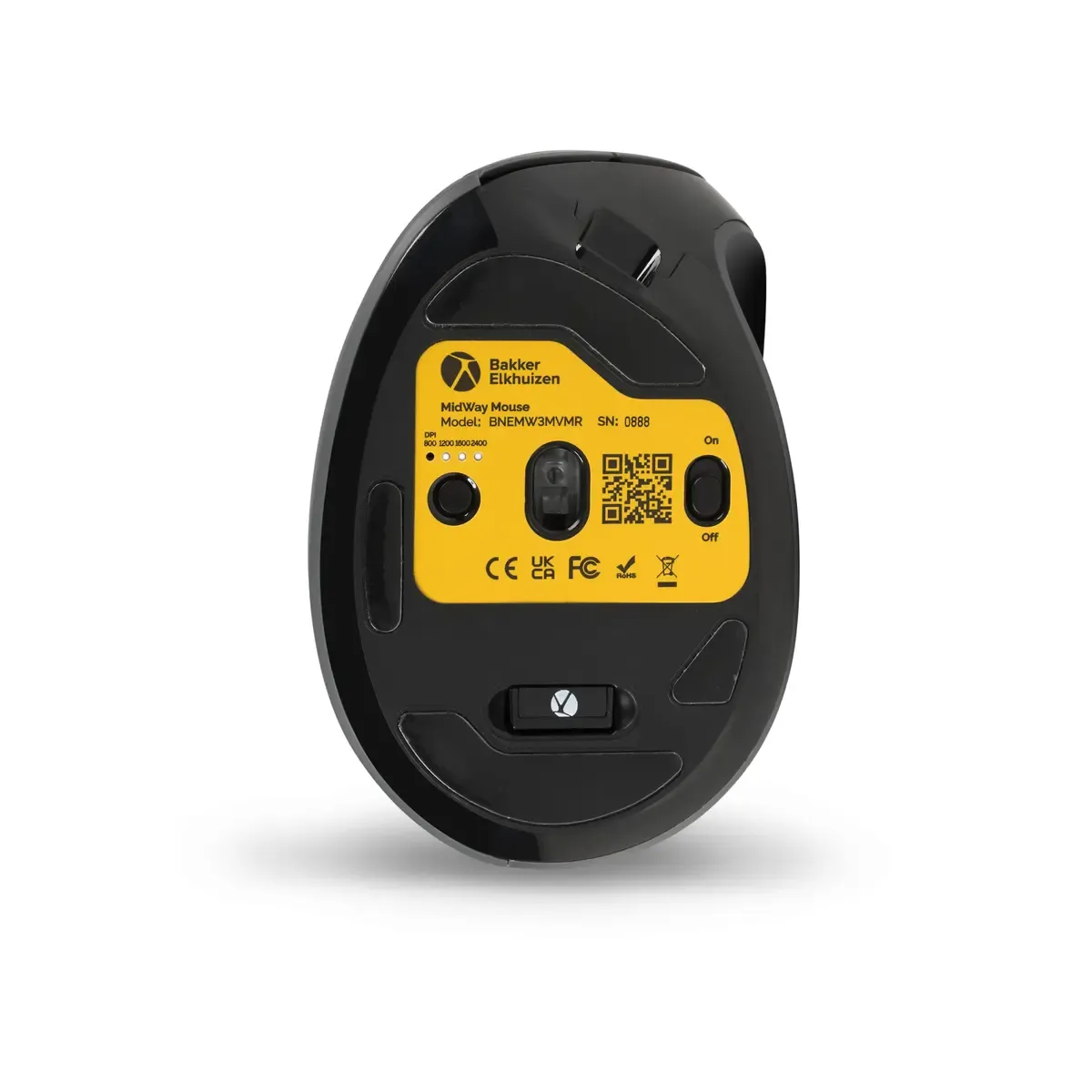
| Manufacturer's item number | BNEMW3MVMR |
| Brand | BakkerElkhuizen |
| Warranty | 5 years (after product registration) |
| Type of guarantee | The Ergowerken free return guarantee service |
| Colour | Dark grey, Black |
| Ergonomic design | |
| Management | Optical sensor |
| Left- or right-handed | Right-handed |
| Hand length | 165 - 195 millimetres |
| Hand width | Universal |
| Operation | Buttons and scroll wheel |
| Connection | Wired, wireless via USB and Bluetooth |
| Included receiver | |
| Bluetooth | |
| USB port | USB-A |
| Number of buttons | 4 buttons + scroll wheel |
| On/off button | |
| Adjustable buttons | |
| Scroll wheel | |
| Adjustable sensitivity | |
| Sensitivity | 800/1200/1600/2400 DPI |
| Type of power supply | Battery |
| Battery type | Li-on polymer |
| Rechargeable | |
| Minimum system requirements | Windows and MacOS |
| Dimensions length x width x height | 103 x 72 x 60 millimetres |
| Product weight | 89 grams |
Reviews BakkerElkhuizen Midway 3-mode Right-handed Ergonomic Mouse
Customers who write a review enter a prize draw for a voucher. We pick one winner and publish all reviews, including critical ones.