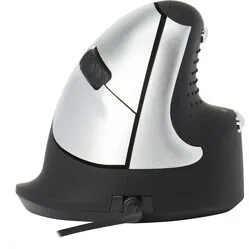
Ontlasten tennisarm
"Door de gekantelde stad van de hand staat de spier in de onderarm niet op spanning en heeft dat geholpen aan de genezing van de tennisarm. Op termijn is de hoop dat de overbelasting door werken met de muis voorkomen kan worden."






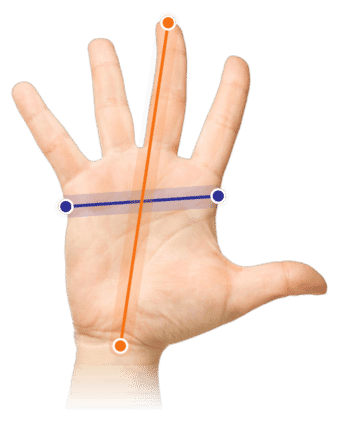
Measure your hand as shown in the image and choose your size using the table below:
| Size | Hand length |
|---|---|
| One size | < 178 mm |
Important: Is your hand longer than the measurements above? Then choose the larger Evoluent4 wireless.
Small and incredibly comfortable for modest hands. The mouse fits wonderfully in your hand. The freedom with which it can move across the entire desk feels like a small victory over your old limited workspace. You never expected to get used to this mouse so quickly.
The small variant of the best-selling Evoluent mouse is now also available. The small mouse is specially developed for hands up to 178 mm, measured from the edge of the wrist to the tip of the middle finger.
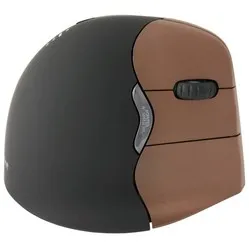
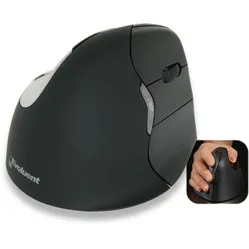
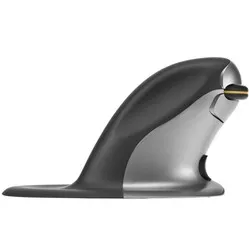
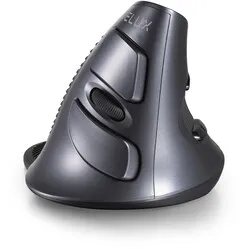
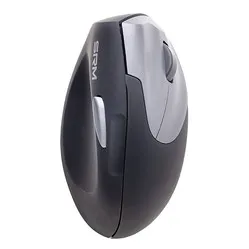
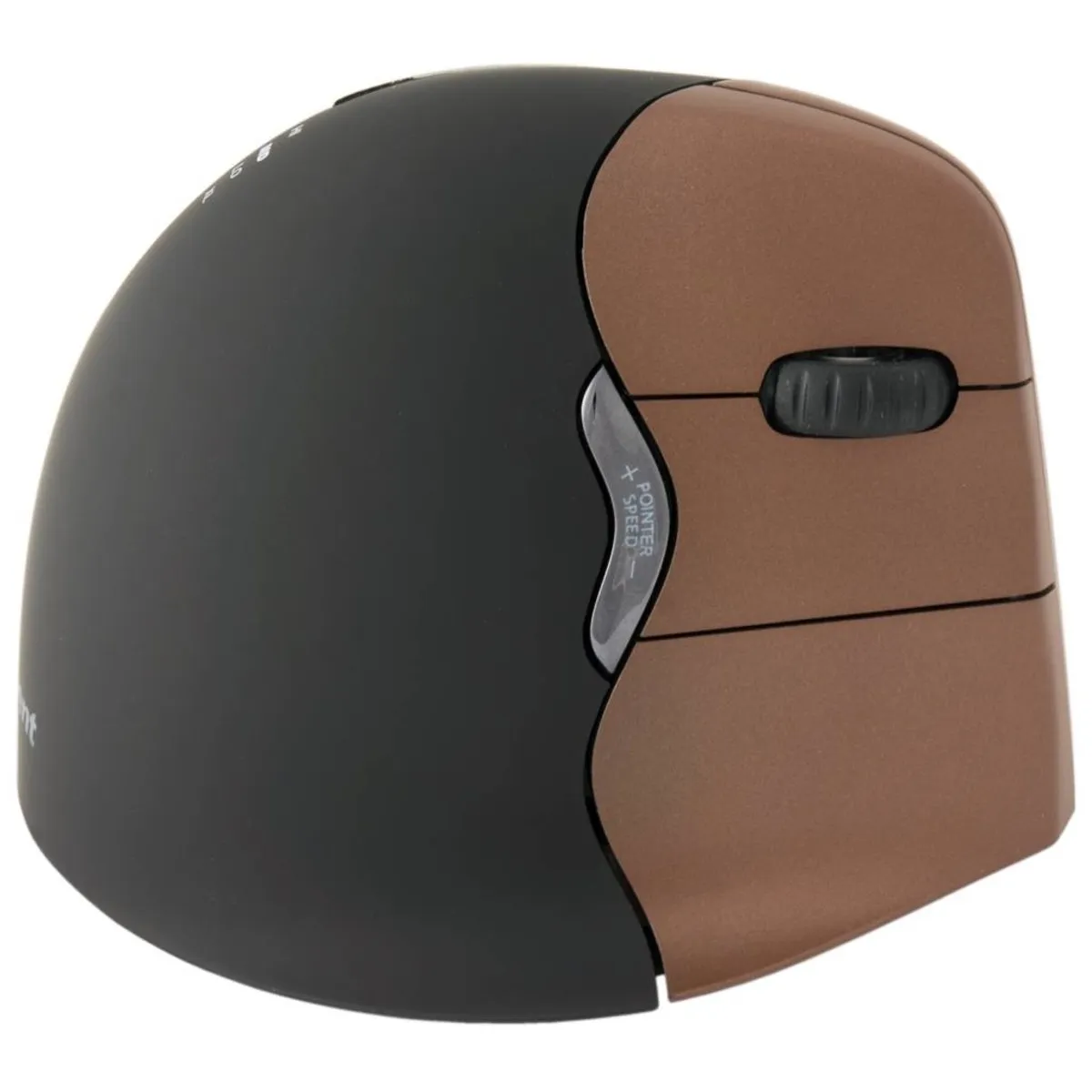
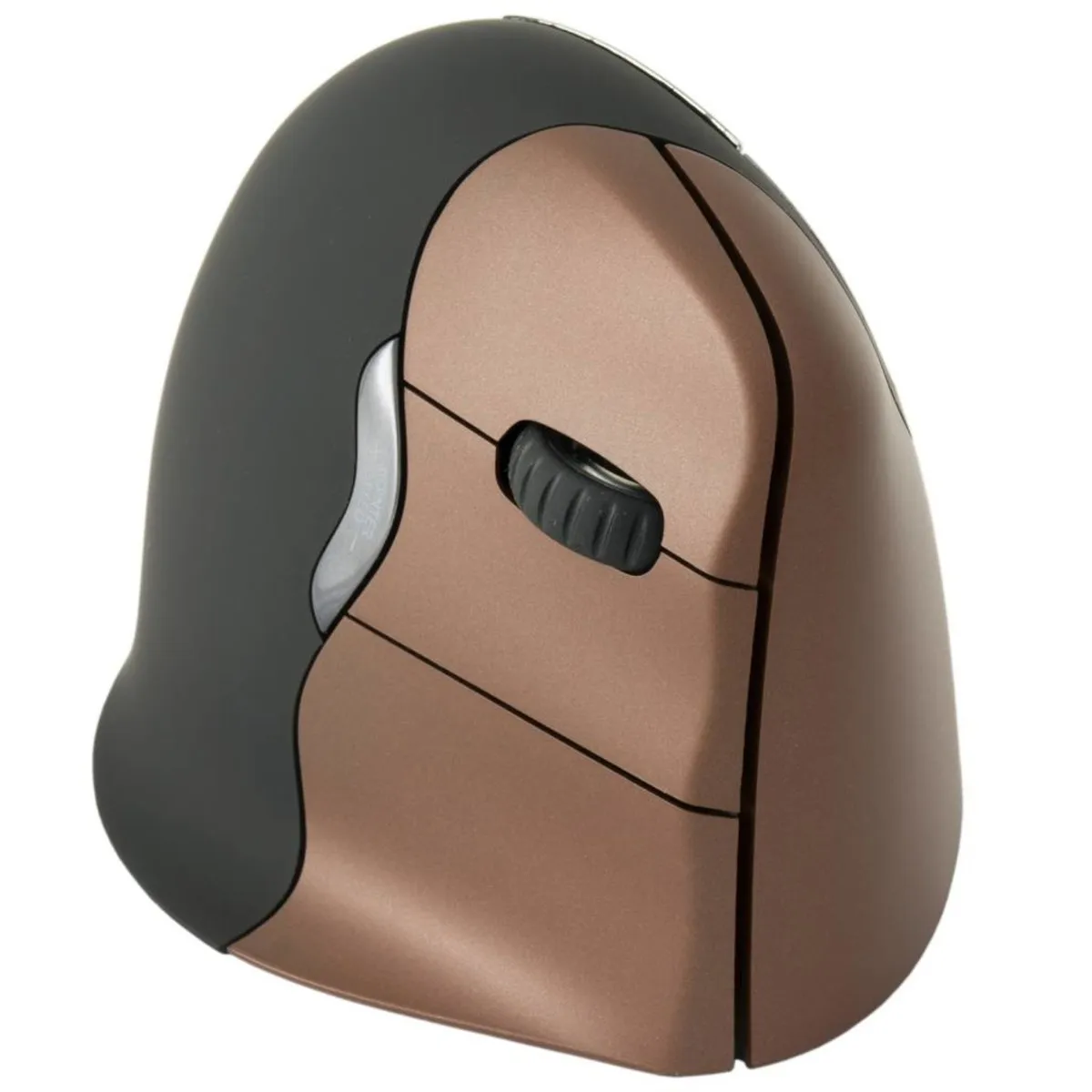
The Evoluent 4 Small wireless has the well-known patented design, which gives you more comfort. The tilted mouse provides more relaxation for the arm by forcing it into its natural posture. There is a convenient indentation for the thumb.
RSI complaints in the wrist and arm are often related to the use of an incorrect mouse. Many people still use a traditional 'flat' mouse. This computer mouse forces you to unnaturally rotate your hand outwards, which puts uncomfortable tension on your body.
This tension can manifest itself in complaints, making work difficult. Very annoying and completely unnecessary. With an ergonomic mouse, you can stay one step ahead of these complaints.
The 4 Small wireless Evoluent incorporates a number of clever innovations. Next to the fine indentation for the thumb are 2 buttons with which you can add extra functionalities to the mouse. An extra lip on the side of the mouse prevents the little finger from dragging across the desk.
A special button on top of the mouse allows you to adjust the resolution/sensitivity of the mouse while working. With the extra low, low, medium, and high settings, you have 4 modes directly at your disposal. The LED lights on the mouse indicate which resolution you are working with.
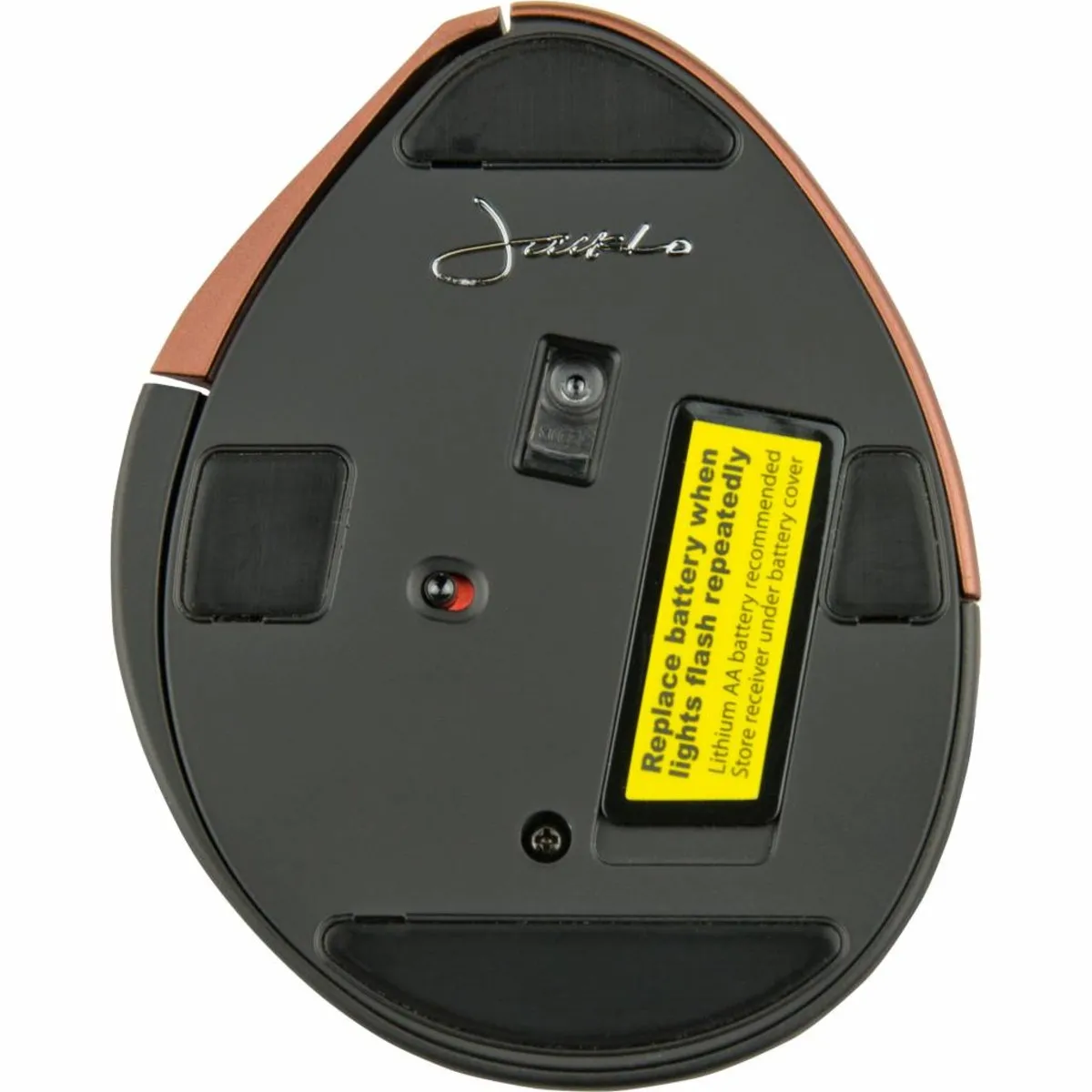
The included battery in the Evoluent is an AA battery. You can use the mouse for about 3-5 months on this battery. The battery is not rechargeable, so be prepared and make sure you get a new (rechargeable) battery in time.
A great helper tool from Evoluent is the Evoluent Mouse Manager. With this program, you can easily adjust the functions of the buttons to your own preferences. You can download this driver under the downloads section.
hand - wrist - arm - shoulder
The Evoluent is characterised by its special design. It places your arm in a better posture, which provides more relaxation in the wrist, arm, and shoulder. Its unique shape supports the entire hand.
| Warranty | 2 years |
| Ergonomic design | |
| Usage | Right-handed |
| Hand length | Up to 178 cm |
| Number of buttons | 6 |
| view all specifications |
| Item number | ERGO-MI034WI |
| Manufacturer's item number | VM4SW |
| Brand | Evoluent |
| Warranty | 2 years |
| Type of guarantee | Ergowerken free warranty return service |
| Colour | Brown casing with bronze-coloured buttons |
| Ergonomic design | |
| Management | Optical sensor from the Avago brand |
| Left- or right-handed | Right-handed |
| Hand length | Maximum 178 mm, measured from the top of the middle finger to the edge of the wrist |
| Hand width | not applicable |
| Operation | Buttons and scroll wheel |
| Connection | Wireless via USB |
| Included receiver | Yes, 2.4 GHz nano receiver |
| Bluetooth | |
| USB port | |
| USB version | 2.0 |
| Number of buttons | 5 buttons |
| On/off button | |
| Adjustable buttons | |
| Scroll wheel | |
| Trackball | |
| Adjustable sensitivity | |
| Sensitivity | 800/1300/1800/2600 dots per inch |
| Type of power supply | Battery |
| Battery type | 1x AA battery |
| Rechargeable | |
| Minimum system requirements | Mac OS X v10.5 and above or Windows XP and above |
| Plug and play | |
| Dimensions length x width x height | 105 x 85 x 74 millimetres |
| Product weight | 120 grams |
Customers who write a review enter a prize draw for a voucher. We pick one winner and publish all reviews, including critical ones.