Notify me when is back in stock.
Enter your email address and we’ll notify you when it’s back in stock.
Once you submit your email address, we’ll send you a confirmation email for your sign-up.
This notification does not guarantee that you’ll be able to claim the product when new stock arrives. Want a better chance of getting it once it’s back in stock? Order and pay for it now, and you’ll be first in line when new stock becomes available.
Privacy Your email address is stored in a secure, closed database that we cannot access. After the stock update, your email address will be automatically deleted.
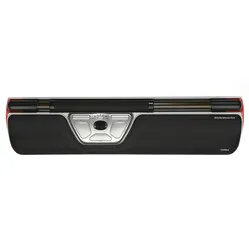
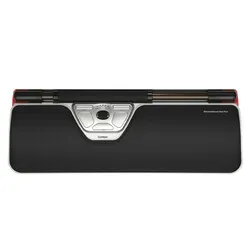
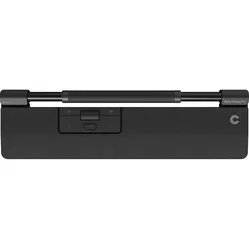
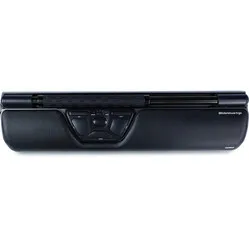
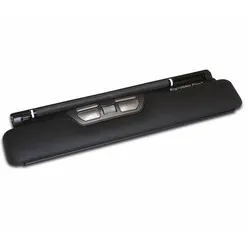
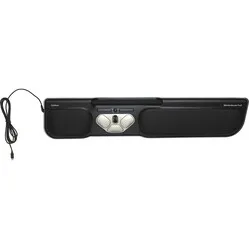
Contour Design Rollermouse Pro3 wired trackpad
0 reviews
343,64

Your custom quote, within 24 hours in your inbox. For when you're interested in larger quantities or need approval for your order.

Contour Design Rollermouse Pro3 wired trackpad

You are requesting a quote for:

Contour Design Rollermouse Pro3 wired trackpad
Just follow along, requesting a quote is this easy.
1
Complete the quick form and get your quote fast.
2
Tap the orange button and we’ll get right on it.
3
You’ll receive a custom quote within 24 hours. Need a little more time? We’ll let you know. Simple and clear.
Contour Design Rollermouse Pro3 wired trackpad
Request quote
Stel vraag

Contour Design Rollermouse Pro3 wired trackpad

Configure your product
343,64
Incl. tax
284,00
Excl. tax
Article number: ERGO-MI068-3
The product is in stock and, if ordered before 17:00 on business days, will be delivered the next day.
Hierboven staat de verwachte levertijd. Zodra het pakket verstuurd is, ontvang je een berichtje.
Is this the right product for you?
Use our handy selection check
  • Order 2 for 326,46 each (incl. VAT) and save 5%
  • Order 4 for 317,87 each (incl. VAT) and save 7,5%
  • Order 8 for 309,28 each (incl. VAT) and save 10%

Product description of Contour Design Rollermouse Pro3 wired trackpad

Does this mouse fit my hand?

Do you want to find the ideal mouse? Then be sure to measure your hand. The following image clarifies how to measure your hand. This mouse is suitable for hands with the following dimensions:

Suitable for every hand size

handmaat Rollermouse Pro3

An ode to the Rollermouse Pro3

Numb music

The transition from mouse to keyboard and back again has never been so smooth. It feels like playing a piano, where the higher black keys are fluidly incorporated into playing the white keys. The biggest difference is that with the Rollermouse and keyboard, almost no feeling is created. And that's a good thing.

Why the Rollermouse Pro3 trackpad?

Extra buttons and functions

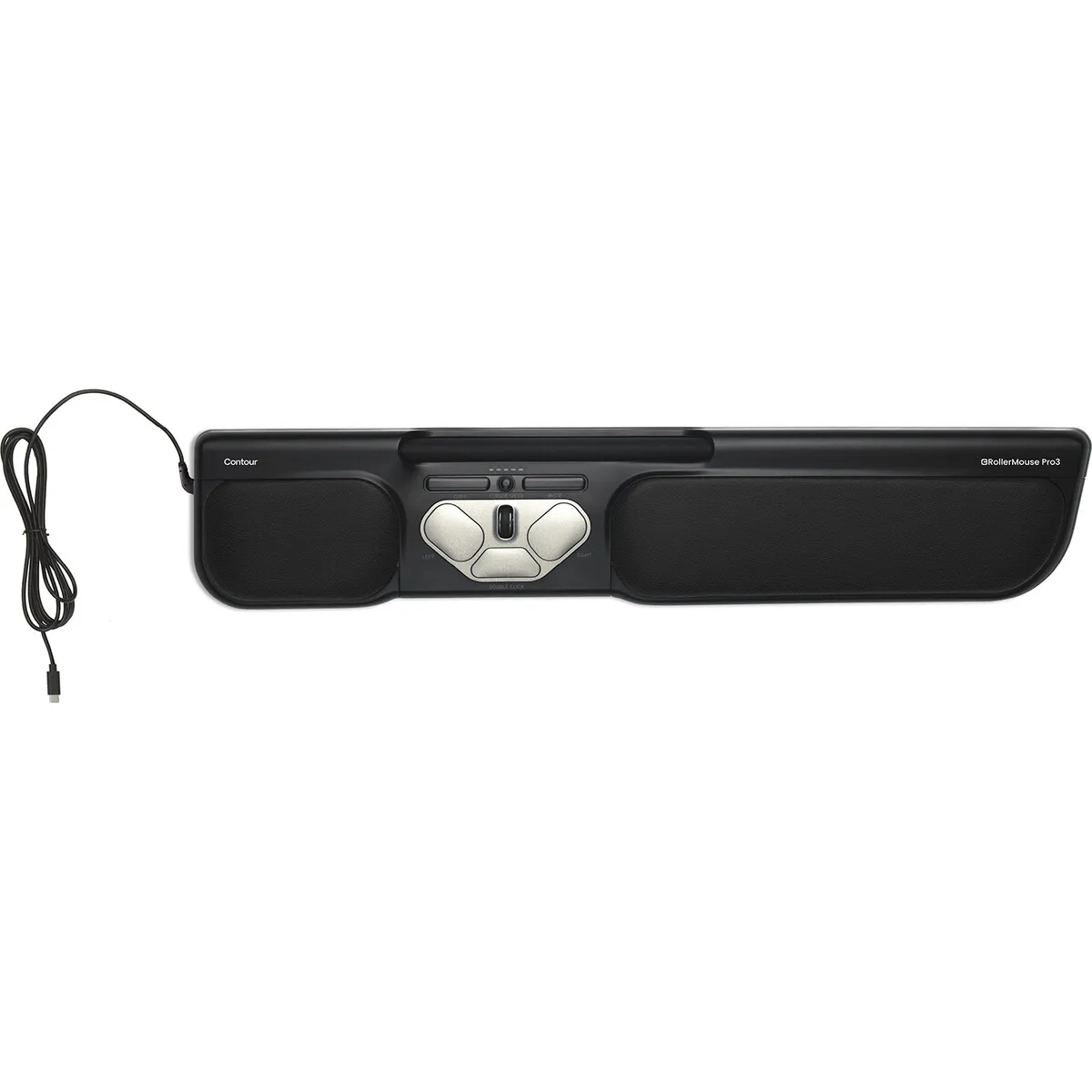
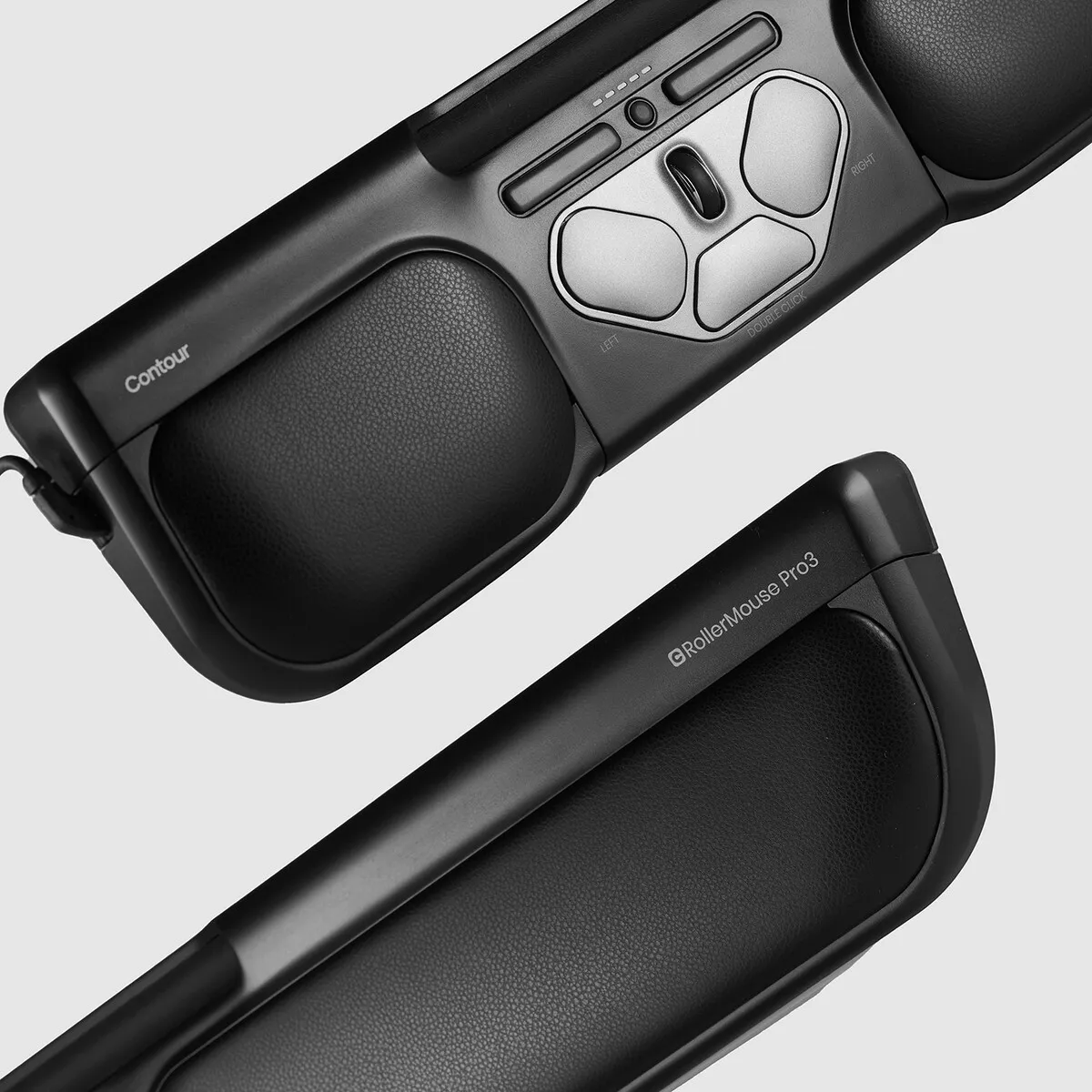
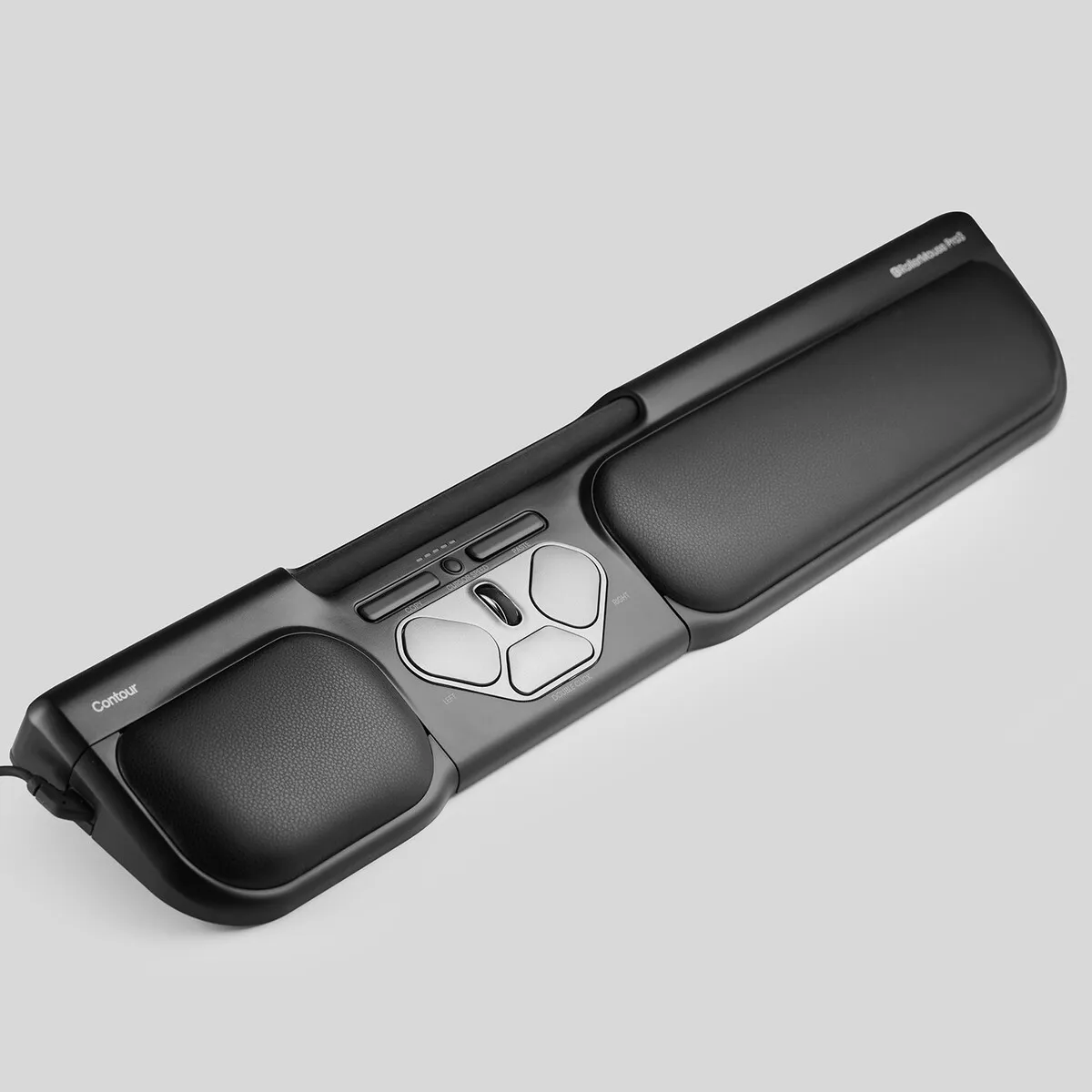
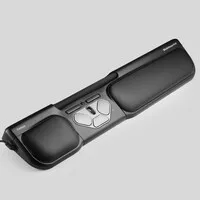
The Pro3 is a central mouse. This means it sits directly in front of you. You control the cursor with the bar. By sliding it left and right, the cursor moves horizontally. By rotating the bar, you move the cursor vertically.

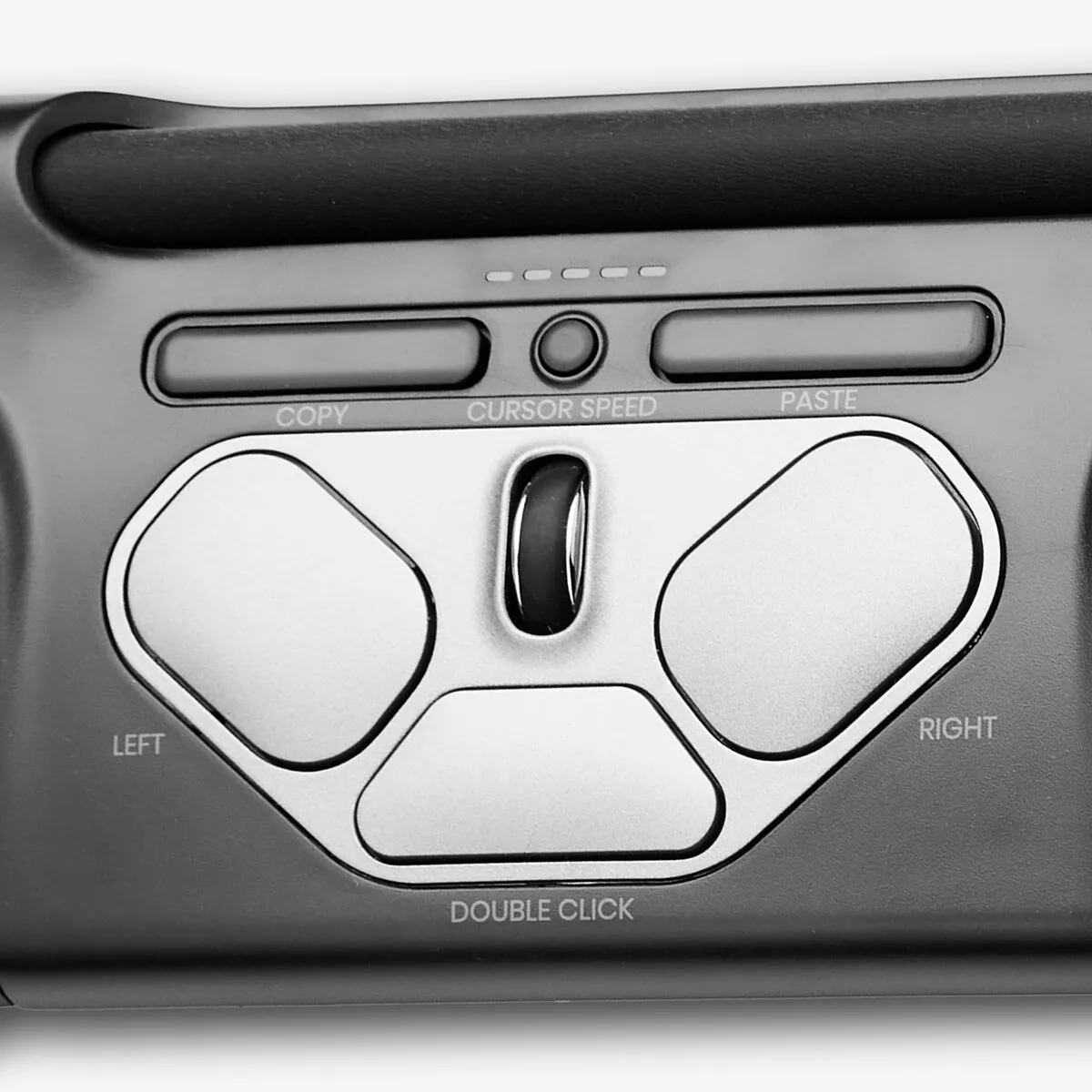
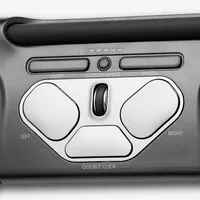
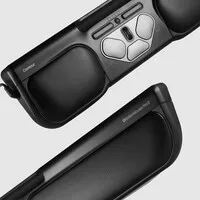
The bar can also be pressed. This acts as the left mouse button. At the bottom of the trackpad, you can adjust the sensitivity of the bar button. Below the cursor bar, there is a left and right mouse button, DPI button, double-click button, copy and paste button, and a scroll wheel.

Programmable

With the control software, you can easily change the mouse functions. There are 10 DPI settings: 600, 800, 1000, 1200, 1400, 1600, 1800, 2000, 2200 and 2400 DPI. This allows you to precisely adjust the speed to your working style.

The double-click button can be very easily changed into the middle mouse button without the control software. You do this by pressing and holding the DPI button and the double-click button simultaneously for two seconds until the LED lights flash. Repeating this process changes the function back again. The integrated wrist rest provides wrist support while typing.

What makes an ergonomic mouse so good?

Ergonomic mice are designed to prevent and cure related complaints, such as RSI. The shape and/or operation of these mice contributes to optimal muscle relaxation. This allows you to work more comfortably, more efficiently, and therefore, more effectively.

However, there are more advantages. For example, you can distribute the load across your hands and arms nicely. Also, a product like the Pro3 houses a lot more buttons and functions than a regular mouse, meaning you need the keyboard and cursor less.

Get the most out of your Rollermouse Pro3

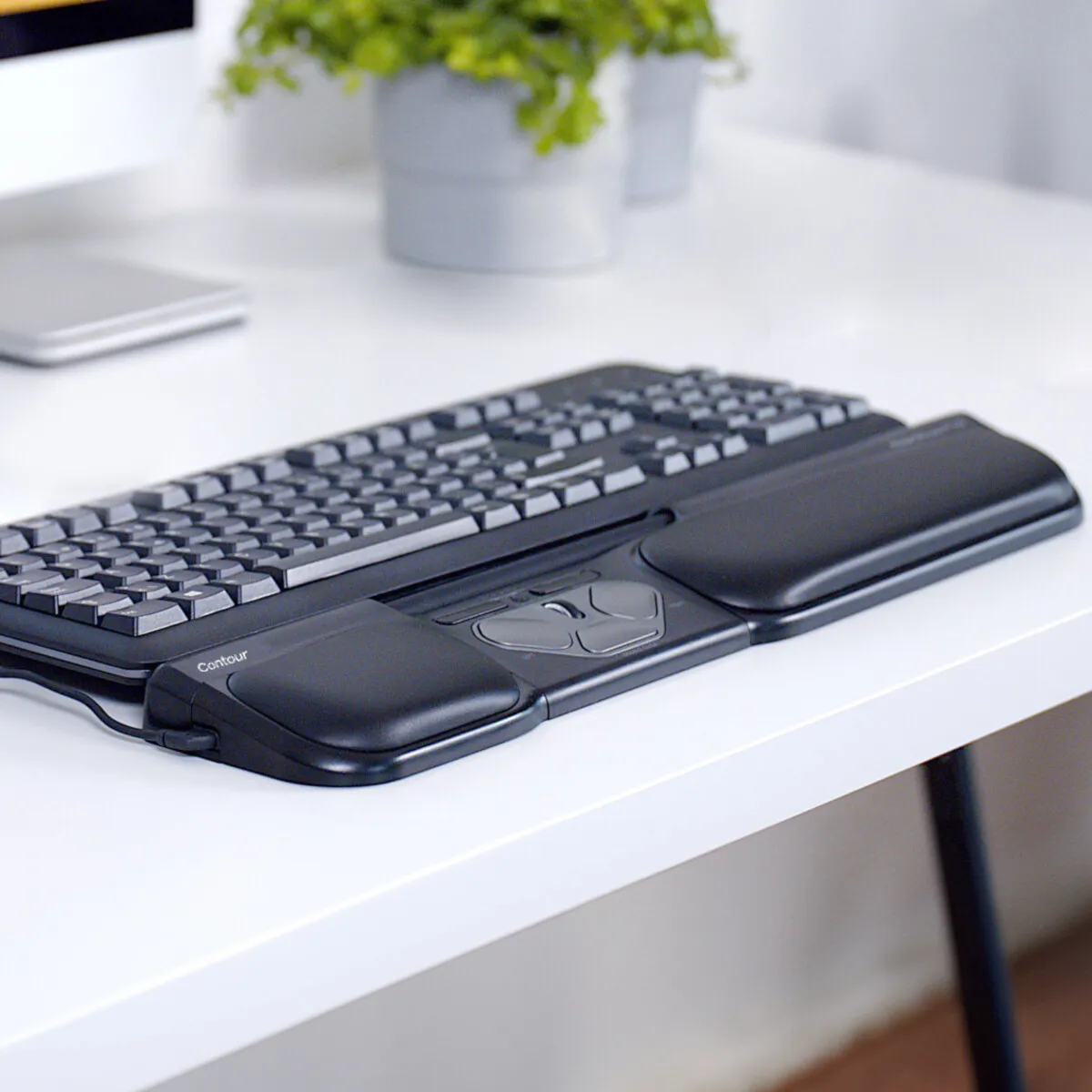
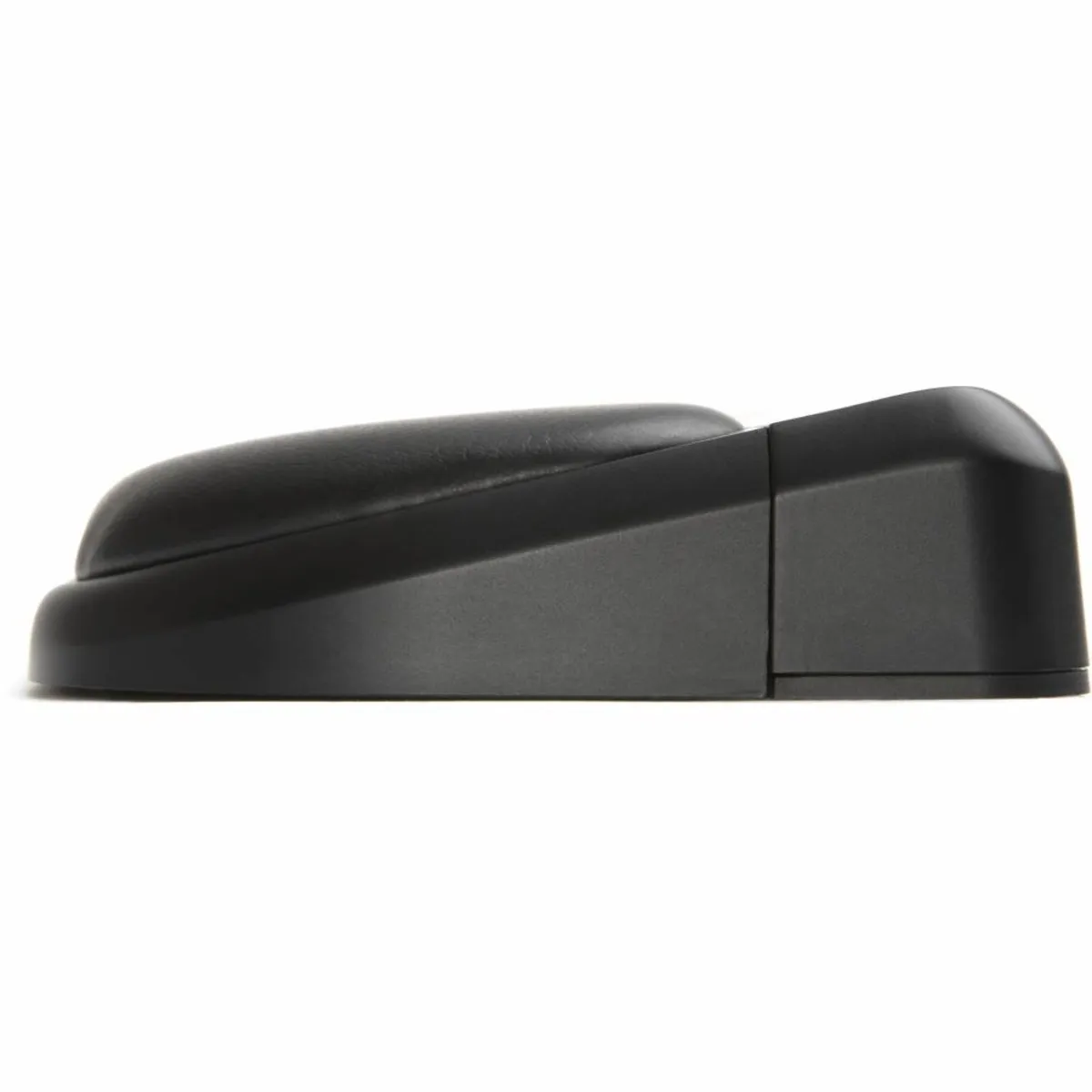
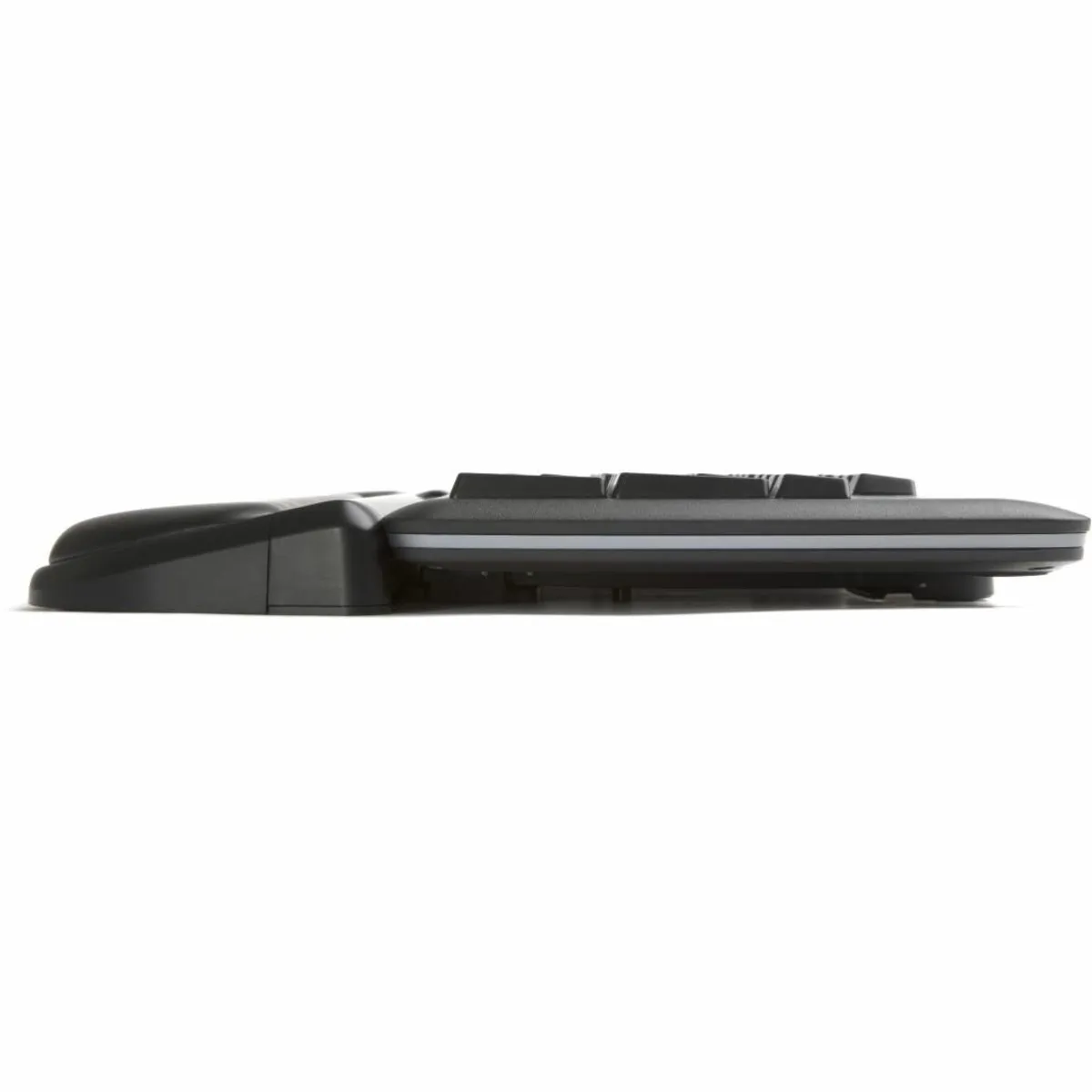
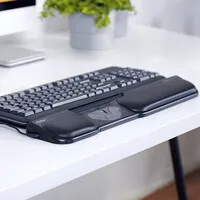
The Pro3 comes with keyboard risers. These allow you to set your keyboard at the correct height to get the most benefit from the combination with the trackpad.

Place the keyboard and trackpad against each other and ensure that the spacebar is just above the trackpad. A neutral and negative tilt (where the spacebar is higher than the top of the keyboard) is always better than a positive tilt (where the spacebar is lower than the top of the keyboard).

Don't miss this either

Furthermore, it is important to enable the mode that corresponds to your operating system. Press and hold the DPI button and the copy button simultaneously until the LED lights turn on. Then, hold down the DPI button while selecting the correct mode with the copy button.

The LED lights indicate which mode you are in:
WindowsThe lights turn on from left to right.
MacThe lights turn on from right to left.
LinuxThe lights turn on from the sides towards the middle.

 

How happy will my body be with this?

Shoulder     
Arm     
Hand     
Wrist     

Pros and Cons

  •  With wrist rest and keyboard supports
  •  Can be used with both hands
  •  Adjustable button functions (6 programmable buttons)
  •  Not easy to carry

Brief specifications

Warranty2 years
Ergonomic design 
UsageLeft and right-handed
Programmable slots6 buttons
DPI levels10 settings (600 - 2400)
Plug & playYes
View specifications >

Product features

  •  Prevents RSI complaints
  •  Ergonomic design
  •  Centrally placed
  •  Fits any keyboard, especially wide ones
  •  6 programmable buttons
  •  With adjustable feet for correct keyboard angle
  •  Adjustable DPI from 600 to 2400
  •  Vegan leather palm rest with antibacterial properties
  •  Memory foam filling for extra comfort
  •  Housing partly made of recycled aluminium and PCR plastic
  •  Rubber coating on keyboard supports
  •  Aluminium base plate
  •  Easy-to-use rollerbar
  •  3 different modes for PC, Mac and Linux
  •  Plug-and-play, no drivers needed

What's in the box?

  •  1 x wired RollerMouse Pro3
  •  2 x short keyboard supports
  •  2 x long keyboard supports
  •  1 x user manual

Downloads

  Product sheet
  Manual
  Drivers (Contour website)

Frequently asked questions

 "How do I operate the mouse with this device?"
The bar at the top of the Rollermouse can be moved horizontally and vertically. The cursor makes exactly the movement you make. That annoying lifting of the mouse is also a thing of the past, because thanks to a special click system, the cursor continues to move sideways if you slide the bar all the way to one side.
 "Why is a trackpad good for me?"
You place a trackpad centrally, between your keyboard and yourself. This ensures that both hands can be kept within shoulder width. This relieves tension from the shoulders and arms, allowing you to experience more relaxation.
 "Do I need to keep using my mouse with the Rollermouse?"
No. The Rollermouse completely replaces your old mouse and is probably also a lot more complete, thanks to its many buttons and included wrist rest.
 "What if I don't like the trackpad after purchase?"
A purchase from Ergowerken can always be returned free of charge within 90 days. It is also possible to choose another product or get your purchase amount back.
Item number ERGO-MI068-3
Manufacturer's item number RM-PRO3
Brand Contour
Warranty 2 years
Type of guarantee Ergowerken free warranty return service
Colour Black
Ergonomic design Yes
Management Trackpad
Left- or right-handed Left- and right-handed
Hand length Suitable for any hand size
Hand width Suitable for any hand size
Operation Buttons and scroll wheel
Included receiver not applicable
Bluetooth not applicable
USB port Yes
USB version 2.0/3.0
Number of buttons 8 buttons
On/off button not applicable
Adjustable buttons Yes, with the help of the driver
Scroll wheel Yes
Trackball No
Adjustable sensitivity Yes
Sensitivity 600/800/1000/1200/1400/1600/1800/2000/2200/2400 dpi
Type of power supply Wire
Battery type not applicable
Rechargeable not applicable
Minimum system requirements Mac OS X v10.5, Mac OS X v10.6, Mac OS X v10.7, Mac OS X v10.8, Mac OS X v10.9, Mac OS X v10.10, Mac OS X v10.11, Windows XP, Windows Vista, Windows 7, Windows 8, Windows 10
Plug and play Yes
Dimensions length x width x height 99 x 488 x 29 mm, wrist rest has a depth of 70 mm
Product weight 670 grams