Which size fits your hand?
Measure your hand as shown in the image and choose your size using the table below:
| Size | Hand width | Hand length |
|---|
| One size | 70 - 87 mm | 140 - 189 mm |
Problem solver
Minicute gives you the option to add weight to the mouse as desired by placing coins in the bottom of the mouse. This will certainly lead to some great situations. No coins for the parking meter? Grab your Minicute. No change to tip the waiter? Grab your Minicute. Want to get rid of your mouse-related complaints? Grab your Minicute.
Why the Minicute EZmouse5?
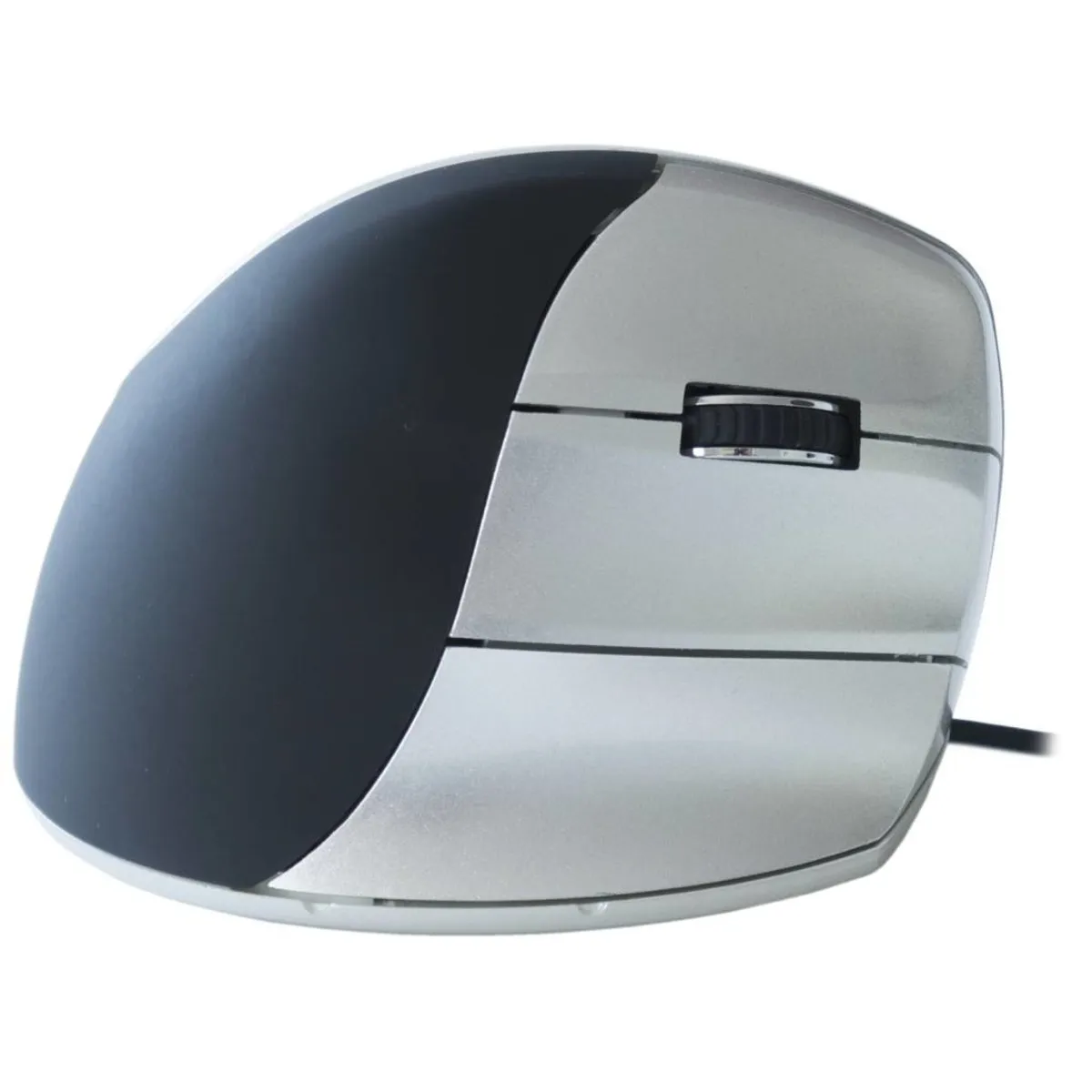
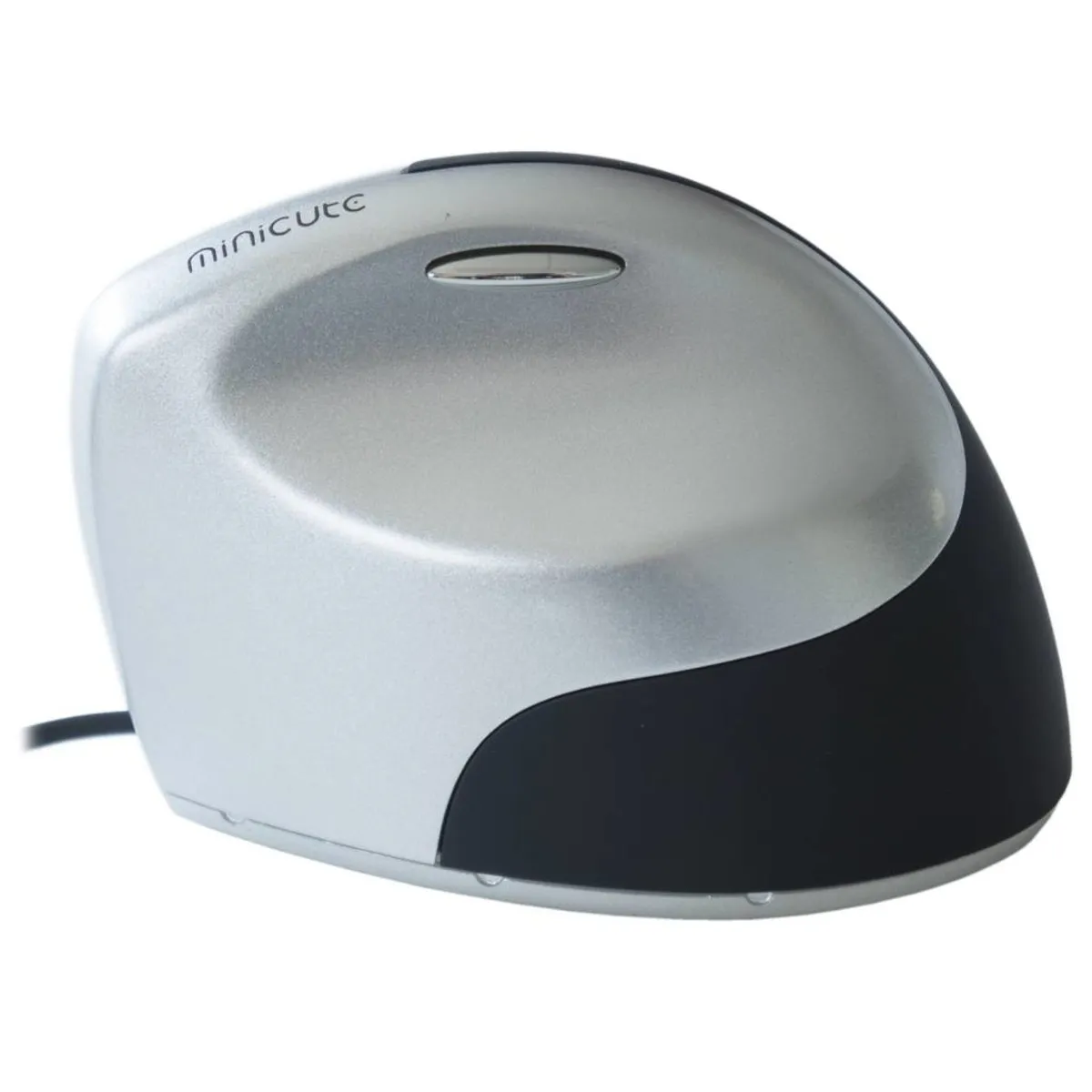
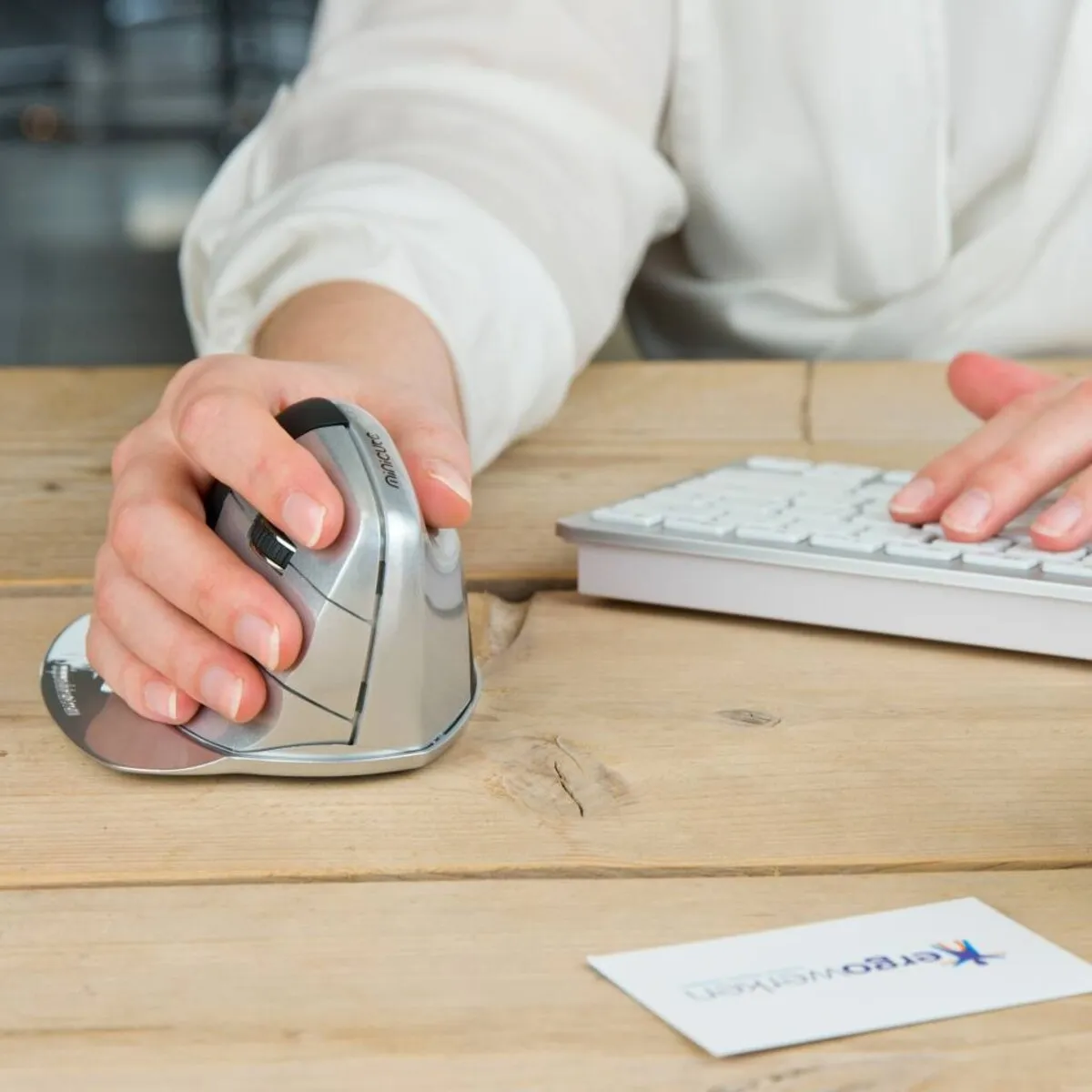
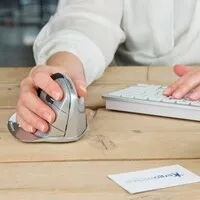
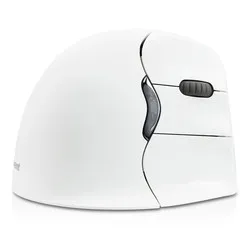
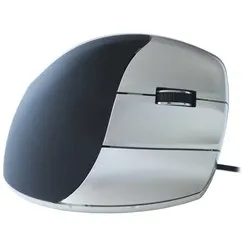
The Minicute has everything you would expect from an ergonomic mouse. Thanks to the mouse's tilted design, you maintain a healthier posture. You work more relaxed and longer without complaints. The included pinky rest prevents your pinky from dragging across the desk.
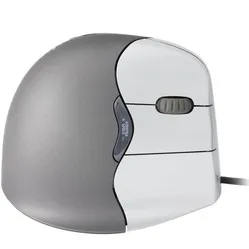
The mouse has a handshake shape. This means you can rest your hand on the mouse in a relaxed posture. To achieve this, Minicute has given the EZ5 a thumb indentation. Just above this indentation is the backward button. This is easily accessible with the thumb. On the right side of the mouse are the other 4 buttons. From top to bottom, you will find the left mouse button, the scroll wheel, the right mouse button, and the forward button here.
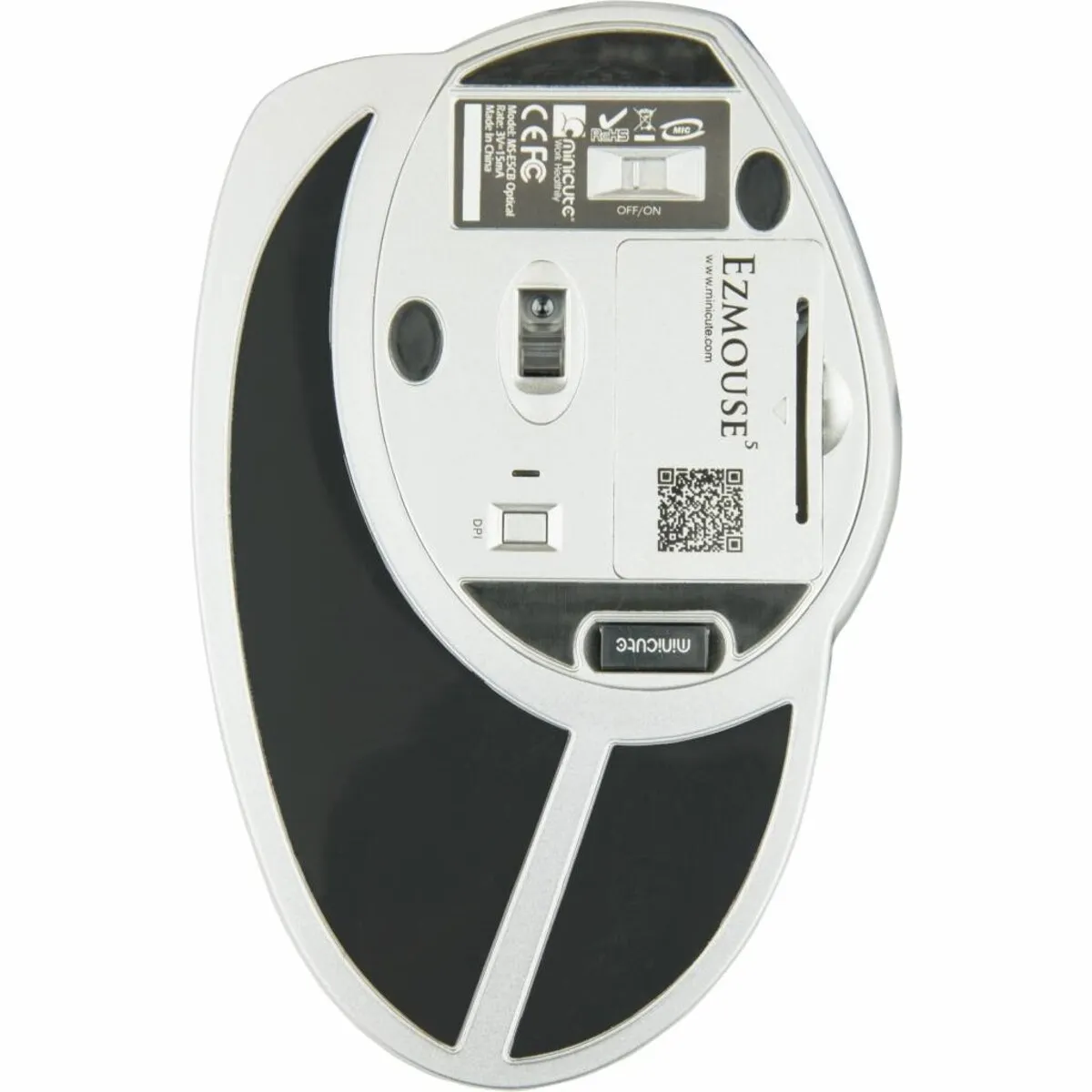
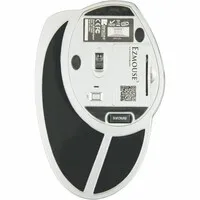
You can click the nano USB receiver into the bottom of the mouse. This way, you won't lose that small item when you take your mouse with you. Furthermore, there is also a compartment at the bottom for two AAA batteries.
Furthermore, at the bottom, you will find a button to change the DPI. The higher the DPI, the faster the cursor responds to your mouse movements. There are 3 different settings on the mouse. An indicator next to the button shows which setting the mouse is in by means of different light modes. The LED is not on at 600DPI. At 1000 DPI, a blue light flashes. At 1600 DPI, the light flashes a slightly brighter blue.
What makes an ergonomic mouse so good
A traditional mouse often causes complaints such as RSI because the hand, wrist, and arm are in an unnatural posture. Ergonomic mice often have a tilted design to counteract these complaints. This relieves tension from the muscles, allowing you to work more relaxed.
Get the most out of it
A light mouse is easier to operate. Therefore, it is better to have a mouse that is as light as possible if, for example, you suffer from shoulder pain. However, this comes at the expense of your feel for the mouse. To work with more precision, it is better to have a heavier mouse. That's why you can add weight to the mouse as desired. In the same compartment as the batteries, you can place coins to achieve the ideal weight.
Don't miss this either
Minicute has developed software with which you can program the buttons to your own preferences. You can find the download for this software under the downloads section.