Notify me when is back in stock.
Enter your email address and we’ll notify you when it’s back in stock.
Once you submit your email address, we’ll send you a confirmation email for your sign-up.
This notification does not guarantee that you’ll be able to claim the product when new stock arrives. Want a better chance of getting it once it’s back in stock? Order and pay for it now, and you’ll be first in line when new stock becomes available.
Privacy Your email address is stored in a secure, closed database that we cannot access. After the stock update, your email address will be automatically deleted.
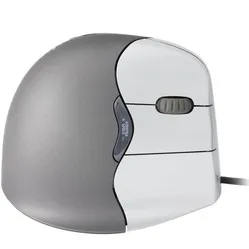
Minicute EZmouse5 wired right-handed ergonomic mouse
0 reviews
79,00

Your custom quote, within 24 hours in your inbox. For when you're interested in larger quantities or need approval for your order.

Minicute EZmouse5 wired right-handed ergonomic mouse

You are requesting a quote for:

Minicute EZmouse5 wired right-handed ergonomic mouse
Just follow along, requesting a quote is this easy.
1
Complete the quick form and get your quote fast.
2
Tap the orange button and we’ll get right on it.
3
You’ll receive a custom quote within 24 hours. Need a little more time? We’ll let you know. Simple and clear.
Minicute EZmouse5 wired right-handed ergonomic mouse
Request quote
Stel vraag

Minicute EZmouse5 wired right-handed ergonomic mouse

Sale
Configure your product
84,95
79,00
Incl. tax
65,29
Excl. tax
Article number: ERGO-MI065
The product is in stock and, if ordered before 17:00 on business days, will be delivered the next day.
Hierboven staat de verwachte levertijd. Zodra het pakket verstuurd is, ontvang je een berichtje.
Is this the right product for you?
Use our handy selection check
  • Order 2 for 75,05 each (incl. VAT) and save 5%
  • Order 4 for 73,08 each (incl. VAT) and save 7,5%
  • Order 8 for 71,10 each (incl. VAT) and save 10%

Product description of Minicute EZmouse5 wired right-handed ergonomic mouse

Minicute EZmouse5 wired ergonomic mouse

Does this mouse fit my hand?

Do you want to find the ideal mouse? Then be sure to measure your hand. The following image clarifies how to measure your hand. This mouse is suitable for hands with the following dimensions:

Hand length: <140 - 189mm
Hand width: 70 - 87mm

hand size for wired Minicute EZ5 mouse

Description

Problem solver

Minicute gives you the option to add weight to the mouse as desired by placing coins in the bottom of the mouse. This will certainly lead to some great situations. No coins for the parking meter? Grab your Minicute. No change to tip the waiter? Grab your Minicute. Want to get rid of your mouse-related complaints? Grab your Minicute.

Why the Minicute EZmouse5?

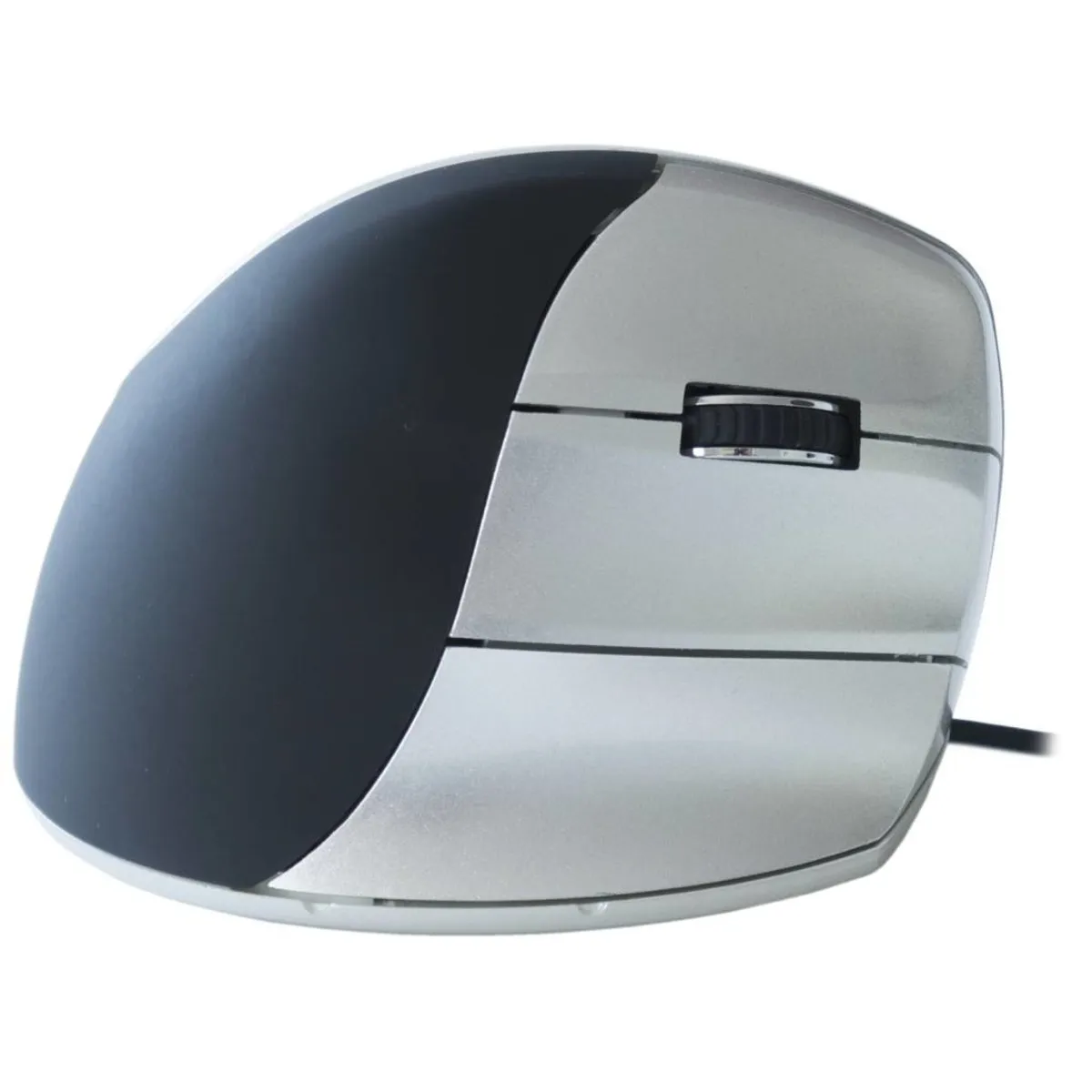
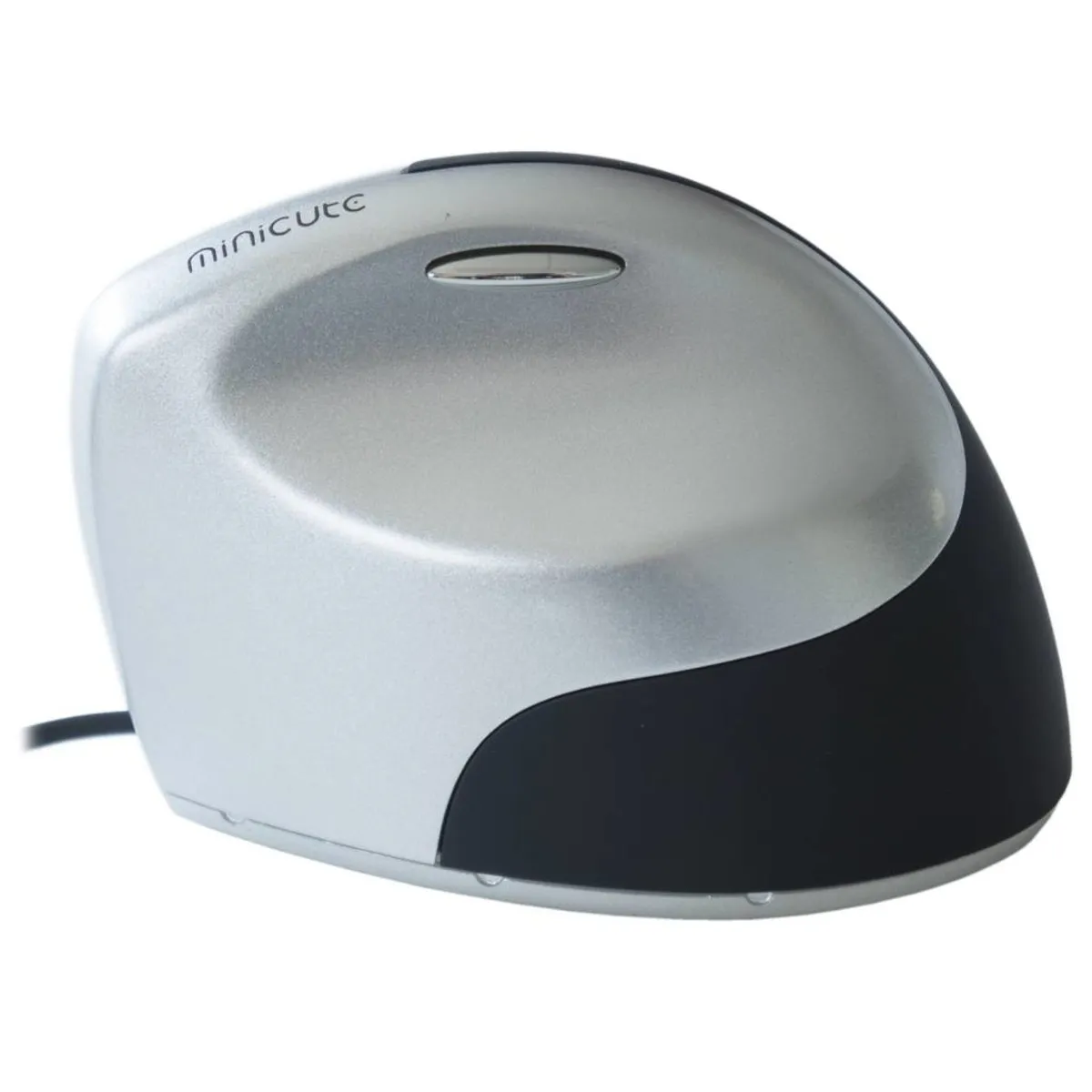
The Minicute has everything you would expect from an ergonomic mouse. Thanks to the mouse's tilted design, you maintain a healthier posture. You work more relaxed and longer without complaints. The included pinky rest prevents your pinky from dragging across the desk.

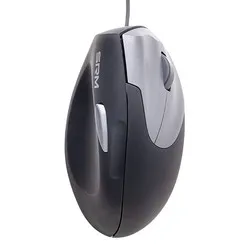
The mouse has a handshake shape. This means you can rest your hand on the mouse in a relaxed posture. To achieve this, Minicute has given the EZ5 a thumb indentation. Just above this indentation is the backward button. This is easily accessible with the thumb. On the right side of the mouse are the other 4 buttons. From top to bottom, you will find the left mouse button, the scroll wheel, the right mouse button, and the forward button here.

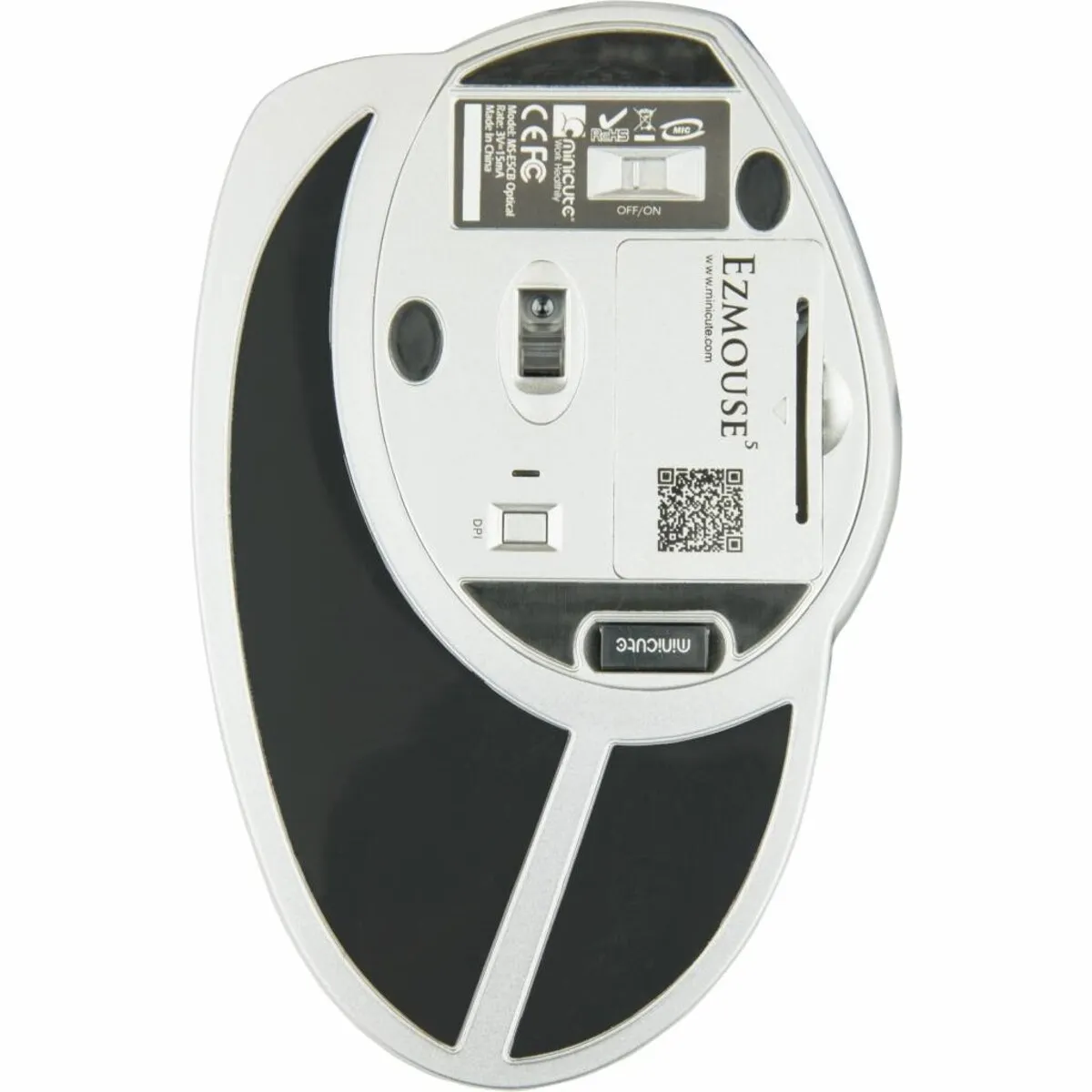
You can click the nano USB receiver into the bottom of the mouse. This way, you won't lose that small item when you take your mouse with you. Furthermore, there is also a compartment at the bottom for two AAA batteries.

Furthermore, at the bottom, you will find a button to change the DPI. The higher the DPI, the faster the cursor responds to your mouse movements. There are 3 different settings on the mouse. An indicator next to the button shows which setting the mouse is in by means of different light modes. The LED is not on at 600DPI. At 1000 DPI, a blue light flashes. At 1600 DPI, the light flashes a slightly brighter blue.

What makes an ergonomic mouse so good

A traditional mouse often causes complaints such as RSI because the hand, wrist, and arm are in an unnatural posture. Ergonomic mice often have a tilted design to counteract these complaints. This relieves tension from the muscles, allowing you to work more relaxed.

Get the most out of it

A light mouse is easier to operate. Therefore, it is better to have a mouse that is as light as possible if, for example, you suffer from shoulder pain. However, this comes at the expense of your feel for the mouse. To work with more precision, it is better to have a heavier mouse. That's why you can add weight to the mouse as desired. In the same compartment as the batteries, you can place coins to achieve the ideal weight.

Don't miss this either

Minicute has developed software with which you can program the buttons to your own preferences. You can find the download for this software under the downloads section.

How happy will my body be with this?

  • Wrist
  • Arm
  • Hand
  • Shoulder
  •      
  •      
  •      
  •      

Pros and Cons

  •  3 DPI settings
  •  Special handshake design
  •  Programmable buttons
  •  Includes pinky rest
  •  Only available in 1 size

Brief specifications

Warranty2 years
Ergonomic design  
UsageRight-handed
Number of buttons5
Plug & playYes
  view all specifications  

Product features

  •  Prevents RSI complaints
  •  Ergonomic design
  •  Adjustable buttons
  •  Pinky rest included
  •  Adjustable DPI for various tasks

What's in the box?

  •  Right-handed mouse
  •  Pinky rest
  •  Manual

Downloads

  Minicute driver
  Driver instructions
Item number ERGO-MI065
Manufacturer's item number ezmouse5
Brand Minicute
Warranty 2 years
Type of guarantee Ergowerken free warranty return service
Colour Silver grey with black
Ergonomic design Yes
Management Optical
Left- or right-handed Right-handed
Hand length 140 - 189 mm, measured from the top of the middle finger to the edge of the wrist
Hand width 70 - 87 mm, measured on the palm, 1 cm below the four fingers
Operation Buttons and scroll wheel
Included receiver not applicable
Bluetooth not applicable
USB port Yes
USB version 2.0/3.0
Number of buttons 4 buttons
On/off button not applicable
Adjustable buttons No
Scroll wheel Yes
Trackball No
Adjustable sensitivity Yes
Sensitivity 600/1000/1600 dots per inch
Type of power supply Wire
Battery type not applicable
Rechargeable not applicable
Minimum system requirements Mac OS X v10.5, Mac OS X v10.6, Mac OS X v10.7, Mac OS X v10.8, Mac OS X v10.9, Mac OS X v10.10, Mac OS X v10.11, Windows XP, Windows Vista, Windows 7, Windows 8, Windows 10
Plug and play Yes
Dimensions length x width x height Mouse: 106 x 72 x 75 mm Wrist rest: 155 x 99 x 5 mm
Product weight 190 grams