





Notify me when is back in stock.
Enter your e-mail address here and we will send you an update as soon as this product is back in stock.
After submitting your e-mail address, you will receive an e-mail confirming your subscription.
This notification is no guarantee that you can claim items from the new stock. Want to be more certain of receiving the product? Then order and pay for it right away. Your order will be reserved and shipped as soon as the new stock arrives.
Privacy
Your e-mail address is stored in a closed database that we cannot access. After the stock update, your e-mail address is automatically deleted.
Keychron

Keychron is the go-to brand for mechanical keyboards at Ergowerken. They specialise in wireless, ergonomic and versatile designs. Keychron keyboards are designed for various devices such as Mac, Windows, iOS and Android. They also offer various connection options, including Bluetooth, USB and dongle connectivity. Keychron keyboards are popular with typing enthusiasts, gamers and professionals due to their durability, customisable keys and programmable functions.
- Variety of keyboard sizes
- Durable products
- Wired and wireless connectivity
- Ergonomically designed
- Programmable models
Keychron merkproducten
Categories, discounts and highlights of this brand.
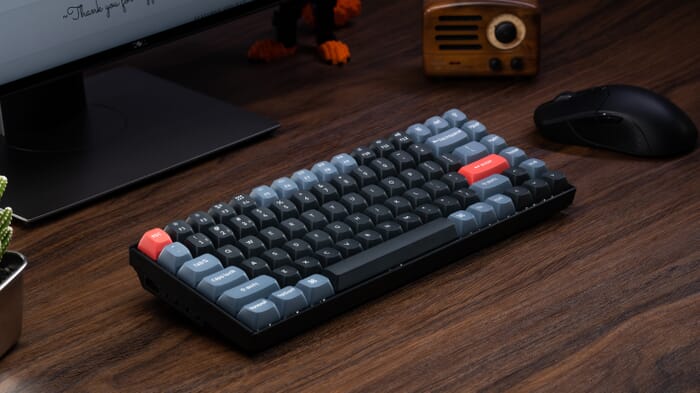
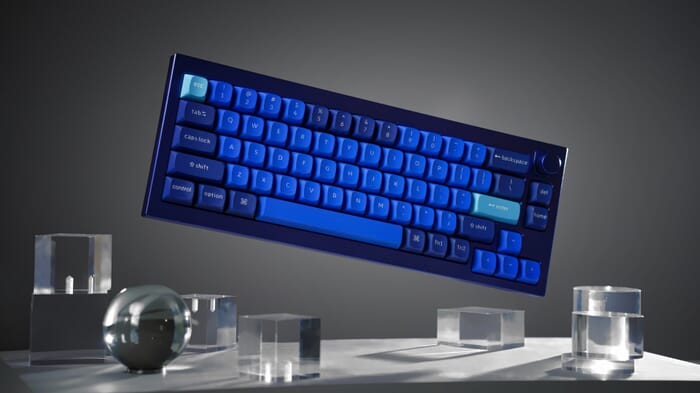
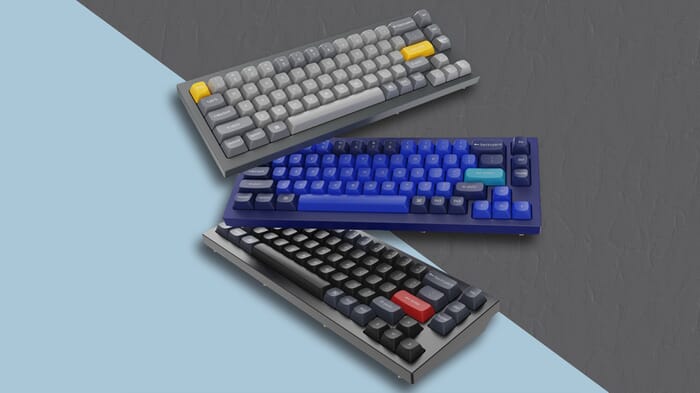
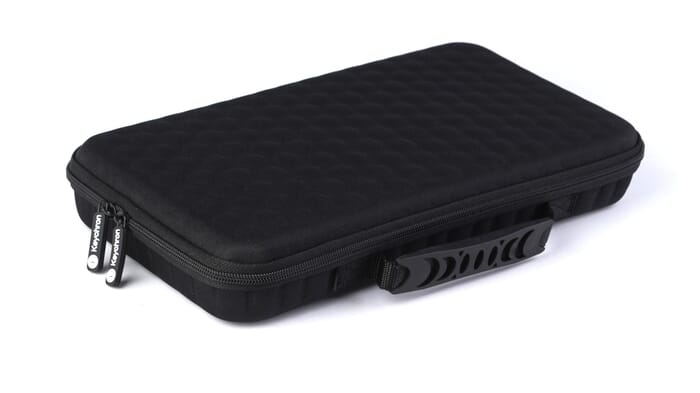
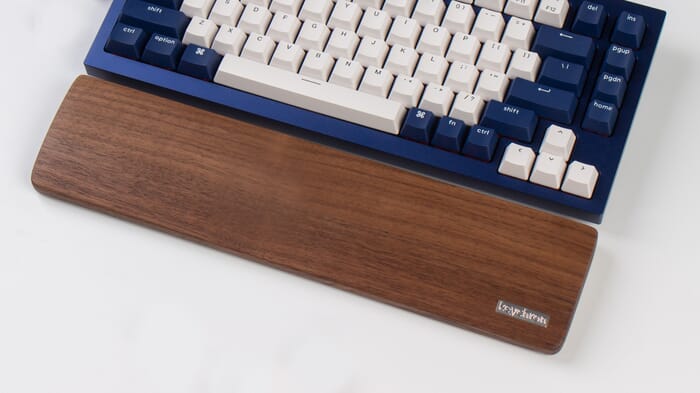
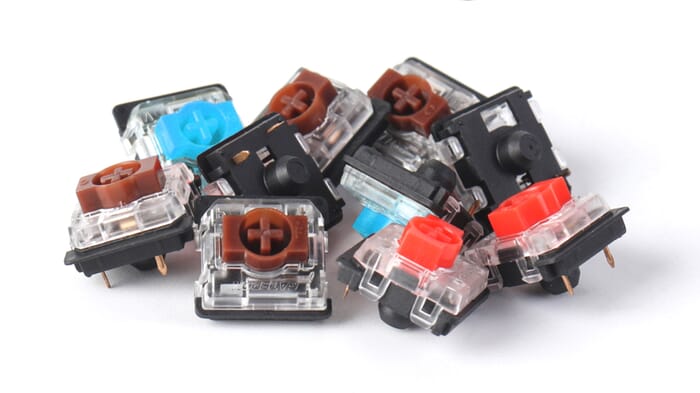
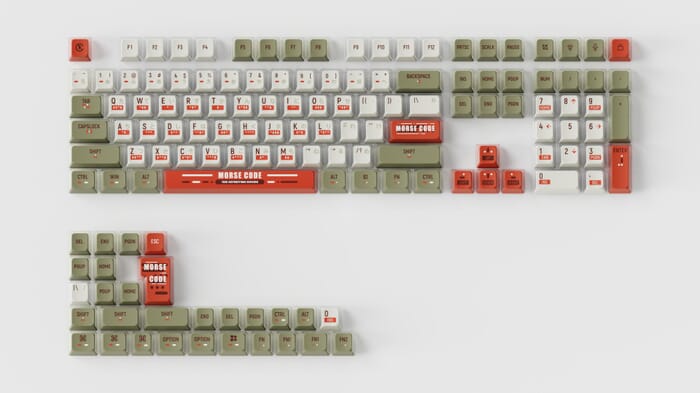
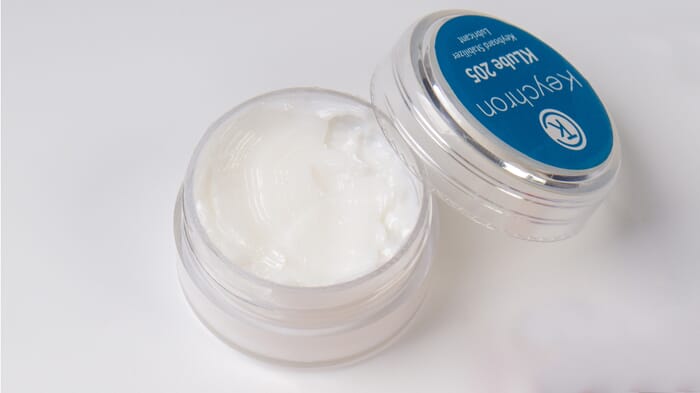
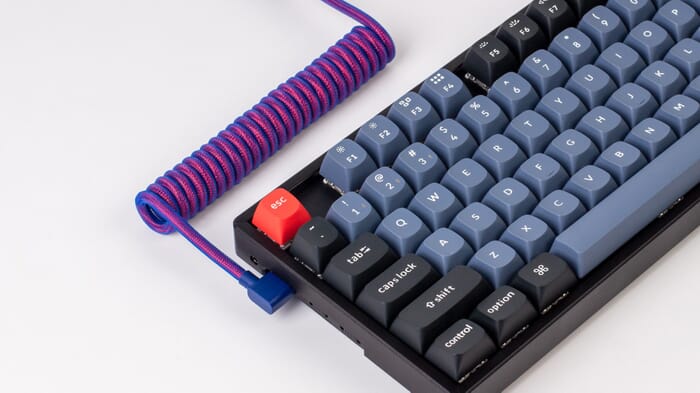

"I won’t forget the look on my son’s face when he saw his Christmas present for the first time. Pure admiration for the design!" – Willeke V on the Keychron K2
All models
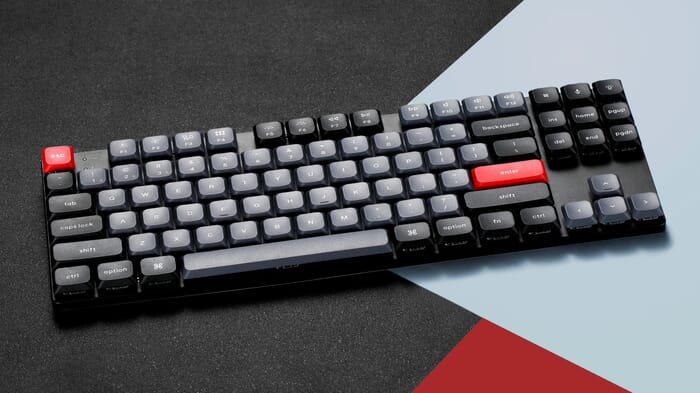
Keychron updates its keyboards regularly. The table below shows the models currently in the range, side by side. All of them have RGB lighting, are hot-swappable and work with Mac and Windows. The layout is US QWERTY (ANSI) throughout.
| Model | Size | Height | Switch type | Switches | Connection | Polling rate | Battery | Numpad | Weight |
|---|---|---|---|---|---|---|---|---|---|
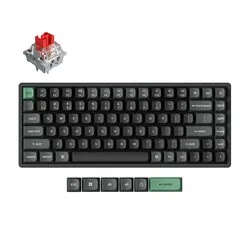
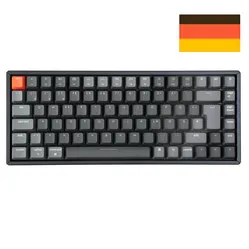
 Keychron K2 Ultra 8K | 75%, 84 keys | Standard | Mechanical | Apex Banana, Brown or Red | Wireless and wired | up to 8000 Hz | 4,000 mAh | No | 1084 g |
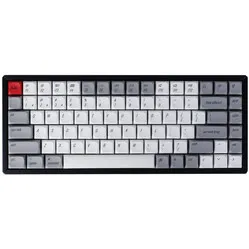
 Keychron K2 HE | 75%, 84 keys | Standard | Magnetic (Hall Effect) | Gateron Nebula Magnetic V1 | Wireless and wired | 1000 Hz | 4,000 mAh | No | 980 g |
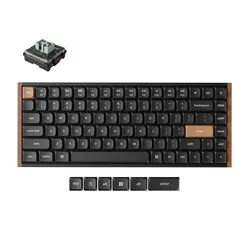
 Keychron K3 Ultra 8K | 75%, 84 keys | Low profile | Mechanical | Milk POM Brown or Red | Wireless and wired | up to 8000 Hz | 2,600 mAh | No | 566 g |
 Keychron K3 HE | 75%, 84 keys | Low profile | Magnetic (Hall Effect) | Lime Magnetic | Wireless and wired | 1000 Hz | 2,600 mAh | No | 575 g |
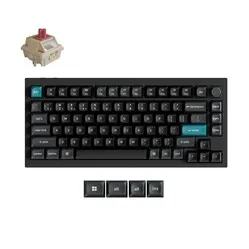
 Keychron Q1 Ultra 8K | 75%, with knob | Standard | Mechanical | Silk POM Brown or Red | Wireless and wired | up to 8000 Hz | 4,000 mAh | No | 1724 g |
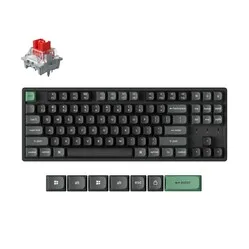
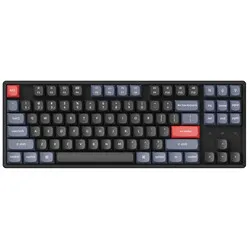
 Keychron K8 Ultra 8K | 80% tenkeyless, 87 keys | Standard | Mechanical | Apex Brown or Red | Wireless and wired | up to 8000 Hz | 4,000 mAh | No | 1299 g |
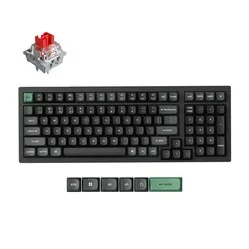
 Keychron K4 Ultra 8K | 96%, 100 keys | Standard | Mechanical | Apex Brown or Red | Wireless and wired | up to 8000 Hz | 4,000 mAh | Yes | 1241 g |
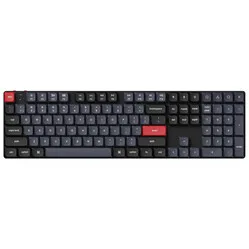
 Keychron C2 Pro 8K | 100%, full size | Standard | Mechanical | Super Brown or Red | Wired only | up to 8000 Hz | No battery | Yes | 975 g |
Popular model
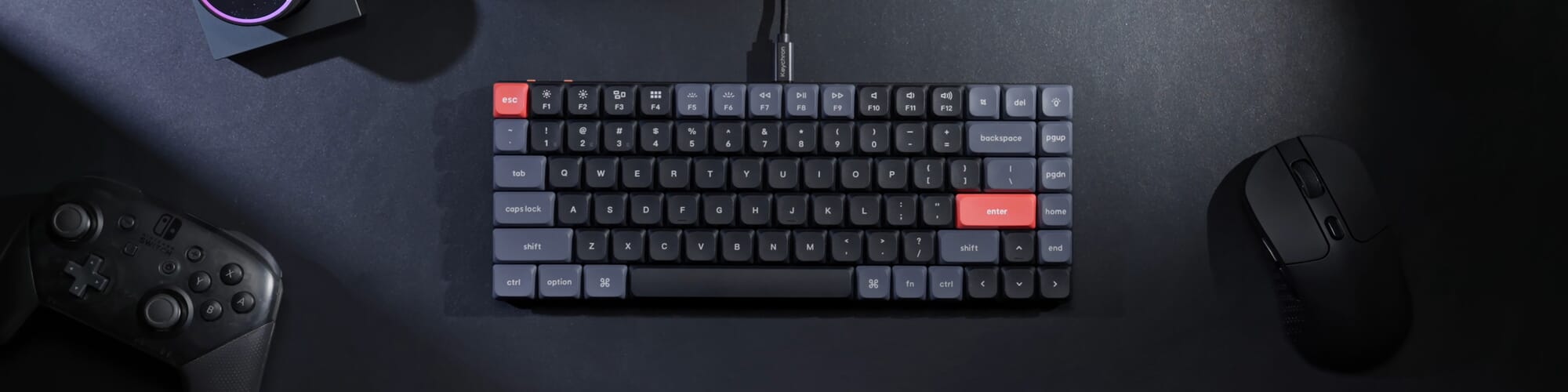
The Keychron K4 V2 keyboards are flying off the shelves here. But why is this particular model such a favourite? It’s because it’s a fairly compact keyboard, yet it features virtually all the keys you need. It has a row of multimedia keys at the top, a full numpad, and the arrow keys are also part of the keyboard. Of course, the design isn’t the only thing that makes this keyboard so popular.
The YouTube channel ShortCircuit has made a great video that explains it all in detail.
What you think
Many customers have already gone before you in purchasing a Keychron keyboard. One of the best-selling and highest-rated models is the Keychron K2.
J M was so taken with the K2 that he went and bought two straight away: “Great keyboard. This is the second Keychron K2 I’ve bought from Ergowerken. The reason I had to buy two is that it can’t handle cola. But I liked the keyboard so much that I just went and bought the same one again.”
Bart was switching from a Bakker & Elkhuizen Q board: "This is definitely a step up. The typed words just fly off the keyboard. Lovely compact design, so the mouse can sit nice and close by – brilliant. My only comment is that I need to get used to the DEL key; I expected it to be top right, but it’s one key over. But that’s all. Highly recommended.”
Rodi actually finds the K2 just a bit too high; he says: "The keyboard is very thick, which means RSI is a risk. That’s why it should only be used with some sort of wrist rest." We do indeed recommend always using a wrist rest with a slightly taller keyboard.
A popular low-profile keyboard from Keychron is the K3 Pro. This model has only recently been on the market, but the reviews are glowing. Zainoel thinks it has a nice design and is a practical, good keyboard. "Highly recommended!" Ronald is also very satisfied: “A great keyboard with a pleasant keystroke. The layout wasn’t quite to my taste (I don’t find the position of the Page Up/Down and Home/End keys logical), but it can be adjusted with very little effort. I use it on both a macOS and Windows machine without any issues.”
Choose the right keyboard
Choosing the right Keychron keyboard depends on a number of factors, including your personal preferences, the keyboard layout and the functions you intend to use.
Firstly, it is important to consider which layout you want. Keychron offers keyboards in various sizes, including full-size, tenkeyless and compact designs. If you enter a lot of numbers, a full-size keyboard with a numpad can be useful. However, if you want more freedom of movement whilst typing, a compact keyboard may suit you better. In terms of ergonomics, we recommend a compact keyboard. This gives you more space to move the mouse. When using a full-size keyboard, it is best to use a central mouse.
It is also important to decide which switches you prefer when typing. Keychron uses various types of mechanical switches, such as Gateron or Cherry (MX). Each type of switch has its own characteristics, such as the force required to press the key, the actuation distance and the noise level. You can try out different switches to determine which suits you best. You can read more about mechanical switches here.
Finally, it is important to determine which features you need. Keychron offers keyboards with various programmable features, such as macros, customisable keys and RGB lighting. Decide which features are important to you and choose a keyboard that offers them.
If you want to choose the right Keychron keyboard, it’s important to consider these factors and experiment with different models and switches to determine which suits you best. By choosing a keyboard that meets your needs, you can enjoy a pleasant and responsive typing experience.
Need help choosing the right model? Pop over to the chat. Jesse, Tim or Mark will be happy to help!
Trial period
Once you’ve received your Keychron product, you have 90 days to test your new purchase. Unpack your keyboard carefully, plug it in, and see if it suits you. If not, simply send it back. We do not recommend using the product for 90 days, as this increases the likelihood of signs of use. We expect the product to be returned in new condition. You can read all the terms and conditions regarding the 90-day return period here.
Are you having trouble figuring it out or do you have another question? Please feel free to contact us via chat, email or phone. We’re happy to help!
Filters
0 reviews
74,95 Incl. VAT
61,94 Excl. VAT
0 reviews
124,95 Incl. VAT
103,26 Excl. VAT

0 reviews
189,00 89,00 Incl. VAT
73,55 Excl. VAT
0 reviews
139,95 Incl. VAT
115,66 Excl. VAT
0 reviews
144,95 Incl. VAT
119,79 Excl. VAT
0 reviews
269,95 Incl. VAT
223,10 Excl. VAT
0 reviews
139,95 Incl. VAT
115,66 Excl. VAT
0 reviews
134,95 Incl. VAT
111,53 Excl. VAT

0 reviews
189,00 159,00 Incl. VAT
131,41 Excl. VAT

0 reviews
139,00 Incl. VAT
114,88 Excl. VAT

0 reviews
44,95 Incl. VAT
37,15 Excl. VAT

0 reviews
44,95 Incl. VAT
37,15 Excl. VAT
0 reviews
129,00 Incl. VAT
106,61 Excl. VAT

0 reviews
134,95 Incl. VAT
111,53 Excl. VAT
0 reviews
119,00 Incl. VAT
98,35 Excl. VAT
