Stel hier je vraag over dit product
Keychron C2 Pro 8K wired mechanical keyboard for Windows & Mac

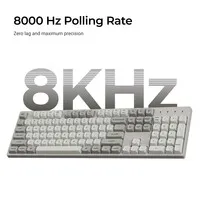
Product description of Keychron C2 Pro 8K wired mechanical keyboard for Windows & Mac
Is this keyboard right for me?
| Width | 436.48 mm |
| Depth | 130.33 mm |
| Height (without keycaps) | 19.58 mm (front) to 27.87 mm (back) |
| Version | Windows & Mac |
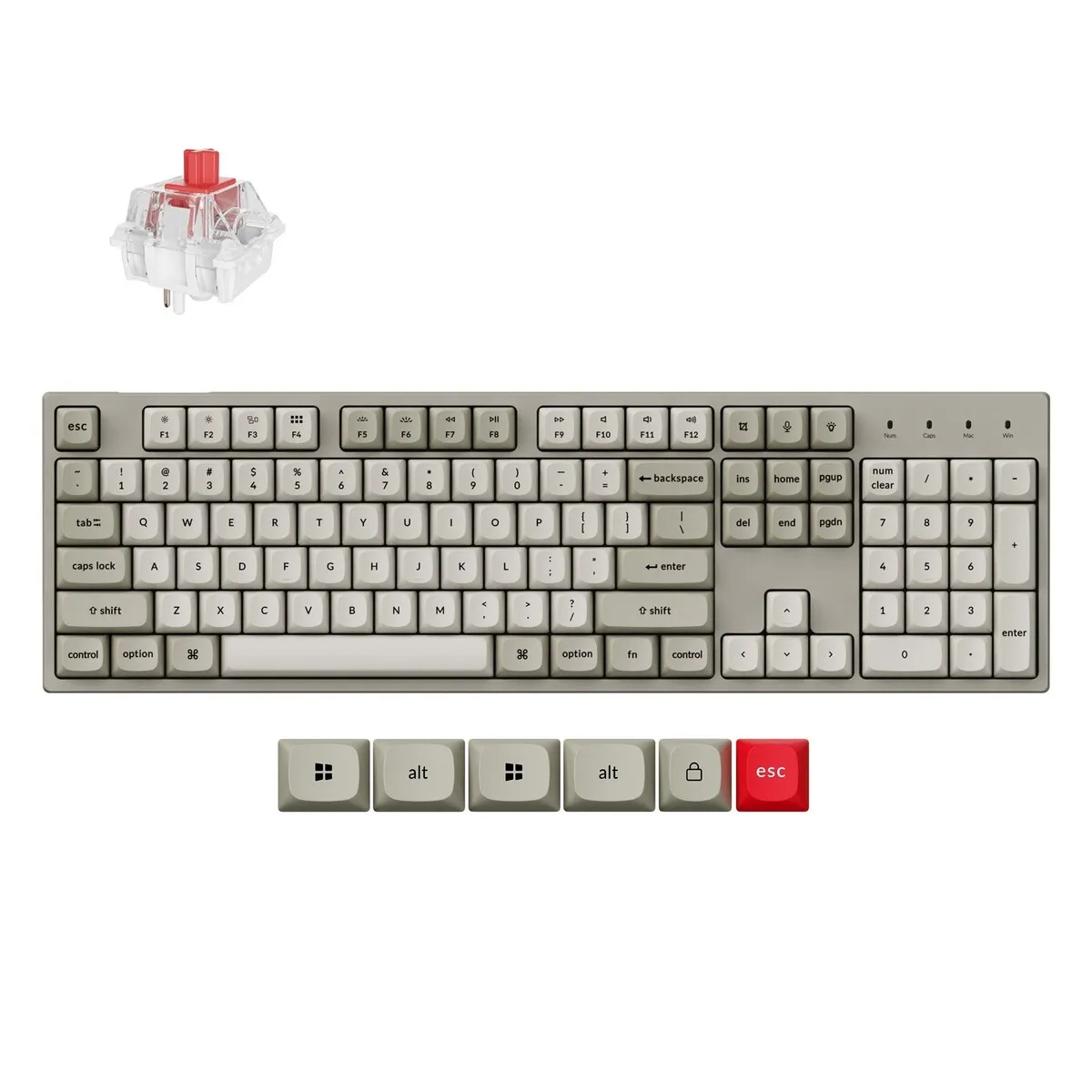
| Key layout | QWERTY (ANSI US), 100% with number pad |
| Connection | Wired, USB-C (with USB-A adapter) |
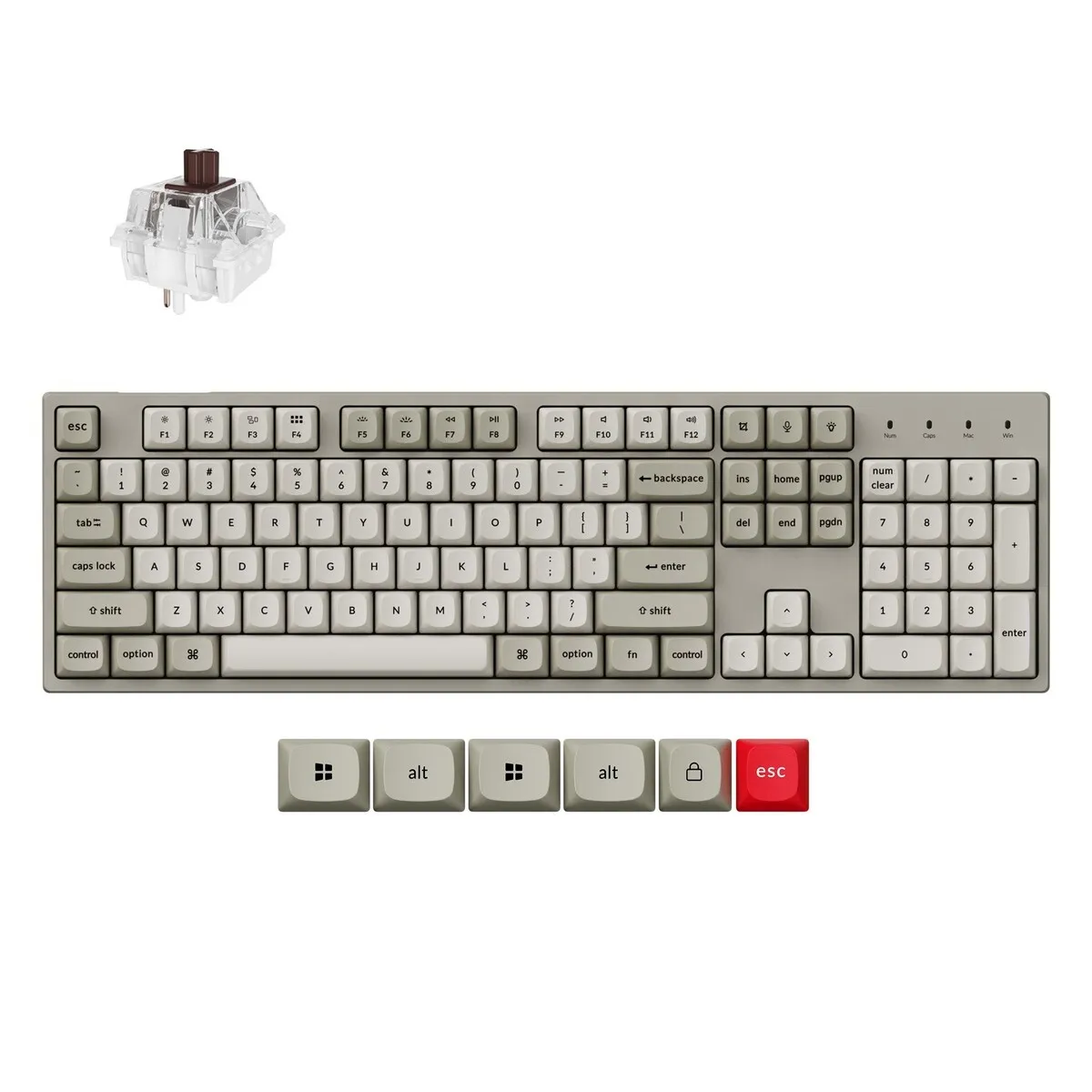
| Switch | Keychron Super Switch Red or Brown |
An ode to the Keychron C2 Pro 8K
Back to the nineties
Somewhere in an attic there is still a greyish-beige computer tower, with a modem that sounded like a fax machine in a panic. The Keychron C2 Pro 8K borrows the colours of that era. Fortunately, the rest stayed in the nineties (the modem noise included).
Why the Keychron C2 Pro 8K?
A complete keyboard, simply wired
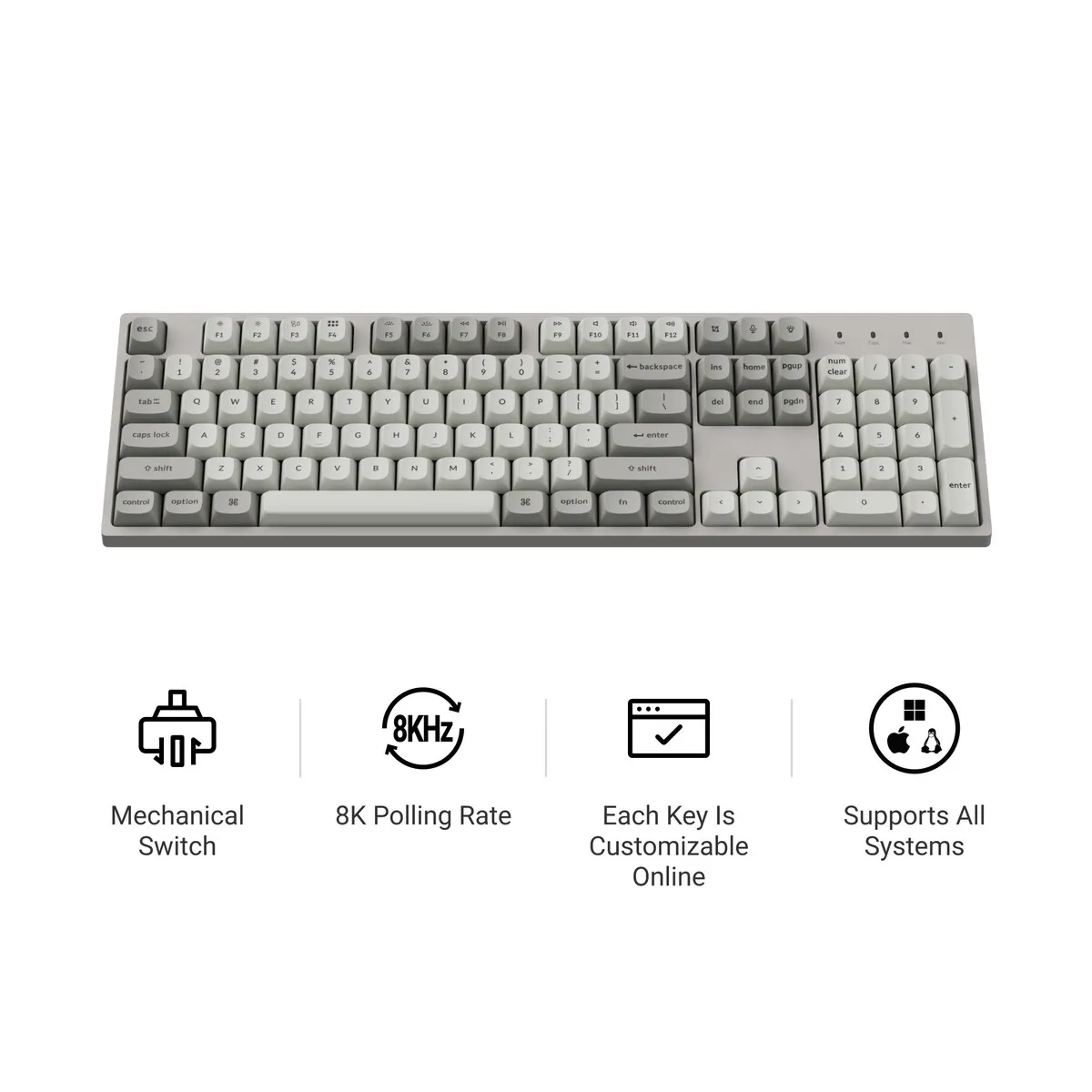
The Keychron C2 Pro 8K is a wired mechanical keyboard with a full layout: function keys, arrow keys, the Home and End block, and a number pad. You connect it with USB-C, and with the included adapter to a USB-A port as well. No battery, no pairing. Plug in and type.
For anyone who works with figures
If you work in Excel or accounting software every day, you won't want to miss the number pad. The C2 Pro 8K has it on the right, exactly where you are used to it. A more compact keyboard keeps your mouse closer to your body, but then you give up those number keys.
What makes the C2 Pro 8K so good?
Keychron Super Switch: Red or Brown
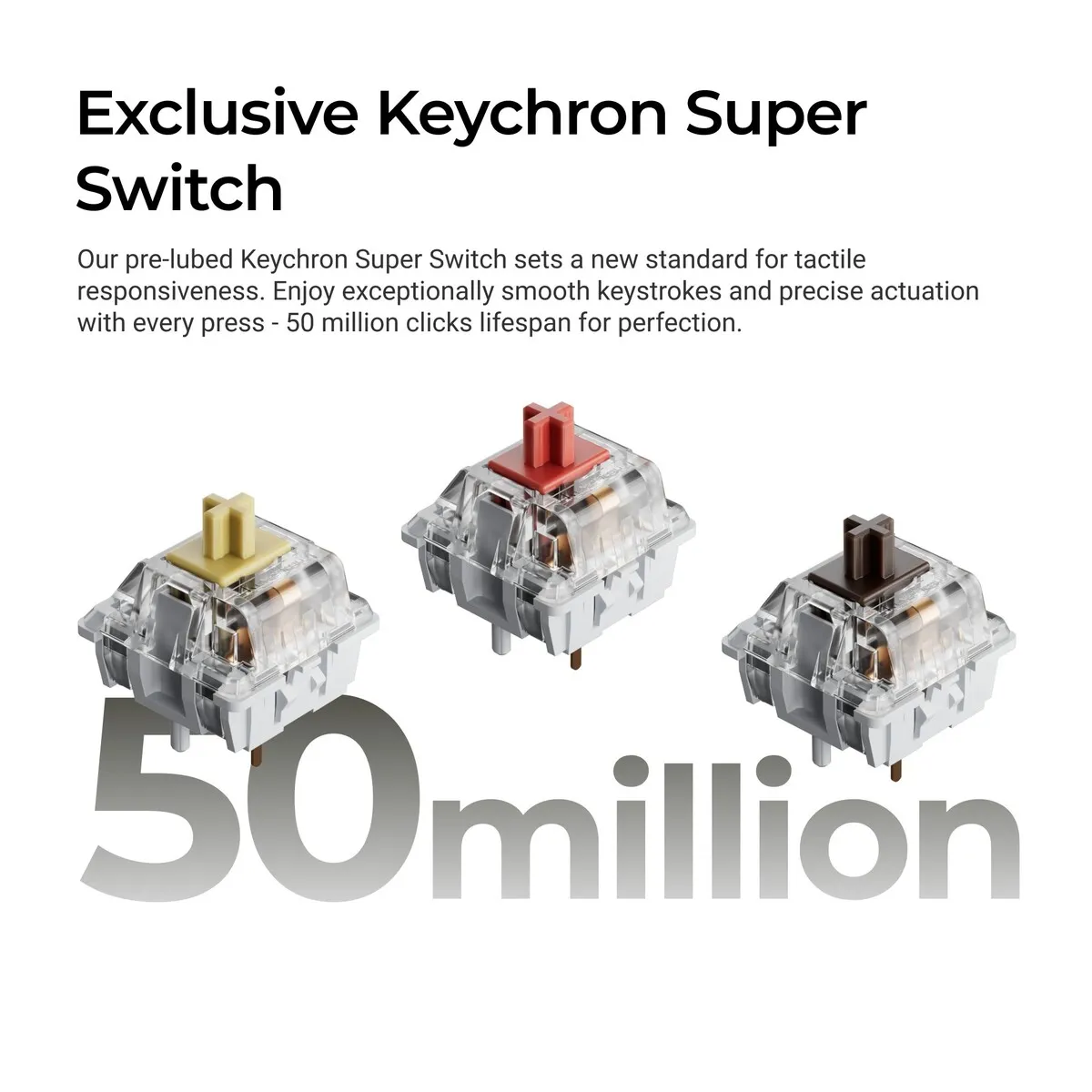
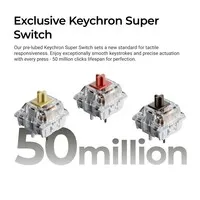
This C2 Pro 8K comes with Keychron Super Switches, lubed at the factory and rated by Keychron for 50 million keystrokes. You can choose between Red and Brown. The C2 Pro 8K is also available with Keychron Apex switches; this page covers the version with Super Switches.
The Red is linear: the key travels down in one smooth motion, without a noticeable bump. The Brown is tactile and gives a slight bump as you press, so you can feel that the keystroke has registered. If you type a lot and like that sense of a key "landing", Brown is a sensible place to start. You can read more about the different types on the mechanical switches page.
Dampened on the inside
Inside the C2 Pro 8K you will find a sound-absorbing foam layer, bottom case foam, a layer of EPDM foam and a silicone bottom pad. These layers dampen the hollow sound of a plastic case. A mechanical keyboard is never silent, but the C2 Pro 8K sounds fuller and softer.
Legends that don't wear off
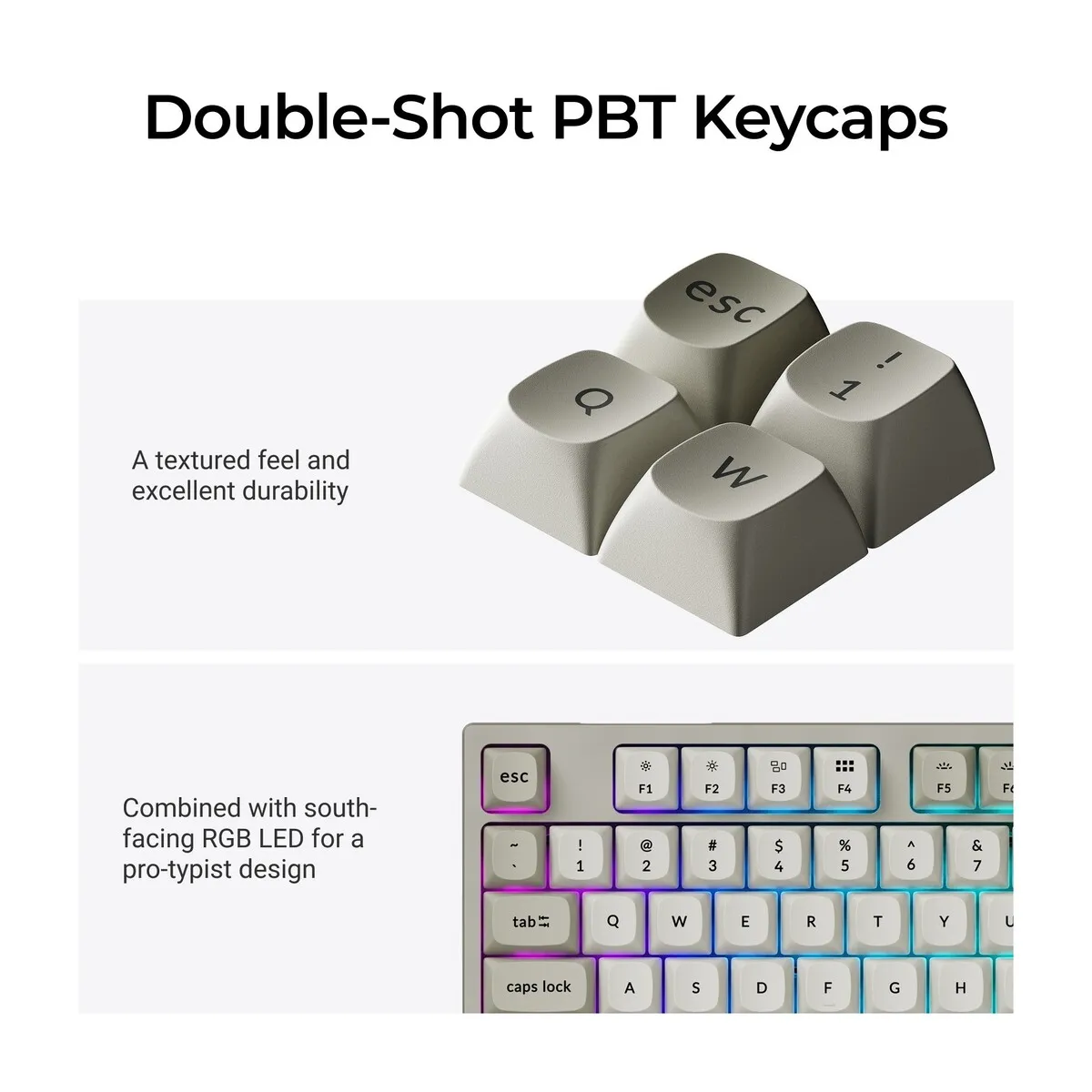
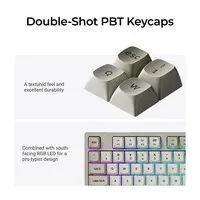
The keycaps of the C2 Pro 8K are double-shot PBT: two layers of plastic, with the legends formed as a separate layer rather than printed on. That means the characters don't wear away. PBT also resists finger grease well, so the keys are slower to get shiny. The OSA profile has slightly curved keys, roughly as tall as the common OEM profile.
8000 Hz polling rate
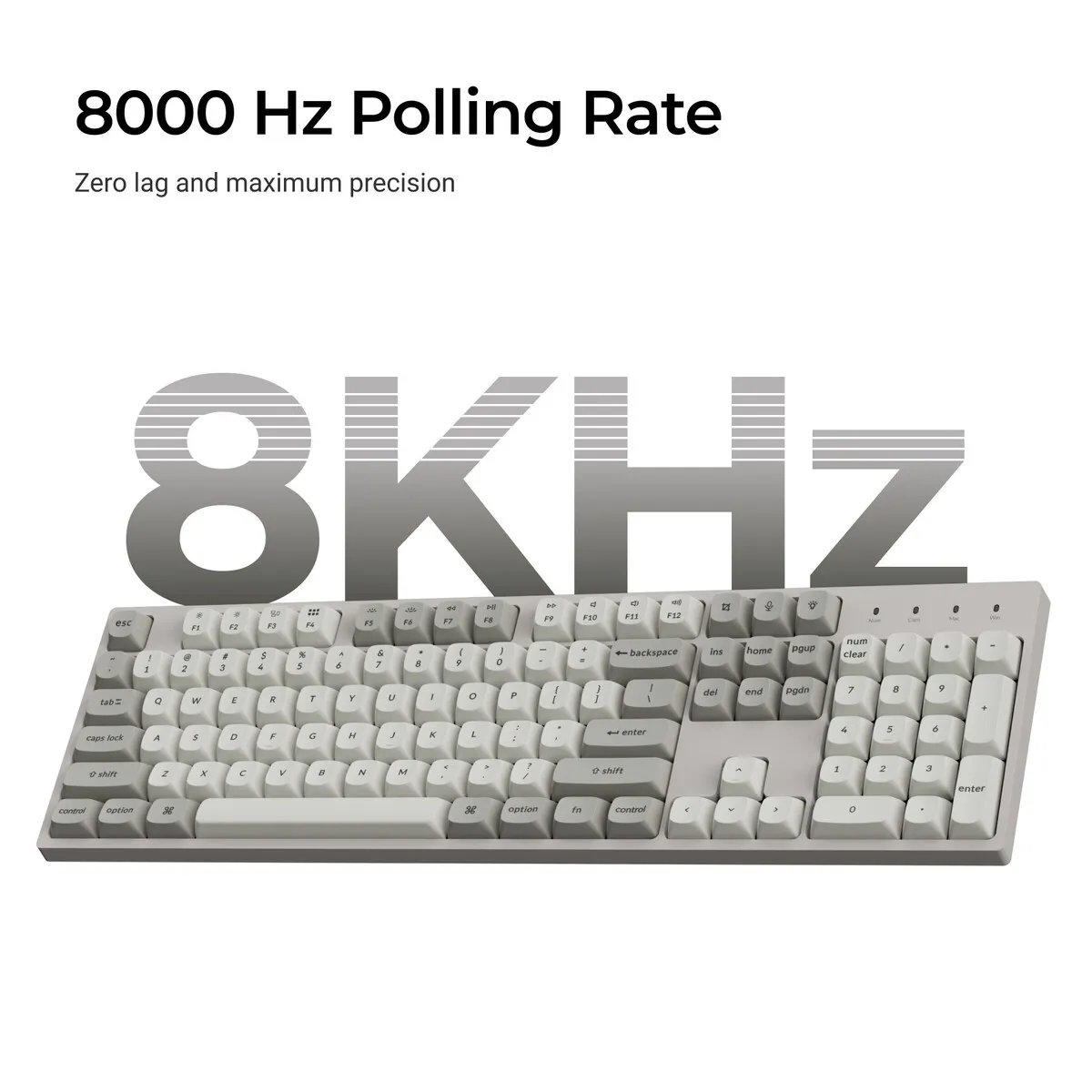
The C2 Pro 8K reports keystrokes to your computer up to 8000 times per second, adjustable from 125 to 8000 Hz. For typing, this is mainly a technical specification. In emails, documents and spreadsheets you will notice little difference from a regular wired keyboard.
Get the most out of your C2 Pro 8K
Remapping keys with Keychron Launcher
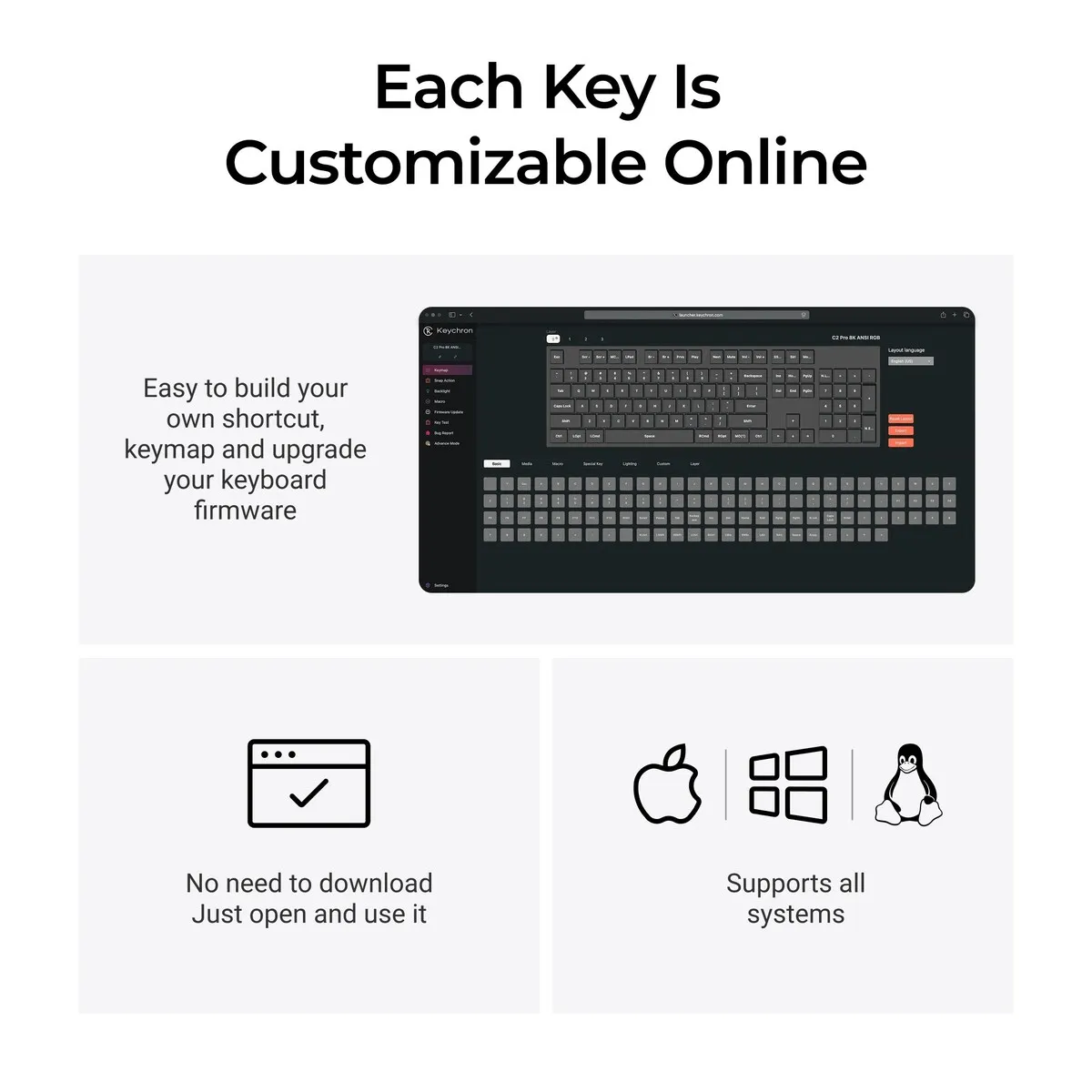
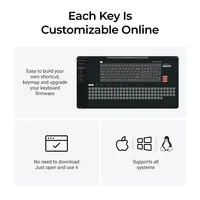
The C2 Pro 8K runs on QMK firmware. With Keychron Launcher, a web app for Chrome, Edge and Opera, you can give every key a different function and create macros. Think of a shortcut for pasting without formatting, or a standard sign-off for your emails. There is nothing to install.
One keyboard for Mac and Windows
The switch in the top left corner sets the C2 Pro 8K to Mac or Windows. The keyboard has four layers: two for Mac and two for Windows, each of which you can configure separately. Extra Windows keycaps, such as Alt and the Windows key, are included in the box.
Swapping switches yourself
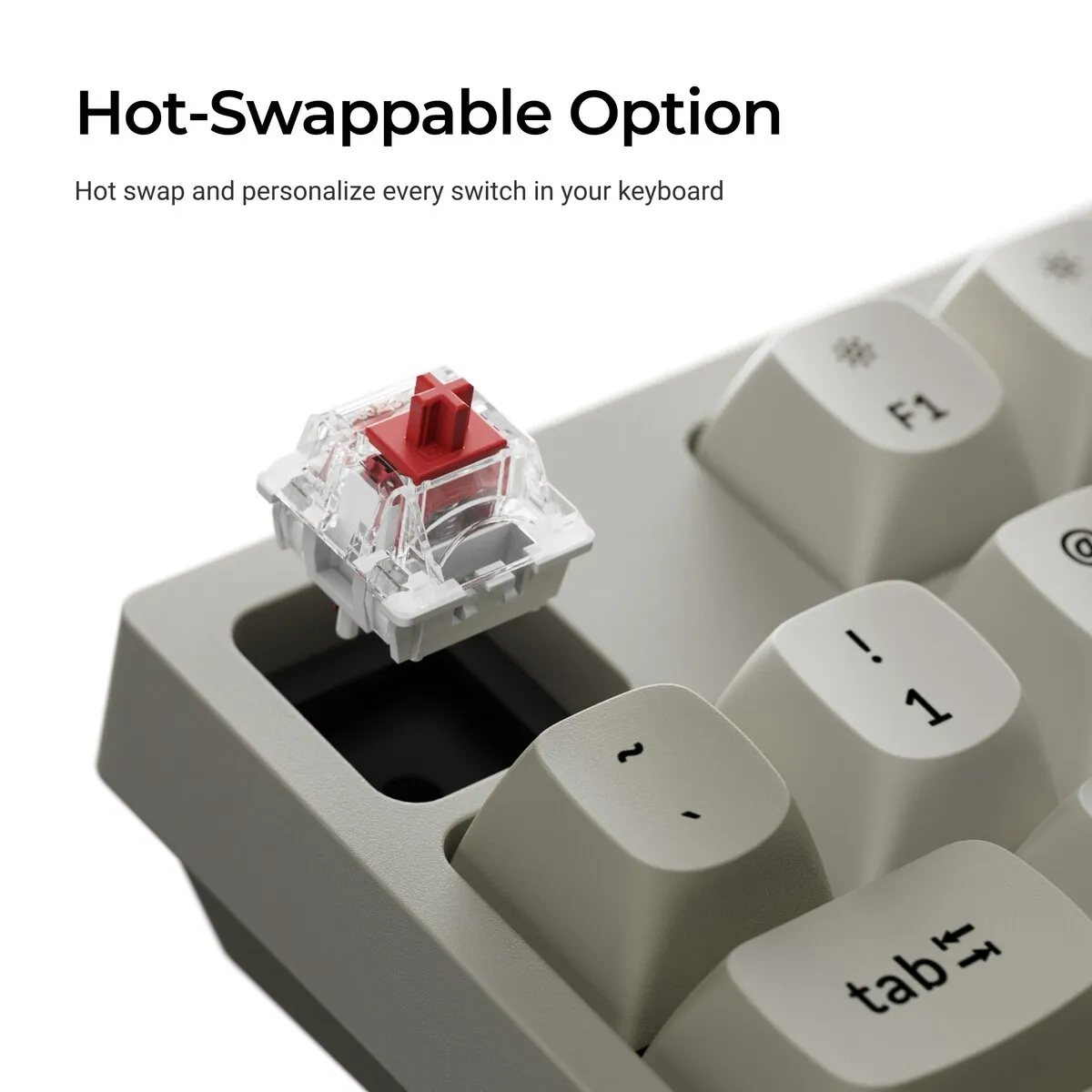
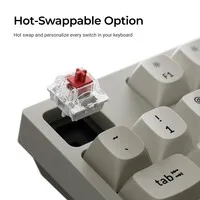
The C2 Pro 8K is hot-swappable. You pull a switch out with the included puller and press in a different one, without soldering. Almost all 3-pin and 5-pin MX switches fit, for example from Cherry, Gateron or Kailh.
You should not miss this either
Measure your desk first
At 436.48 mm wide, the C2 Pro 8K takes up more space than a compact keyboard. Your mouse ends up further to the right as a result. Make sure your mouse is still close enough to your body, so you don't have to reach for it.
Feet folded in, ideally
Underneath the C2 Pro 8K there are feet for three typing angles: 4.8, 7.8 and 10.2 degrees. If you type a lot, the flattest setting of 4.8 degrees with a wrist rest in front is often more comfortable. Your wrists then don't have to bend upwards as far.
Wired only
The C2 Pro 8K works with the cable only. That means no charging and no pairing hassle. If you want to switch between a laptop, tablet and computer without a cable, a wireless keyboard is a better fit.
US layout
The C2 Pro 8K has an American ANSI layout (QWERTY) with a wide, single-row Enter key. Accented characters such as é and ë can be typed through your computer's keyboard setting, for example US International.
Pros and cons
- Full layout with number pad
- Plug in and type, no battery
- Mac and Windows keycaps in the box
- Switches you can swap yourself
- Nice if you like a calm retro look
- Less ideal if you want to work wirelessly
- Less ideal if your desk is narrow
In short: the Keychron C2 Pro 8K is a wired mechanical keyboard for the office and working from home. Key points: full layout with number pad, USB-C connection.
Brief specifications
| Dimensions | 436.48 x 130.33 mm |
| Weight | 975 grams |
| Case | Plastic |
| Switches | Keychron Super Switch (Red or Brown) |
| Hot-swappable | |
| Connection | Wired, USB-C |
| Polling rate | 125 to 8000 Hz |
| Typing angle | 4.8 / 7.8 / 10.2 degrees |
| Colour | Retro |
Key figures: 436.48 x 130.33 mm, 975 grams, up to 8000 Hz, typing angle 4.8 to 10.2 degrees.
View all specifications >How happy will my body be with this?
| Fingers | |
| Hand | |
| Wrist | |
| Shoulders |
Score overview: fingers 4/5, hand 3/5, wrist 3/5, shoulders 2/5 (wide keyboard, mouse further away).
Product features
- 100% ANSI layout (QWERTY US) with number pad
- Wired via USB-C, USB-A adapter included
- Factory-lubed Keychron Super Switches
- Hot-swappable for 3-pin and 5-pin MX switches
- OSA double-shot PBT keycaps
- Sound-absorbing foam, EPDM foam and silicone bottom pad
- Polling rate adjustable from 125 to 8000 Hz
- South-facing RGB backlight
- QMK firmware, configurable via Keychron Launcher
- N-key rollover
- Mac and Windows system switch
- Fold-out feet, three typing angles
- Retro colourway
Downloads
Getting started
Both are provided by Keychron.
Setup and updates
These links open the Keychron website in a new window. Only update the firmware if something does not work properly; Keychron itself advises this.
What's in the box?
- 1 x Keychron C2 Pro 8K, fully assembled
- Extra keycaps for Windows
- 1 x USB-C cable
- 1 x USB-A to USB-C adapter
- 1 x keycap and switch puller
Frequently asked questions
Which switch suits you?
With this keyboard you choose which switches go underneath. They cost the same, so it comes down to preference. A linear switch travels smoothly with no noticeable bump; a tactile switch has one, and a clicky switch lets you hear it too.
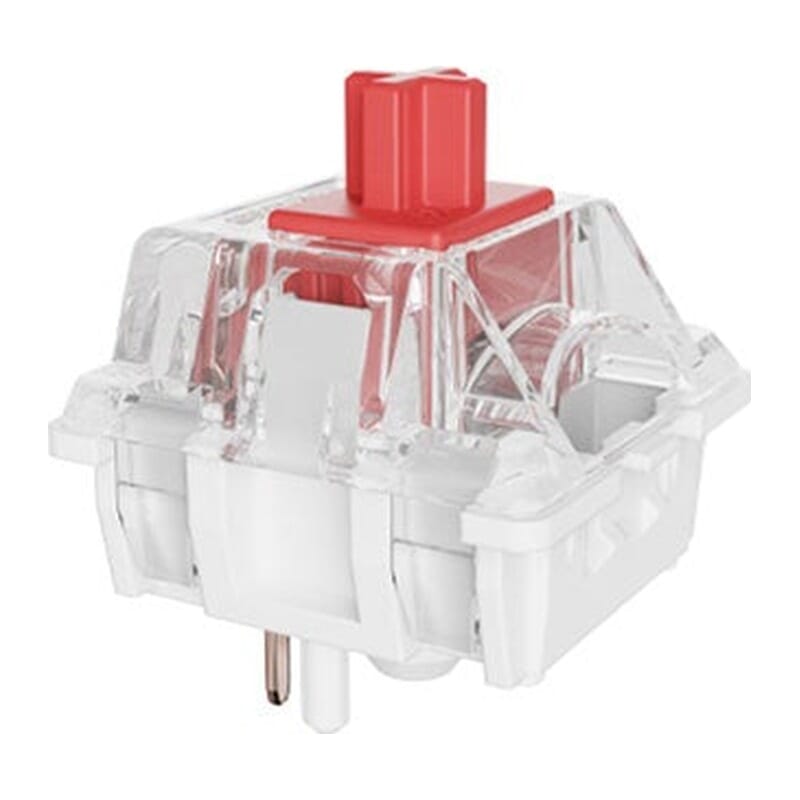 | 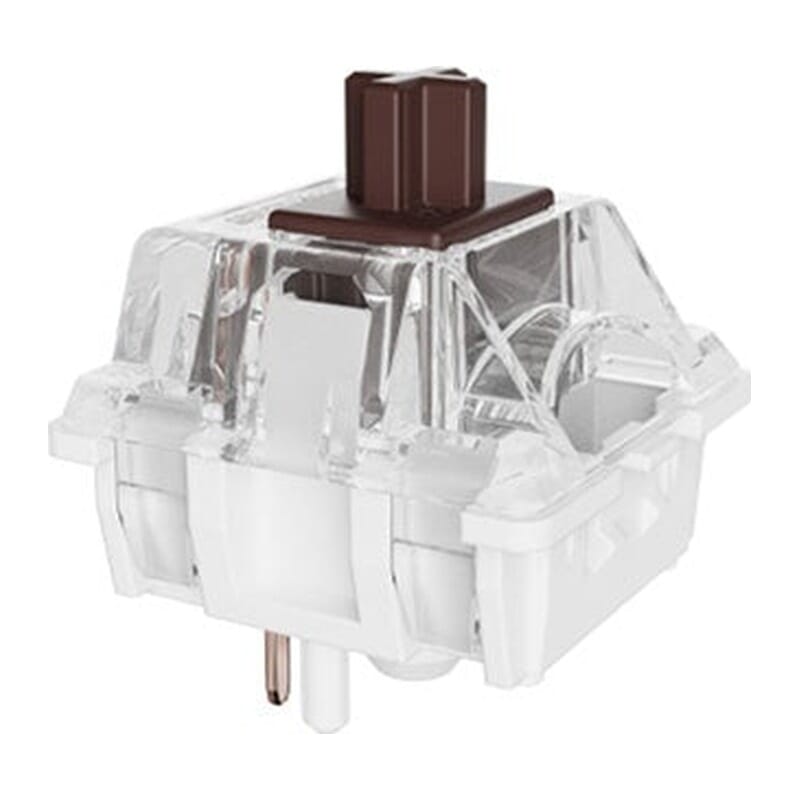 | |
| Type:Linear travels evenly. Tactile has a noticeable bump. Clicky adds an audible click to that bump. | Linear | Tactile |
| Actuation force:Force:The force needed to register a keystroke. A regular rubber dome keyboard needs 55 to 60 g, so lower means lighter typing. | 45 g | 55 g |
| Tactile bump force:Bump force:The force at the point where you clearly feel the key give way. Only tactile and clicky switches have this; a linear switch does not. A dash means the switch does have one, but the manufacturer states no figure. Technical term: pressure point force. | Not applicable | – |
| Registers after:The distance the key travels before the keystroke registers. You do not have to press the key all the way down. Technical term: pre-travel or actuation point. | 2.0 mm | 2.0 mm |
| Full travel:Travel:The total distance until the key can go no further. | 4.0 mm | 4.0 mm |
| Lifespan:The number of keystrokes per key stated by the manufacturer. | 50 million | 50 million |
Specifications
| Item number | ERGO-KCC2PXM1 | ERGO-KCC2PXM3 |
| Manufacturer's item number | C2PX-M1 | C2PX-M3 |
| Brand | Keychron |
| Warranty | 1 year |
| Type of guarantee | Ergowerken free return warranty service |
| Colour | Retro (grey and beige) |
| Keyboard type | Mechanical |
| Ergonomic design | |
| Keyboard layout | QWERTY (ANSI US int.) |
| Connection | Wired (USB-C) |
| Type of keys | Keychron Super (Red or Brown) |
| Numeric keypad | |
| Shortcut keys | |
| Programmable buttons | Yes, via the Keychron Launcher (web app) |
| Trackball/touchpad | |
| Type of power supply | Cable |
| Rechargeable | |
| Minimum system requirements | macOS, Windows |
| Plug and play | |
| Product weight | 975 g |
Reviews Keychron C2 Pro 8K wired mechanical keyboard for Windows & Mac
Customers who write a review enter a prize draw for a voucher. We pick one winner and publish all reviews, including critical ones.