Stel hier je vraag over dit product
Keychron K2 Ultra 8K mechanical keyboard for Windows & Mac

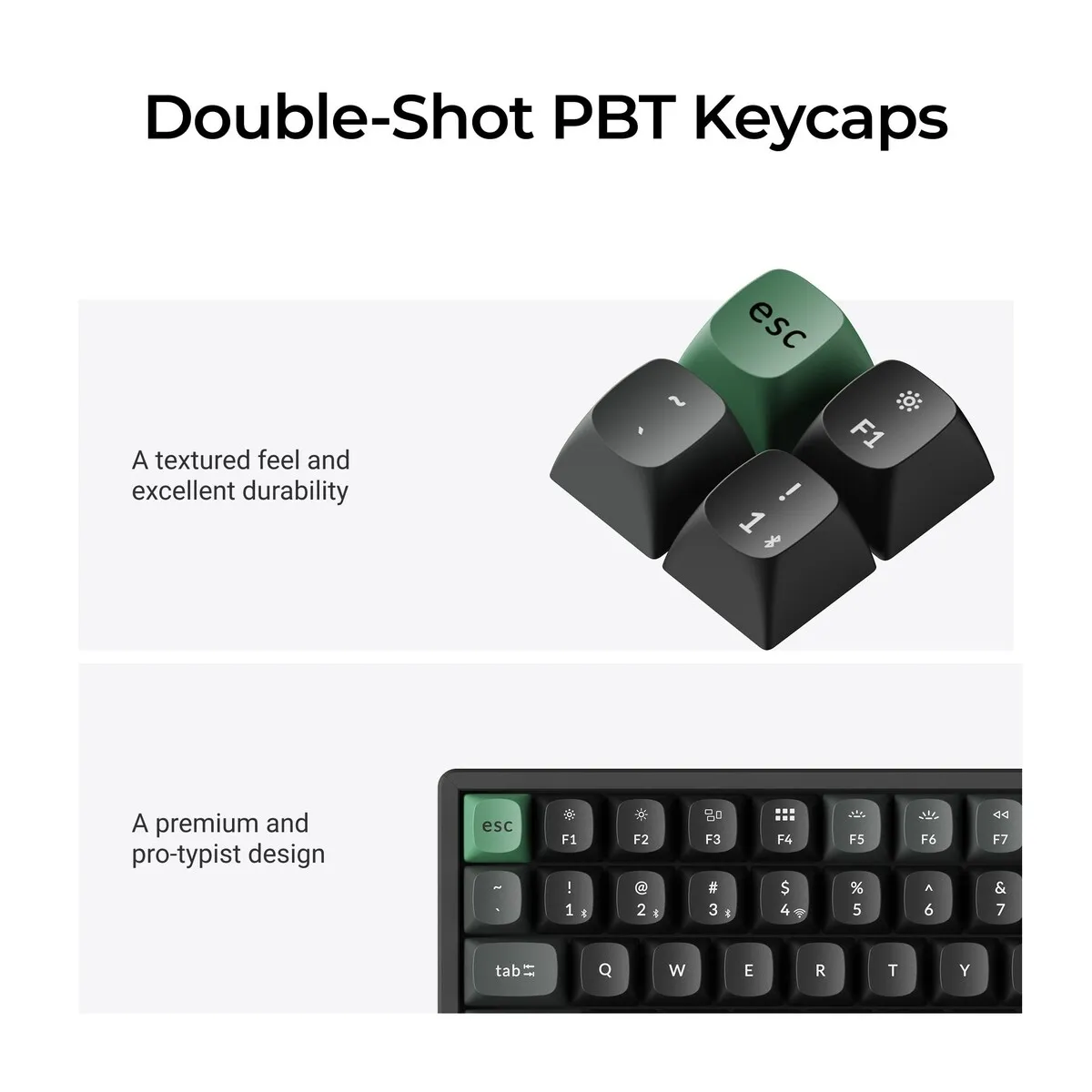
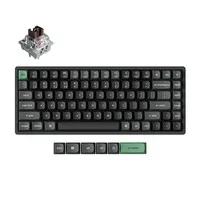
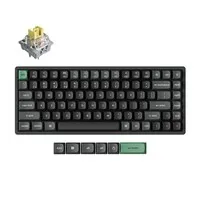
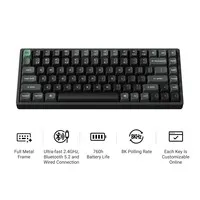
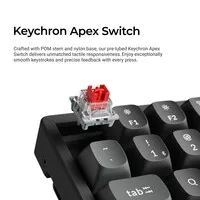
Product description of Keychron K2 Ultra 8K mechanical keyboard for Windows & Mac
Is this keyboard right for me?
| Width | 311.5 mm |
| Depth | 121.5 mm |
| Height front | 22.85 mm (without keycaps) |
| Height back | 31.2 mm (without keycaps) |
| Version | Windows & Mac |
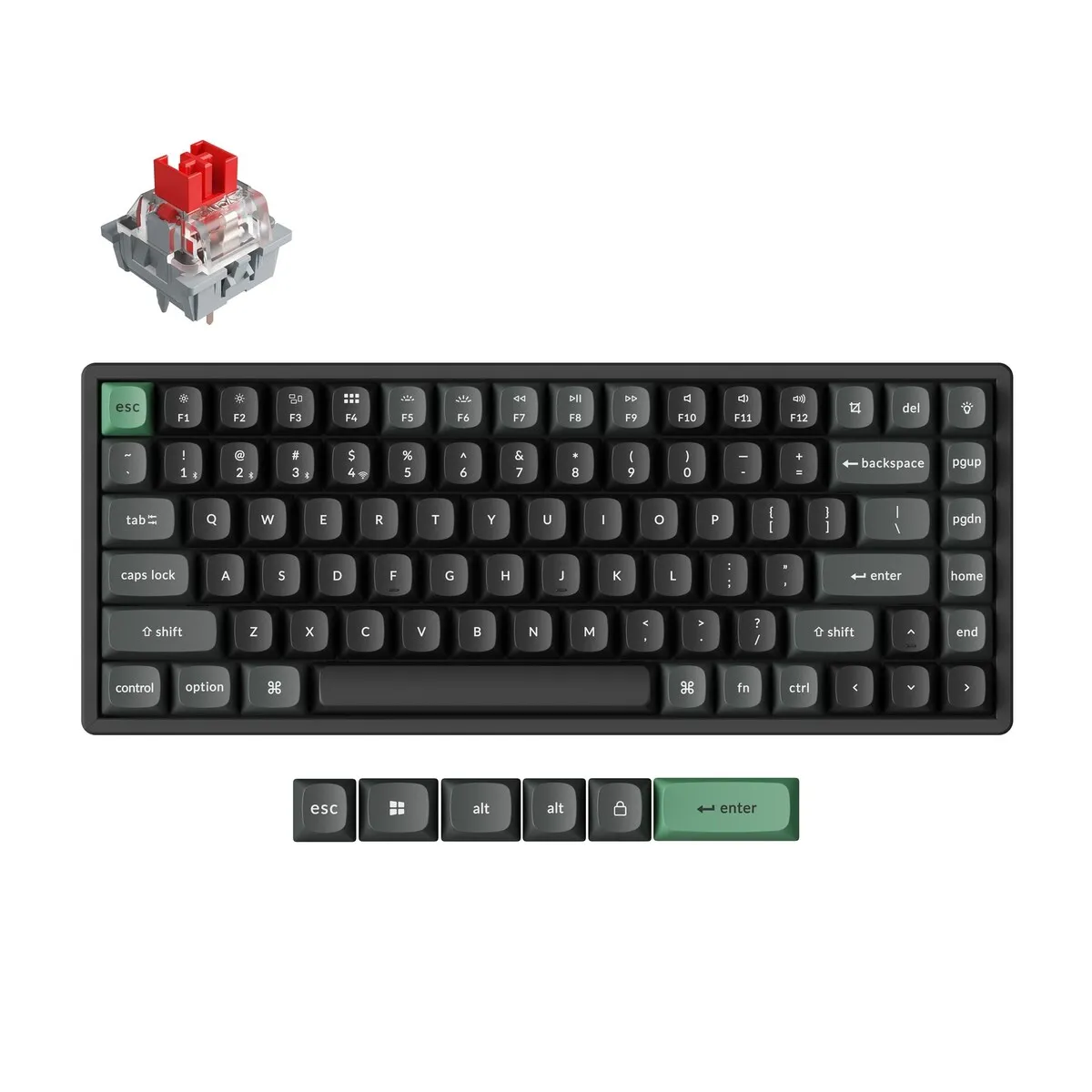
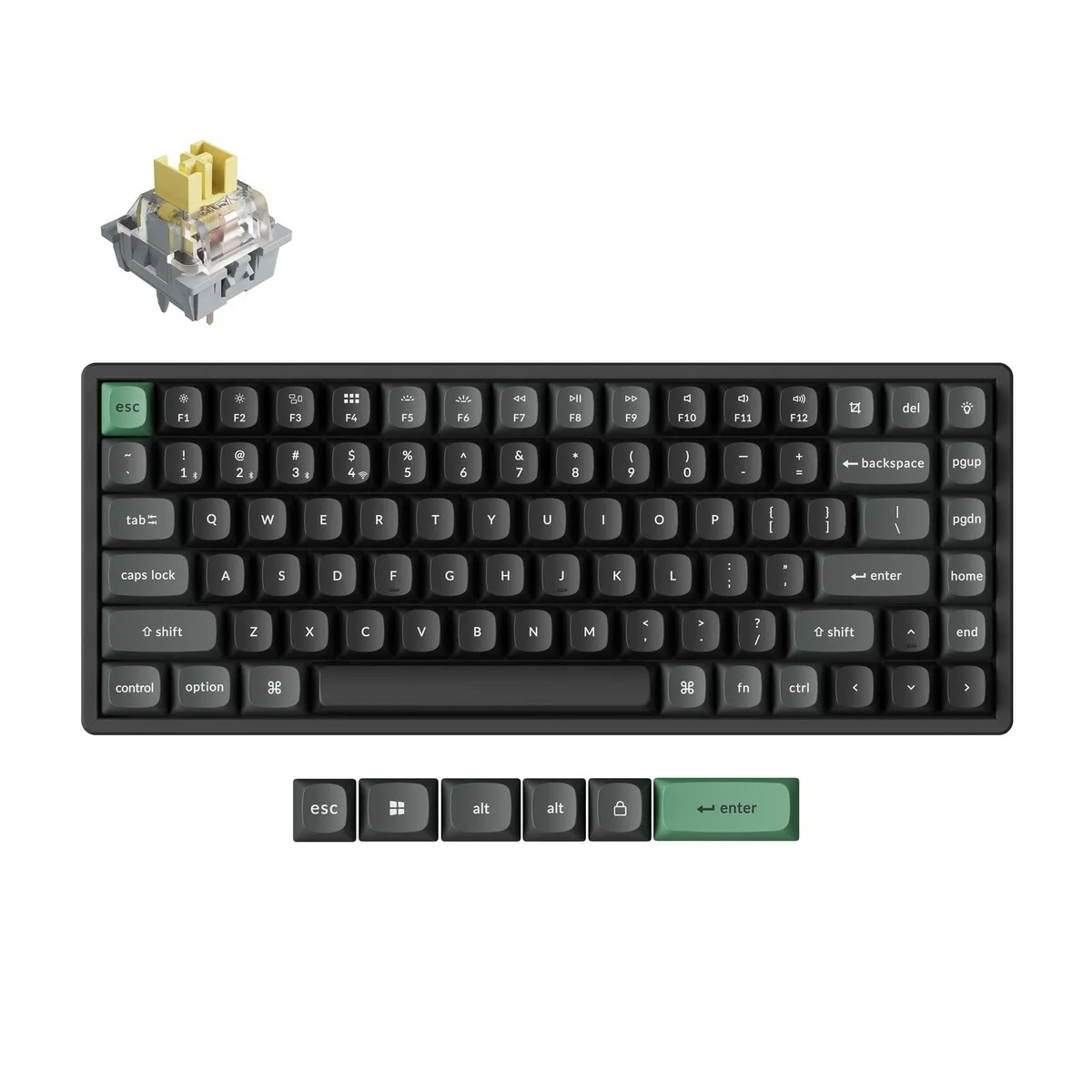
| Key layout | QWERTY (ANSI US), 84 keys |
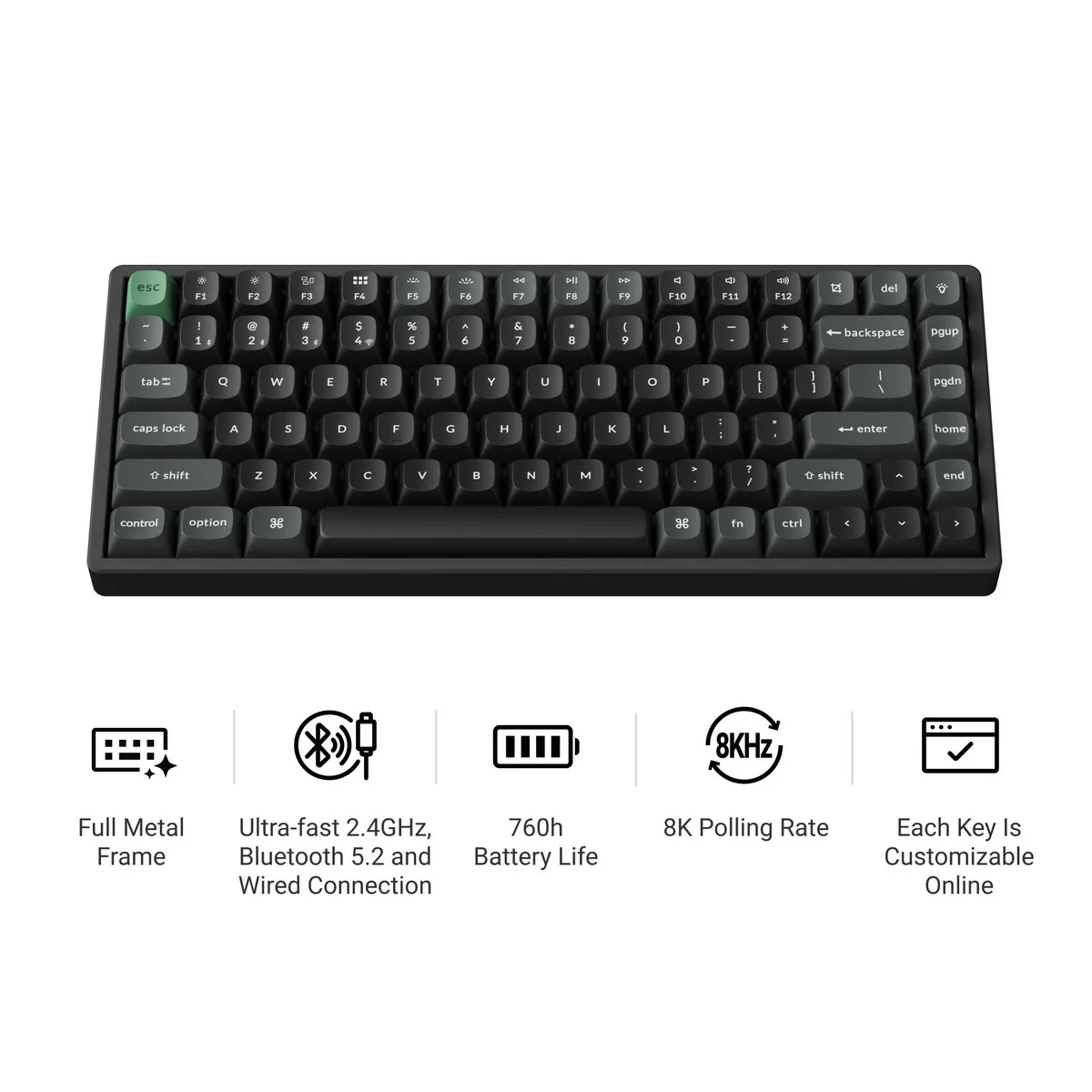
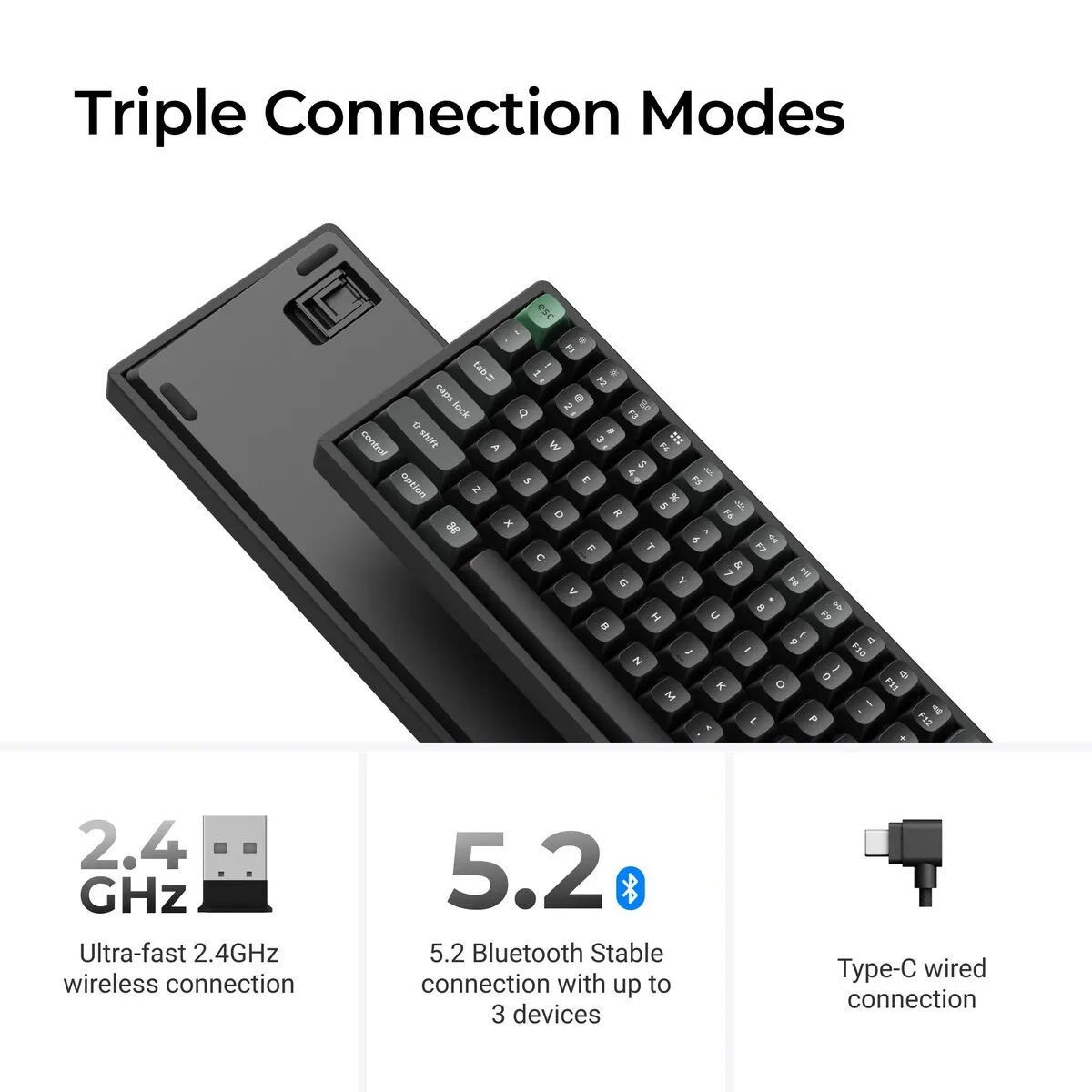
| Connection | 2.4 GHz, Bluetooth 5.2 and USB-C |
| Switch | Keychron Apex Red, Brown or Banana |
An ode to the K2 Ultra 8K
No climbing gear required
The real K2 is the second highest mountain in the world. This K2 is a lot more manageable: no oxygen tank, no sherpa, just your own desk. The only thing you'll be climbing is your to-do list. (View not included.)
Why the K2 Ultra 8K?
Compact, with everything you need
The Keychron K2 Ultra 8K is a wireless mechanical keyboard in a 75% layout. You keep the function keys, the arrow keys and a column of navigation keys; only the number pad is gone. At 311.5 mm wide, it lets your mouse sit closer to the keyboard. If you type all day and click a lot in between, you won't have to reach as far to the side.
Three ways to connect
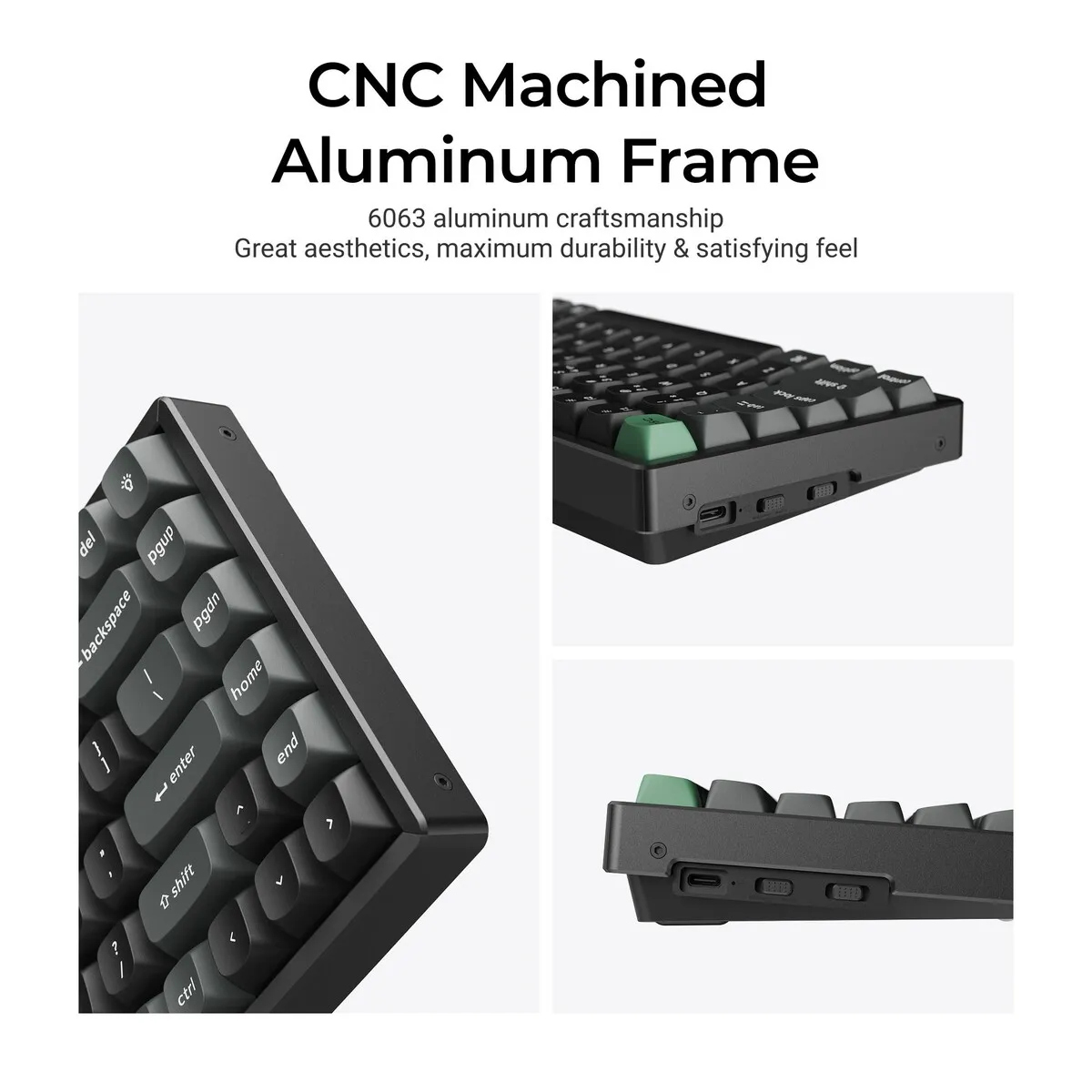
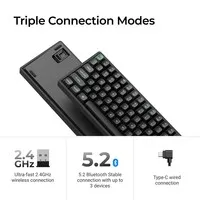
The K2 Ultra 8K connects to up to three devices over Bluetooth 5.2, through the included 2.4 GHz receiver or with the USB-C cable. Press fn + 1, 2 or 3 to switch between, say, your laptop, tablet and phone. A small slider on the side selects the connection mode. Handy if you work with different devices at home and at the office.
Built for long typing days
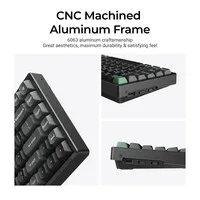
The K2 Ultra 8K has a CNC-machined aluminium frame with a plastic bottom case. The switches sit in a steel plate, with several layers of foam and a silicone bottom pad underneath to dampen vibration and hollow sound. At 1084 grams, the keyboard feels nicely heavy and stable on your desk.
What makes the K2 Ultra 8K so good?
Pick your switch
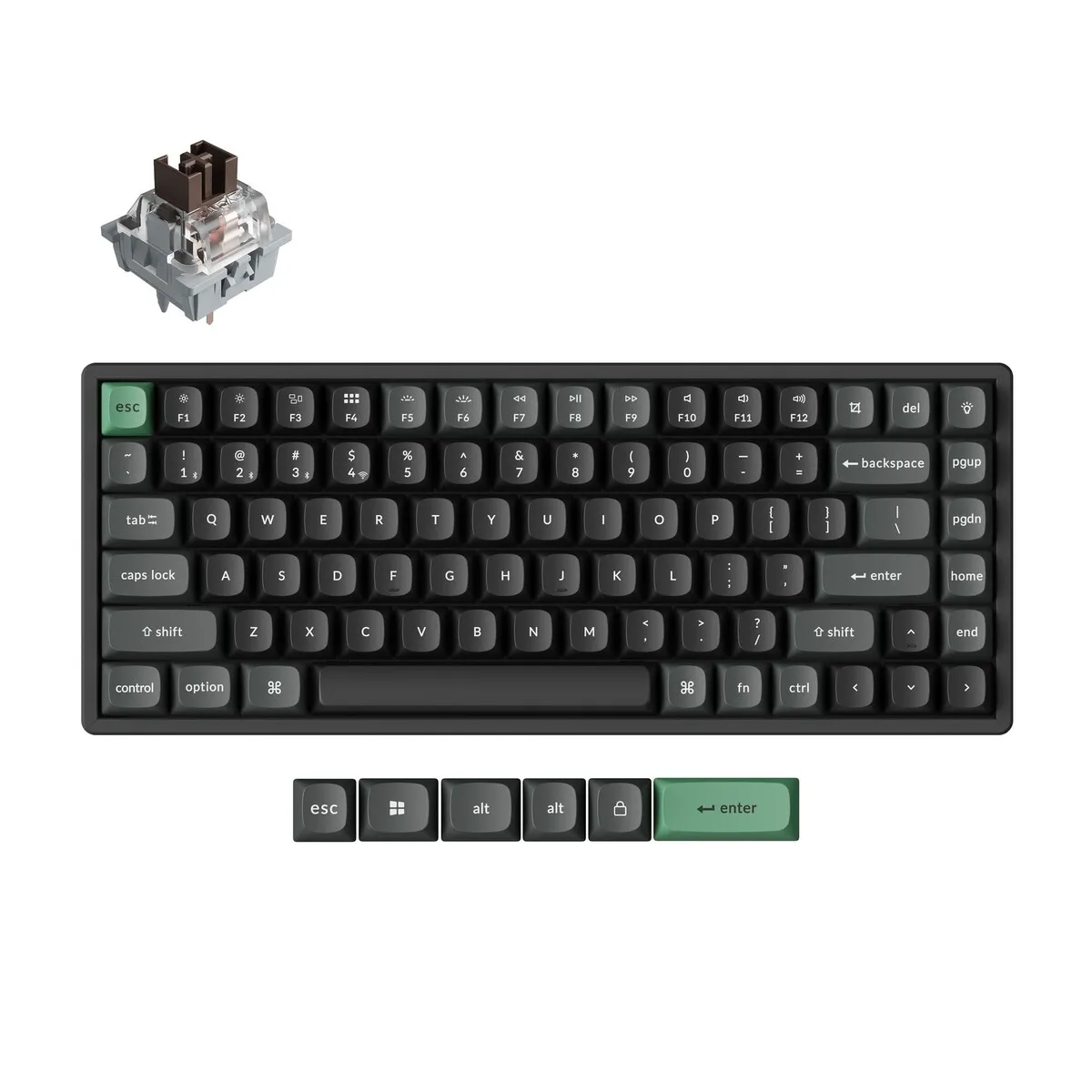
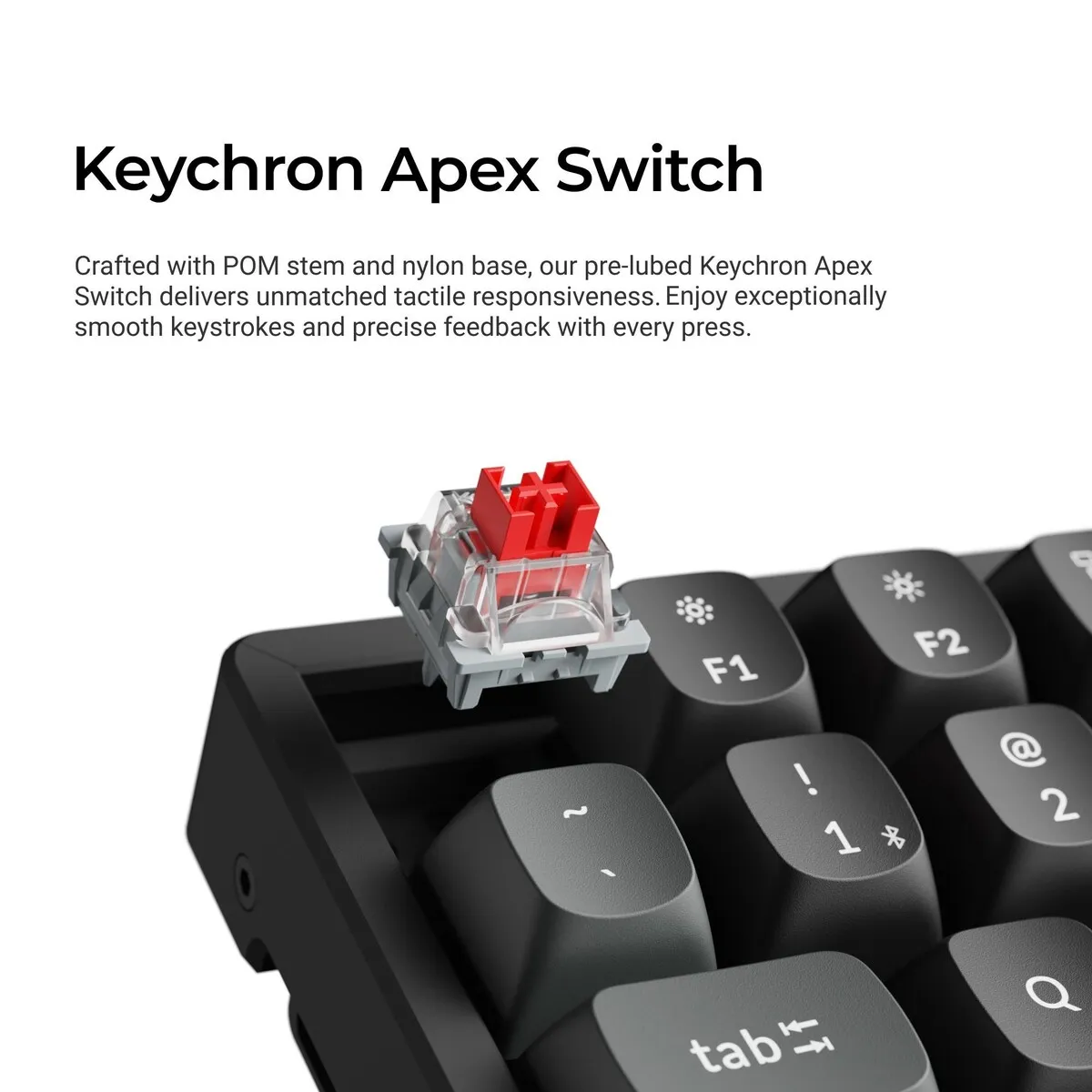
The K2 Ultra 8K comes with a choice of three pre-lubed Keychron Apex switches. Red is linear and light (45 gf): the key travels down smoothly without a noticeable bump. Brown (50 gf) has a soft tactile bump halfway, so you can feel when a keystroke registers. Banana (55 gf) is tactile too, with a more pronounced bump and a shorter total travel of 3.6 mm.
There is no right or wrong switch, it mostly comes down to feel. If you want to feel when a key registers while typing, Brown or Banana suit the K2 Ultra 8K well. If you prefer a light, quiet keystroke, Red is the more obvious choice. You'll find more background in the guide to mechanical switches.
Hot swappable
The switches of the K2 Ultra 8K are hot swappable. Pull them out with the included keycap and switch puller and press in a different switch, no soldering needed. That way you can still change the feel later on, or replace a single switch.
What does 8K mean?
The 8K in the name refers to the polling rate: how often per second the K2 Ultra 8K reports what you type to your computer. Wired and through the 2.4 GHz receiver, that can be up to 8000 times. By default it is set to 1000 Hz, and to 125 Hz over Bluetooth. For everyday typing the default setting is more than enough.
A battery that lasts
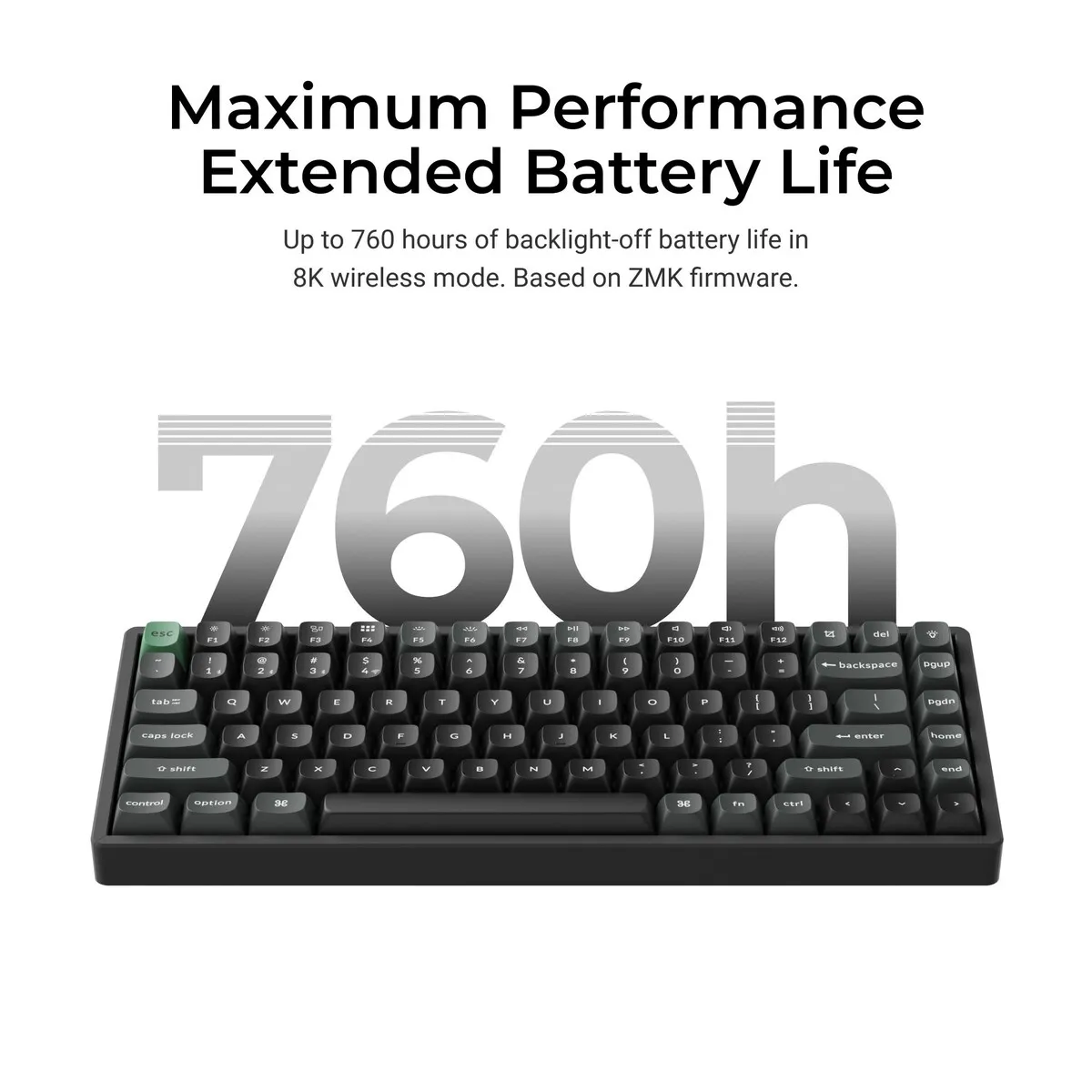
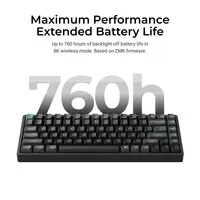
The K2 Ultra 8K has a 4000 mAh battery. Keychron quotes up to 760 hours of wireless use with the backlight off and up to 225 hours with the RGB lighting at its lowest setting, both at 8000 Hz. Charging over USB-C takes about 5 hours, and you can keep typing while it charges.
Get the most out of your K2 Ultra 8K
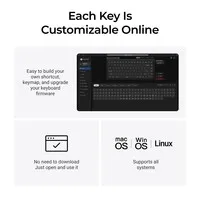
Remap keys in the Launcher
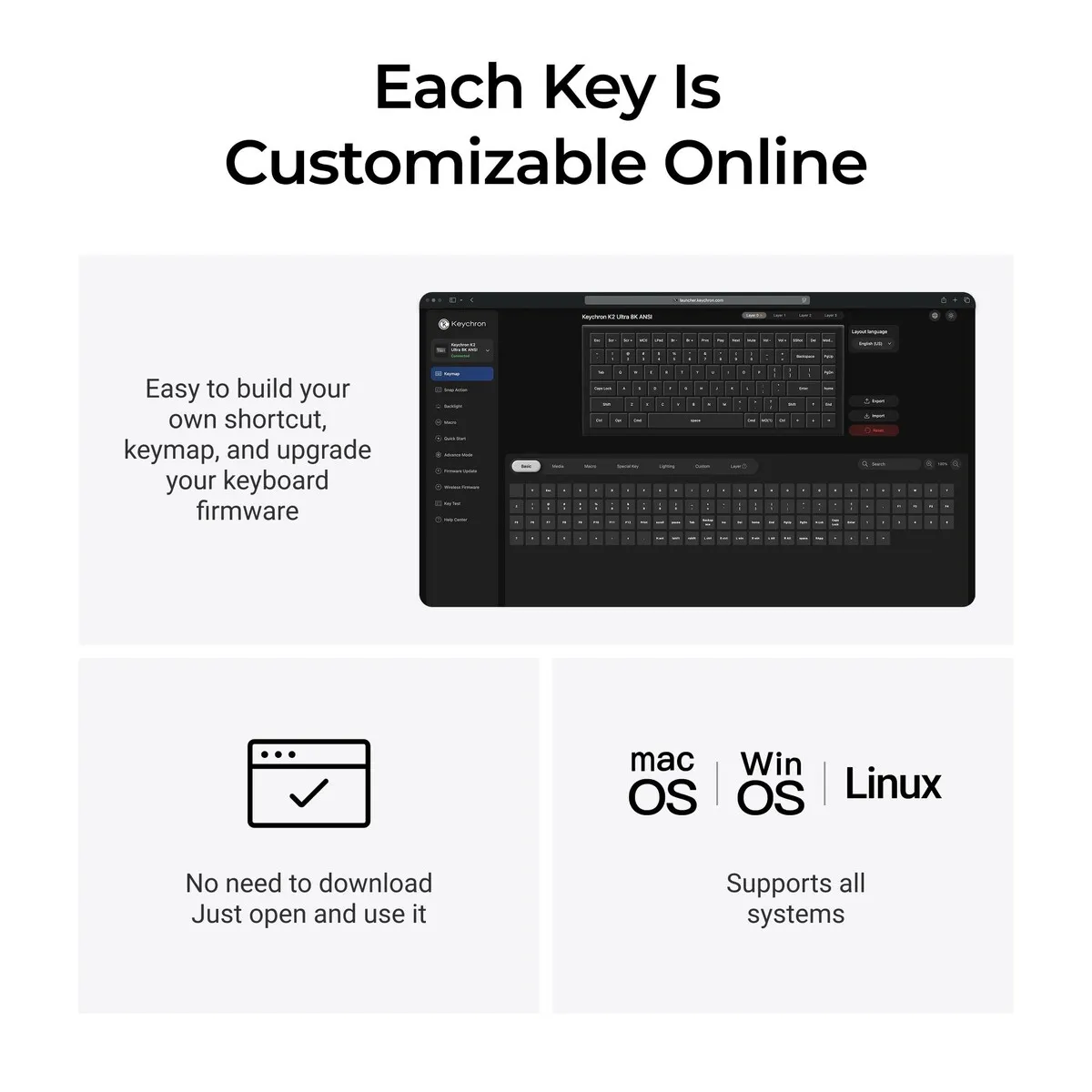
You can give every key on the K2 Ultra 8K a different function or a macro through the Keychron Launcher. It's a web app, so there's nothing to install. It runs in the latest version of Chrome, Edge or Opera, with the keyboard connected by cable. Under the hood runs the open-source ZMK firmware.
Useful for office work: put cut, paste or a phrase you type often under a single key. The K2 Ultra 8K has four layers, two for Mac and two for Windows. Make sure that in Windows mode you edit layer 2, not layer 0. According to the Keychron manual, that's a common mistake.
Lighting the way you like it
The K2 Ultra 8K has south-facing RGB lighting that shines towards you. You can choose from more than 22 effects, including static white, and adjust brightness and speed with an fn shortcut. In the Launcher you can even set a colour per key. If you prefer it calm, press fn + tab to switch the light off completely.
You should not miss this either
For Mac and Windows
A switch on the left side puts the K2 Ultra 8K in Mac or Windows mode. Keycaps for both systems are in the box, so the Command and Option keys are right too. Linux works as well, it just doesn't come with its own keycaps.
US layout
The K2 Ultra 8K has a US QWERTY layout (ANSI), with a single-row Enter key and a long left Shift. In the Netherlands this is the usual layout, so most people will feel at home straight away.
Consider a wrist rest
The K2 Ultra 8K is not a flat keyboard: the back is already 31.2 mm high without keycaps. If your wrists rest flat on the desk, you'll tend to bend your hands upwards. A wrist rest of roughly the same width makes up for that height difference and can help reduce pressure on your wrists.
Keep the receiver close
If you use the 2.4 GHz receiver, plug it into the included extension adapter and place it on your desk, close to the K2 Ultra 8K. Keychron recommends this for the most stable connection. A metal desk surface under the keyboard can interfere with the wireless signal.
Pros and cons
- Compact 75% layout with function and arrow keys
- Bluetooth for three devices, plus receiver and cable
- Mac and Windows keycaps in the box
- Swap switches without soldering
- Up to 760 hours wireless with the backlight off
- Less ideal if you need a number pad
- Fairly high, a wrist rest is recommended
- Keycap legends are not backlit
Brief specifications
In short: the K2 Ultra 8K is a wireless mechanical keyboard in a 75% layout for people who type a lot on Mac and Windows. Key points: compact without a number pad, three ways to connect, a choice of three switches.
| Layout | 75% (84 keys) |
| Dimensions | 311.5 x 121.5 mm |
| Weight | 1084 grams |
| Connection | 2.4 GHz, Bluetooth 5.2, USB-C |
| Battery | 4000 mAh, up to 760 hours |
| Housing | Aluminium frame, ABS bottom case |
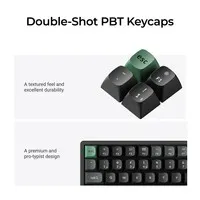
| Keycaps | OSA double-shot PBT |
| Hot swappable |
Key figures: 84 keys, 311.5 x 121.5 mm, 1084 grams, 4000 mAh, up to 760 hours.
How happy will my body be with this?
| Shoulders | |
| Fingers | |
| Hand | |
| Wrist |
Score overview: shoulders 4/5, fingers 4/5, hand 3/5, wrist 2/5 (higher with a wrist rest).
Product features
- 75% layout with 84 keys
- QWERTY, US layout (ANSI)
- Keychron Apex Red, Brown or Banana switches, pre-lubed
- Hot swappable switches
- Bluetooth 5.2 for up to 3 devices
- 2.4 GHz receiver and USB-C cable included
- Polling rate up to 8000 Hz (wired and 2.4 GHz)
- 4000 mAh battery, up to 760 hours with backlight off
- CNC-machined aluminium frame with ABS bottom case
- Steel plate and sound-dampening foam layers
- Screw-in PCB stabilisers
- OSA double-shot PBT keycaps
- South-facing RGB lighting, adjustable per key
- N-key rollover, wireless and wired
- Programmable with the Keychron Launcher (ZMK)
- Works with macOS, Windows and Linux
What's in the box?
- 1 x Keychron K2 Ultra 8K keyboard
- 1 x USB-C cable
- 1 x USB-A to USB-C adapter
- 1 x 2.4 GHz receiver (USB-A)
- 1 x extension adapter for the receiver
- 1 x keycap and switch puller
- Extra keycap set for Mac and Windows
- Manual and quick start guide
Downloads
Getting started
Both are provided by Keychron.
Setup and updates
These links open the Keychron website in a new window. Only update the firmware if something does not work properly; Keychron itself advises this.
Frequently asked questions
Which switch suits you?
With this keyboard you choose which switches go underneath. They cost the same, so it comes down to preference. A linear switch travels smoothly with no noticeable bump; a tactile switch has one, and a clicky switch lets you hear it too.
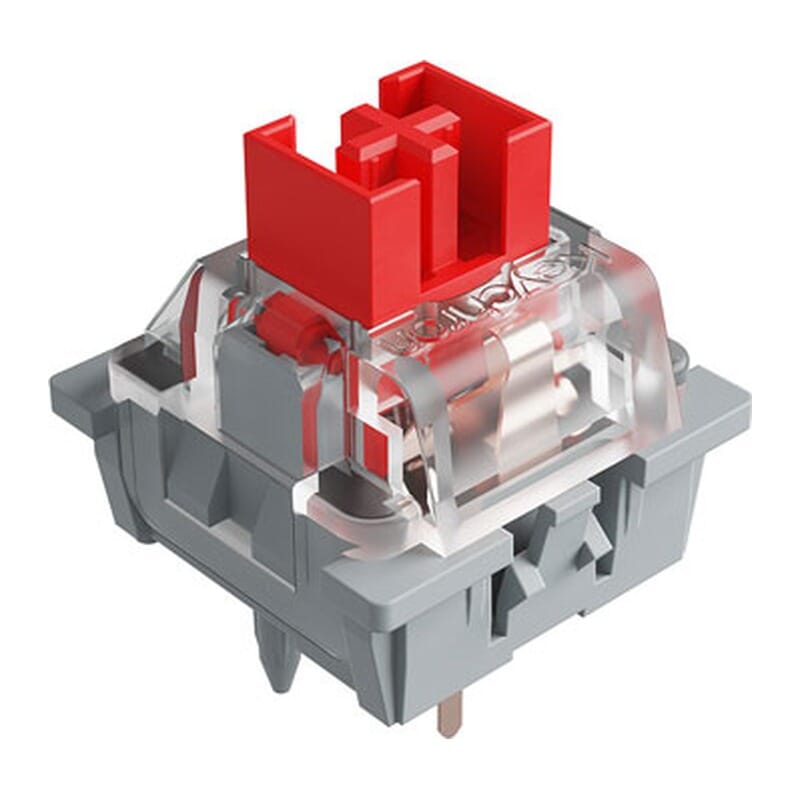 | 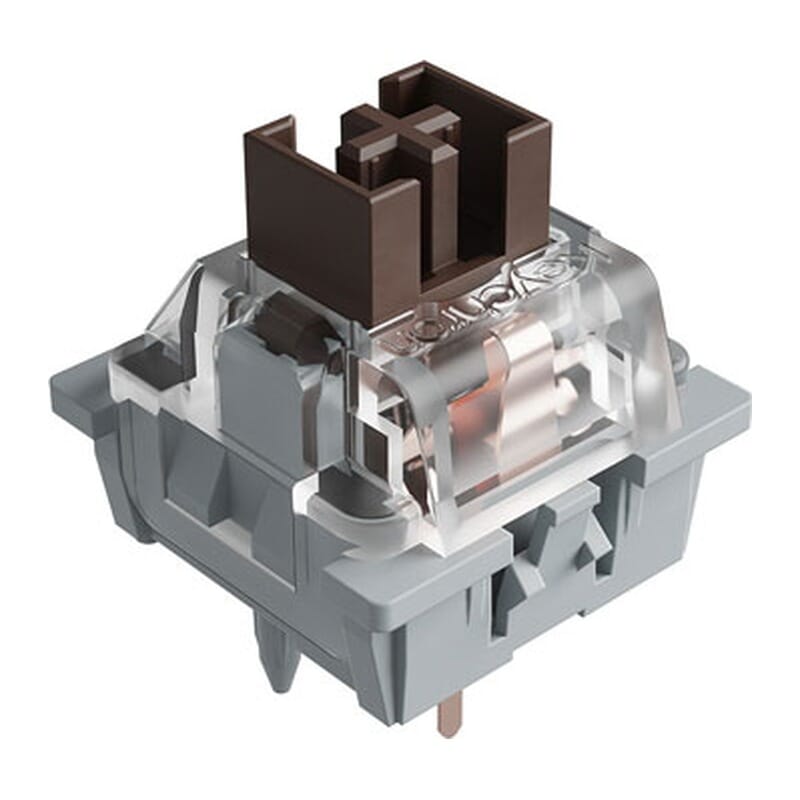 | 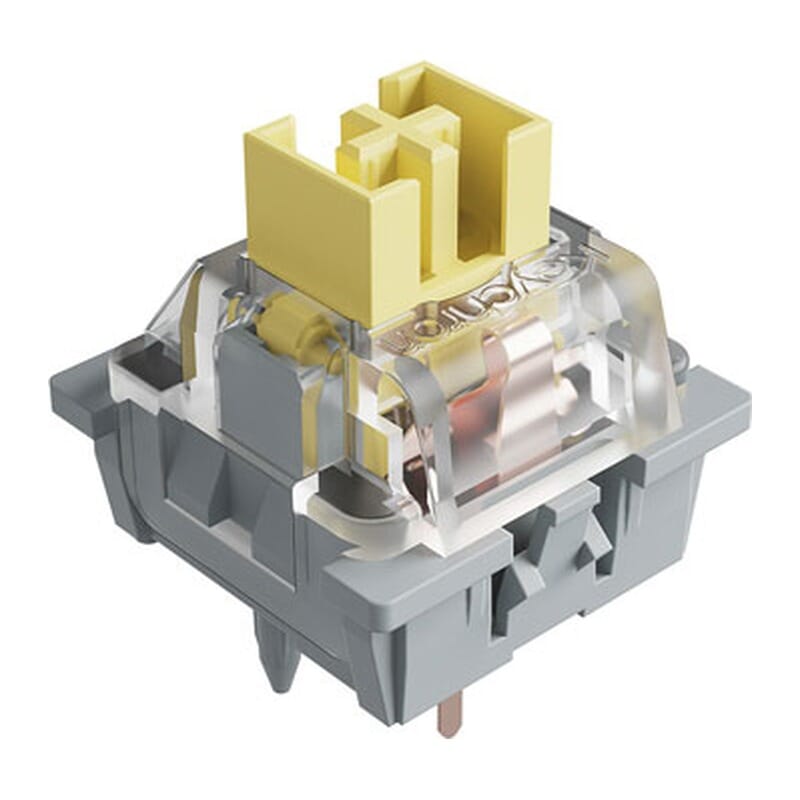 | |
| Type:Linear travels evenly. Tactile has a noticeable bump. Clicky adds an audible click to that bump. | Linear | Tactile | Tactile |
| Actuation force:Force:The force needed to register a keystroke. A regular rubber dome keyboard needs 55 to 60 g, so lower means lighter typing. | 45 g | 50 g | 55 g |
| Tactile bump force:Bump force:The force at the point where you clearly feel the key give way. Only tactile and clicky switches have this; a linear switch does not. A dash means the switch does have one, but the manufacturer states no figure. Technical term: pressure point force. | Not applicable | – | – |
| Registers after:The distance the key travels before the keystroke registers. You do not have to press the key all the way down. Technical term: pre-travel or actuation point. | 2.0 mm | 2.0 mm | 2.0 mm |
| Full travel:Travel:The total distance until the key can go no further. | 4.0 mm | 4.0 mm | 3.6 mm |
| Sound:Indication for normal typing. Even a silent switch makes noise if you bottom out the key. | Quiet | Gentle | Gentle |
Specifications
| Item number | ERGO-KCK2UJ1 | ERGO-KCK2UJ3 | ERGO-KCK2UJ4 |
| Manufacturer's item number | K2U-J1 | K2U-J3 | K2U-J4 |
| Brand | Keychron |
| Warranty | 1 year |
| Type of guarantee | Ergowerken free return warranty service |
| Colour | Black |
| Keyboard type | Mechanical |
| Ergonomic design | |
| Keyboard layout | QWERTY (ANSI US int.) |
| Connection | Wired or wireless (2.4 GHz and Bluetooth) |
| Bluetooth | 5.2 |
| Type of keys | Keychron Apex (Red, Brown or Banana) |
| Numeric keypad | |
| Shortcut keys | |
| Programmable buttons | Yes, via the Keychron Launcher (web app) |
| Trackball/touchpad | |
| Type of power supply | Cable or battery |
| Battery type | 4000 mAh rechargeable battery |
| Rechargeable | |
| Minimum system requirements | macOS, Windows, Linux |
| Plug and play | |
| Dimensions length x width x height | 311.5 x 121.5 mm |
| Product weight | 1084 g |
Reviews Keychron K2 Ultra 8K mechanical keyboard for Windows & Mac
Customers who write a review enter a prize draw for a voucher. We pick one winner and publish all reviews, including critical ones.