






MECHANICAL KEYBOARD
FROM JUST €49.95
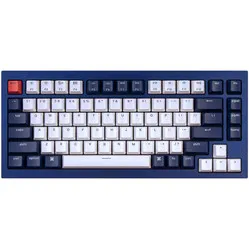
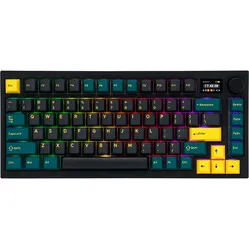
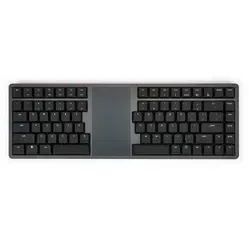
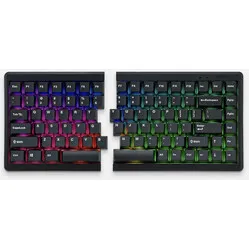
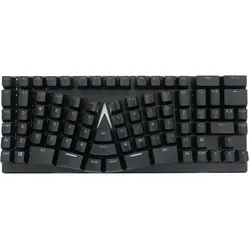

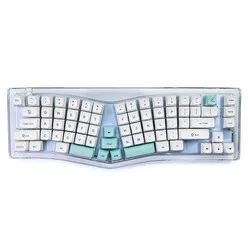
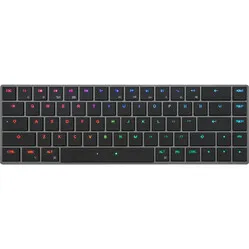

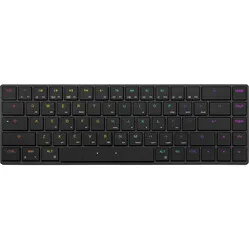
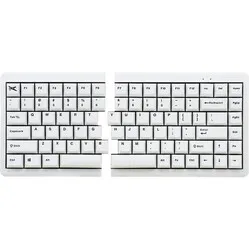
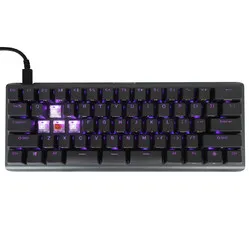
Customer reviews of their mechanical keyboards
Why do I need a mechanical keyboard?
The switches are what make a keyboard mechanical. There’s growing interest in this type of keyboard, and for good reason. Mechanical keyboards offer many advantages, such as customisability, typing comfort and responsiveness.
For instance, mechanical keys can be easily removed from the keyboard, allowing you to mix and match different types of keys across your keyboard. Gamers, for example, prefer light, responsive keys, whilst typists prefer keys that offer a bit more tactile feedback.
In addition to the switches, the keycaps can be changed, allowing you to give your mechanical keyboard a completely different look. A different visual effect can be achieved by opting for RGB switches. These provide backlighting for the keys.
Diversity of mechanical keyboards
Mechanical keyboards come in many shapes and sizes. Some have high-profile keys, whilst others have low-profile keys. Some keyboards are very compact, whilst others are larger in size. You can also choose between wired and wireless keyboards, as well as a compact, split or differently shaped keyboard.
As you can see, making a choice is far from straightforward. Furthermore, everyone is different, so everyone’s preferences differ too. From an ergonomic point of view, a compact, 60% keyboard is a good choice. However, this isn’t the most practical option for everyone. You also need to take into account the extra weight and the relatively loud sound of the keystrokes. Not sure? Click on ‘Help’ at the bottom right, chat with us live, send an email or give us a call. We’ll then look at your requirements together and find the keyboard that suits you best!
Wireless USB, wired or Bluetooth
Wireless USB
Easy to carry
.png)
Wireless mechanical keyboards are quick and easy to take with you. There’s no messing about with cables, so your workspace always looks tidy. Wireless keyboards connect via a nano-adapter, which you plug into one of your USB ports.
Bear in mind, however, that the batteries will need to be replaced or recharged from time to time. Some keyboards come with a charging cable so you can get straight back to work.
Bluetooth
Control multiple devices
.png)
A Bluetooth mechanical keyboard is ideal for Bluetooth-enabled devices. There are no cables getting in the way, and you can’t lose the wireless USB receiver either, as it simply isn’t included. What’s more, you can connect most Bluetooth keyboards to multiple devices at the same time.
Most Bluetooth keyboards come with a charging/connection cable, which allows you to charge the keyboard and use it in wired mode.
Wired
Never run out of battery
.png)
With a wired mechanical keyboard, you never have to worry about the battery running out at the most inconvenient moments. That makes a wired keyboard ideal for a fixed workspace. Carrying a wired keyboard around is often a bit of a faff, especially if you’ve neatly tidied away the cables at your workspace.
What’s more, the wired version is always cheaper than its wireless counterparts. A downside of the cable is that it can restrict your freedom of movement, as you’re limited by the length of the cable.
Compact (96%), TKL (60–80%) or full-size (100%)
96%
All keys in a compact layout
A 96% keyboard features all the keys found on traditional keyboards. It includes arrow keys and a numpad, but the spaces between these keys are omitted. This allows you to enjoy all the benefits of a full-size keyboard in a compact design, enabling you to keep your mouse closer to your body and relieve strain on your shoulders.
These keyboards utilise 96% of the space compared to standard keyboards, but are still quite wide from an ergonomic perspective. Therefore, this type of keyboard is best used in combination with a central mouse.
60–80%
Ergonomically sound
.png)
TenKeyless mechanical keyboards do not feature a numpad. Omitting this saves a significant amount of space on the right-hand side of the keyboard. Thanks to this space-saving design, you can position your ergonomic mouse closer to your body. This helps to relieve tension in your shoulder.
To compensate for the lack of a numpad, most TKL keyboards feature a row of numbers at the top. On some keyboards, the numpad is integrated into the keys and can be used in combination with the Fn key.
100%
Traditional design, modernised
.png)
Full-size keyboards are traditional in terms of size, but often feature many extras that have significantly improved them. In addition to the improved switches (mechanical), these keyboards are often programmable. This, combined with the presence of all keys, makes them a favourite among programmers.
Due to the width of these keyboards, it is advisable to use a central mouse.
Split, traditional or differently shaped
Split
Twice the half
.png)
A split design can make your posture much more relaxed. The two parts can be separated and positioned in line with your arms. This ensures you don’t have to contort your wrists to reach the keys with all your fingers.
You’ll often need a bit of time to get used to these split mechanical keyboards, but in the long run, it’s definitely worth it!
Traditional
Just as you know it, but better
.png)
The design you know, but upgraded. Although they are one-piece, today’s keyboards often feature shortcut keys, programmable keys, compact sizes and smooth switches. This allows you to type in the position you’re used to, and productivity soars almost without you noticing.
With the traditional design, you need to bend your wrists slightly to reach the keys. That’s why we recommend differently shaped or split keyboards if you suffer from wrist pain.
Unconventional
The ultimate pain relievers
.png)
Unconventionally shaped keyboards completely break away from what we know about keyboard design and take a different approach. When developing these keyboards, the focus is on how to optimise relaxation in the shoulders, arms, wrists and fingers.
These keyboards require the longest adjustment period. It will take a few weeks before you are fully accustomed to them, but they are definitely worth it for people suffering from aches and pains.
Low-profile and high-profile switches
Low-profile switches
Lightweight
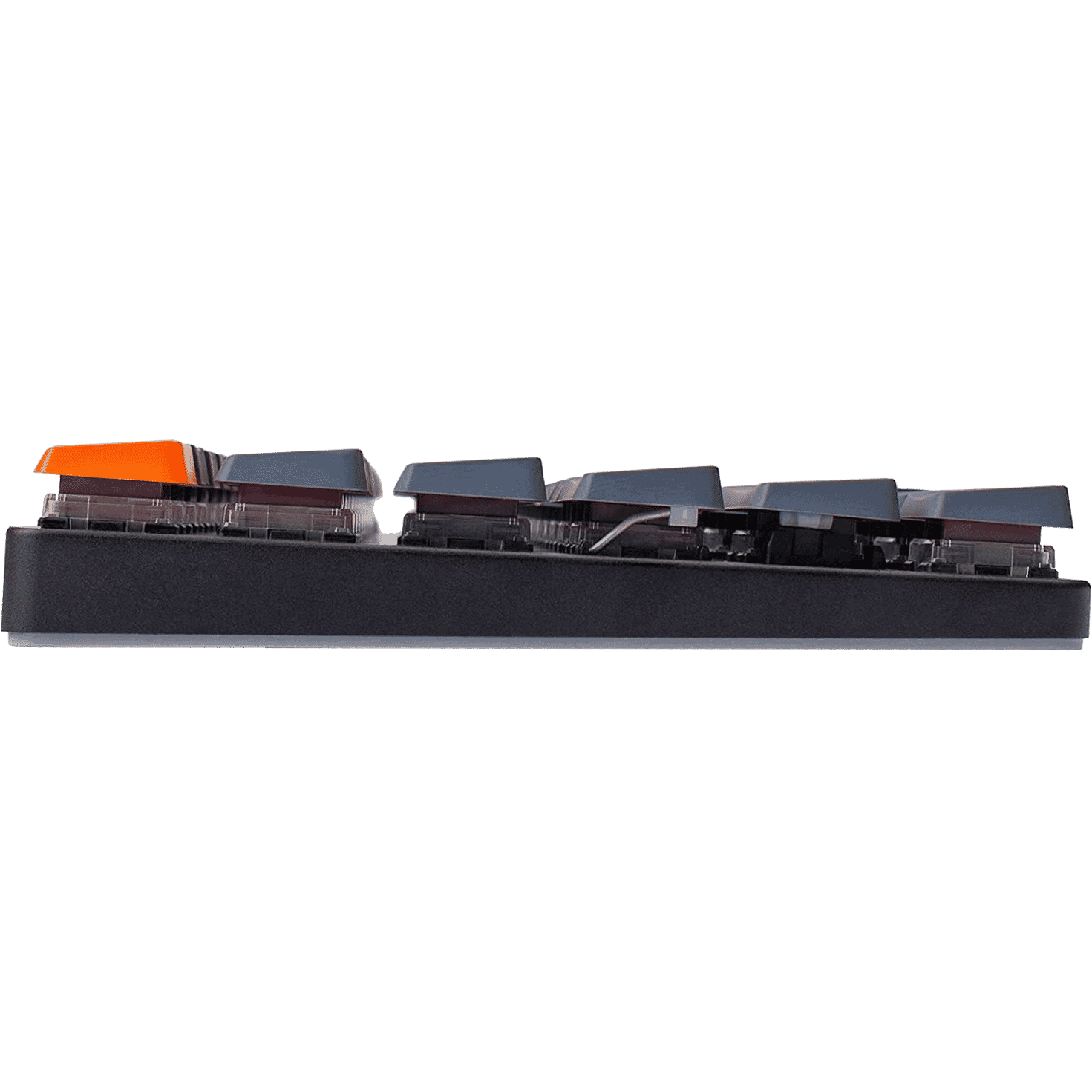
Low-profile switches are narrower and are often used to keep the mechanical keyboard as low as possible. This improves ergonomics, as it makes it easier to reach the keys. However, you can easily negate this benefit by using a wrist rest.
Keyboards that use low-profile switches are generally much lighter. In addition, the response time is also much shorter, which makes these switches popular among gamers.
High switches
More tactile
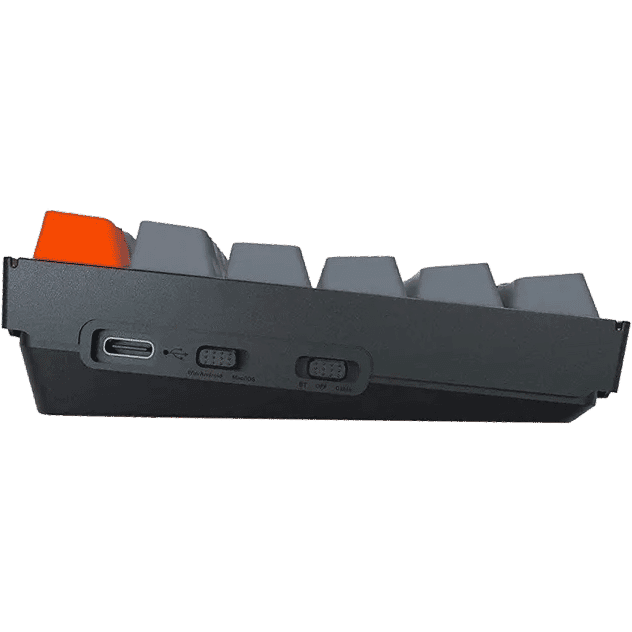
The high-profile keys provide more space for feedback to your fingers. This gives you a better feel for the keys. However, the high profile means you have to bend your wrists too much to reach the keys. From an ergonomic point of view, the use of a wrist rest is therefore essential.
There is now a much wider choice of mechanical keyboards with high-profile switches, and there is also a greater variety of switches themselves to choose from. Furthermore, it is often not possible to swap keycaps on keyboards with low-profile switches.
Keychron Q1
Compact and fully featured
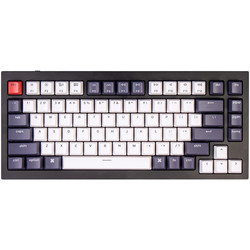
Thanks to its slim design (75%), you can keep your mouse close at hand. The Q1 has a decent weight to it, so it sits firmly on your desk, and the mechanical switches ensure a smooth keystroke.
- Compact size
- Easy to customise
- Hot-swappable
- Programmable keys
- Pre-lubricated switches
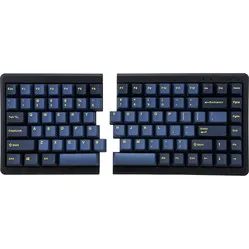
Mistel MD770 RGB
Mechanical and split
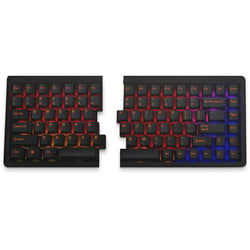
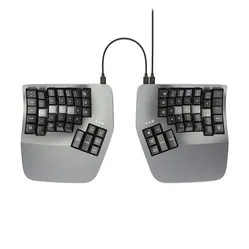
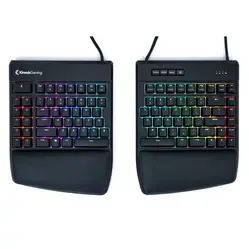
Your wrists, hands and shoulders will thank you for using the MD770. You can position the split sections neatly in line with your arms, eliminating that all-too-common, irritating bend in your wrists.
- Light mechanical keys
- Split design
- Gentle on wrists, hands and shoulders
- 75% compact keyboard
- 3 programmable layers
Keychron K2
Great value for money
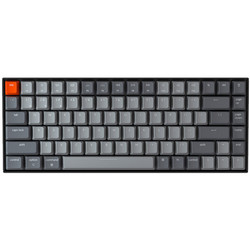
The mechanical keys ensure that you register a keystroke before the key hits the bottom, reducing strain on your hand whilst typing. At 31.3 cm in length, you have more than enough space to operate your mouse close to your body, which helps to relax your shoulders.
- Light mechanical keys
- Gentle on the hands and shoulders
- Very affordable
- Supports both Windows and Mac
- Can be used wired or wireless
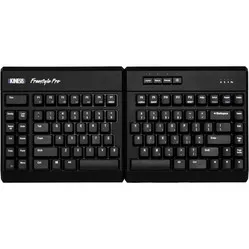
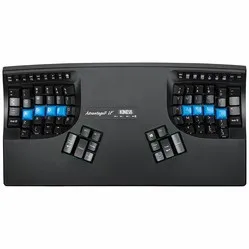
Kinesis Freestyle Pro
Endless customisation
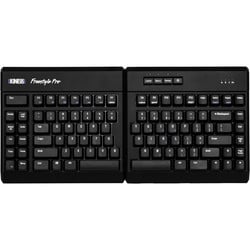
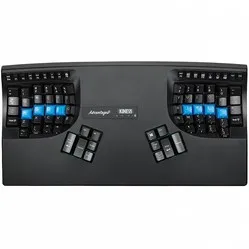
Thanks to its mechanical switches and split design, the Freestyle Pro ensures a relaxed typing experience. In addition, the keys are programmable, you can choose from two types of switches, and the keyboard is compatible with both Windows and Mac.
- Split design
- Lightweight mechanical keys
- Maximum comfort
- Endlessly programmable
- Supports both Windows and Mac
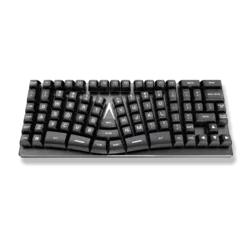
Mistel X-VIII
For those who want it all

The Mistel X-VIII keyboard features all the keys you need, including a numeric keypad. The keys are fitted with high-quality Cherry MX mechanical switches and are also programmable.
- Programmable keys
- With numeric keypad
- Choice of multiple versions
- Interchangeable keycaps
- Lightweight mechanical keys
Our brands
 | |
| Website | www.keychron.com/ |
| Price range | € € € € € |
| View all Keychron products | |
 | |
| Website | www.kinesis-ergo.com/ |
| Price range | € € € € € |
| View all Kinesis products | |
 | |
| Website | www.kinesis-ergo.com/ |
| Price range | € € € € € |
| View all Matias products | |
 | |
| Website | www.mistelkeyboard.com |
| Price range | € € € € € |
| View all Mistel products | |
 | |
| Website | www.penclic.se |
| Price range | € € € € € |
| View all Penclic products | |
 | |
| Website | www.x-bows.com |
| Price range | € € € € € |
| View all X-Bows products | |
Frequently asked questions about mechanical keyboards
- I have wrist pain. Which mechanical keyboard is best for me?
Split keyboards ensure that the wrists remain in a natural position. Furthermore, low-profile keys can help relax the wrist, as the wrists remain in line with the forearm and hand.
- What are the differences between red (linear), blue (clicky) and brown (tactile) switches?
With all our suppliers, red switches are easy to press and respond quickly (ideal for gaming). The blue switch offers slightly more resistance and makes a ‘click’ sound when activated, making it very suitable for extensive typing. The brown switch offers roughly the same resistance as the blue switch but has a shorter actuation distance, making it an ideal all-rounder. You can find an overview of Gateron switches here.
- How do I know I’ve chosen the right keyboard?
We always recommend the following: 1) Use the filters on the category page. 2) Read the product pages carefully and check the reviews. 3) Ask us for live advice via chat.
- Why is there such a big price difference between the various keyboards?
The main reason for the price difference is quality. Some keyboards have a plastic casing, others an aluminium one. In addition, some keyboards feature backlighting or can be connected via Bluetooth.
- I’m struggling to make the right choice. What’s the best thing to do?
Pop into the chat during working hours or send us an email. We can often provide good advice with just a few targeted questions.
- What should I do if I’m not entirely happy with the keyboard?
Please get in touch with us. We may be able to help you get started with a few tips. And if you really can’t get used to it, you’re always entitled to a free return within 30 days of receiving your purchase.