Stel hier je vraag over dit product
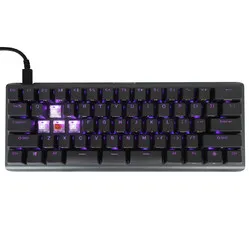
Kinesis TKO 60% gaming keyboard






Product description of Kinesis TKO 60% gaming keyboard
Is this keyboard right for me?
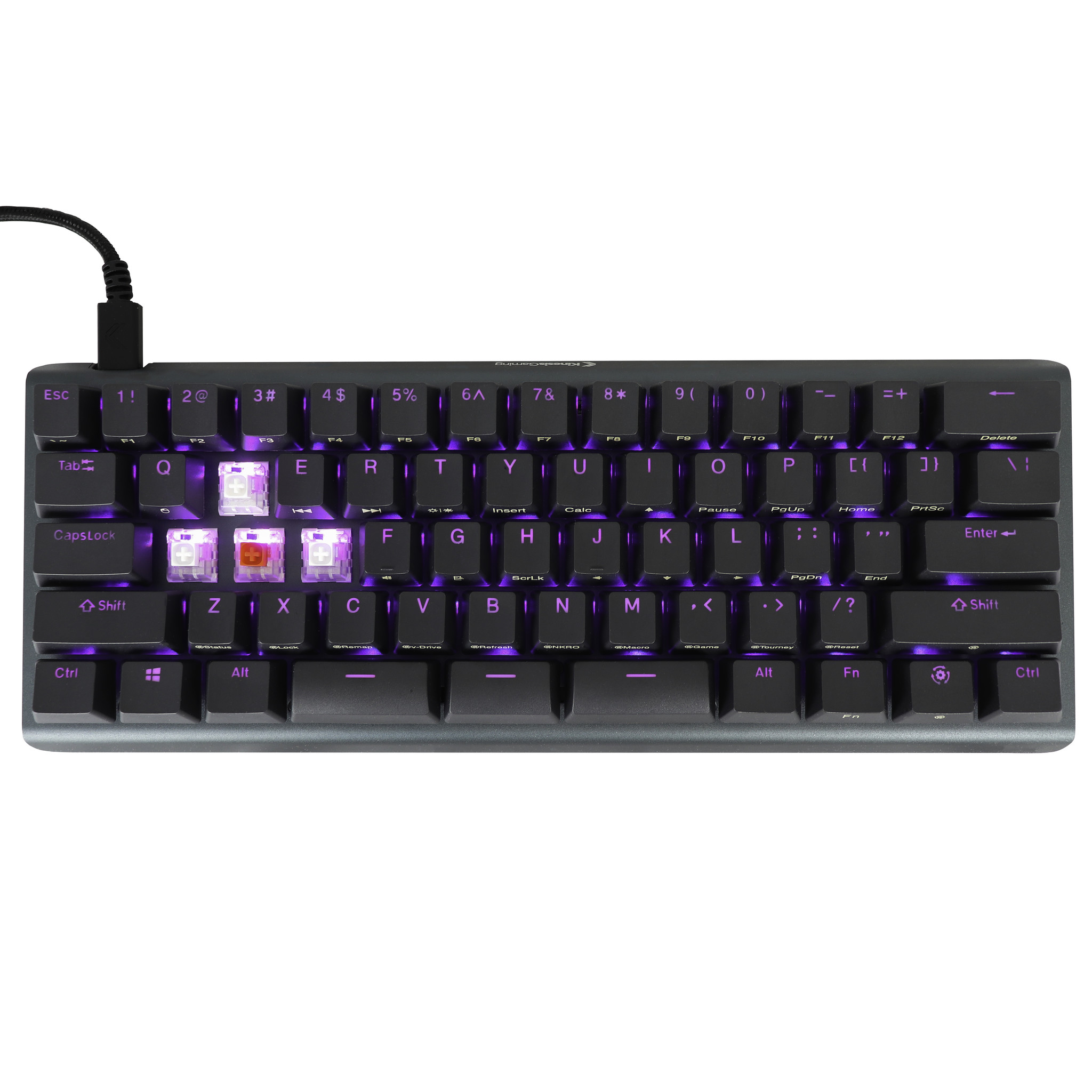
| Width | 295 mm |
| Depth | 114mm |
| Height | 33 mm |
| Version | Windows |
| Key layout | QWERTY (ANSI US int.) |
| Key type | Kailh BOX mechanical switches |
| Connection | USB-C cable |
An ode to the Ergo Professional
Not one, not two, but THREE spacebars
You effortlessly land your umpteenth 360 no-scope headshot while jumping off a building. Easy. What you hadn't counted on, however, was the enemy waiting for you there. You still have your sniper in your hands, what do you do… Slide away with one spacebar to switch weapons with the other spacebar, so you can then bunny hop with the third spacebar, leaving the enemy with no chance, of course. Easy!
Why the TKO gaming keyboard from Kinesis?
Design
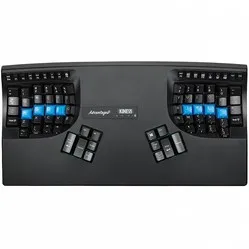
The TKO keyboard from Kinesis' gaming division has been specially developed for avid gamers. The keyboard has a compact design, which provides space for the mouse. It also allows you to keep it closer to you for more precision when playing FPS games.
To keep the keyboard as compact as possible, the arrow keys and the numeric keypad have been omitted, as has the row of F1 to F12 keys at the top. However, these can be operated using a combination key, starting with pressing the Fn key. In this way, all keys on the keyboard have a second function that can be used in this manner.
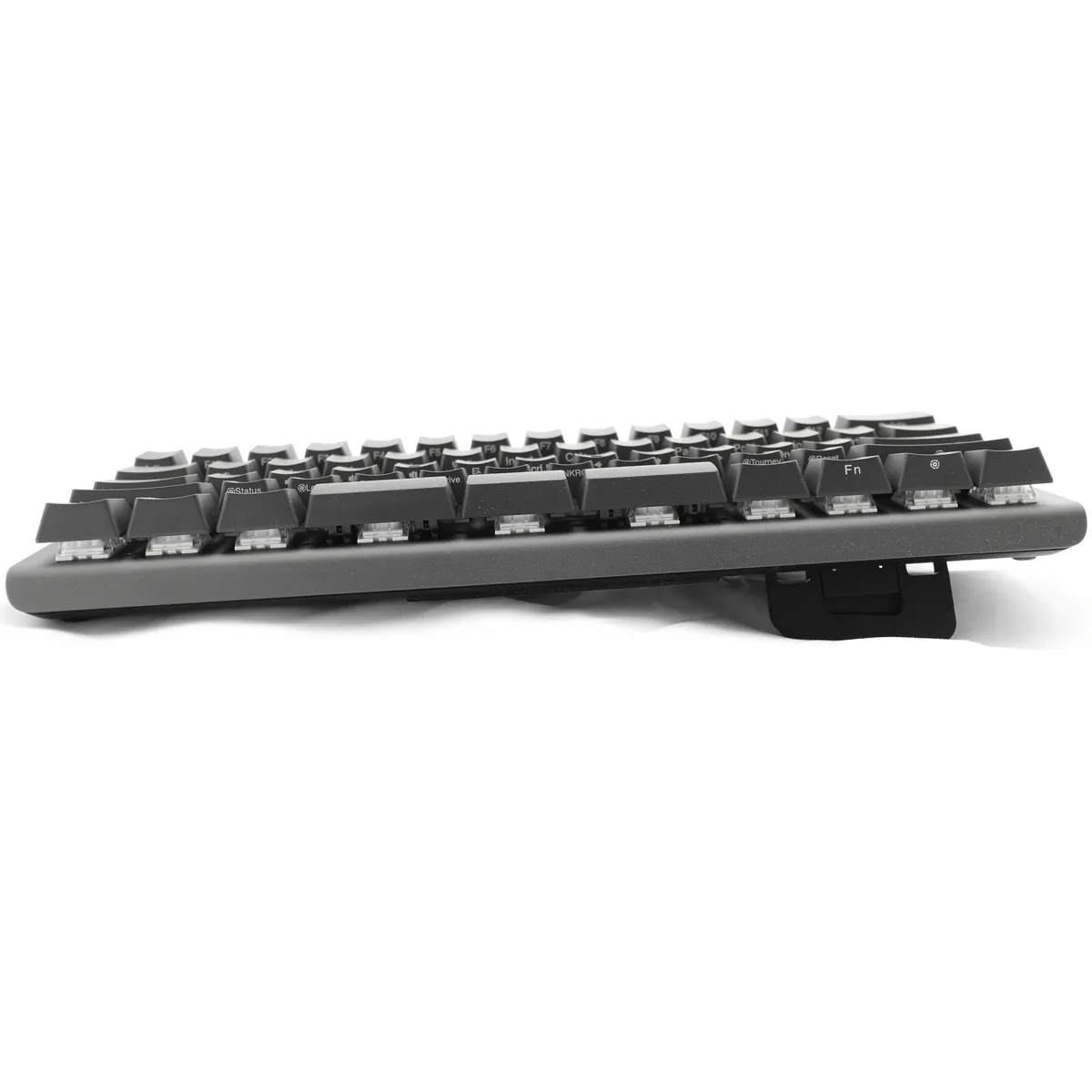
The board can be tilted on all sides, which is a unique feature. This way, you can raise the right or left side while gaming, as you often use the keyboard with only one hand during gameplay. This puts your wrist, arm, and hand in a more natural position. This requires less energy and prevents injuries.
Functionality
The keys are programmable. This means you can assign new functions to the keys yourself. You can also easily add macros, which can conjure up entire sentences with a single press of a button. Programming can be done easily using the app developed for this purpose, or via onboard programming.
Furthermore, the keyboard has three spacebars, all of which can be assigned a different function. You can also quickly change the RGB mode and activate "game mode" via onboard programming. With game mode enabled, macros and the Windows key are disabled, so you don't accidentally close the game.
Gateron switch puller
The Gateron switch puller is the ultimate addition to your hot-swappable keyboard. Our hot-swappable keyboards already come standard with a keycap and switch puller. However, this switch puller is more user-friendly.
You place the Gateron switch puller over the switch and press it down until you hear a click. Now you can easily pull out the switch. With a press of the button at the top, the puller releases the switch. Read more about the Gateron switch puller here.
What makes an ergonomic gaming keyboard so good?
Anyone who spends a lot of time at the computer knows that this can be strenuous for your wrists, shoulders, back, and neck. A good keyboard can help you with this. The TKO keyboard from Kinesis, for example, has a compact design. The keys are easy to press and react exceptionally quickly. Furthermore, you can place your mouse closer to your body. All of this is to make your input more precise and prevent injuries.
Get the most out of this product
The keyboard uses mechanical Kailh switches. However, these are hot-swappable, which means you can easily remove them using the included keycap puller and replace them with switches of your choice. Cherry's, Zealios, and Gateron are examples of switches that can also be placed on this keyboard.
Furthermore, the keyboard comes in a beautiful and practical case. This is also the optimal way to transport your Kinesis TKO keyboard. The case is opened and closed with a zip and consists of a compartment for the keyboard, a small compartment for cables, and a pouch for small accessories.
You shouldn't miss this either
Whichever colour switches you choose; you will receive four extra switches of each other colour. You could, for example, put these in your WASD keys because they feel a bit nicer during gaming. Since this keyboard has three spacebar keys, you could also use them for that.
How happy will my body be with this?
- Shoulder
- Hand
- Wrist
- Arm
Pros and cons
- Compact size
- Hotkeys
- High quality
- Programmable
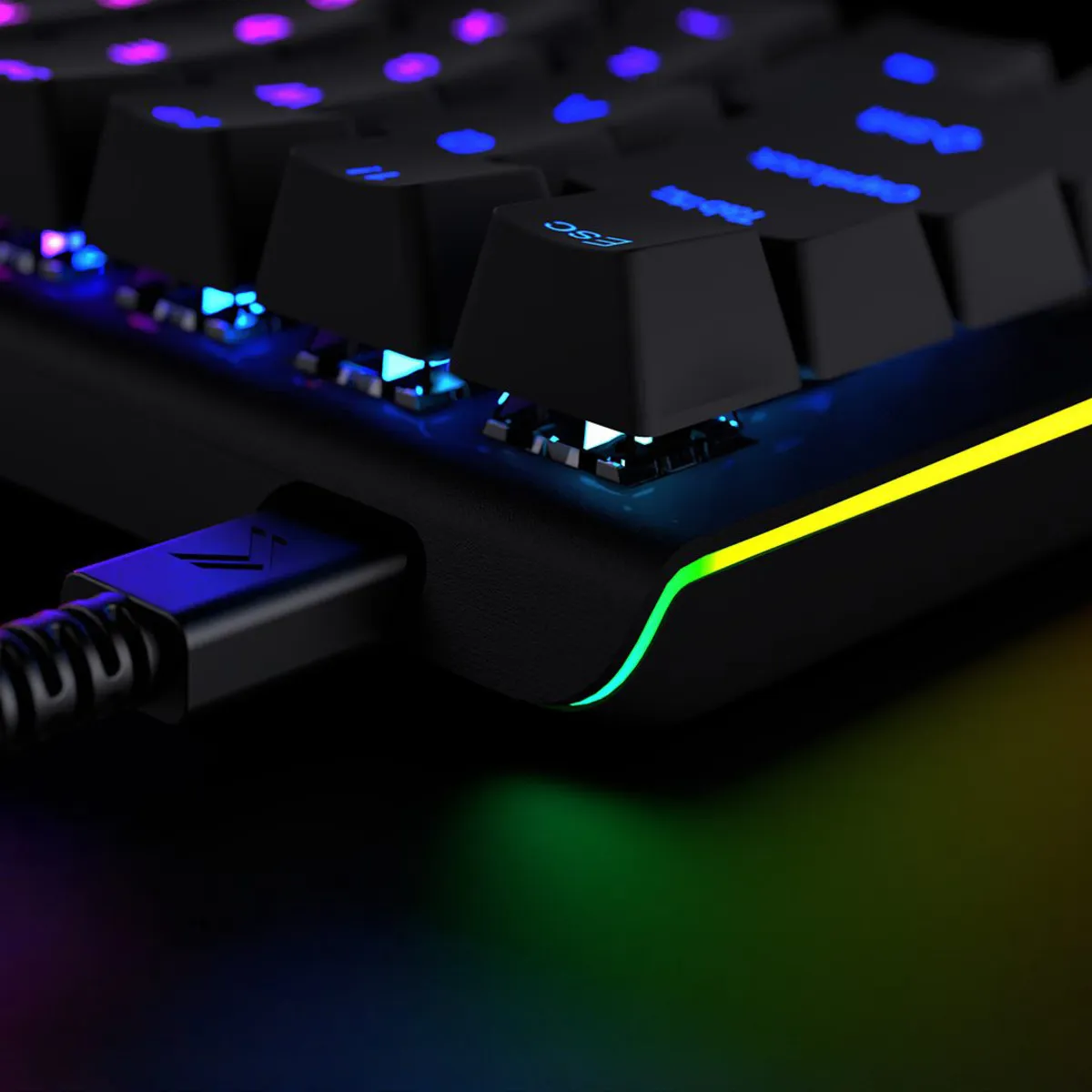
- RGB backlight
- Many tilt options
- No separate arrow keys
Brief specifications
| Warranty | 2 years |
| Colour | Grey |
| Version | 60% |
| Ergonomic design | |
| Plug & Play | |
| view all specifications |
Product features
- Ergonomic design
- Mechanical keys
- RGB backlight
- 63-key version
- 60% compact size
- Kailh switches
- PBT keycaps
- Cable length 180 cm
- Sturdy braided cable
- All keys have a dual function
- Aluminium frame
- For Windows, Mac, Linux and Chrome
- With NKRO Mode, Game Mode and Tournament Mode
- 567 grams
What's in the box?
- 1 x QWERTY keyboard
- 1 x USB-C cable
- 1 x user manual
- 8 x extra Kailh switches
- 1 x keycap puller
- 1 x full-size spacebar
- 2 x HyperSpace spacebar switch cover
Frequently asked questions
Which switch suits you?
With this keyboard you choose which switches go underneath. They cost the same, so it comes down to preference. A linear switch travels smoothly with no noticeable bump; a tactile switch has one, and a clicky switch lets you hear it too.
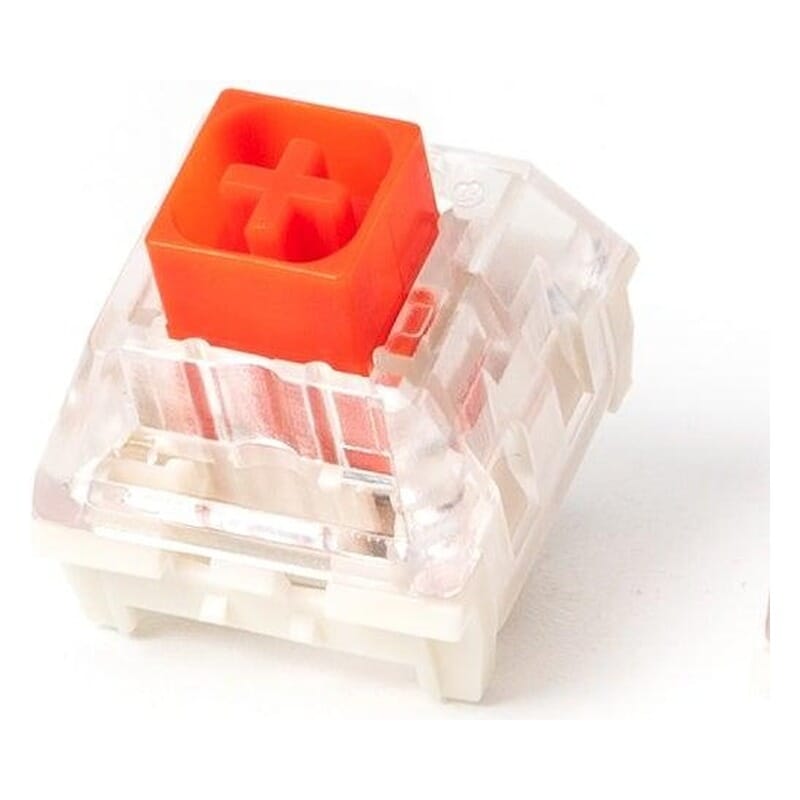 | 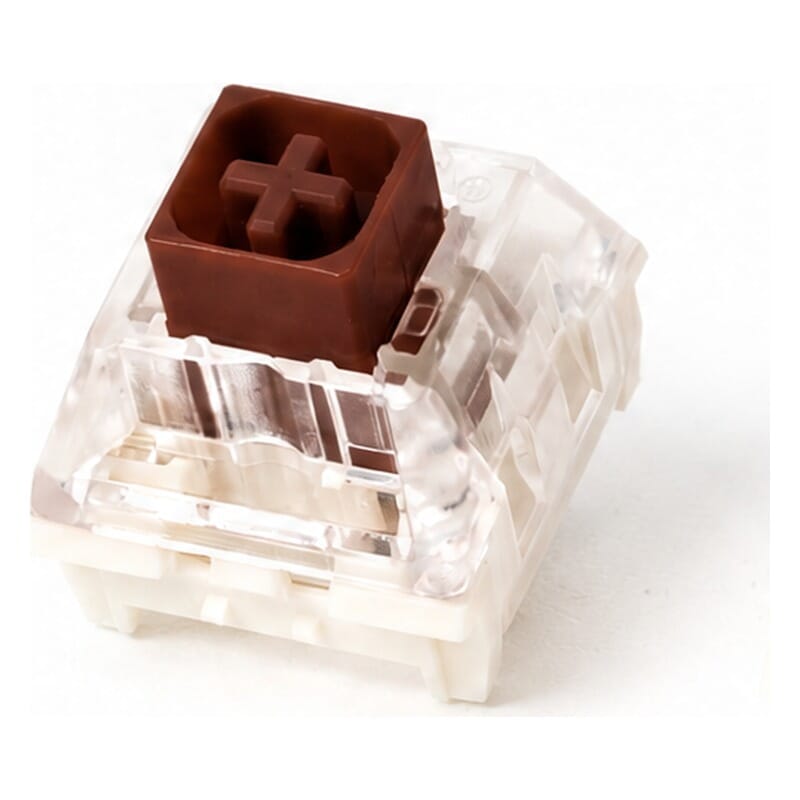 | 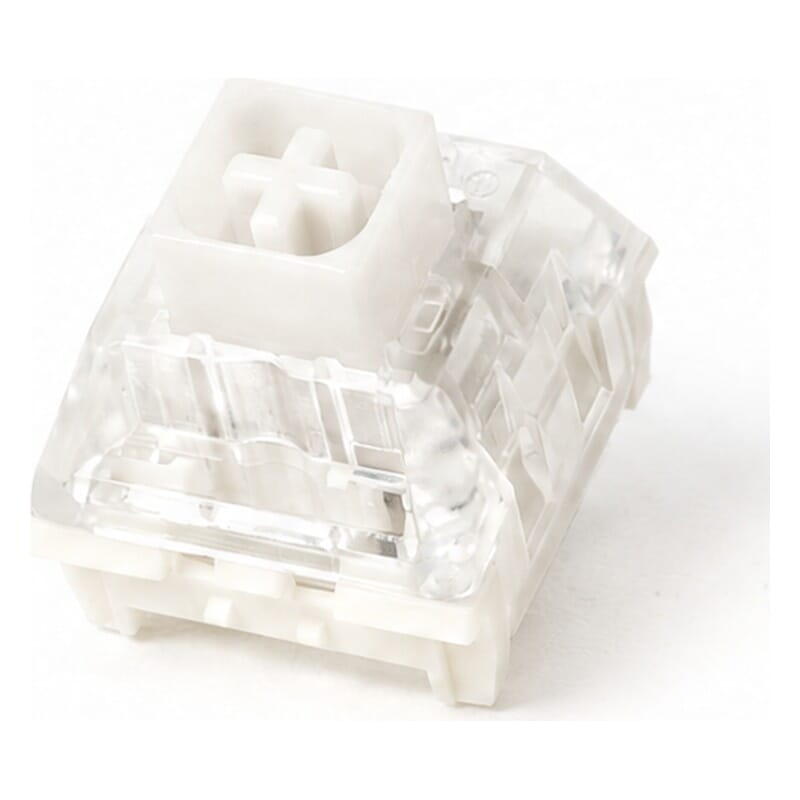 | |
| Type:Linear travels evenly. Tactile has a noticeable bump. Clicky adds an audible click to that bump. | Linear | Tactile | Clicky |
| Actuation force:Force:The force needed to register a keystroke. A regular rubber dome keyboard needs 55 to 60 g, so lower means lighter typing. | 45 g | 45 g | 45 g |
| Tactile bump force:Bump force:The force at the point where you clearly feel the key give way. Only tactile and clicky switches have this; a linear switch does not. A dash means the switch does have one, but the manufacturer states no figure. Technical term: pressure point force. | Not applicable | 50 g | 55 g |
| Registers after:The distance the key travels before the keystroke registers. You do not have to press the key all the way down. Technical term: pre-travel or actuation point. | 1.8 mm | 2.0 mm | 1.8 mm |
| Full travel:Travel:The total distance until the key can go no further. | 3.6 mm | 3.6 mm | 3.6 mm |
| Lifespan:The number of keystrokes per key stated by the manufacturer. | 80 million | 80 million | 80 million |
| Sound:Indication for normal typing. Even a silent switch makes noise if you bottom out the key. | Quiet | Quiet | Audible click |
Specifications
| Brand | Kinesis Gaming |
| Warranty | 2 years |
| Type of guarantee | Ergowerken free guarantee return service |
| Colour | Grey |
| Keyboard type | Compact gaming keyboard |
| Ergonomic design | |
| Keyboard layout | QWERTY (ANSI US int.) |
| Connection | USB-C |
| Bluetooth | not applicable |
| Type of keys | Kailh mechanical keys |
| Numeric keypad | No (programmable via the SmartSet App) |
| Shortcut keys | |
| Programmable buttons | |
| Trackball/touchpad | not applicable |
| Type of power supply | Wire |
| Battery type | not applicable |
| Rechargeable | not applicable |
| Minimum system requirements | Windows, Mac, Linux, or Chrome |
| Plug and play | |
| Dimensions length x width x height | 295 x 114 x 33 millimetres |
| Product weight | 567 grams |
Reviews Kinesis TKO 60% gaming keyboard
Customers who write a review enter a prize draw for a voucher. We pick one winner and publish all reviews, including critical ones.