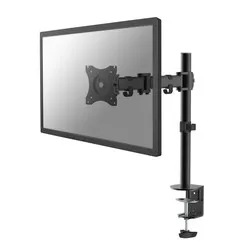
Notify me when is back in stock.
Enter your e-mail address here and we will send you an update as soon as this product is back in stock.
After submitting your e-mail address, you will receive an e-mail confirming your subscription.
This notification is no guarantee that you can claim items from the new stock. Want to be more certain of receiving the product? Then order and pay for it right away. Your order will be reserved and shipped as soon as the new stock arrives.
Privacy
Your e-mail address is stored in a closed database that we cannot access. After the stock update, your e-mail address is automatically deleted.

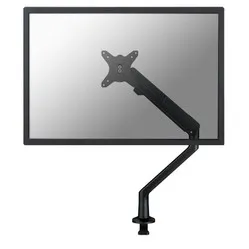
NM-D135BLACK monitor arm 10-30''
0 reviews
Stel hier je vraag over dit product
NM-D135BLACK monitor arm 10-30''

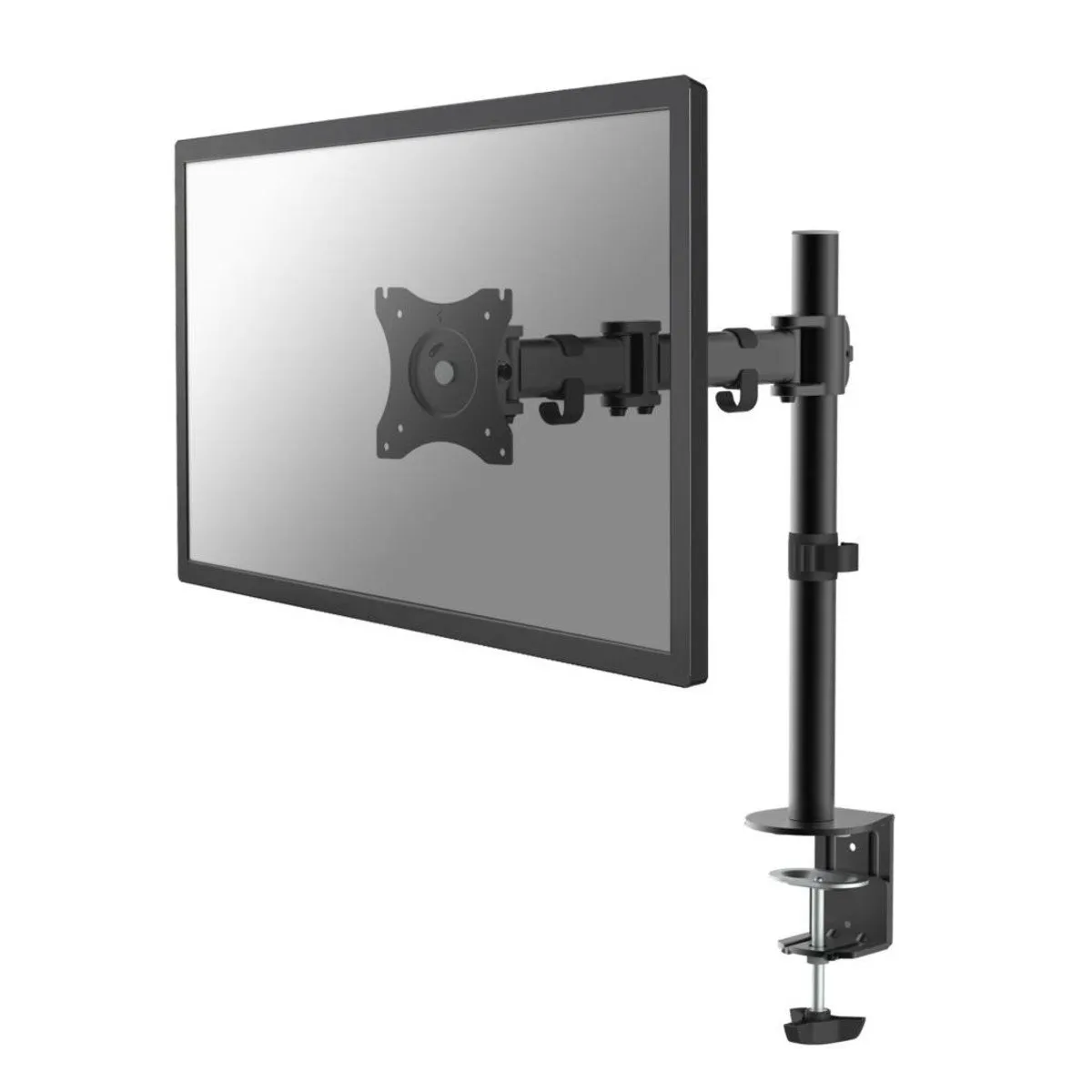
Product description of NM-D135BLACK monitor arm 10-30''
The main specifications of the Newstar NM-D135BLACK monitor arm
Number of monitors 1
1
 1
1Monitor size 10 - 30 inch
 10 - 30 inch
VESA
 75/100
 75/100
Height
 0 - 400 mm
 0 - 400 mm
Rotate
 360 degrees
 360 degrees
Tilt
 90 degrees
 90 degrees
Swivel
 180 degrees
 180 degrees
Depth
 40 - 430 mm
 40 - 430 mm
Weight capacity 8 kg
8 kg
 8 kg
8 kgClamp or grommet Clamp and grommet
 Clamp and grommet
Desk thickness 10 - 88 mm
 10 - 88 mm
Newstar Neomount NM-D135BLACK monitor arm 10-30"
Description
Athlete
This Neomount has endurance. It easily holds 8 kilograms all day long (and longer). With an outstretched arm, mind you. Always being so sporty has its advantages. Just look at its slim and toned body. Shall I take over for a bit, Neo? No way, I was born for this.
Why the Newstar Neomount monitor arm?
The D135 black from Newstar is a very complete monitor arm. It allows you to get more out of your monitor. You set it at the correct height
Specifications
| Item number | ERGO-NSNMD135B |
| Manufacturer's item number | NM-D135BLACK |
| Brand | NewStar |
| Warranty | 5 years |
| Type of guarantee | Ergowerken free warranty return service |
| Colour | Black |
| Number of screens | 1 |
| Gas-sprung arm | |
| Minimum screen size | 10 inches (25.4 cm) |
| Maximum screen size | 30 inches (76.2 cm) |
| Maximum load capacity | 8 kilograms |
| Tilting | Yes, up to 90˚ |
| Rotate | Yes, up to 360˚ |
| Swinging | Yes, up to 180˚ |
| Lowest setting | 0 millimetres |
| Highest position | 400 millimetres |
| Depth | 40 - 430 millimetres |
| VESA minimum | 75 x 75 millimetres |
| VESA maximum | 100 x 100 millimetres |
| Method of installation | By means of a desk clamp and feed-through |
| Suitable for desk thicknesses of | 10 - 88 millimetres |
| Assembly materials included | |
| Required tools | A Phillips screwdriver and, if you wish to use the feed-through mounting, a drill is required. |
| Cable management |
Reviews NM-D135BLACK monitor arm 10-30''
Customers who write a review enter a prize draw for a voucher. We pick one winner and publish all reviews, including critical ones.