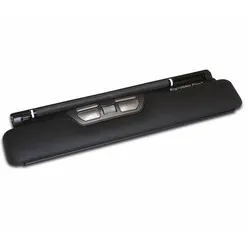
Goede centrale muis. Werkt prettig
"Goede centrale muis. Werkt prettig en intuïtief. Klikken met trackpad ook , alleen scrollen is wennen."





Measure your hand as shown in the image and choose your size using the table below:
| Size | Width | Length |
|---|---|---|
| Any hand size | suitable | suitable |
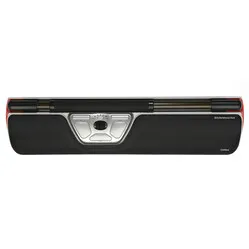
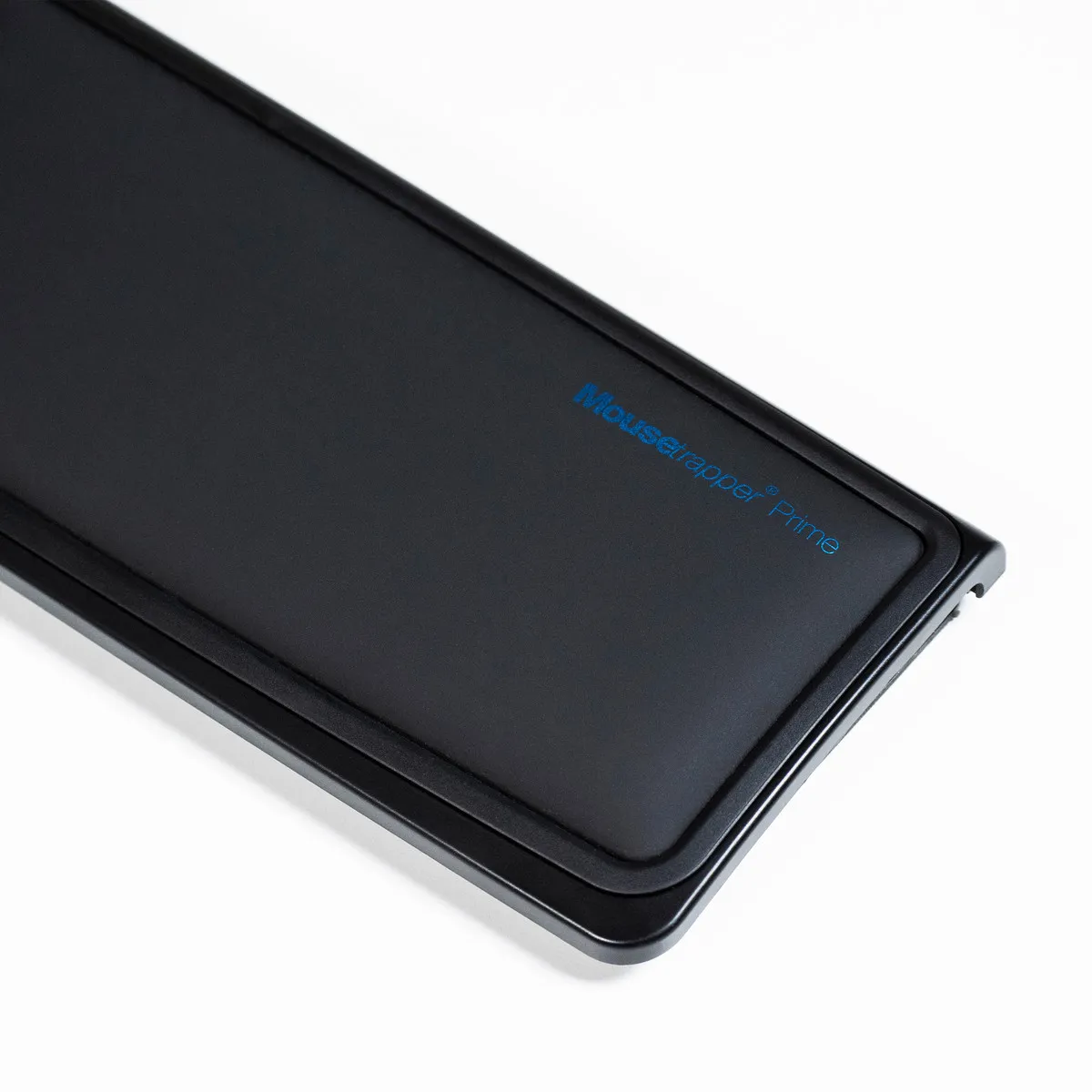
A royal appearance, that is what the Prime is. Stylishly dressed, sleekly designed, somewhat modest but still with the necessary self-confidence.
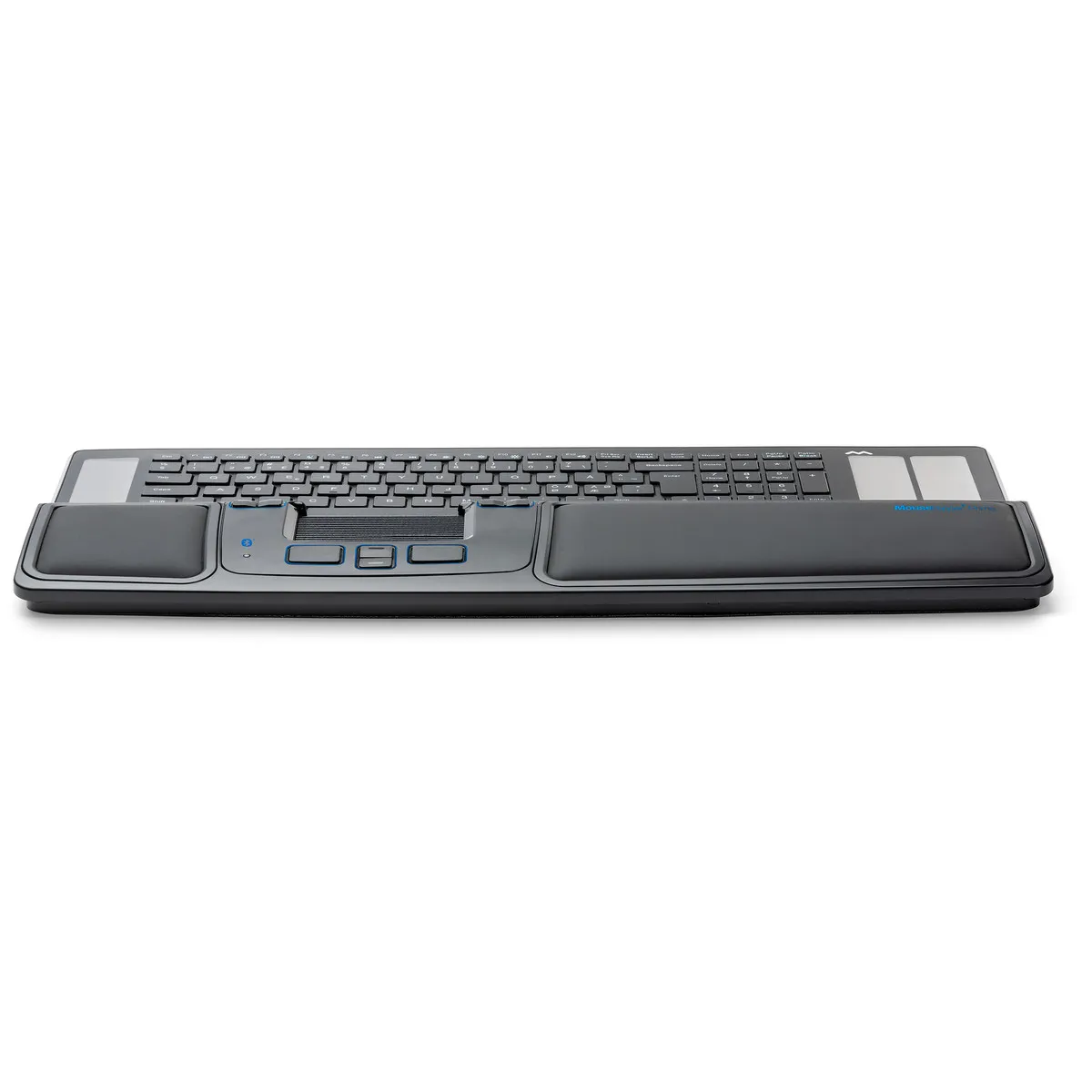
With the Prime, you have Mousetrapper's showpiece in your hands. It is wireless, has numerous buttons with extra functions, features artificial leather palm rests and is an asset for your shoulders. You place it right in front of you, between your keyboard and yourself. The compact working posture you adopt as a result gives your shoulders more relaxation.
You position the Prime so that the ribbed pad lies straight in front of you. In line with it lies the space bar of your keyboard. You slide and roll the ribbed pad to move the cursor on your screen. That works pleasantly, especially because you can operate it with several fingers at once. Although the pad cannot keep sliding horizontally, the cursor always keeps moving.
The Prime is lightning fast with its maximum DPI of 2000. I can't directly recommend this speed to you, it's something you work towards slowly. With the help of the Mousetrapper driver MTkeys, you can increase the speed step by step.
On the wireless Prime, you have 8 buttons at your disposal. As standard, these include copy, double click and scroll functions, among others. You can find all the standard functions here on the right of the product page.
MTkeys is a driver developed by Mousetrapper that offers you many possibilities. It works simply and clearly and can be used by anyone. With MTkeys you can change the functions of the buttons, but also adjust the sensitivity of the cursor or navigate forward and back through folders and browsers.
With both hands on the Prime, you can really get going. Left hand for clicking, right hand for operating the cursor or the other way around. You can find the ideal way of working for yourself. What we advise in any case is to give one button the left mouse button function, because that works a lot faster than clicking with the pad.
At 2 cm, the Prime is no giraffe, but that's not a problem at all. Most keyboards sit around that same height. If you do want to play around with the height, you can use the rubber mat under the Mousetrapper for that. With the mat folded in, the Prime sits a little higher; folded out, a little lower. The rubber mat also ensures that the keyboard stays firmly in place.
The wireless Prime is a well-thought-out product. The battery lasts up to 4 months and you can charge it via your computer with the included cable. Via Bluetooth (4.1) you can connect the Mousetrapper in no time. Don't have Bluetooth? No problem, as it can be used wired with the included cable.
The Prime does not have an on/off button, but thanks to its sleep mode it can still complete those 6 months. If it does start flashing red, indicating that it is almost empty, you can easily charge it while working with the included cable. After 7-10 hours of charging, the Mousetrapper will indicate with a green light that the batteries are full.
A trackpad or centred mouse, as the Mousetrapper is called, mainly aims to centre your posture. Keyboard straight in front of you, mouse straight in front of you, shoulders as relaxed as possible and off you go.
But there are more advantages. You can nicely distribute the load across your hands and arms. A product like the Prime also houses a lot more buttons and functions than a regular mouse, so you need the keyboard and the cursor less.
You really should start using Mousetrapper's MTkeys driver. With this piece of software, you have the ability to make the device your own, so make use of it. Of course, you can consider getting used to the device first and then discovering its possibilities, but getting used to it goes a lot better when all the buttons do what you expect them to do.
The Prime has 8 customisable buttons, so there's even a chance you'll have buttons left over. Don't worry, you can always add functions to them later. If, for example, you keep confusing the top 2 buttons on the left and right at first, simply give them both the same function. Later, when you can find them blindly, you can always attach an extra function.
Oh, one more advantage of MTkeys. You can create multiple profiles. You can use those profiles for yourself when working in different programmes and applications, but you can also set them up per user.

Especially for companies. Try out all Mousetrappers together with your colleagues, free of charge. Request your package here now.
| Warranty | 2 years |
| Ergonomic design | |
| Use | Left- and right-handed |
| Number of buttons | 8 |
| Plug & play | Yes |
| view all specifications |
The following image shows the standard function per button.
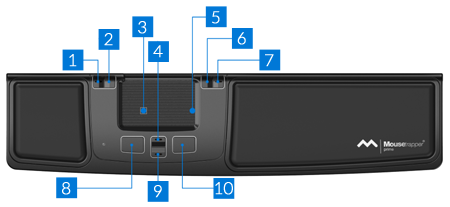
With the trackpad, you control the cursor in all directions. You can operate the left mouse button by pressing the trackpad. It is also possible to scroll with the right side of the trackpad. In the overview below, you can see the functions of the buttons.
| Item number | ERGO-MTPR |
| Manufacturer's item number | MT123 |
| Brand | Mousetrapper® |
| Warranty | 2 years |
| Type of guarantee | Ergowerken free warranty return service |
| Colour | Black |
| Ergonomic design | |
| Management | Trackpad |
| Left- or right-handed | This mouse can be operated with either hand. |
| Hand length | Suitable for any arm length |
| Hand width | Suitable for any hand size |
| Operation | Trackpad and buttons |
| Connection | Bluetooth or wired |
| Included receiver | Not applicable |
| Bluetooth | 4.1 |
| USB port | Yes (wired) |
| USB version | 2.0/3.0 |
| Number of buttons | 8 programmable buttons |
| On/off button | |
| Adjustable buttons | Yes, using the free MTkeys® software, which can be downloaded. |
| Scroll wheel | |
| Trackball | |
| Adjustable sensitivity | |
| Sensitivity | 2000 dots per inch |
| Type of power supply | Battery |
| Rechargeable | |
| Minimum system requirements | Mac OS X or Windows XP and higher |
| Plug and play | |
| Dimensions length x width x height | 110 x 480 x 20 millimetres |
| Product weight | 720 grams |
Customers who write a review enter a prize draw for a voucher. We pick one winner and publish all reviews, including critical ones.