Stel hier je vraag over dit product
Mistel MD770 PRO split mechanical keyboard

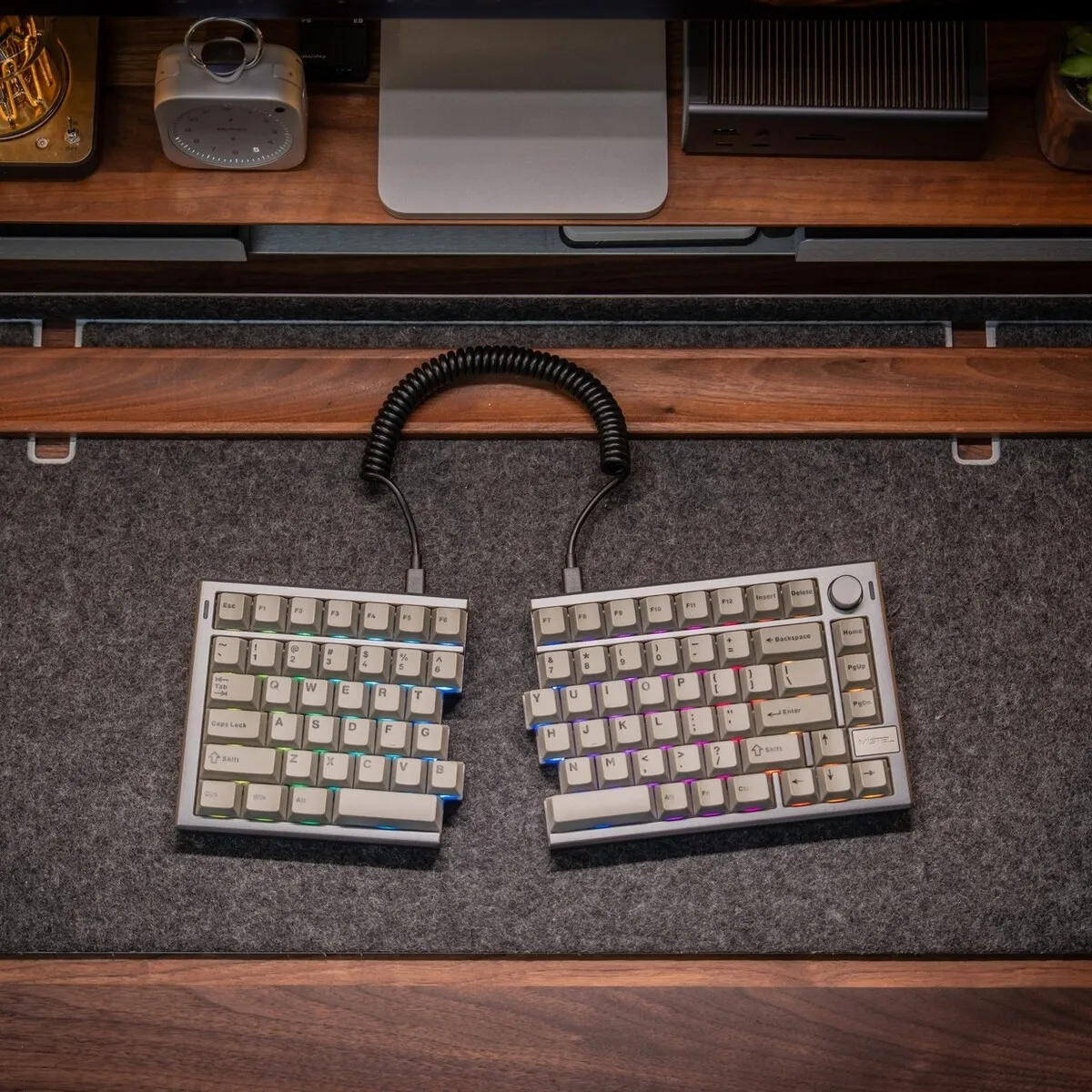
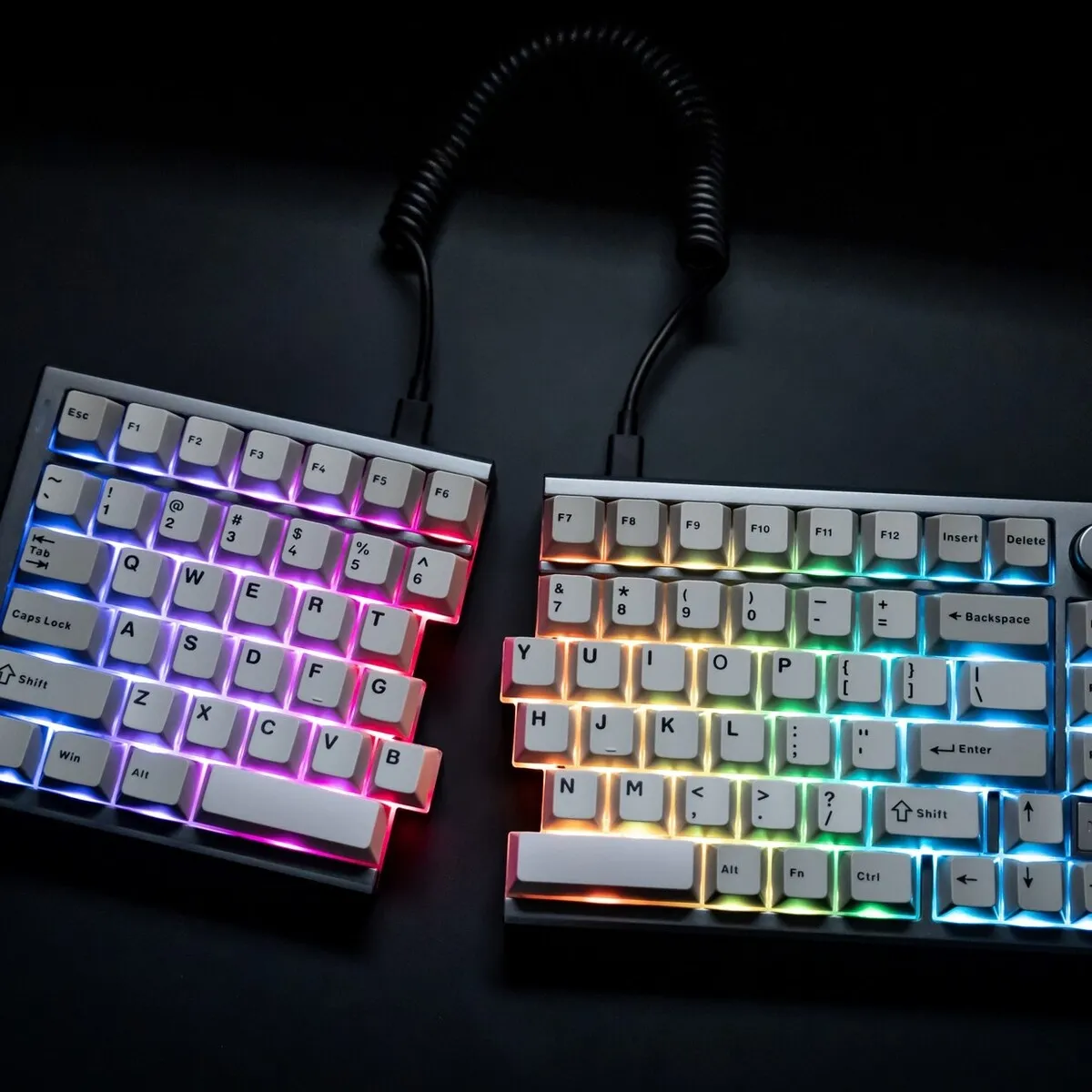
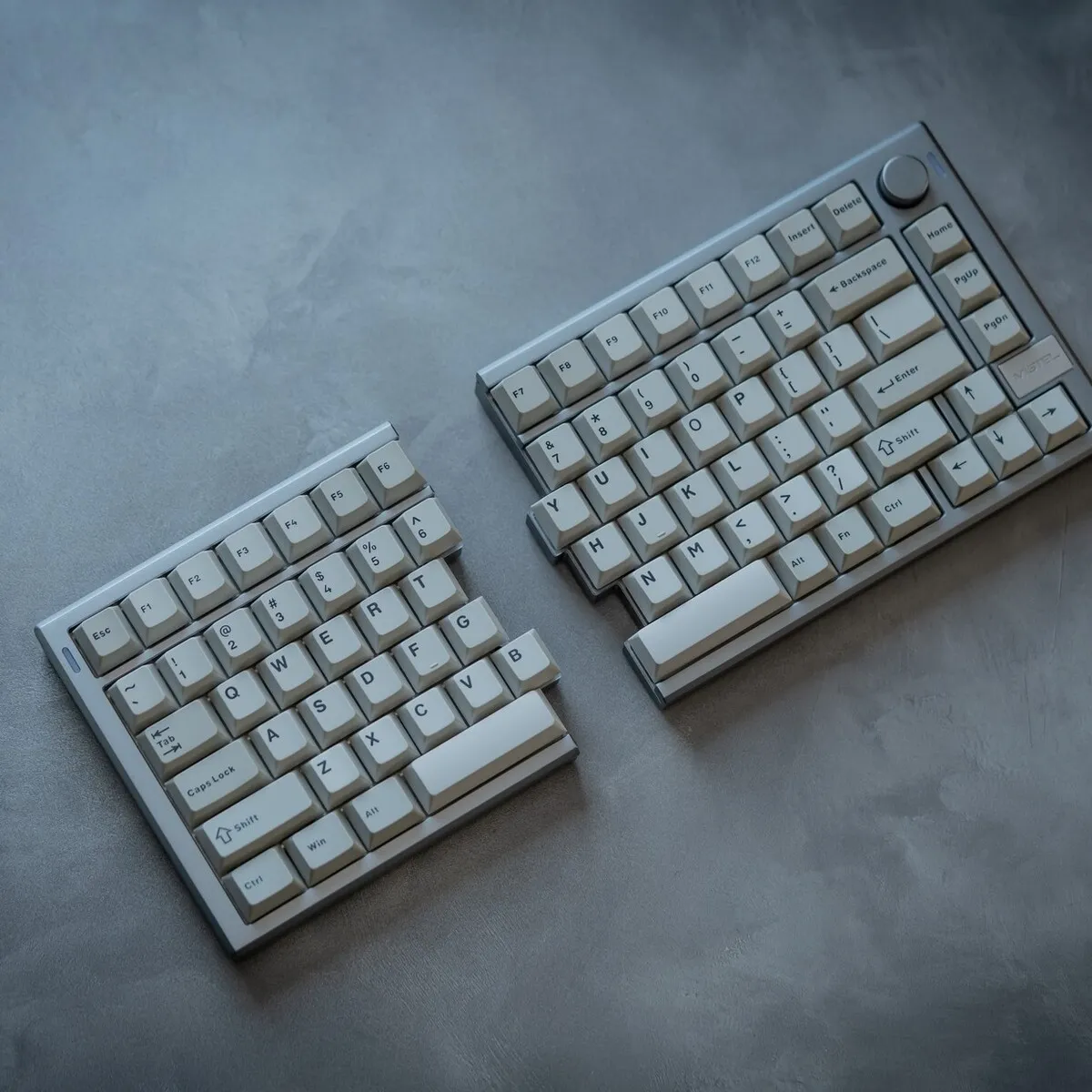
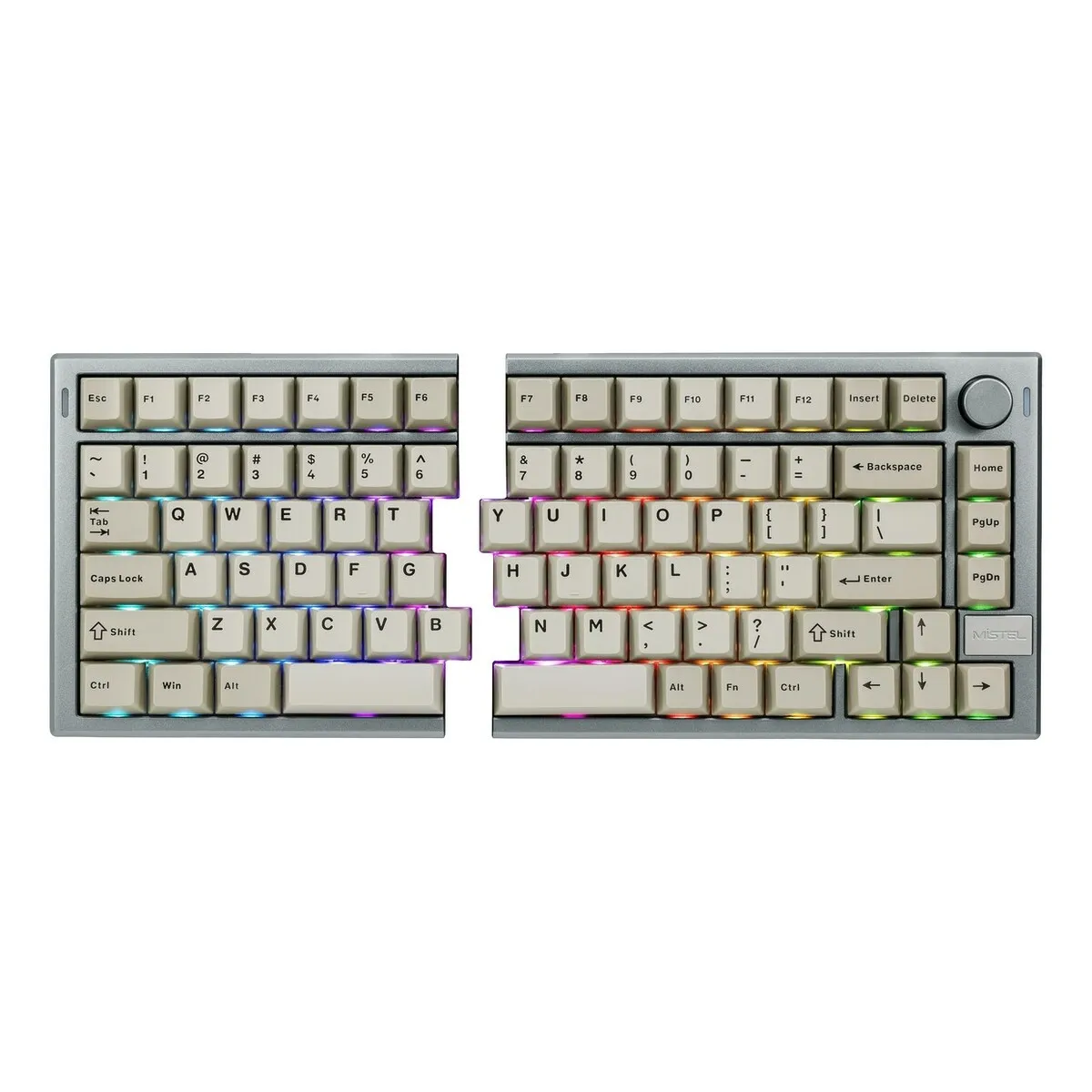
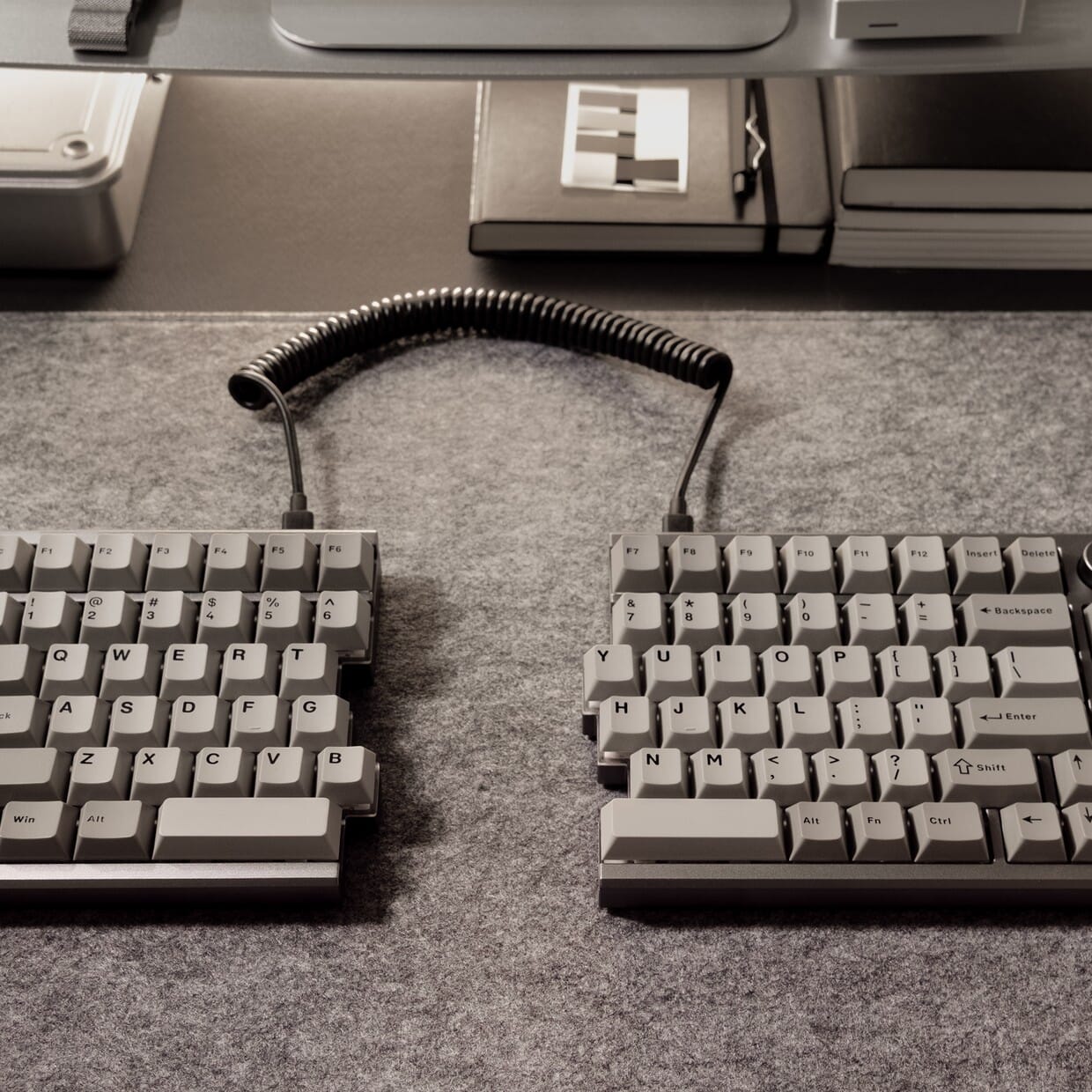
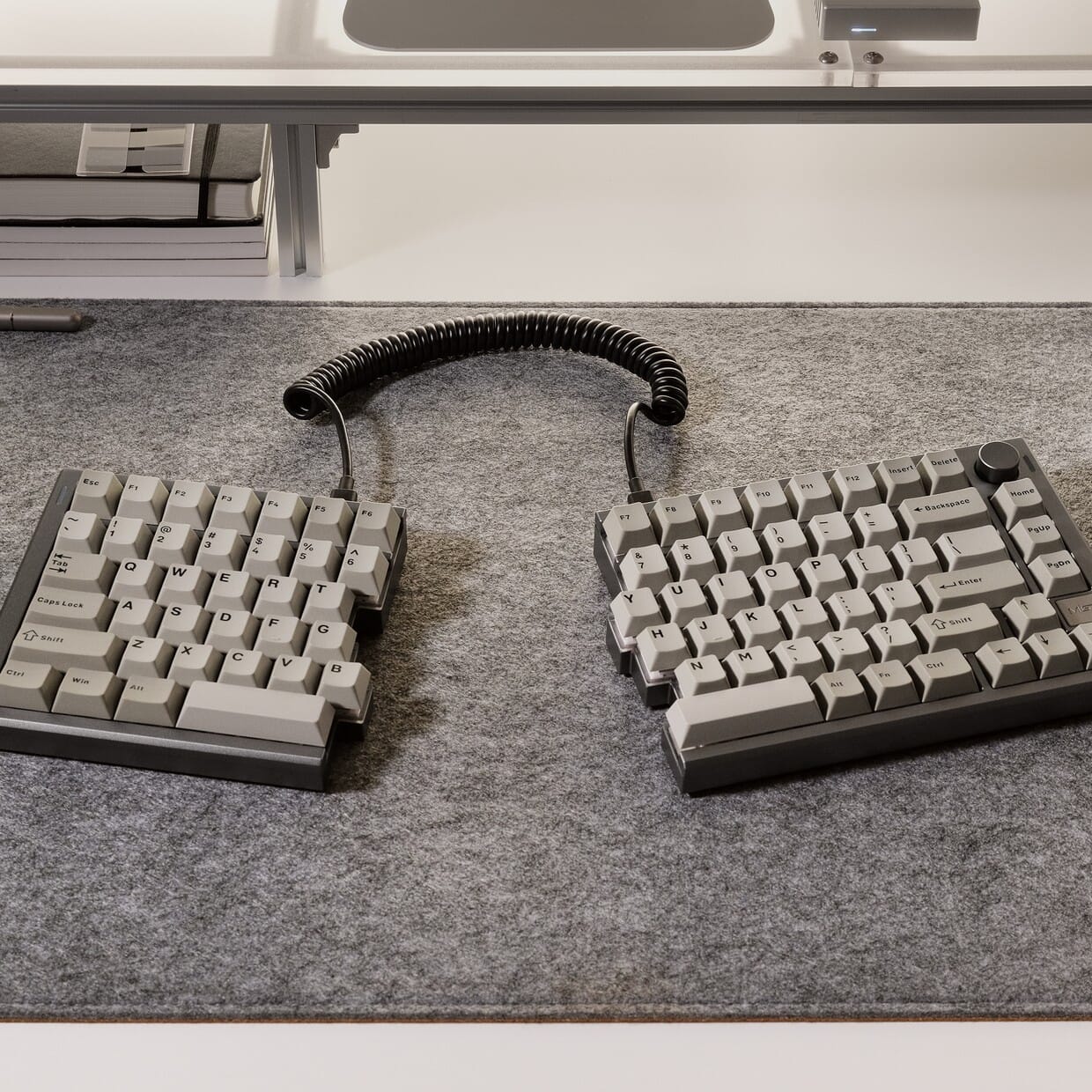
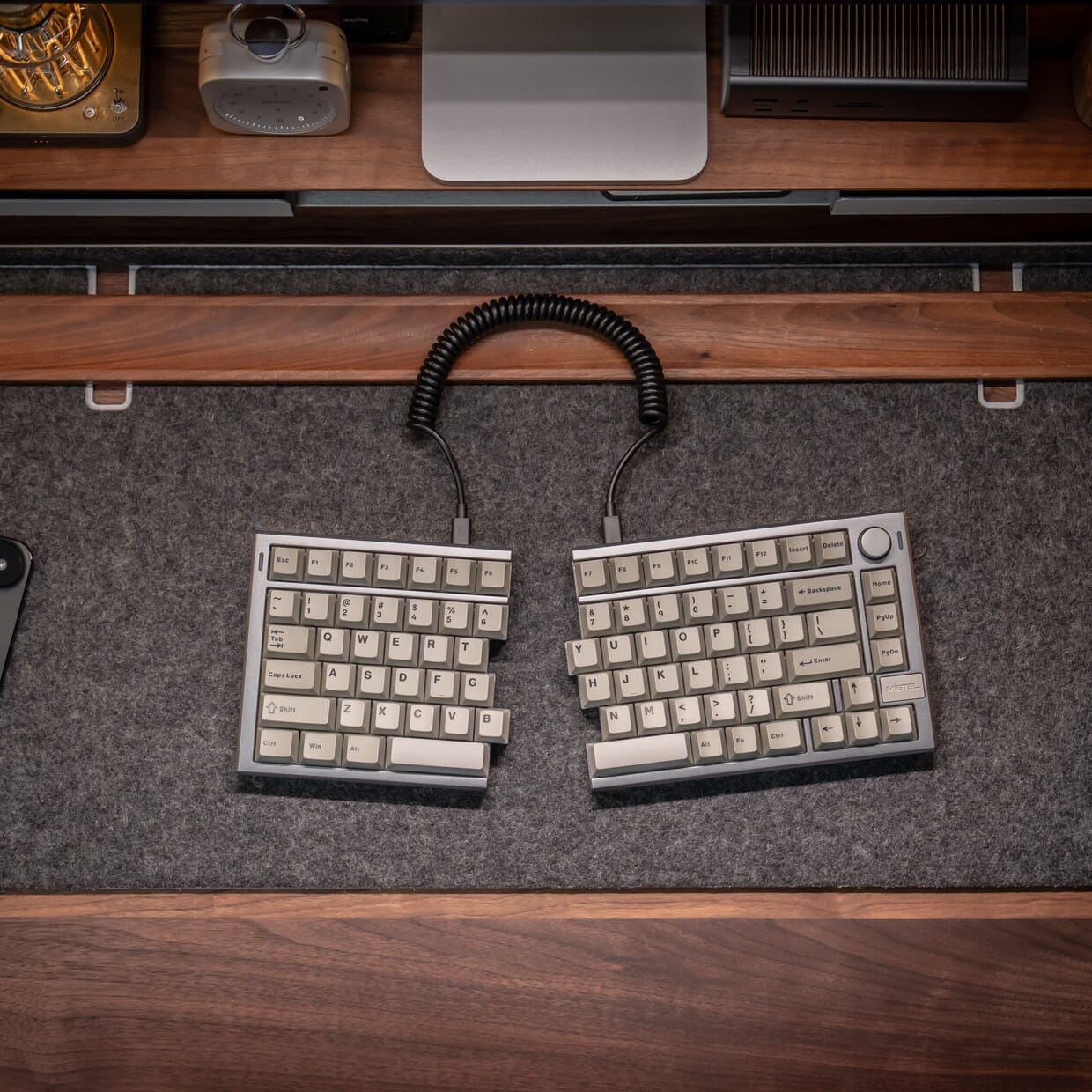
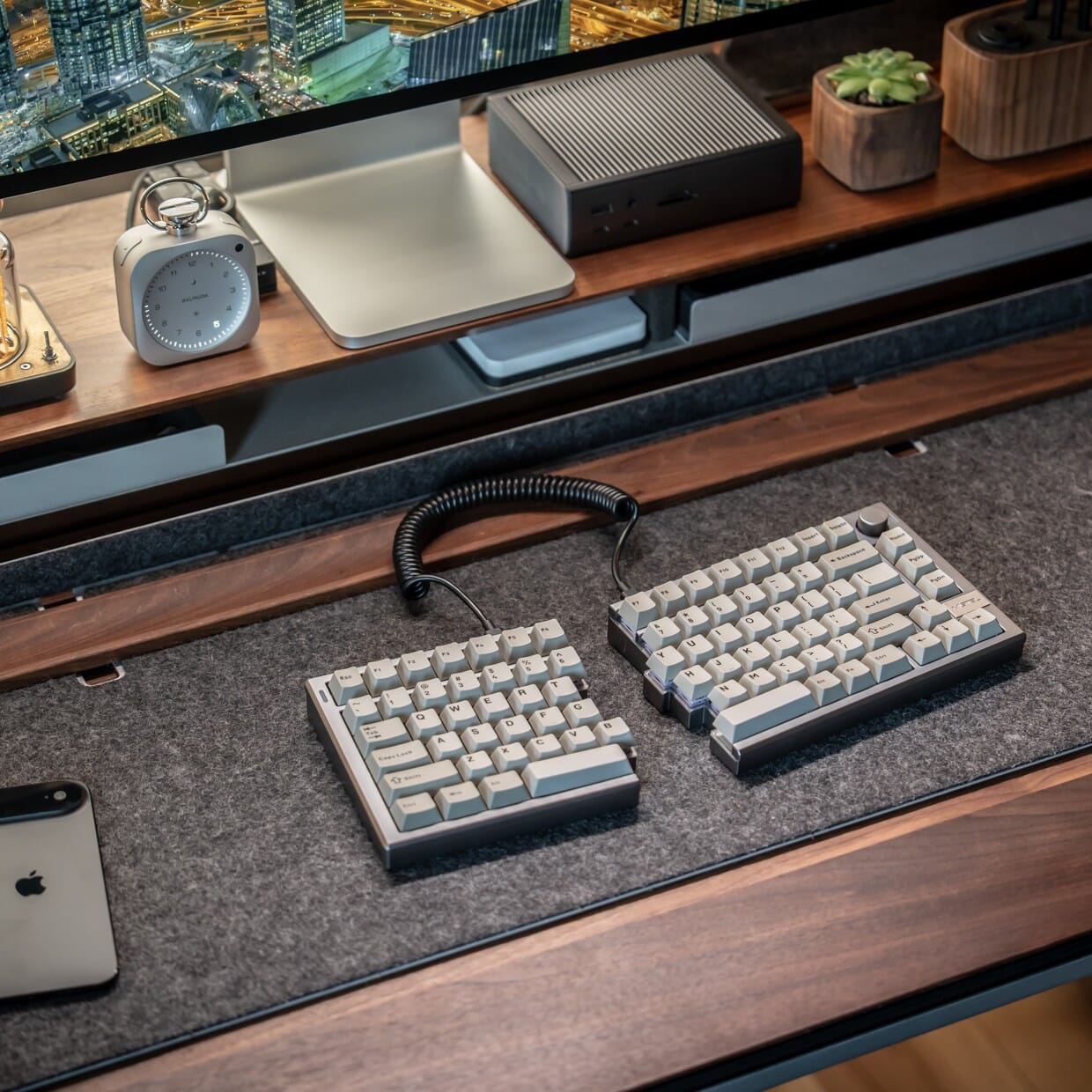
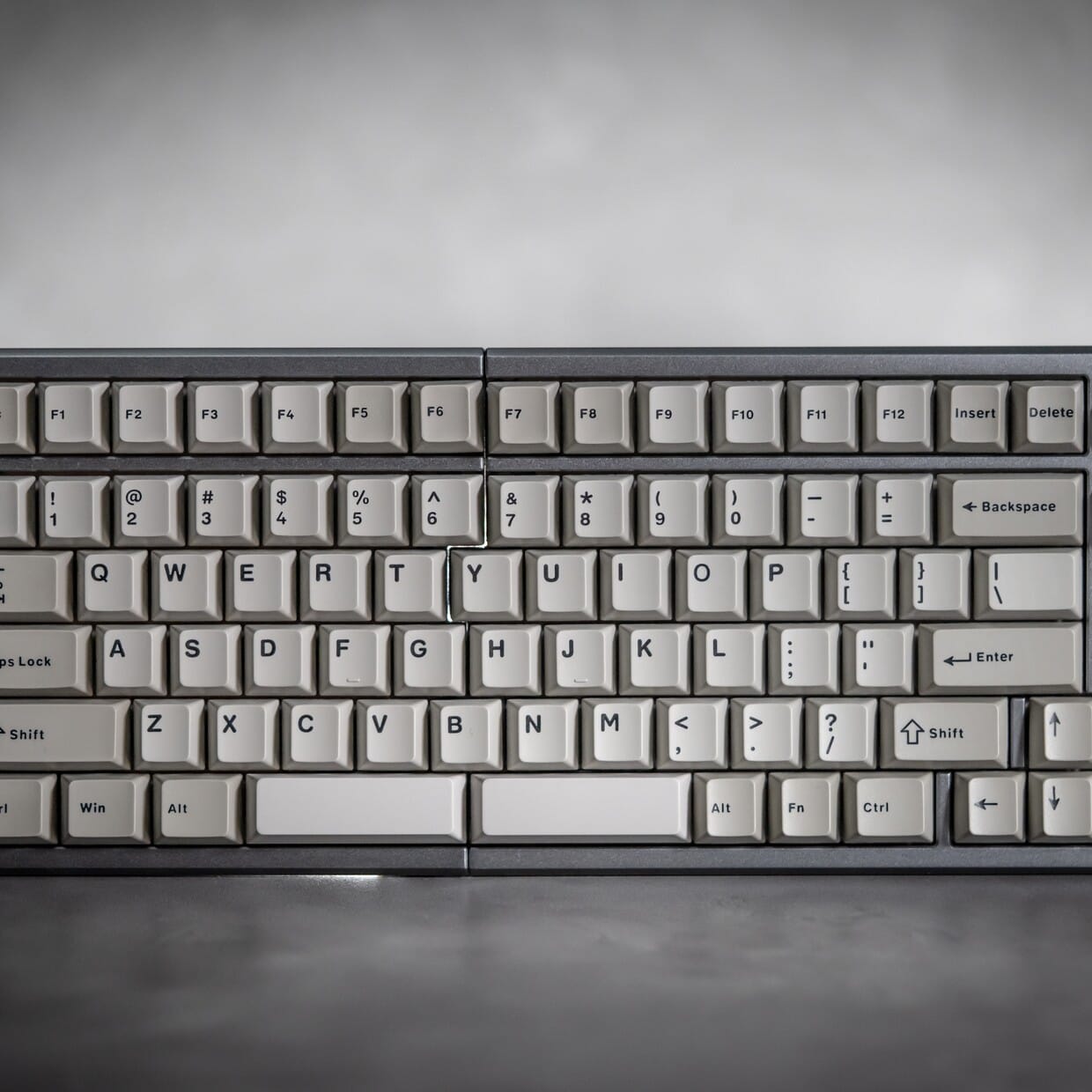
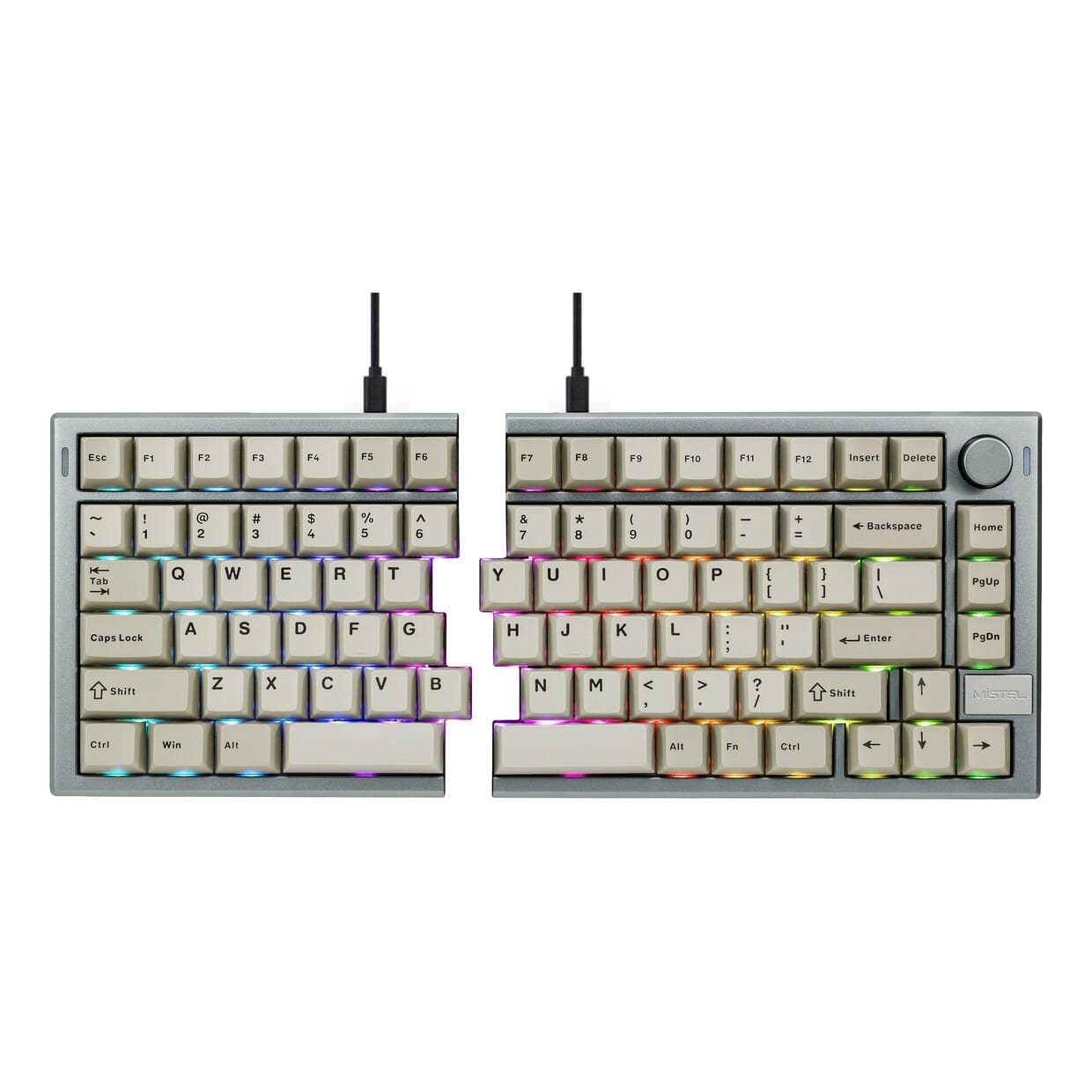
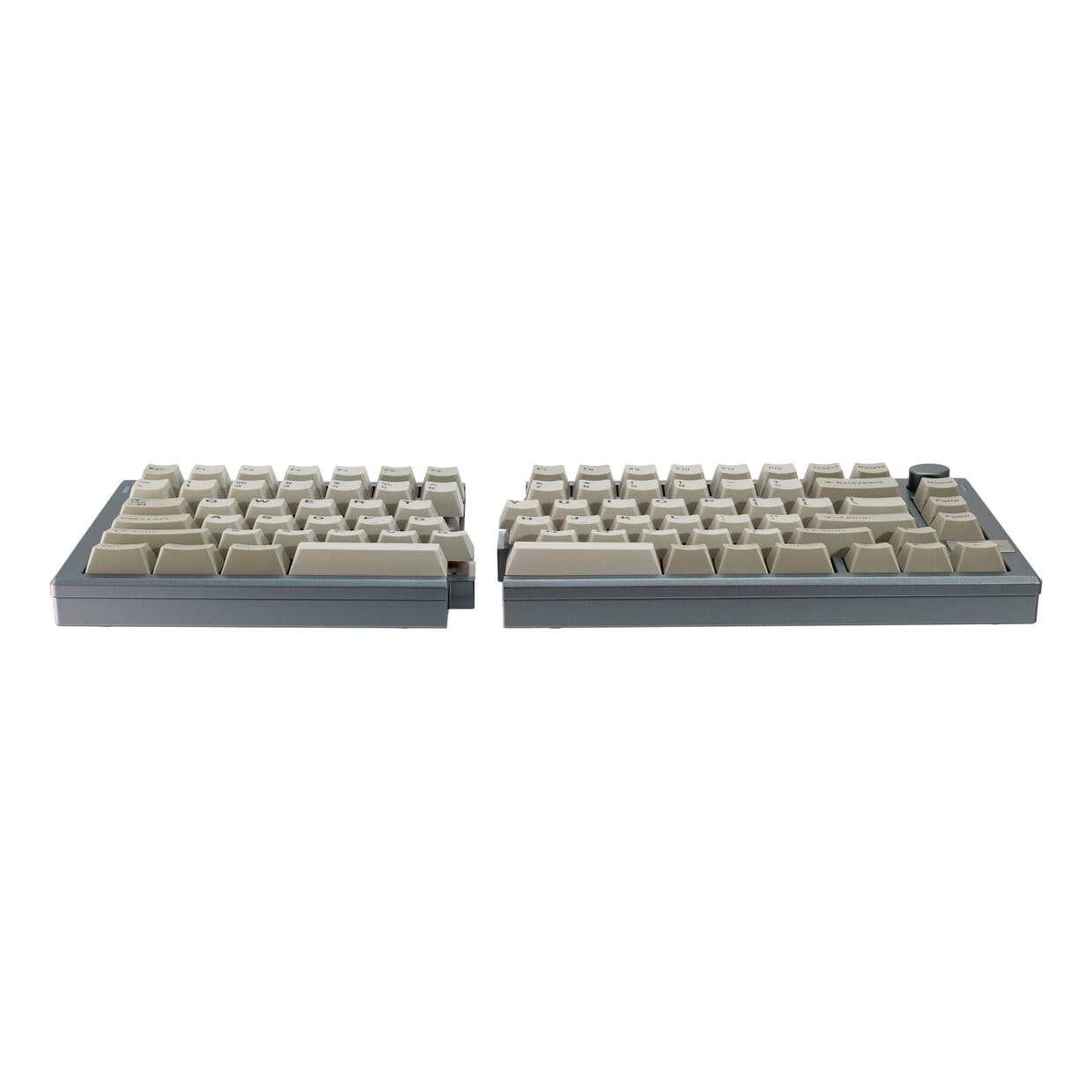
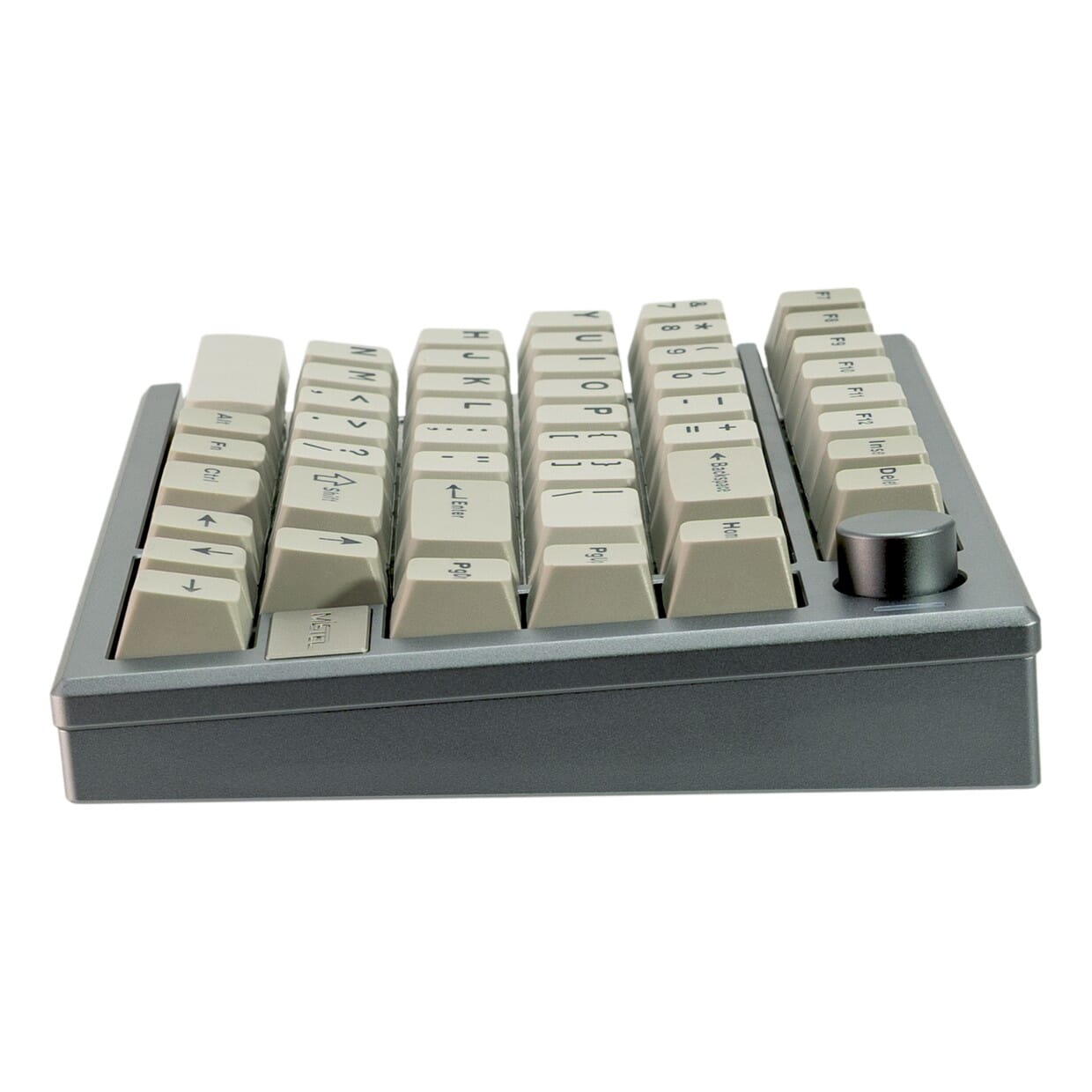
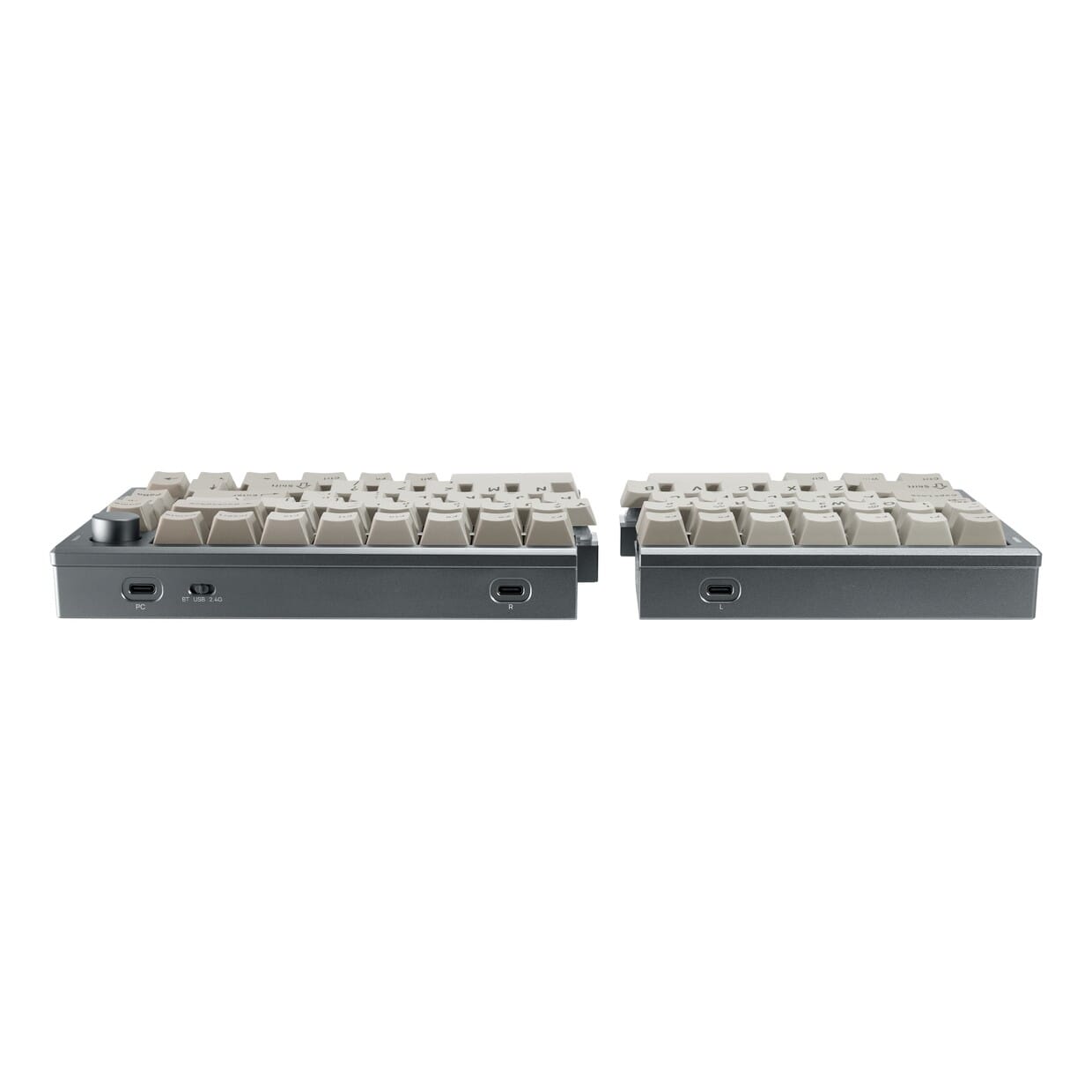
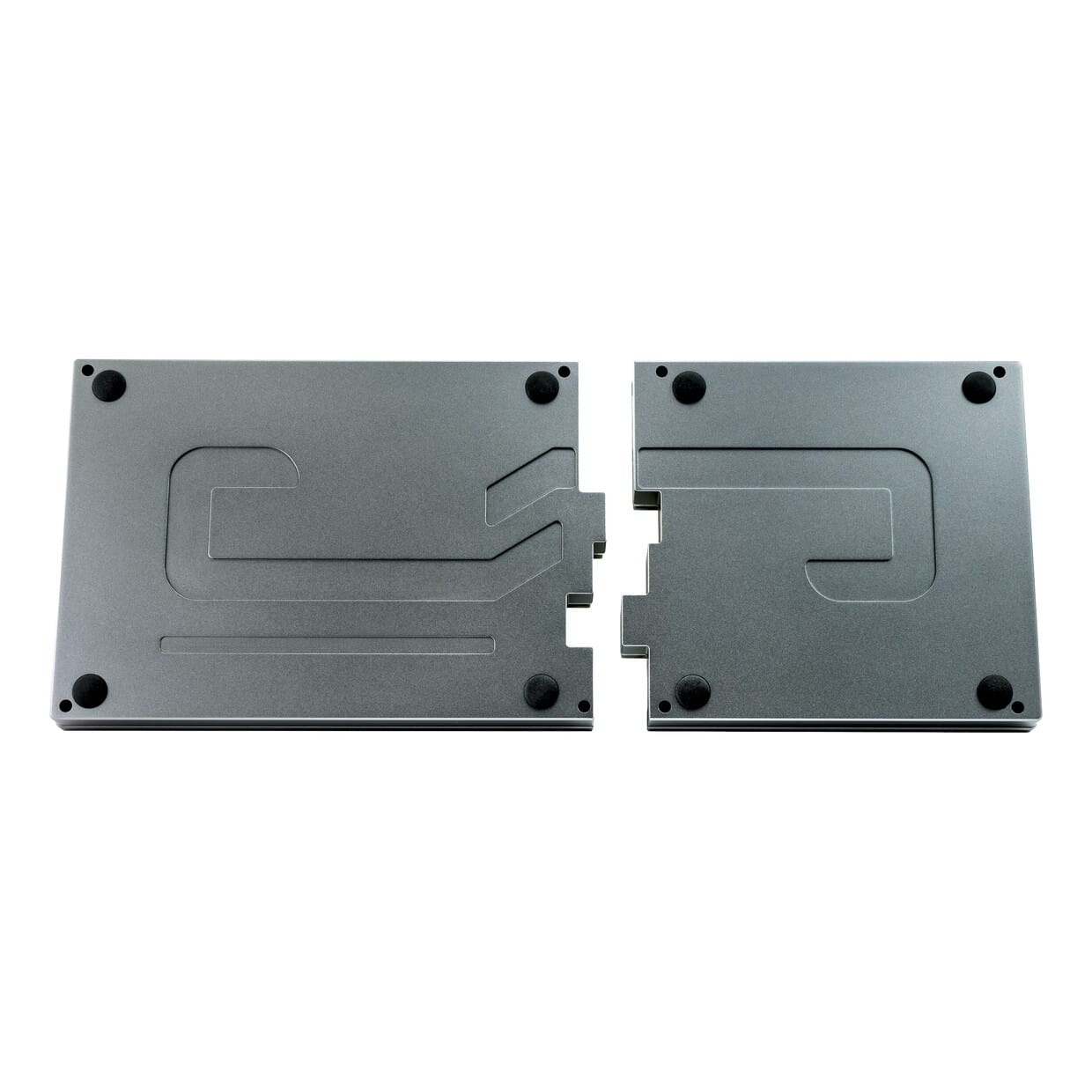
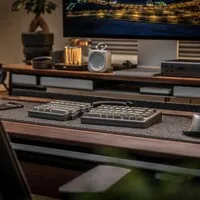
Product description of Mistel MD770 PRO split mechanical keyboard
Is this keyboard right for me?
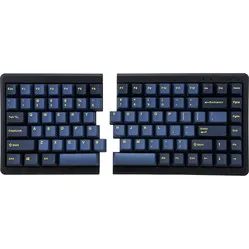
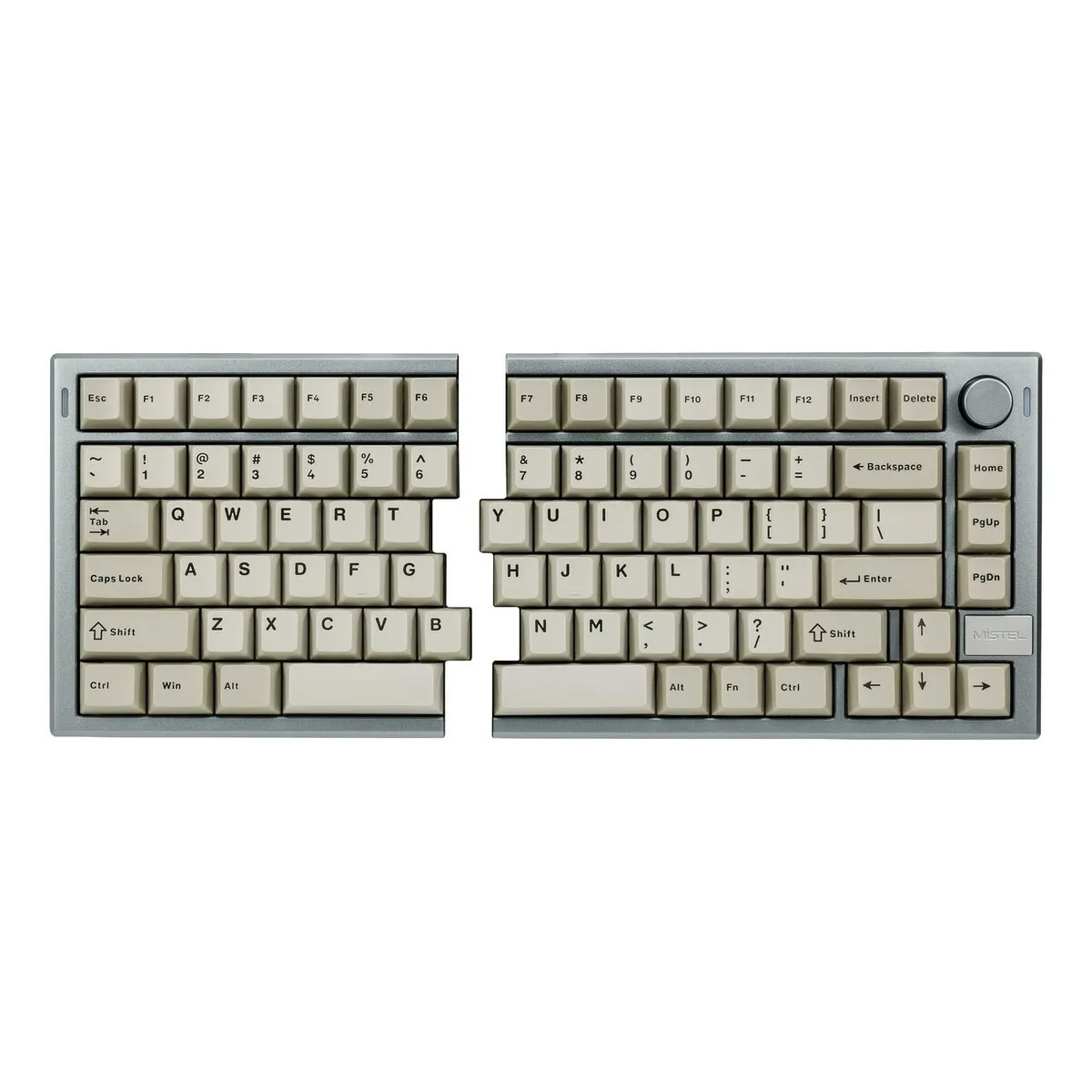
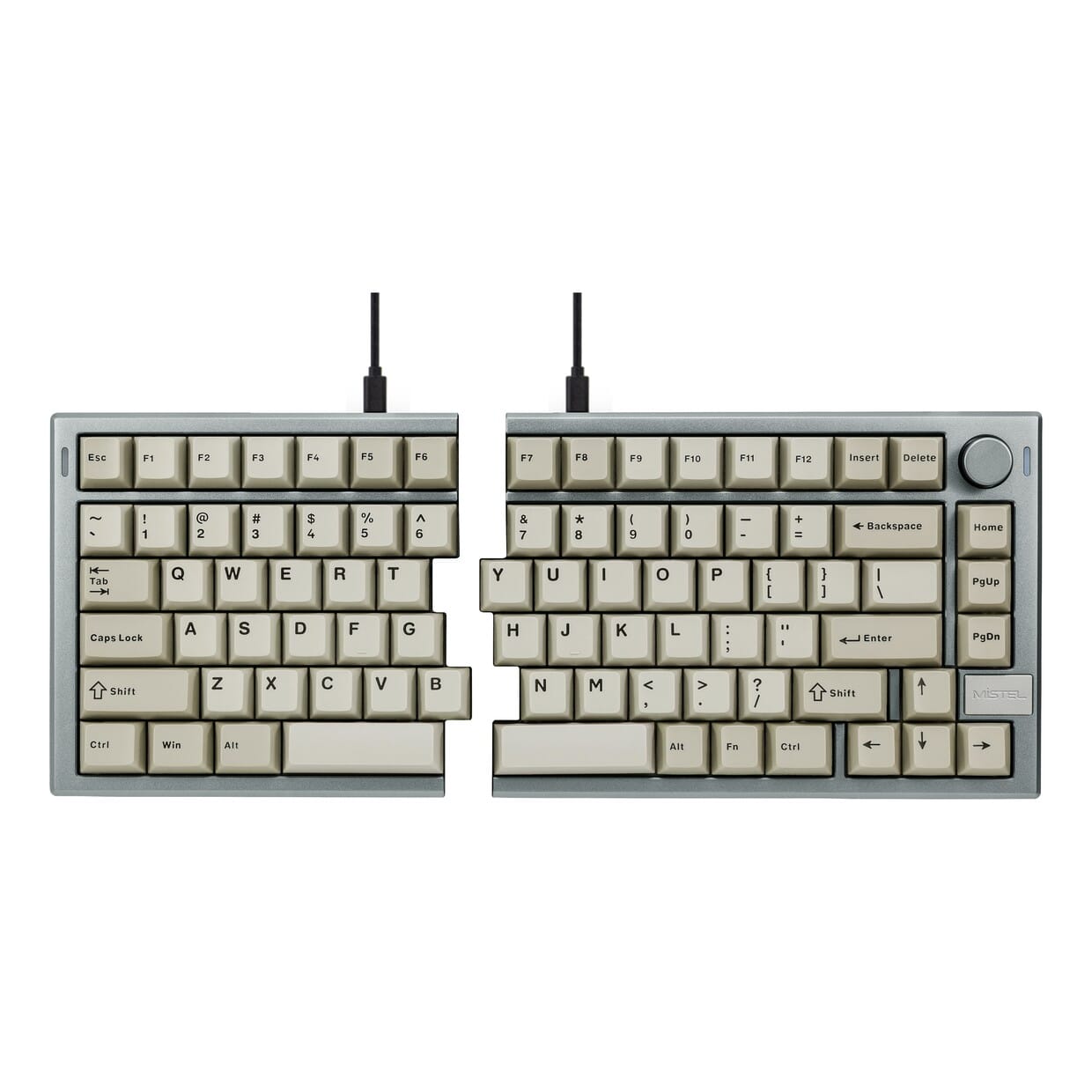
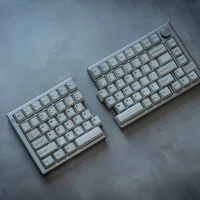
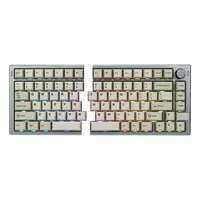
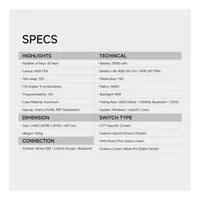
The Mistel MD770 PRO consists of two separate halves that you place side by side. The left-hand half is narrower than the right-hand half, so bear both dimensions in mind when organising your desk. Below you'll find a summary of the MD770 PRO's key dimensions and connections.
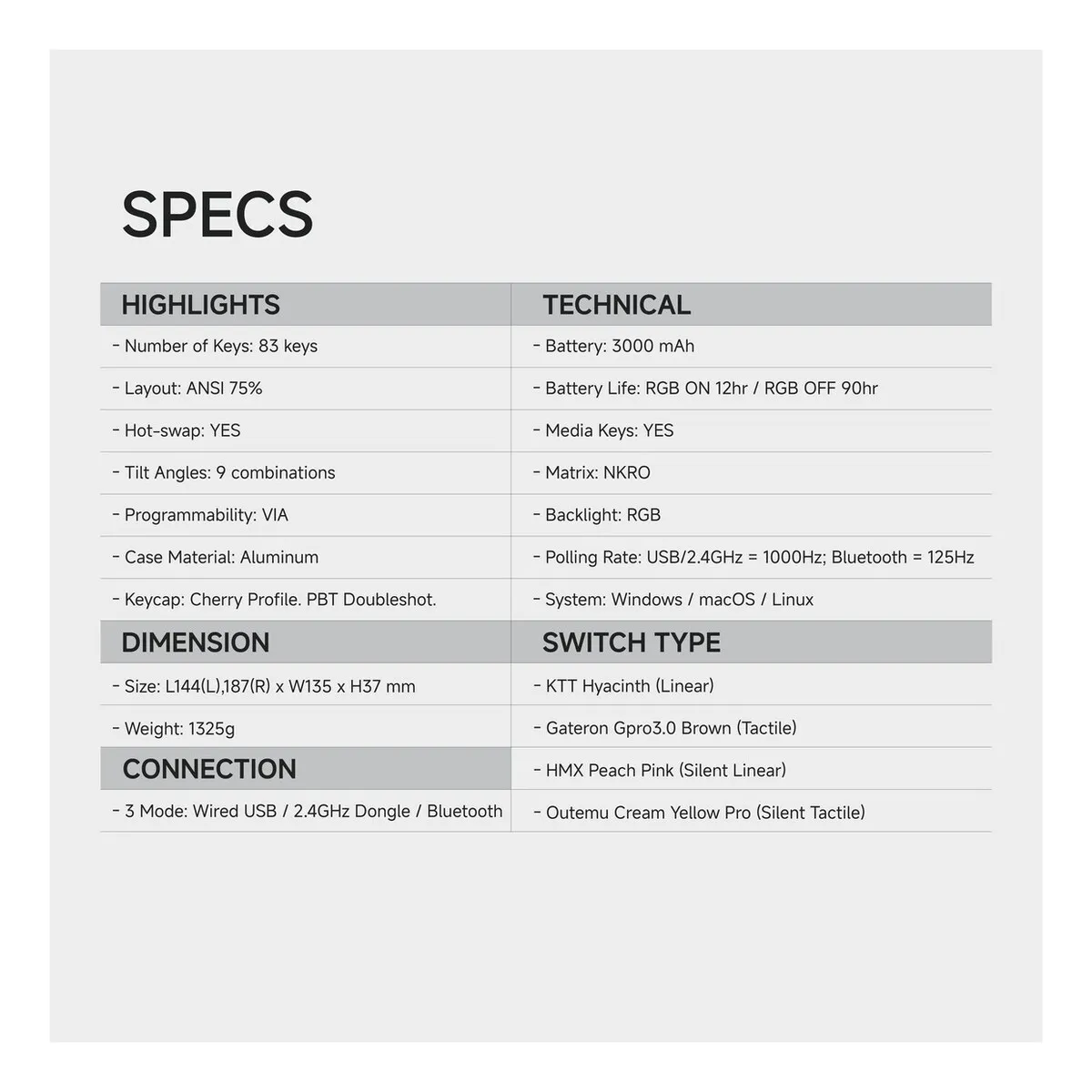
| Width of left-hand half | 144 mm |
| Width of right-hand half | 187 mm |
| Depth (per half) | 135 mm |
| Height | 37 mm |
| Compatibility | Windows, macOS and Linux |
| Key layout | QWERTY, US ANSI 75% (83 keys) |
| Connectivity | USB-C, Bluetooth 5.0 and 2.4 GHz |
| Switch | Choice of four options |
A tribute to the Mistel MD770 PRO
What 'PRO' stands for
Manufacturers slap the word 'PRO' on everything, as if a capital letter automatically makes your work better. With the Mistel MD770 PRO, for a change, there's actually substance behind it: an aluminium body, nine tilt positions and a battery that lasts for days rather than half an hour. The MD770 was already great; the PRO simply takes it up a notch. No marketing hype, just a few extra screws.
Why choose the Mistel MD770 PRO keyboard?
Split design
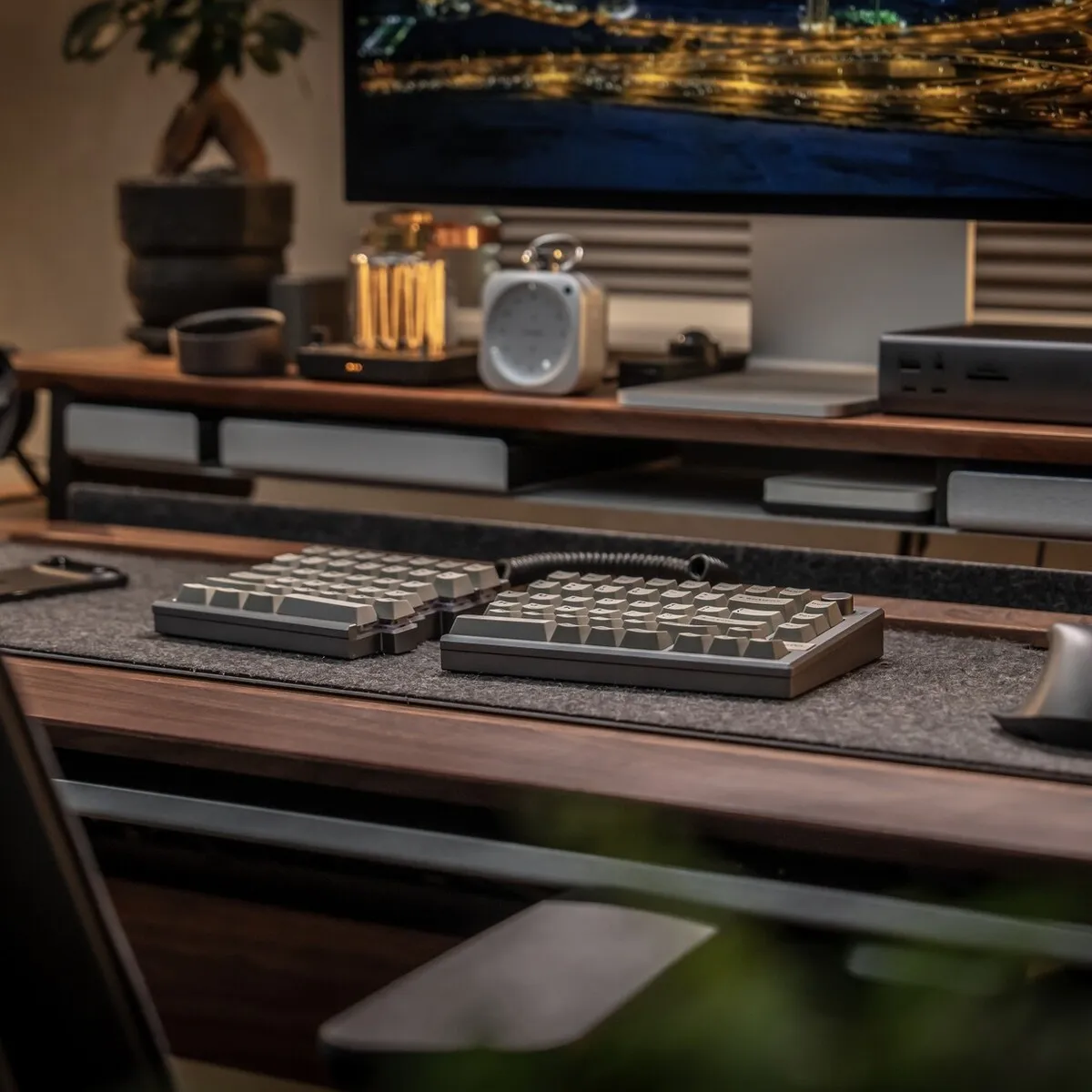
The Mistel MD770 PRO consists of two separate halves that you can position freely on your desk. A split keyboard distributes your typing across two sections. You place each half directly in front of your shoulder, which means your forearms are less likely to twist inwards.
You can position the two halves of the MD770 PRO as far apart as feels comfortable. There's even room for a mouse or notepad between them. This gives your wrist and shoulder noticeably more space.
Tenting and tilt
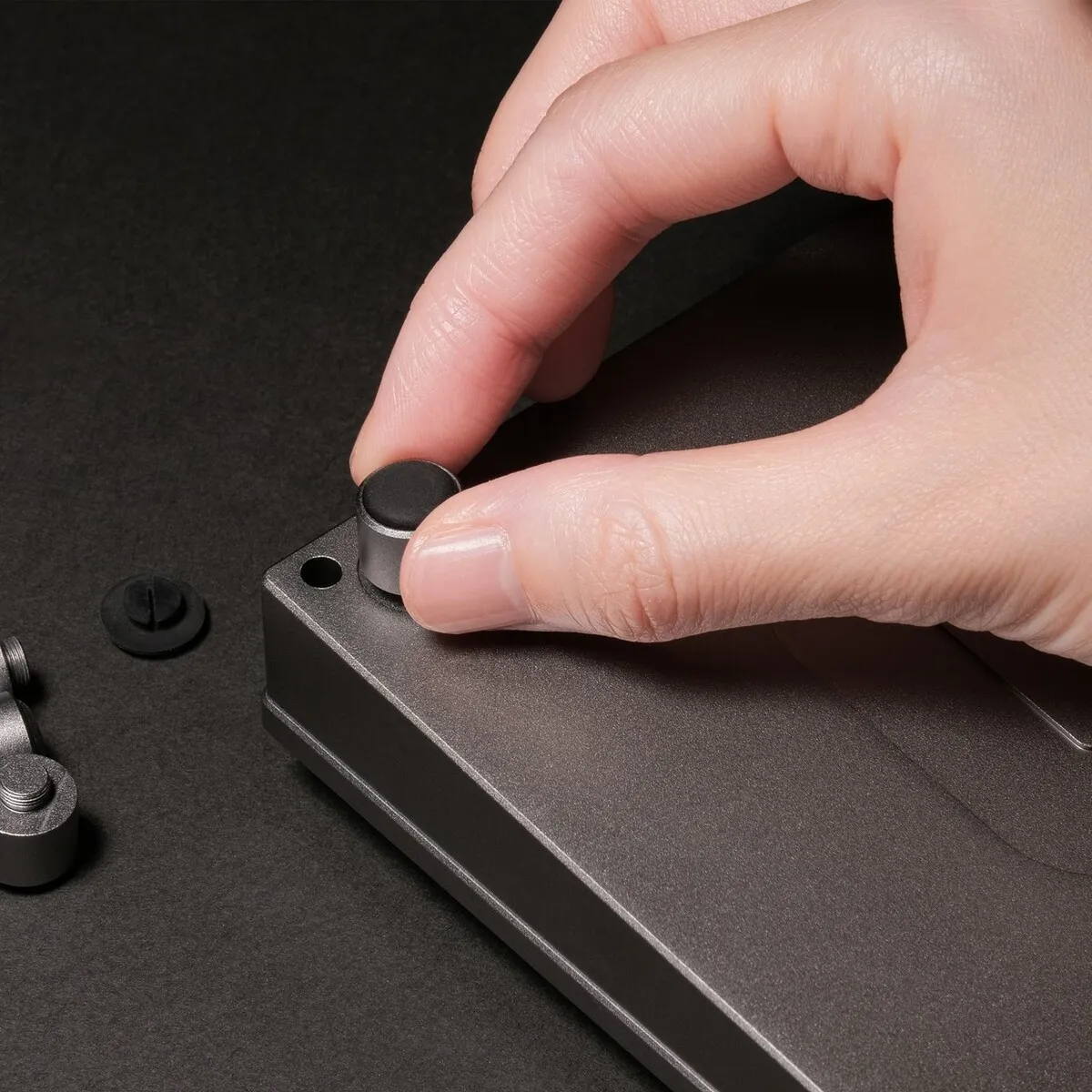
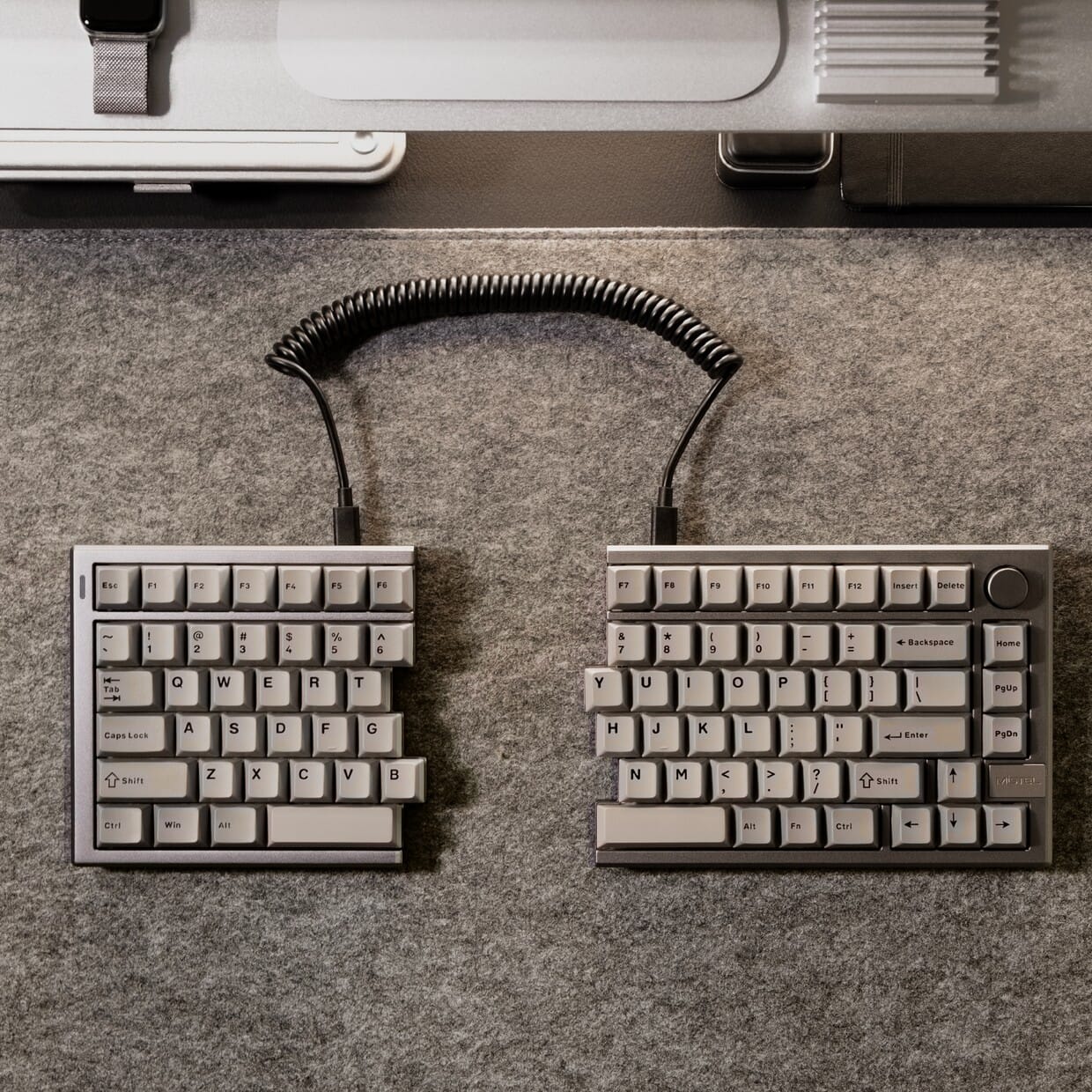
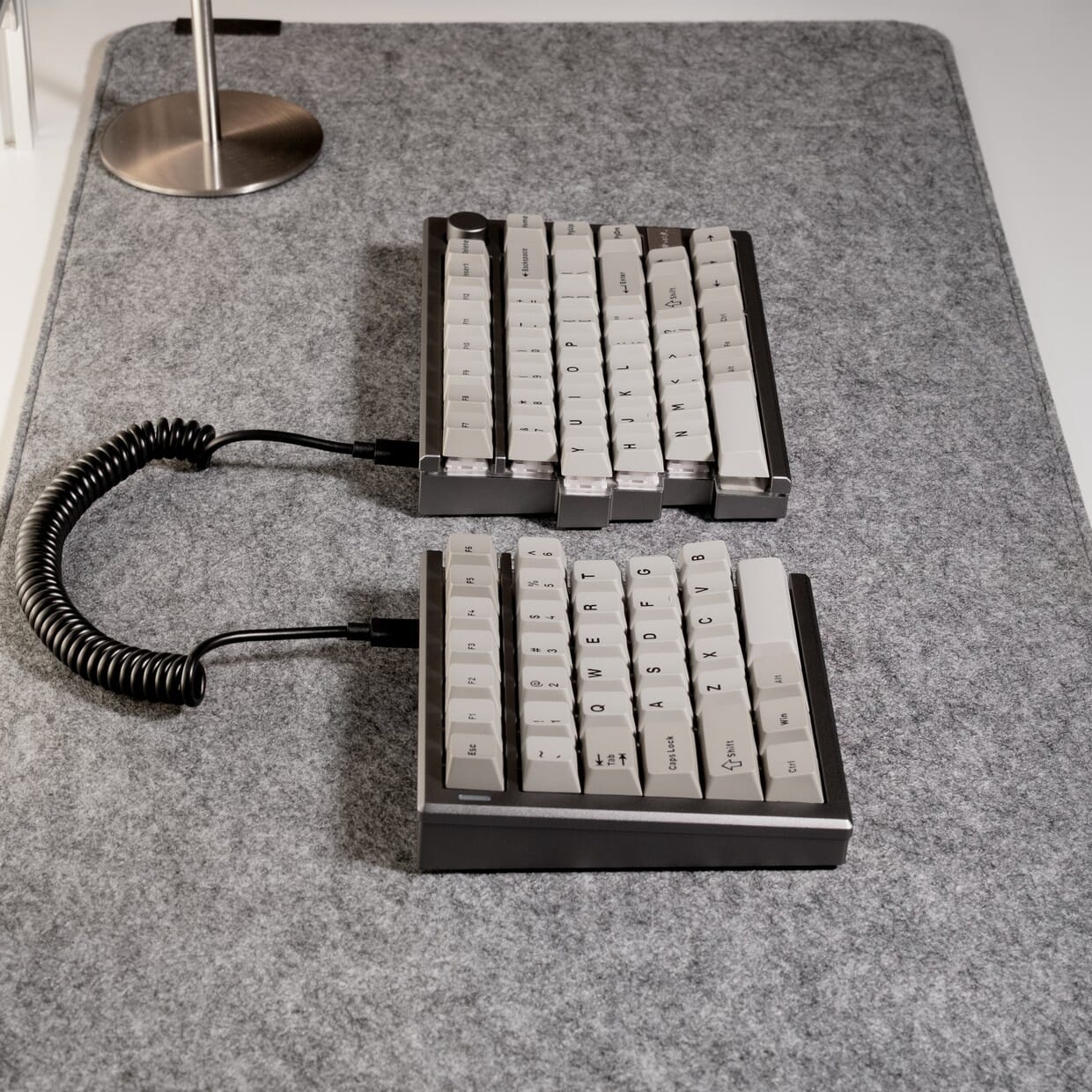
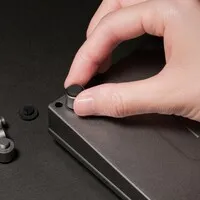
The biggest improvement in the Mistel MD770 PRO lies in its adjustability. Using the screw-in feet supplied, you can set nine different tilt positions: tenting, forward tilt and negative tilt. In the tenting position, the inner sides of the halves are raised, allowing your hands to rest more naturally on their sides.
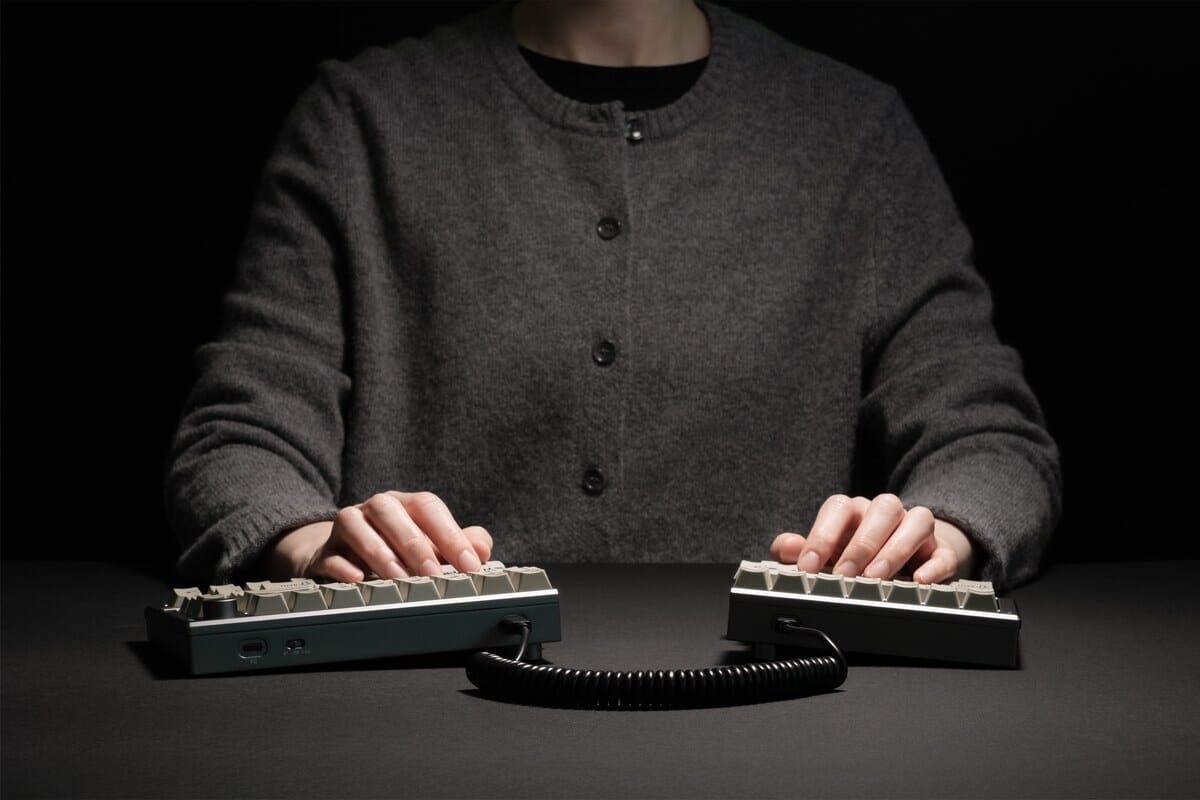
This photo shows a different colour variant. The adjustment mechanism works exactly the same way on the Urban Grey model.
Forward tilt lowers the back, whilst negative tilt flattens your wrists. This allows you to find the position that suits your posture with the MD770 PRO. Make sure you screw the feet securely in place so that you don't accidentally change the position whilst using it.
Connectivity
You can connect the Mistel MD770 PRO in three ways: using the USB-C cable, via Bluetooth 5.0, or with the included 2.4 GHz receiver. The 2.4 GHz wireless connection operates at 1000 Hz, just as smoothly as the wired connection. This makes it easy to switch between your laptop, desktop and tablet with the MD770 PRO.
Programmable
You can fully customise the Mistel MD770 PRO to suit your needs using the VIA software. Within the software, you can re-map keys, create macros and assign functions wherever you want. The MD770 PRO remembers these settings, even on a different computer.
Build quality
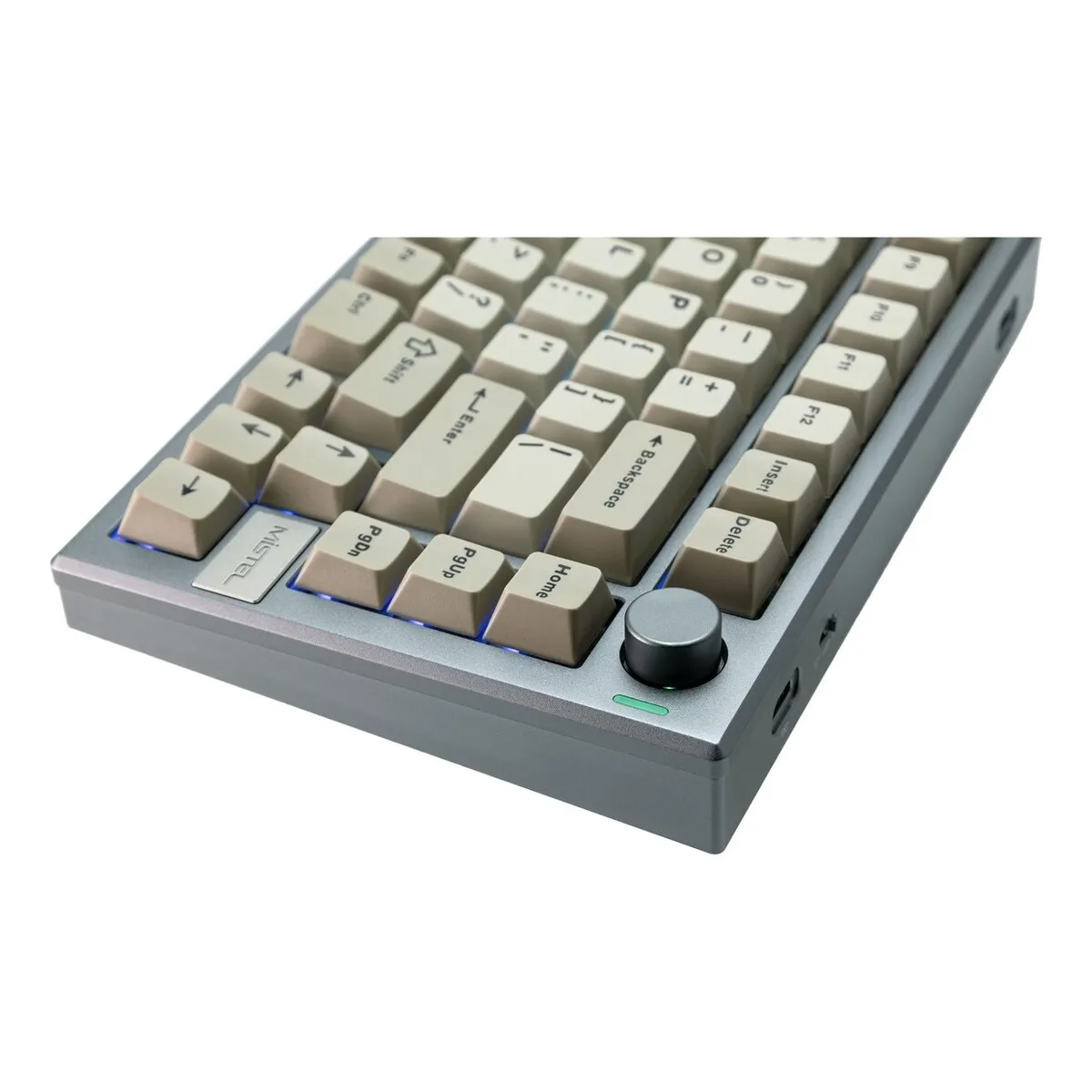
The Mistel MD770 PRO's casing is milled from a single piece of aluminium. It feels sturdy and the keyboard stays firmly in place. The keycaps are made of PBT with double-shot lettering, so the printing won't wear off.
What makes an ergonomic keyboard so good?
Anyone who types day in, day out will notice that a standard keyboard puts strain on your wrists, shoulders and neck. An ergonomic keyboard like the Mistel MD770 PRO tackles this in two ways: the split design keeps your wrists straighter, and the tilt settings relieve strain on your forearms. You can also position your mouse closer, so you don't have to reach as far. This combination can help reduce tension in your upper body.
Get the most out of this product
When purchasing the Mistel MD770 PRO, you can choose which switches are fitted. All four options cost the same, so it's purely a matter of preference. A linear switch moves smoothly without a noticeable pressure point, whilst a tactile switch has a distinct click halfway through the travel.
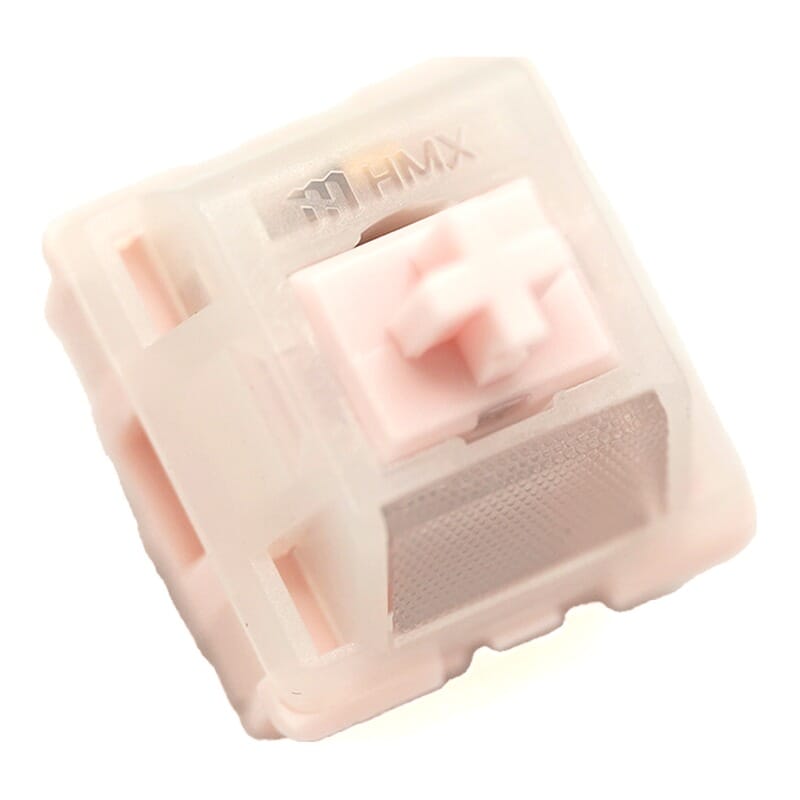 HMX Peach Pink | 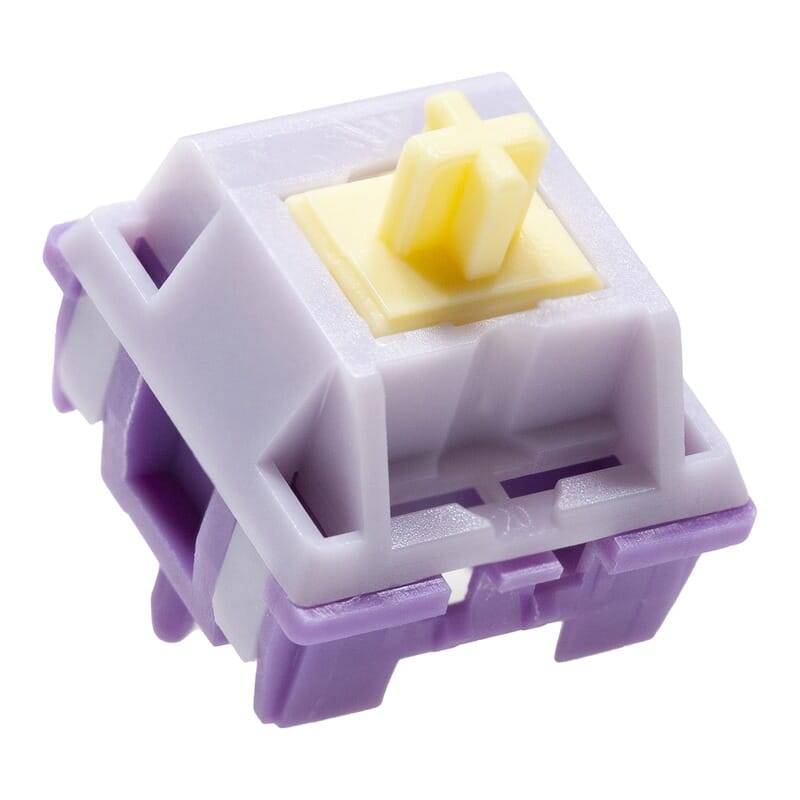 KTT Hyacinth | 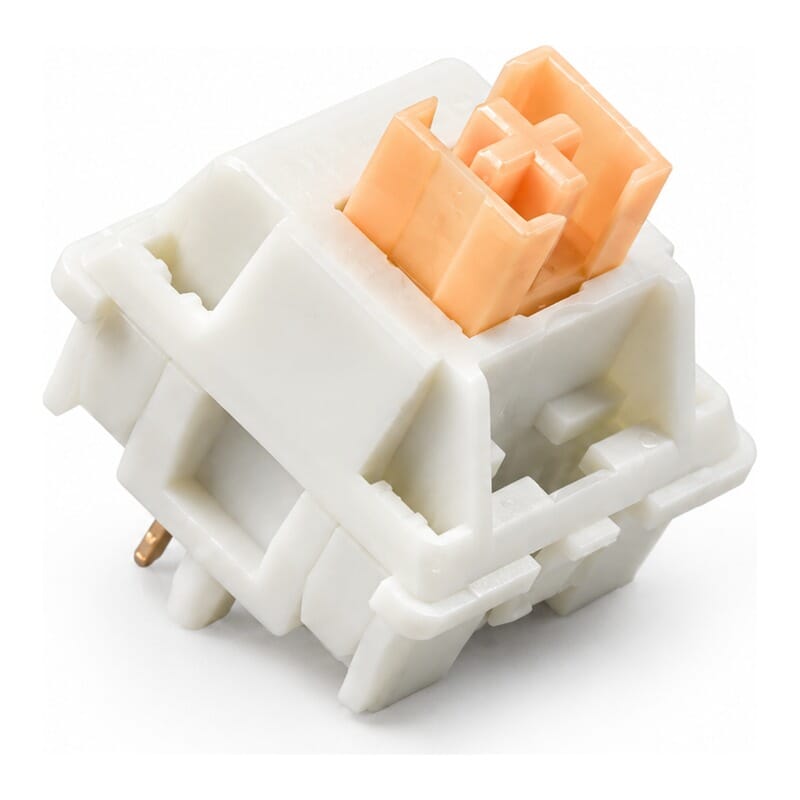 Outemu Cream Yellow Pro | 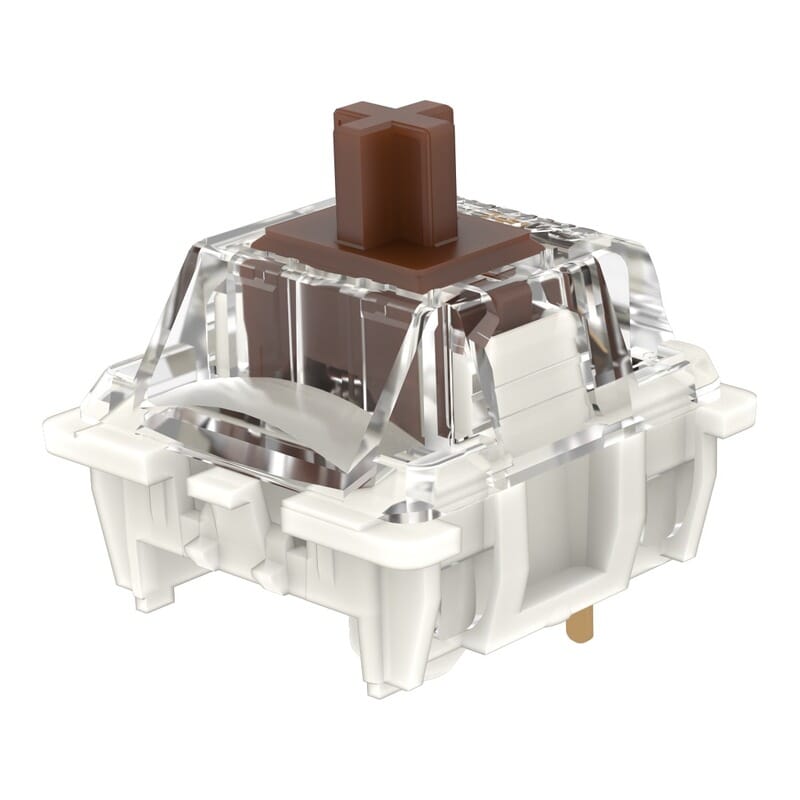 Gateron G Pro 3.0 Brown | |
| TypeLinear travels evenly. Tactile has a noticeable bump. Clicky adds an audible click to that bump. | Silent linear | Linear | Silent tactile | Tactile |
| Actuation force:Force:The force needed to register a keystroke. A regular rubber dome keyboard needs 55 to 60 g, so lower means lighter typing. | 37 g | 45 g | 50 g | 55 g |
| Registers after:The distance the key travels before the keystroke registers. You do not have to press the key all the way down. Technical term: pre-travel or actuation point. | 2.0 mm | 1.9 mm | 2.0 mm | 2.0 mm |
| Full travel:Travel:The total distance until the key can go no further. | 3.75 mm | 3.5 mm | 3.3 mm | 4.0 mm |
| Sound:Indication for normal typing. Even a silent switch makes noise if you bottom out the key. | Very quiet | Moderate | Very quiet | Moderate |
| Feel:How the key feels while typing, in the manufacturer's words. | Smooth, light, responsive rebound | Buttery, effortless | Cushioned, quiet | Clear tactile bump |
| Use case:The use the manufacturer recommends this switch for. | Fast typing, gaming, late night | Fast typing, gaming | Office, late night | Office |
The operating force tells you how heavy a key press is: the HMX Peach Pink is the lightest at 37 grams, the Gateron the firmest at 55 grams. Pre-travel is the distance before the key registers, total travel how far it goes down in all.
The two quiet variants, HMX Peach Pink and Outemu Cream Yellow Pro, are a great choice for an open-plan office or if you do a lot of video calls. They make significantly less noise than the other two, although no mechanical switch is completely silent. If you're choosing the MD770 PRO for a quiet environment, these two are the right choice.
Don't miss this either
Hot-swap switches
The Mistel MD770 PRO has hot-swap sockets. This means you can swap the switches without soldering: just pull one out and pop another in. This allows you to change the typing feel of your MD770 PRO later on without any hassle.
Volume control and media buttons
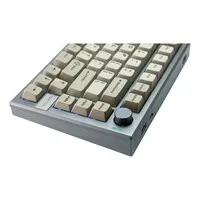
On the right-hand side of the Mistel MD770 PRO is a physical volume knob. So you can adjust the volume with a simple twist, without having to search for a key combination. The media keys are also located there.
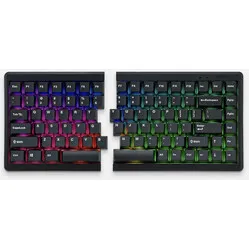
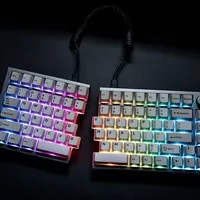
RGB lighting
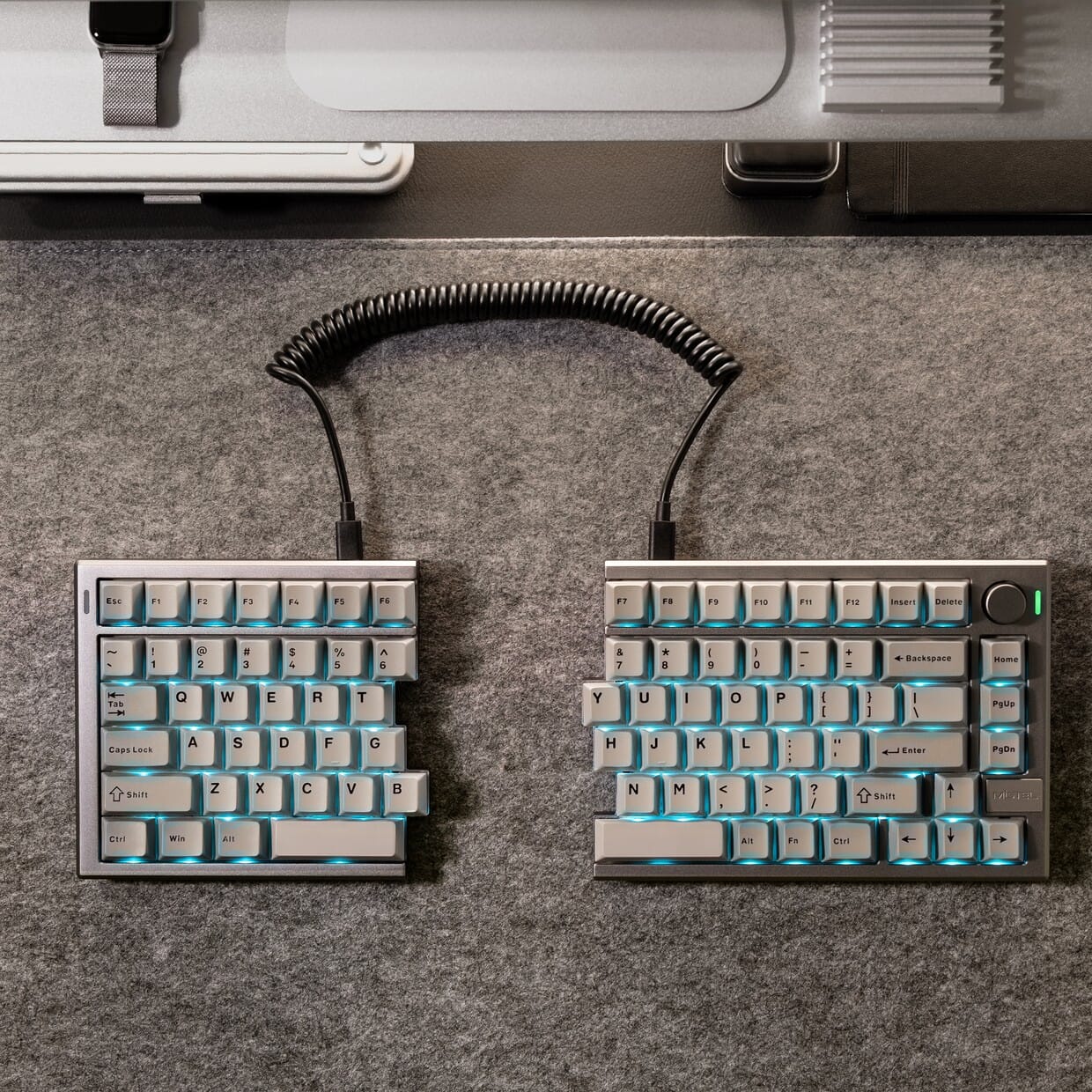
The MD770 PRO has RGB lighting that you can customise to your taste or switch off. Bear in mind the impact on battery life: with the lighting on, the MD770 PRO lasts for around 12 hours; with the lighting off, this increases to approximately 90 hours.
MD770 or MD770 PRO?
The MD770 PRO is the successor to the MD770. Both remain available, so here are the differences at a glance.
| MD770 | MD770 PRO | |
| Housing | Plastic | CNC aluminium |
| Connection | Bluetooth + USB cable | Bluetooth 5.0, 2.4 GHz and USB-C |
| Tilt positions | Fixed | 9 combinations (tenting and tilt) |
| Swapping switches | Not possible | Hot-swap, no soldering |
| Choice of switches | Cherry MX (4 versions) | 4 types, MX-compatible |
| Programming | Own macro layers | VIA software |
| Battery, RGB on | approx. 30 min | approx. 12 hours (3000 mAh) |
| Battery, RGB off | up to 60 hours | approx. 90 hours |
| Volume knob | No | Yes |
| Keyboard layout | QWERTY (ANSI US int.) | QWERTY (ANSI US, 75%), 83 keys |
| Dimensions | 320 x 140 x 27-34.5 mm | 144 + 187 x 135 x 37 mm |
| Keycaps | ABS | PBT, double-shot |
| System requirements | Windows 7 and macOS | Windows, macOS and Linux |
| Weight | 830 grams | 1,325 grams |
If you are on a tighter budget and have no need for tenting or the 2.4 GHz connection, the Mistel MD770 is still a fine buy.
How happy will this make me?
| Shoulders | |
| Hand | |
| Wrist | |
| Arm |
The biggest benefit of the Mistel MD770 PRO is felt in your shoulders, as you can separate the two halves. Your hand, wrist and arm benefit from the tilt positions and the light keystroke of the mechanical switches. You don't need to press the key all the way down, as it registers your keystroke earlier.
Pros and cons
- Aluminium chassis, sturdy and sleek
- Nine tilt positions with tenting
- Wireless via Bluetooth and 2.4 GHz
- Hot-swap, switch replacement without soldering
- Battery life of up to approximately 90 hours without backlighting
- Great if you switch between devices frequently
- No numeric keypad
- Heavier than the standard MD770
- Screwing in the feet takes a little time
Key specifications
In short: the Mistel MD770 PRO is a split mechanical keyboard for frequent typists. Key features: nine tilt positions and an aluminium chassis.
| Warranty | 2 years |
| Housing | CNC-machined aluminium |
| Weight | 1,325 grams |
| Keycaps | PBT double-shot, Cherry profile |
| Layout | US ANSI 75% (83 keys) |
| Connection | USB-C, Bluetooth 5.0, 2.4 GHz |
| Battery | 3000 mAh |
| Hot-swap | |
| Ergonomic design | |
| View all specifications |
Product features
- Split mechanical keyboard
- CNC-machined aluminium housing
- 9 tilt positions (tenting, forward and negative tilt)
- Hot-swap switches
- USB-C, Bluetooth 5.0 and 2.4 GHz
- Polling rate up to 1000 Hz
- 3000 mAh battery
- RGB lighting
- VIA software and macros
- NKRO
- Volume control on the right-hand side
- PBT double-shot keycaps (Cherry profile)
- US ANSI 75% layout, 83 keys
- For Windows, macOS and Linux
- 2-year warranty
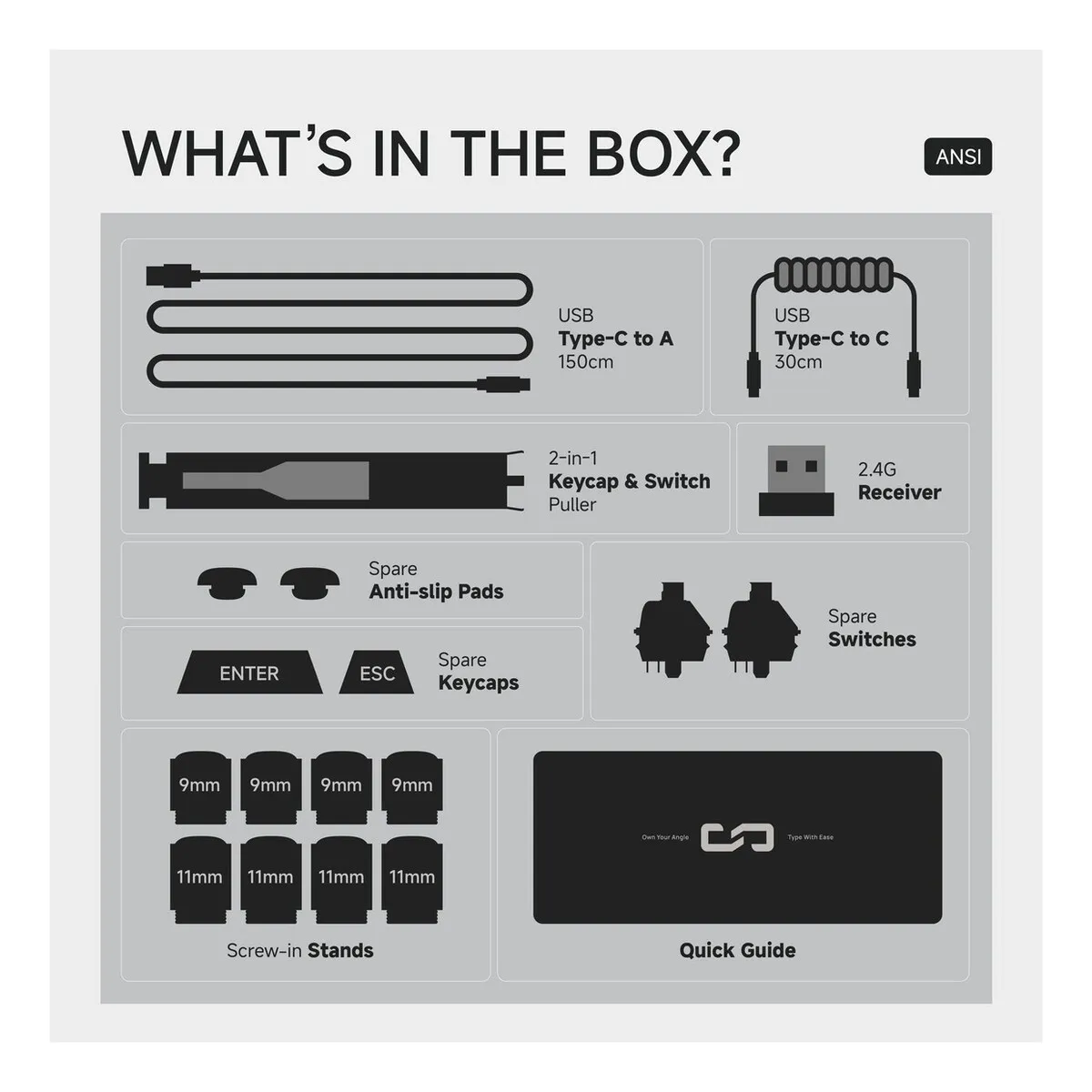
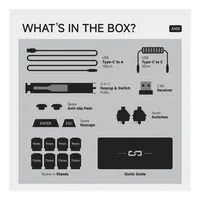
What's in the box?
- USB-C to A cable (150 cm)
- Coiled USB-C to C cable (30 cm)
- 2-in-1 keycap and switch puller
- 2.4 GHz receiver
- Spare anti-slip pads
- Spare keycaps (Enter and Esc)
- Spare switches
- 8 screw-in feet (4x 9 mm, 4x 11 mm)
- Quick guide
Frequently asked questions
Specifications
| Item number | ERGO-MD770PROKH | ERGO-MD770PROGB | ERGO-MD770PROHP | ERGO-MD770PROOC |
| Brand | Mistletoe |
| Warranty | 2 years |
| Type of guarantee | The Ergowerken free returns guarantee service |
| Colour | Urban Grey |
| Keyboard type | Mechanical and split |
| Ergonomic design | |
| Keyboard layout | QWERTY (ANSI US, 75%) |
| Connection | Bluetooth 5.0, 2.4 GHz or USB-C |
| Bluetooth | |
| USB version | USB-C |
| Type of keys | Hot-swap, MX-compatible |
| Numeric keypad | |
| Shortcut keys | Programmable via VIA |
| Programmable buttons | |
| Trackball/touchpad | |
| Type of power supply | Battery or cable |
| Battery type | Lithium battery 3000 mAh |
| Rechargeable | |
| Minimum system requirements | Windows, macOS and Linux |
| Plug and play | |
| Dimensions length x width x height | 144 (left) + 187 (right) x 135 x 37 mm |
| Product weight | 1,325 gram |
Reviews Mistel MD770 PRO split mechanical keyboard
Customers who write a review enter a prize draw for a voucher. We pick one winner and publish all reviews, including critical ones.