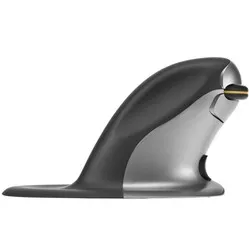
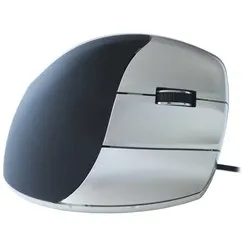
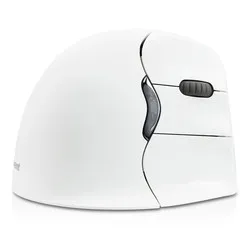
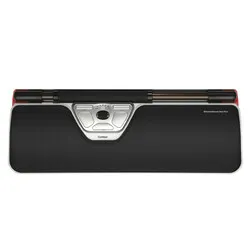
Which size fits your hand?
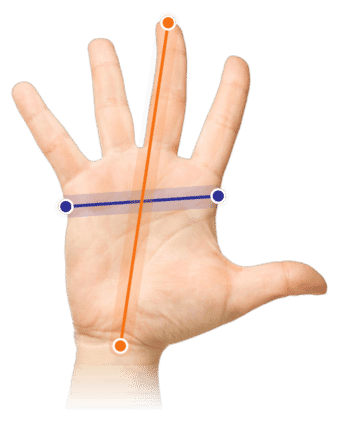
Measure your hand as shown in the image and choose your size using the table below:
| Size | Hand width | Hand length |
|---|
| One size | 70 - 87 mm | 140 - 189 mm |
Everything considered
A great complete gadget, the Minicute EZmouse5. The clever designers even give you the option to add weight to the mouse by putting coins in the bottom. That's going to come in handy. Can you imagine? "Blast! Forgot my lunch money. Oh, wait..."
Why the Minicute EZmouse5?
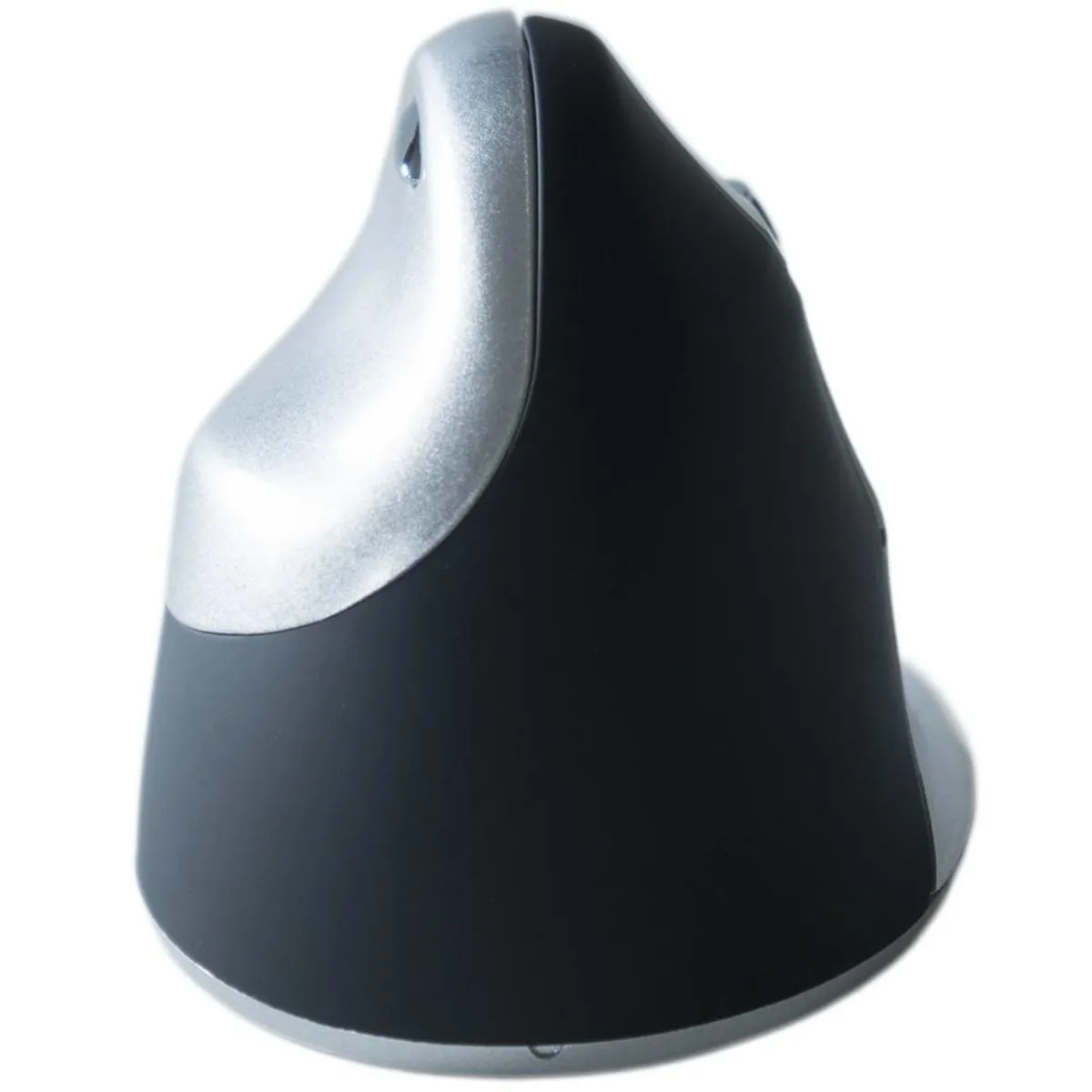
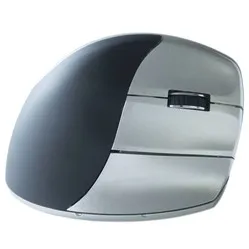
The Minicute is a very complete ergonomic mouse. Its shape prevents discomfort by forcing your hand, wrist, and arm into a natural position. This reduces muscle tension and allows you to work more relaxed. Furthermore, the detachable wrist rest prevents your hand from rubbing against the desk.
The mouse has 4 buttons stacked on the right side: the left and right mouse buttons, the scroll wheel, and the forward button. The scroll wheel features ribbed rubber, providing excellent grip while scrolling. On the left side of the mouse is the backward button, positioned just above the thumb rest for easy access.
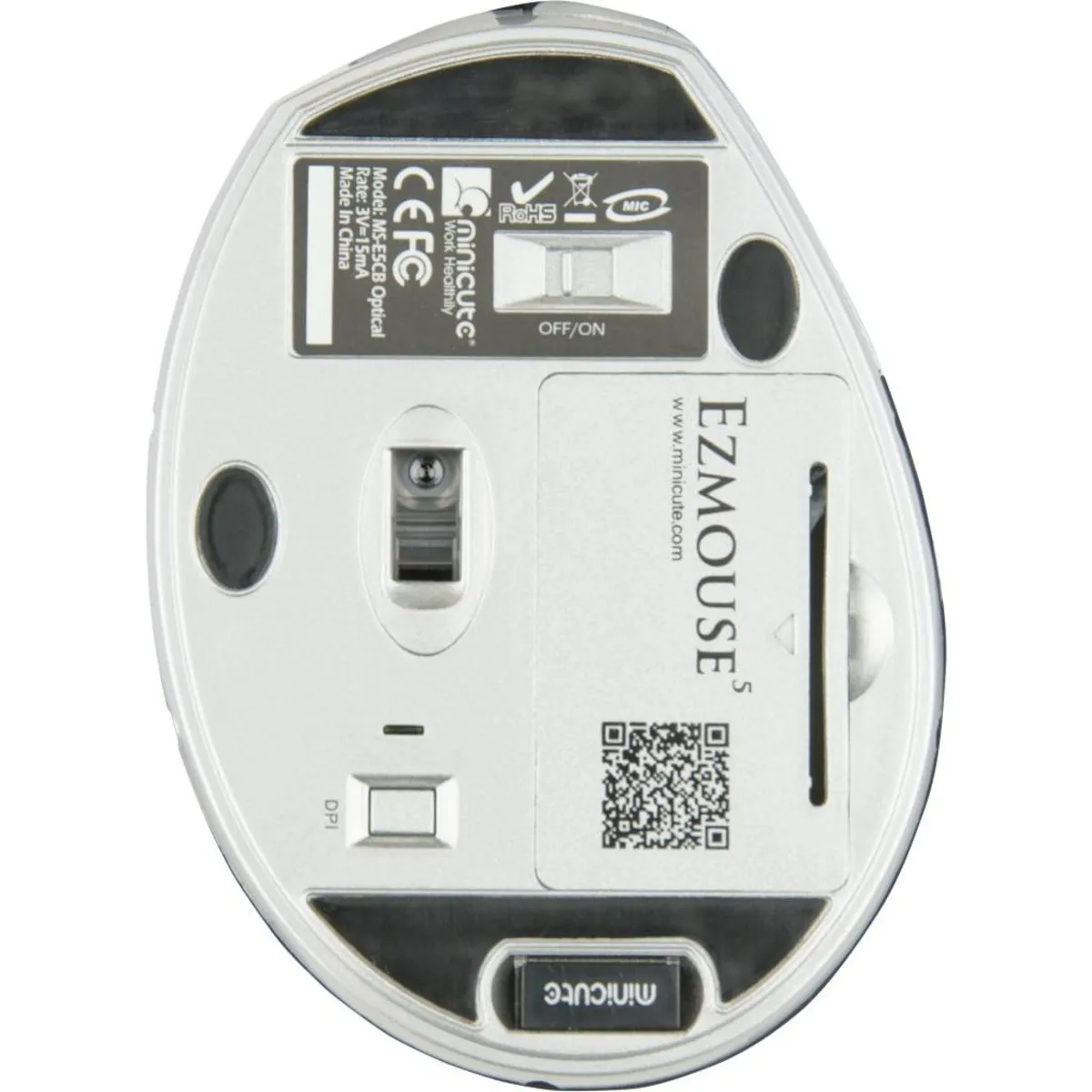
There are two compartments on the underside of the mouse. In one of these compartments, you can store the small nano USB receiver, so you won't lose it when you take the mouse with you. The two included AAA batteries go into the other compartment.
The DPI button is also located on the underside. The DPI determines how quickly the cursor responds to your mouse movements. At a higher setting, the cursor reacts faster. The mouse has 4 settings. Next to the button is an indicator that flashes once for 800, twice for 1200, three times for 1600, and four times for 2000 DPI.
What makes an ergonomic mouse so good
With a traditional mouse, your forearm is twisted. This puts strain on the muscles and, in the long term, manifests as complaints in the hand, wrist, arm, and shoulder. The design of an ergonomic mouse is often tilted. This forces your wrist and arm into a natural position, allowing you to work more relaxed.
Get the most out of it
In the same compartment as the batteries, you can also place coins to add weight to the mouse. By adding weight, you gain more feel and thus more precision with the mouse. However, it is better to make the mouse as light as possible if, for example, you suffer from shoulder pain. The mouse will then be lighter and easier to operate.
Don't miss this either
Minicute has developed software that allows you to program the buttons to your own preferences. You can find the download for this software under the downloads section.