An ode to the BakkerElkhuizen S-board 840
Your mouse gets to move house
For years your mouse lived far away, beyond the numeric keypad, almost at the edge of your desk. With the S-board 840 it can finally move a good bit closer. Your shoulder is fine with that. The mouse never asked to move, but you won't hear it complain either.
Why the BakkerElkhuizen S-board 840?
Compact, without a numeric keypad
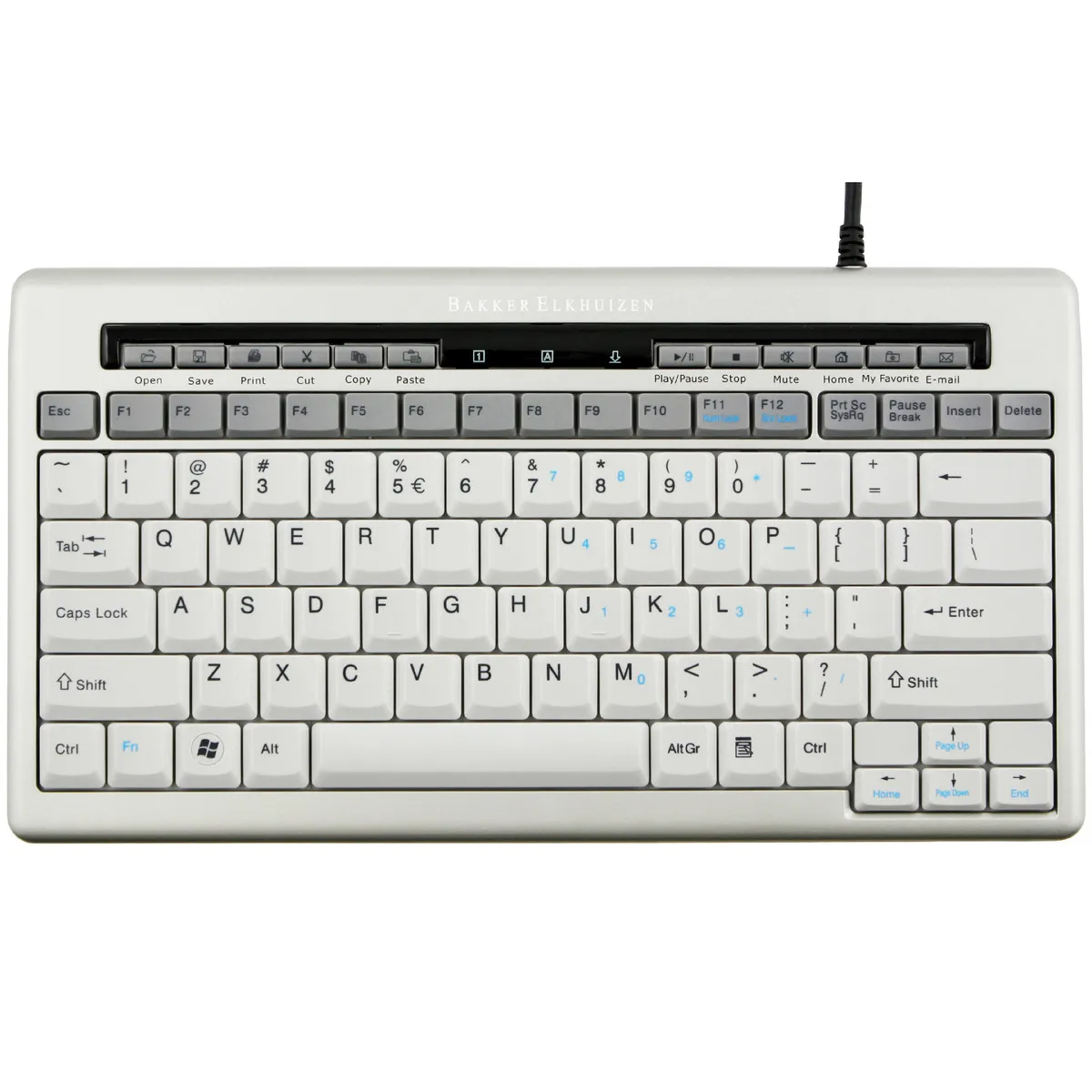
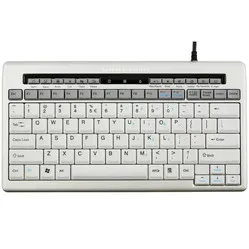
The BakkerElkhuizen S-board 840 is a compact keyboard without a separate numeric keypad. That keeps it just 305 mm wide, so your mouse sits right next to the keys. You don't have to move your arm as far out to reach the mouse. That can help reduce tension in your forearm and shoulder.
Light and quiet typing
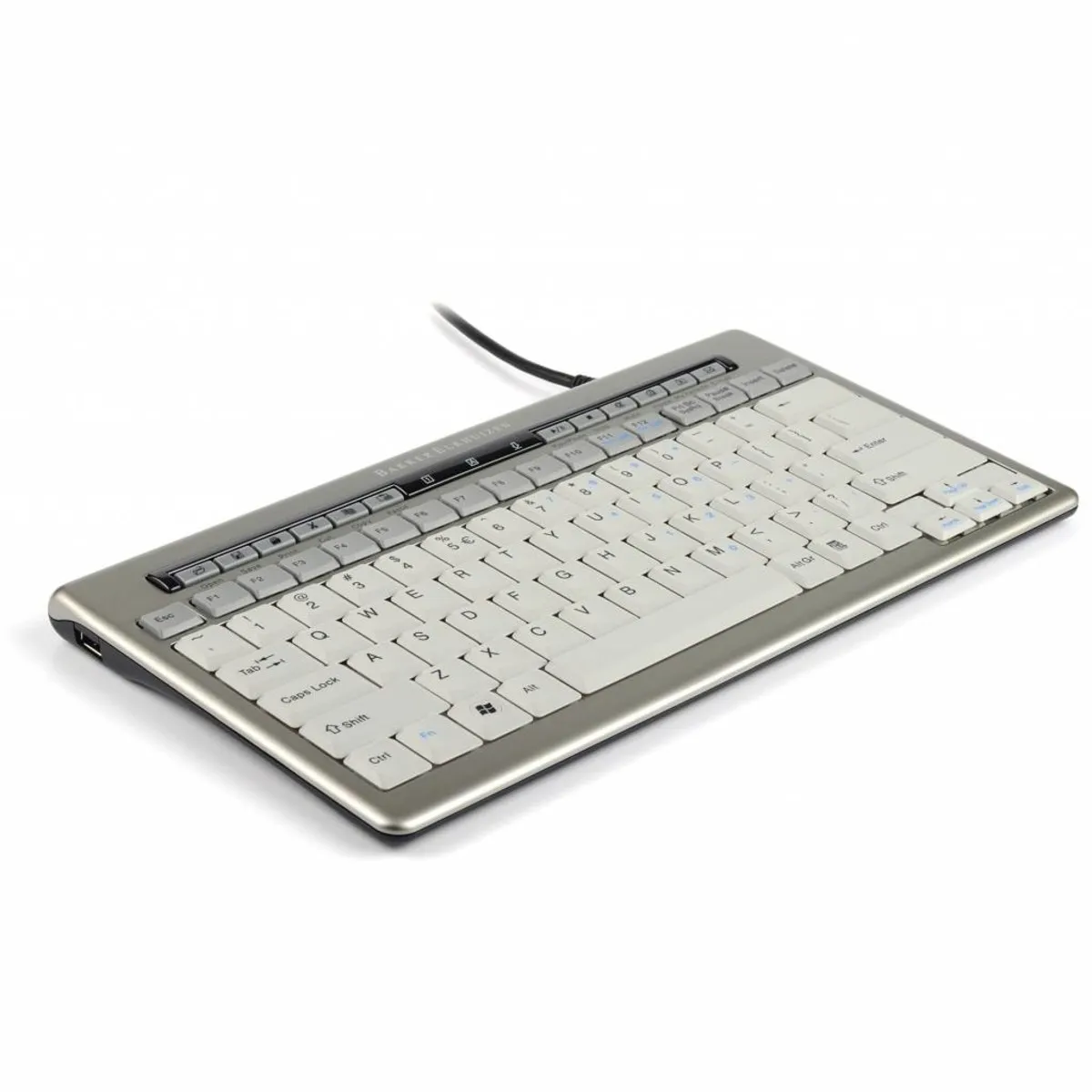
The keys of the S-board 840 use a scissor mechanism. They press down lightly and quietly, and you still feel clearly when a keystroke counts. At 20 mm high the keyboard sits low on your desk, so your wrists don't have to bend far upwards.
Handy for hybrid working
The S-board 840 weighs 480 grams and fits in most laptop bags with the protective sleeve that comes with it. Take it with you from home to the office, and you type on the same keyboard wherever you are. If your laptop only has USB-C, use the USB-C adapter that comes in the box with the S-board 840.
What makes the S-board 840 so good?
Keys your fingers can find
The keys of the S-board 840 have a key pitch of 19 mm, the same as on a regular keyboard. So you don't need to learn to type all over again. The keys are slightly hollow (concave) and cradle your fingertips, only the space bar is curved outwards. That way you can feel where you are without looking.
Easy on the eyes
The S-board 840 has white keys with dark letters 4 mm high. If you often look back and forth between a bright screen and the keyboard, that means less difference in contrast. Three status LEDs show whether NumLock, CapsLock or ScrollLock is on.
Shortcut keys above the F keys
Above the function keys of the S-board 840 is a row of 12 shortcut keys: open, save, print, cut, copy, paste, play, stop, mute, home page, favourites and new email. That means you reach for the mouse less often. A few keys do depend on your software: the email key opens Outlook, and according to BakkerElkhuizen the favourites key doesn't work in every browser.
Get the most out of your S-board 840
Put the mouse right next to it
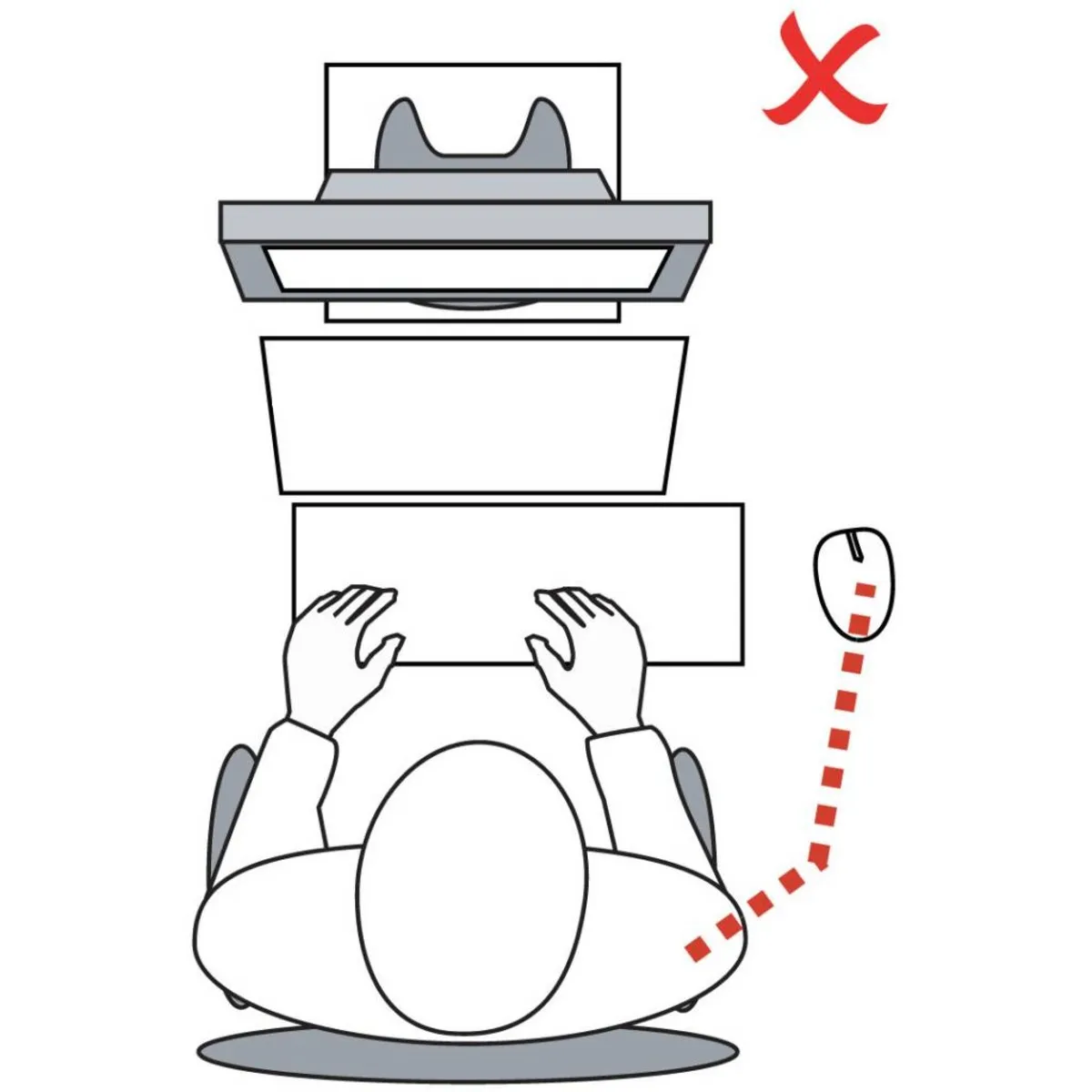
The real benefit of the S-board 840 is the space that opens up on the right. Place your mouse right next to the keyboard, directly in front of your right shoulder, as BakkerElkhuizen recommends in the manual. For the first few days you may still reach past the mouse once or twice. You'll get used to it quickly.
Feet in or out
If you touch type, keep the feet of the S-board 840 folded in. Your wrists then bend upwards less. If you often look at the keys while typing, you can fold the feet out for a better viewing angle. If in doubt, start flat.
Working with a laptop
If you work on a laptop, put it on a laptop stand so the screen sits higher. You then place the S-board 840 in front of you on its own. That way you combine a higher screen with a compact keyboard, and your neck doesn't have to bend down as much.
You shouldn't miss this either
Typing lots of numbers
The S-board 840 has no separate numeric keypad, but it does have one built into the letter keys on the right. You switch it on with NumLock via Fn + F11. If you type a lot of numbers every day, the separate S-board 840 numeric keypad in the same design is a nice addition.
Using it on a Mac
On a Mac the S-board 840 works as a regular keyboard. According to BakkerElkhuizen, the shortcut keys and the Apple command keys don't work on macOS. If you mainly work on a Mac, you'll miss out on the extra functions.
No separate volume keys
The shortcut row of the S-board 840 has a key to mute the sound, but no keys for louder and quieter. You adjust the volume on your computer.
Two USB ports
The S-board 840 has two USB ports, for your mouse or headset for example. That way you don't need an extra port on your computer or laptop. According to the manual, the two ports together supply a maximum of 500 mA.