Prima aankoop.
"Prima aankoop."






What people get up to at the weekend is their own business. But when you use a laptop during the week in the office or at school, we do recommend using a laptop stand. At first glance, you wouldn't think it, but the Ergo-Q Hybrid Pro can help prevent many physical complaints!
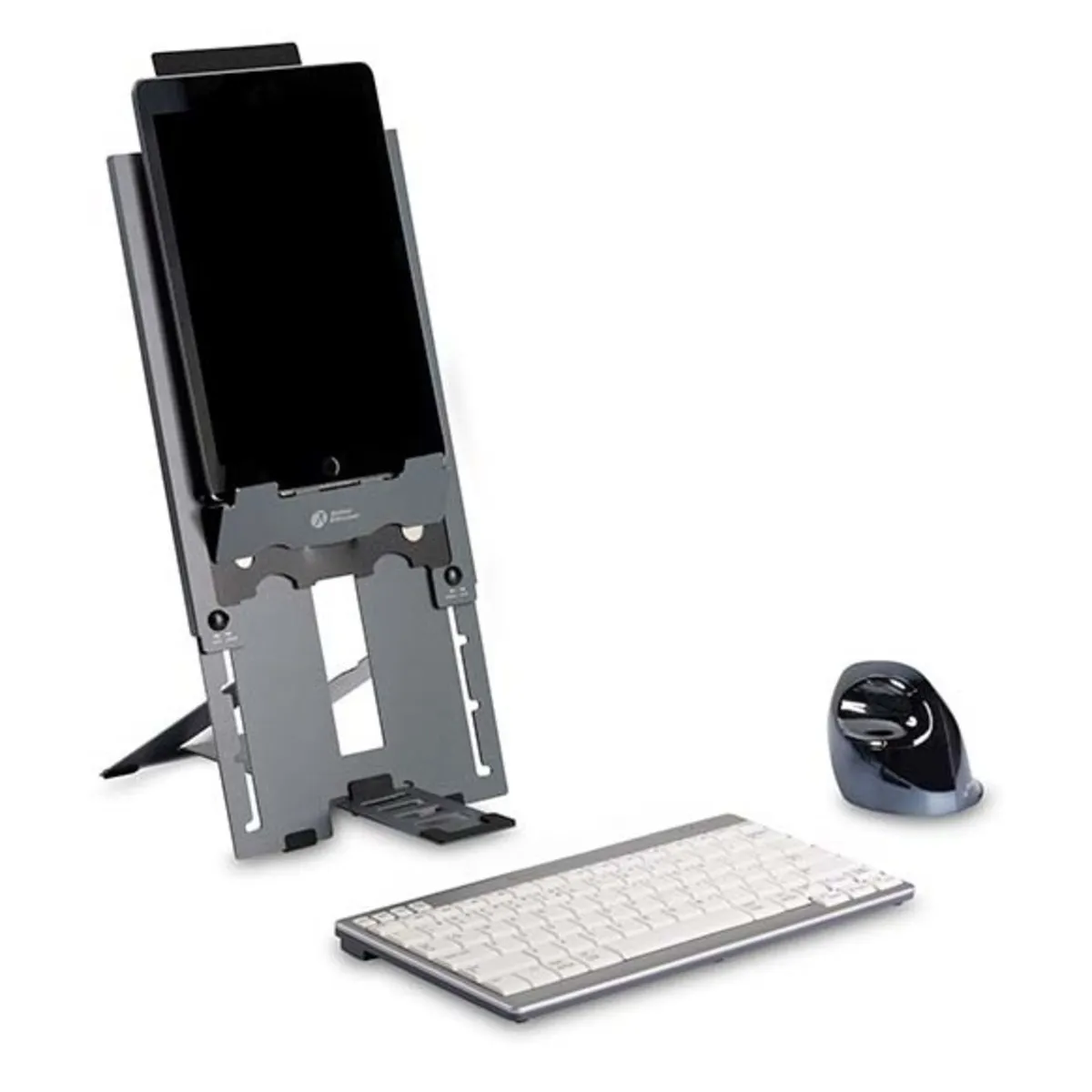
With the help of the Ergo-Q Hybrid Pro, you can easily bring your laptop screen to eye level. This is important because otherwise, you unconsciously let your head hang down, which can lead to neck and back complaints. The Ergo-Q Hybrid Pro is suitable for laptops up to 16 inches in size. When you unfold the laptop holder, simply place your laptop on it. Add an ergonomic keyboard and mouse, and you're ready to go.
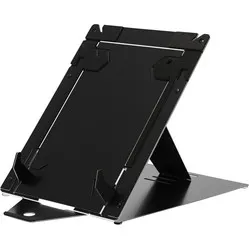
What makes the Ergo-Q Hybrid Pro special is that it is suitable not only for laptops but also for tablets. Ideal, therefore, if you use both devices. Thanks to the extendable mechanism, you can raise the stand considerably higher. This is necessary because a tablet, unlike a laptop, does not have a keyboard to lean on.
Using the sliding buttons on the side, you secure the mechanism at the correct height. Place your tablet on the support and pull up the plastic lip at the back. Then slide it over the edge of your tablet, and it will stand firmly.
The Ergo-Q Hybrid Pro is easily adjustable with 5 different positions for a laptop and 25 for a tablet. The laptop stand is made of aluminium sandwich material, which is stronger than ordinary aluminium and more resistant to dents. Thanks to the non-slip feet on the underside, the laptop holder will always stand stably on your workstation.
Finished with your work? The Ergo-Q Hybrid Pro can be easily folded. With the help of the magnetic connection, it also stays folded. Then you can simply slide it into the supplied eco-friendly sleeve and into your work bag.
Make sure your workstation is adjusted correctly. The distance between you and your screen should be approximately an arm's length. You are in a good position when the top of your screen is roughly at eye level. If you can touch-type, the screen can even be slightly higher.
To keep your Ergo-Q 160 looking good, BakkerElkhuizen has designed a special sleeve in which you can store and carry your laptop stand. The sleeve is made from recycled cork, making it eco-friendly too.
The Ergo-Q Hybrid Pro can look complicated when you first take it out of its packaging. Fortunately, BakkerElkhuizen has made a video showing how to use the product. Please note: there is a video for use with a laptop and another video for use with a tablet. Once you understand how the laptop stand works, you'll fold it open and closed in no time.
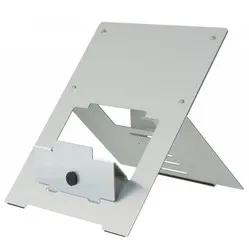
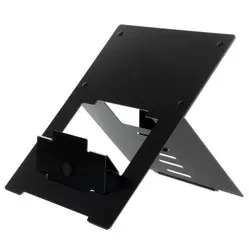
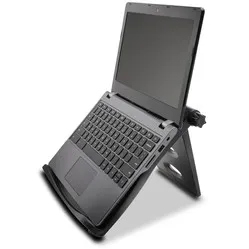
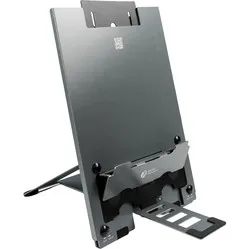
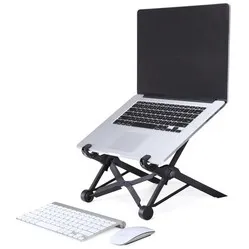
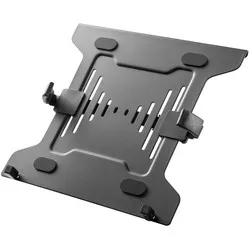
As part of the Hybrid Working campaign, BakkerElkhuizen has released four laptop stands: the FlexTop 170, Ergo-Q 160, UltraStand Universal and the Ergo-Q Hybrid Pro. The table below shows what makes each laptop stand unique.
| Brand | BakkerElkhuizen |
| Suitable for hybrid working | |
| Weight | 427 grams |
| Dimensions | 199 x 283 x 13.5 mm |
| Number of positions | 5 for laptop, 25 for tablet |
| Suitable for | Laptops and mobile screens up to 16 inches |
| Neck | |
| Head | |
| Back | |
| Shoulder |
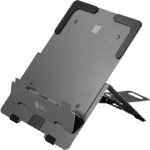 | 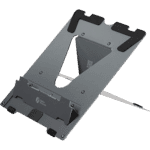 | 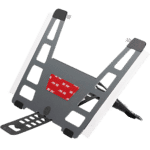 | 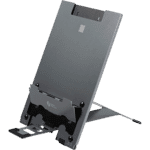 | |
| Item name: | FlexTop 170 | Ergo-Q 160 | UltraStand Universal | Ergo-Q Hybrid Pro |
| Inches | Up to 16" | Up to 17" | 13-16" | Up to 16" |
| Dimensions (mm) | 206 x 277 x 7 | 215 x 266 x 8 | 287 x 208 x 3 | 199 x 284 x 14 |
| Weigth (grams) | 225 | 265 | 89 | 427 |
| Height adjustability (mm) | 110-255 | 110-180 | 96-160 | for tablets: 145 - 422 | for laptops: 145 - 272 |
| Number of positions | 7 | 5 | 6 | 5 for laptop | 25 for tablets |
| Material | Aluminium sandwich material | Aluminium sandwich material | Aluminium sandwich material | Aluminium sandwich material |
| Colour | Matt dark grey | Matt dark grey | Matt dark grey | Matt dark grey |
| Magnetic closure | Yes | Yes | Yes | Yes |
| Anti-slip feet | Yes | Yes | Yes | Yes |
| Cooling | Medium to high | Medium to high | Medium | Medium to high |
| Compact and foldable | Yes | Yes | Yes | Yes |
| Protective cover included | Yes | Yes | No, not needed | Yes |
| USPs | • Entry-level model • Stable (on a flat and immovable surface) | • Very stable on any surface • For almost any laptop size | • Can be integrated with the laptop (thanks to the adhesive strip)1 • Removable without leaving permanent adhesive residue • Hardly any extra weight | • For tablets and smaller laptops • Two height adjustment ranges, 25 levels in total • Very stable • Flexible strap to hold the tablet in place |
| Item number | ERGO-BNEQHP |
| Manufacturer's item number | BNEQHPDG |
| Brand | BakkerElkhuizen |
| Warranty | 5 years |
| Type of guarantee | The Ergowerken free return guarantee service |
| Colour | Dark grey |
| Adjustable | Yes, 5 positions for laptops, 25 for tablets |
| Material | High-quality aluminium sandwich |
| Maximum laptop size | 16-inch |
| Maximum load capacity | 3 kilograms |
| Dimensions length x width x height | 199 x 284 x 14 millimetres |
| Product weight | 427 grams |
Customers who write a review enter a prize draw for a voucher. We pick one winner and publish all reviews, including critical ones.