ziet er goed uit, kan m alleen nu niet gebruiken
"Deze wil ik monteren op de middelste steun, echter is deze niet geleverd."



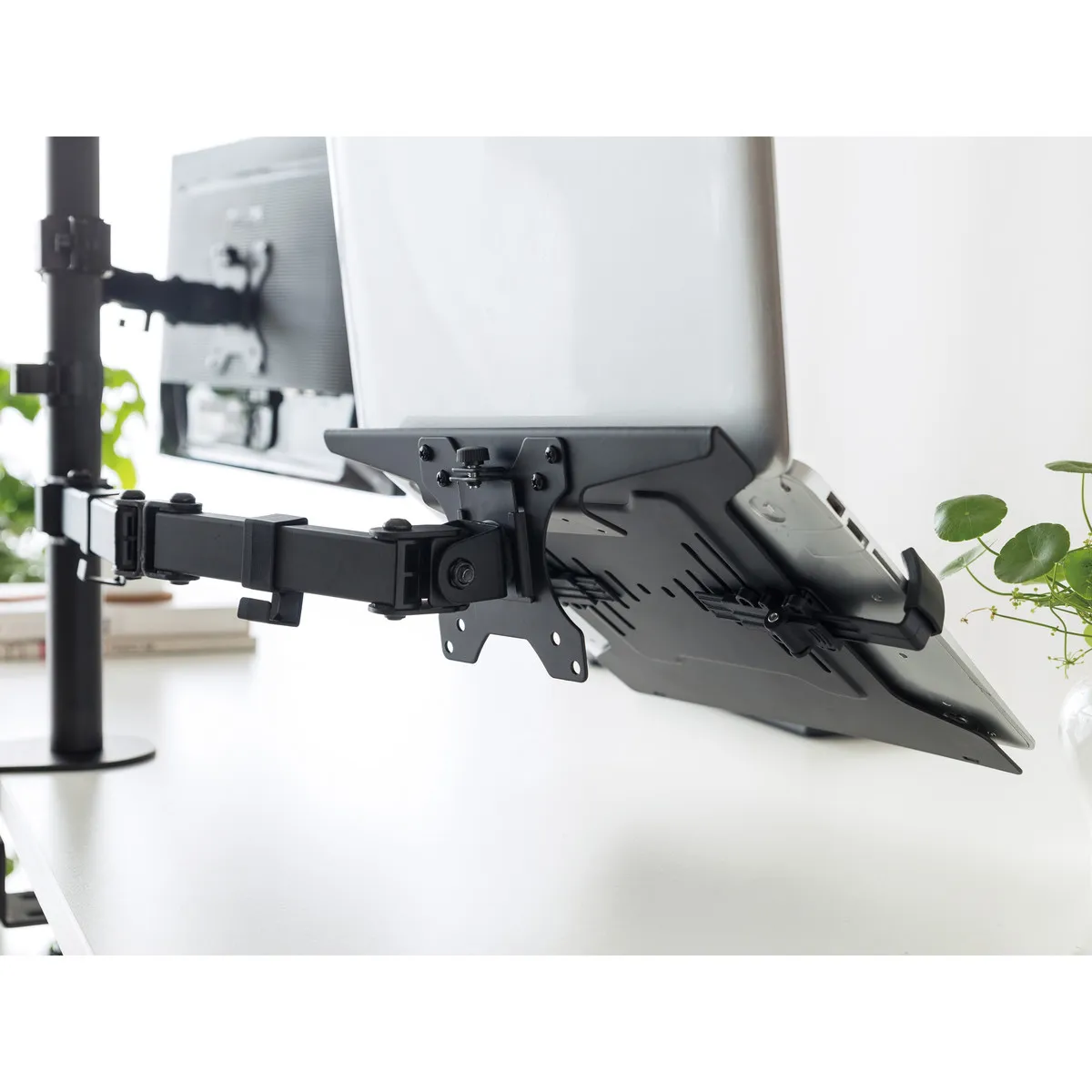

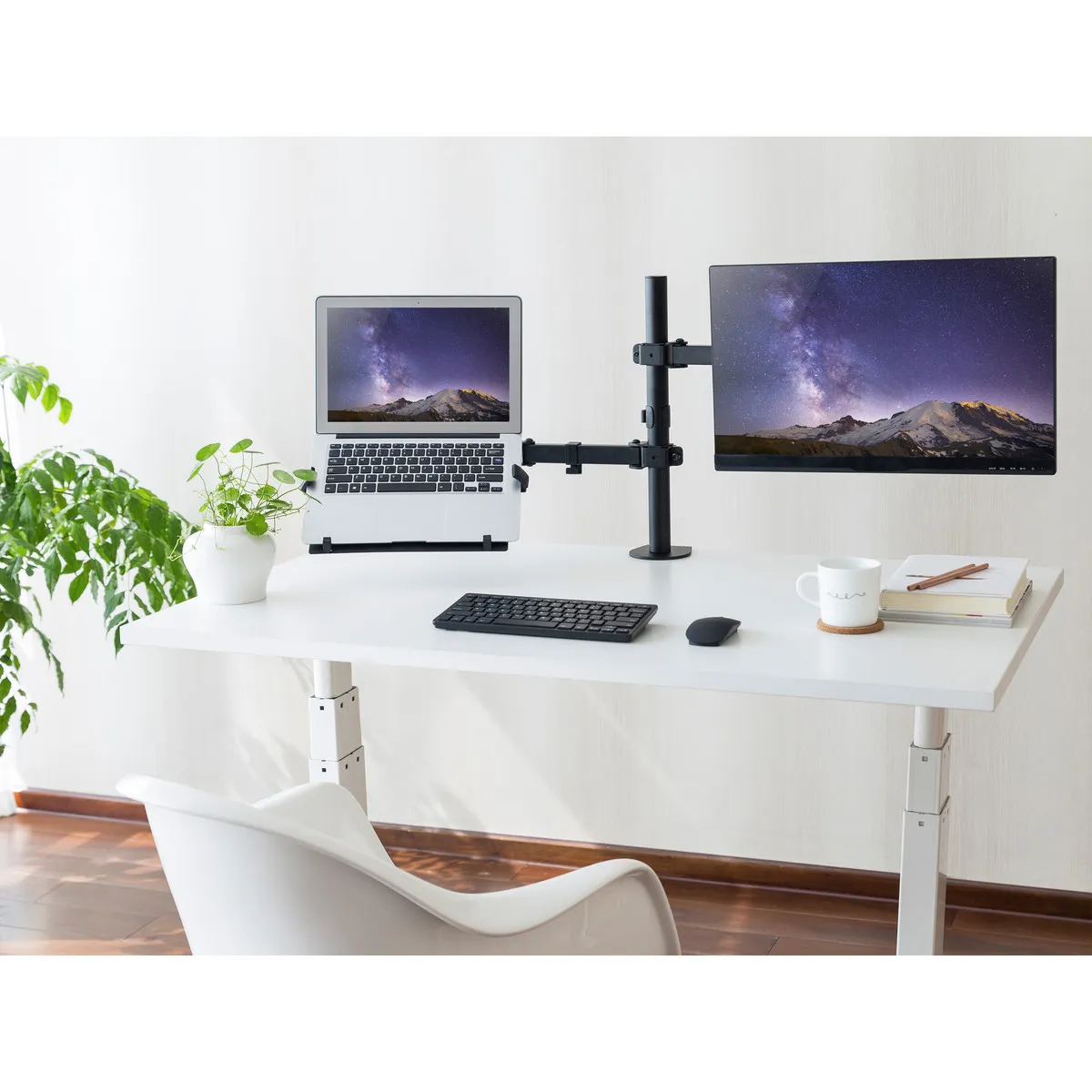
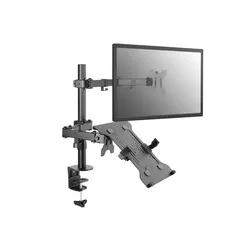
“Of course, that's also an option…” I hear you thinking. Indeed, you don't need a computer to control two screens. You can use your laptop as a second screen AND as a computer! Let that sink in for a moment.
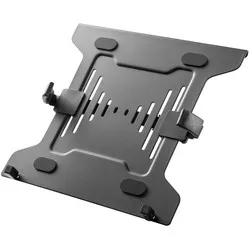
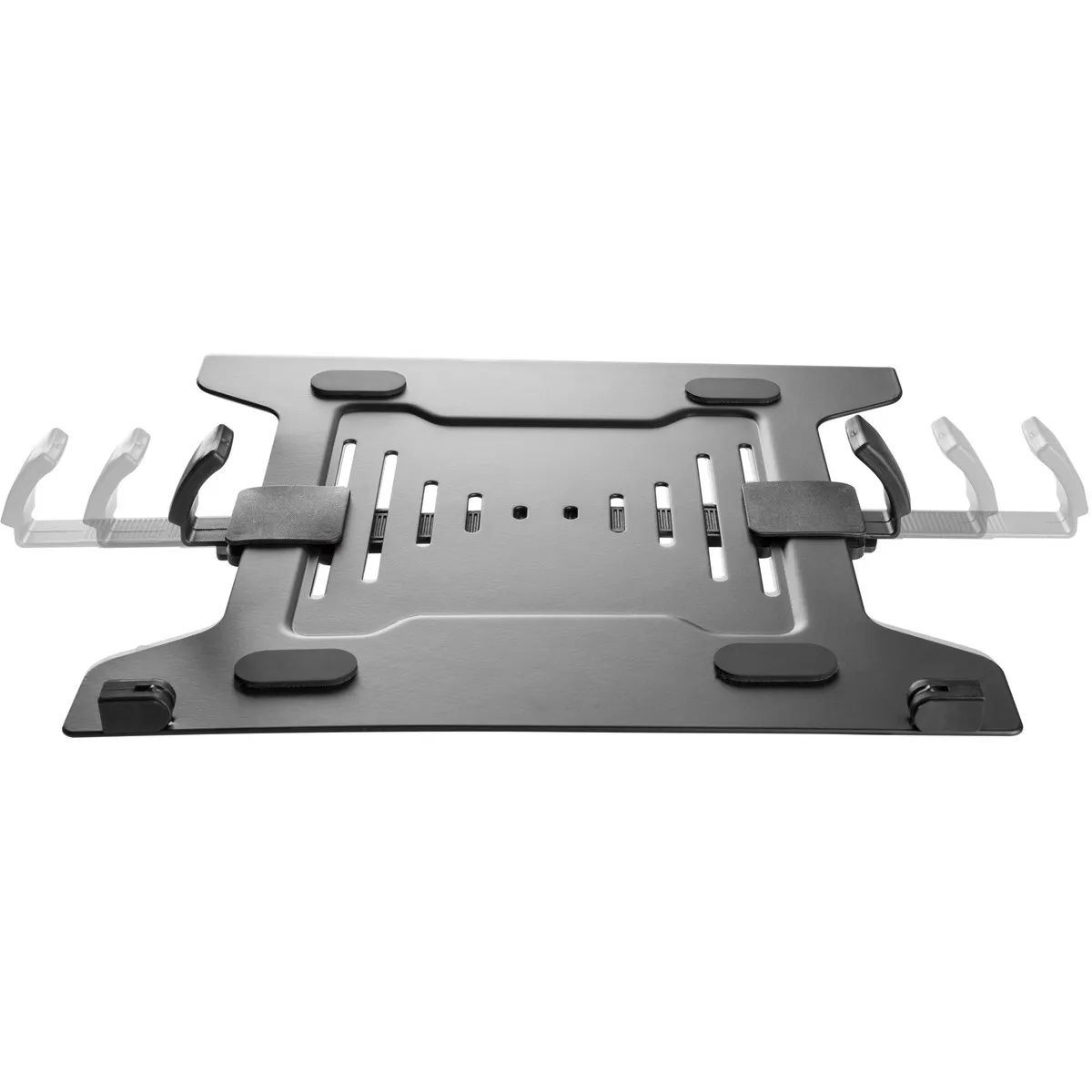
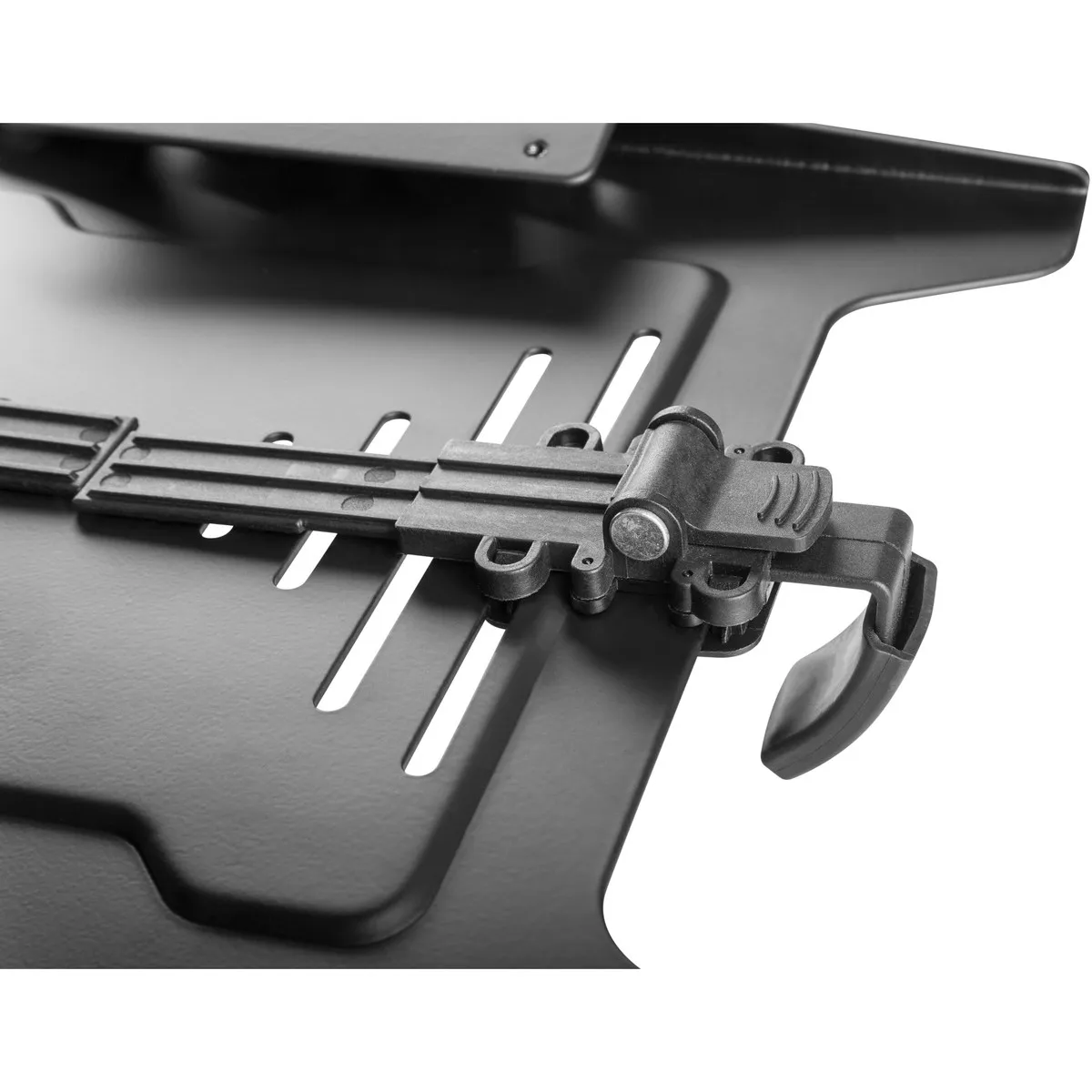
The Equip laptop holder is the perfect addition to a dual monitor arm when you work from your laptop. You can attach a monitor to one arm, and the other arm remains free for the laptop holder. You can easily attach it to VESA connections of 75x75 and 100x100. More information about VESA connections can be found here.
The holder is suitable for laptops from 10 to 15.6 inches and has a maximum load capacity of 4.5 kg. Furthermore, the holder features ventilation holes to ensure your laptop can dissipate heat. The steel construction provides sturdiness and durability.
Laptops are generally too low, causing you to work hunched over, often unconsciously. A laptop stand allows you to position the laptop at eye level. This reduces strain on the neck, back, shoulders, and eyes.
Place your laptop in the middle of the laptop stand. Ensure you sit in a good, upright posture in your chair. Then position the screen perfectly straight relative to your desk and move the laptop holder/arm upwards until the top edge of the screen is at eye level.
Finally, check that you are sitting approximately an arm's length away from your screen. Ergonomic mouse next to it, keyboard in front, and get to work. Ah, what a relief!
If you use your laptop in combination with a monitor, we recommend placing the largest screen directly in front of you and hanging the other screen next to it, angled towards you. Furthermore, do most of your work on your largest screen and keep the smaller screen for support. This may mean that you sometimes have to drag programmes, apps, and/or web pages from one screen to another.
| Warranty | 2 years |
| Ergonomic design | |
| Colour | Black |
| Adjustable | Yes, depending on the monitor arm |
| Suitable laptop sizes | 10 to 15.6 inches |
| view all specifications |
| Item number | ERGO-EPLH |
| Brand | Equip |
| Warranty | 2 years |
| Type of guarantee | The Ergowerken free return guarantee service |
| Colour | Black |
| Adjustable | Yes, depending on the monitor arm |
| Material | Steel |
| Minimum laptop size | 10 inches |
| Maximum laptop size | 15.6 inches |
| Maximum load capacity | 4.5 kilograms |
| Dimensions length x width x height | 300 x 280 x 60 millimetres |
Customers who write a review enter a prize draw for a voucher. We pick one winner and publish all reviews, including critical ones.