






ERGONOMIC OFFICE CHAIR
FROM JUST 249,-


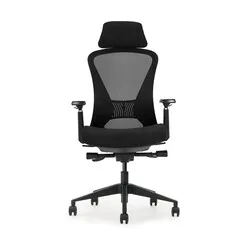
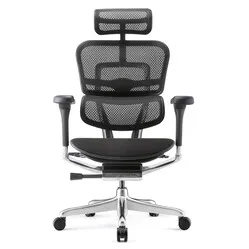
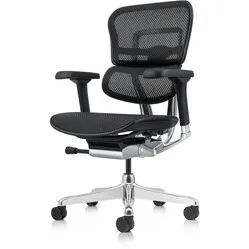
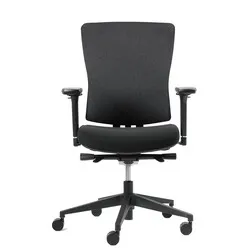
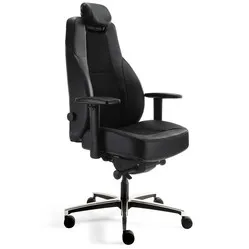
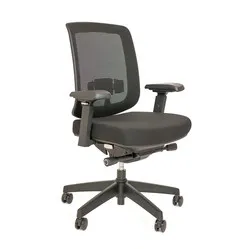
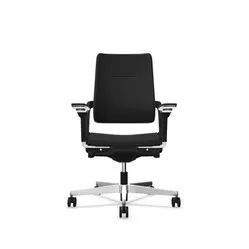
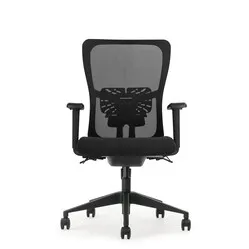
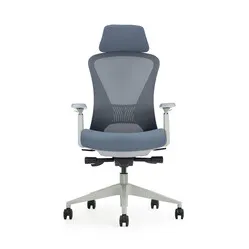
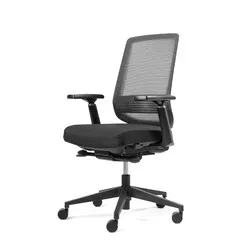
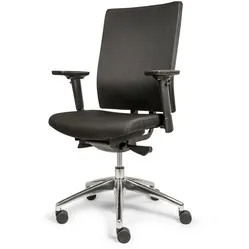
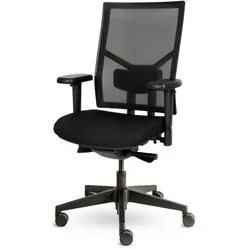
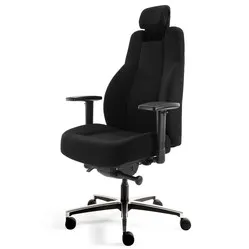
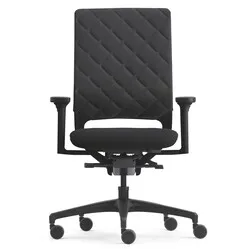
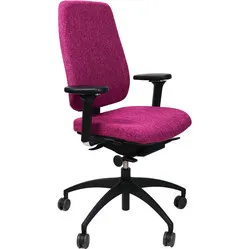
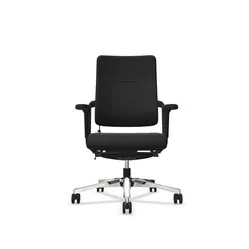
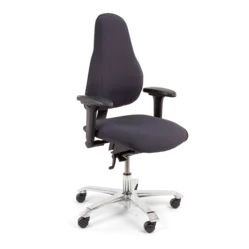
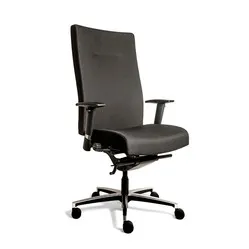

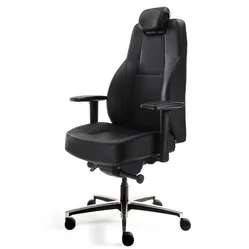
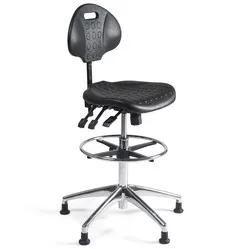
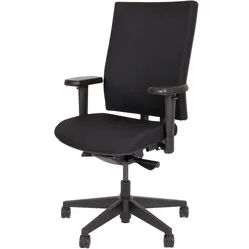
Reviews from our customers about their ergonomic office chair
Why do I need an ergonomic office chair?
Because you sit behind your desk for a long time, you need a chair that provides you with every convenience so that you get through your days relaxed and free from complaints. Office chairs often don't just possess these features, but also make them adjustable. This way you can always find the correct posture that you and your body need at that moment.
For example, many ergonomic office chairs have adjustable armrests, which maximise relaxation from shoulder to hand. Also, an ergonomic office chair almost always has a special shape in the backrest that optimally supports both the lower and upper back. Some chairs even feature an adjustable lumbar support. All these conveniences are there to keep you energetic, healthy, and productive.
| Ergonomic office chair | Not a good office chair | |
|---|---|---|
| Promotes healthy working posture | ||
| Many adjustable components | ||
| Long-term complaint-free working | ||
| Provides back support | ||
| Relaxes the muscles | ||
| Supports the whole body |
Which complaints does an ergonomic office chair prevent?
If an office chair is ergonomic, it has a high degree of adjustability and is therefore effectively used against complaints. It optimally supports the arms, back, and legs. Some office chairs are even available including a headrest. Choosing the right upholstery can also be important depending on the environment in which you work.
Correct support of the arms counteracts complaints in the shoulder, elbow, arm, and wrist by giving the muscles as much relaxation as possible. A well-supporting backrest forces you into the correct sitting position. This benefits your entire back and neck. Ultimately, your shoulders also benefit from a good sitting position. A headrest can offer extra relaxation in the neck. When an office chair is ergonomic, it works well for relaxation in the:
- Back/neck
- Legs
- Arm
- Shoulder
Back/neck
The back and neck endure a lot from a poor sitting position. The optimal sitting position has a "dip" in the lower back, and the back and neck upright. Besides keeping your back and neck healthy, this also has a positive effect on your energy and productivity.
An office chair achieves this by offering you support where you need it. Many chairs are shaped towards the correct sitting position. All you have to do then is sit properly in your chair and let your back follow the lines of the backrest.
Legs
If your office chair is too high, pressure is placed on the back of your knees and your feet come off the ground. This creates unpleasant tension, which can cause irritation and pain in the legs. Ensure the chair is adjusted so that the feet are flat, and there is space between the seat and the back of your knee.
Arms
An office chair that offers no support to the arms can cause unpleasant complaints. Because you cannot rest your arms on an armrest, you have to hold them up forcefully. This puts tension on the forearm, which radiates to the elbow and shoulder.
Armrests are especially important when you have to type and use a mouse a lot. Better ergonomic office chairs therefore have armrests that you can adjust not only in height, but also in width and depth. This way you can always find optimal relaxation.
Shoulders
Tensions in the arm, wrist, or hand radiate to the shoulders. It is therefore important for the shoulders to minimise these tensions. An office chair gives support where necessary and thereby optimises relaxation, which ultimately benefits the shoulders.
Furthermore, an office chair ensures a better sitting position. A good upright sitting position also ensures that the shoulders slump forward less. This provides more relaxation so that you can work while sitting free from complaints for longer.
5 tips to get the most out of your office chair
Most office chairs nowadays can be adjusted from top to bottom; seat, backrest, armrests, lumbar support, headrest, you name it. But what is the right position for you, and how do you benefit most from the extensive options of your ergonomic office chair? You can read about it below.
- Set your chair to the correct height
Even if your office chair is ergonomic: if it is too high, pressure is placed on the back of your knees and your feet come off the ground. This creates unpleasant tension, which can cause irritation and pain throughout the body. Ensure the chair is adjusted so that the feet are flat, and your knees make an angle of 90° or more.
- Use the lumbar support
Some chairs have an inflatable lumbar support, others have a height and depth-adjustable lumbar support. Ensure that the support fills the dip in your lower back. Other chairs have the shape of a lumbar support incorporated into the backrest. With these types of chairs, you should set the entire backrest higher or lower until it supports your back optimally.
- Adjust your armrests correctly
Correctly adjusted armrests give the best support for your arms, which optimises relaxation in shoulders, elbows, arms, and wrists. In this position, your shoulders hang relaxed, instead of being hunched. Furthermore, it is important that your elbows make an angle of at least 90°, and your forearm, wrist, and hand are in one line while typing or using the mouse.
- Choose the upholstery that fits your working environment
Most office chairs have polyester upholstery. However, ergonomic office chairs with seamless, artificial leather upholstery are also available nowadays. The advantage of this is that the material is easy to clean and resistant to aggressive cleaning agents. These types of chairs are therefore extremely suitable for medical environments. The disadvantage is that the seat is often somewhat harder. If you use the chair in non-medical environments, go for a softer polyester upholstery.
- Pull your chair in properly
Ensure that you sit close to your desk. Sitting too far away results in working with outstretched arms. This creates a lot of unnecessary tension on muscles that will result in complaints in the long term. Furthermore, you will, often unconsciously, sit bent forward to read your screen better. This is very harmful to your back and neck. In short, pull that chair in!
Diversity of the ergonomic office chair
Office chairs come in all shapes and sizes. There are office chairs, gaming chairs, and chairs suitable for medical environments. These different chairs are available for short and tall people, with or without armrests, headrest, or lumbar support, and are available with different upholstery. We understand if you can't see the wood for the trees and don't quite know which ergonomic office chair to buy. Therefore, we list the biggest differences for you below:
Mesh, polyester or (artificial) leather
mesh
For good ventilation
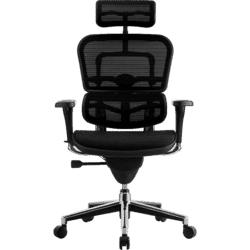
Mesh upholstery is often made of nylon and cotton, and is net-wrapped. That is to say, it is not a closed material and has no padding. This gives the chair optimal airflow, which prevents the well-known warm backrest and seat. This material is particularly suitable for intensive desk workers and gamers.
Polyester with foam padding
For everyday office work
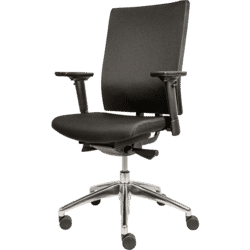
Polyester upholstery with foam padding is the most common type of upholstery. The combination ensures fine support in the back and creates a comfortable seat. A disadvantage of this type of upholstery is its susceptibility to stains.
(Artificial) leather
For medical environments
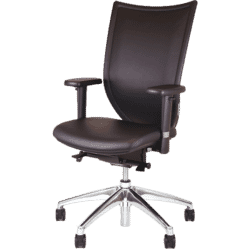
Artificial leather and leather upholstery has the great advantage of being easy to clean and lasting a long time. Leather upholstery looks very chic anywhere. Artificial leather upholstery is especially suitable for medical environments.
Adjustability of seat, backrest and armrests
(N)EN chairs
Suitable for 95% of Europeans
EN%20bureaustoel.png?profile=bureaustoel%20diversiteit)
Chairs with an (N)EN 1335 standard are suitable for 95% of Europeans. Requirements to meet this standard include; a height-adjustable seat and backrest, armrests with a minimum length of 20 cm, and the chair must feature a lumbar support.
NPR chairs
Suitable for 95% of Dutch people

Because the average Dutch person is relatively large/tall, the NPR 1813 standard was created. Chairs with this standard are adjustable to such an extent that they are suitable for 95% of Dutch people. A specifically larger range in seat height adjustment and minimum height of the backrest are the most important factors for keeping an NPR office chair ergonomic.
Other sizes
Personalised and often cheaper
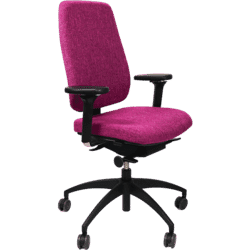
Because chairs with more specific sizes give you less freedom in adjusting various components, these chairs are often cheaper. However, if you are the only one who will use the chair, you don't necessarily have to choose a chair with strict requirements. Now you just have to find the suitable sizes for you. We are happy to help!
Adjusting your office chair ergonomically in 8 steps
Having a good office chair is not enough in itself. You have to set it up correctly to get the most out of it. The wide adjustability of an ergonomic office chair means that you can sit very comfortably, but if set up incorrectly, also very uncomfortably. So go through the following steps calmly.
| 1 | Feet on the ground |
Ensure that your chair is at a height where the feet are nice and flat on the floor. Your feet may point outwards slightly.
| 2 | Sit back |
To be able to make full use of the seat and the backrest, it is important to sit well back in the chair. It ensures that you are less likely to slouch/slump.
| 3 | 90° knee angle |
With an angle of 90 degrees, you are almost certain that you have the correct height. If the angle is smaller (and you rest more on your toes), you are probably sitting too high. With a larger angle, the chair will be too low. It is important that the hips are placed just a bit higher than the knees.
| 4 | Fist of space |
With a fist-width clearance between your seat and your knees, you've achieved a good sitting posture. Use the sliding seat of your ergonomic office chair to reach that position.
| 5 | +90° legs/torso |
To take some pressure off the lower back, it is best to maintain a sitting angle that is slightly larger than 90 degrees. Usually, between 90 and 110 degrees, you can find a pleasant posture that feels relaxed. Note that with a larger angle (where you lean back slightly), you will have to place the screen slightly closer.
| 6 | Back support |
With a correct sitting posture, you get the well-known S-shape in your spine, where the lumbar vertebrae take a hollow position. To provide sufficient support for that hollow, you can adjust the lumbar support of your office chair. A good lumbar support is not only adjustable in height, but also in depth.
| 7 | Armrests at height |
Let the shoulders hang relaxed and hold the forearms horizontal. Now set your armrests lightly against the forearms. Support is important, but make sure you don't hang in your armrests. This puts too much tension on the shoulder.
| 8 | Desk at height |
The final step, and this is really important, is bringing your desktop to height. Set it level or just a tick below the height of your armrests (while sitting in your chair). Your chair is always leading, as it has just been fully adjusted to your body. Is it not possible to adjust your desktop, for example because you are sitting at the kitchen table? Then consider working with a footrest to bridge the height difference.