






Built-in kitchen socket

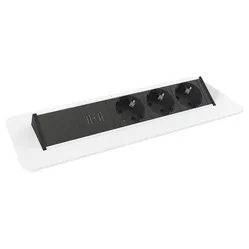
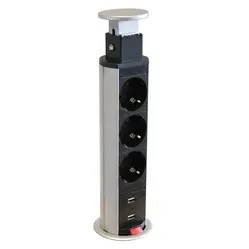
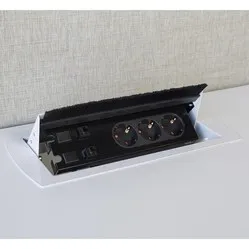
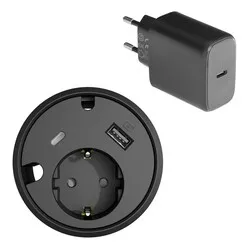
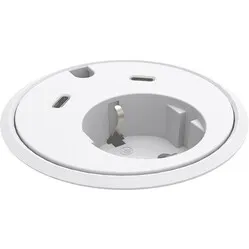
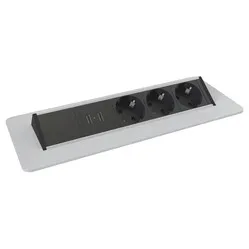
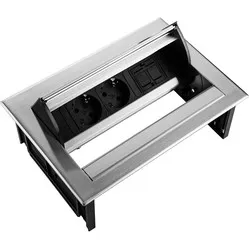
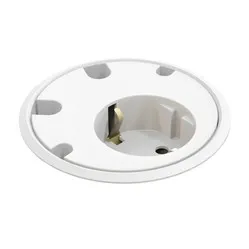
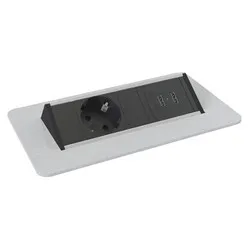
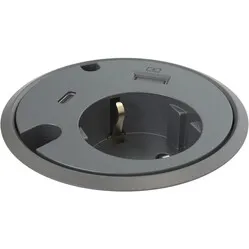
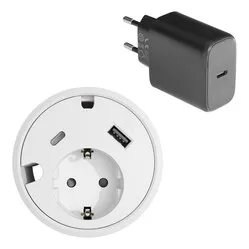
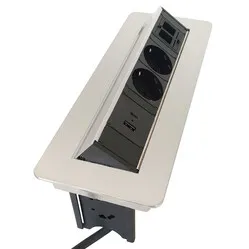
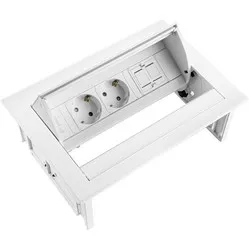
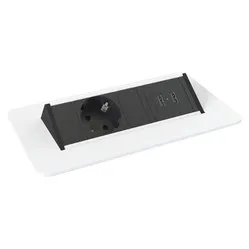
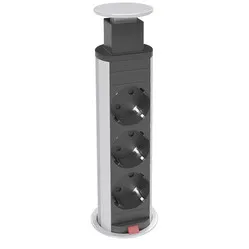
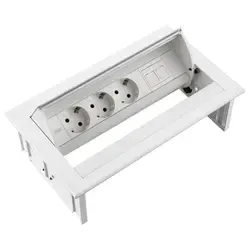
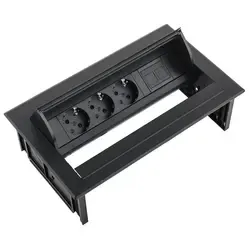
When do you choose a built-in power socket for the kitchen?
You choose a built-in power socket for the kitchen when you want to use appliances in a spot with no wall socket nearby.
- Do you have a kitchen island or bar without a socket?
- Do you regularly use a blender, mixer or kettle there?
- Is your phone or tablet often charging in the kitchen?
- Do you want to keep the worktop clear?
Rather not cut into your worktop? Then take a look at a kitchen power strip.
What makes a good built-in power socket for the kitchen stand out?
In the kitchen you look at three points that matter less on a desk.
Cover
A lid, cover or slider hides the connections when you're not using them. That keeps crumbs and moisture out better than an open unit.
Power
Kitchen appliances sometimes draw a lot of power. Check the maximum power per socket and don't connect several heavy users at the same time.
Top thickness
A kitchen worktop is often thicker than a desktop. Check the maximum top thickness of the unit.
How does a built-in power socket help in the kitchen?
A built-in power socket in the kitchen puts power where you cook or work. You no longer need to run an extension cable.
- no extension cable across the floor or top
- power on the kitchen island
- a tidy worktop
- charging your phone or tablet where you use it
For a home office in the kitchen, you can also look at a round built-in power sockets or a square built-in power sockets.
What should you look for when choosing a built-in power socket for the kitchen?
Choose based on what you connect, the thickness of your top and the spot on the worktop.
What do you connect?
A kettle or blender needs a socket; for your phone a USB charger is handy. Many units combine both.
Spot on the top
Choose a spot that's easy to reach, but not right next to the sink or hob.
Top thickness and material
Check the maximum top thickness. With stone or composite, it's best to have a specialist make the cut-out.
Tips for a built-in power socket in the kitchen
- Keep away from the sink and hob
Place the unit where no water or hot pans can reach it.
- Close the lid after use
A closed lid keeps crumbs and moisture out of the connections.
- Watch the power
Don't connect several heavy users, such as a kettle and an air fryer, to the same unit at the same time.
- Have stone or composite cut by a professional
Cutting stone or composite needs special tools. A specialist makes a clean cut-out.
- Route the cable safely
Tidy the connection cable away inside the kitchen cabinet, away from heat and water.
Frequently asked questions about built-in power sockets for the kitchen
- What is a built-in power socket for the kitchen?
A built-in power socket for the kitchen is a unit you fit into your worktop or kitchen island, so you have power there without an extension cable.
- Who is a built-in power socket for the kitchen suitable for?
For anyone with a kitchen island or worktop without a nearby wall socket who wants to use or charge appliances there.
- Can I fit a built-in power socket in a stone worktop?
Yes, but it's best to have a specialist make the cut-out in stone or composite.
- Can I connect a kettle to it?
That depends on the maximum power of the unit. It's listed in the specifications of each product.