An ode to the Keychron K4
Take a seat
Normally we use this bit of text to write something fun and light-hearted about a product. But this time I want to make sure you settle in with a cup of coffee or tea, because there is quite a bit to tell about the K4. Are you sitting comfortably? Perhaps a biscuit to go with it? Let’s go!
Why the Keychron K4 keyboard?
Very complete
The Keychron K4 gives you every key a keyboard can possibly have, using only 96% of the usual space. This means the keyboard is narrower for ergonomic reasons. It also has hotkeys that you can use by pressing key combinations.
The K4's connectivity is fantastic. Via Bluetooth you can wirelessly connect up to three devices to the keyboard at the same time. Using key combinations you switch quickly and easily between your devices. One moment you're working on your laptop, the next you're quickly typing a WhatsApp message about dinner, for example. A fourth device can be connected with a cable (USB). Connecting a single device and using the USB cable for that is of course also an option.
Matching K4 wrist rest
Keychron has designed two wrist rests specifically for the K4. One is made of American walnut wood. The other combines this same wood with resin for a distinctive look. The keyboards also have 4 anti-slip points that keep the wrist rests in place.
Thanks to the rest, your wrists and hands sit at the right height to use the keyboard. This optimises relaxation and helps prevent injuries. You can add the wrist rests to your order at the top right of the page. You can read more about the wooden wrist rest here. And here you can read more about the resin wrist rest.
PLEASE NOTE: Keychron wrist rests are natural products and therefore never identical. The product you receive may differ from the photo.
Carrying case
The Keychron carrying case is the ideal way to take your Keychron keyboard with you. The case opens and closes with a zip and has a compartment for the keyboard and a compartment for the cable inside. The case is made of plastic and canvas, a combination that is durable, sturdy, very light and stylish. The rubber handle makes carrying easy. You can find more information about the case here. You can add it to your order at the top right of the page.
Gateron switch puller
The Gateron switch puller is the ultimate addition to your hot-swappable keyboard. Our hot-swappable keyboards already come with a keycap and switch puller as standard. But this switch puller is more user-friendly.
Place the Gateron switch puller over the switch and press down until you hear a click. Now you can easily pull out the switch. Press the button at the top and the puller releases the switch. You can read more about the Gateron switch puller here.
What makes an ergonomic keyboard so good?
Anyone who spends a lot of time working on a computer knows this can put strain on your wrists, shoulders, back and neck. A good keyboard can help you with this. The Keychron K4, for example, has a compact design. The keys are also extra easy to press. And you can place your mouse close to the keyboard. All of this helps minimise muscle tension, which helps prevent or reduce injuries.
Get the most out of this product
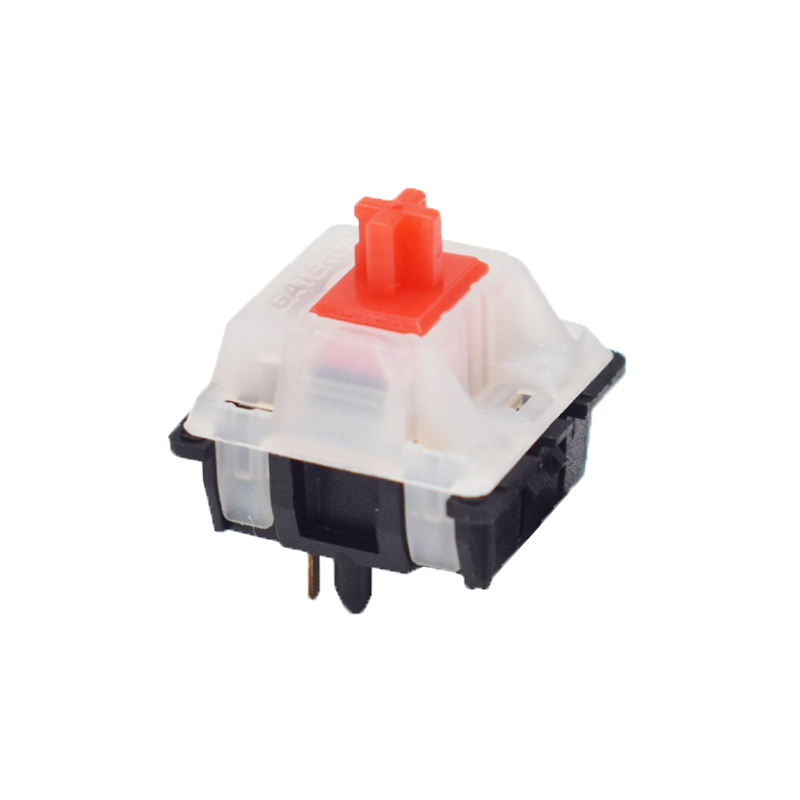
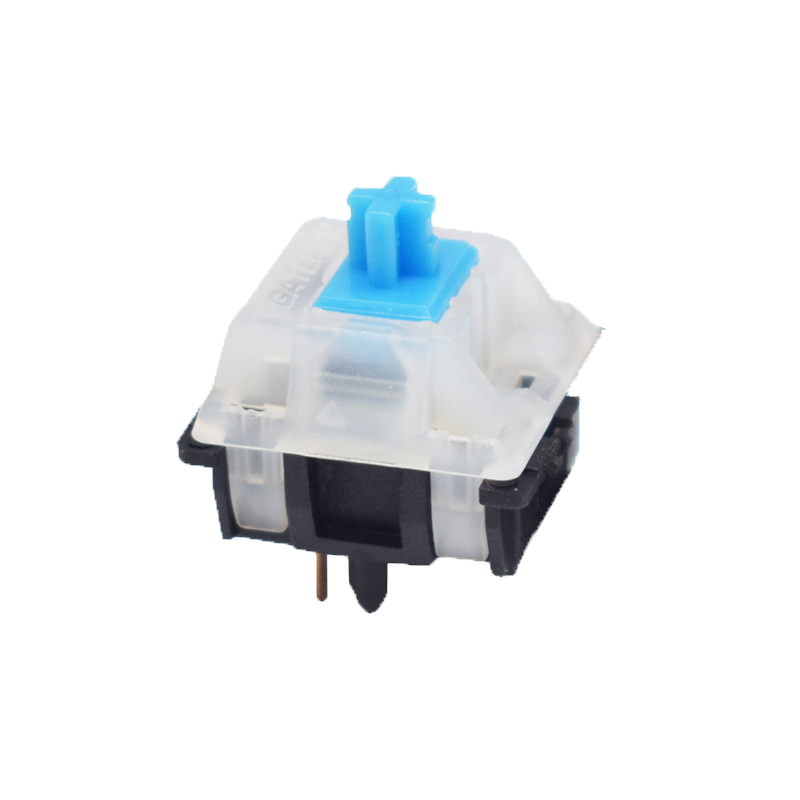
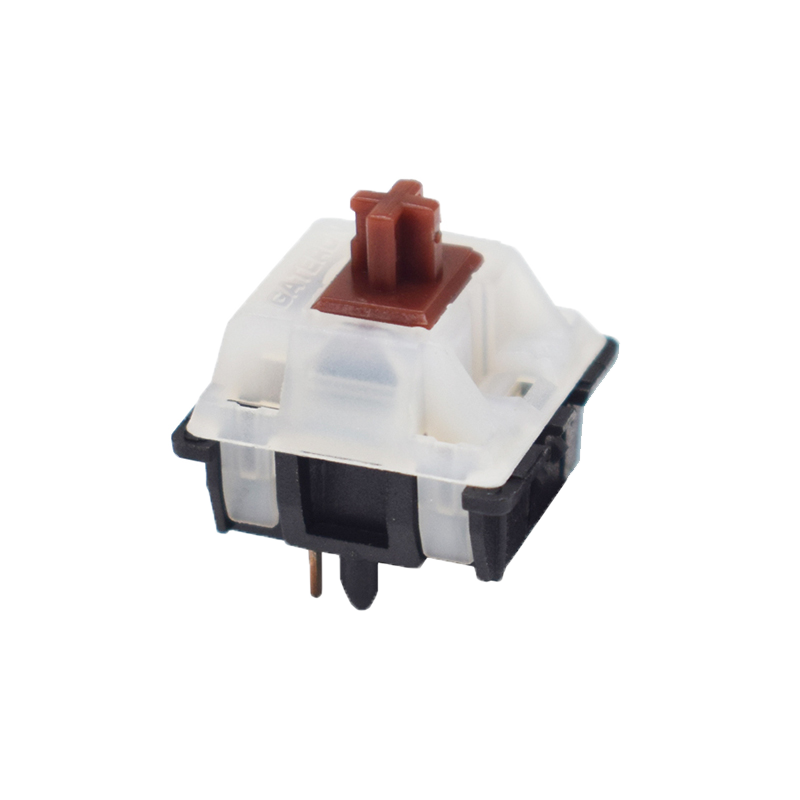
The K4 uses Gateron mechanical switches. You can choose between Red, Brown and Blue switches. You can also opt for Hot-Swappable keys. In this overview you can find the characteristics of these keys.
The K4 can be updated, so any production and/or design flaws can be removed. Check this Keychron page regularly to see if updates are available. Please note: read the instructions on this page carefully, because downloading the wrong firmware can be fatal for the keyboard.
Don't miss this either
The Keychron K4 has a powerful 4000mAh battery that lasts up to 72 hours with normal use. The keyboard also has backlighting, so the keys are easy to see in poorly lit rooms. The RGB backlighting gives you 18 different colour effects with four brightness levels.
The Keychron K4 is suitable for both Windows and Mac. With a small slider on the side you can easily switch between operating systems. System-related keycaps are included and you can easily swap them yourself.








.png)