Functional Style
A word isn't just invented. It has to be earned. Thanks to its combination of style and functionality, the Hana™ has achieved just that!
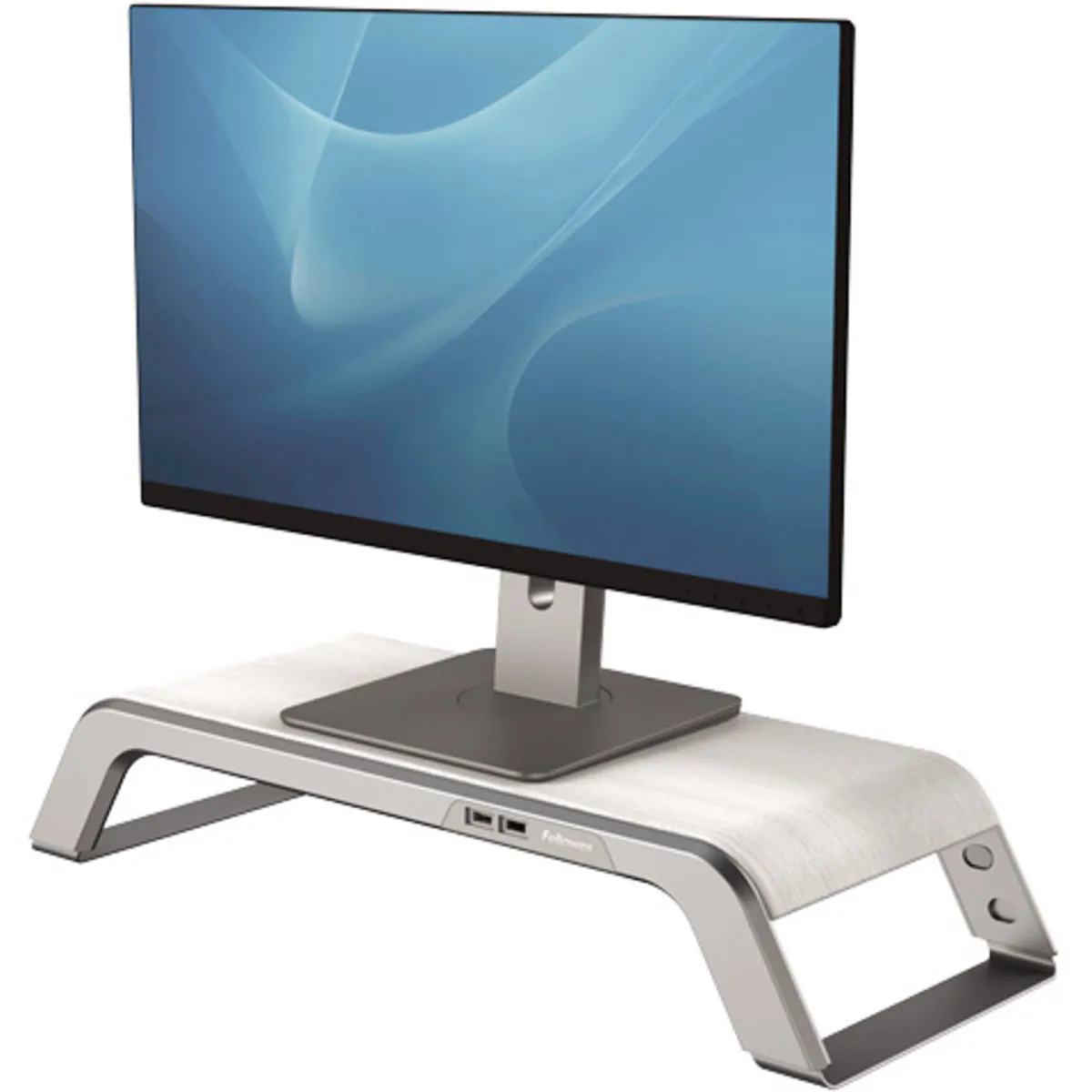
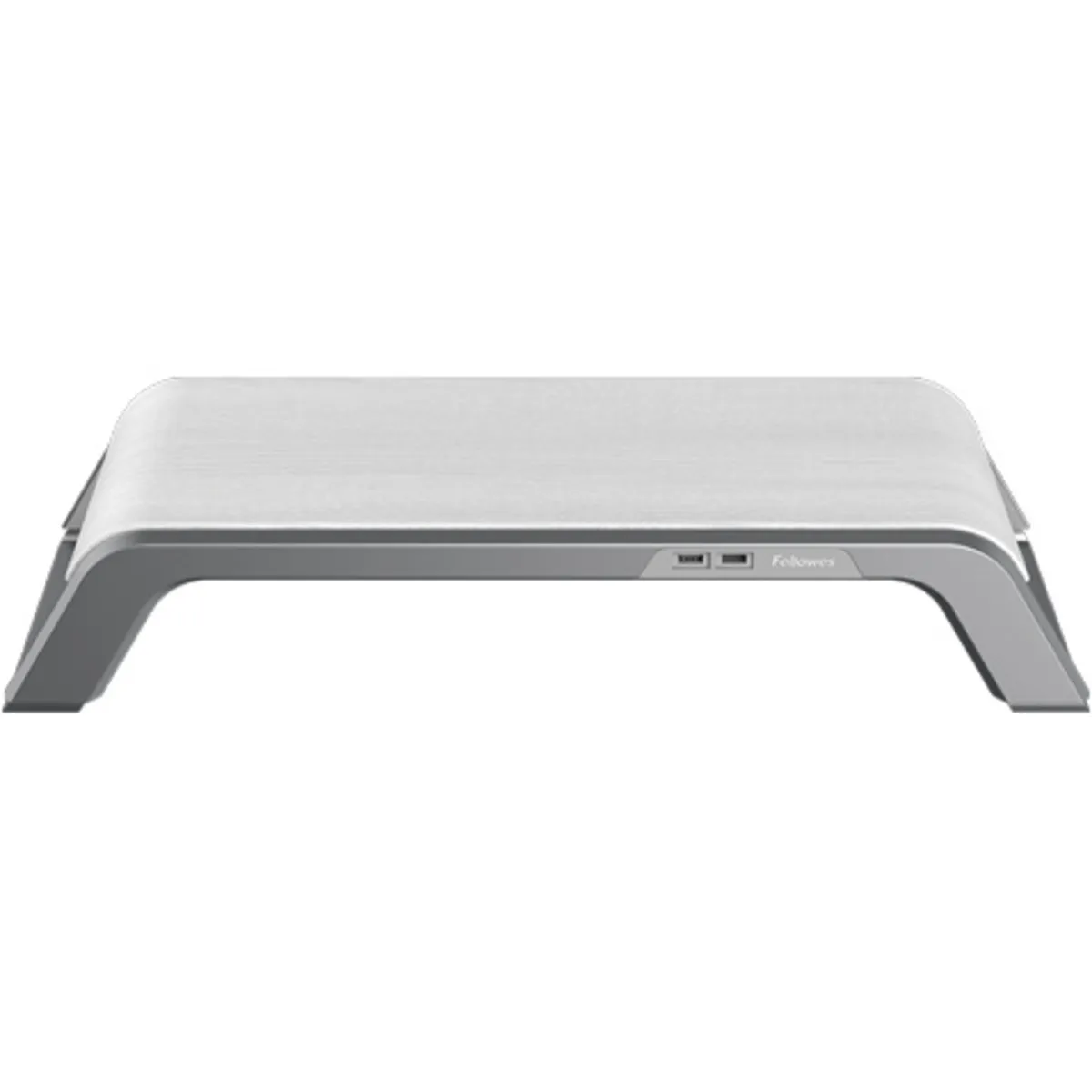
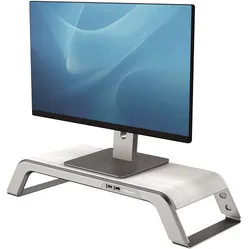
The Fellowes Hana is height-adjustable and has three settings. Raising the stand is a matter of extending the legs. To lower it, two clips per leg must be pressed before you can slide the frame in.
The monitor stand features a USB hub with a total of four ports. The two at the front have a fast-charging function for your phone, for example, and the two at the back are for connecting your mouse and keyboard. The stylish metal frame with a wooden finish is also aesthetically pleasing.
Monitors are generally too low, causing you to work hunched over, often unconsciously. A stand ensures you can position the monitor at eye level. This reduces strain on your neck, back, shoulders, and eyes.
Place the monitor stand directly in front of you. Position your monitor on the stand. Ensure you are sitting in a good, upright posture in your chair. Then check if the top edge of the screen is approximately at eye level, and adjust the height if it isn't.
Finally, check if you are sitting approximately an arm's length away from your screen. Ergonomic mouse next to it, keyboard in front, and get to work. Ah, what a relief!
The Hana™ monitor stand is part of the Fellowes Hana™ product range. The Hana™ range includes a mouse mat with wrist rest, keyboard wrist rest, laptop stand, document holder and footrest. All are available in both white/grey and black.