






ERGONOMIC BLUETOOTH MOUSE
FROM 41.95

Reviews from our customers about their ergonomic mouse
What is Bluetooth and what are its advantages?
Thanks to Bluetooth, you can connect devices to each other at lightning speed without the need for an accessory, as you see with USB wireless devices. An additional advantage is that, in the case of an ergonomic Bluetooth mouse without USB, for example, it can connect to multiple devices. If you regularly switch computers, the computer will immediately recognise the mouse when you turn it on, and you can get straight to work.
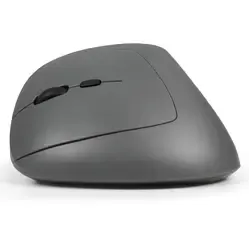
More and more laptops and computers have Bluetooth, so an ergonomic Bluetooth mouse is an excellent choice. You also see more and more Bluetooth devices that can switch connections. For example, our Delux Seeker can quickly switch between 2 channels via Bluetooth. With the press of a button, you no longer work on your laptop, but on the tablet next to it.
Does Bluetooth have disadvantages for some users? Yes, certainly, so keep this in mind. Firstly, desktop PCs in particular do not always have Bluetooth, meaning you cannot connect to the mouse. Secondly, Bluetooth causes some delay. So, if you are a gamer and want to get the most out of your setup, don't choose a Bluetooth mouse, but opt for a wired mouse or USB wireless mouse.
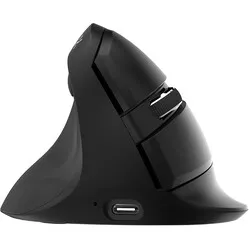
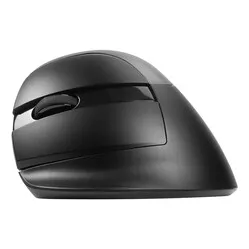
Delux Mini
Best-selling mouse
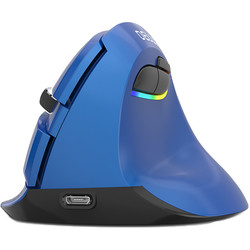
Vertical, excellent support, quiet buttons and easy to take with you. Although this mouse has the word ‘mini’ in its name, it is certainly not a small thing. This Bluetooth mouse also has a USB receiver (hey gamers) and can be charged via cable.
- Bluetooth connection (but also USB wireless)
- Comfortable for the wrist
- DPI button on the mouse
- Quiet mouse buttons
- Programmable on Windows with driver
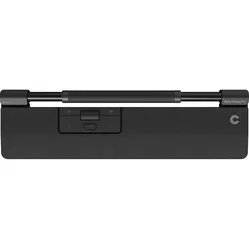
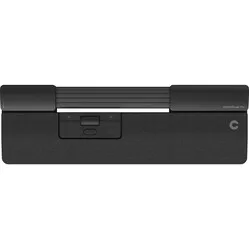
Contour Rollermouse Mobile
Most portable Rollermouse
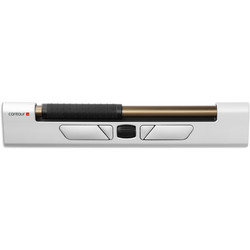
The Mobile is Contour's first product that can truly be labelled 'mobile'. Top quality, intuitive to use, 3 different connections (cable, USB wireless and Bluetooth) and programmable. Get started!
- Bluetooth mouse
- Operable left and right-handed
- Also usable wired and USB wireless
- Most compact central mouse
- 5 programmable buttons
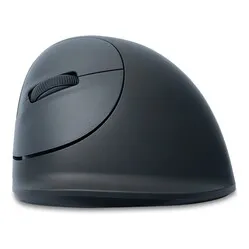
Evoluent 4 black
A top performer for 10 years
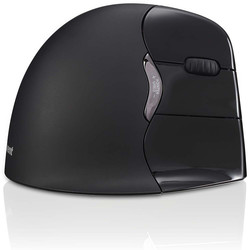
This model is the most badass-looking version of the Evoluent 4. Sleek in black, with Bluetooth connectivity, programmable (on Windows) and still Evoluent's most popular model.