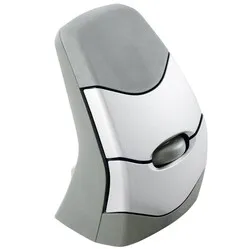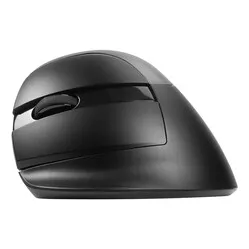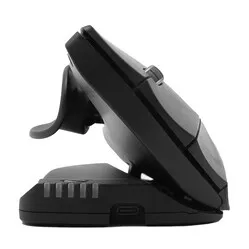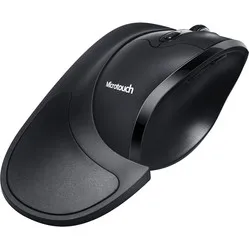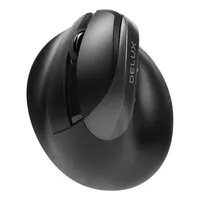
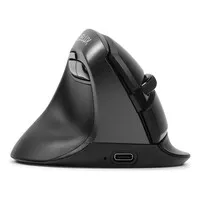
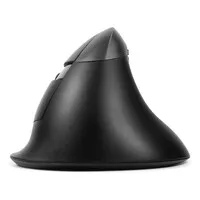
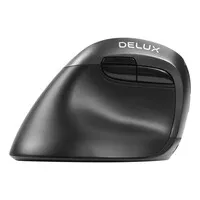
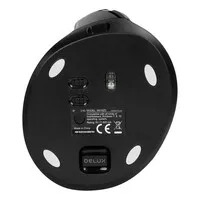
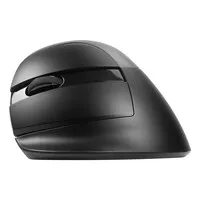
A really lovely mouse!
"-The mouse sits comfortably in the hand -Smooth operation of buttons and scroll wheel -Relieves strain on the little finger, ring finger and wrist"


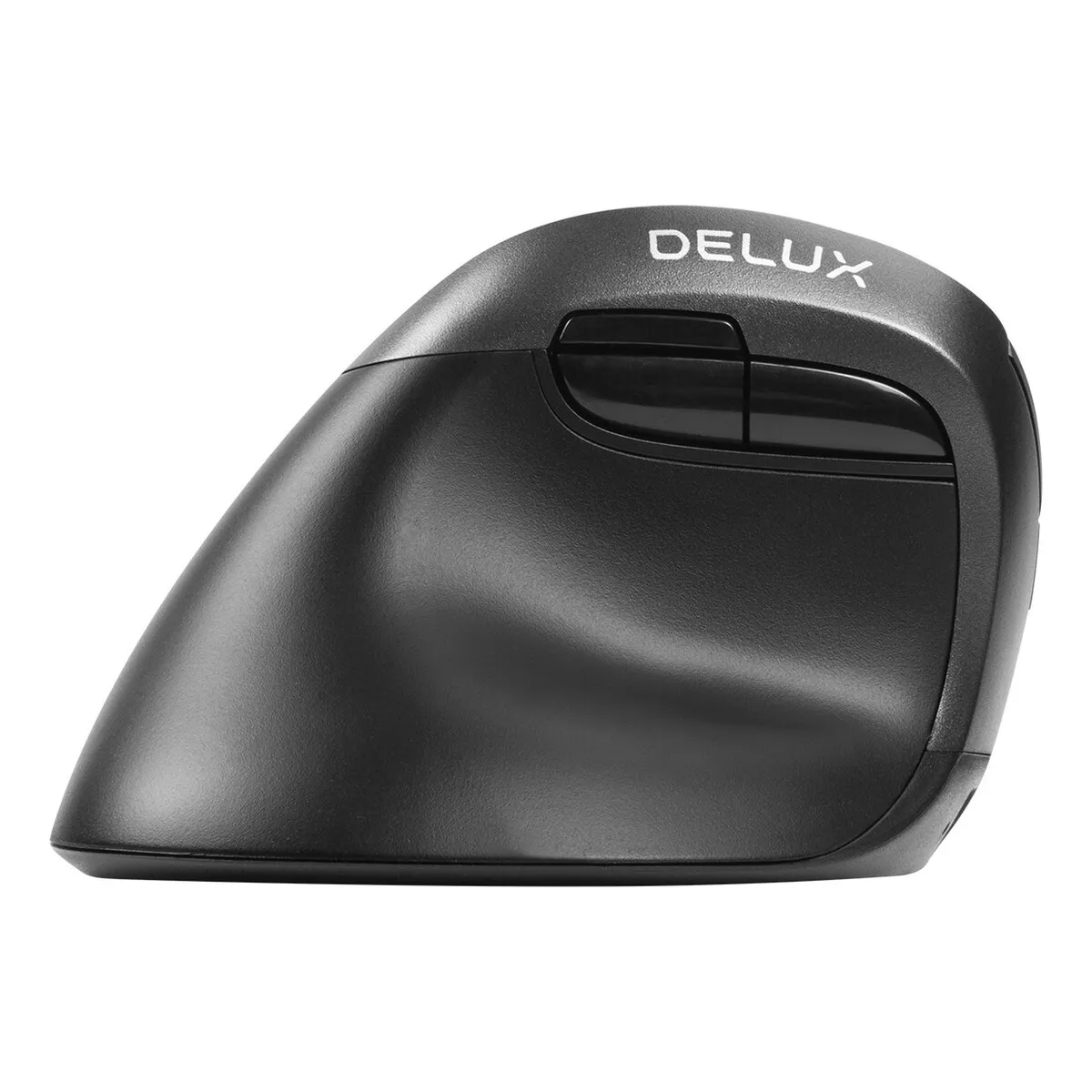
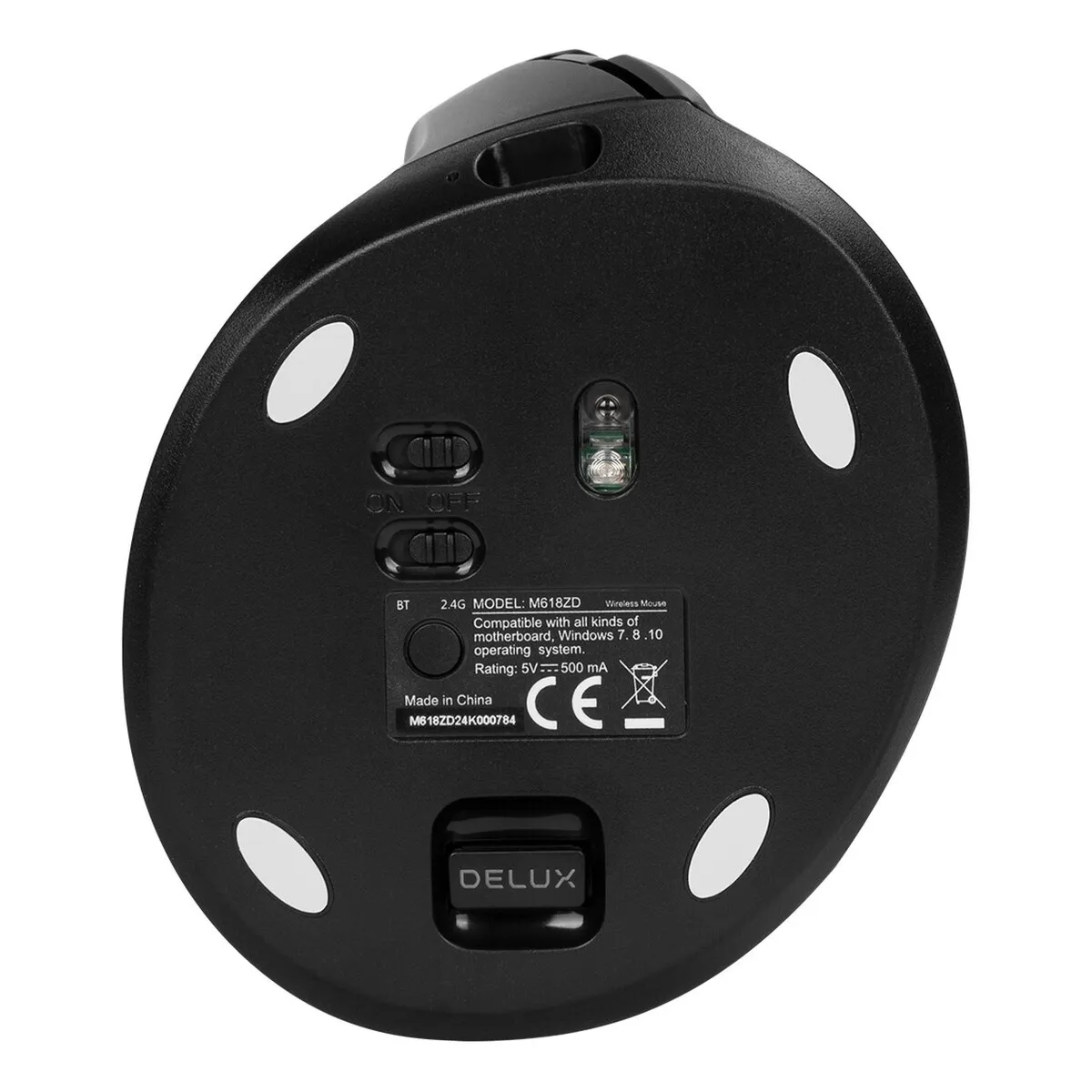
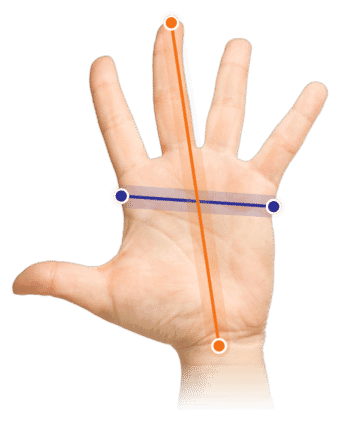
Measure your hand as shown in the image and choose your size using the table:
| Size | Hand width | Hand length |
|---|---|---|
| Size 1 | < 85 mm | < 185 mm |
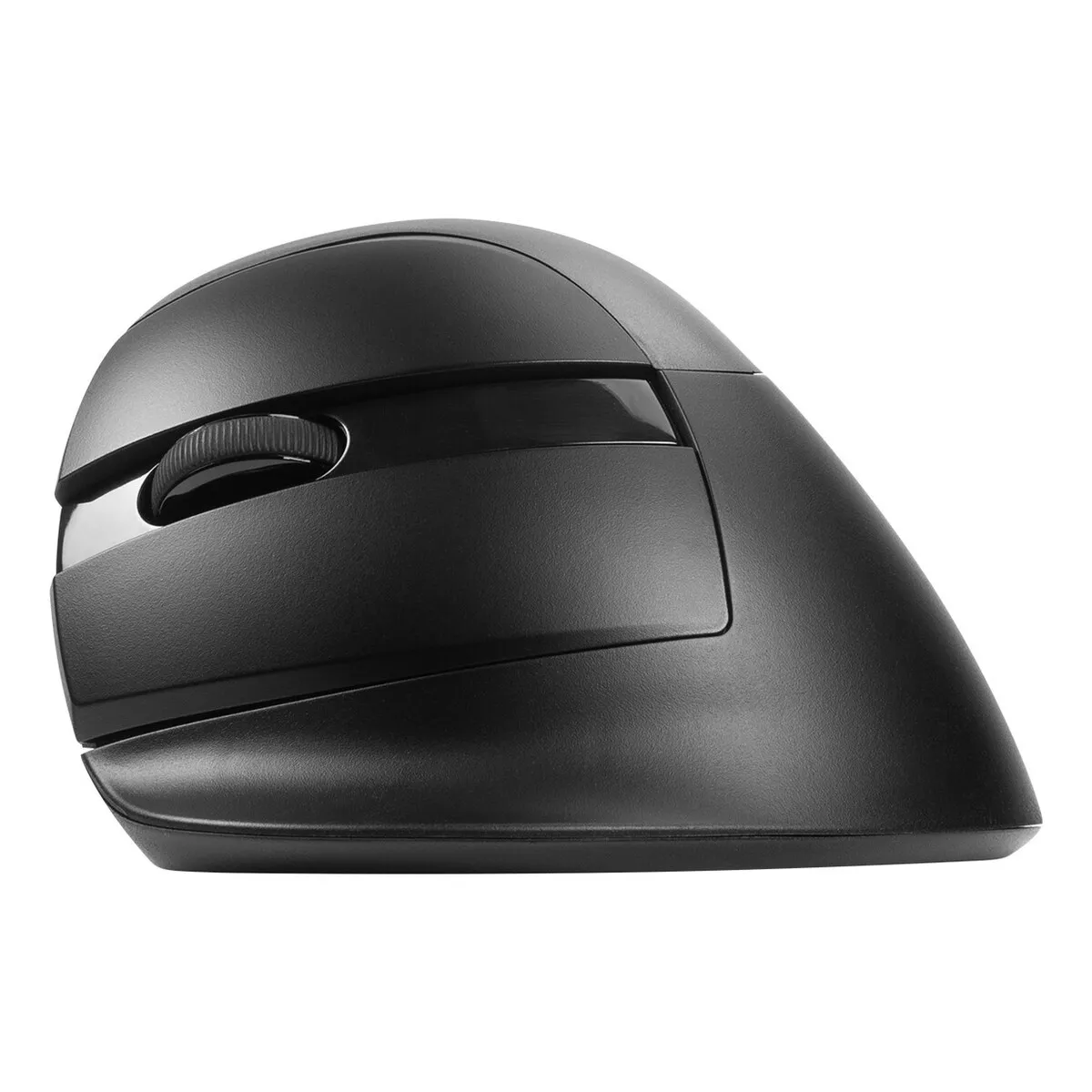
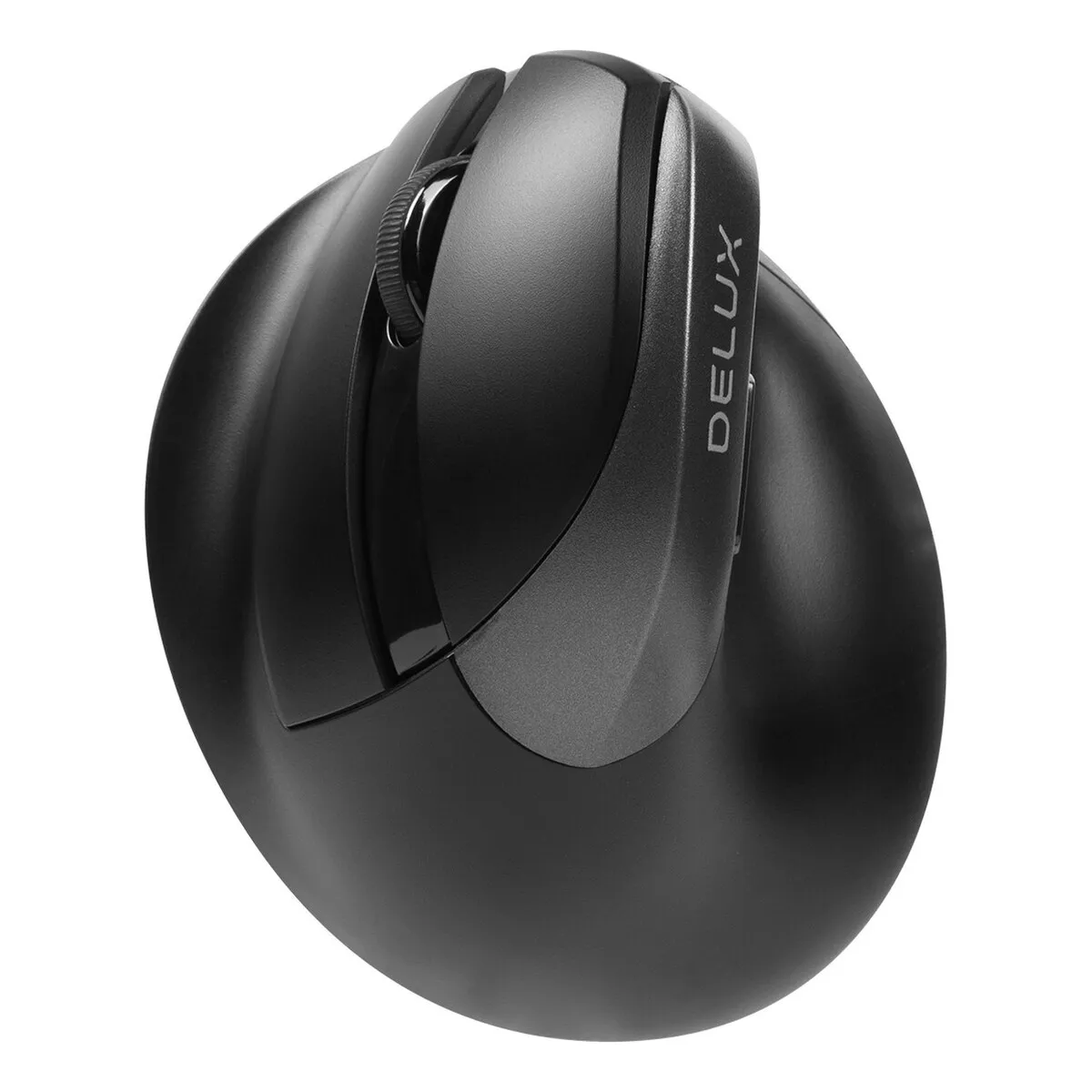
Small hands don’t have it easy in the world of mice. Most ergonomic mice are designed for an average man’s hand, and anyone with a hand significantly smaller than that either has to reach too far or stretch their hand to reach the scroll wheel. The Delux Mini has been designed with exactly the opposite in mind. Compact, vertical and with buttons within easy reach.
The name gives it away: this is the little brother in the vertical segment. We’ve tested it ourselves, and the mouse is perfectly usable for hand lengths up to 185 mm and hand widths up to 85 mm. If your hands are larger than that, you’d be better off looking at a bigger model.
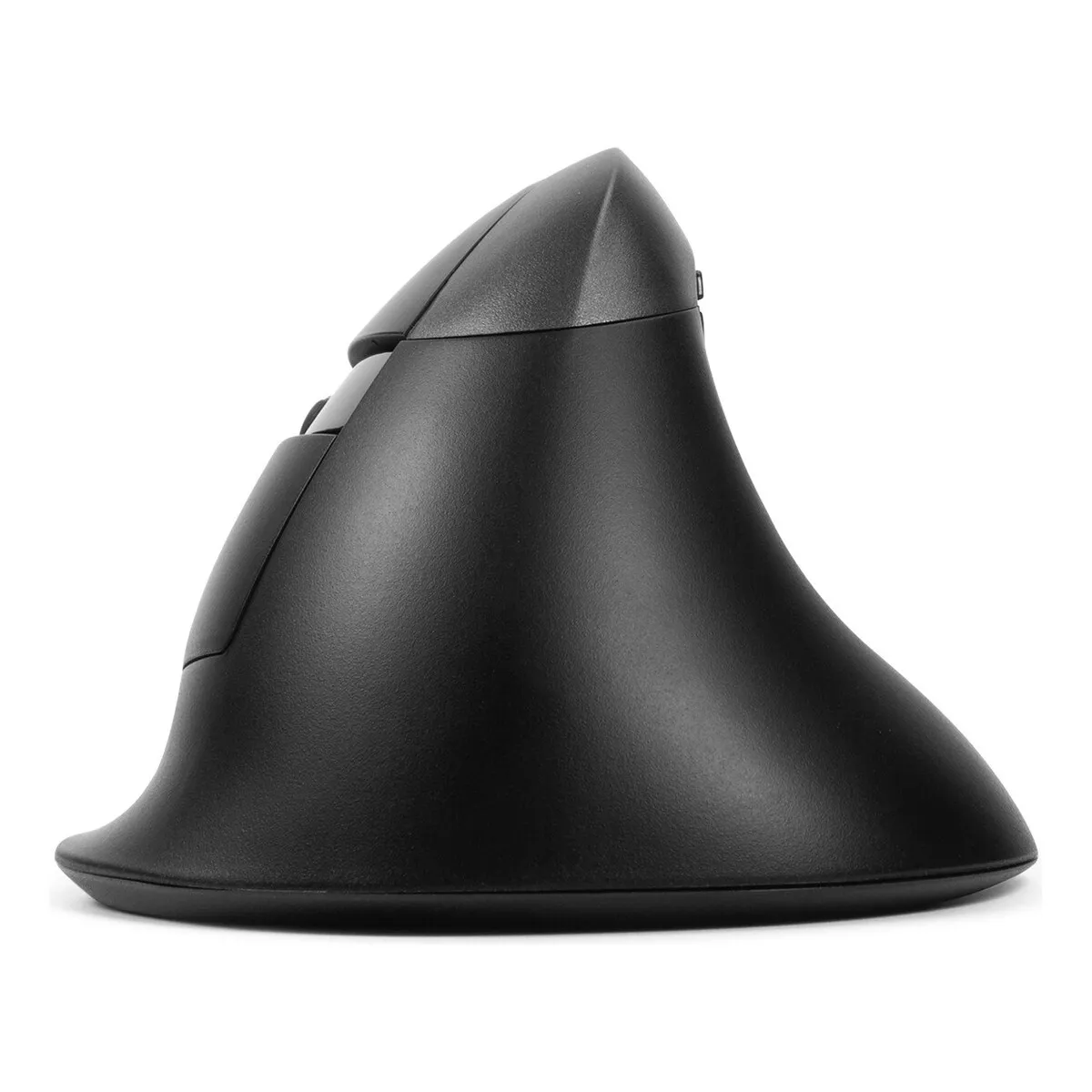
The mouse stands upright, which means your wrist is in a more neutral position than with a flat mouse. At the same time, the shape provides enough support to let your hand rest comfortably. Your thumb is relatively close to your fingers, which helps your hand to relax. In the fairly spacious recess, you can decide exactly where to place your thumb.
There’s a small lip beneath the little finger. This prevents the side of your hand from scraping against the desk. The scroll wheel usually sits comfortably beneath the middle finger, although this may vary slightly depending on the user. The long buttons ensure that even the smallest hands can use it with ease.
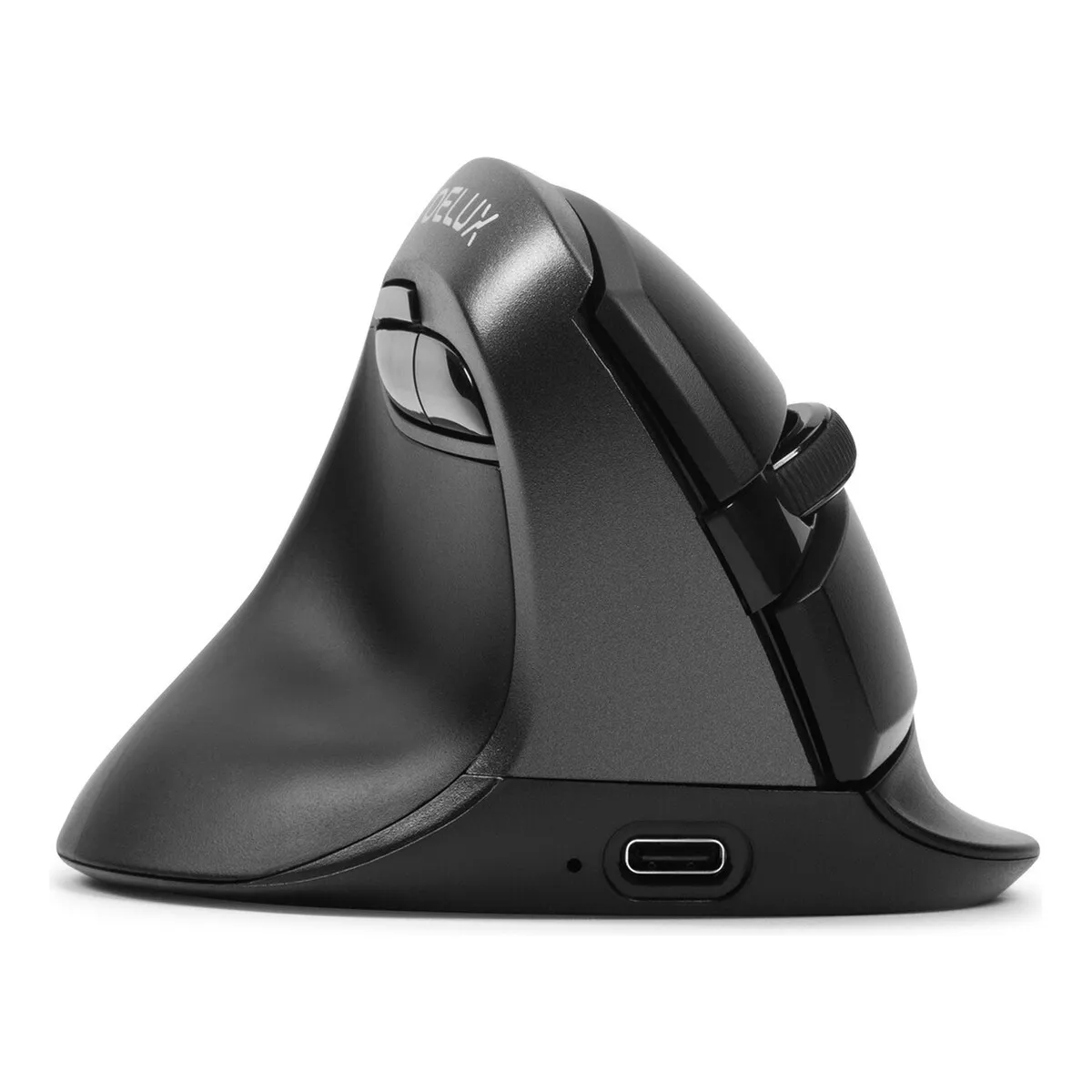
The Mini has five buttons and a scroll wheel. In addition to the left and right mouse buttons, there are forward and backward buttons near the thumb. The button above these adjusts the sensitivity. This is handy when switching between precision work and more general tasks.
The buttons provide a clearly audible and tactile click. If you’re looking for a mouse that clicks almost silently, take a look at the right-handed version with Kaihu switches.
The mouse comes with a 160 cm USB-C charging cable. You can use this to recharge the built-in 500 mAh Li-polymer battery. You plug the cable into the front of the mouse; an indicator light will then come on next to the port. Once that light goes out, the battery is fully charged. When you’ve finished working, switch the mouse off using the switch on the underside. That saves you another charge.
You can connect the Delux Mini wirelessly in two ways. It works via Bluetooth 5.0 and via the included 2.4 GHz USB receiver. You’ll find this dongle on the underside of the mouse, in a magnetic compartment. So you won’t lose it easily.
On the underside, next to the on/off switch, there’s a button that lets you switch between BT and 2.4G. This allows you to switch from your laptop to your workstation without having to pair it again.
The main advantage of a vertical model like the Mini lies in how it supports your forearm. A flat mouse forces your forearm into a twisted position; a vertical mouse largely eliminates that twist. This puts less strain on your arm, which can help reduce discomfort during prolonged use.
The Mini is highly versatile. It works on Windows, macOS and Android. With USB-A ports becoming a thing of the past on laptops, this is handy: at work, you connect it via the dongle; at home, you pair it with your laptop via Bluetooth. One mouse for all locations.
The Mini won’t complain about the surface either. We tested it on white printer paper and a white desk, amongst other things, and it simply got on with the job.
Not that we’d want to encourage it, but this Delux can withstand quite a few clicks. The switch under the buttons is designed to last for up to 10 million clicks.
On Windows computers, you can use all the mouse’s functions. On macOS, the back and forward buttons don’t work.
Are you a Mac user who still wants to be able to use all the buttons? Then consider the USB Overdrive programme. Not only does it get all the buttons working, but you can also assign any function you like to them. The programme is free to use with adverts.
| Warranty | 2 years |
| Ergonomic design | |
| Use | Left-handed |
| Number of buttons | 5 + scroll wheel |
| Colour | Iron Grey |
| Wrist | |
| Arm | |
| Hand | |
| Shoulder |
| Item number | ERGO-DEVMLM-NL |
| Manufacturer's item number | M618ZD |
| Brand | Delux |
| Warranty | 2 years |
| Type of guarantee | Ergowerken free warranty return service |
| Colour | Iron Gray |
| Ergonomic design | |
| Management | Optical |
| Left- or right-handed | Left-handed |
| Hand length | Less than 185 mm, measured from the tip of the middle finger to the edge of the wrist |
| Hand width | Smaller than 85 mm, measured on the palm, 1 cm below the 4 fingers |
| Operation | Buttons and scroll wheel |
| Connection | Wireless USB (2.4 GHz) and Bluetooth 5.0 |
| Included receiver | Yes, 2.4 GHz nano receiver |
| Bluetooth | |
| USB port | |
| Number of buttons | 5 + a scroll wheel |
| On/off button | |
| Adjustable buttons | |
| Scroll wheel | |
| Trackball | |
| Adjustable sensitivity | |
| Sensitivity | 800/1200/1600/2400/4000 DPI (dots per inch) |
| Type of power supply | Integrated rechargeable battery |
| Battery type | Integrated 500 mAh Li-polymer |
| Rechargeable | Yes (with 160 cm long USB-C cable included) |
| Minimum system requirements | Windows 7 and higher - macOS |
| Plug and play | |
| Dimensions length x width x height | 103 x 89 x 69 mm |
| Product weight | 120 grams (with USB receiver in mouse 122 grams) |
Customers who write a review enter a prize draw for a voucher. We pick one winner and publish all reviews, including critical ones.