





Stel hier je vraag over dit product
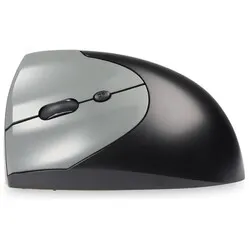
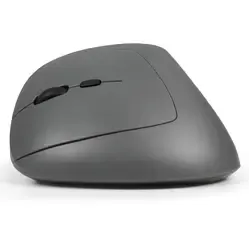
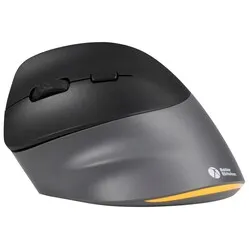
BakkerElkhuizen PRF Pro 3-mode left-handed vertical mouse

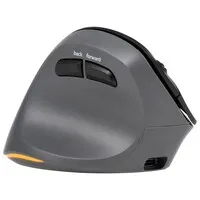
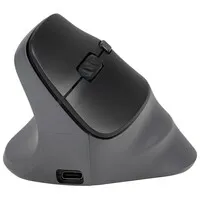
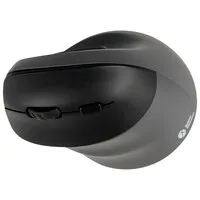
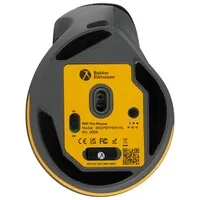
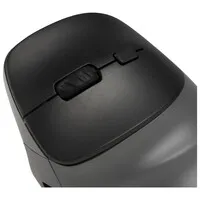
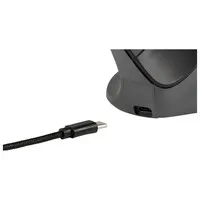
Product description of BakkerElkhuizen PRF Pro 3-mode left-handed vertical mouse
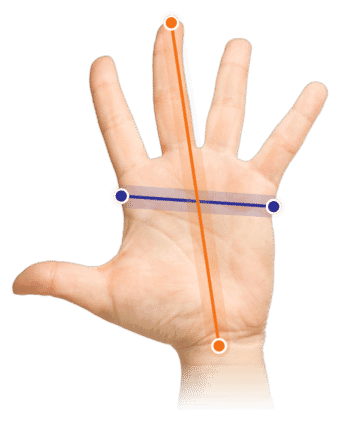
Which size fits your hand?
Measure your hand as shown in the illustration and choose your size using the table:
| Size | Width | Length |
|---|---|---|
| Size 1 | < 90 mm | < 190 mm |
A tribute to the BakkerElkhuizen PRF Pro
An old favourite, with a new look
Some things you don’t need to learn all over again: cycling, for example, or the PRF. The PRF Pro works exactly like its predecessor, except that it now communicates with three devices at once and stays silent with every click. An upgrade you won’t even notice, except that everything runs just a little more smoothly. Exactly.
Why the PRF Pro?
A vertical mouse that feels instantly familiar
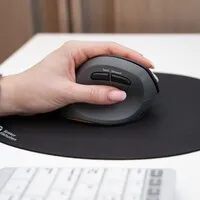
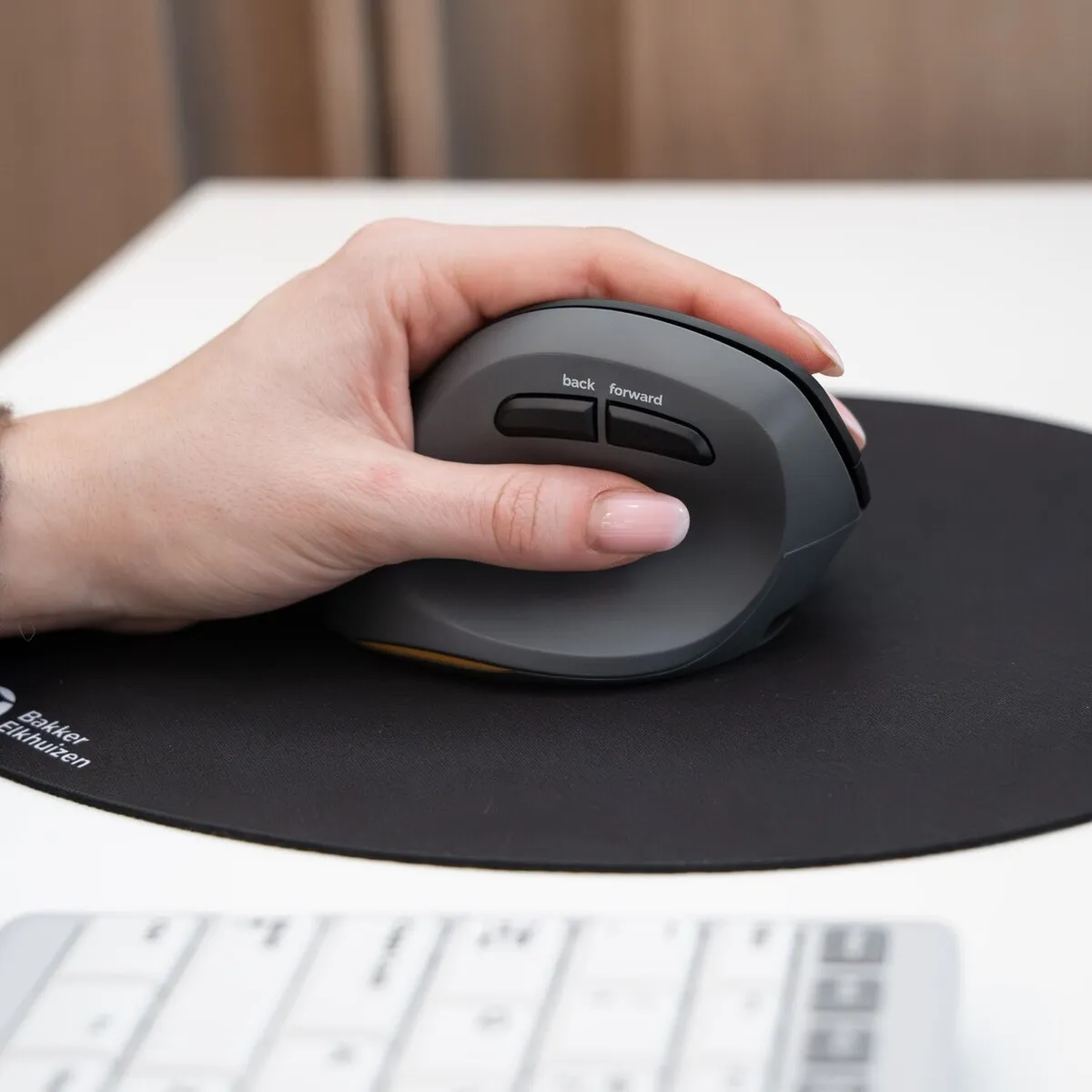
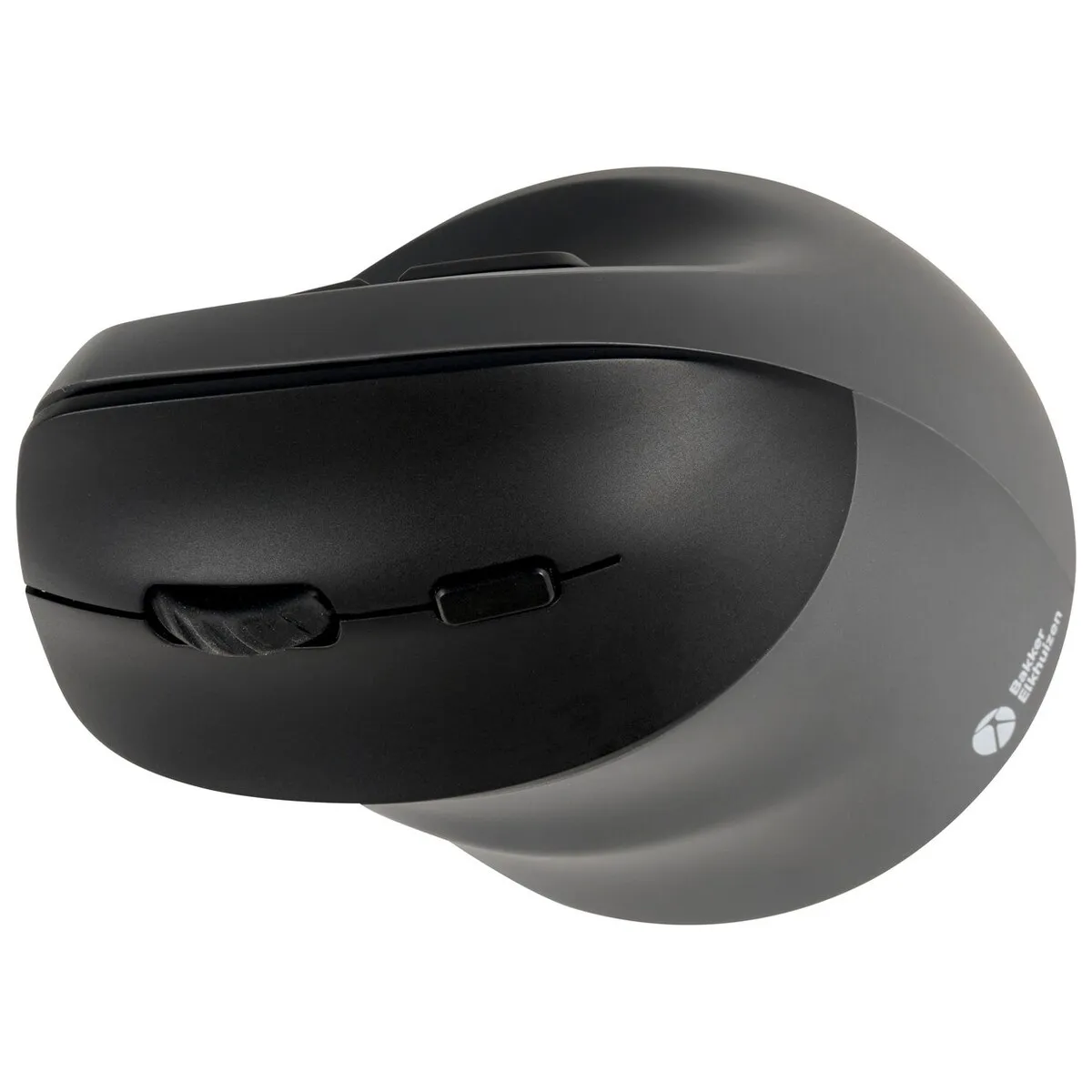
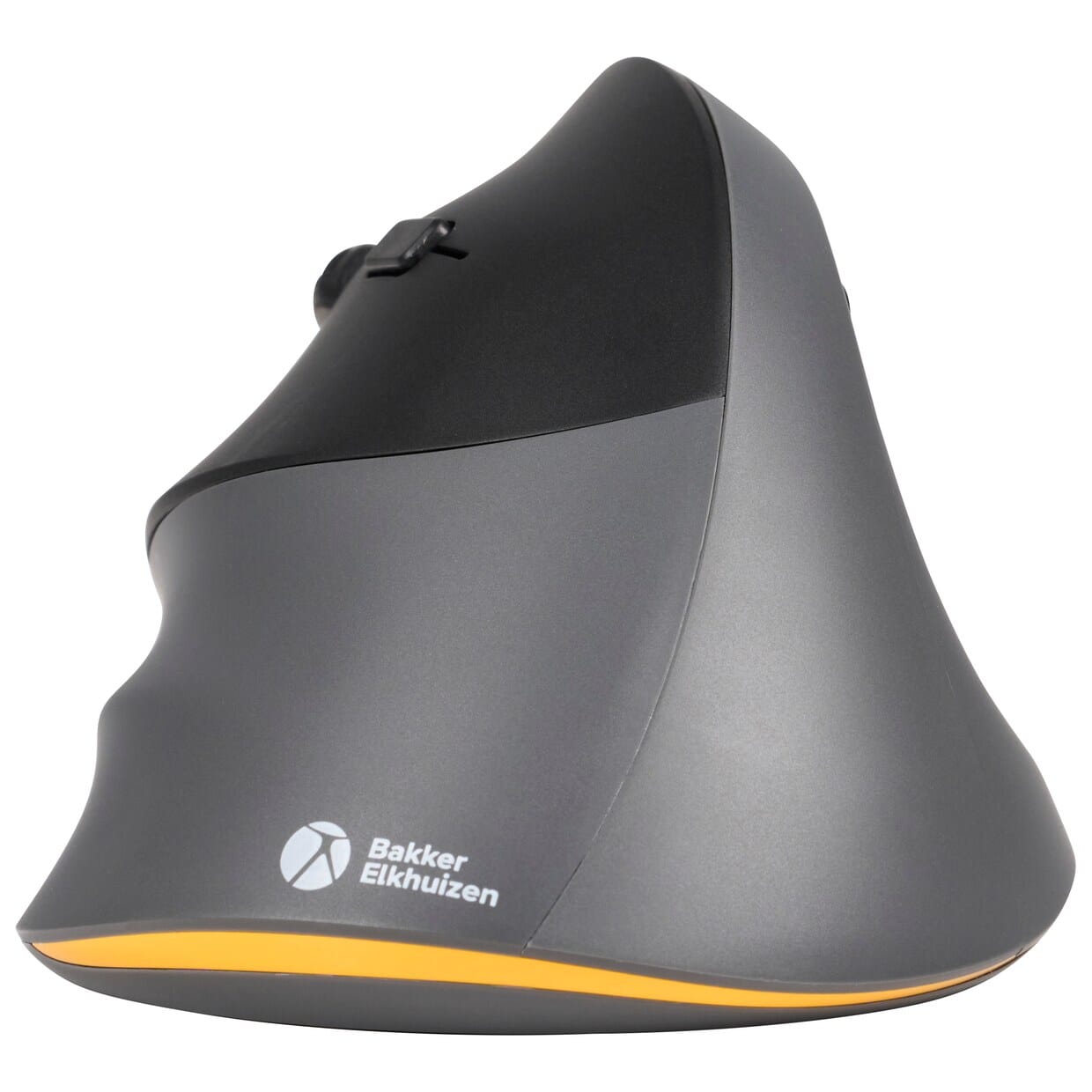
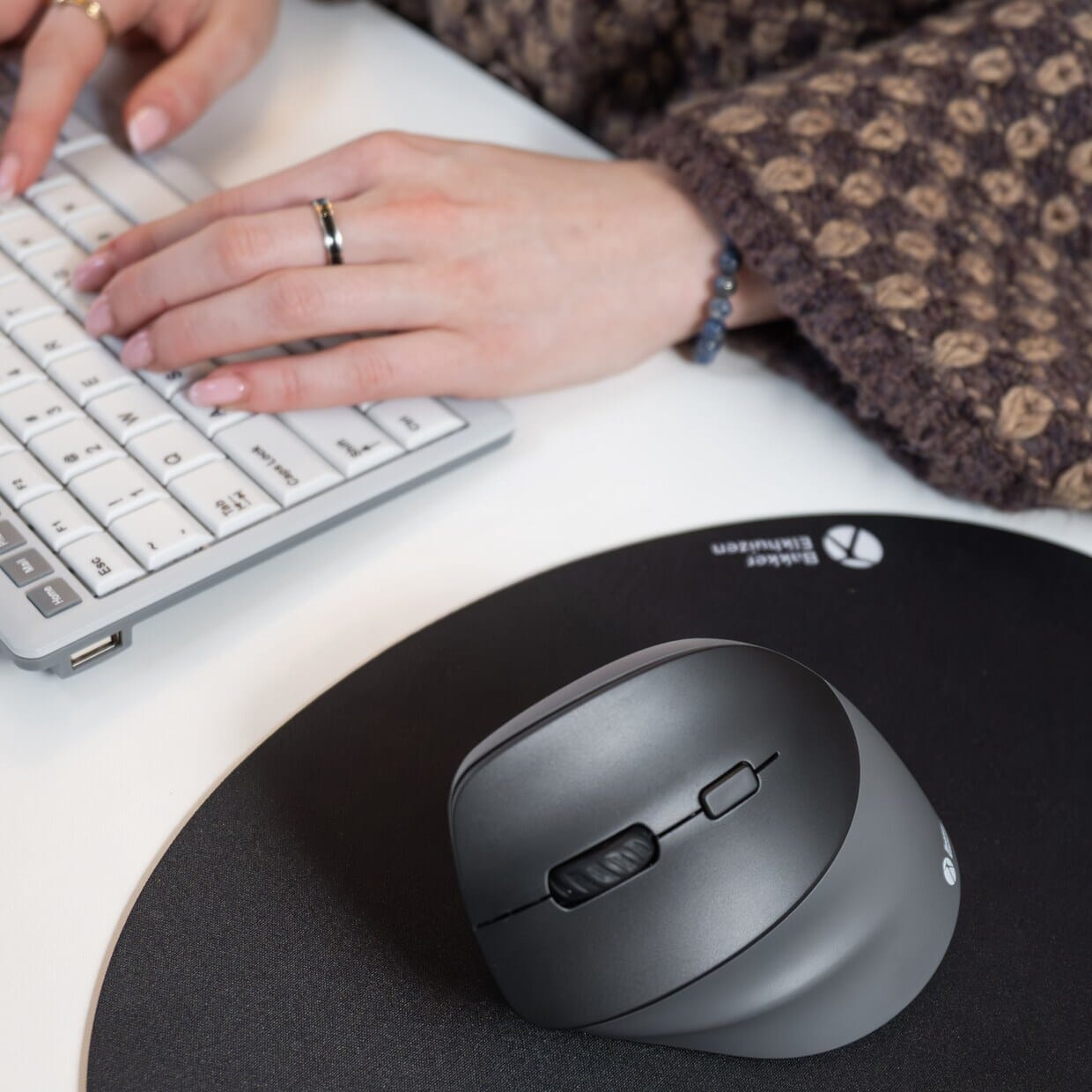
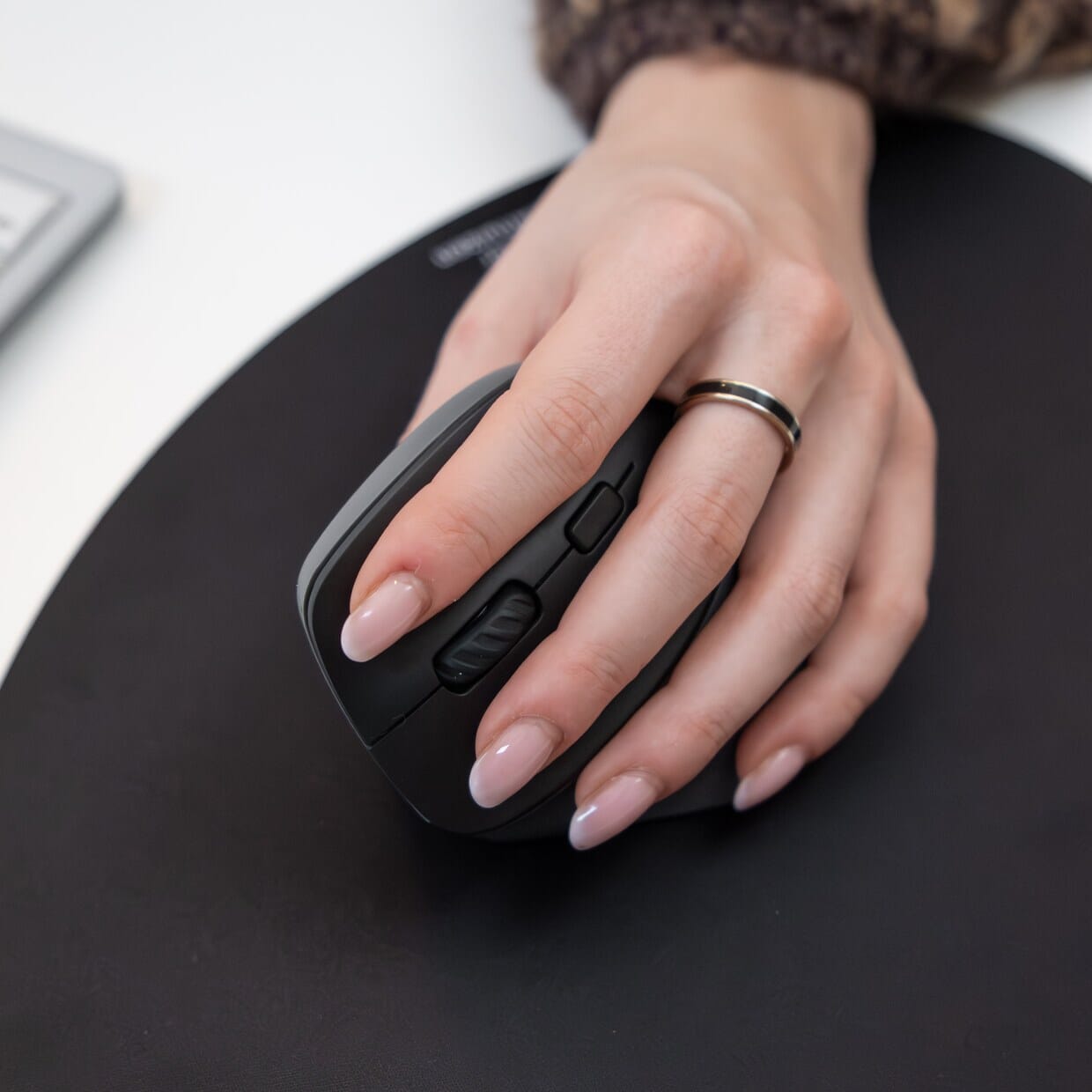
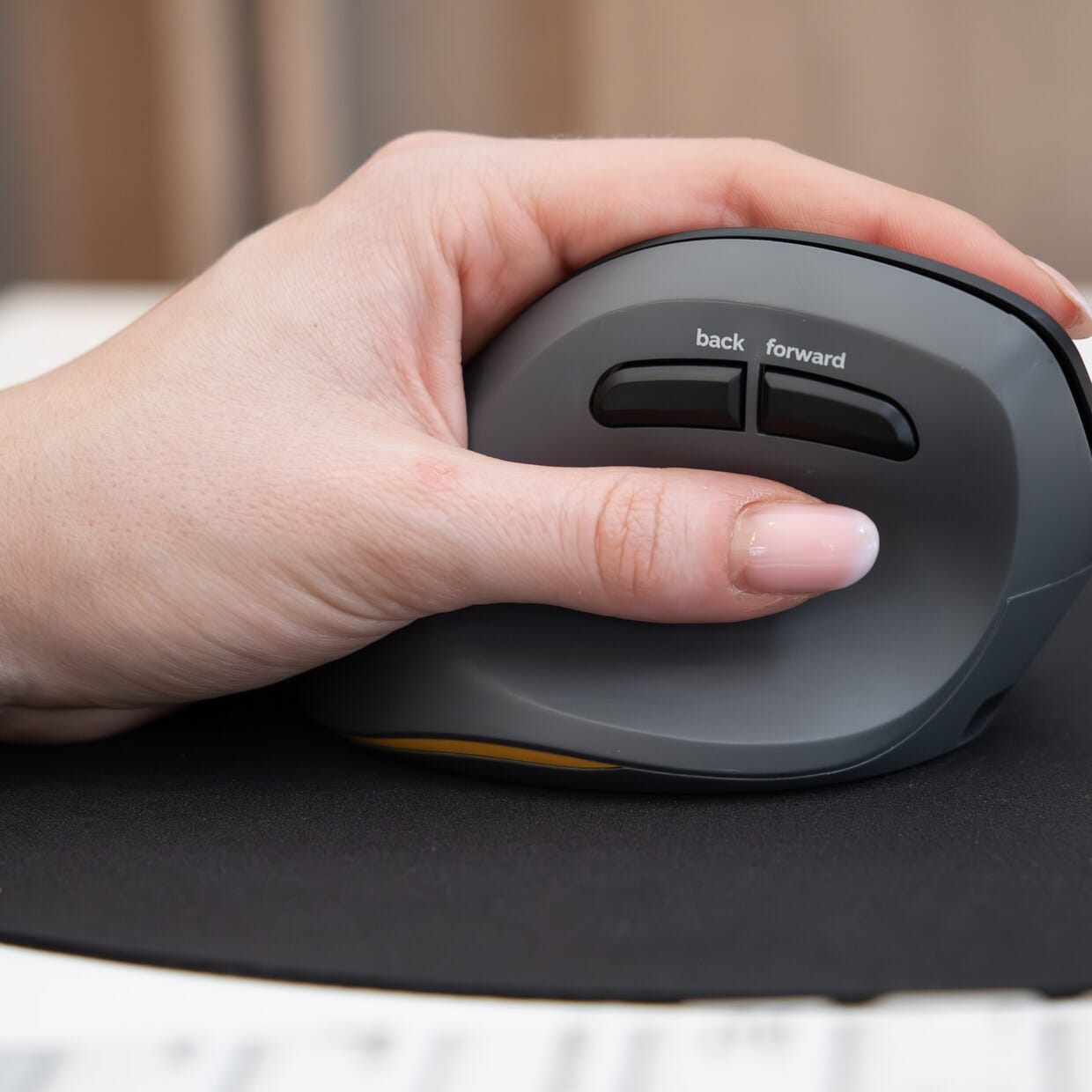
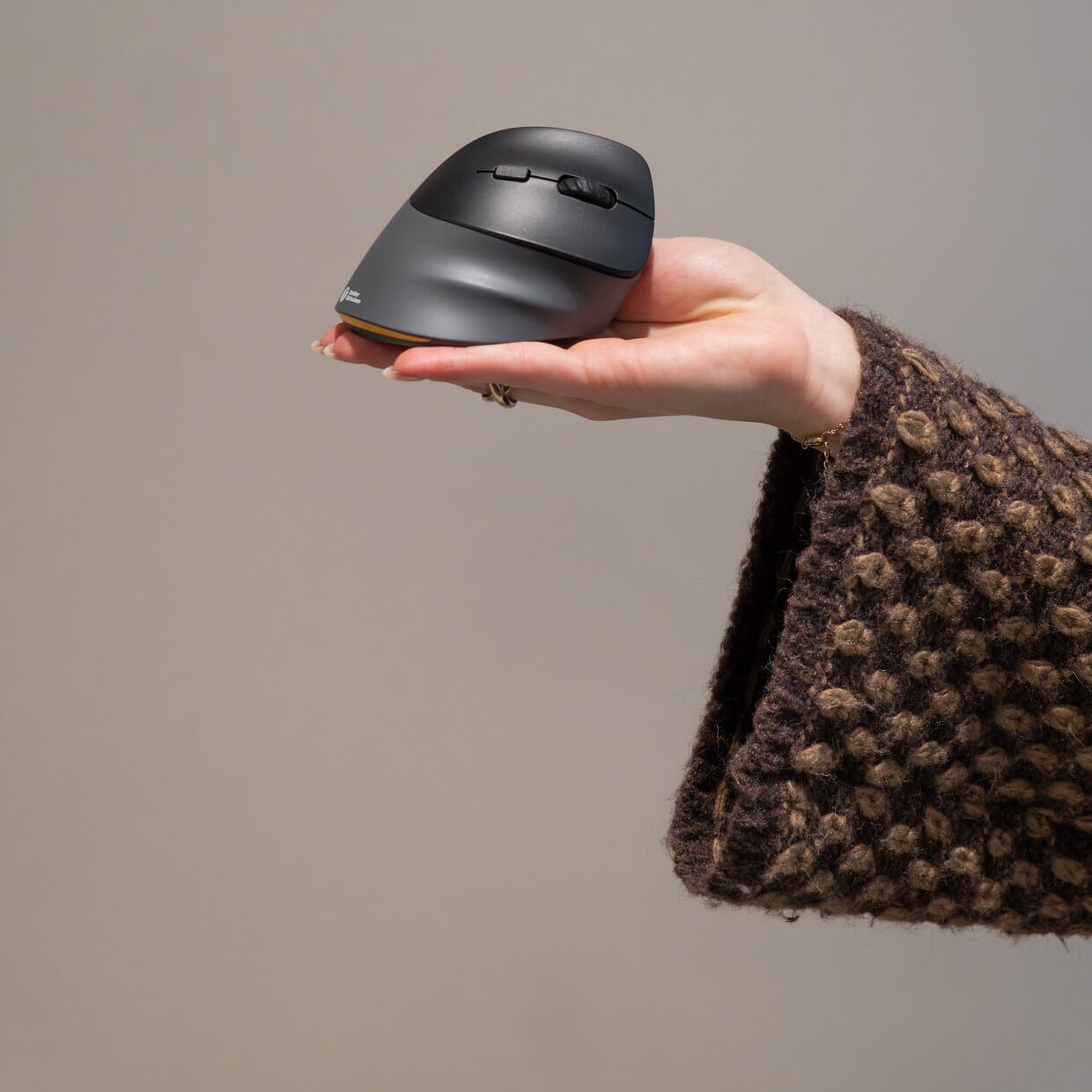
The BakkerElkhuizen PRF Pro is a vertical mouse. You rest your hand on it as if you were shaking someone’s hand, with your wrist in a straight line with your forearm. This means your wrist bends less sideways and your forearm rotates less. That can help reduce strain in your wrist and forearm during long days in front of your screen.
Quick to get used to
Many vertical mice take a few days to get used to. The PRF Pro has a shape and button layout that most people find intuitive straight away, and anyone already familiar with the PRF won’t notice any difference. This page is about the left-handed version, fully mirrored for your left hand.
Will the PRF Pro fit your hand?
The PRF Pro is the same length and width as the PRF and is therefore suitable for hands up to 190 mm long and 90 mm wide. Have a quick measure of your hand using the table at the top of this page. If you have larger hands, you’ll be better off with a more spacious vertical mouse.
What makes this vertical mouse so good?
Three connection options, three devices
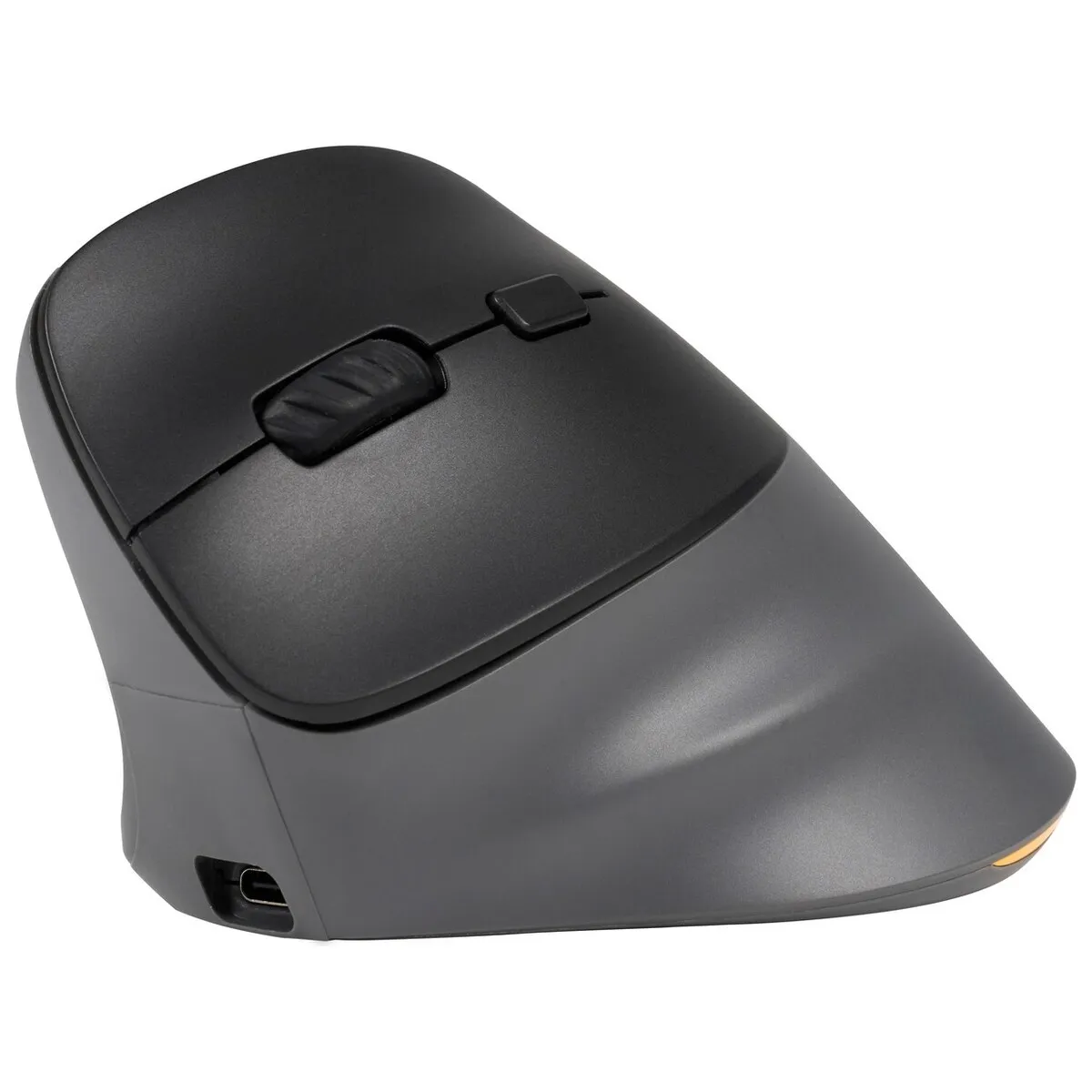
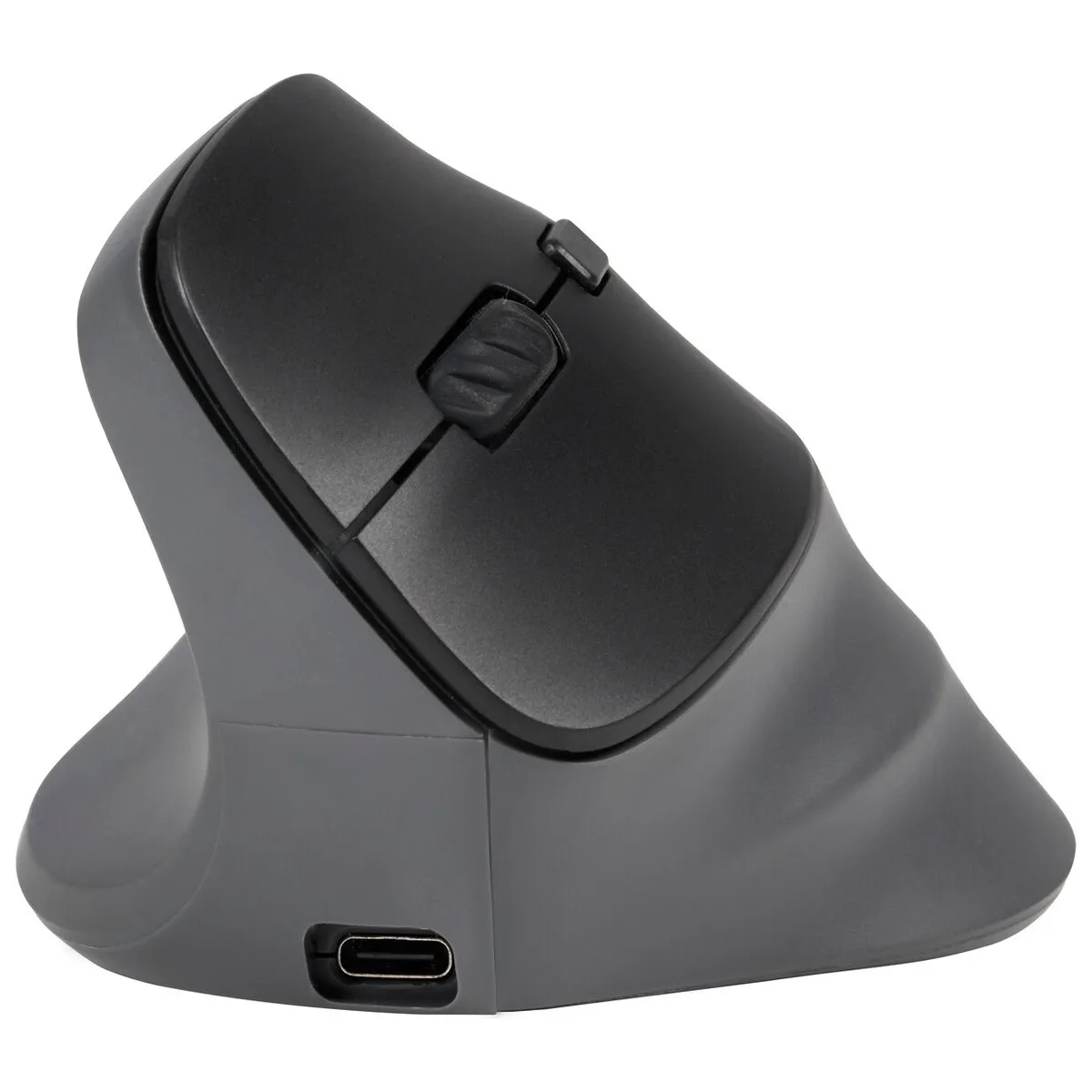
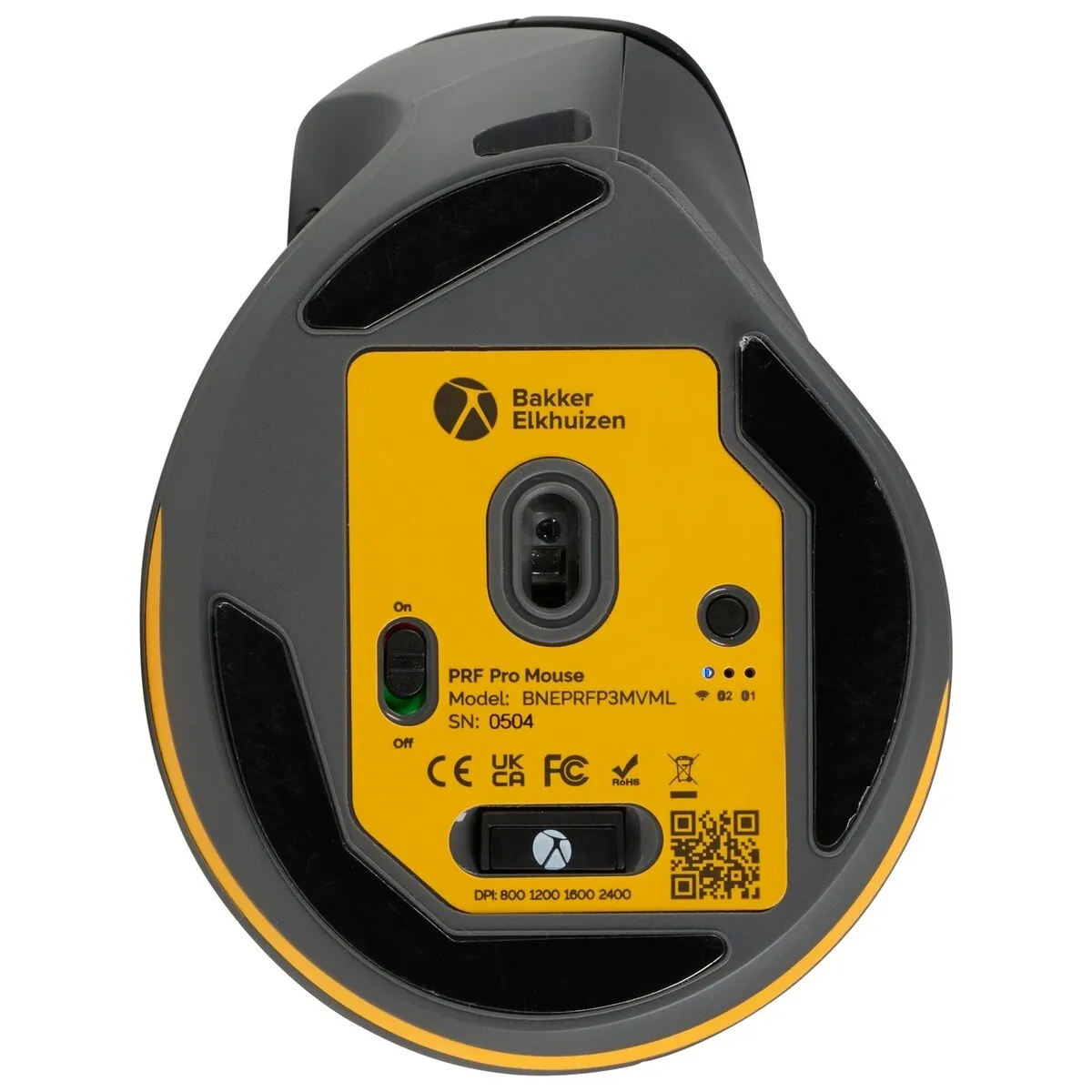
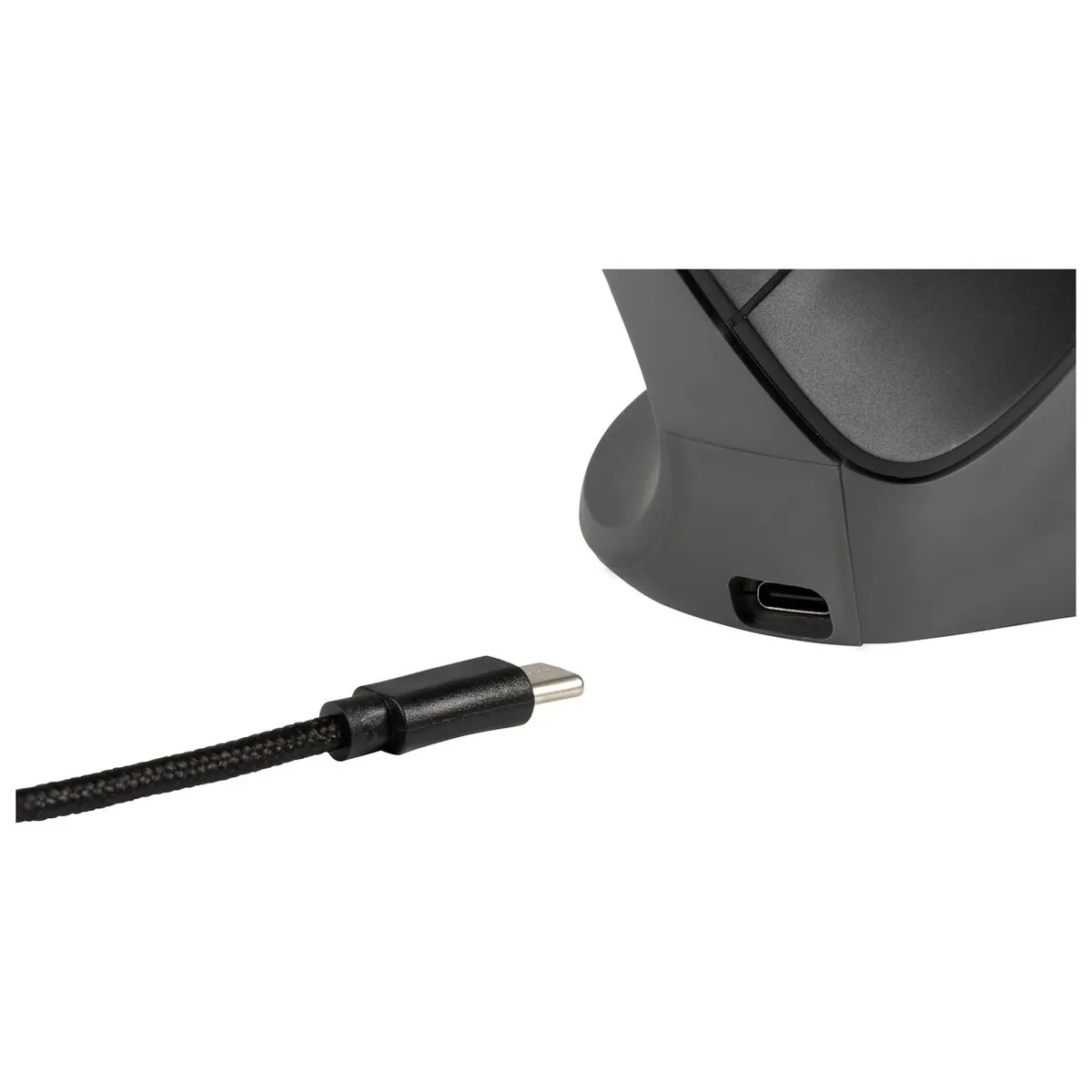
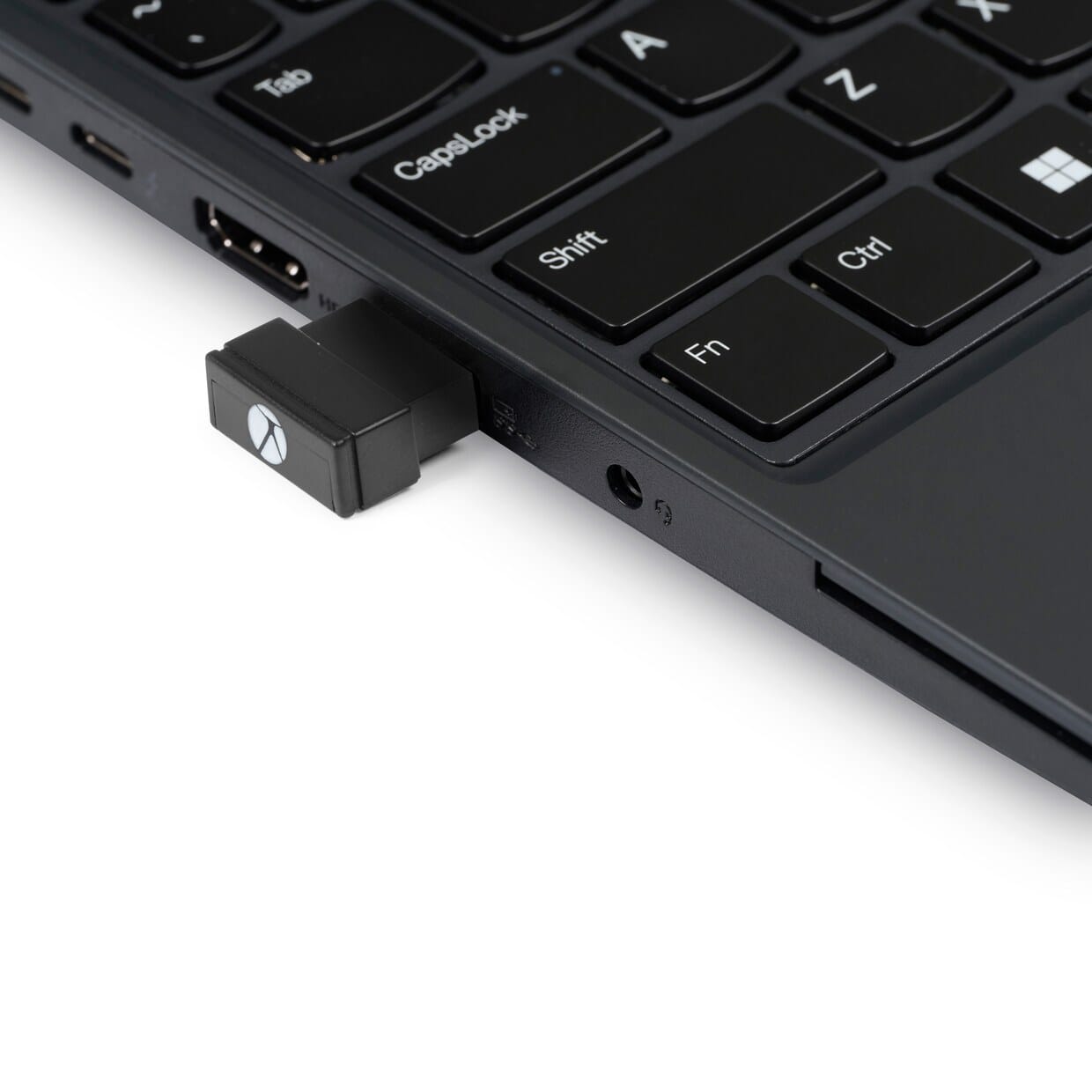
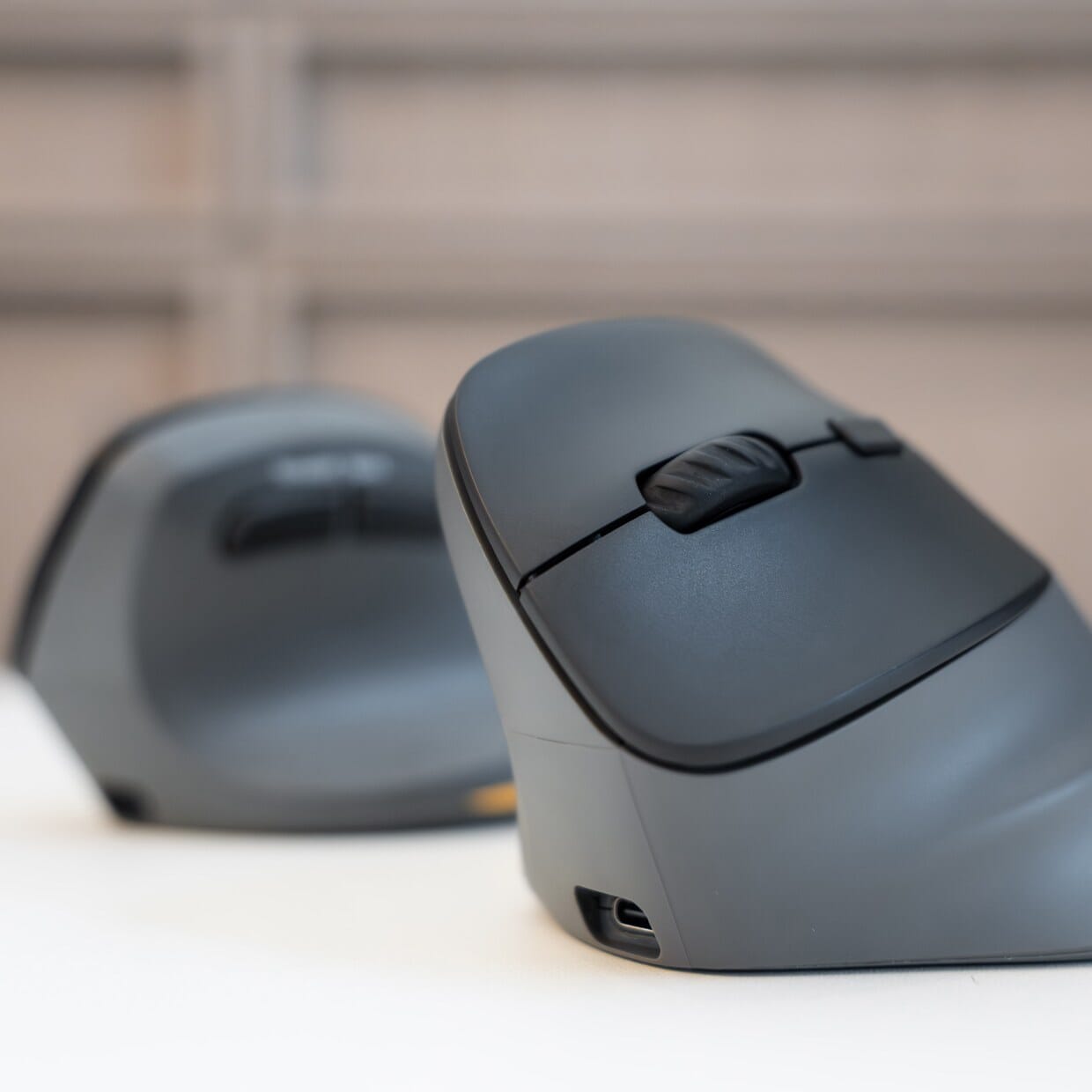
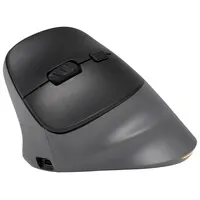
The PRF Pro connects in three ways: via Bluetooth, wirelessly via the included USB-C dongle, or wired with the USB-C cable. Bluetooth has two channels, so you can pair your laptop and your tablet, for example, and keep the dongle for your desktop computer. Using the mode button on the underside of the PRF Pro, you can switch between these devices without having to pair them again.
Silent clicks
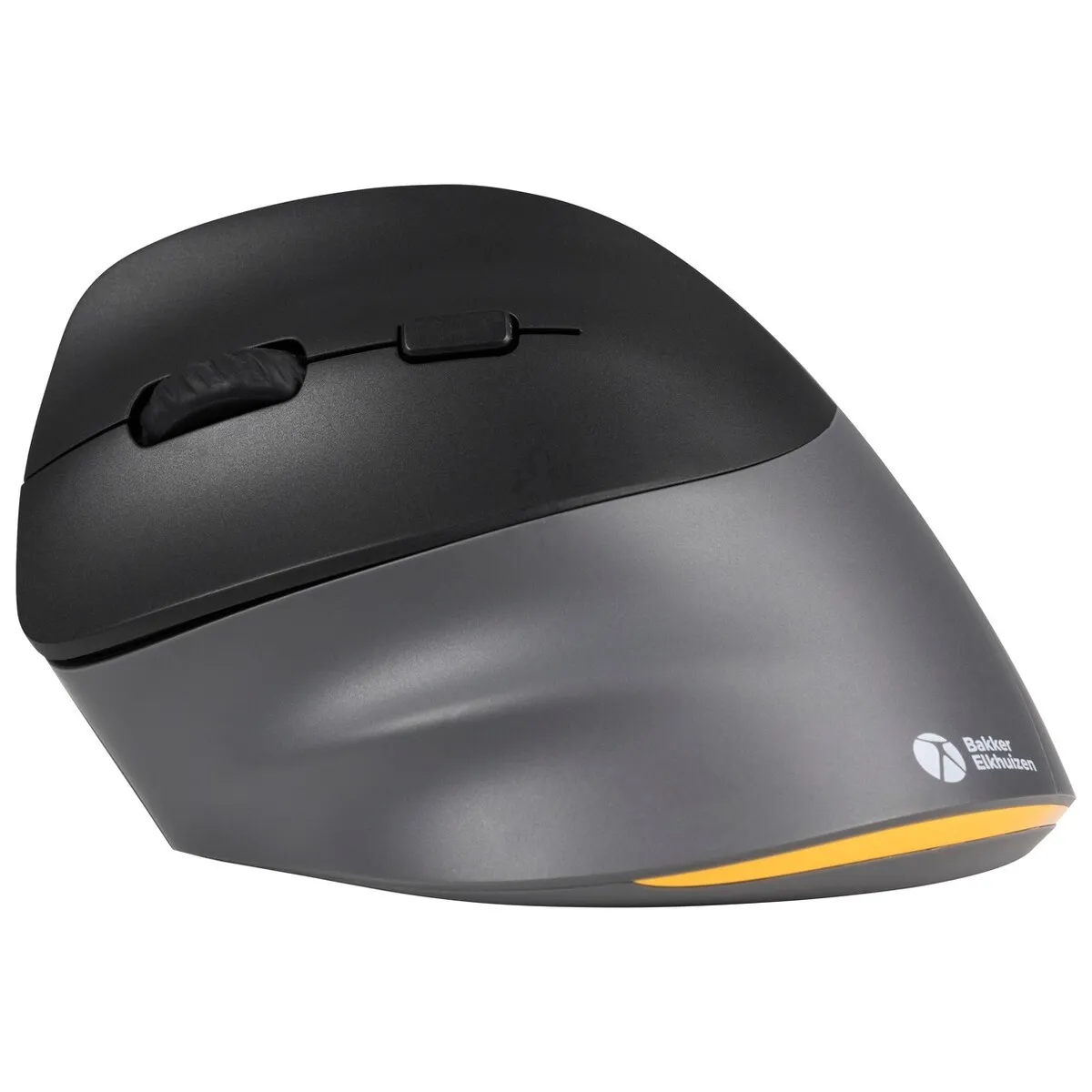
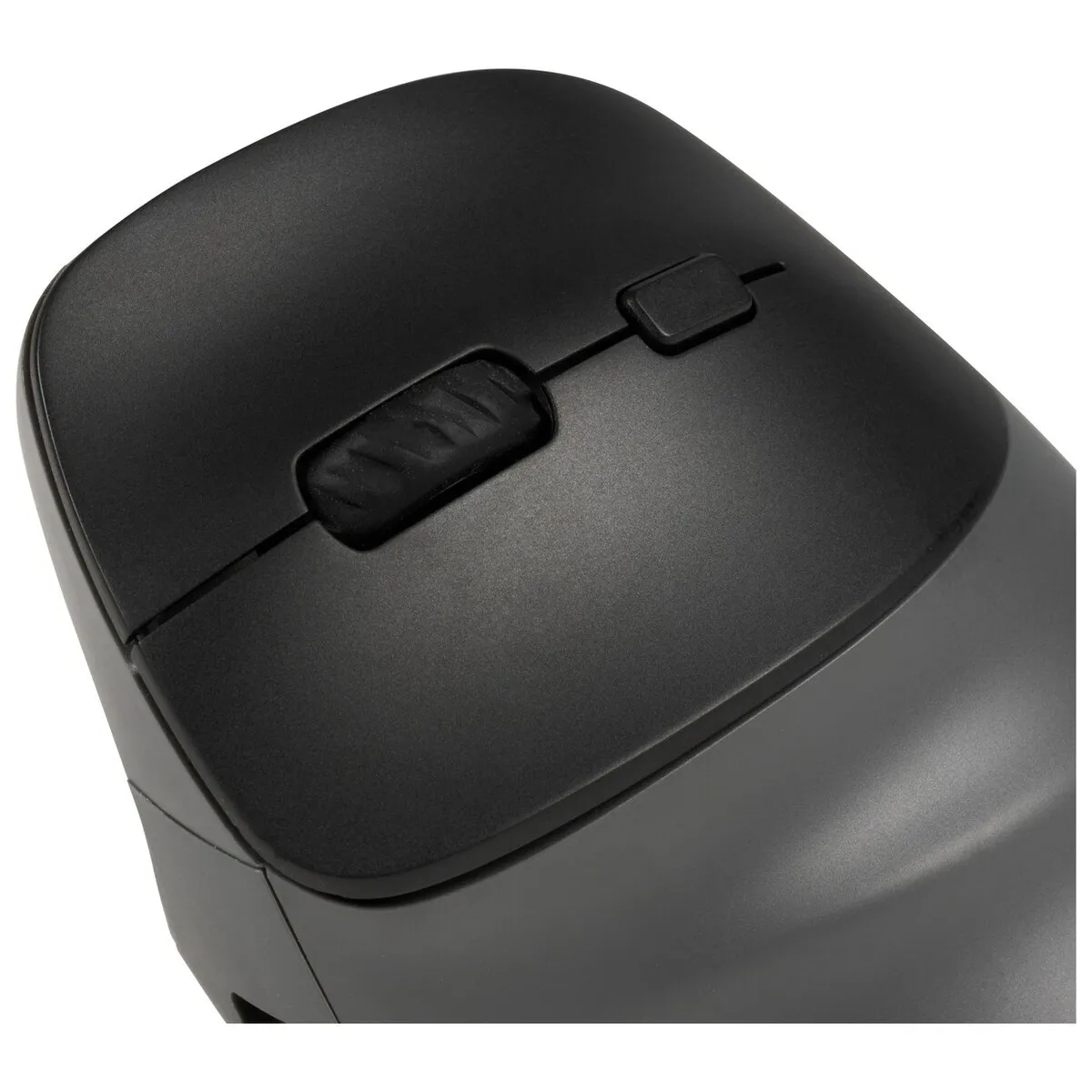
The PRF Pro’s buttons feature silent click. You can feel the click, but you can barely hear it. This is ideal in a quiet open-plan office, during an online meeting, or if you’re working alongside someone in the evening who’d rather be reading.
Speed of your choice
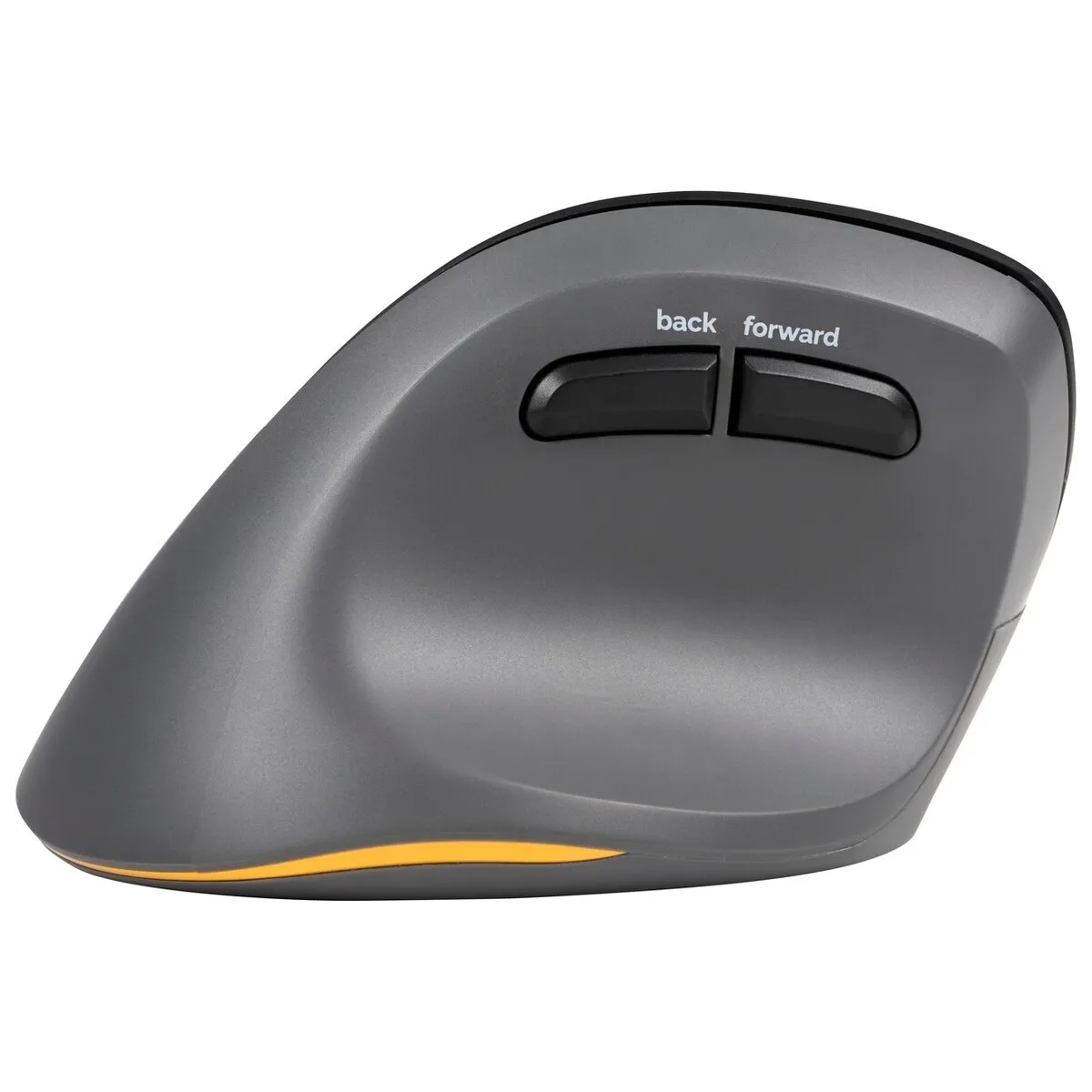
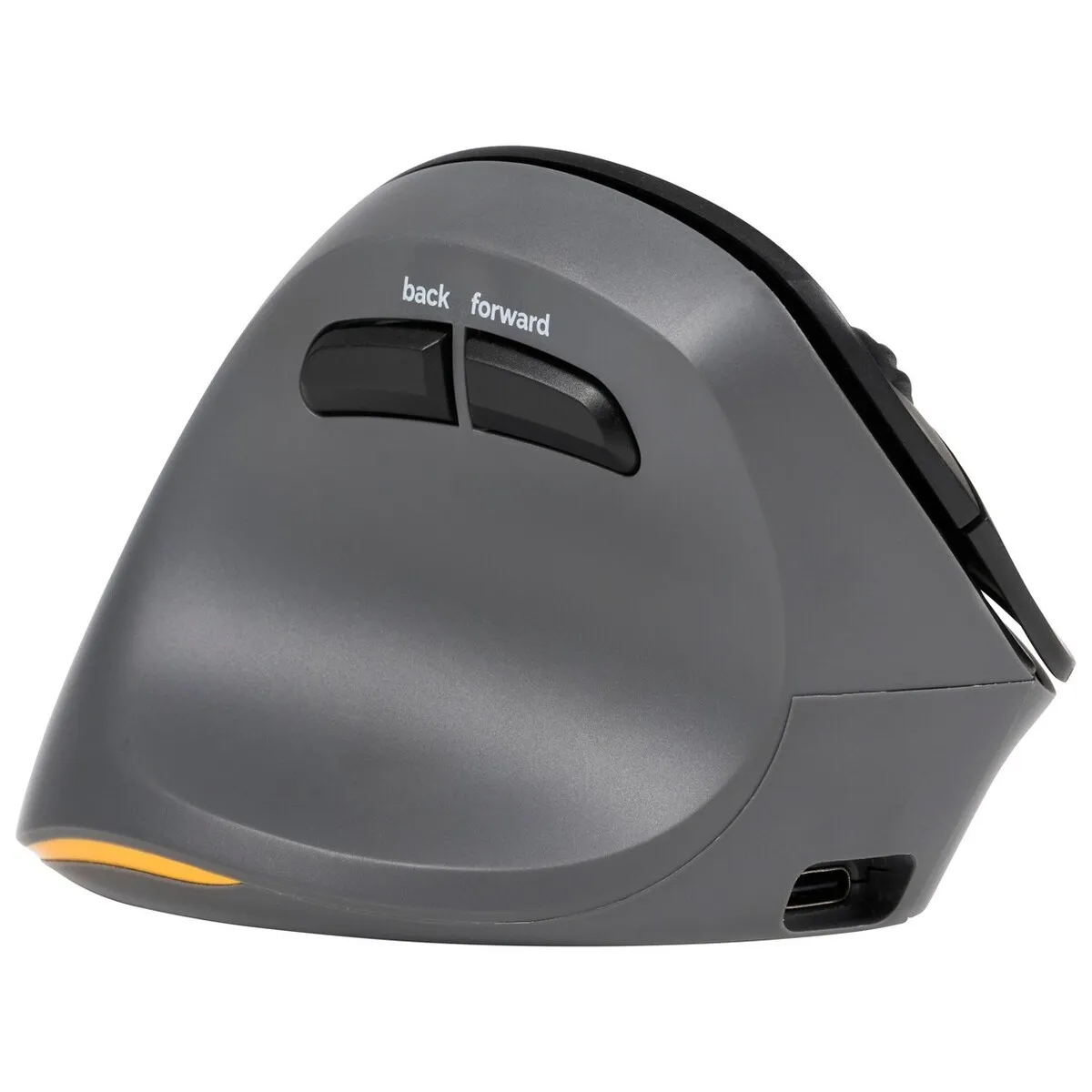
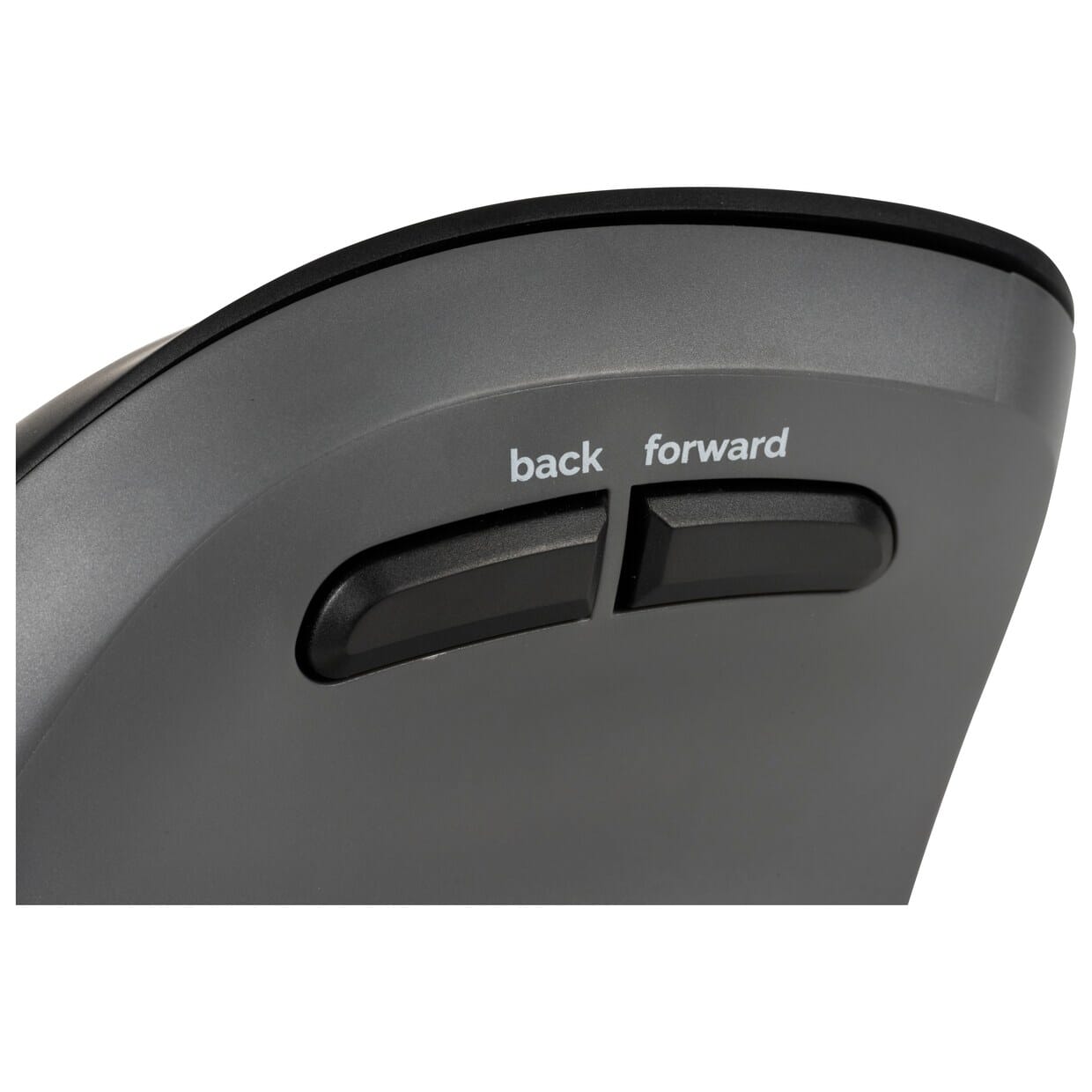
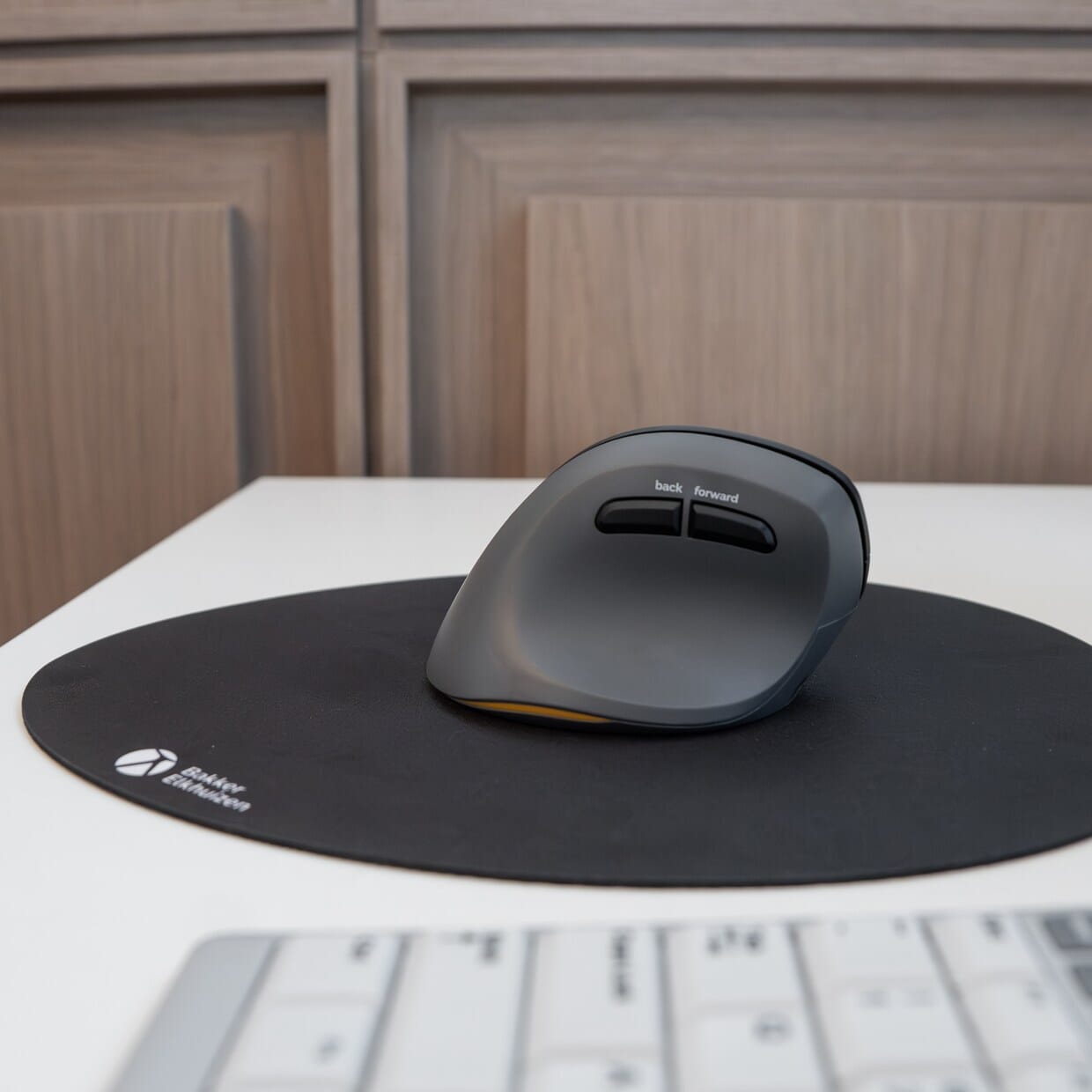
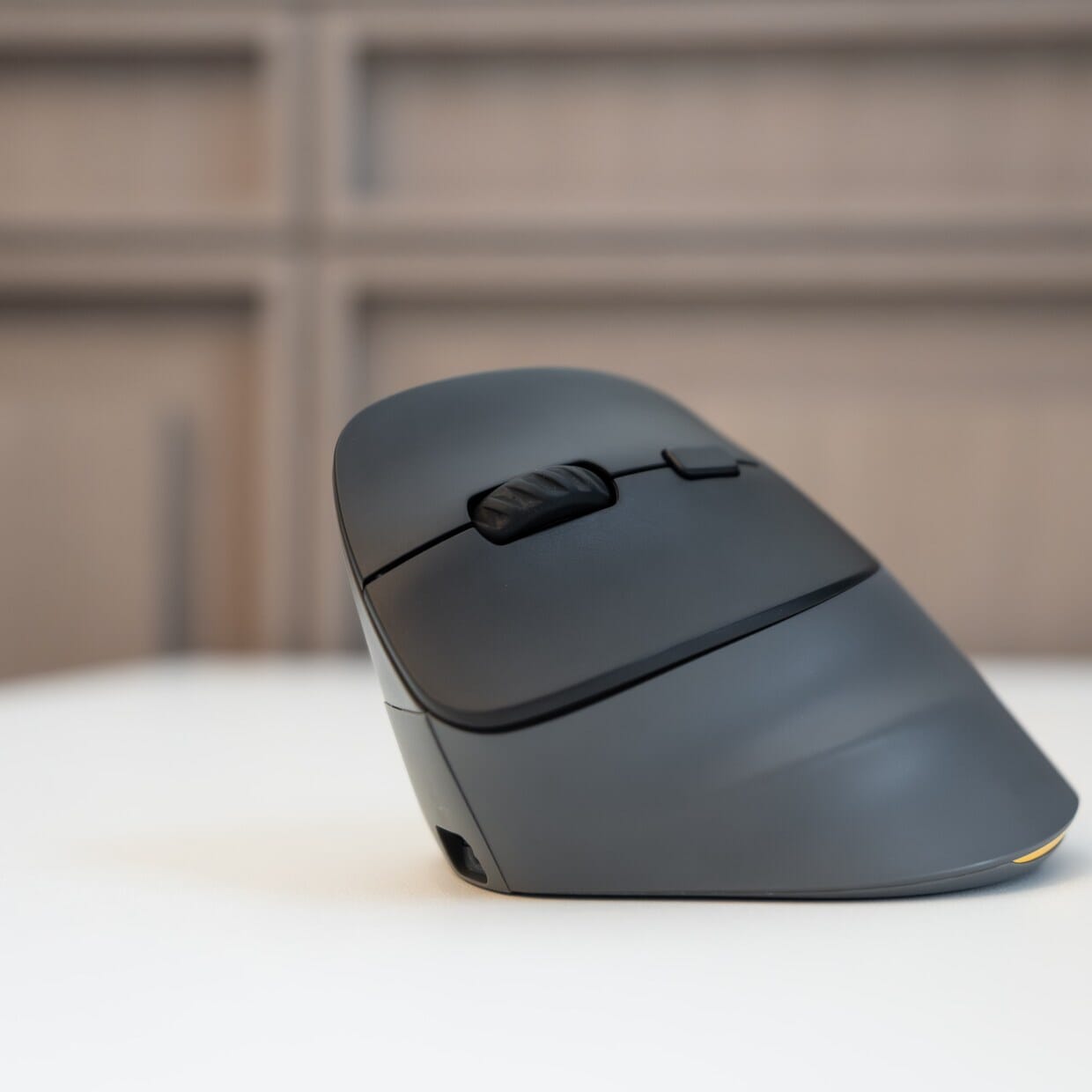
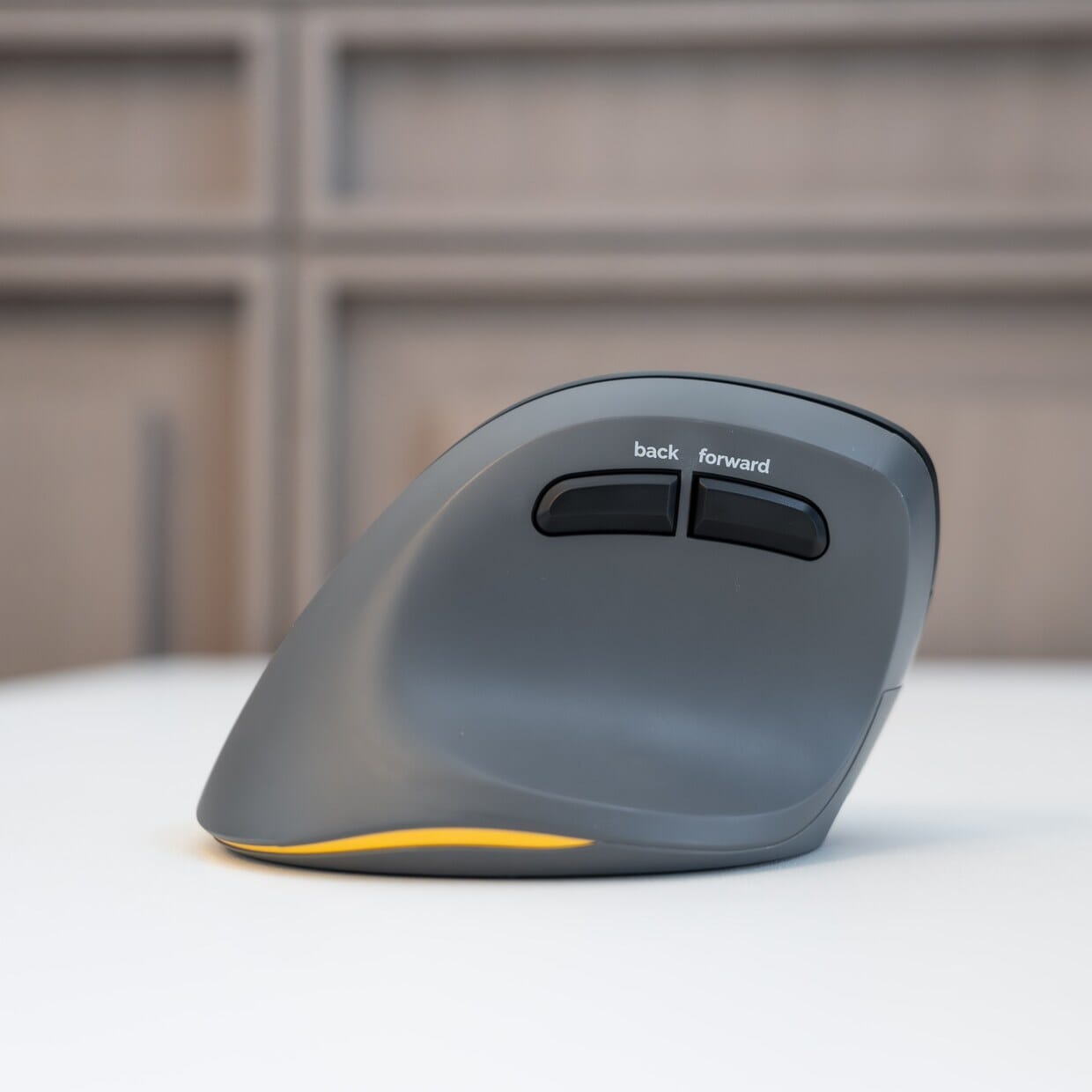
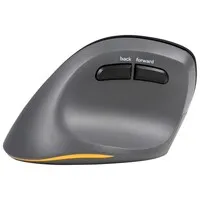
The DPI button behind the scroll wheel lets you switch between four cursor speeds: 800, 1200, 1600 and 2400 DPI. Use a low setting for precision work in a drawing or spreadsheet, and a high setting for smooth navigation across two screens. The forward and back buttons by your thumb make scrolling through web pages and folders just that bit smoother.
Difference between the PRF and the PRF Pro
Same shape, more features
The PRF Pro builds on the familiar shape of the PRF. New features include three connections in a single mouse, the silent click and the matt finish. The PRF Pro is available in both right-handed and left-handed versions, so you can choose the mouse that suits your dominant hand. If you currently own the PRF and want to work more quietly or on more devices, the PRF Pro is the logical next step.
Get the most out of your PRF Pro
Give yourself a bit of time
If you’re switching from a flat mouse, the PRF Pro’s vertical design will take a bit of getting used to. That’s normal. Give yourself a few days to adjust. After that, you usually won’t want to go back.
Pair it with a compact keyboard
A vertical mouse works best alongside a compact or split keyboard. This allows you to keep your arm closer to your body and keeps your shoulder relaxed. The PRF Pro is a strong component, but ergonomics work best when your entire workspace is set up correctly.
Don’t miss this either
Charge and carry on working
The PRF Pro has a built-in rechargeable battery that you charge via USB-C. If the battery runs out at a busy moment, simply plug in the supplied cable and carry on working as if it were a wired mouse. There’s an on/off switch on the underside for when you’re carrying the mouse in your bag.
No software required
The PRF Pro works with Windows, macOS, iOS, Android, ChromeOS and Linux. Just plug it in and get to work – no separate software or drivers are required.
Pros and cons
- Vertical, natural hand position
- Bluetooth, dongle and wired all in one
- Quiet click
- Four DPI settings up to 2400
- Charge whilst you work
- Immediately familiar to PRF users
- Less ideal for hands longer than 190 mm
- Less ideal if you prefer an audible click
In short: the BakkerElkhuizen PRF Pro is a vertical mouse for left-handed use across multiple devices, suitable for hands up to 190 mm. Key features: three connection options, silent click, four DPI settings.
Key specifications
| Mouse type | Vertical ergonomic mouse |
| Suitable for | Left-handed use |
| Connection | Bluetooth (2 channels), wireless via USB-C dongle and wired via USB-C |
| Adjustable DPI | |
| Silent click | |
| Rechargeable | |
| Handle length | Up to 190 mm |
| Colour | Black, dark grey |
Key specifications: 4 DPI settings from 800 to 2400, 3 connection options, 2 Bluetooth channels, grip length up to 190 mm.
View all specifications >How happy will this make my body?
| Wrist | |
| Forearm | |
| Hand | |
| Shoulder |
Score summary: Wrist 5/5, Forearm 4/5, Hand 4/5, Shoulder 3/5.
Product features
- Vertical hand position
- Three connection options: Bluetooth, dongle and wired
- Two Bluetooth channels plus dongle: three devices
- Silent click
- Four DPI settings: 800, 1200, 1600 and 2400
- Forward and back buttons near the thumb
- Charge whilst in use via USB-C
- On/off button on the underside
- Compatible with Windows, macOS, iOS, Android, ChromeOS and Linux
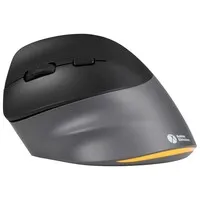
- Matt finish
What’s in the box?
- BakkerElkhuizen PRF Pro mouse
- USB-C dongle
- USB-C to USB-C charging cable
- User Guide
Frequently asked questions
Specifications
| Item number | ERGO-BEPRFPRO-L |
| Manufacturer's item number | BNEPRFP3MVML |
| Brand | BakkerElkhuizen |
| Warranty | 5 years (after product registration) |
| Type of guarantee | The Ergowerken free returns guarantee service |
| Colour | Black, Dark grey |
| Ergonomic design | |
| Management | Optical sensor |
| Left- or right-handed | Left-handed |
| Hand length | up to 190 mm |
| Hand width | up to 90 mm |
| Operation | Buttons and scroll wheel |
| Connection | Wired, wireless via USB-C dongle and Bluetooth |
| Included receiver | |
| Bluetooth | |
| USB port | USB-C |
| Number of buttons | 8 buttons |
| On/off button | |
| Adjustable buttons | |
| Scroll wheel | |
| Adjustable sensitivity | |
| Sensitivity | 4 settings: 800, 1200, 1600 and 2400 DPI |
| Type of power supply | Battery |
| Battery type | Li-ion polymer (integrated) |
| Rechargeable | |
| Minimum system requirements | Windows, macOS, iOS, Android, ChromeOS and Linux |
| Plug and play | |
| Dimensions length x width x height | 110 x 70 x 85 mm |
| Product weight | 108 grams |
Reviews BakkerElkhuizen PRF Pro 3-mode left-handed vertical mouse
Every month a review with a photo or video wins a voucher. We choose on content and publish all reviews, including critical ones. Read how we handle reviews