Stel hier je vraag over dit product
Kensington Expert Mouse wireless trackball mouse








Product description of Kensington Expert Mouse wireless trackball mouse
Description of the Kensington Expert trackball mouse
Which size fits your hand?
Measure your hand as shown in the image and choose your size using the table below:
| Size | Width | Length |
|---|---|---|
| Any hand size | suitable | suitable |

A new way of mousing
Computer mouse, but different
Can you imagine it? There you are, with your new mouse. “Hey [insert own name], what's that?”. You look up, lean back extra far for effect, and nonchalantly reply, “A computer mouse”. Wow...
Why the Kensington Expert Trackball?
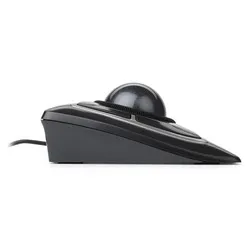
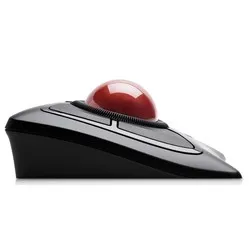
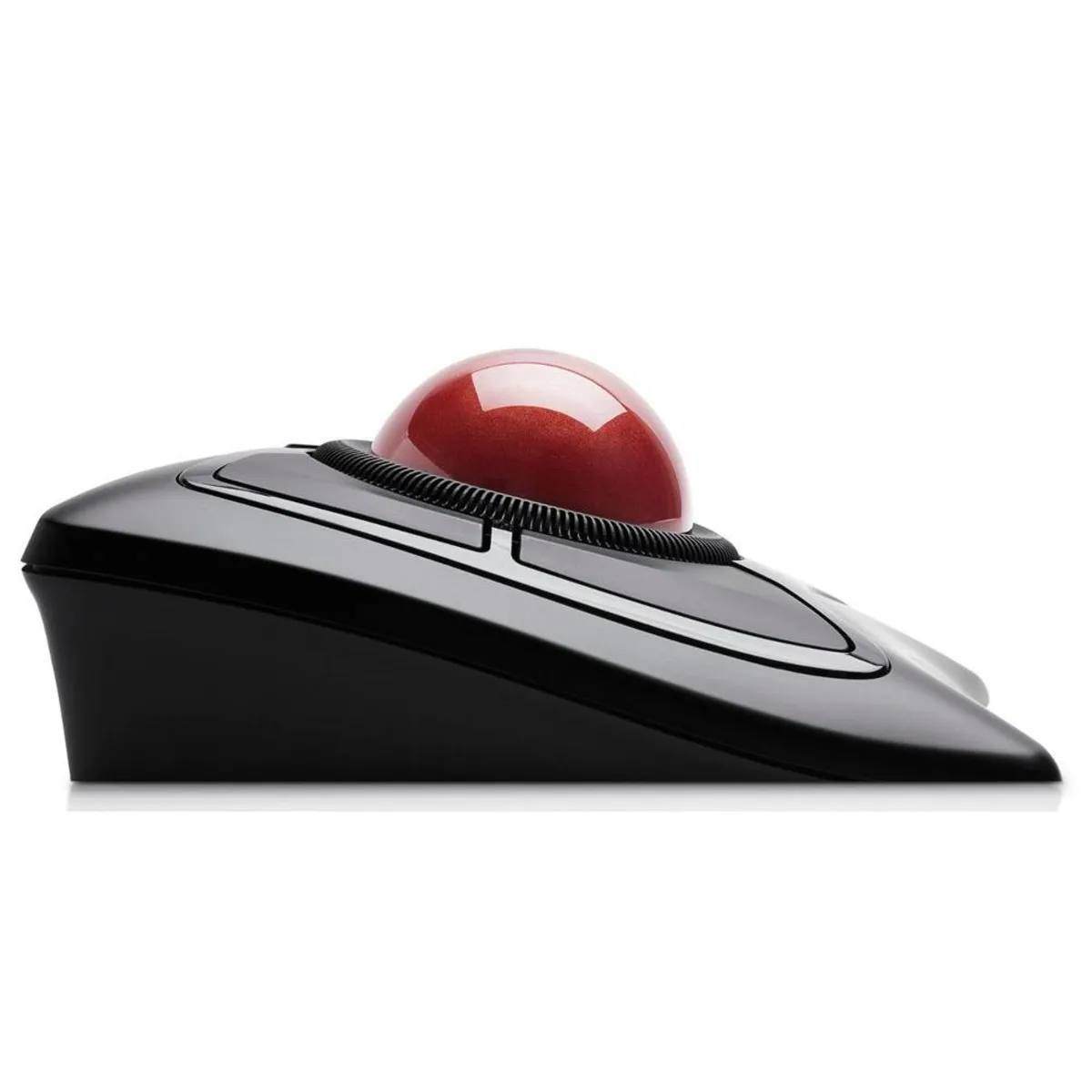
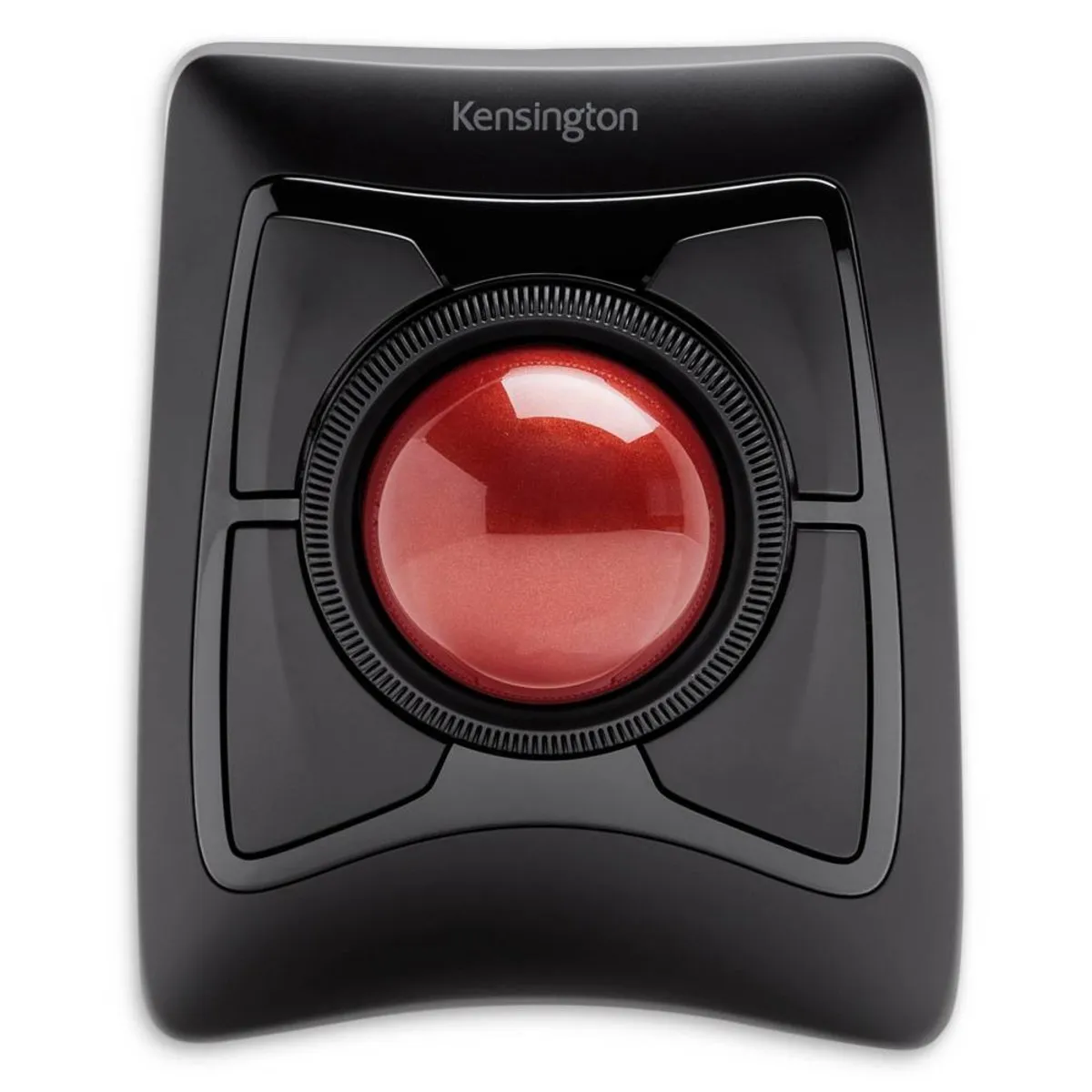
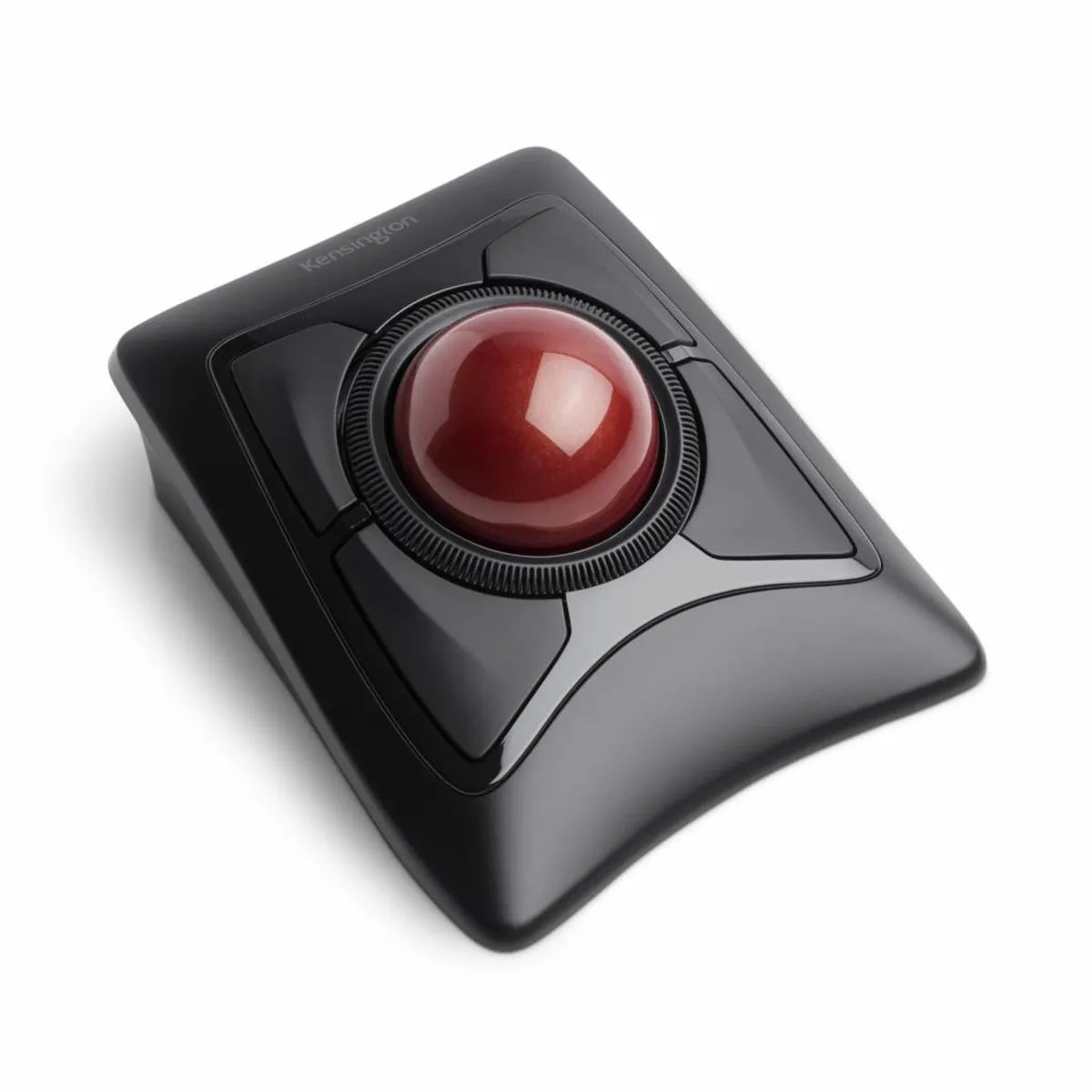
The Kensington trackball is an ergonomic masterpiece. Different, absolutely, but at least as good. With the trackball, you don't have to move your mouse across the desk. The mouse is operated by rotating the ball on top, and you scroll with the wheel around the ball. Furthermore, the mouse has four mouse buttons, distributed around the ball and scroll wheel. Because you don't have to move the mouse across the desk, your arm and shoulder remain optimally relaxed.
What makes an ergonomic mouse so good?
Ergonomic mice are designed to prevent and cure related complaints, such as RSI. The shape and/or operation of these mice contribute to optimal muscle relaxation. This allows you to work more comfortably, more efficiently, and thus, more effectively.
Get the most out of this product
With Kensington's free app, you can fully customise the mouse. Here you have the option to adjust the sensitivity (speed) of the cursor and scroll wheel. You also have a wide choice of functions that you can assign to the mouse buttons. The software can be downloaded for free here.
Don't miss this either
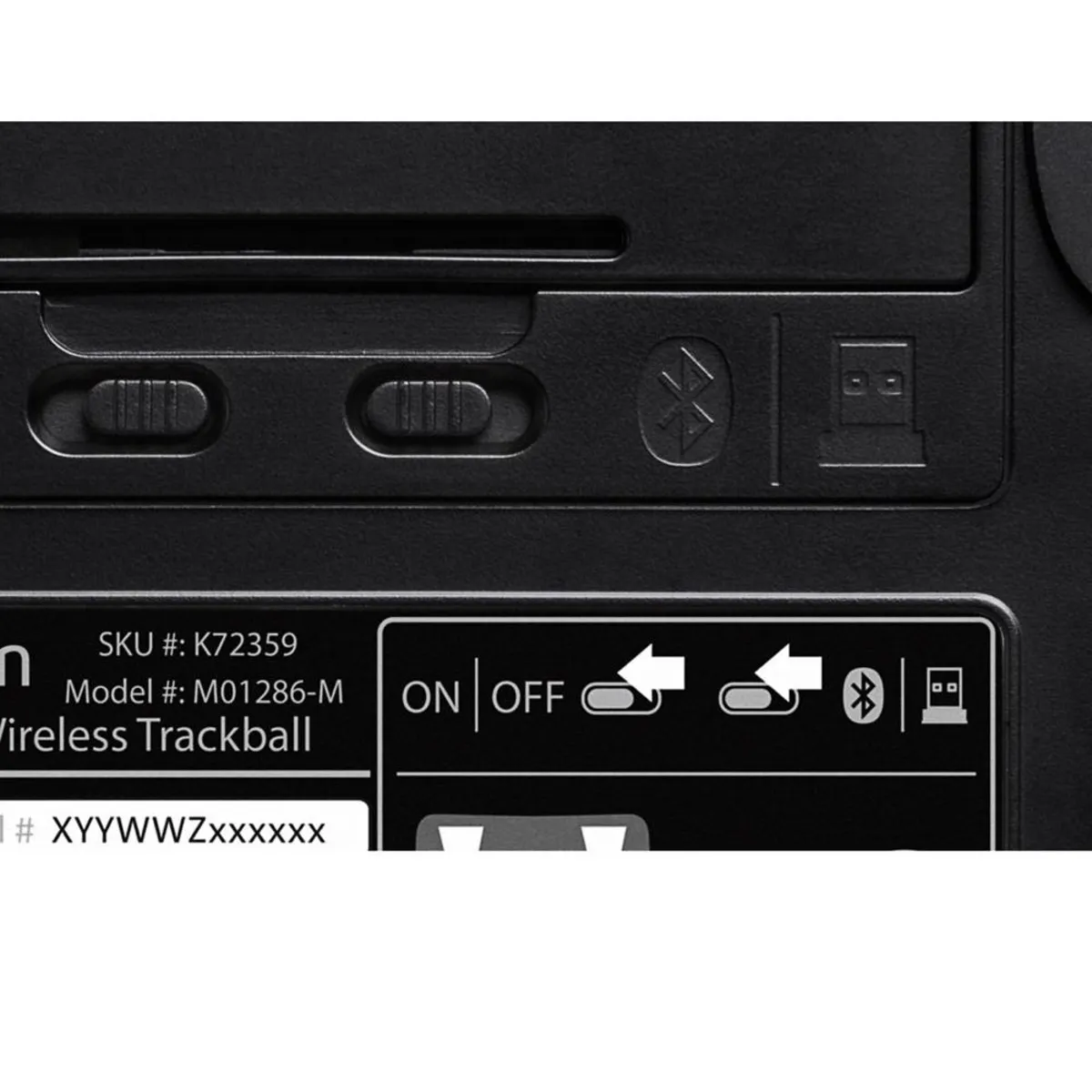
A trackball works differently from other computer mice. Therefore, give yourself time to get used to it. After getting used to it, play around with the settings in the free app and make this your optimal work companion. Are you short of a USB port on your computer? Then connect the trackball via Bluetooth. It can do both!
How happy will my body be with this?
- Wrist
- Arm
- Hand
- Shoulder
Pros and Cons
- Shape supports the hand
- Reduces muscle tension in the arm/shoulder
- Buttons can be programmed as desired
- Wireless connection via Bluetooth and USB
- For left and right-handed use
- Loose ball, so be careful when transporting!
Brief specifications
| Warranty | 3 years |
| Ergonomic design | |
| Usage | Left/right-handed |
| Number of buttons | 4 buttons |
| Connection | Wireless via Bluetooth and USB |
| view all specifications |
Product features
- Ergonomic design
- Wireless via USB and Bluetooth
- Can be used left and right-handed
- 4 buttons and scroll ring
- Programmable buttons
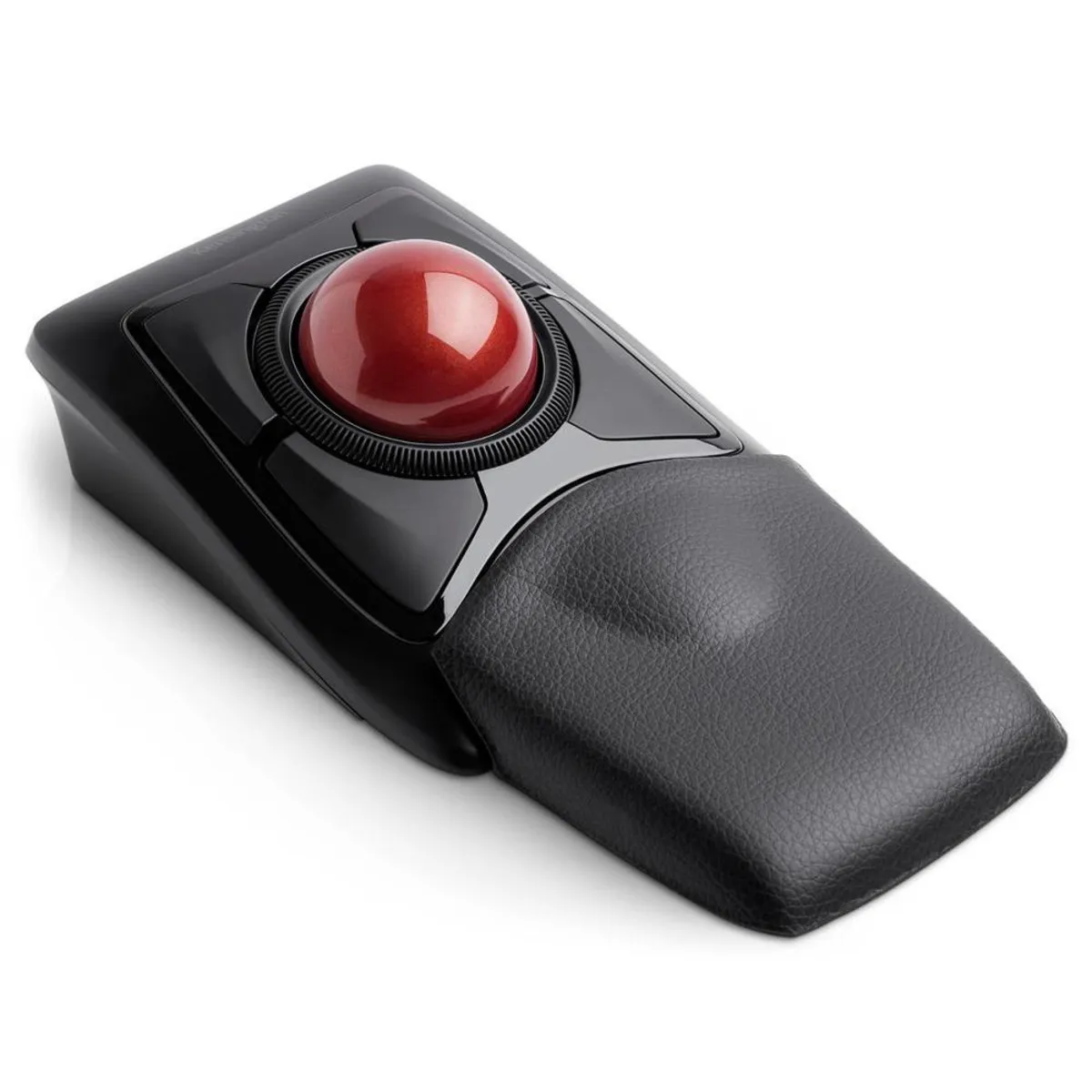
- Detachable wrist rest
- Standby function to save battery
- DiamondEye™ optical tracking
What's in the box?
- Expert wireless trackball mouse
- Detachable wrist rest
- Manual
- USB nano-receiver
- AA batteries
Frequently asked questions
Specifications
| Item number | ERGO-KETBEMW |
| Manufacturer's item number | K72359WW |
| Brand | Kensington |
| Warranty | 3 years |
| Type of guarantee | The Ergowerken free return guarantee service |
| Colour | Black with red trackball |
| Ergonomic design | |
| Management | DiamondEye optical sensor |
| Left- or right-handed | Suitable for both left- and right-handed use |
| Hand length | Suitable for any arm length |
| Hand width | Suitable for any hand size |
| Operation | Buttons and trackball |
| Connection | USB and/or Bluetooth |
| Included receiver | Yes, 2.4 GHz nano receiver |
| Bluetooth | |
| USB port | |
| USB version | 2.0 |
| Number of buttons | 4 buttons |
| On/off button | |
| Adjustable buttons | |
| Scroll wheel | |
| Trackball | |
| Adjustable sensitivity | |
| Sensitivity | not applicable |
| Type of power supply | Battery |
| Battery type | AA Battery |
| Rechargeable | |
| Minimum system requirements | Mac OS X v10.8 and above or Windows 7 and above |
| Plug and play | |
| Dimensions length x width x height | Without wrist rest: 150 x 130 x 70 mm - with wrist rest 230 x 130 x 70 mm |
| Product weight | Trackball mouse: 395 grams - Detachable wrist rest: 70 grams |
Reviews Kensington Expert Mouse wireless trackball mouse
Customers who write a review enter a prize draw for a voucher. We pick one winner and publish all reviews, including critical ones.