Stel hier je vraag over dit product
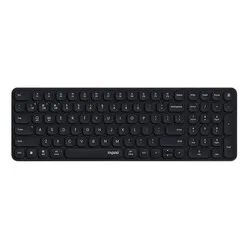
Rapoo E9310M Multi-mode wireless keyboard, black

Product description of Rapoo E9310M Multi-mode wireless keyboard, black
Is this keyboard right for me?
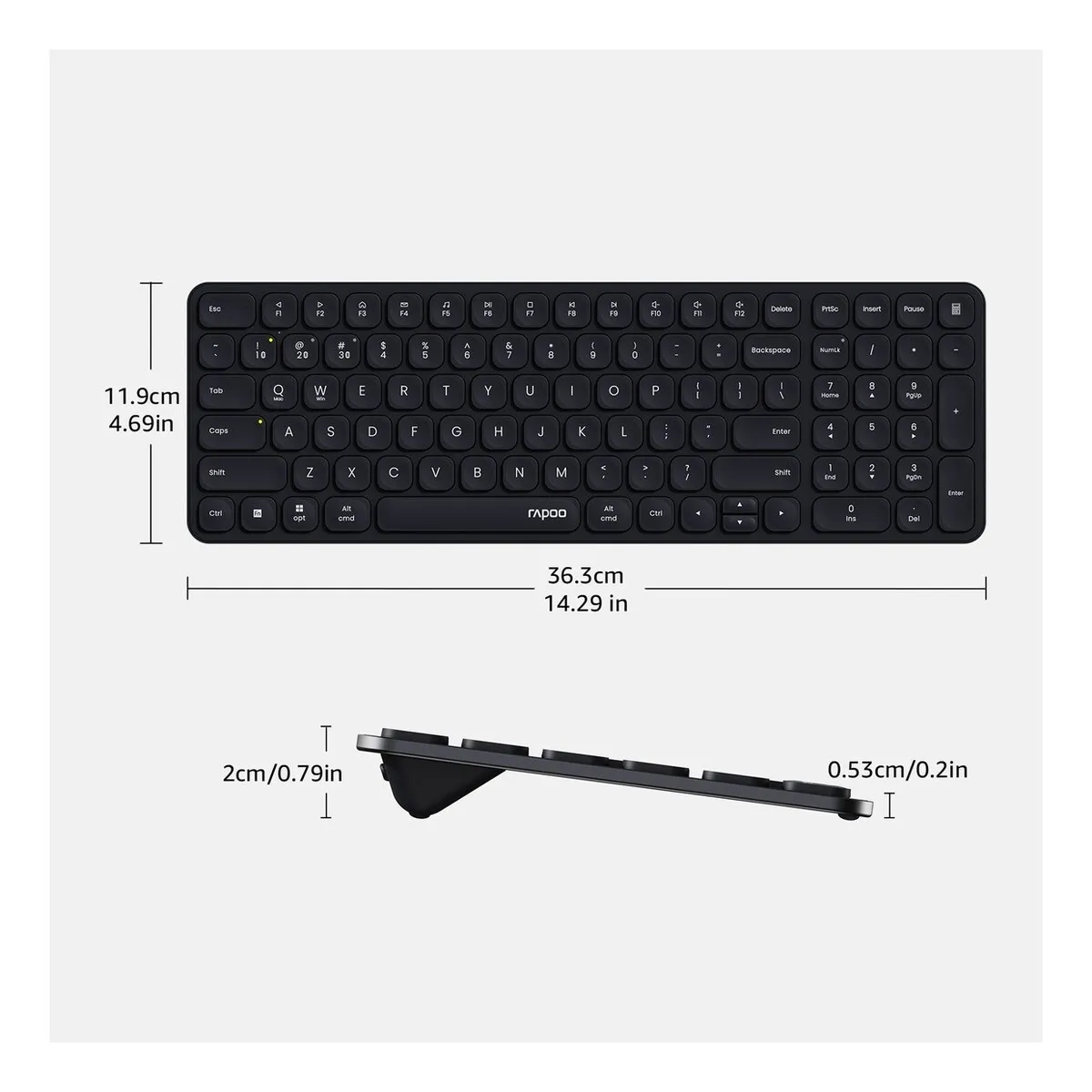
| Width | 363 mm |
| Depth | 119 mm |
| Height | 20 mm (5.3 mm at its thinnest point) |
| Version | Windows and Mac |
| Key layout | QWERTY (ANSI US int.) |
| Connectivity | Wireless via Bluetooth (4.0 & 5.0) and USB dongle |
A tribute to the Rapoo E9310M
The number pad
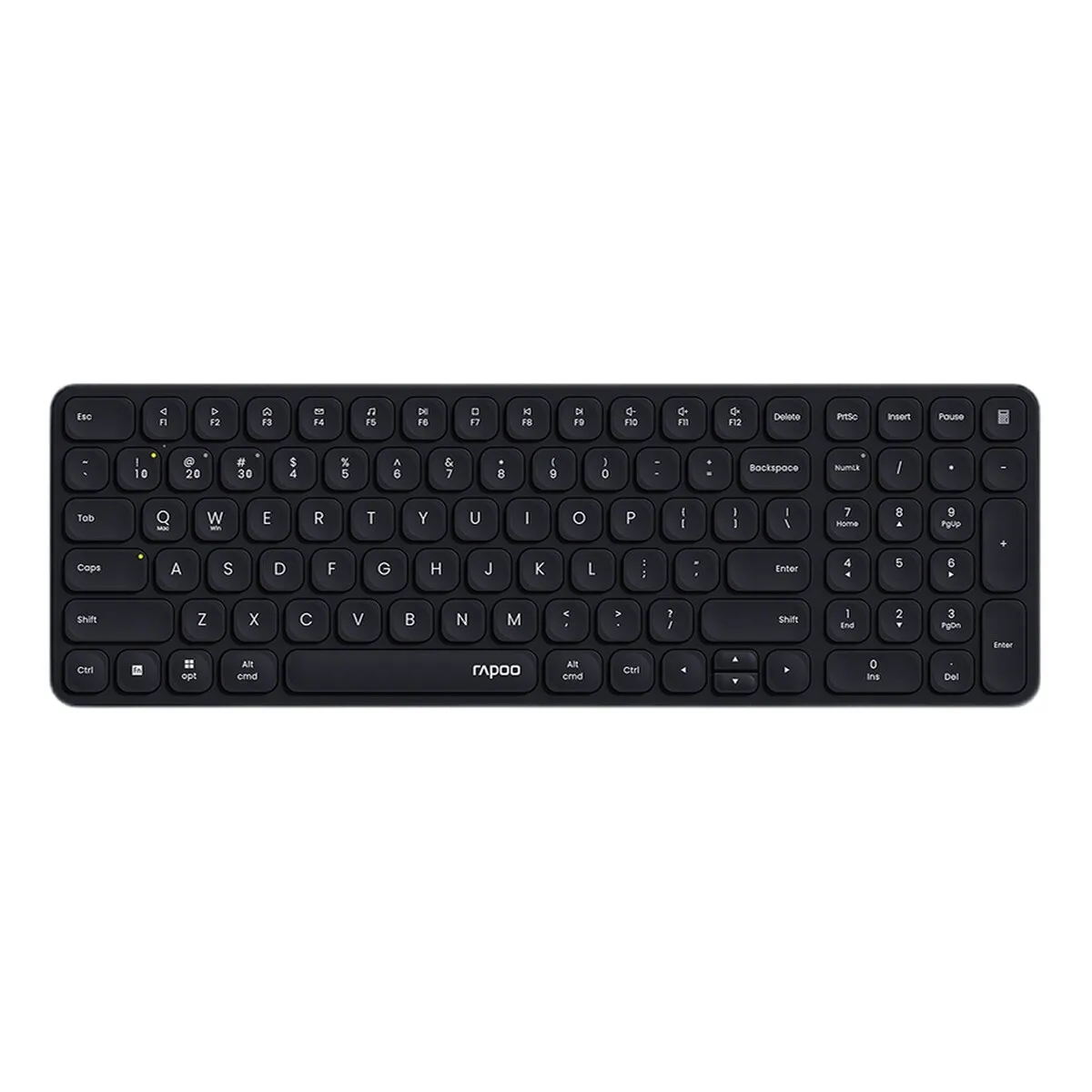
Some keyboards are the first to sacrifice the numeric keypad when aiming for a compact design. The Rapoo E9310M refuses to make that compromise. It keeps its numeric keypad firmly in place, even as the rest of the keyboard shrinks down a size. A bit like an accountant amongst keyboards, you might say. One that never complains about working overtime.
Why choose the Rapoo E9310M compact wireless keyboard?
Slim, compact and quiet
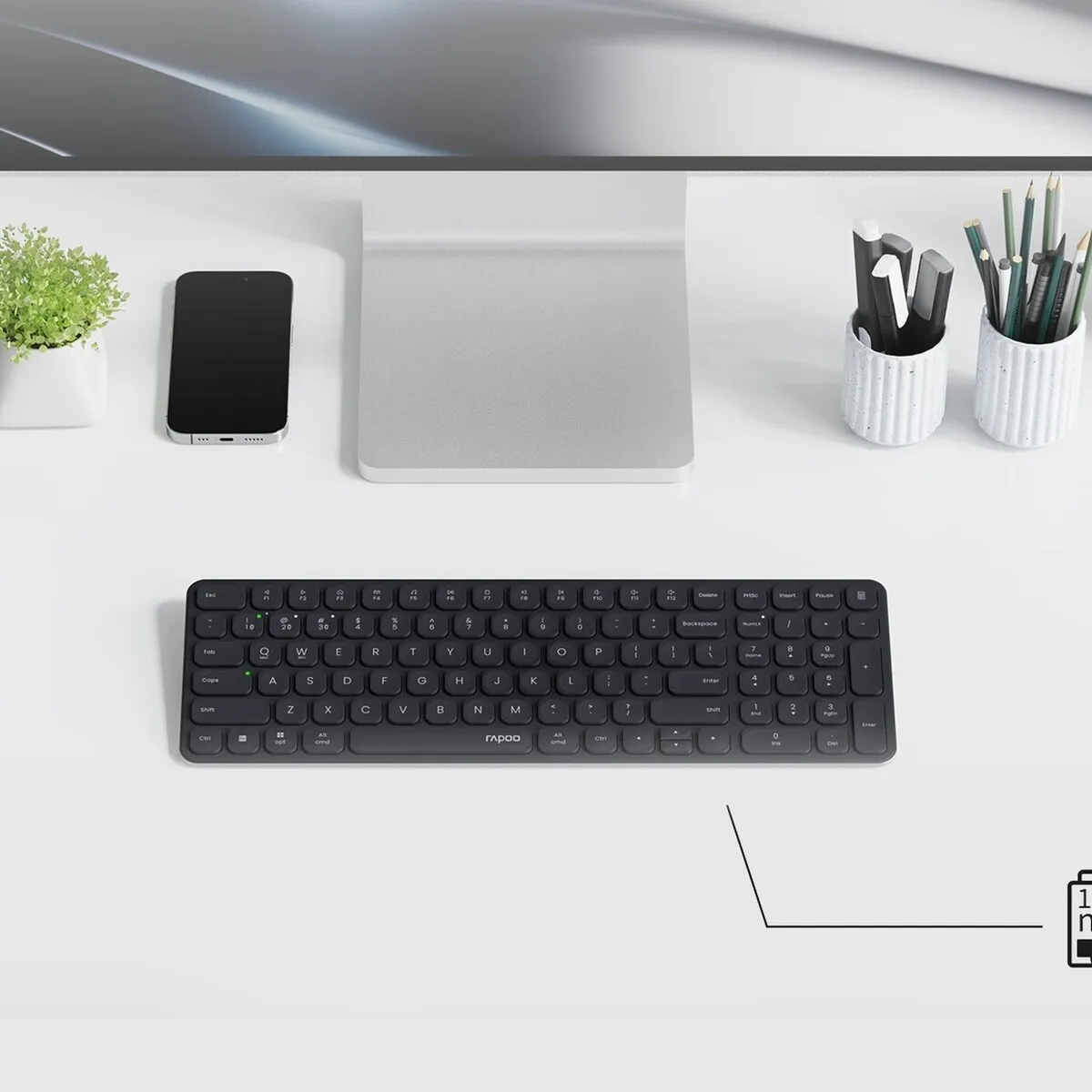
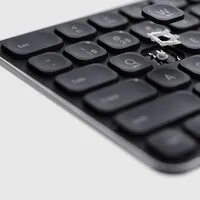
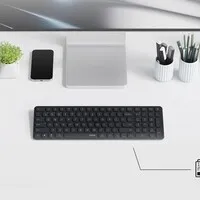
The Rapoo E9310M is designed to take up minimal space without sacrificing any features. The slim 5.3 mm bezel widens to 20 mm, keeping your desk tidy and leaving room for your mouse. Wireless operation saves you the hassle of cables.
The numeric keypad is integrated into the Rapoo E9310M. If you work with numbers a lot – in accounting or spreadsheets – this makes things noticeably quicker than using the number row at the top of the keyboard.
The keys feature a scissor mechanism and are quiet in use. This is handy if you work in a shared space or make a lot of calls whilst typing.
Multimode
You probably type on several devices: a desktop, a laptop, a tablet or even your television. With the Rapoo E9310M, one keyboard is all you need, as you can pair it with up to four devices at once: three via Bluetooth (4.0 and 5.0) and one via the included USB receiver. Use FN+1, FN+2 and FN+3 to switch between the Bluetooth channels, and FN+4 to switch to the 2.4 GHz connection. This means you’ll have your familiar keyboard layout on every device straight away.
The FN key lets you switch between Windows and Mac layouts, so the keys function just as you’re used to on that system.
What makes a compact wireless keyboard with a numeric keypad so good?
Correct posture
Thanks to the Rapoo E9310M’s compact layout, flat design and low-profile keys, you can position your hands, wrists and arms in a more natural posture whilst typing. A flat design means you don’t have to raise your wrists. The compact layout keeps the keyboard and mouse within shoulder width, which can help reduce tension in your neck and shoulders.
Productivity
The Rapoo E9310M has been kept as compact as possible without compromising on features. If you type a lot, you’ll find it a pleasure to work on. If you mainly work with numbers, the numeric keypad is within easy reach.
Get the most out of the Rapoo E9310M
The perfect combo
Pair the Rapoo E9310M with a vertical mouse for a complete workstation. A relaxed working posture can help reduce discomfort.
Prefer a rechargeable model?
If you’d rather not use batteries, there’s the E9350L. It’s the same size, but with a built-in rechargeable battery that you charge via USB-C.
Don’t miss this either
High-quality finish
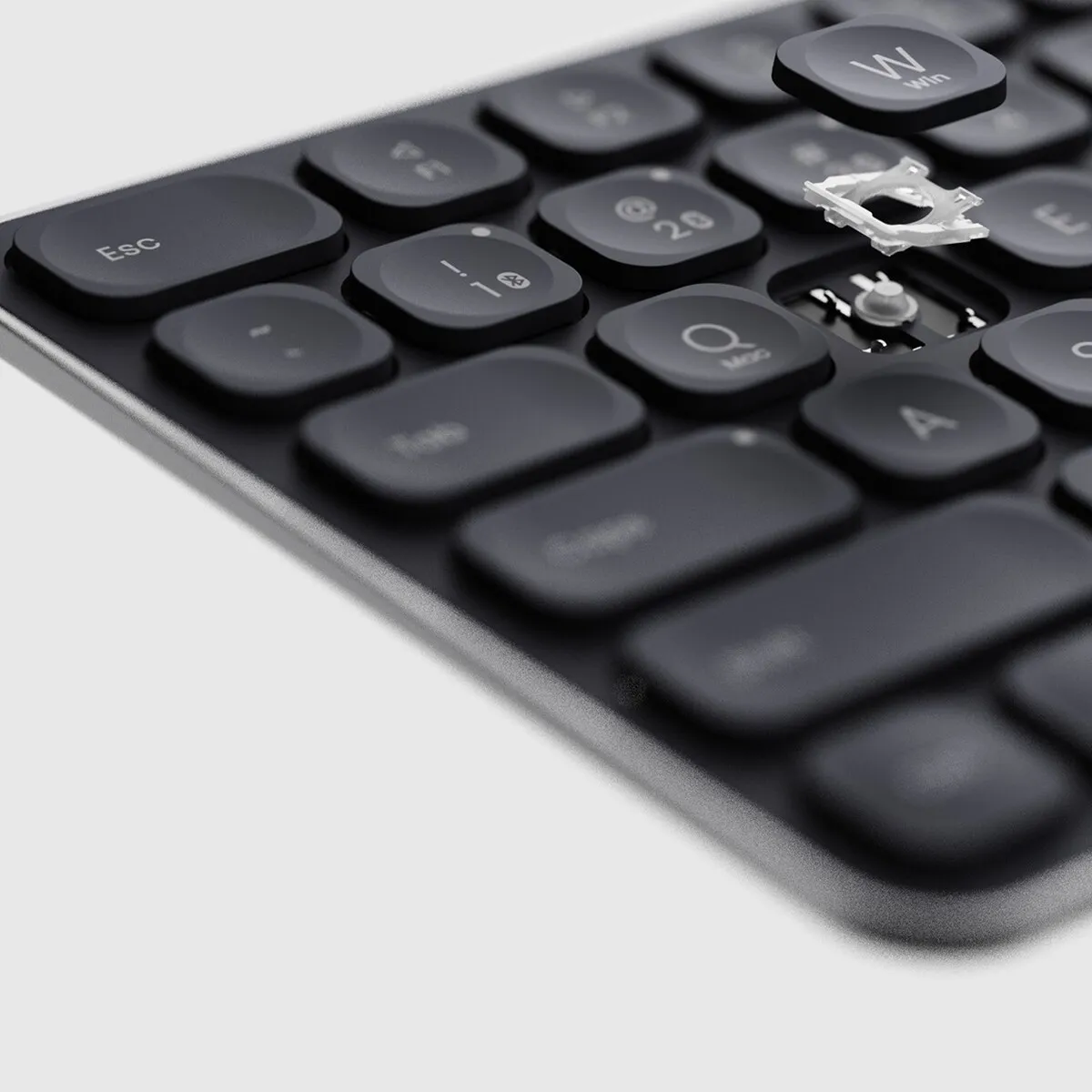
The Rapoo E9310M has an aluminium alloy base, which gives the keyboard rigidity without making it heavy. Weighing 310 grams, it remains light enough to carry around. The flat keys with scissor switches feel responsive and have been tested for five million keystrokes.
Twelve months on batteries
Whilst many keyboards now have a built-in battery, the Rapoo E9310M runs on batteries that last up to twelve months. That means you never have to wait for your keyboard to charge. If the battery runs out, simply replace it and carry on working straight away. If you’d rather not use batteries, the E9350L with a USB-C rechargeable battery is an alternative.
Pros and cons
- Compact size with numeric keypad
- Up to twelve months’ battery life
- Wireless via Bluetooth and USB
- Pairs with four devices simultaneously
- Compatible with Windows and Mac
- Battery-powered, not rechargeable
- No backlit keys
Key specifications
| Layout | QWERTY (ANSI) |
| Material | Aluminium and plastic |
| Number of keys | 99 |
| Backlight | No |
How happy will this make me?
| Wrist | |
| Shoulder | |
| Arm | |
| Fingers |
Product features
- Compact design
- Dedicated numeric keypad
- Wireless via Bluetooth and USB
- Compatible with Windows and Mac
- Flat keys with scissor mechanism
- Quiet keys
- Up to twelve months’ battery life
- 13 multimedia keys via FN
- Tested to five million keystrokes
What’s in the box?
- 1 x Rapoo E9310M keyboard
- 1 x Quick Guide
- 1 x USB nano receiver (USB A)
- 2 x batteries (pre-installed)
Frequently asked questions
Specifications
| Item number | ERGO-RPE9310BL |
| Manufacturer's item number | E9310M Black |
| Brand | Rapoo |
| Warranty | 2 years |
| Type of guarantee | Ergowerken free warranty return service |
| Colour | Black |
| Keyboard type | Wireless USB & Bluetooth |
| Ergonomic design | |
| Keyboard layout | QWERTY (ANSI US International) |
| Connection | USB dongle & Bluetooth |
| Bluetooth | 4.0 and 5.0 |
| USB version | 2.0/3.0 |
| Type of keys | Scissor mechanism |
| Numeric keypad | |
| Shortcut keys | |
| Programmable buttons | |
| Trackball/touchpad | |
| Type of power supply | Battery |
| Battery type | 2 x AAA batteries |
| Rechargeable | |
| Minimum system requirements | Mac OS X and Windows XP and later |
| Plug and play | |
| Dimensions length x width x height | 363 × 119 × 20 mm |
| Product weight | 310 gram |
Reviews Rapoo E9310M Multi-mode wireless keyboard, black
Customers who write a review enter a prize draw for a voucher. We pick one winner and publish all reviews, including critical ones.