Take a seat and relax
Normally, we use this section of text to write something fun and light-hearted about a product. But now I want to use it to make sure you start reading with a cup of coffee or tea, because there's quite a bit to tell about the K3. Are you settled? Perhaps a biscuit too? Let’s go!
Very complete
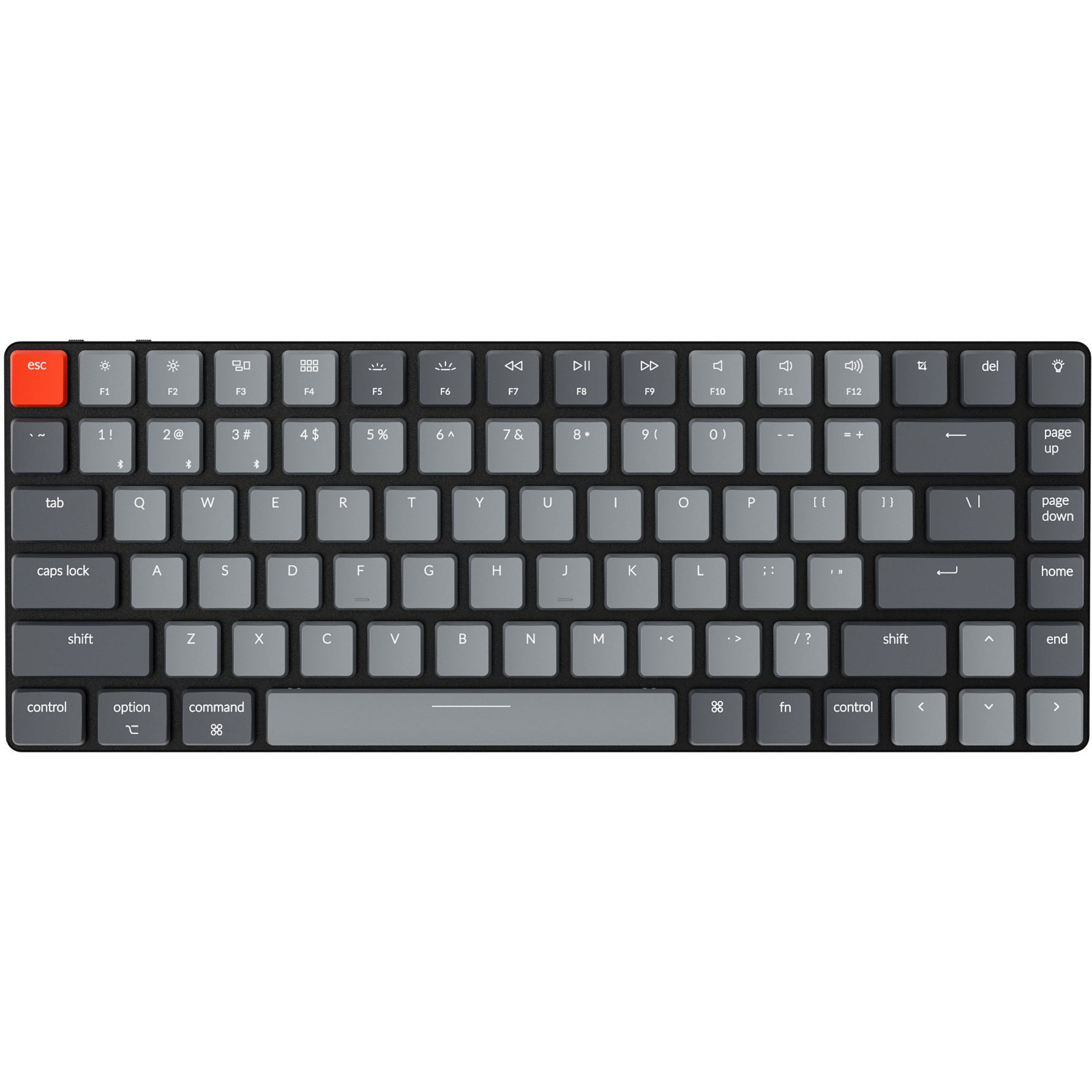
The Keychron K3 gives you all the keys and functions you need in a compact size. This means that a numeric keypad is absent, for ergonomic reasons, but it does have hotkeys that can be used by pressing key combinations. Besides the compact size, the keys are flat, which is unique for a mechanical keyboard.
The K3's connectivity is fantastic. Via Bluetooth, you can connect up to three devices to the keyboard simultaneously. With the toggle switch, you can quickly switch between your connected devices. For example, one moment you might be working on your laptop, and the next you can quickly type a WhatsApp message about dinner. A fourth device can be connected with a cable (USB). Of course, you can also connect a single device and use the USB cable for that.
Matching K3 wrist rest made of walnut wood
The wrist rest, made of American walnut wood, matches your K3 keyboard perfectly. The high-quality wood is smooth and has 4 anti-slip points on the underside that keep the wrist rest in place. Thanks to the rest, your wrists and hands are at the right height to use the keyboard. This optimises relaxation and helps prevent injuries. At the top right of the page, you can add the wrist rest to your order.
PLEASE NOTE: Keychron wrist rests are natural products and therefore never identical. The product you receive may differ from the photo.
Travel pouch
The Keychron travel pouch is the ideal way to take your Keychron K3 keyboard with you. The pouch is made of saffiano leather, which provides a combination of style, durability and flexibility. The pouch is available in three colours. You can find more information about the travel pouch here. At the top right of the page, you can add it to your order in your preferred colour.
Anyone who performs a lot of computer work knows that this can be strenuous for your wrists, shoulders, back, and neck. A good keyboard can help you with this. The Keychron K3, for example, has a compact design. The keys are also extra easy to press. Furthermore, you can place your mouse close to the keyboard. All of this is to minimise muscle tension, helping to prevent or reduce injuries.
Choose your switches
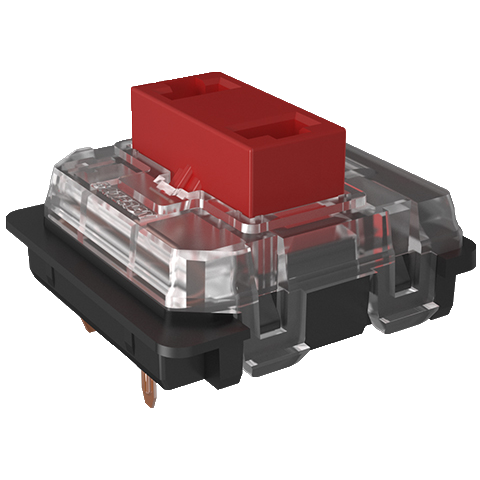
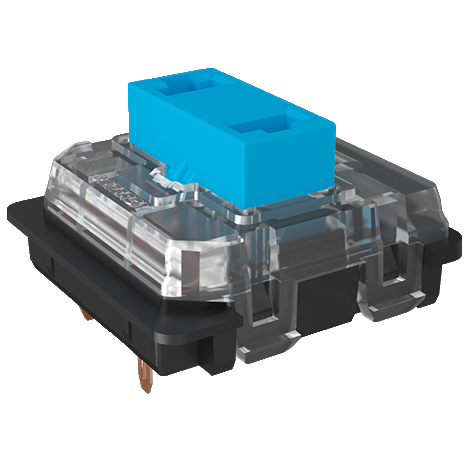
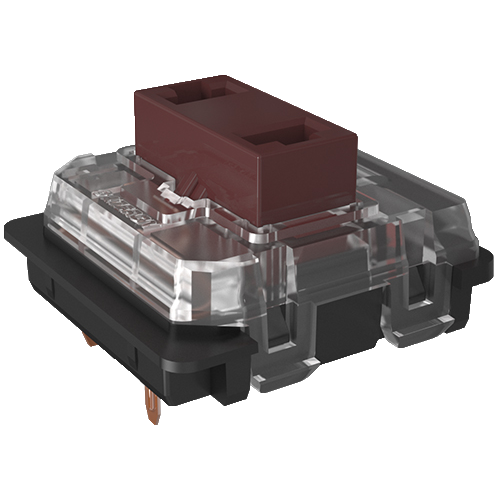
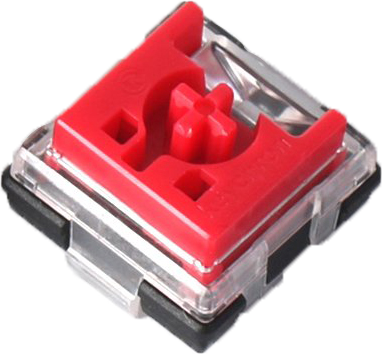
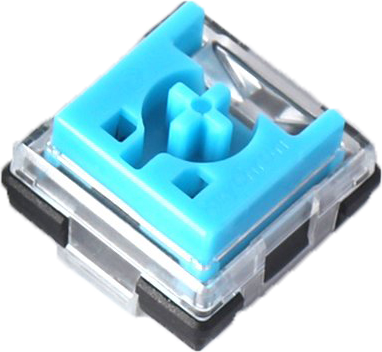
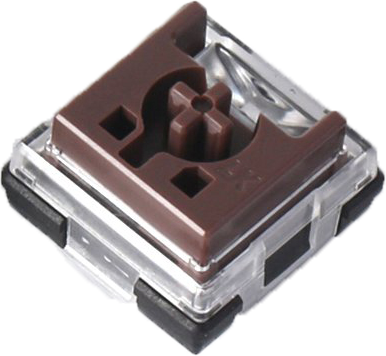
Here you choose not only the keyboard but also the type of switches it comes with. You can choose from Red, Brown and Blue Gateron low profile mechanical switches. Or Red, Brown, Blue, White, Black and Orange Keychron Optical low profile mechanical switches. Here you can find an overview of the Gateron switches, and here of the Keychron switches so you can choose the right one for you.
Hot-Swappable
Would you rather customise the keyboard completely? You can! Because the Keychron Optical keys are "Hot-Swappable". This means you can remove and replace the keys very easily. Almost all MX-type mechanical switches work on this keyboard (Gateron, Cherry, Kailh, etc.).
The K3 can be updated to remove any production and/or design flaws. The firmware will be available soon. Therefore, regularly check this Keychron page to see if updates are available.
The Keychron K3 features a 1550mAh battery that lasts up to 34 hours with normal use. The keyboard also has backlighting, making the keys clearly visible in dimly lit areas.
Here you have the choice between standard white and RGB. The latter gives you access to 18 different colour effects with four brightness levels. The Keychron K3 is suitable for both Windows & Mac. With a slider switch on the top, you can easily switch between operating systems. System-related keycaps are included and can be easily swapped by yourself.