







Stel hier je vraag over dit product
Keychron K1 87-key mechanical keyboard for Windows & Mac (V5)


Product description of Keychron K1 87-key mechanical keyboard for Windows & Mac (V5)
Is this keyboard right for me?
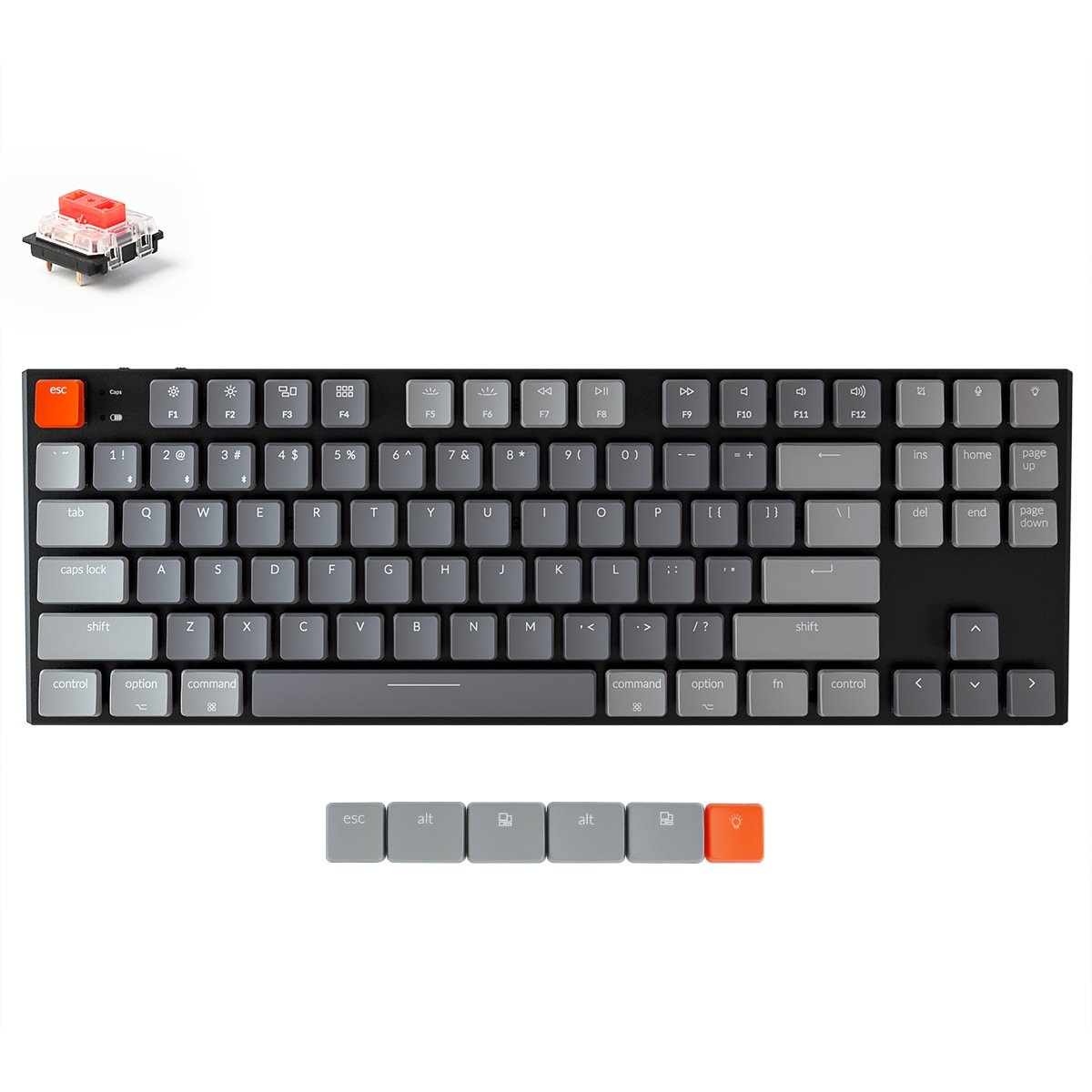
| Width | 355 mm |
| Depth | 120 mm |
| Height | 18 mm |
| Compatibility | Windows and Mac |
| Key layout | QWERTY (ANSI US int.) |
| Switch type | Gateron Red, Blue or Brown Low Profile mechanical switches |
| Connectivity | Bluetooth and USB |
| an overview of all Keychron keyboards can be found here |
Take a seat and relax
Normally, we use this section of text to write something fun and light-hearted about a product. But now I want to use it to make sure you start reading with a cup of coffee or tea, because there's quite a bit to tell about the K1. Are you settled? Perhaps a biscuit too? Let’s go!
Why the Keychron K1 keyboard?
Very complete
The Keychron K1 gives you all the keys and functions you need in a compact size. This means that a numeric keypad is absent, for ergonomic reasons, but it does have hotkeys that can be used by pressing key combinations. The K1 is unique because it has both mechanical keys and a flat design!
The K1's connectivity is fantastic. Via Bluetooth, you can wirelessly connect up to three devices to the keyboard simultaneously. With the toggle switch, you can quickly switch between your connected devices. For example, one moment you might be working on your laptop, and the next you can quickly type a WhatsApp message about dinner. A fourth device can be connected with a cable (USB). Of course, you can also connect a single device and use the USB cable for that.
What makes an ergonomic keyboard so good?
Anyone who performs a lot of computer work knows that this can be strenuous for your wrists, shoulders, back, and neck. A good keyboard can help you with this. The Keychron K1, for example, has a flat design. The keys are also extra easy to press. Furthermore, the numeric keypad is absent so you can place your mouse closer to you. All of this is to minimise muscle tension, helping to prevent or reduce injuries.
Get the most out of this product
The K1 has a strong aluminium casing. The Low Profile switches from Gateron also make typing very easy. Thanks to the low profile, the keys respond very quickly, making them highly suitable for gaming. In this overview, you can find the properties of the Switch.
The K1 can be updated to remove any production and/or design flaws. Therefore, regularly check this Keychron page to see if updates are available. Please note: Read the instructions on this page carefully, as downloading the wrong firmware can be fatal for the keyboard.
Don't miss this either
The Keychron K1 features a 2000mAh battery that lasts up to 38 hours with normal use. The keyboard also has backlighting, making the keys clearly visible in dimly lit areas.
Here you have the choice between standard white and RGB. The latter gives you access to 18 different colour effects with four brightness levels. The Keychron K1 is suitable for both Windows & Mac. With a slider switch on the side, you can easily switch between operating systems. System-related keycaps are included and can be easily swapped by yourself.
Hear the K1M3 Gateron Brown
How happy will my body be with this?
- Shoulder
- Wrist
- Hand
- Arm
Pros and Cons
- Flat design
- Hotkeys
- High quality
- With key backlighting
- Many possibilities
- No numeric keypad
Brief specifications
| Warranty | 2 years |
| Colour | Black/Grey |
| Layout | 87-keys |
| Ergonomic design | |
| Plug & Play | |
| view all specifications |
Product features
- Ergonomic design
- Mechanical keys
- With backlighting
- 87-keys layout
- No numpad
- Gateron low-profile red/blue/brown switch
- Cable length 120 cm
- 12 multimedia keys
- Aluminium frame
- For Windows, Mac, Android and iOS
- 2000mAh Li-Polymer battery
- 38 hours of use on a full battery
- Wireless (Bluetooth) and USB-C cable connection
What's in the box?
- 1 x QWERTY keyboard
- 1 x USB-C cable
- 1 x user manual
- 4 x Windows keycaps
- 1 x keycap puller
Battery specifications with Bluetooth
| Version | Charging time | Backlight | Battery life |
| White backlight | 3 hours | Off | 190 hours 24 days |
| White backlight | 3 hours | On | 36 hours 5 days |
| RGB backlight | 3 hours | Off | 110 hours 14 days |
| RGB backlight | 3 hours | On | 38 hours 5 days |
Gateron Switches
 | 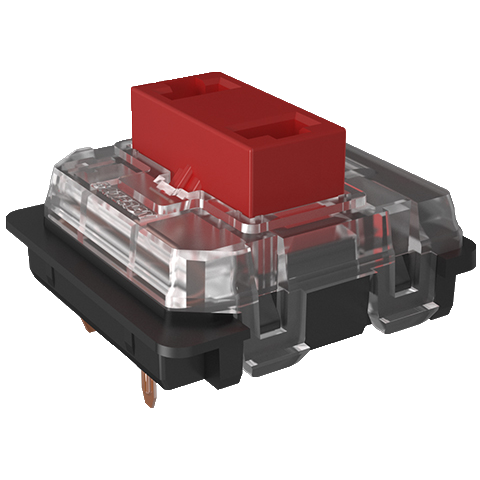 | 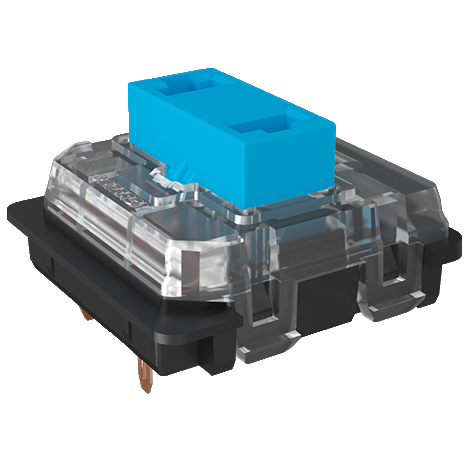 | 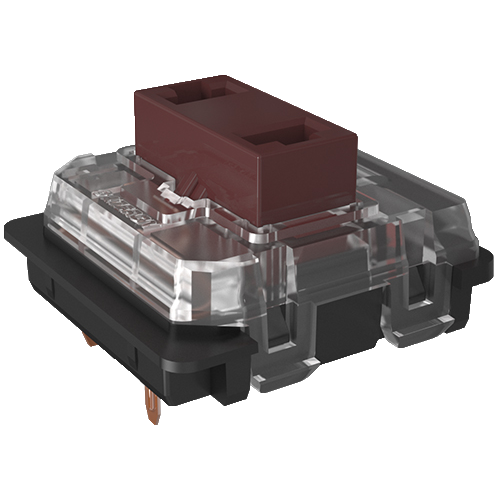 |
| Colour: | Red | Blue | Brown |
| Type: | Linear | Clicky | Tactile |
| Force(g): | 45 | 50 | 55 |
| Actuation point(mm.): | 1.5 | 1.5 | 1.5 |
| Max. travel(mm.): | 2.5 | 2.5 | 2.5 |
| Lifespan (clicks): | 50 million | 50 million | 50 million |
| Sound: |
Frequently asked questions
Specifications
| Item number | ERGO-KCK1L1 / ERGO-KCK1L2 / ERGO-KCK1L3 / ERGO-KCK1M1 / ERGO-KCK1M2 / ERGO-KCK1M3 |
| Manufacturer's item number | K1: L1 / L2 / L3 / M1 / M2 / M3 |
| Brand | Keychron |
| Warranty | 1 year |
| Type of guarantee | The Ergowerken free return guarantee service |
| Colour | Black/Grey |
| Keyboard type | Flat |
| Ergonomic design | |
| Keyboard layout | QWERTY (ANSI US int.) |
| Connection | Wireless (Bluetooth) and USB-C cable (120 cm) connection |
| Bluetooth | |
| USB version | 2.0/3.0 |
| Type of keys | Gateron Low Profile mechanical keys |
| Numeric keypad | |
| Shortcut keys | |
| Programmable buttons | |
| Trackball/touchpad | |
| Type of power supply | Battery |
| Battery type | 2000mAh Li-Polymer battery |
| Rechargeable | |
| Minimum system requirements | Mac OS X v10.5, Mac OS X v10.6, Mac OS X v10.7, Mac OS X v10.8, Mac OS X v10.9, Mac OS X v10.10, Mac OS X v10.11, Windows XP, Windows Vista, Windows 7, Windows 8, Windows 10 |
| Plug and play | |
| Dimensions length x width x height | 355 x 120 x 18 millimetres |
| Product weight | 650 grams |
Reviews Keychron K1 87-key mechanical keyboard for Windows & Mac (V5)
Customers who write a review enter a prize draw for a voucher. We pick one winner and publish all reviews, including critical ones.