The feeder for your devices
No more “where is that power socket again?”. And no more “if I unplug my laptop now, I have about an hour to charge my phone without my laptop dying”. But most importantly, no more “A-ha! So that’s where that biscuit I dropped three months ago is!”, because you’ll have no reason to look under your desk anymore.
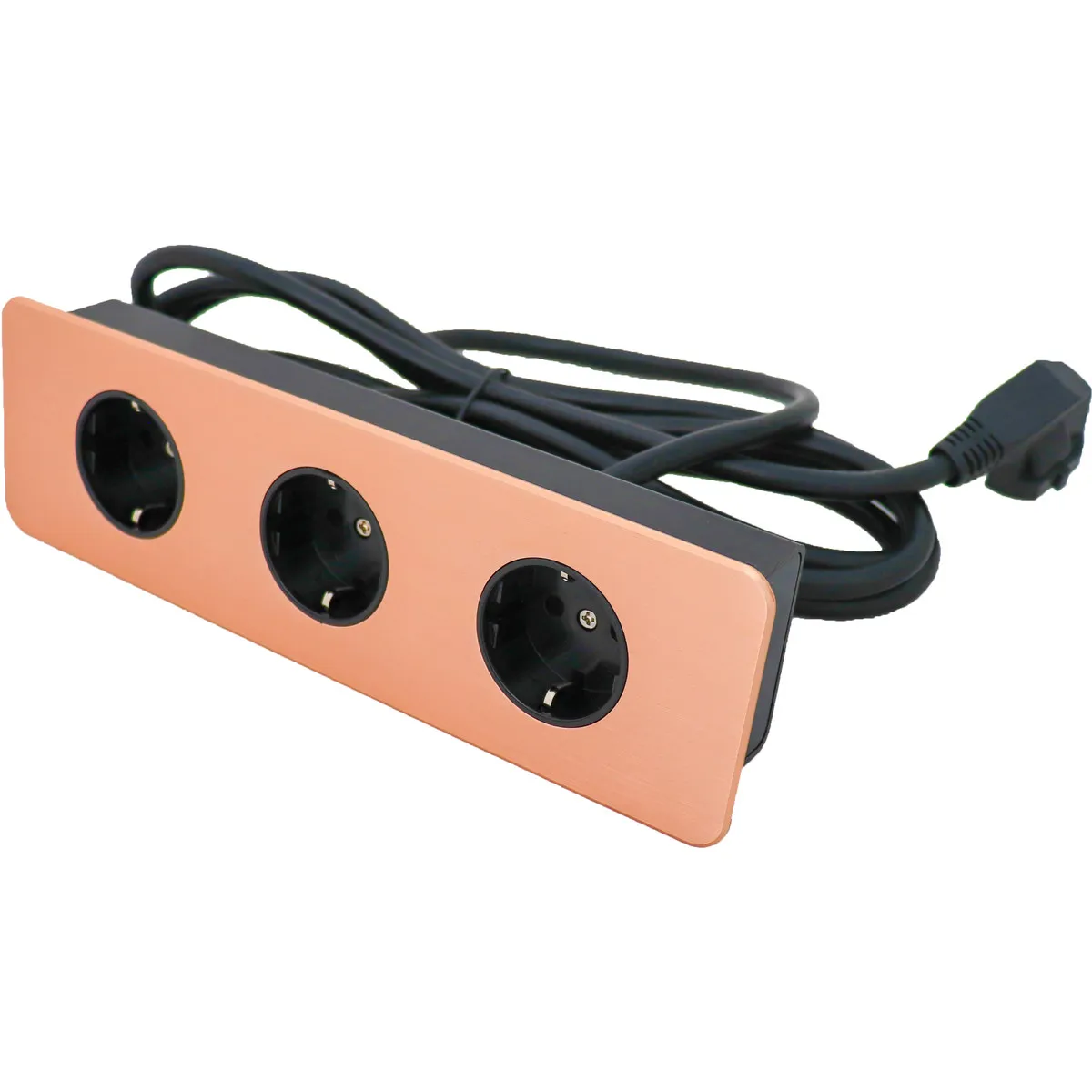
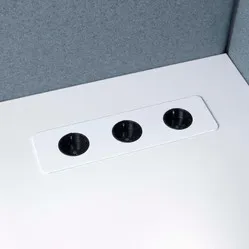
This Table Top Slim from Götessons provides you with a power point that offers space for three earthed plugs. For installation, drilling a hole in the desktop is necessary. A cutting template is included so you can be sure to drill the correct hole. Then, you just need to lower the Table Top into the hole and connect the power cable to a wall socket.
The Table Top gives you access to the power points you need within arm's reach. The Table Top is neatly integrated into the desktop, and you can choose the best position for yourself. This way, you won't be bothered by many cables under, along, and/or over your desk, and your devices will always be charged and within reach.
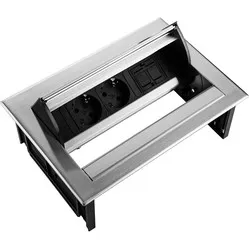
A number of Table Tops can be found in our assortment. Although they look very similar, there are indeed differences. Therefore, take some time to ensure you order the correct one. Pay attention to: how it is earthed, whether it has the types of ports you want on your desk, and whether you are willing to drill a hole in your desktop.
"How do I connect the sockets?"
A 3-metre long Schuko connection cable emerges from the bottom of the Table Top. You can easily connect this to a wall socket or another power strip.
"Do I need tools to mount the Table Top?"
Yes, for the installation of this power block, you need to cut a hole in the surface where you want to place it. The hole that needs to be made has dimensions of 230 x 62 mm.