Offerte aanvragen
Jouw offerte op maat, binnen 24 uur in je mailbox. Voor als je interesse hebt in aantallen. Of goedkeuring nodig hebt voor je bestelling.

Je vraagt een offerte aan voor:
Stel hier je vraag over dit product
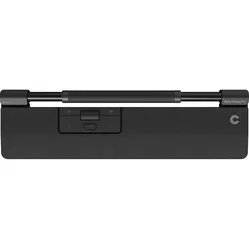
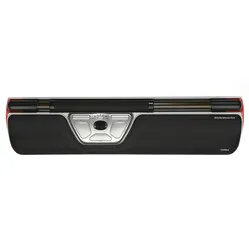
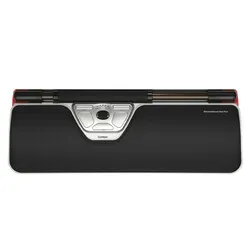
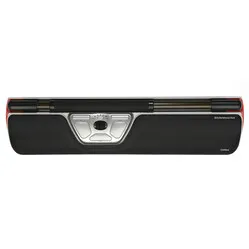
Contour Design Rollermouse Free3 trackpad wired


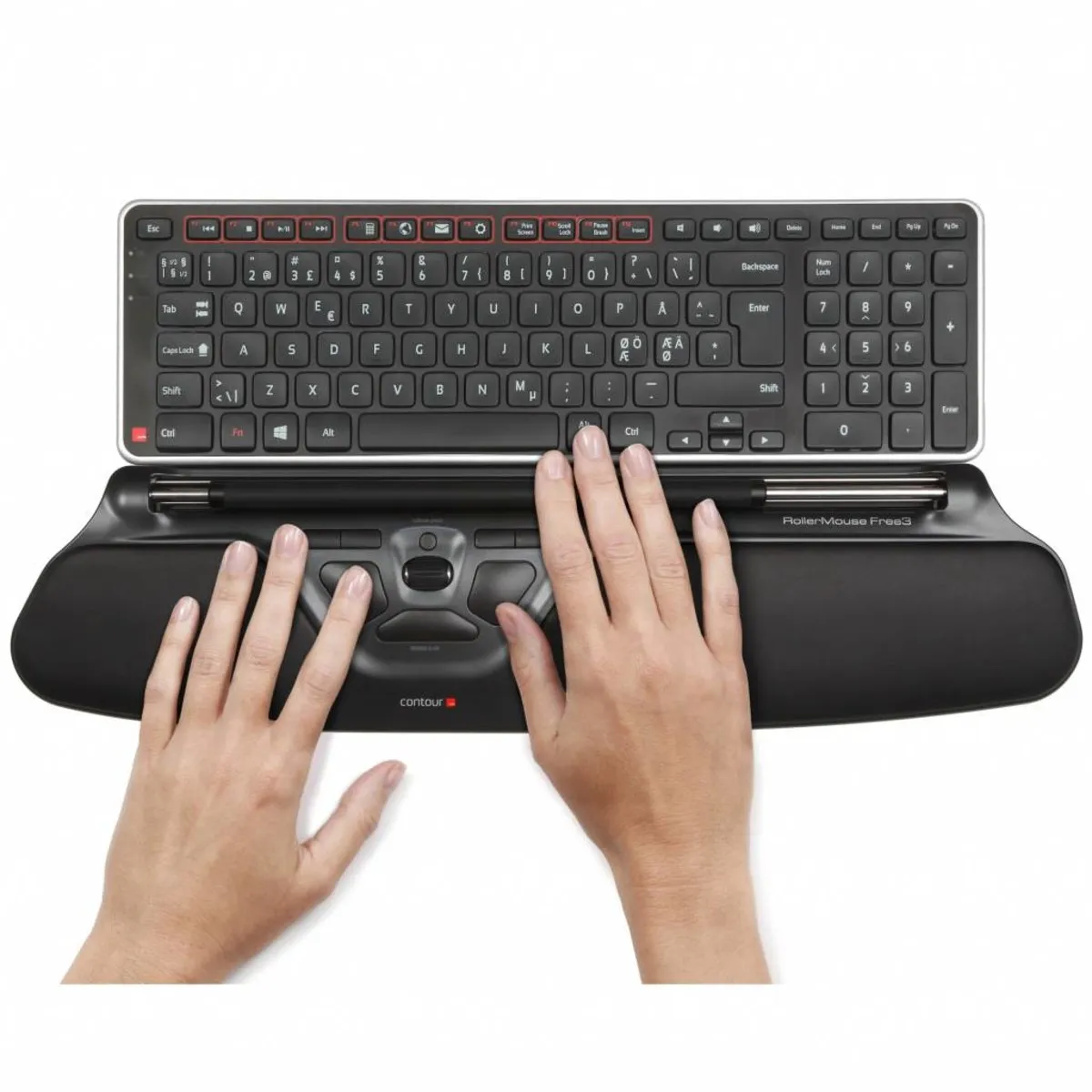


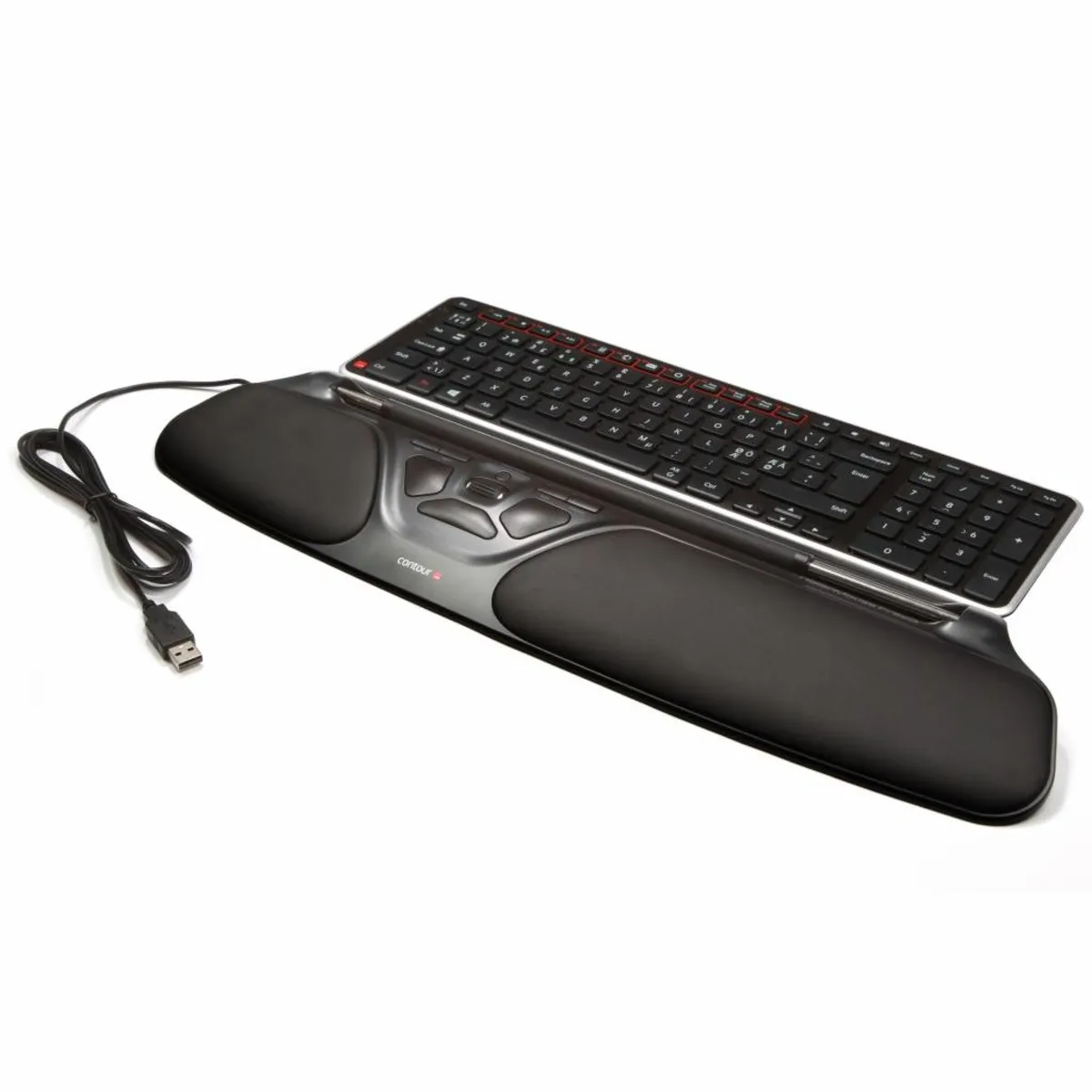
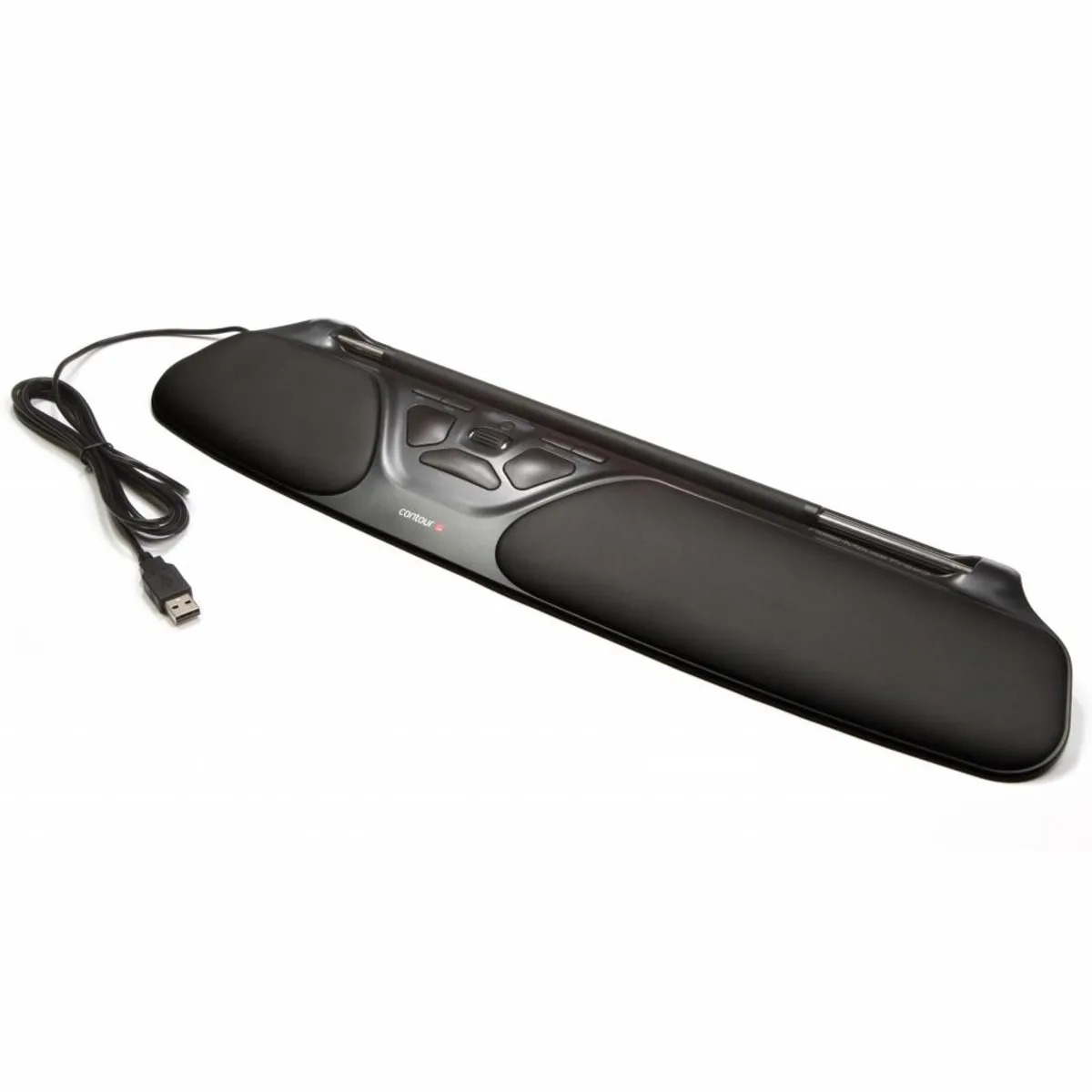


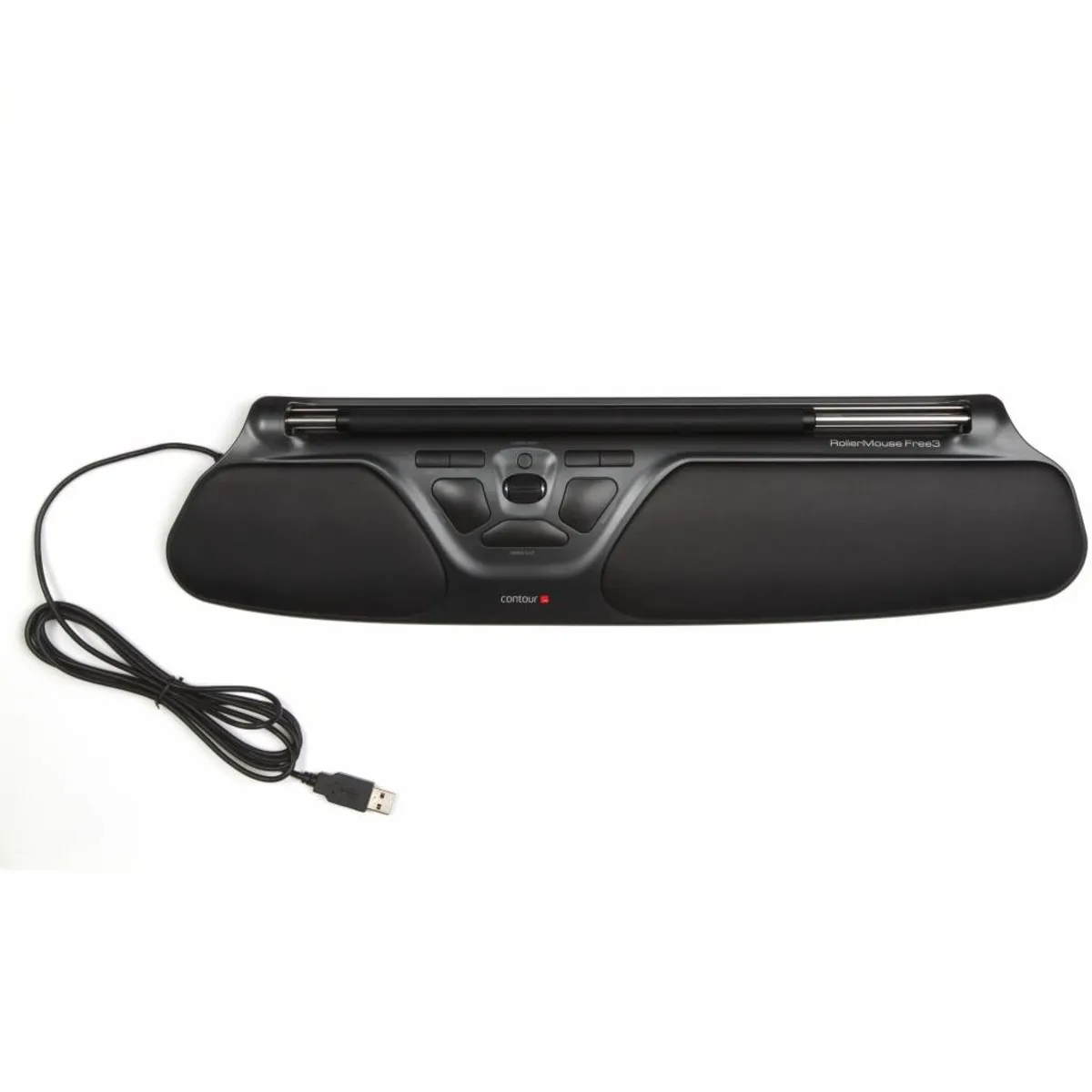


Beschrijving Contour Design Rollermouse Free3 trackpad wired
Contour Rollermouse Free3 trackpad wired ergonomic mouse
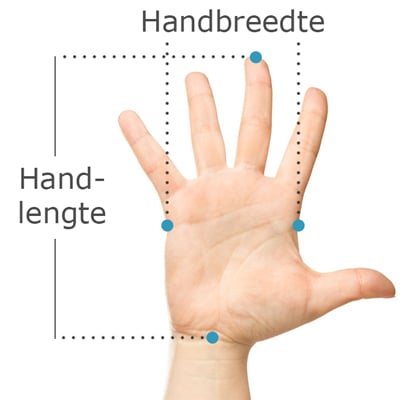
Does this mouse fit my hand?
Do you want to find the ideal mouse? Then be sure to measure your hand. The following image clarifies how to measure your hand. This mouse is suitable for hands with the following dimensions:
Suitable for any hand size
Description
I'm as free as a worker can be
Free3! "Yes, that sounds nice and commercial, a '3'." But wait a minute. This really is number 3, isn't it? And it has improved a few more steps. So you can proudly say that you are the new owner of a real "Free3". Oh yeah.
Why the Rollermouse Free3 trackpad mouse?
The Rollermouse is one of the latest trends in healthy and comfortable working. The central trackpad replaces your current mouse and is a real asset to your workplace. Your arms remain within shoulder width, and you don't have to reach as far for your mouse. This allows your shoulders, and consequently your arms and back, to remain more relaxed. This reduces or prevents annoying RSI-related complaints.
You operate the Free3 by sliding and rolling the top bar. This allows you to move the cursor in any direction. Thanks to a special system on the sides of the Rollermouse, you are not limited in horizontal movements. As soon as the bar touches the sides, you 'click' it one step further, after which you simply see the cursor continue to slide across your screen. The bar itself has a fine rubber coating that provides great comfort and precision.
The Rollermouse Free3 is a very complete product. For example, the integrated faux leather palm rests feel soft and comfortable. Furthermore, with 8 buttons, it has all sorts of extra functions such as copy/paste and backwards/forwards. This saves a lot of clicking and dragging. Of course, the Free3 also has a familiar scroll wheel. You can find an image below explaining all the buttons and their corresponding functions.
What is the difference between this Free3 and the older Free2?
The Free3 is a further development of the Free2, and that is clearly visible. The appearance has largely remained the same, and this model also has the advantage of being the flattest in the Rollermouse range. It therefore remains THE model for laptop users. The biggest changes in the product are the following:
- 2 new extra buttons with forward/backward function
- A wider rollerbar (35.5 vs 24.5 cm)
- More precision and higher cursor sensitivity
- New and stronger aluminium construction
This is what makes an ergonomic mouse so good
The problem with a normal mouse is its placement on the desk. It always has to be operated to the side of the keyboard. This causes the arm to be extended far outwards, resulting in high muscle tension. With the Rollermouse, both arms are positioned directly in front of you, which creates much less tension. This allows you to work longer without complaints.
Get the most out of it
The Rollermouse is positioned directly in front of you, making it extremely user-friendly. You can operate it with both hands, thereby nicely distributing the load across your hands, arms, and shoulders.
The bar you use to control the
Specificaties
| Item number | ERGO-MI067-3 |
| Manufacturer's item number | RM-FREE3 |
| Brand | Contour Design |
| Warranty | 2 years |
| Type of guarantee | Ergowerken free warranty return service |
| Colour | Black |
| Ergonomic design | Yes |
| Management | Trackpad |
| Left- or right-handed | Left- and right-handed |
| Hand length | Suitable for any hand size |
| Hand width | Suitable for any hand size |
| Operation | Buttons and scroll wheel |
| Included receiver | not applicable |
| Bluetooth | not applicable |
| USB port | Yes |
| USB version | 2.0/3.0 |
| Number of buttons | 8 |
| On/off button | not applicable |
| Adjustable buttons | Yes, with the help of the driver |
| Scroll wheel | Yes |
| Trackball | No |
| Adjustable sensitivity | Yes |
| Sensitivity | 600/800/1000/1200/1400/1600/1800/2000/2400/2800 dpi |
| Type of power supply | Wire |
| Battery type | not applicable |
| Rechargeable | not applicable |
| Minimum system requirements | Mac OS X v10.5, Mac OS X v10.6, Mac OS X v10.7, Mac OS X v10.8, Mac OS X v10.9, Mac OS X v10.10, Mac OS X v10.11, Windows XP, Windows Vista, Windows 7, Windows 8, Windows 10 |
| Plug and play | Yes |
| Dimensions length x width x height | 121 millimetres x 489 millimetres x 23 millimetres |
| Product weight | 630 grams |
Reviews Contour Design Rollermouse Free3 trackpad wired