Stel hier je vraag over dit product
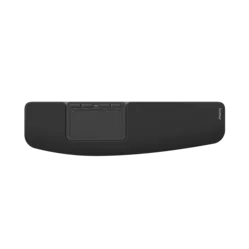
Contour Design Touch Wireless Trackpad






Product description of Contour Design Touch Wireless Trackpad
An ode to the Contour Touch
As if your shoulders are on holiday
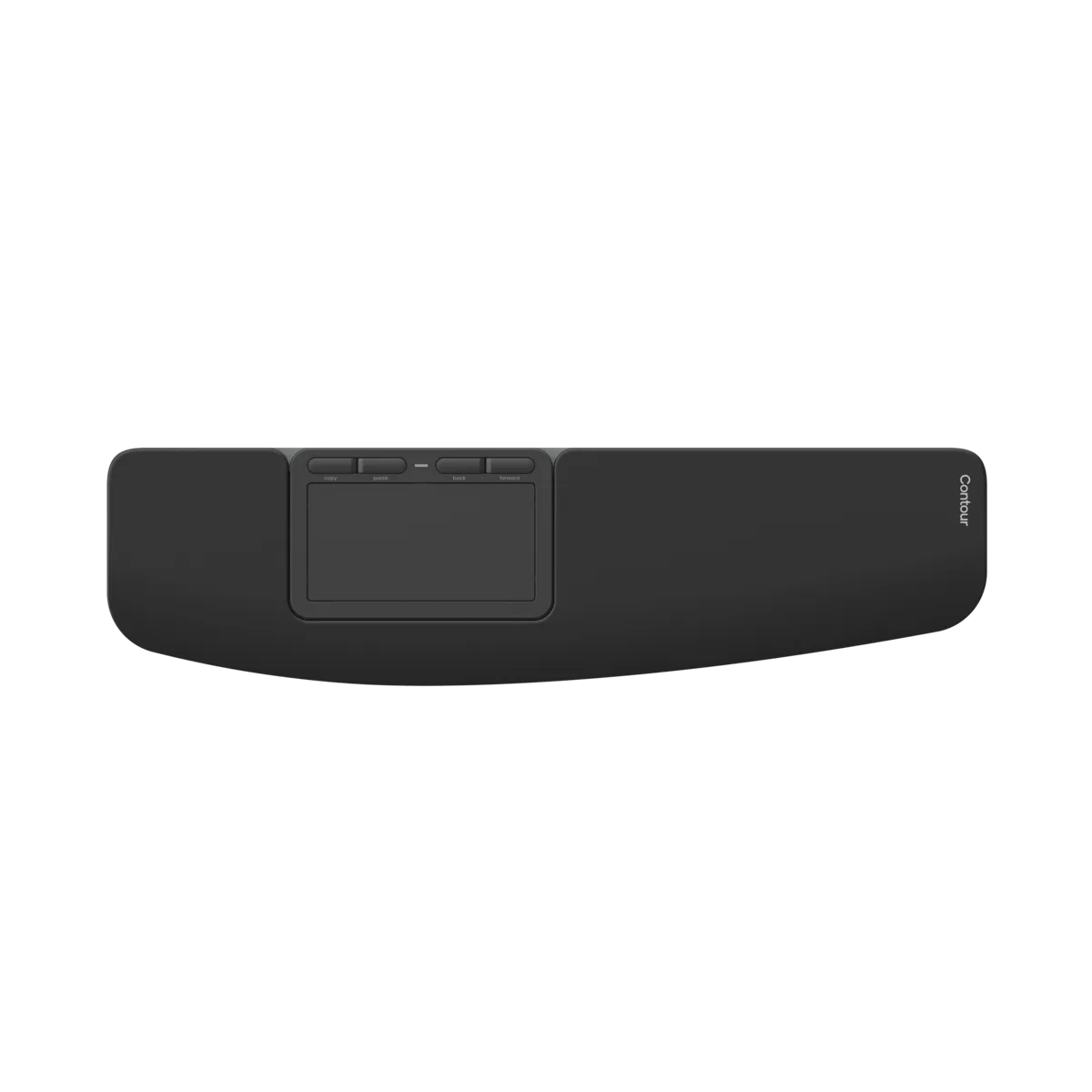
No more reaching, no more cramped shoulders. The Contour Touch sits in the middle of your desk, ready to make your workday lighter. Glass touch surface, buttons that do what you want, and a wrist rest that makes you say "ahh". It feels familiar, but much nicer.
Why the Contour Touch?
For those who want to reach less and relax more
You work directly in front of you, exactly where your hands already are. No more forced arm movements to a mouse to the right of your keyboard. The glass surface feels smooth, the buttons do what you want, and the wrist rest? It's simply comfortable.
You'll understand it at a glance
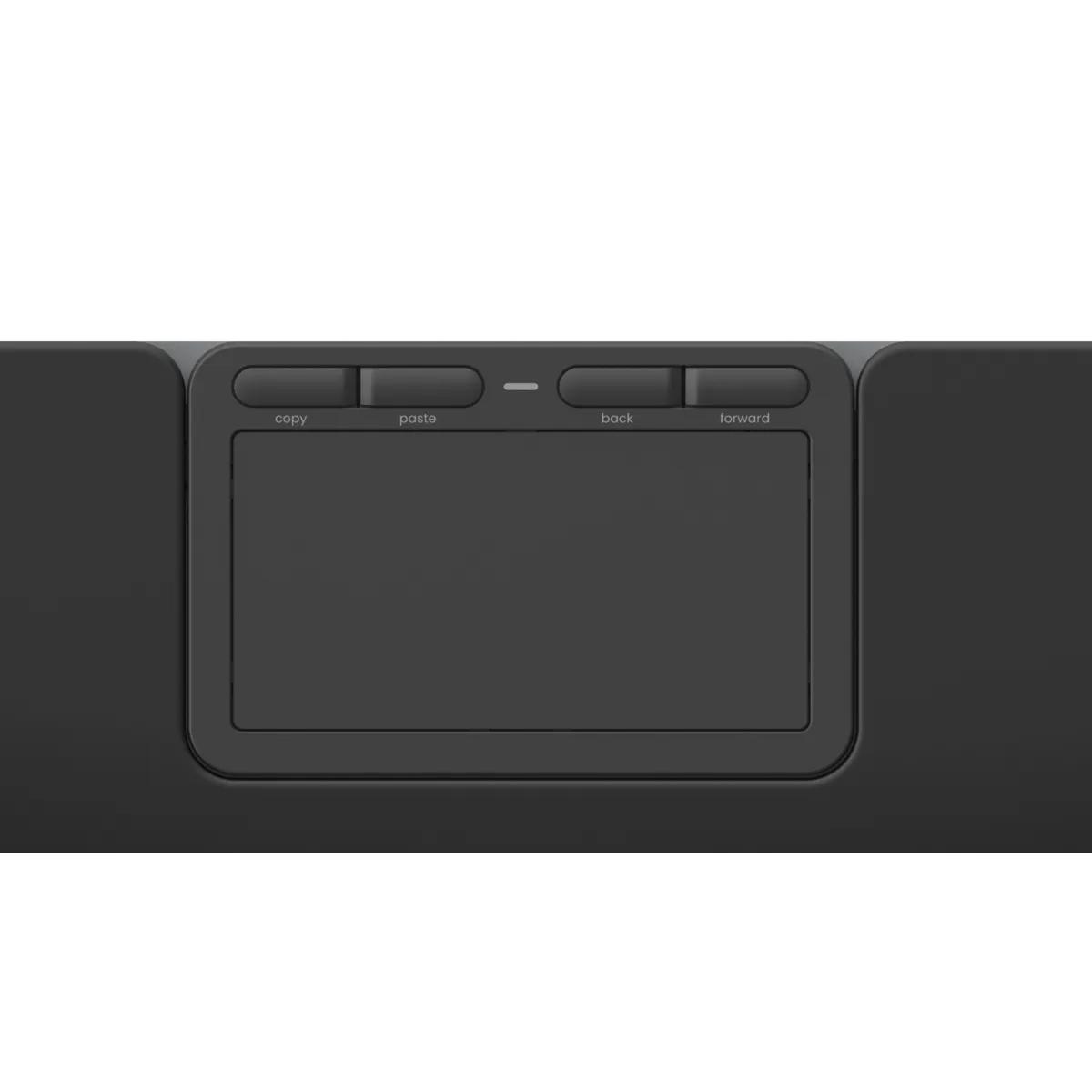
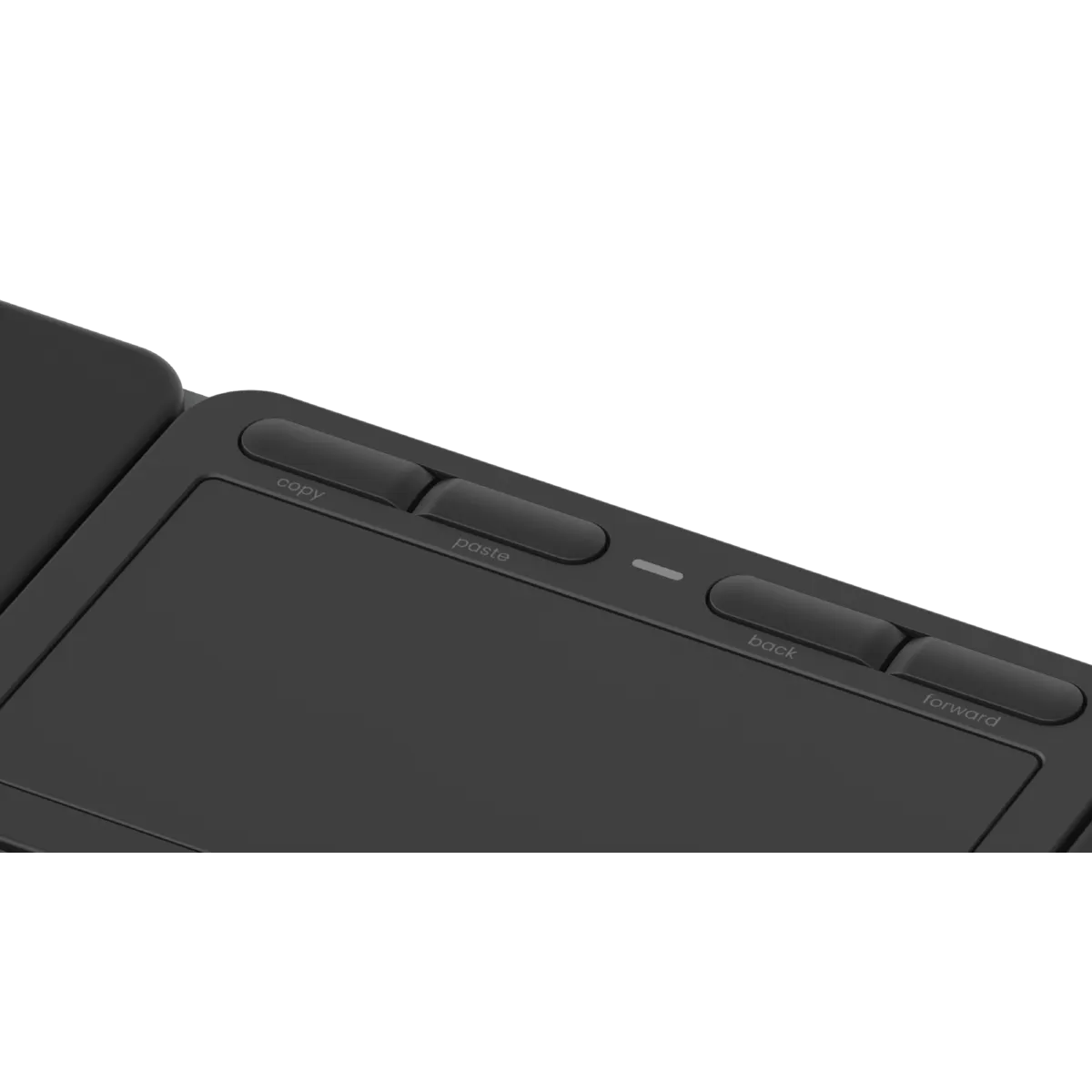
You swipe, tap, and click as you're used to. Only more centrally, calmly, and efficiently. Four buttons can be configured to your own workflow. Think of copy, paste, or back. Available in a wired USB-C version or a wireless variant with Bluetooth. The wrist rest is included as standard.
What makes the Contour Touch so good?
The central position prevents annoying complaints in the shoulders and upper arms. By operating both the mouse and the keyboard directly in front of your body, you reduce muscle tension in your shoulders. With the integrated wrist rest, it also improves your wrist posture.
In addition to the benefits it offers for your body, there are also a number of features that optimise your workflow. It supports multi-touch and has 4 programmable buttons. This allows you to perfectly tailor it to your work.
Get the most out of your Contour Touch
Just measure it
The Touch is 43.5 cm wide. Make sure your desk has space for it. The depth is 11.6 cm, compact enough for a busy desk. Thanks to its flat profile, you won't be bothered by raised edges or steep inclines.
Just combine it
The Contour Touch combines perfectly with the Contour Balance Full-Size keyboard. With these two, you'll give your workspace a significant boost and shoulder complaints won't stand a chance.
Pros and Cons
- Central position prevents unnecessary reaching
- Glass touch surface with click-anywhere function
- Four programmable buttons
- Integrated soft wrist rest
- Available wirelessly and wired
- Wireless variant needs to be charged occasionally
Brief Specifications
| Type | Ergonomic touchpad |
| Connection | Bluetooth 5.1 or USB-C |
| Dimensions | 434.5 x 116 x 12.4 mm |
| Weight | approx. 450 grams |
| Buttons | 4 programmable buttons |
| Wrist rest | Fully integrated |
| Compatibility | Windows |
How happy will my body be with this?
| Shoulder | |
| Wrist | |
| Arm | |
| Hand |
Product Features
- Glass surface with multi-touch
- Four programmable buttons
- Available both wirelessly and wired
- Compact profile with low height
- Comfortable wrist rest
What's in the box?
- 1 x Contour Touch touchpad
- 1 x Wrist rest (integrated)
- 1 x USB-C cable / or Bluetooth dongle
- 1 x Manual and warranty card
Frequently Asked Questions
Specifications
| Item number | ERGO-CDTP10500 |
| Manufacturer's item number | CDTP10500 |
| Brand | Contour Design |
| Warranty | 2 years |
| Type of guarantee | The Ergowerken free return guarantee service |
| Colour | Black |
| Ergonomic design | |
| Management | Touchpad |
| Left- or right-handed | Both |
| Hand length | not applicable |
| Hand width | not applicable |
| Operation | Using touchpad and buttons |
| Connection | Wireless |
| Included receiver | not applicable |
| Bluetooth | 5.1 |
| USB port | |
| USB version | USB-C |
| Number of buttons | 4 physical buttons and touchpad |
| On/off button | |
| Adjustable buttons | Yes, using the Contour driver |
| Scroll wheel | No, scrolling is done via the touchpad. |
| Trackball | |
| Adjustable sensitivity | Yes, via system settings or Contour driver |
| Sensitivity | not applicable |
| Type of power supply | Battery |
| Battery type | Li-ion |
| Rechargeable | |
| Minimum system requirements | Windows |
| Plug and play | |
| Dimensions length x width x height | 434.5 x 116 x 12.4 millimetres |
| Product weight | approx. 450 grams |
Reviews Contour Design Touch Wireless Trackpad
Customers who write a review enter a prize draw for a voucher. We pick one winner and publish all reviews, including critical ones.