Stel hier je vraag over dit product
Mistel MD750 Delight Devil Green RGB wireless mechanical keyboard



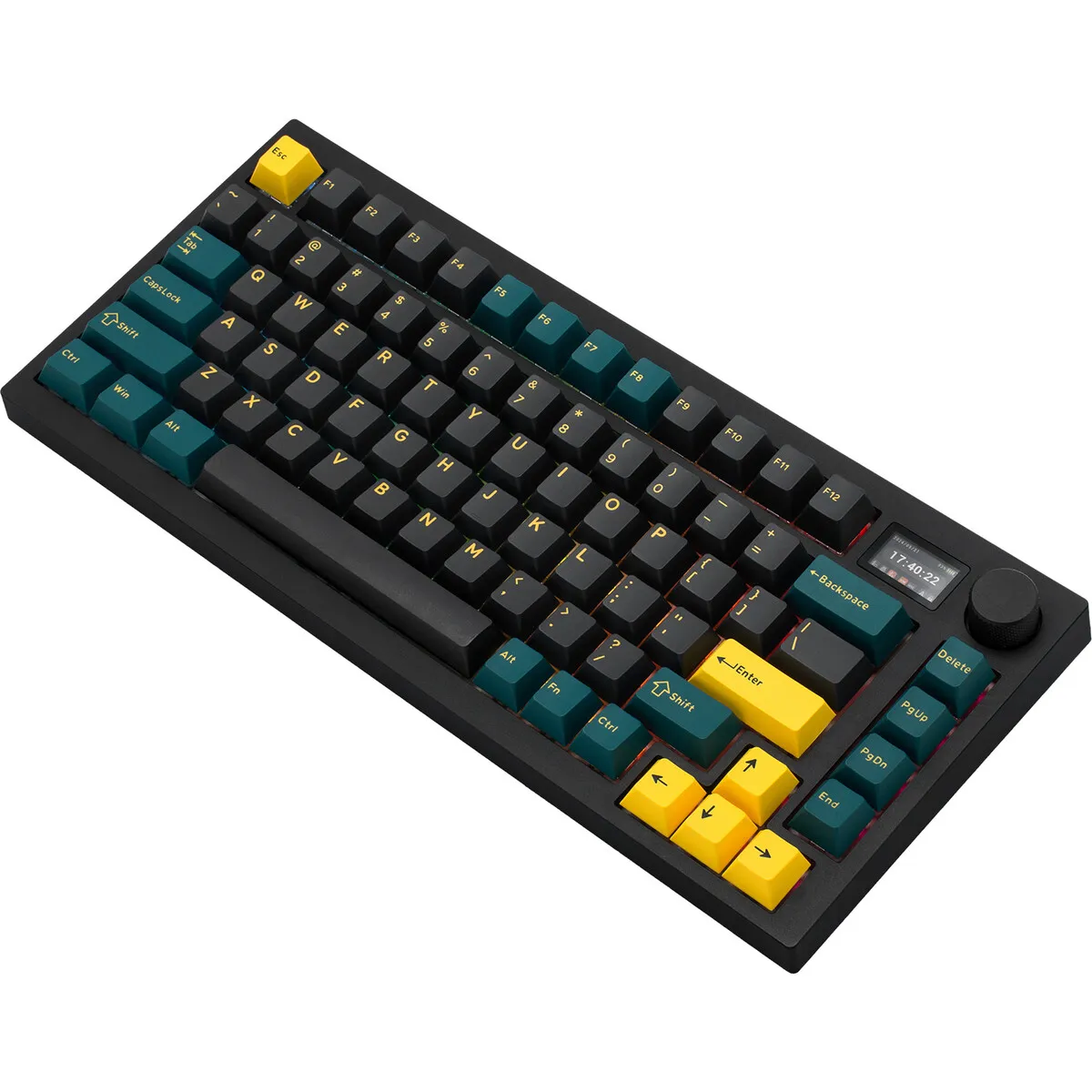


Product description of Mistel MD750 Delight Devil Green RGB wireless mechanical keyboard
Is this keyboard right for me?
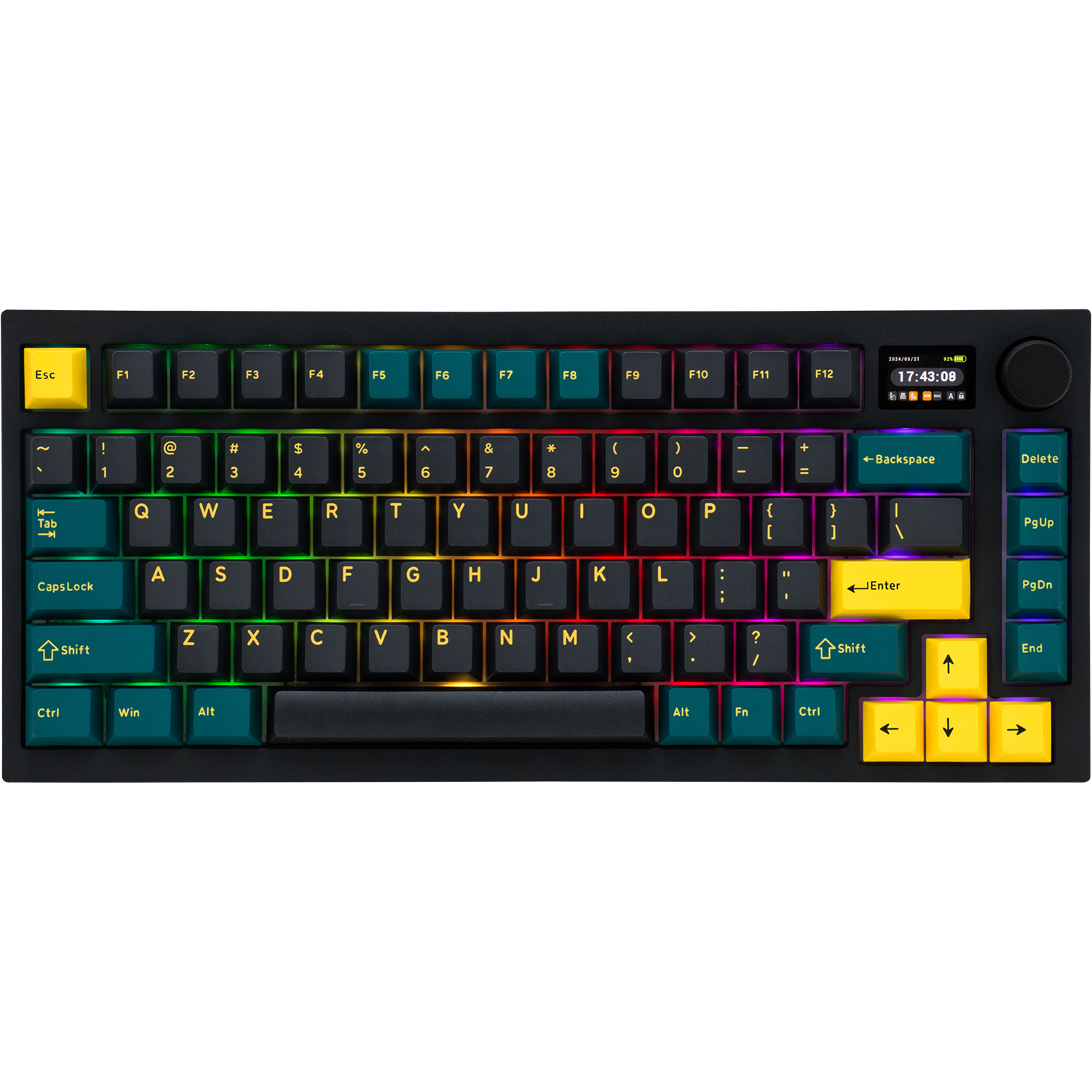
| Width | 331 mm |
| Depth | 145 mm |
| Height | 23 (front) - 38 (rear) mm |
| Compatibility | Windows & Mac |
| Key layout | QWERTY (ANSI US int.) |
| Connection | Wired (USB), 2.4GHz, Bluetooth |
| Switches | MX style See variants |
| Form factor | 75% |
An ode to the Mistel MD750 Delight
Stylish, compact and super comfortable
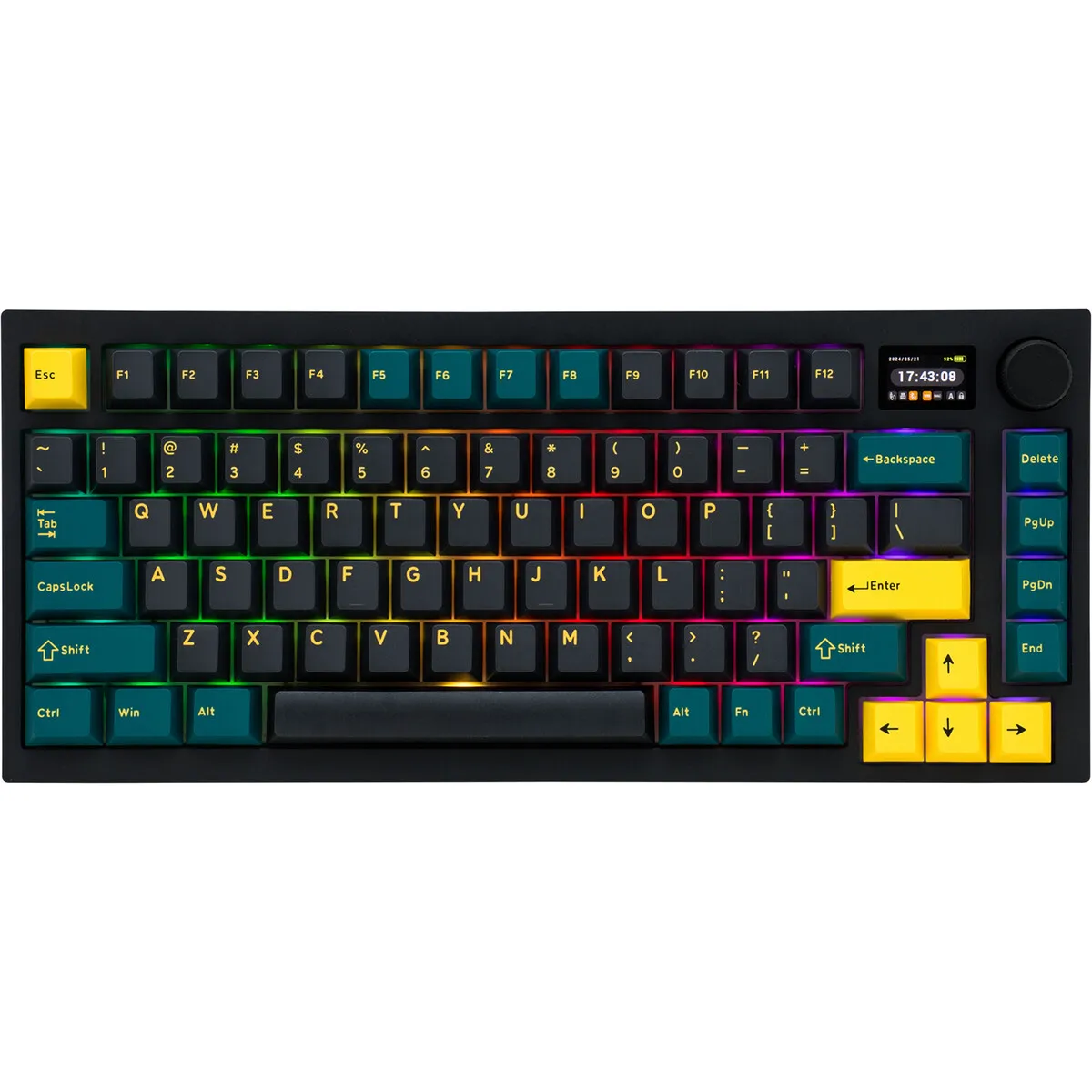
Looking for a mechanical keyboard that not only looks cool but also types incredibly well? The Mistel MD750 Delight Devil Green is a real eye-catcher and offers everything you need for comfortable and efficient typing.
Why the Mistel Barocco MD750 mechanical keyboard?
Versatile wireless
Use it via Bluetooth 5.0, 2.4GHz or simply with a cable. Switch effortlessly between devices!
Mechanical typing feels better
Choose Gateron or Outemu switches, there's something for everyone. If you want to customise further, the hot-swappable sockets allow you to place your favourite switch in the keyboard
75% layout
Everything you need in a compact form factor. By designing the keyboard in a 75% size, you get 'the best of both worlds'; a narrower keyboard is more ergonomically sound, yet it doesn't lack functionality.
LCD display and knob
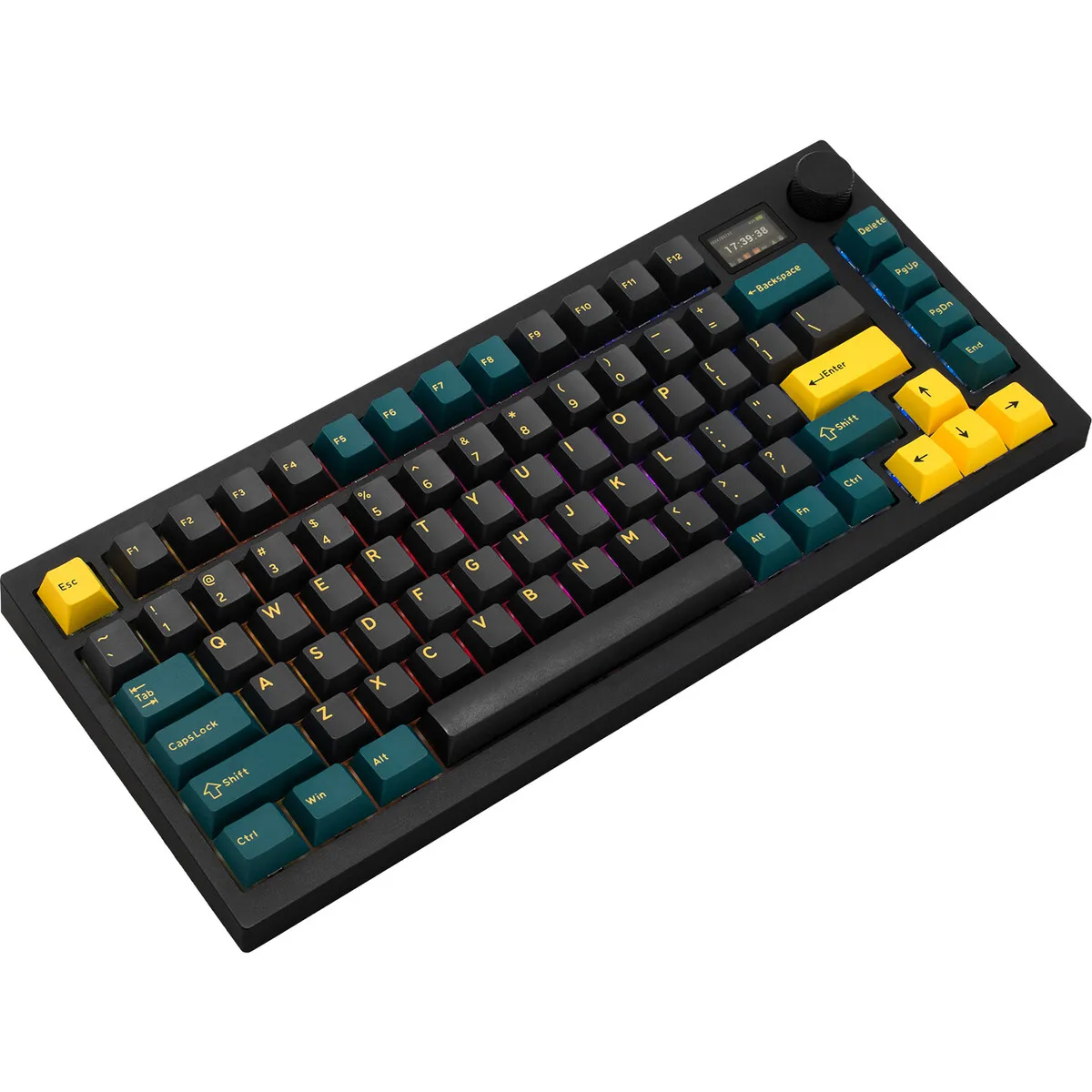
Set up your keyboard as you wish; the 1.2" screen and the rotary knob are your command centre. All keyboard settings can be controlled here: Windows or Mac, connection mode, backlight, volume, battery percentage and many more customisation preferences.
Double Shot keycaps
The MD750 features double shot keycaps. This involves pressing two layers of plastic together. This technique makes it unnecessary to print lettering on the board. It is simply a plastic cap that slides into another plastic cap.
For the demanding user
Thanks to its extensive functionalities, the Mistel MD750 keyboard is suitable for various tasks.
- Programming
- Graphic design
- Word processing
- Gaming
Get the most out of your MD750
Don't miss this either!
Suitable for Mac
Mistel has made the MD750 suitable for Mac. Flipping the first DIP switch changes the layout from Windows to Mac. The only thing unfortunately missing are included keycaps.
How happy will my body be with this?
| Shoulders | |
| Hand | |
| Wrist | |
| Arm |
Pros and cons
- Compact design
- Hot-swappable switches
- For Mac and Windows
- Mechanical keys are relatively high
Brief specifications
| Warranty | 2 years |
| Hot-Swappable | |
| Keycaps | PBT |
| Weight | 830 grams |
| Plug & Play | |
| Battery | 4000mAh Li-Po |
| Polling rate | 1000Hz (wired & 2.4GHz), 125Hz (Bluetooth) |
| view all specifications |
Product features
- Compact form factor
- 2.4 GHz, Bluetooth or wired
- LCD display
- Aluminium rotary knob
- Gasket mount
- RGB lighting
- PBT keycaps
- Hot Swappable switches
What's in the box?
- Keyboard
- 2.4GHz USB receiver
- Connection cable (USB A -> USB C)
- Keycap puller
- Extra keycaps
- Manual
Downloads
Frequently asked questions
Which switch suits you?
With this keyboard you choose which switches go underneath. They cost the same, so it comes down to preference. A linear switch travels smoothly with no noticeable bump; a tactile switch has one, and a clicky switch lets you hear it too.
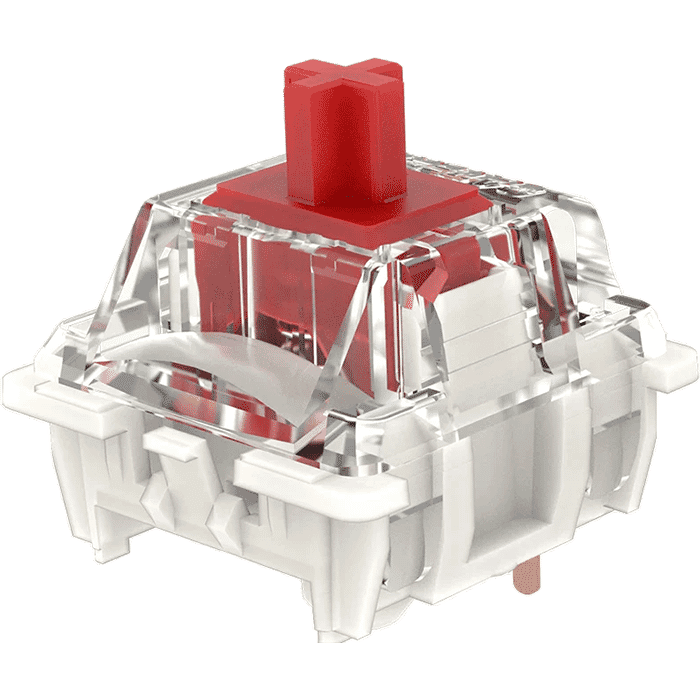 | 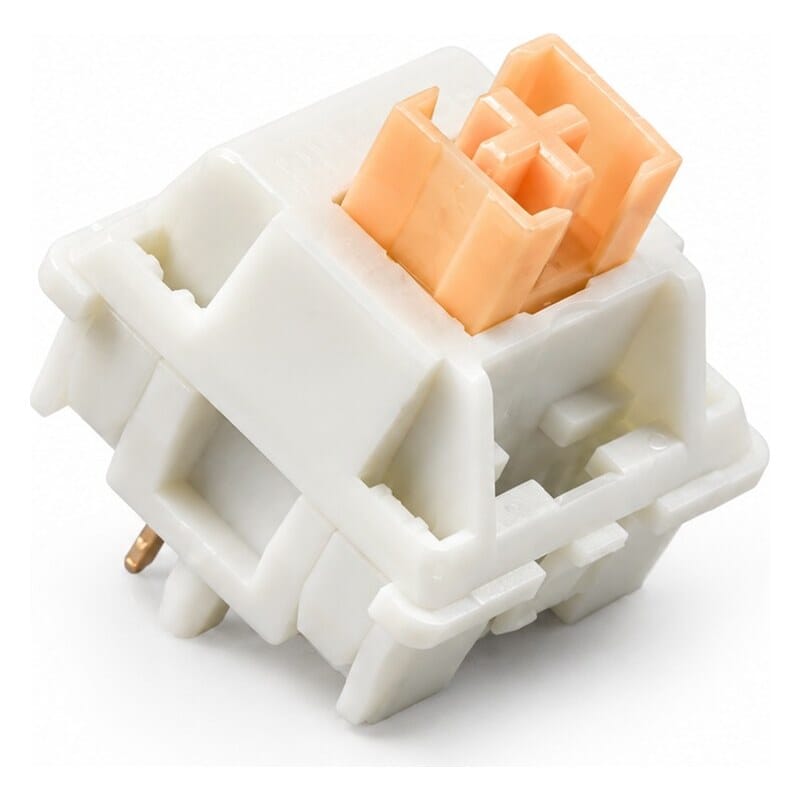 | 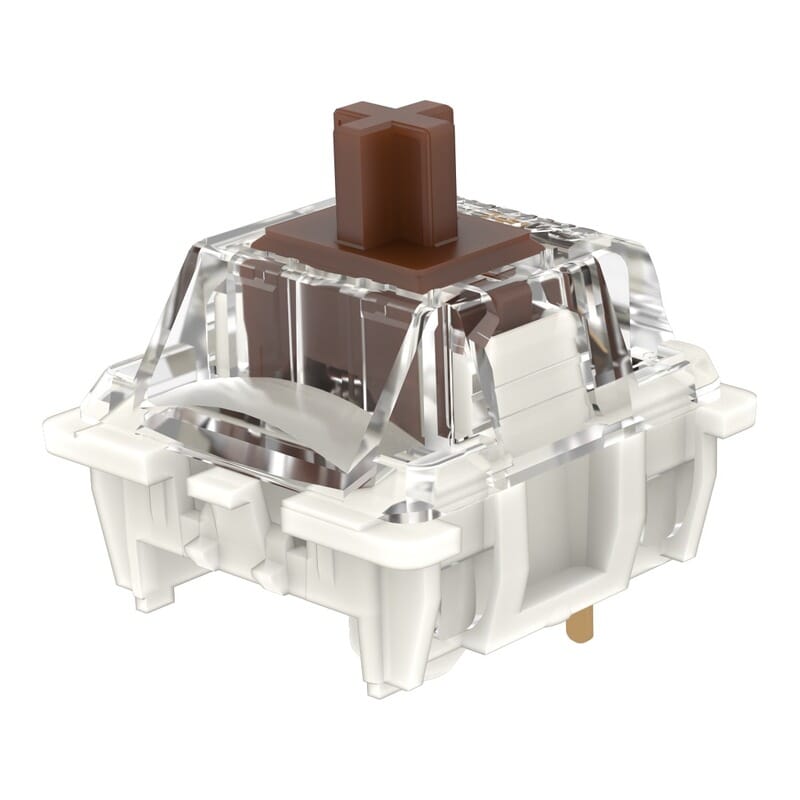 | 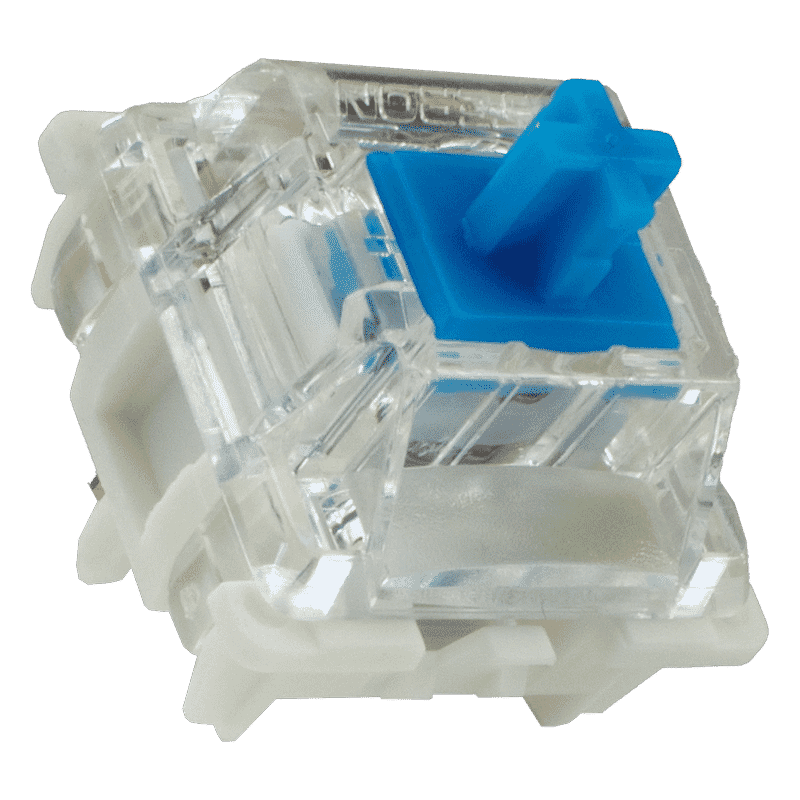 | |
| Type:Linear travels evenly. Tactile has a noticeable bump. Clicky adds an audible click to that bump. | Linear | Tactile (silent) | Tactile | Clicky |
| Actuation force:Force:The force needed to register a keystroke. A regular rubber dome keyboard needs 55 to 60 g, so lower means lighter typing. | 45 g | 50 g | 55 g | 60 g |
| Tactile bump force:Bump force:The force at the point where you clearly feel the key give way. Only tactile and clicky switches have this; a linear switch does not. A dash means the switch does have one, but the manufacturer states no figure. Technical term: pressure point force. | Not applicable | – | – | – |
| Registers after:The distance the key travels before the keystroke registers. You do not have to press the key all the way down. Technical term: pre-travel or actuation point. | 2.0 mm | 2.0 mm | 2.0 mm | 2.3 mm |
| Full travel:Travel:The total distance until the key can go no further. | 4.0 mm | 3.3 mm | 4.0 mm | 4.0 mm |
| Lifespan:The number of keystrokes per key stated by the manufacturer. | 100 million | 100 million | 100 million | |
| Sound:Indication for normal typing. Even a silent switch makes noise if you bottom out the key. | Quiet | Silent | Quiet | Audible click |
Specifications
| Item number | ERGO-MD750DELCY | ERGO-MD750DELR | ERGO-MD750DELB | ERGO-MD750DELBR |
| Manufacturer's item number | MD750-BUSPDGBT1 | MD750-CUSPDGBT1 | MD750-RUSPDGBT1 | MD750-MUSPDGBT1 |
| Brand | Mistletoe |
| Warranty | 2 years |
| Type of guarantee | The Ergowerken free return guarantee service |
| Colour | Black/green with yellow lettering |
| Keyboard type | Mechanical |
| Ergonomic design | |
| Keyboard layout | QWERTY (ANSI US int.) |
| Connection | Wired, wireless USB & Bluetooth |
| Bluetooth | 5.0 |
| Type of keys | Gateron or Outemu MX RGB switches |
| Numeric keypad | |
| Shortcut keys | LCD & knob |
| Programmable buttons | |
| Trackball/touchpad | |
| Type of power supply | Battery or cable |
| Battery type | Lithium battery |
| Rechargeable | |
| Minimum system requirements | Windows 7 and MAC |
| Plug and play | |
| Dimensions length x width x height | 331 x 145 x 38 millimetres |
| Product weight | 830 grams |
Reviews Mistel MD750 Delight Devil Green RGB wireless mechanical keyboard
Customers who write a review enter a prize draw for a voucher. We pick one winner and publish all reviews, including critical ones.