







Stel hier je vraag over dit product
Keychron K Pro Red switches - 110 pcs


Product description of Keychron K Pro Red switches - 110 pcs
An ode to switches
Imagine keyboards having a beach day. The mechanical switches would cling to their laptops as if they couldn't miss their deadlines, while the rubber keys would sway in the sea breeze, enjoying the relaxed atmosphere without worrying about work.
What are switches?
Mechanical switches are the mechanisms located under the keycaps of mechanical keyboards. Switches come in various types and sizes. In principle, they all do the same thing; the mechanism ensures that a keystroke is registered when you press a key. Each colour or type of switch provides a different feel when pressed.
Some mechanical keyboards are hot-swappable, meaning you can easily remove the switches and replace them with new ones. This way, you can customise a keyboard to suit your preferences.
About the Keychron K Pro Switches
The Keychron K Pro switches offer a premium typing experience with smooth and tactile typing thanks to an optimised mould. They have a long lifespan of approximately 50 million keystrokes.
The switches are pre-lubed for less noise and offer a natural feel while typing. The unique dust-proof design ensures a more stable typing experience and prevents dust accumulation.
The differences at a glance
 | 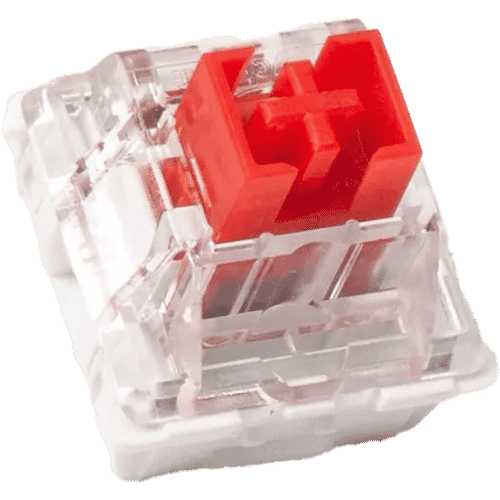 | 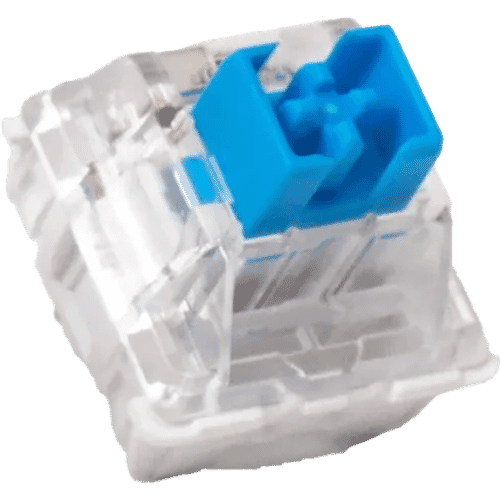 | 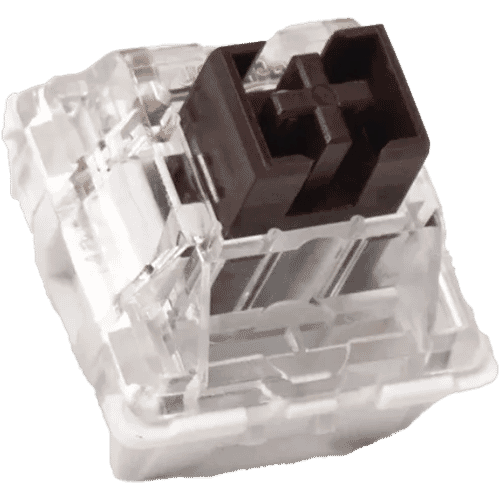 | 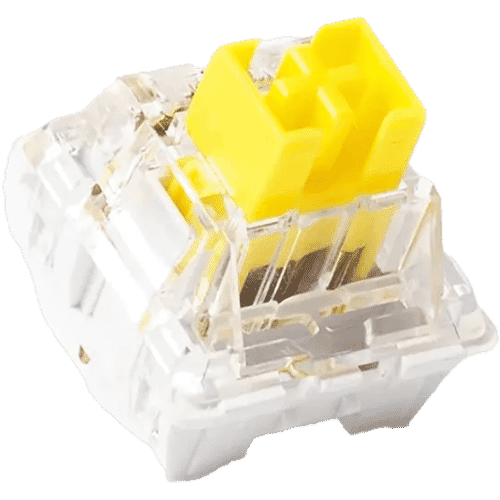 | 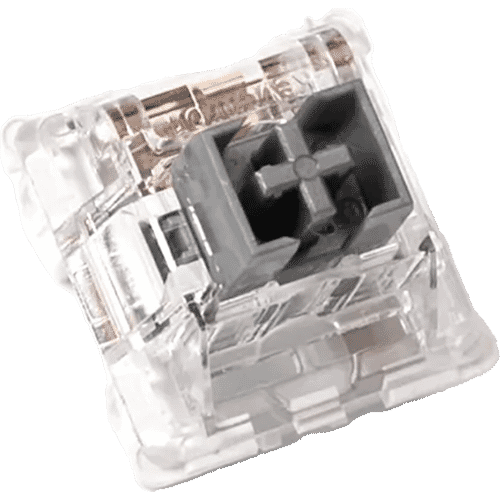 | 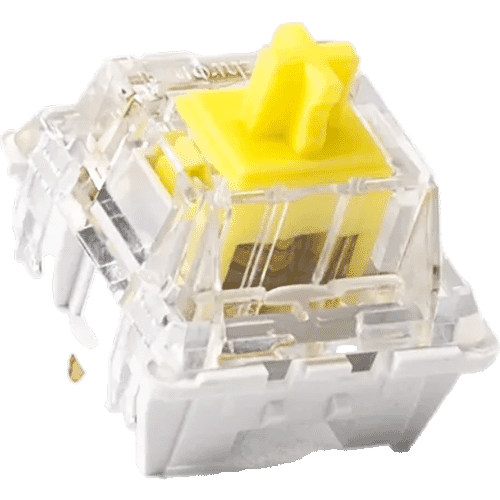 | 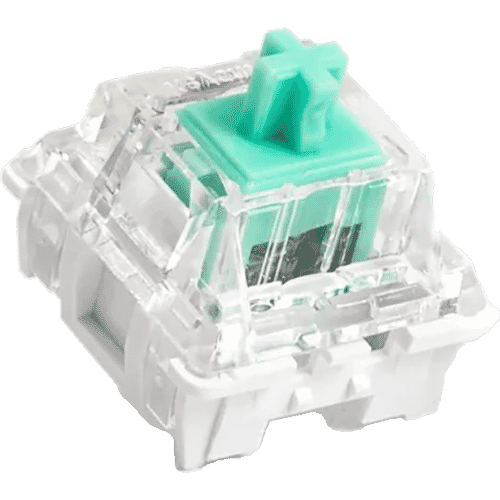 |
| Colour | Red | Blue | Brown | Yellow | Silver | Banana | Mint |
| Type | Linear | Clicky | Tactile | Linear | Linear | Tactile | Tactile |
| Force (g.) | 45 | 60 | 50 | 50 | 42 | 57 | 67 |
| Actuation point (mm.) | 2 | 2 | 2 | 2 | 1.3 | 2.2 | 2.2 |
| Max. travel (mm.) | 4 | 4 | 4 | 4 | 3.3 | 3.3 | 3.3 |
| Lifespan (clicks) | 50 million | 50 million | 50 million | 50 million | 50 million | 50 million | 50 million |
| Noise level | Quiet | Loud | Soft | Quiet | Quiet | Soft | Soft |
| Ideal for | |||||||
| Office | |||||||
| All-round | |||||||
| Typing | |||||||
| Gaming |
Types of switches
Linear switchesLinear switches have the simplest operation. They move straight up and down without any tactile feedback or click sound. The smooth keystroke ensures fast movement, which is why linear switches are very popular among gamers. Red switches are often linear.
Tactile switchesTactile switches provide a slight counter-pressure at the point of actuation to indicate that the keystroke has been registered. There is a noticeable bump. They are ideal for typing because you get an indication without having to press the key all the way down. Brown switches are often tactile.
Clicky switchesClicky switches work similarly to tactile switches, as they also have a noticeable bump. But there is a small difference: a click sound is added at the moment of key activation. Clicky switches are suitable for people who want to hear a clear indication of their keystroke or for those who want to retain the clicking sound. Blue switches are often clicky.
Differences between types
Not only does the keystroke feel differentiate switches, but several other characteristics are also involved. Depending on what suits you and your work, you can choose the right switch.
ForceForce (or Operating Force) indicates how hard you need to press the key. This is expressed in gram-force (e.g., 50gf).
Actuation pointAlso known as Pre-travel. This is the point at which the keystroke is recognised by the keyboard. This is indicated in millimetres (e.g., 2.3mm).
Maximum travelAlso known as Travel distance. This is the distance between the resting position and the full depression of the key. This is also indicated in millimetres (e.g., 4.0 mm).
Frequently asked questions
Reviews Keychron K Pro Red switches - 110 pcs
Customers who write a review enter a prize draw for a voucher. We pick one winner and publish all reviews, including critical ones.
