Stel hier je vraag over dit product
Mistel Q75-Gloaming wireless mechanical keyboard


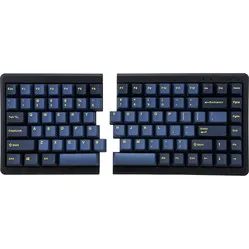

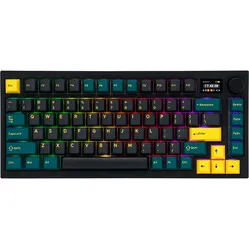
Product description of Mistel Q75-Gloaming wireless mechanical keyboard
Is this keyboard right for me?
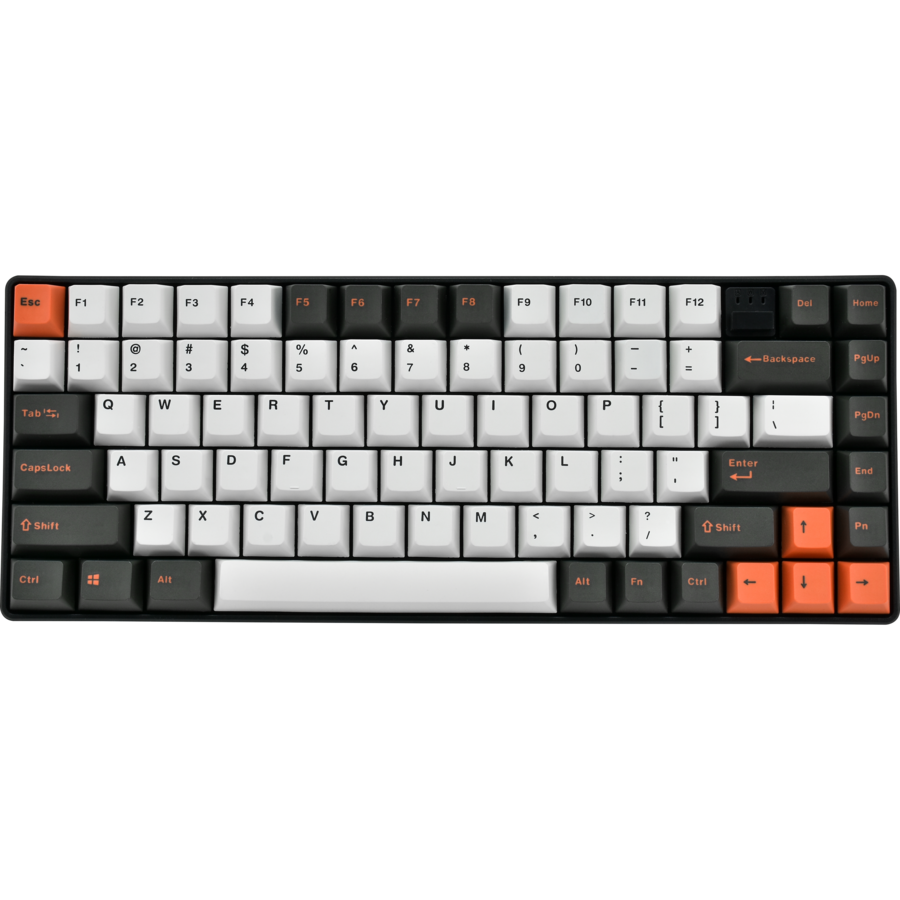
| Width | 311 mm |
| Depth | 121 mm |
| Height | 40 mm |
| Compatibility | Windows and Mac |
| Key layout | QWERTY (ANSI US int.) |
| Connection | Wireless USB and USB-C |
| Switches | Cherry MX See available variants |
An ode to the Mistel Q75 keyboard
Q is here for you 007
Although similar in name, Mistel's Q could not be more different from James Bond's Q. Where Bond's Q supports him technically in doing harm to others, Mistel's Q helps you technically to avoid personal harm.
Why the Mistel Q75 keyboard?
The Q75 gives you all the keys and functions you need in a compact size. This means there is no numeric section, for ergonomic reasons, but the board does have hotkeys that you can use by pressing key combinations. You can find all key combinations in the manual.
You connect the keyboard wirelessly using a USB receiver. A wired connection is also possible. A USB-C cable is included for this.
Endless possibilities
The Mistel Q75 keyboard is packed with features. For instance, you can change the layout from QWERTY to DVORAK and even COLEMAK. If a particular key does not feel right in its standard position, you can program it somewhere else. You do not need any special software for this, but keep the manual to hand. It explains clearly how to program the board and gives you an overview of the options.
Also useful to know: the keyboard has 3 layers. That means you can program a different layout per layer. Think of a layout that is optimal for your main work and another layout for simple typing, or a special layout for a particular game.
What makes an ergonomic keyboard so good?
Anyone who does a lot of work on the computer knows this can put a strain on your wrists, shoulders, back and neck. A good keyboard can help you with this. The Mistel Q75, for example, has a compact design. The keys are also extra easy to press. And you can place your mouse close beside the keyboard. All of this is to minimise muscle tension, which helps prevent or reduce injuries.
Get the most out of this product
Here you choose not only the keyboard but also the type of keys it is fitted with. You can choose between Cherry MX Red, Blue, Brown and Silent Red mechanical switches. At the bottom of the page you will find an overview of the different keys so you can pick the right one for you.
Do not miss this either
The Q75 has NKRO (n-key rollover). That means you can press several keys at the same time, or in very quick succession. This is especially useful when playing games in which you often press several keys at once. For fast typists an NKRO keyboard is a must as well.
How happy will my body be with this?
- Shoulder
- Hand
- Wrist
- Arm
Pros and cons
- Compact size
- Hotkeys
- High quality
- Wired and wireless
- No numpad
Brief specifications
| Warranty | 2 years |
| Colour | Black/White/Orange |
| Layout | 83-keys |
| Ergonomic design | |
| Plug & Play | |
| view all specifications |
Product features
- Ergonomic design
- Mechanical keys
- 83-key version
- Compact size
- Cherry MX switches
- Cable length 180 cm
- 12 multimedia keys
- Plastic frame
- For Windows & Mac
- Can be used wired and wirelessly
- Wireless via USB
What is in the box?
- 1 x compact QWERTY keyboard
- 1 x USB-C to USB-A cable
- 1 x USB receiver
- 1 x user manual
- Wrist rest
- 1 x keycap puller
- 2 x AAA battery
Cherry MX RGB Switches
 | 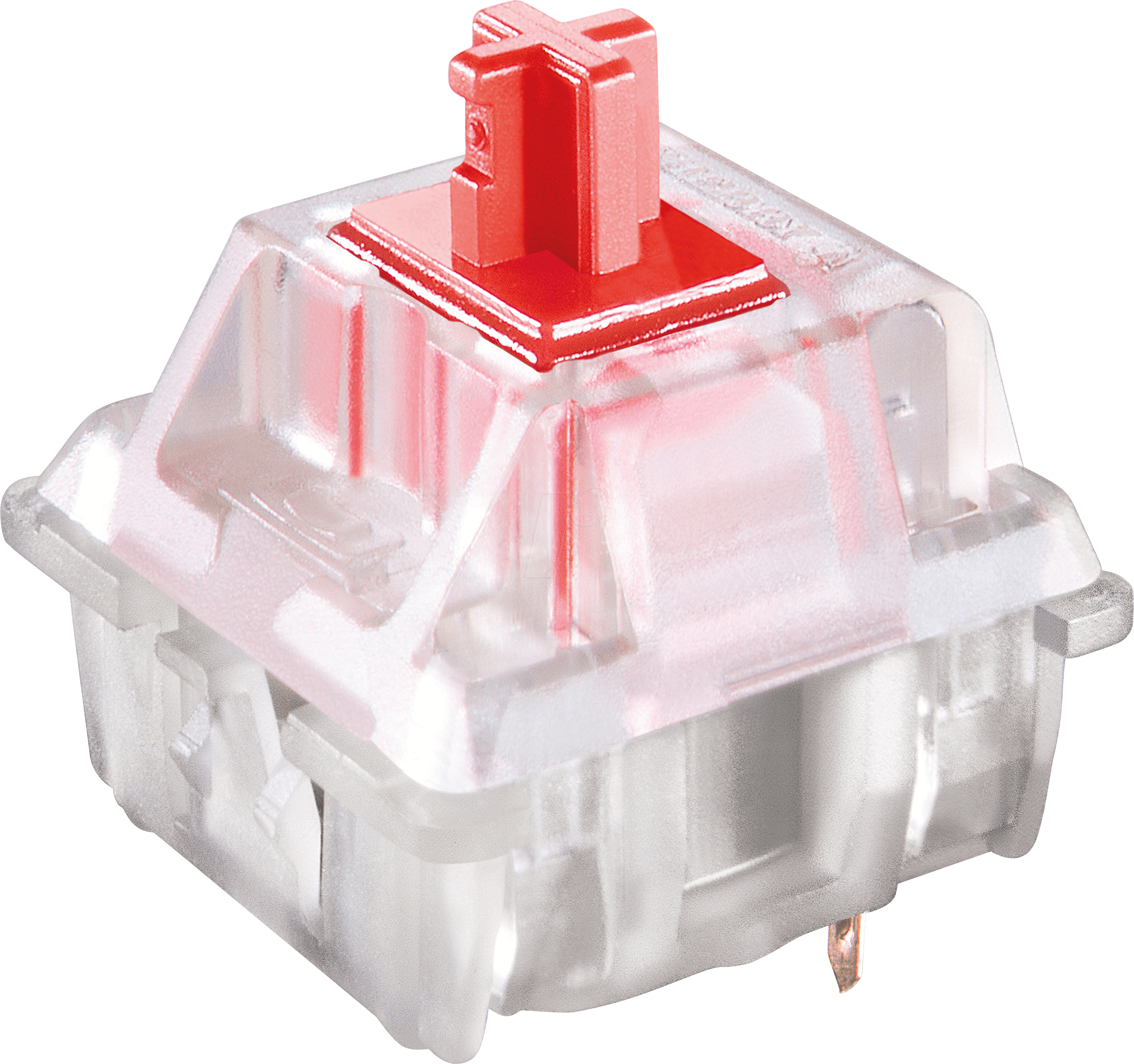 | 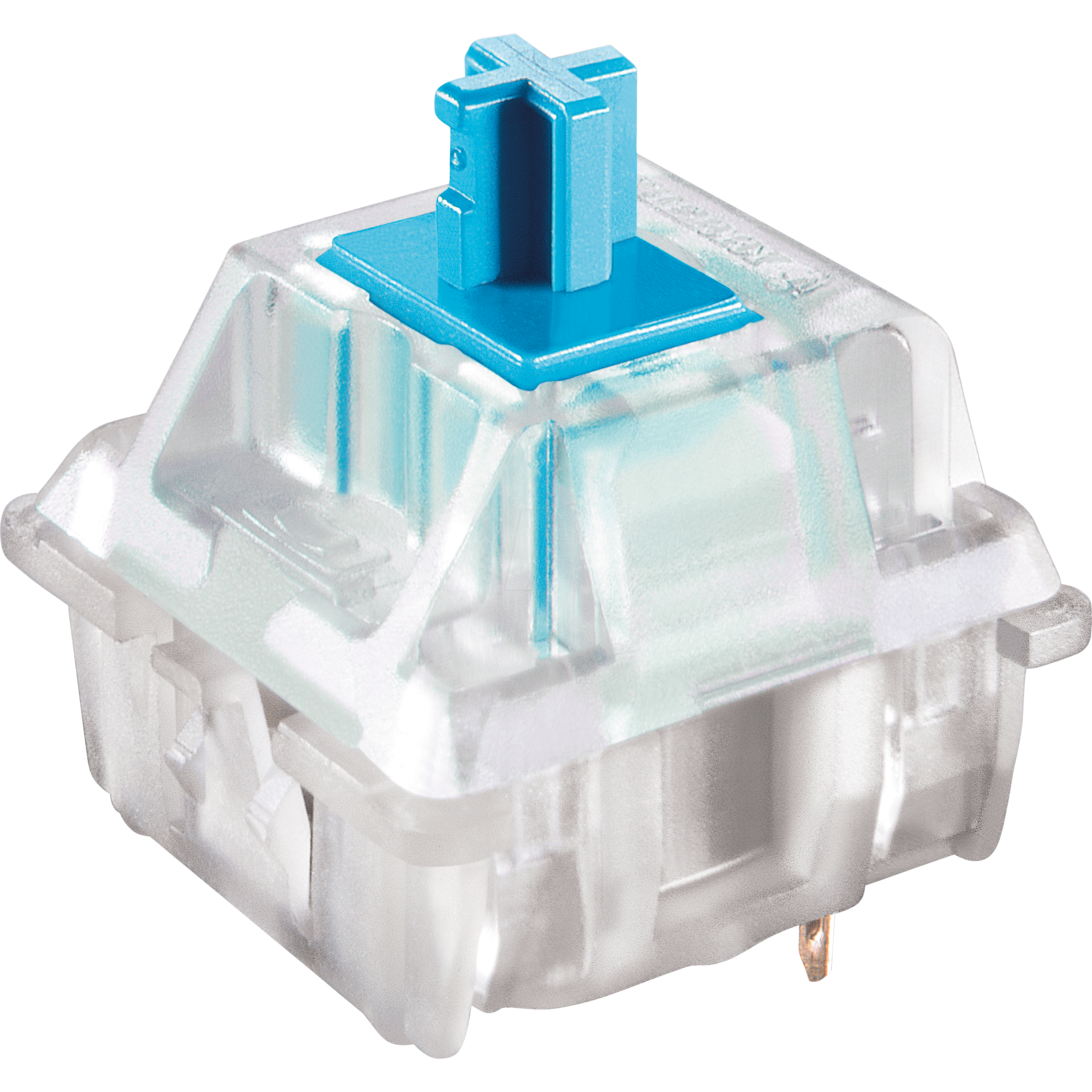 | 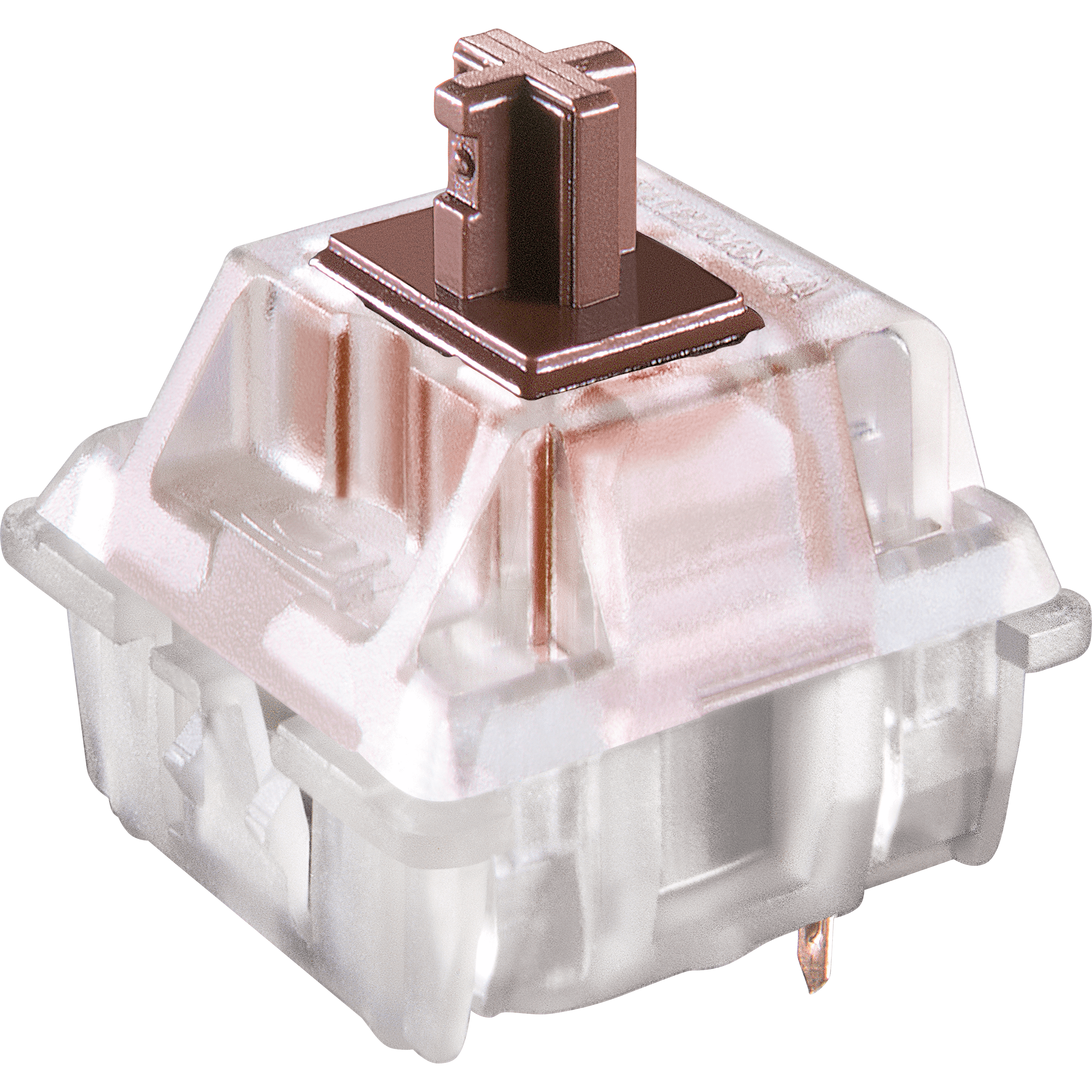 | 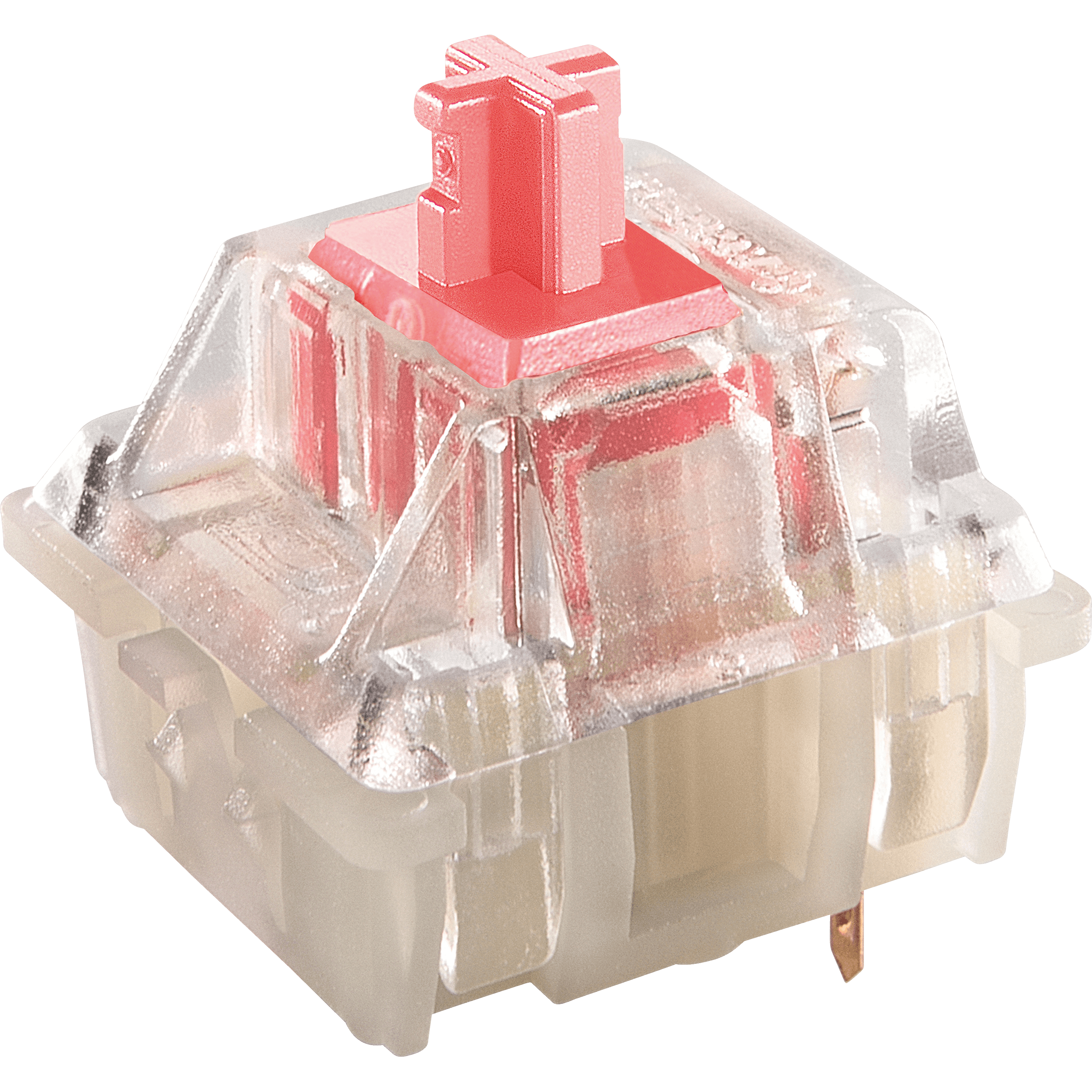 |
| Colour: | Red | Blue | Brown | Silent Red |
| Type: | Linear | Clicky | Tactile | Linear |
| Force (gr.): | 45 | 60 | 55 | 45 |
| Actuation point (mm.): | 2 | 2.3 | 2 | 1.9 |
| Max. travel (mm.): | 4 | 4 | 4 | 3.7 |
| Lifespan (clicks): | 100 million | 100 million | 100 million | 100 million |
| Sound: | ||||
| Ideal for: | Gaming | Typing | All-round | Gaming |
Frequently asked questions
Specifications
| Item number | ERGO-Q75GWBR | ERGO-Q75GWB | ERGO-Q75GWR | ERGO-Q75GWSR |
| Manufacturer's item number | Q75-BUSPDOGG1 | Q75-CUSPDOGG1 | Q75-RUSPDOGG1 | Q75-PUSPDOGG1 |
| Brand | Mistletoe |
| Warranty | 2 years |
| Type of guarantee | The Ergowerken free return guarantee service |
| Colour | Black/white/orange |
| Keyboard type | Compact |
| Ergonomic design | |
| Keyboard layout | QWERTY (ANSI US int.) |
| Connection | USB wireless and USB-C wired |
| Bluetooth | |
| Type of keys | Mechanical |
| Numeric keypad | |
| Shortcut keys | |
| Programmable buttons | Yes, 3 layers |
| Trackball/touchpad | |
| Type of power supply | Battery or USB-C wired |
| Battery type | AAA battery |
| Minimum system requirements | Windows and Mac |
| Plug and play | |
| Dimensions length x width x height | 40 x 311 x 121 millimetres |
| Product weight | 755 grams |
Reviews Mistel Q75-Gloaming wireless mechanical keyboard
Customers who write a review enter a prize draw for a voucher. We pick one winner and publish all reviews, including critical ones.