Stel hier je vraag over dit product
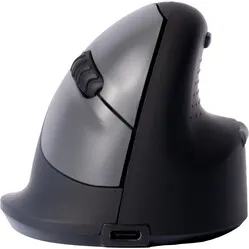
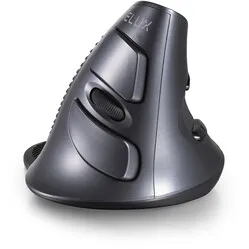
Delux Wow Grip Mouse wireless rechargeable right-handed - anthracite


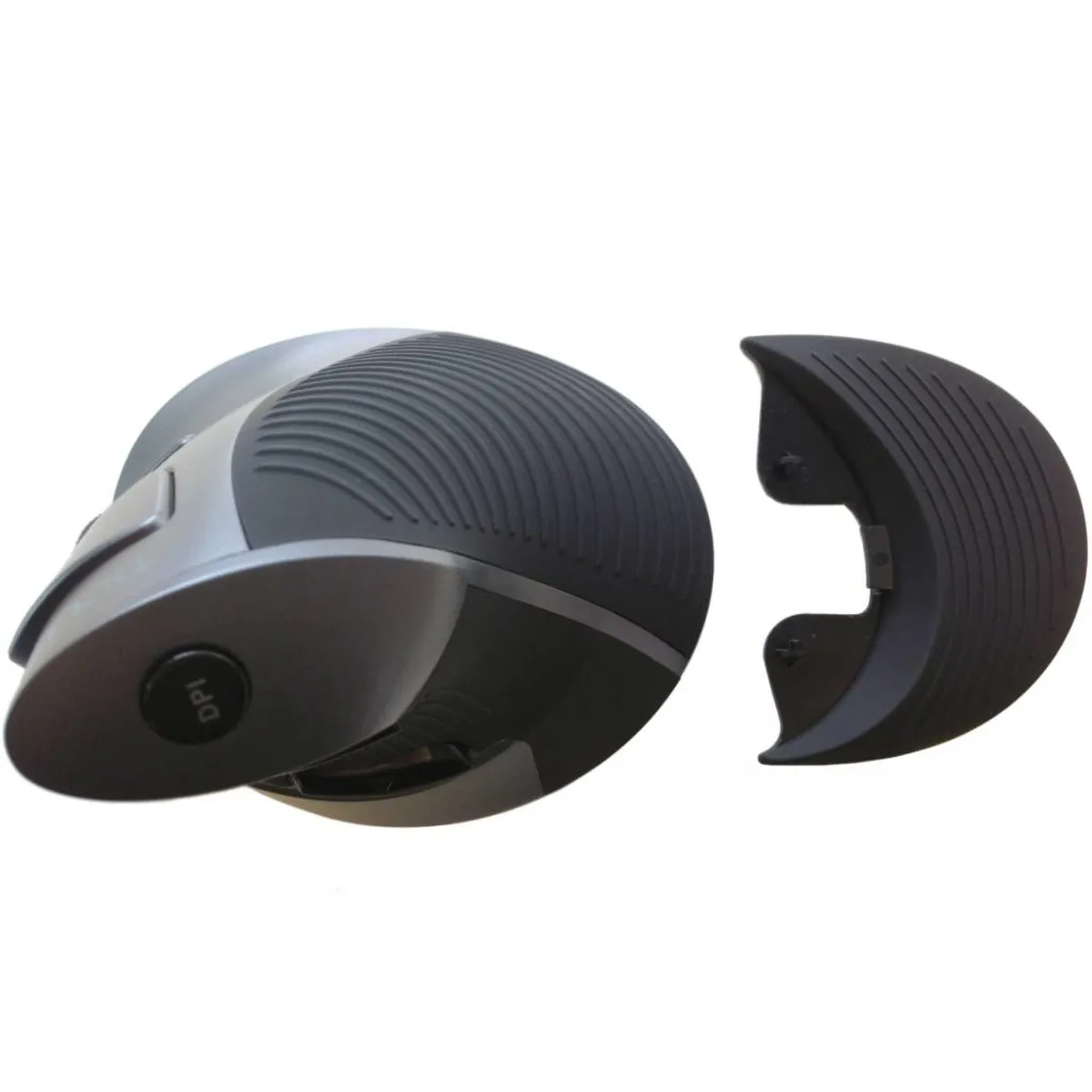


Product description of Delux Wow Grip Mouse wireless rechargeable right-handed - anthracite
Which size fits your hand?
Measure your hand as shown in the image and choose your size using the table below:
| Size | Hand width | Hand length |
|---|---|---|
| One size | < 90 mm | < 190 mm |

An ode to the Delux wireless mouse
Complete control
It's the delightful rubber grip that gives you so much control over the Delux mouse. The mouse gives your hand and arm a natural posture. You'll feel it immediately. You move the mouse across the desk in a wonderfully relaxed way.
Why the Delux wireless?
The design of the Delux mouse has been specially developed to encourage the hand, wrist, and arm into a natural posture. This relieves tension from your muscles and provides a comfortable working posture.
A firm handshake
The Delux mouse is ideal for preventing RSI complaints. The so-called 'handshake' design largely contributes to this. For a large number of people, it has already led to a reduction in hand, wrist, and arm complaints.
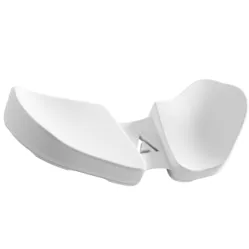
The detachable wrist rest provides that extra bit of necessary support. This makes it harder to move the mouse from the wrist. It promotes movements from the arm, using the large muscles. This means you develop complaints less quickly.
Also suitable for precise work
For precise tasks, such as working in Photoshop, InDesign, or a CAD program, the wrist rest can be easily removed. This gives you more precision. However, you must be careful not to work too much from the wrist, as this will cause complaints to manifest more quickly.
Comfort and convenience
The mouse itself has a wonderfully tactile ribbed rubber section where the hand rests. The scroll wheel also has this composition and provides good feedback while scrolling. Furthermore, you can adjust the mouse's sensitivity with the DPI button on the top.
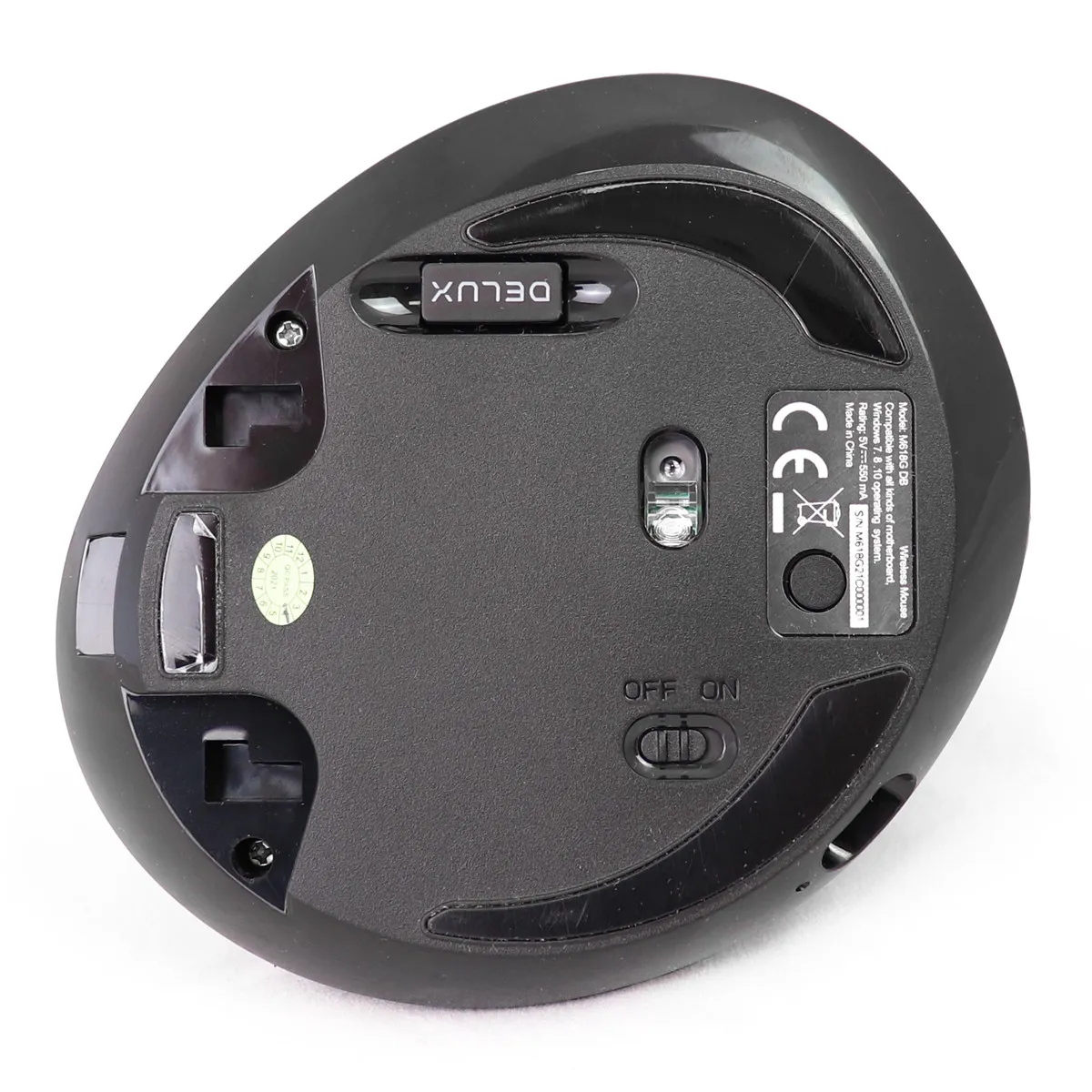
The Delux features a rechargeable battery. On a full charge, with a good 8 hours of work per day, you can use it for a week.
The mouse is Plug&Play, meaning you only need to plug the wireless receiver into your PC or laptop and you can start working immediately. You can also connect the mouse via Bluetooth to devices that support it.
Get the most out of it
The Delux has 5 buttons + a DPI button. In addition to the standard buttons, it has a forwards and backwards button, allowing you to easily navigate through pages. With the DPI button, the mouse can be set to 800, 1200, or 1600 DPI. This makes the mouse very versatile in use. The Delux works optimally for both precise tasks and extensive, fast clicking.
Don't miss this either
On Windows computers, you can use all the mouse functions. On MAC OS, the backward and forward buttons do not work. Below is an indication of which buttons work on which system.
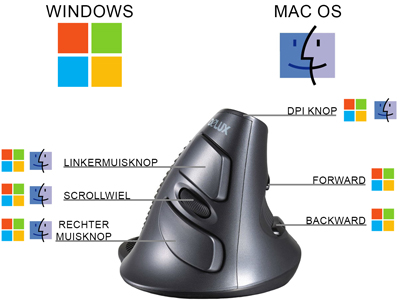
If you are a Mac user and want to use all the buttons? Then consider purchasing the USB Overdrive program. With this, you can not only get all the buttons working, but you can also assign any function you have in mind to them. Please note when purchasing; it may be cheaper to pay in dollars.
Pros and Cons
- Special handshake design
- Encourages arm into natural posture
- Soft touch parts for more grip
- Extra mouse buttons (forward & backward)
- Detachable wrist rest
- Rechargeable battery
- Not available in a left-handed version
Brief specifications
| Warranty | 2 years |
| Ergonomic design | |
| Usage | Right-handed |
| Number of buttons | 5 |
| Plug & Play |
How happy will my body be with this?
| Wrist | |
| Arm | |
| Hand | |
| Shoulder |
Product features
- Prevents RSI complaints
- Ergonomic design
- Detachable wrist rest
- Adjustable DPI
- Wireless USB and Bluetooth
- Rechargeable internal battery
- Also suitable for small hands
What's in the box?
- 1 x Right-handed wireless mouse
- 1 x User manual
- 1 x Wireless micro USB receiver
- 1 x USB-C charging cable
- 1 x Wrist rest
Frequently Asked Questions
Specifications
| Item number | ERGO-MI005UB |
| Manufacturer's item number | M618G DB |
| Brand | Deluxe |
| Warranty | 2 years |
| Type of guarantee | Ergowerken free warranty return service |
| Colour | Anthracite with black accents |
| Ergonomic design | |
| Management | Laser |
| Left- or right-handed | Right-handed |
| Hand length | Less than 190 mm, measured from the tip of the middle finger to the edge of the wrist |
| Hand width | Smaller than 90 mm, measured on the palm, 1 cm below the four fingers |
| Operation | Buttons and scroll wheel |
| Connection | USB-C |
| Included receiver | Yes, 2.4 GHz nano receiver |
| Bluetooth | |
| USB port | |
| USB version | 2.4 |
| Number of buttons | 5 buttons |
| On/off button | |
| Adjustable buttons | |
| Scroll wheel | |
| Trackball | |
| Adjustable sensitivity | |
| Sensitivity | 800/1200/1600 dpi |
| Type of power supply | Battery |
| Battery type | 500mA Lithium battery |
| Rechargeable | |
| Minimum system requirements | Mac OS X v10.5 and later Windows XP and later |
| Plug and play | |
| Dimensions length x width x height | 103 x 95 x 87 millimetres |
| Product weight | 137.2 grams |
Reviews Delux Wow Grip Mouse wireless rechargeable right-handed - anthracite
Customers who write a review enter a prize draw for a voucher. We pick one winner and publish all reviews, including critical ones.