Good inside and out
Look, it's important to have a correct posture while working. R-Go understands that. But it's just as important that nature doesn't have to suffer. R-Go understands that too!
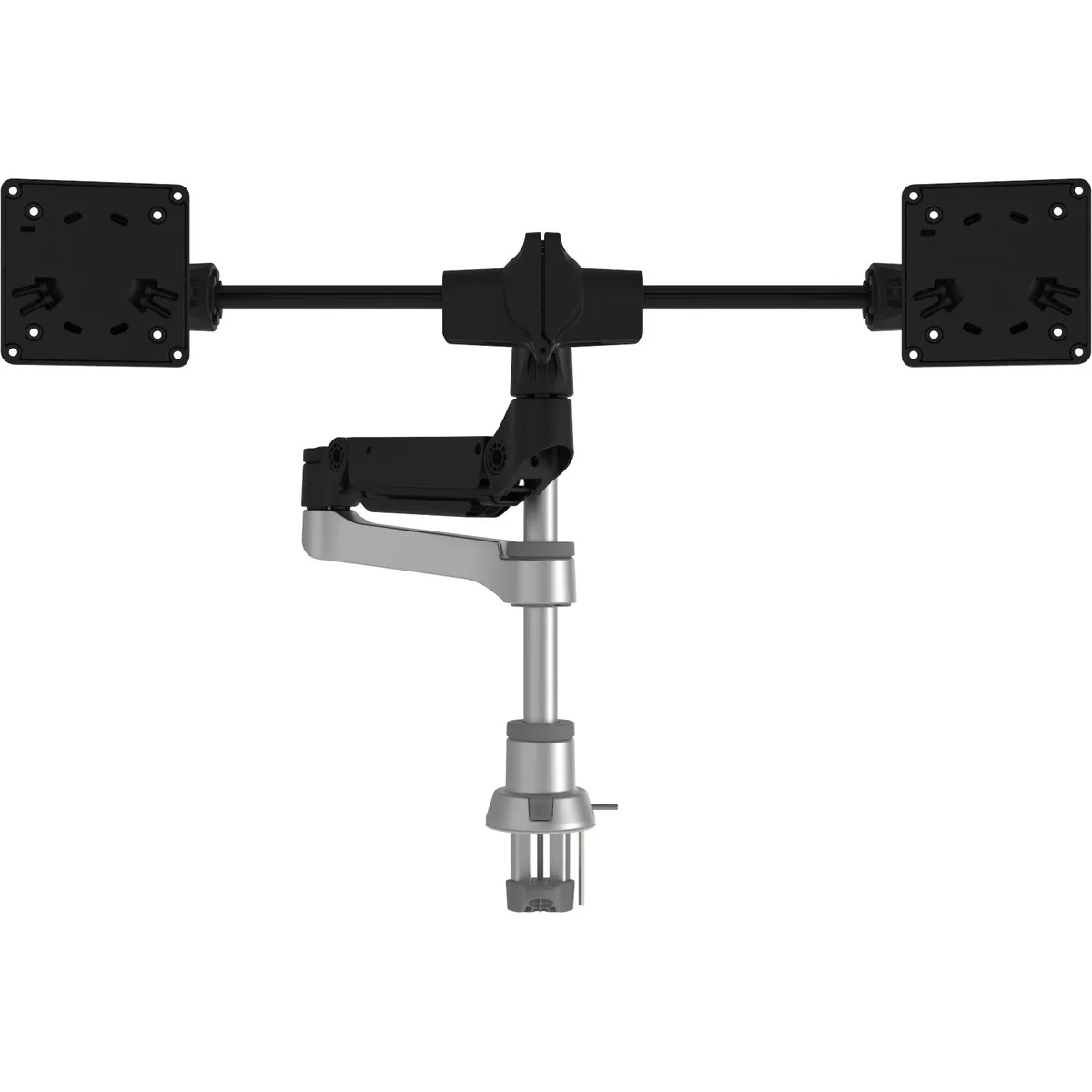
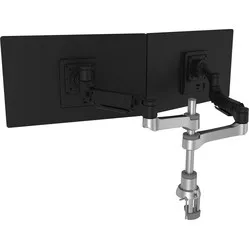
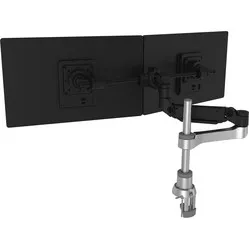
With the R-Go Caparo Smart Bar monitor arm, you can adjust the height and rotate your screens. You can adjust the height by hanging the arm higher or lower on the pole. You do this using a handy swivel mechanism. You can also effortlessly adjust the height further thanks to the gas spring arm. The Smart Bar is tiltable. This allows you to set the screens at different heights relative to each other.
You can attach the Caparo in two ways. With a desk clamp, you can easily attach it to the edge of your desk (max. 55 mm). With the grommet mount, you attach the monitor arm into a hole in your desk (Ø 60, 80 mm).
Using a VESA mount (75 and 100 mm), the screens are attached to the Smart Bar. More information about VESA mounts can be found here. The Smart Bar is suitable for two screens up to 4 kg each. Furthermore, the arm features built-in cable management to keep your desk free of cables.
A monitor arm makes your monitor optimally adjustable. Height, width, and viewing angle improve your working posture so that your body can find more relaxation. This way, you work comfortably for longer and are less likely to develop complaints in your back, neck, or shoulders. An arm for multiple monitors can also boost productivity.
Make sure you sit in a good, upright posture on your chair. Then place the screen perfectly straight relative to your desk and move the monitor up until the top edge of the screen is at eye level.
Finally, check if you are sitting approximately an arm's length away from your screen. Ergonomic mouse next to it, keyboard in front, and get to work. Ah, what a relief!
The R-Go monitor arms have been developed with nature in mind. All materials are fully recyclable. Furthermore, R-Go has had an LCA drawn up for each product by Ecochain, taking into account production, transport, and "end-of-life". Based on the number of sales, R-Go has trees planted by One Tree Planted with the aim of offsetting emitted CO2 within 15 years. However, trees last much longer!