Notify me when is back in stock.
Enter your email address and we’ll notify you when it’s back in stock.
Once you submit your email address, we’ll send you a confirmation email for your sign-up.
This notification does not guarantee that you’ll be able to claim the product when new stock arrives. Want a better chance of getting it once it’s back in stock? Order and pay for it now, and you’ll be first in line when new stock becomes available.
Privacy Your email address is stored in a secure, closed database that we cannot access. After the stock update, your email address will be automatically deleted.
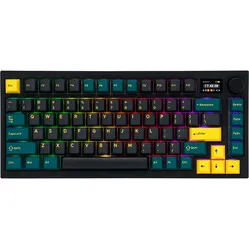
Mistel Q75-Bunny Wireless Mechanical Keyboard
0 reviews
0,00

Tell us about yourself

We nemen zo snel mogelijk contact met jou op met een voorstel.

Stel vraag

Mistel Q75-Bunny Wireless Mechanical Keyboard

Mistel Q75-Bunny Wireless Mechanical Keyboard
No longer available

Product description of Mistel Q75-Bunny Wireless Mechanical Keyboard

Is this keyboard right for me?

keyboard dimensions
Width 311 mm
Depth 121 mm
Height40 mm
VersionWindows and Mac
Key layoutQWERTY (ANSI US int.)
ConnectionWireless USB and USB-C
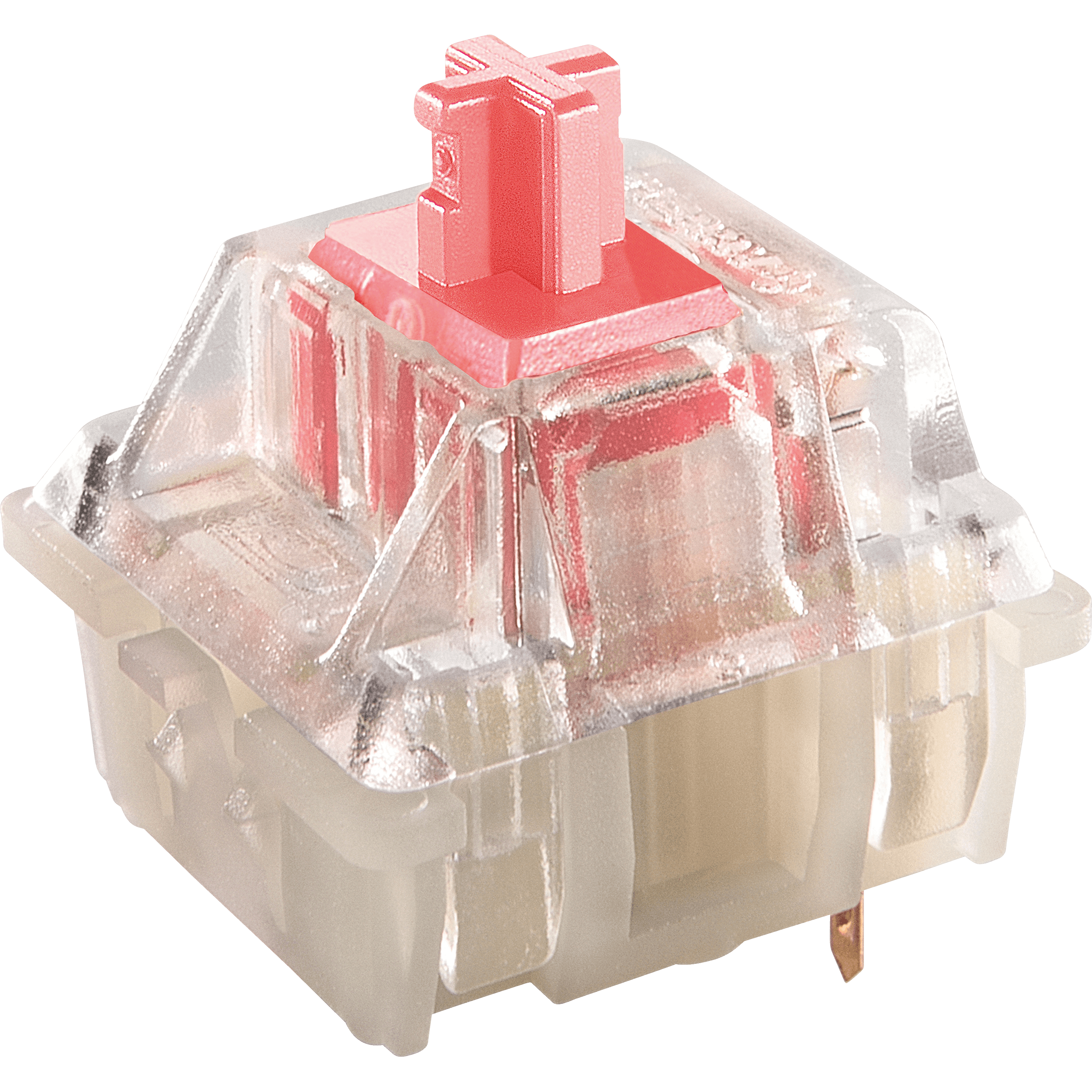
SwitchesCherry MX See which variants

An ode to the Mistel Q75 keyboard

Q is here for you 007

Although similar in name, Mistel's Q could not be more different from James Bond's Q. Where Bond's Q technically supports him in causing harm to others, Mistel's Q technically helps you prevent personal harm.

Why the Mistel Q75 keyboard?

The Q75 gives you all the keys and functions you need in a compact size. This means that a numeric keypad is absent, for ergonomic reasons, but there are still hotkeys that can be used by pressing combination keys. All combination keys can be found in the manual.

The keyboard connects wirelessly via a USB receiver. Wired connection is also possible. A USB-C cable is included for this.

Endless possibilities

The Mistel Q75 keyboard is packed with features; you can adjust the layout from QWERTY to DVORAK and even COLEMAK. If you don't like a certain button in its standard location, you can program it elsewhere. You don't need special software for this, but keep the manual handy. It explains well how to program it and gives you an overview of the possibilities.

What's also useful to know is that the keyboard is equipped with 3 layers. This means you can program different layouts per layer. For example, think of a layout that is optimal for your main tasks and another layout for when you want to perform simple typing work or even a special layout for a specific game.

What makes an ergonomic keyboard so good?

Anyone who performs a lot of computer work knows that this can be strenuous for your wrists, shoulders, back, and neck. A good keyboard can help you with this. The Mistel Q75, for example, has a compact design. The keys are also extra easy to press. Furthermore, you can place your mouse close to the keyboard. All of this is to minimise muscle tension, thereby preventing or reducing injuries.

Get the most out of this product

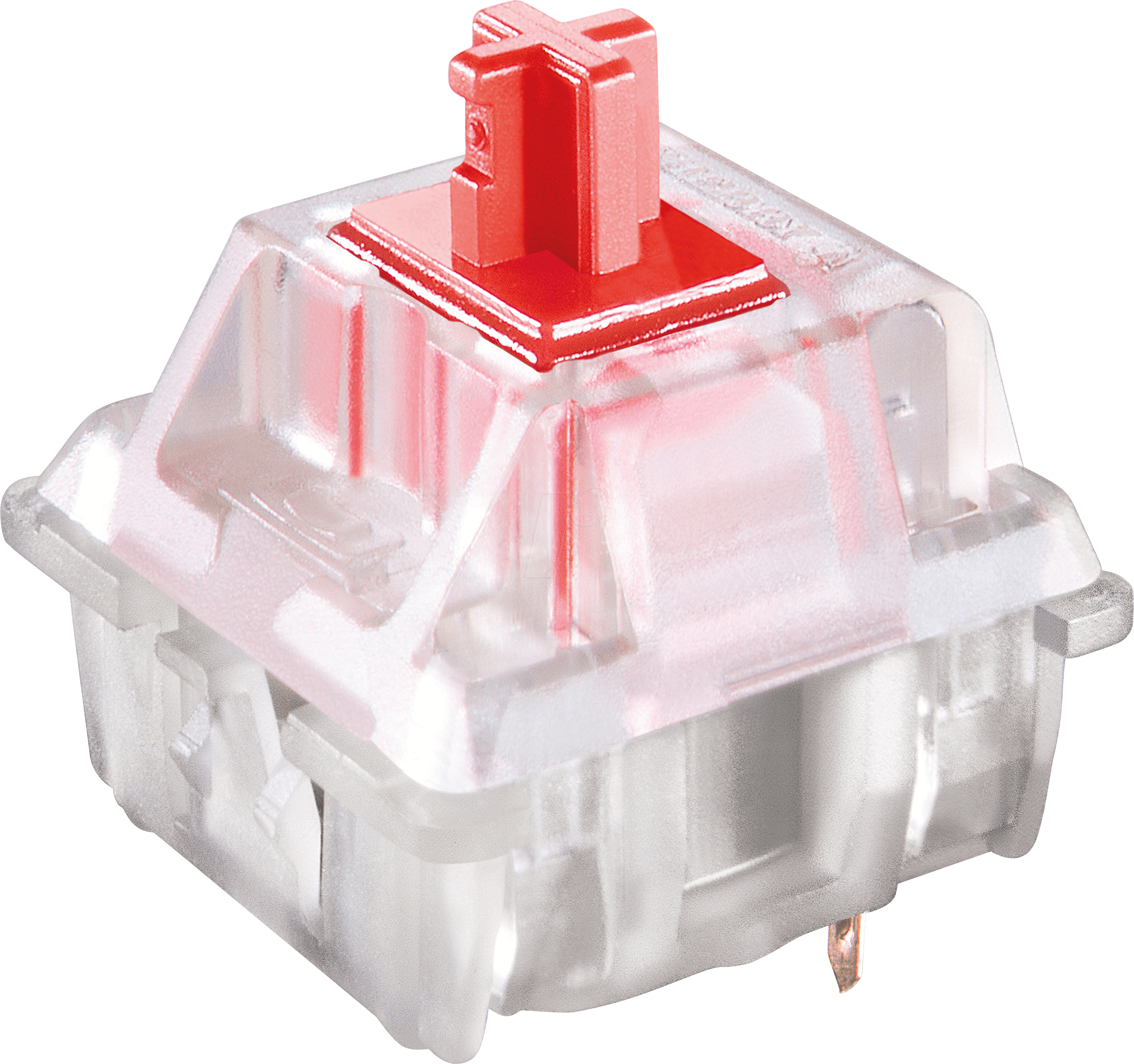
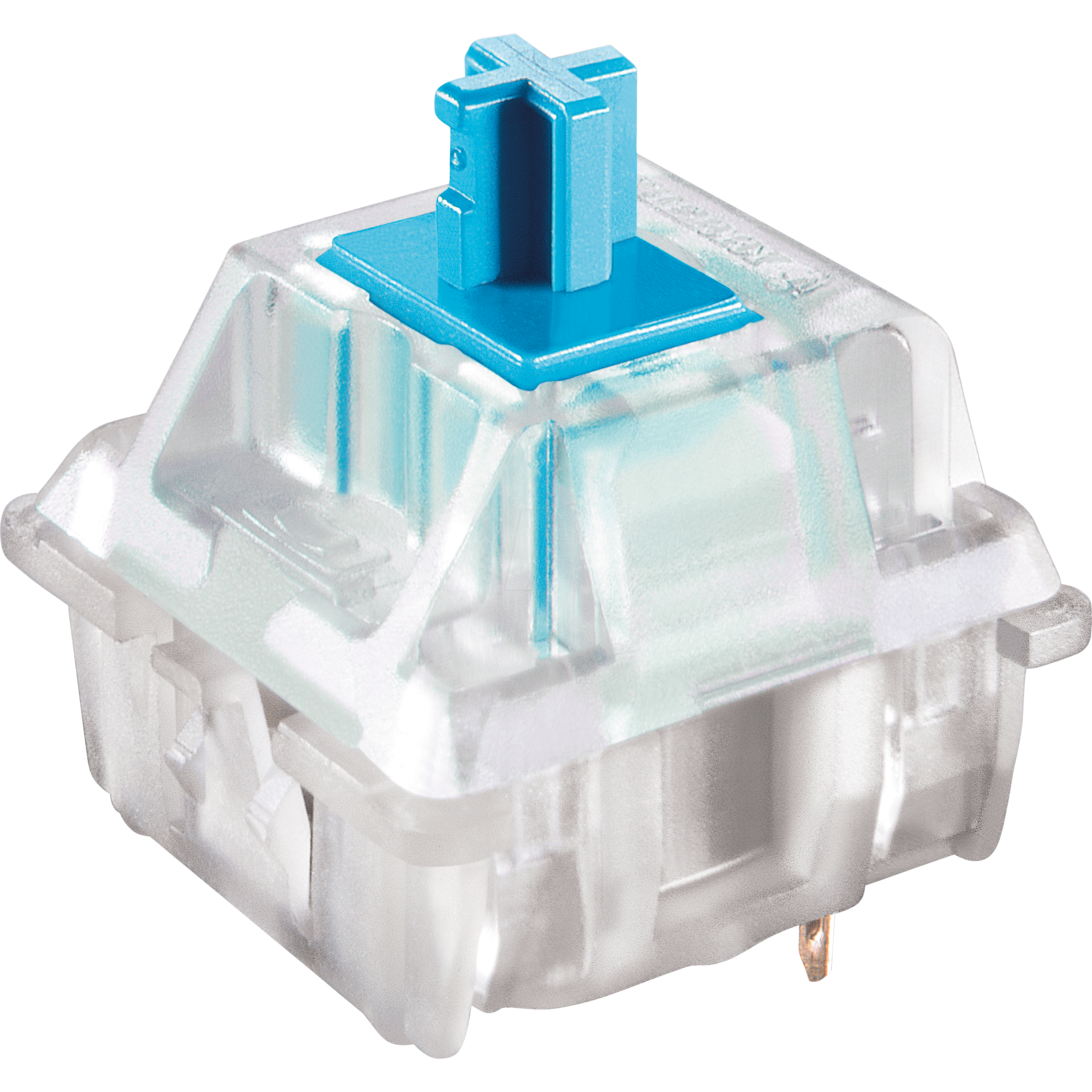
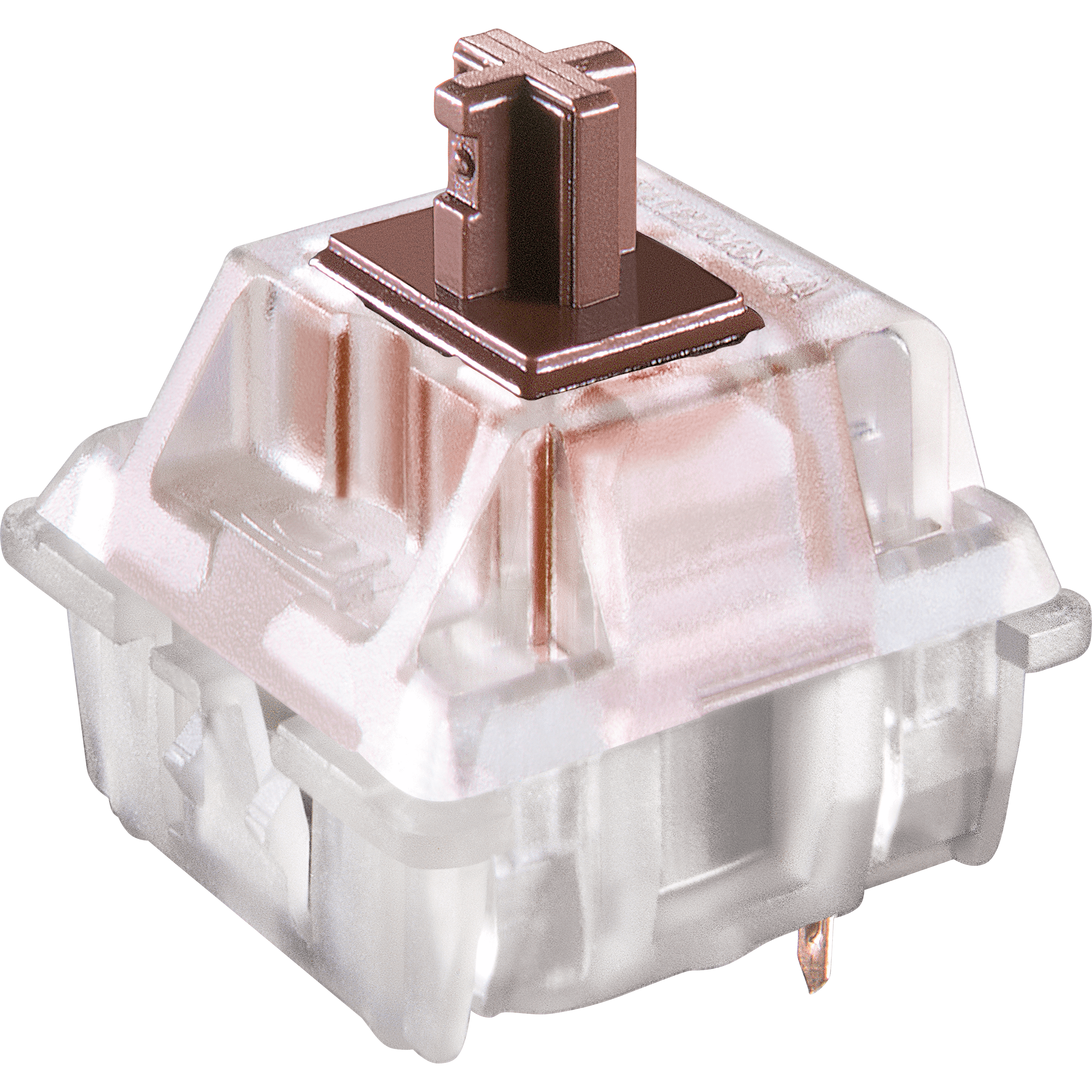
Here you choose not only the keyboard but also the type of keys it is equipped with. You can choose from Cherry MX Red, Blue, Brown, and Silent Red mechanical switches. At the bottom of the page, you will find an overview of the different keys so you can choose the right one for you.

Don't miss this either

The Q75 features NKRO (n-key rollover). This means you can press multiple keys simultaneously or very quickly in succession. This is especially useful when playing games where you often press multiple keys at once. An NKRO keyboard is also a must for fast typists.

How beneficial is this for my body?

  • Shoulder
  • Hand
  • Wrist
  • Arm
  •      
  •      
  •      
  •      

Pros and cons

  •  Compact size
  •  Hotkeys
  •  High quality
  •  Wired and wireless
  •  No numeric keypad

Brief specifications

Warranty2 years
ColourGrey/White/Orange
Version83-keys
Ergonomic design 
Plug & Play 
  view all specifications  

Product features

  •  Ergonomic design
  •  Mechanical keys
  •  83-key version
  •  Compact size
  •  Cherry MX switches
  •  Cable length 180 cm
  •  12 multimedia keys
  •  Plastic frame
  •  For Windows & Mac
  •  Can be used both wired and wireless
  •  Wireless via USB receiver
  •  Double shot PBT keycaps

What's in the box?

  •  1 x compact QWERTY keyboard
  •  1 x USB-C to USB-A cable
  •  1 x USB receiver
  •  1 x user manual
  •  Wrist rest
  •  1 x keycap puller
  •  2 x AAA battery

Downloads

  Manual

Cherry MX RGB Switches

Cherry-logocherry red switchcherry blue switchcherry brown switchcherry silent red switch
Colour:RedBlueBrownSilent Red
Type:LinearClickyTactileLinear
Force (g):45605545
Actuation point (mm.):22.321.9
Max. travel (mm.):4443.7
Lifespan (clicks):100 million100 million100 million100 million
Sound:    
Ideal for:GamingTypingAll-roundGaming

Frequently asked questions

Absolutely. At Ergowerken, you can always return your purchase free of charge within 90 days. We can then look for an alternative together, or we will refund the purchase amount. You will never encounter any surprises with us.
Item number ERGO-Q75BBR | ERGO-Q75BB | ERGO-Q75BR | ERGO-Q75BSR
Manufacturer's item number Q75-BUSPDBVG1 | Q75-CUSPDBVG1 | Q75-RUSPDBVG1 | Q75-PUSPDBVG1
Brand Mistletoe
Warranty 2 years
Type of guarantee The Ergowerken free return guarantee service
Colour Grey/white/orange
Keyboard type Compact
Ergonomic design Yes
Keyboard layout QWERTY (ANSI US int.)
Connection USB wireless and USB-C wired
Bluetooth No
Type of keys Mechanical
Numeric keypad No
Shortcut keys Yes
Programmable buttons Yes, 3 layers
Trackball/touchpad No
Type of power supply Battery or USB-C wired
Battery type AAA battery
Minimum system requirements Windows and Mac
Plug and play Yes
Dimensions length x width x height 40 x 311 x 121 millimetres
Product weight 755 grams