Stel hier je vraag over dit product
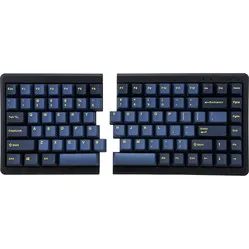
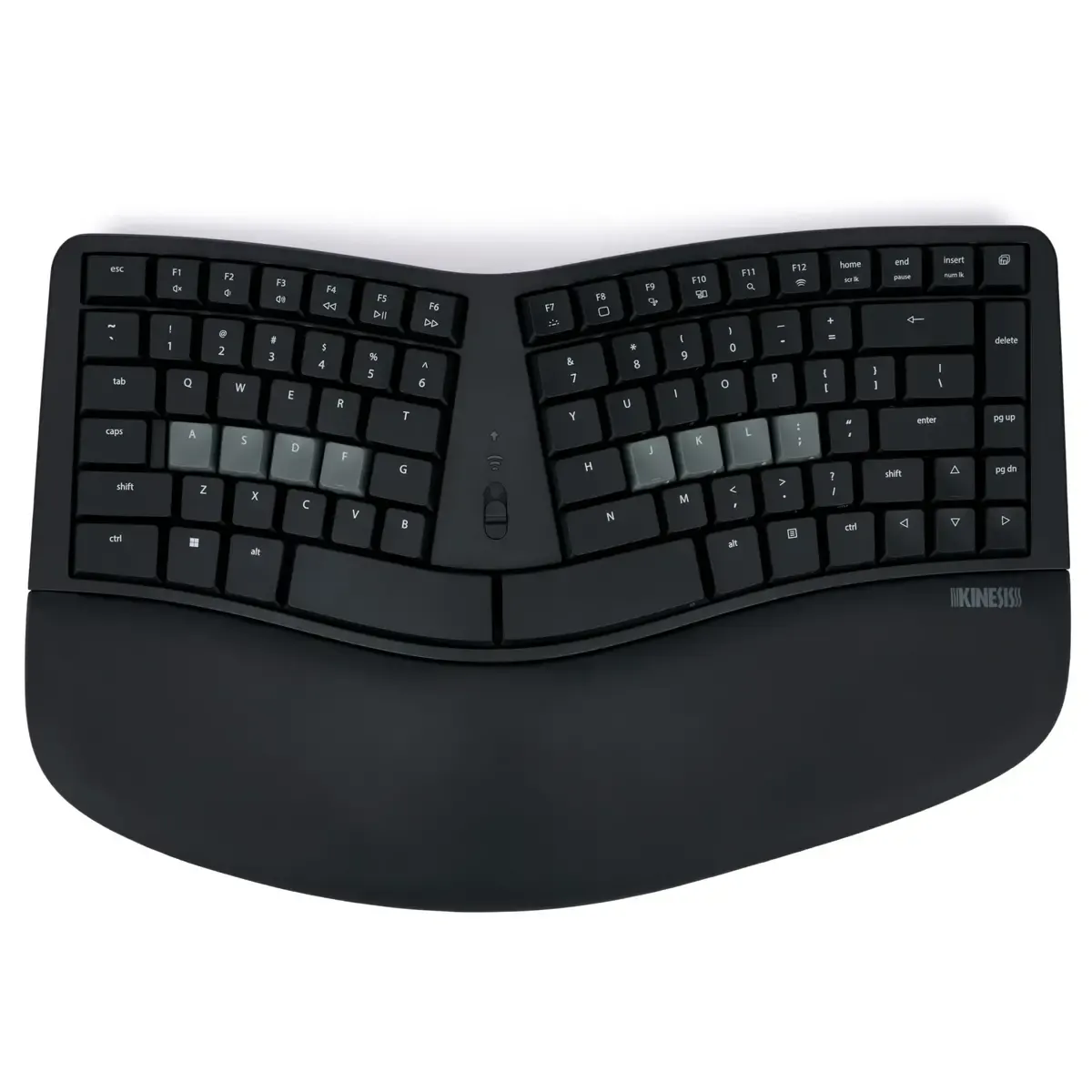
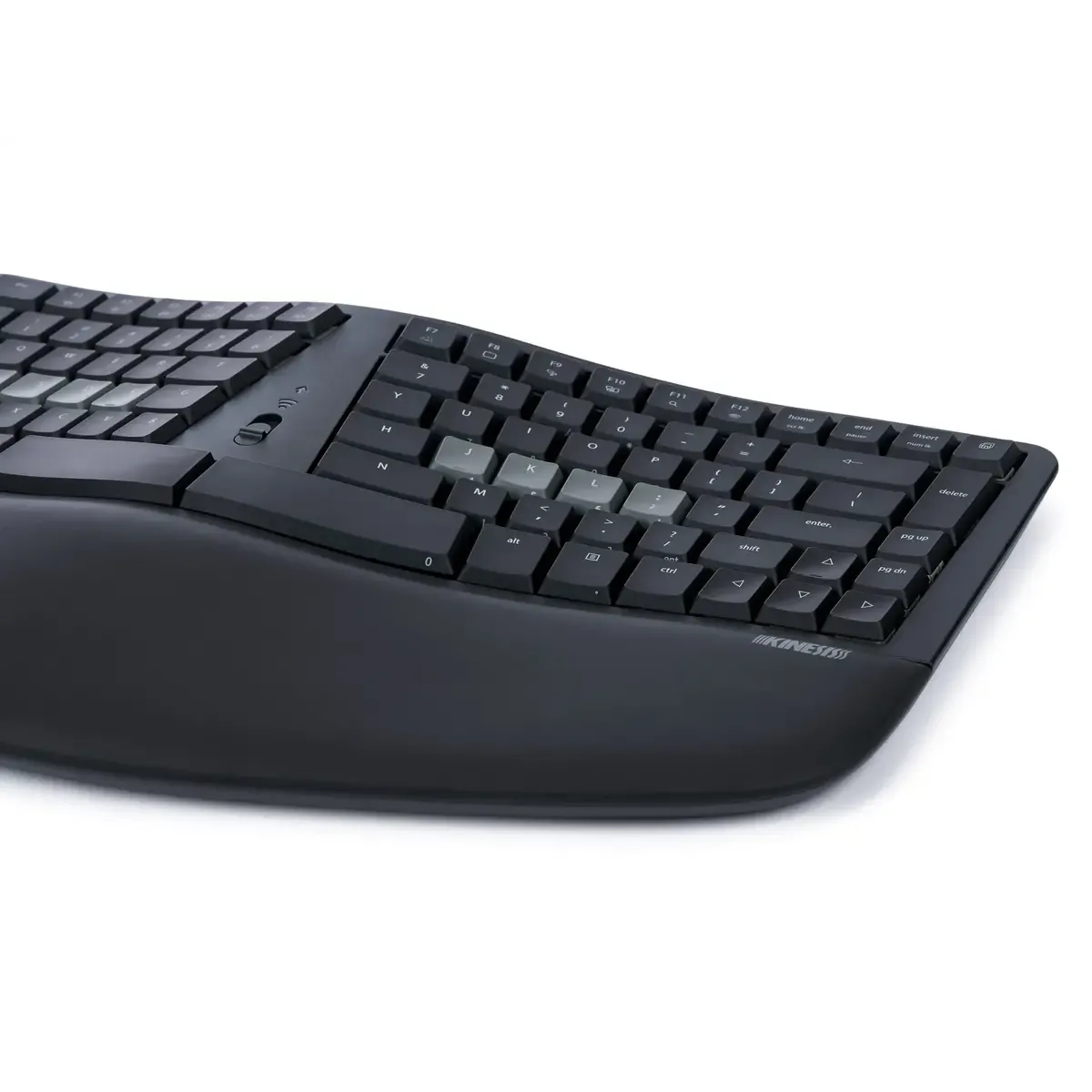
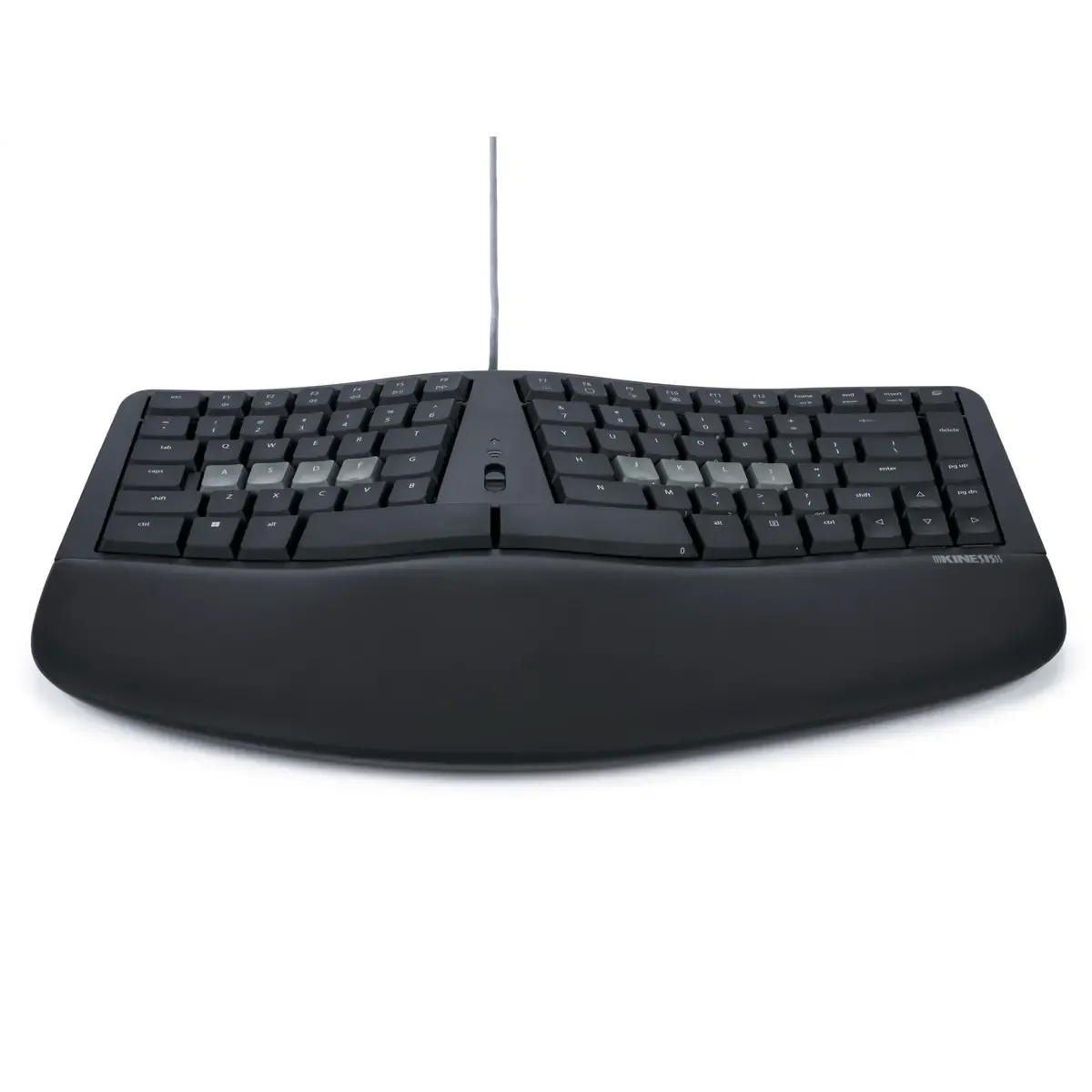
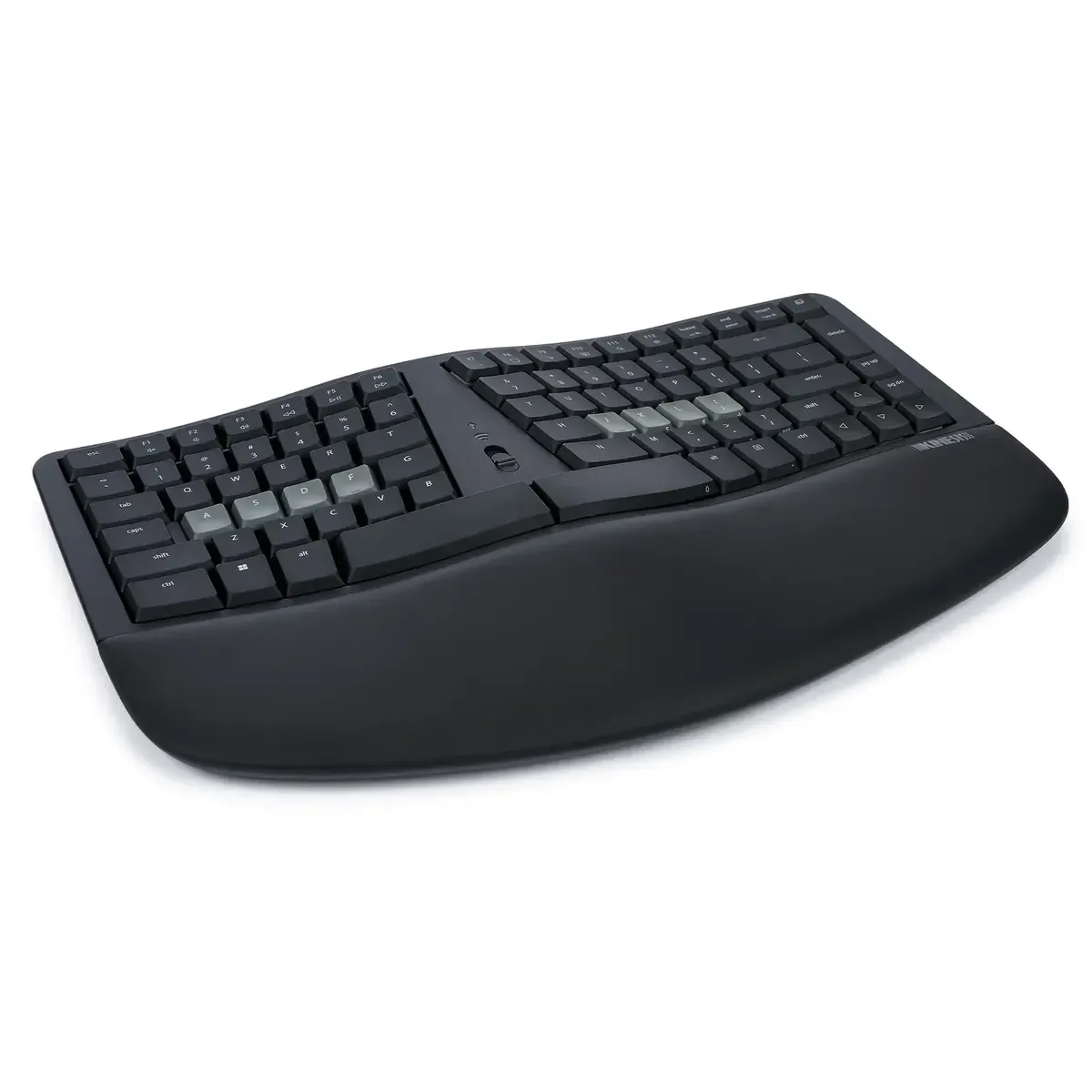
Kinesis mWave split mechanical keyboard for PC



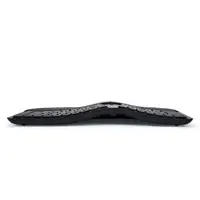

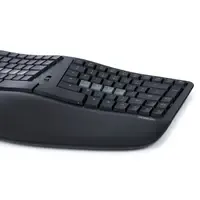
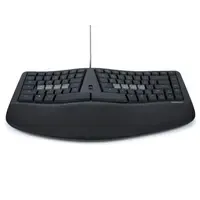
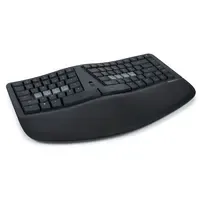
Product description of Kinesis mWave split mechanical keyboard for PC
Is this keyboard right for me?
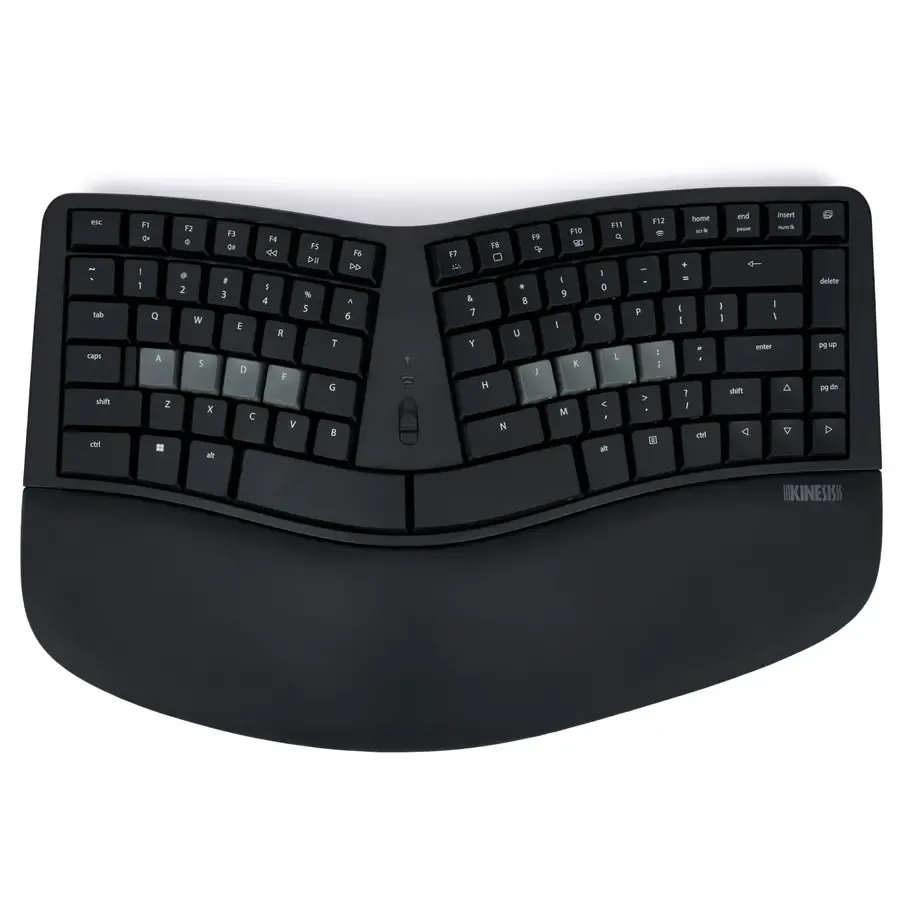
| Width | 387 mm |
| Depth | 241 mm |
| Height | 44 mm |
| Version | Windows |
| Key layout | QWERTY (ANSI US) |
| Switches | Gateron Low Profile Brown |
| Connection | Bluetooth 5.1 and USB-C |
A tribute to the Kinesis mWave PC
The Sculpt is dead, long live the mWave
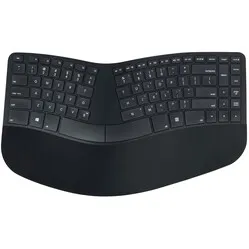
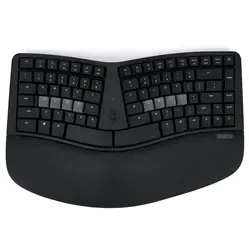
If you miss the Microsoft Sculpt, the Kinesis mWave PC is your new best friend. With a split design, mechanical switches and an integrated numeric keypad, this keyboard is a worthy successor. No more compromises, just a keyboard that genuinely works with you.
Why the Kinesis mWave PC?
Ergonomics and functionality in one
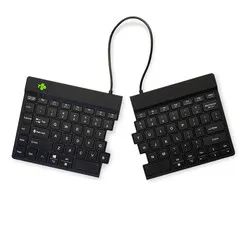
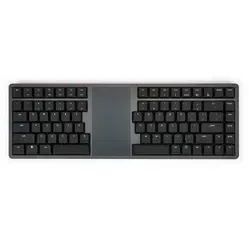
The mWave PC combines an ergonomic design with modern functionality. The split design and the integrated tenting give you a natural hand position, while the mechanical switches provide a pleasant typing experience. With both wired and wireless connectivity, this keyboard is flexible to use.
Programmable and adjustable
Thanks to the Kinesis Clique Programming Engine, the keyboard is fully programmable. Adjust the layout, set up macros and switch between different profiles. All without installing any extra software.
What makes the mWave PC so good?
The combination of ergonomics, programmability and high build quality makes the mWave PC an excellent choice for professionals who type a lot. The low actuation force of the switches can help reduce fatigue, while the negative tilt and wrist rests provide extra comfort.
Get the most out of your mWave PC
Use the programmable profiles
Set up different profiles for different tasks or applications. Switch easily between profiles with the profile switch and optimise your workflow.
Make use of the integrated numeric keys
Activate the numeric keypad via the Fn layer and enter numeric data quickly without taking your hands off the home position.
Don't miss this either
Time to measure
Check whether the dimensions of the keyboard suit your workspace. With a width of 387 mm and a depth of 241 mm, the mWave is compact enough for most desks.
Pros and cons
- Ergonomic split design
- Mechanical switches with low actuation force
- Fully programmable via web interface
- Suitable for both wired and wireless connection
- Backlight only available in wired mode
Brief specifications
| Width | 387 mm |
| Depth | 241 mm |
| Height | 44 mm |
| Version | Mac |
| Key layout | QWERTY (ANSI US) |
| Switches | Gateron Low Profile Brown |
| Connection | Bluetooth 5.1 and USB-C |
How happy will my body be with this?
| Hand | |
| Arm | |
| Wrist | |
| Shoulder |
Product features
- Split design for a natural hand position
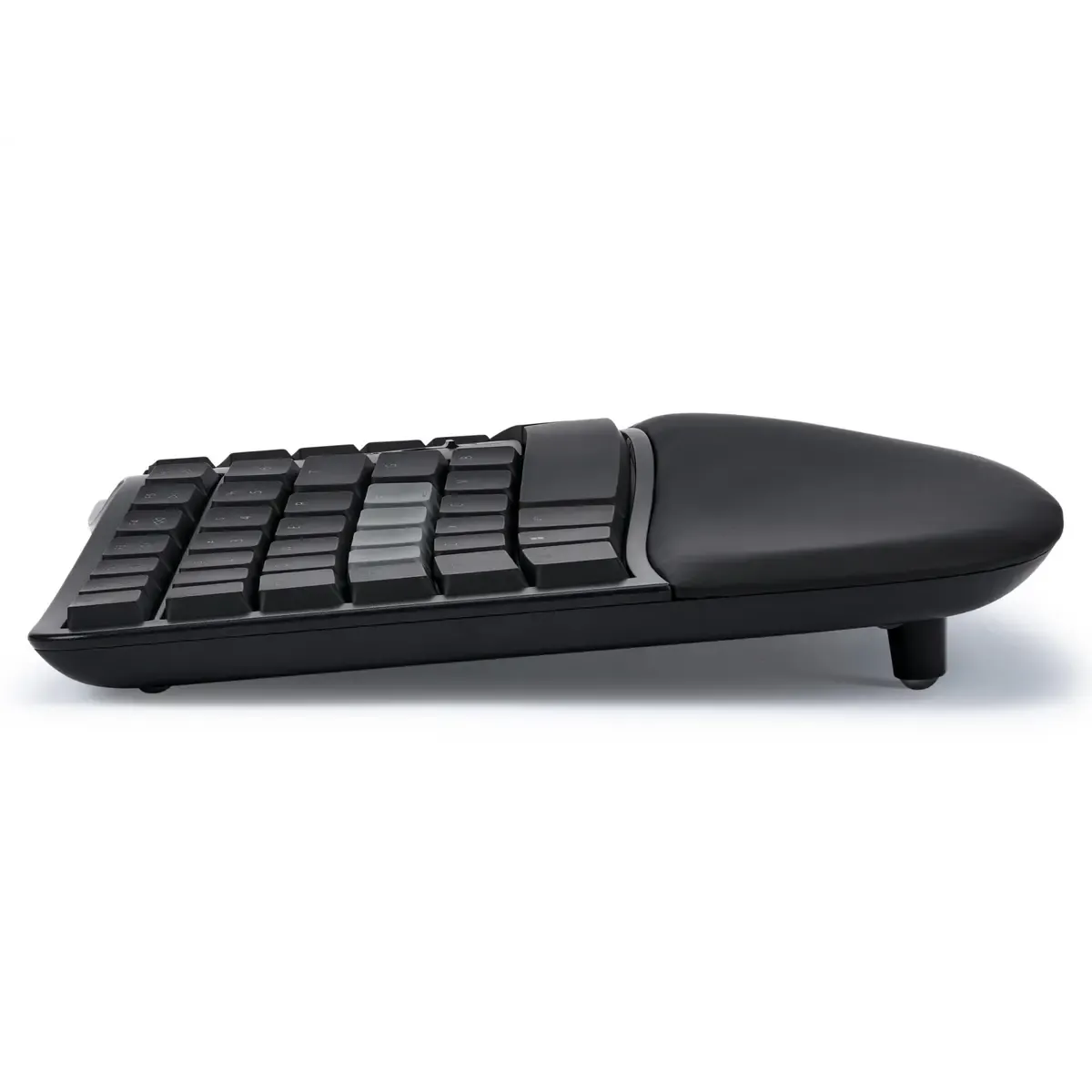
- Integrated 10° tenting
- Velvety soft, washable wrist rests
- Compact tenkeyless design with integrated numeric keypad
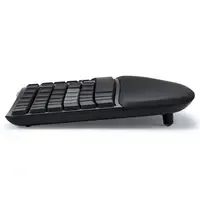
- Negative tilt with magnetic feet
- Gateron Low Profile Brown switches (55g actuation force)
- Fully programmable via Kinesis Clique
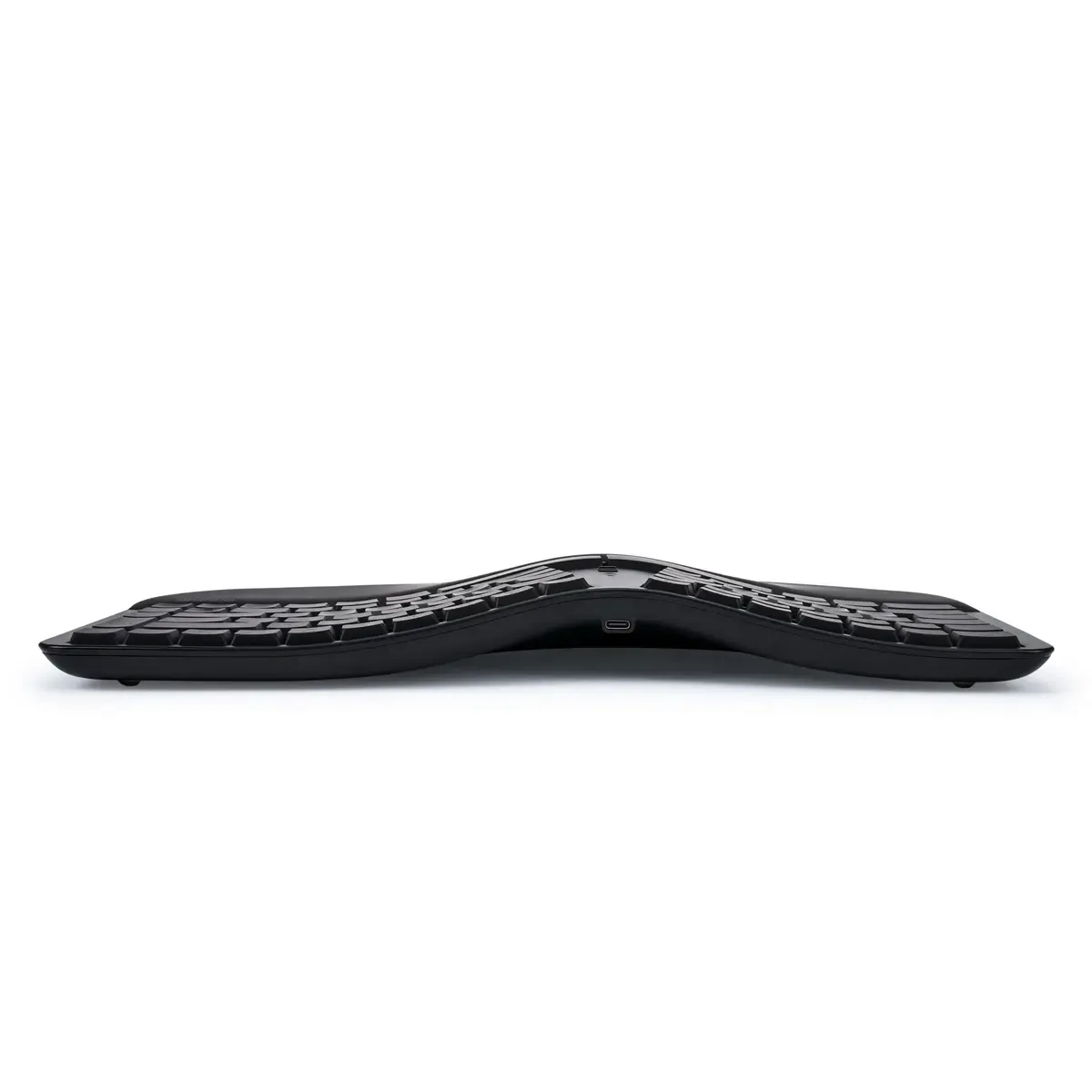
- Bluetooth 5.1 and USB-C connectivity
- Compatible with Windows, Linux, ChromeOS and Android
- Includes 3 magnetic feet for tenting
What's in the box?
- 1 x Kinesis mWave PC keyboard
- 1 x USB-C cable (2 metres)
- 1 x Set of magnetic feet for tenting
- 1 x Quick start guide
Downloads
Frequently asked questions
Which switch suits you?
With this keyboard you choose which switches go underneath. They cost the same, so it comes down to preference. A linear switch travels smoothly with no noticeable bump; a tactile switch has one, and a clicky switch lets you hear it too.
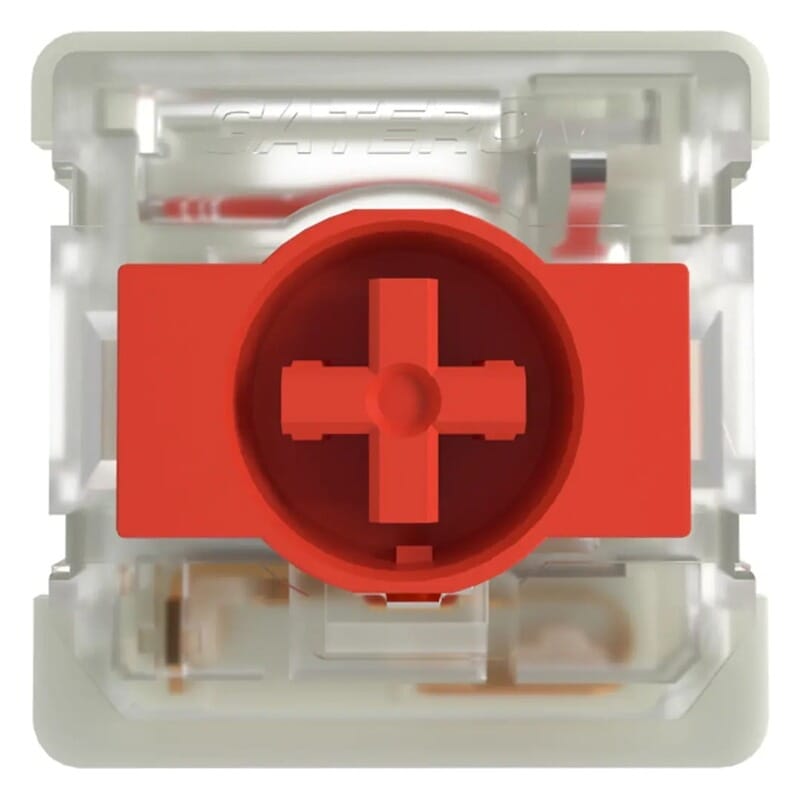 | 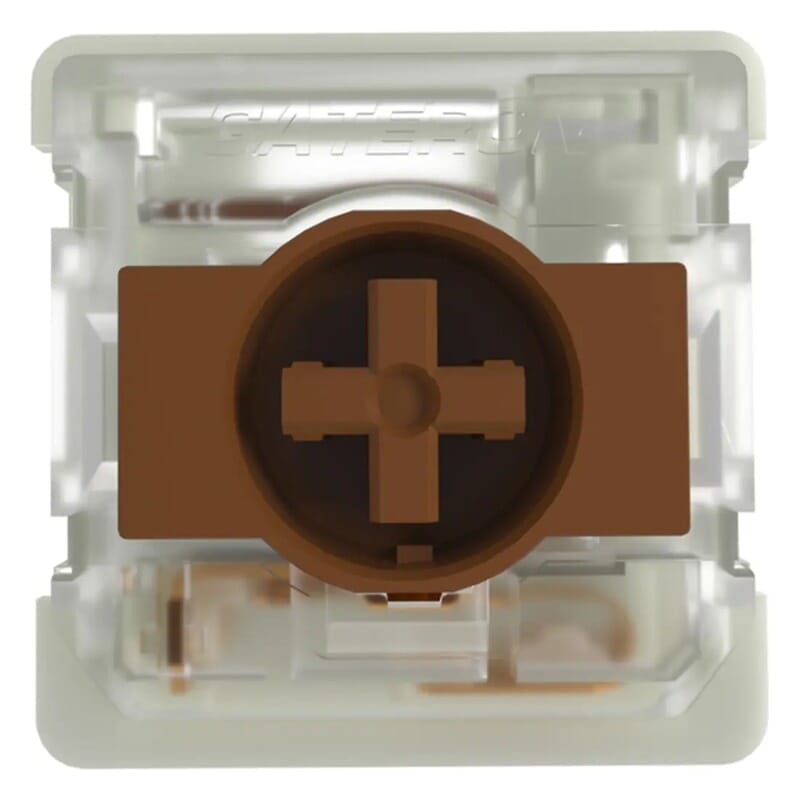 | |
| Type:Linear travels evenly. Tactile has a noticeable bump. Clicky adds an audible click to that bump. | Linear | Tactile |
| Actuation force:Force:The force needed to register a keystroke. A regular rubber dome keyboard needs 55 to 60 g, so lower means lighter typing. | 50 g | 55 g |
| Tactile bump force:Bump force:The force at the point where you clearly feel the key give way. Only tactile and clicky switches have this; a linear switch does not. A dash means the switch does have one, but the manufacturer states no figure. Technical term: pressure point force. | Not applicable | – |
| Registers after:The distance the key travels before the keystroke registers. You do not have to press the key all the way down. Technical term: pre-travel or actuation point. | 1.7 mm | 1.7 mm |
| Full travel:Travel:The total distance until the key can go no further. | 3.0 mm | 3.0 mm |
| Lifespan:The number of keystrokes per key stated by the manufacturer. | 60 million | 60 million |
| Sound:Indication for normal typing. Even a silent switch makes noise if you bottom out the key. | Quiet | Quiet |
Specifications
| Item number | ERGO-KIMWAVE-PC |
| Manufacturer's item number | KB150P-TAC |
| Brand | Kinesis |
| Warranty | 2 years |
| Type of guarantee | The Ergowerken free return guarantee service |
| Colour | Black |
| Keyboard type | Mechanically split keyboard |
| Ergonomic design | |
| Keyboard layout | QWERTY (US) ANSI |
| Connection | Wireless via Bluetooth and wired via USB |
| Bluetooth | Yes, Bluetooth Low Energy v.5.1. |
| USB version | USB-C |
| Type of keys | Gateron Low Profile Mechanical Key Switches (KS-33 2.0) |
| Numeric keypad | Integrated |
| Shortcut keys | |
| Programmable buttons | |
| Trackball/touchpad | |
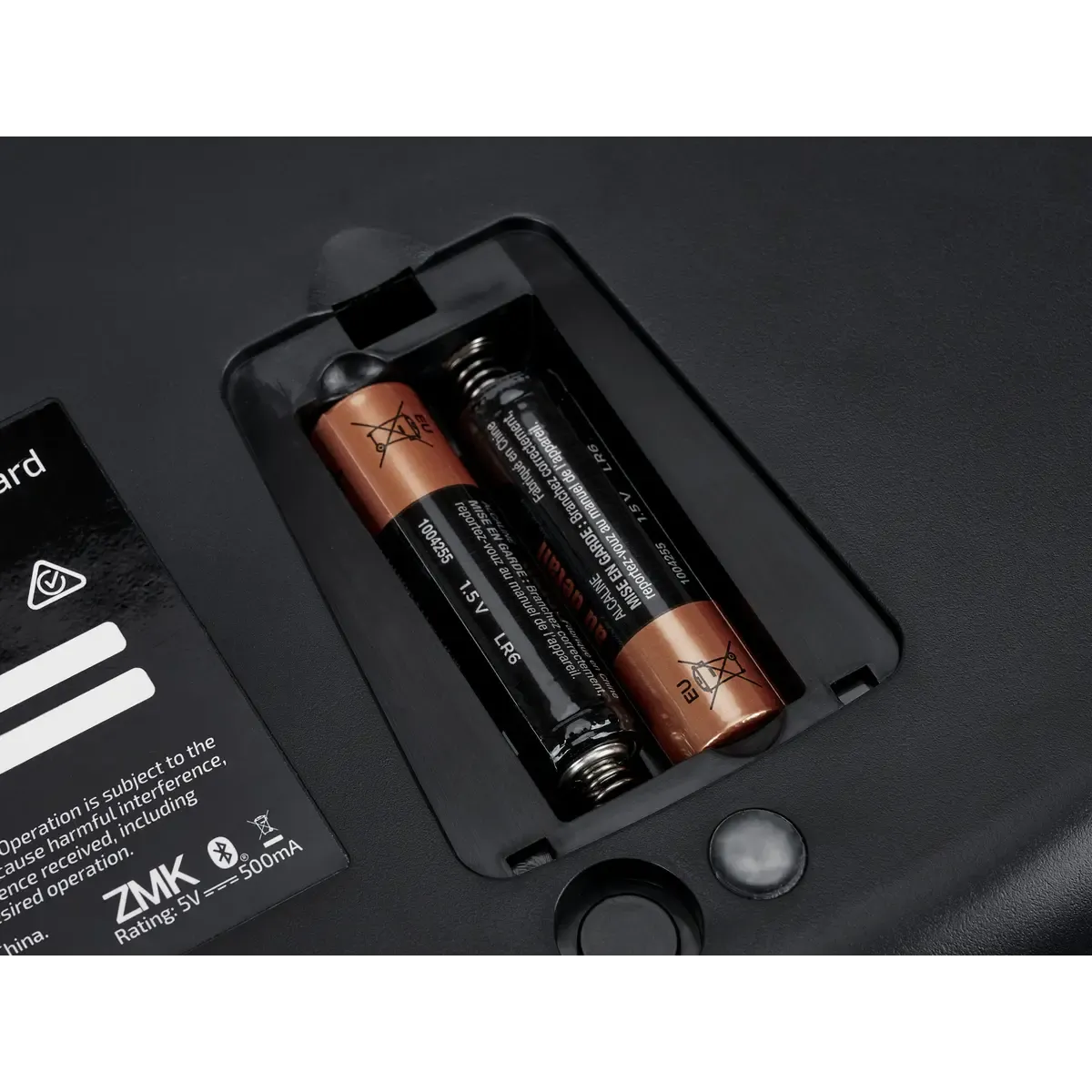
| Type of power supply | Battery or USB cable |
| Battery type | 2x AA battery (included) |
| Rechargeable | No, wireless with up to 18 months of usage |
| Minimum system requirements | Mac OS X v10.5, Mac OS X v10.6, Mac OS X v10.7, Mac OS X v10.8, Mac OS X v10.9, Mac OS X v10.10, Mac OS X v10.11, Windows XP, Windows Vista, Windows 7, Windows 8, Windows 10 |
| Plug and play | |
| Dimensions length x width x height | 241 x 387 x 44 millimetres |
| Product weight | 907 grams |
Reviews Kinesis mWave split mechanical keyboard for PC
Customers who write a review enter a prize draw for a voucher. We pick one winner and publish all reviews, including critical ones.