An ode to the Warm Mat
Warm mats, dry jokes
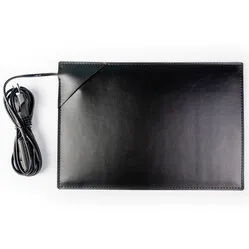
Lovely, isn't it, such a chic mouse mat. What a wonderfully warm look! Ha, get it? "Warm look", because the mat emits warmth... Oh, never mind.
Why the De WarmeMat™ mouse mat?
The mouse mat features an integrated infrared heating element across its entire surface. This type of heating has a relieving effect on muscle and joint pain, RSI complaints, rheumatic complaints, osteoarthritis, and Raynaud's phenomenon.
You simply connect it by plugging it into the socket (only suitable for 230 volts!). The cord is 2 metres long and has a button to switch the mat on and off. You can also choose a dimmer/heat regulator so you can set the desired warmth yourself.
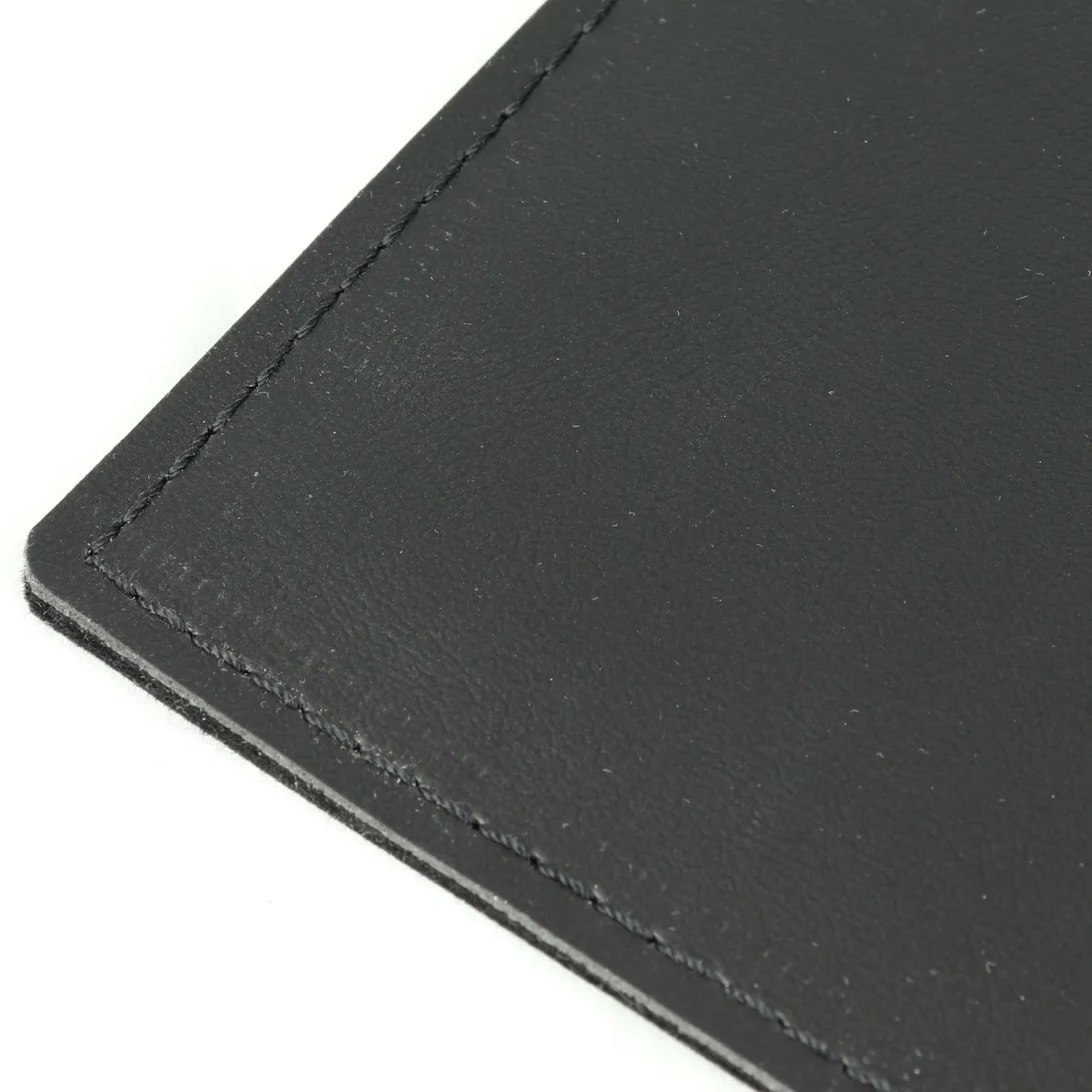
The durable synthetic leather can be cleaned with a damp cloth. However, first unplug it from the socket and do not use any cleaning agents. Also, ensure no water gets into the mat.
What makes a mouse mat so good?
With a mouse mat, you can always use your mouse anywhere. This special mouse mat also ensures your hands stay nice and warm.
Energy costs
Currently, September 2022, energy prices are skyrocketing. So it's not surprising if you wonder what it costs to turn on a heated mat. In this document, we have created an overview of the costs per hour and per working day. We have calculated with a rate of €0.875 per kWh here. If you want to calculate with a different rate, use the formula at the bottom of the document.
Also, don't miss this
Never completely cover the product. This prevents heat from escaping and can cause damage to the mat. Ensure the power cord does not kink and unroll it properly when in use. The mat is not foldable.
Correct placement of the mat
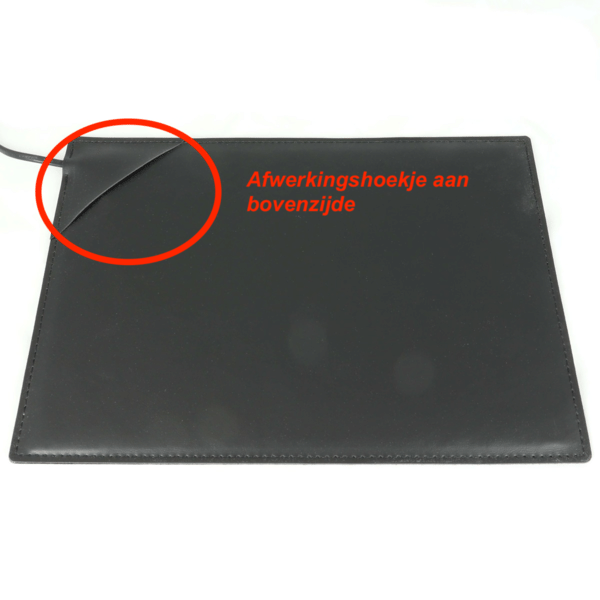
The mouse mat is constructed from 2 sheets of synthetic leather, a heating element, and cardboard for extra rigidity. The cardboard must always be at the bottom so that it does not 'curl' due to the heat.
You can see what the top and bottom are by the finishing corner in the mat. The finishing corner should be facing upwards, as you can see in the photo here.
Has your mouse mat already started to curl? Then place it correctly and continue to work with it. It should flatten out by itself.