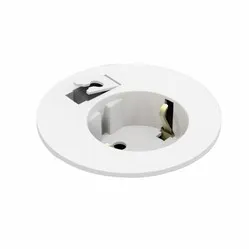
Power to you!
Everyone knows the feeling; you're either frantically searching for a power socket or you're crawling under your desk for the 10th time within the hour to plug in or unplug your charging cables. With the Powerdot, that's a thing of the past. Now you only need to crawl under your desk once: To plug in your Powerdot.
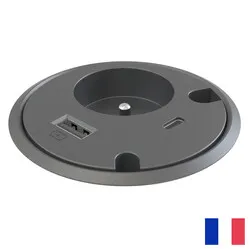
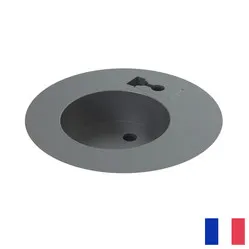
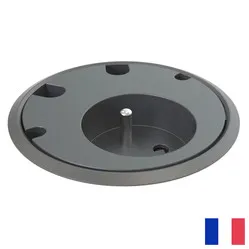
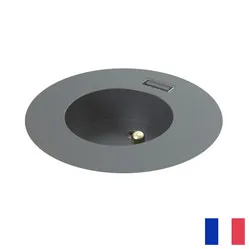
This Powerdot provides space for one pin-earth plug. Additionally, you have the option to charge your phone, tablet, or laptop via the fast-charging USB-A port. For mounting, drilling a hole in the desktop is necessary. You then only need to lower the Powerdot into the hole and tighten the retaining ring on the underside of the desktop.
With the right Powerdot for you, you provide yourself with the power and connection you need within easy reach. The Powerdot takes up little space and can be mounted in the most ideal position for you. This way, you won't be bothered by excessive loose cables under, along, and over your workspace, and you'll always have your devices with you.
There are many different Powerdots, and some look very similar. So, take your time to look and read carefully to ensure you choose the right one: how it is earthed, whether it has the correct types of extra ports, and the size of the Powerdot.
"Do I need tools to mount the Powerdot? "
Yes, the Powerdot must be placed in the desktop. A hole needs to be made for this. This can be done, for example, with a hole saw.