





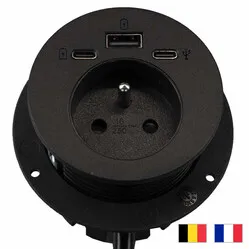
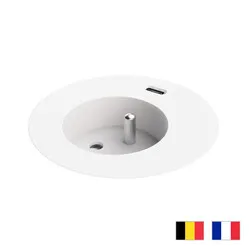
BUILT-IN POWER SOCKET WITH PIN EARTH BE/FR
TYPE E SOCKETS IN YOUR TOP
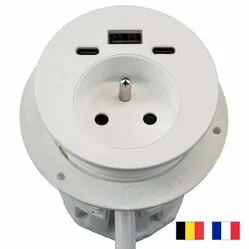
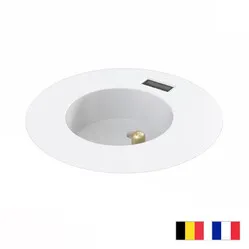
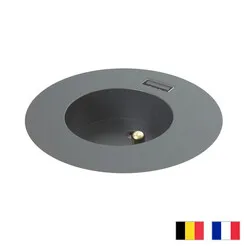
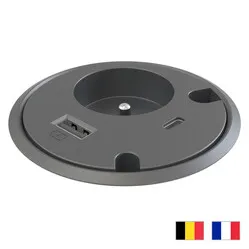
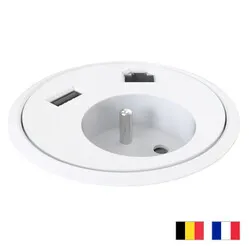
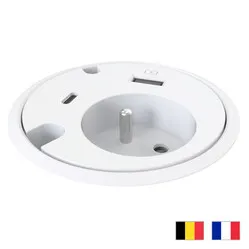
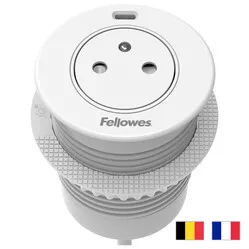
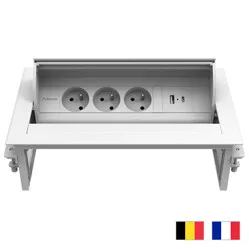
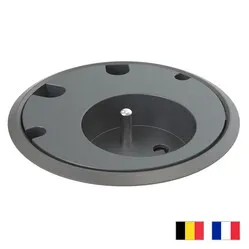
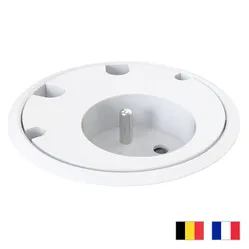
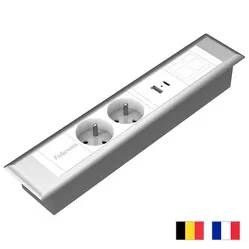
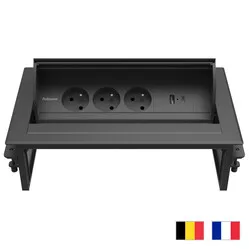
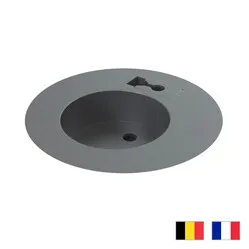
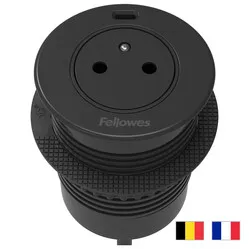
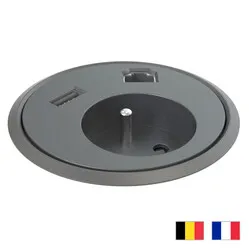
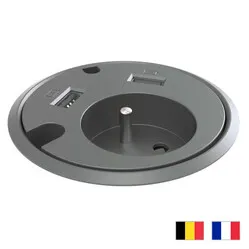
When do you choose a built-in power socket with pin earth?
You choose a built-in power socket with pin earth when the workspace is in a country where type E sockets are the standard.
- Is your desk or meeting table in Belgium or France?
- Do your devices have a plug with an opening for the pin earth?
- Do you want power and USB chargers in the top?
- Are you looking for a fixed, tidy solution?
Looking for a loose power strip with pin earth? Then take a look at the power strips with pin earth.
What makes a good built-in power socket with pin earth stand out?
With a built-in power socket with pin earth, you look at three points.
Socket type
Check that the sockets really are type E, with pin earth. Type F (side earthing) is the Dutch and German standard.
Connections
Many units combine sockets with USB-A and USB-C. Count what you connect every day.
Connection cable
Check which connection cable comes with the unit and whether it fits the wall socket at the workspace.
How does a built-in power socket with pin earth help at your workspace?
A built-in power socket with pin earth puts power and charging where you work, with the socket that belongs to your country.
- less bending under the desk
- no loose power strip on the top
- charging within reach
- a tidy workspace or meeting table
Also see the built-in power sockets for models with side earthing, or tidy the cables away with a cable tray.
What should you look for when choosing a built-in power socket with pin earth?
Choose based on the connections, the size of the cut-out and the room under the top.
Connections
Count how many sockets and USB chargers you need, and keep one spare.
Cut-out
Rectangular units need a sawn cut-out. Check the exact size on the product.
Room under the top
Check that there's no frame, drawer or cable tray in the way under the top.
Tips for installing a built-in power socket with pin earth
- Check your plugs
Check that your plugs have an opening for the pin earth. Most modern plugs do.
- Measure the cut-out twice
Mark out the size from the specifications and check it before you saw.
- Drill holes in the corners first
That makes sawing with a jigsaw easier and tidier.
- Route the cable away under the top
Use a cable tray or cable ties so the cable doesn't pull on the unit.
- Test after fitting
Plug something into every socket and check that the unit sits firmly.
Frequently asked questions about built-in power sockets with pin earth
- What is a built-in power socket with pin earth?
A built-in power socket with pin earth is a unit in your desk or table top with type E sockets, with a pin for earthing, as used in Belgium and France.
- Who is a built-in power socket with pin earth suitable for?
For workspaces and meeting tables in Belgium and France, or anywhere type E sockets are the standard.
- Does a Dutch plug fit a socket with pin earth?
That depends on the plug. A plug with an opening for the pin earth fits; an earthed plug without that opening doesn't.
- Do I need an electrician?
No. You connect the unit with a connection cable with a plug, which goes into an ordinary wall socket.