


ERGONOMIC WIRELESS MOUSE
FROM 39.95
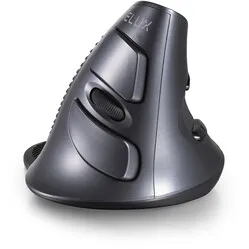
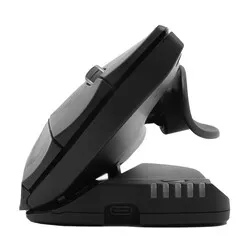
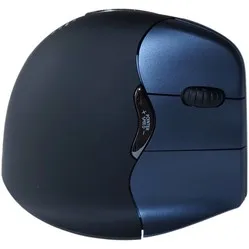
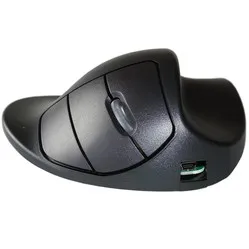
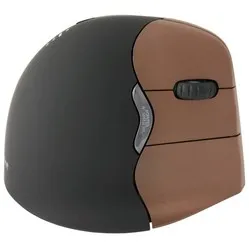
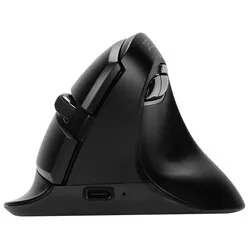
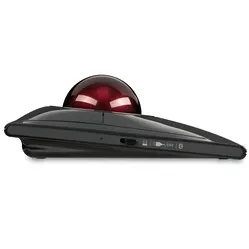
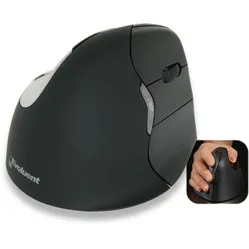
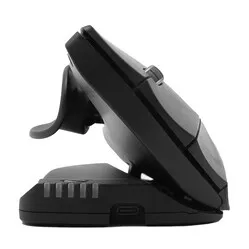
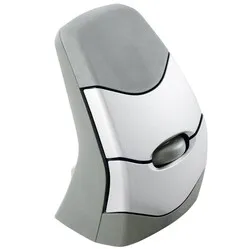
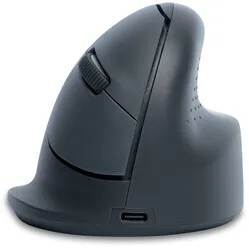
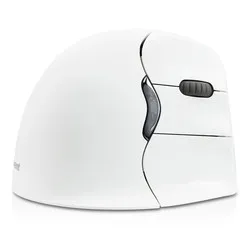
Customer reviews of their wireless mouse
Wireless Bluetooth or wireless USB?
Wireless mice come in two different variants. Sometimes you have to choose, sometimes a mouse has both features. The latter case is easy, because then you're always covered.
With a USB wireless mouse, you always receive a USB receiver. You plug this into your PC or laptop and often you can start using it straight away, i.e., “plug & play”. Installation for basic use of the mouse is then not necessary. A disadvantage of a USB wireless mouse is that you can forget or lose the receiver, for example, when you regularly switch workplaces. The receiver is almost always in the form of USB-A. Check carefully whether your PC or laptop supports this. If not, you can use an adapter.
An alternative to a USB wireless mouse is a wireless Bluetooth mouse. As you can probably guess, the connection between the mouse and PC/laptop is based on Bluetooth. A mouse with only a Bluetooth connection does not come with a USB receiver. The advantage of this is that you cannot lose or forget it, for example, when changing workplaces. A disadvantage, however, is that the response time of a Bluetooth mouse can be a fraction slower. Also, if your PC or laptop does not have Bluetooth, a Bluetooth mouse is not a wise choice, unless you can use a separate Bluetooth receiver. This allows the mouse to still connect.
Disadvantages of a wireless mouse
So, a wireless mouse has a lot of advantages. However, there are also a few (minor) disadvantages. For example, you occasionally have to charge a wireless mouse or replace its batteries. A wireless mouse also reacts a fraction slower than a wired mouse. For example, we always advise avid gamers to choose a wired model. At least then it won't be the mouse's reaction time if you lose a game ;-).