Vul hier je e-mailadres in en wij geven jou een update wanneer wij weer voorraad hebben.
Je ontvangt na het versturen van jouw e-mailadres een e-mail met daarin de bevestiging van jouw inschrijving.
Wij kunnen met deze notificatie geen garantie bieden dat je 100% zeker weten aanspraak maakt bij nieuwe voorraad. Wil je meer kans om het product te krijgen bij nieuwe voorraad? Kies er dan voor om het nu gelijk te bestellen en af te rekenen. Dan krijg je
Privacy
Je e-mailadres wordt opgeslagen in een gesloten database. Wij kunnen die niet inzien. Je e-mailadres wordt na de voorraad update automatisch weer verwijderd.
Reviews
GAMING MICE
FROM €36.95
Gaming mouse
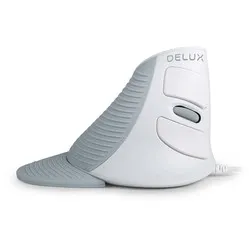
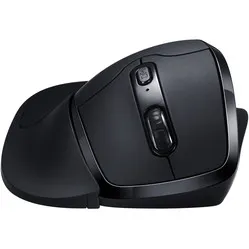
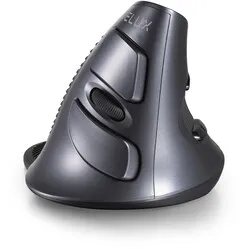
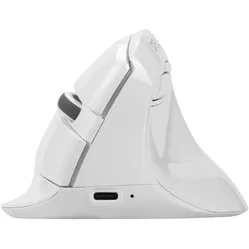
Are you an avid gamer looking for a new ergonomic gaming mouse? Then Ergowerken is the right place for you. All gaming mice in our range are ergonomically designed. This allows you to fully focus while gaming and ensures you won't suffer from wrist pain after an all-night session. But how do you choose the right mouse? You can read all about it on this page. At the very bottom, you can compare all the gaming mice in our range.
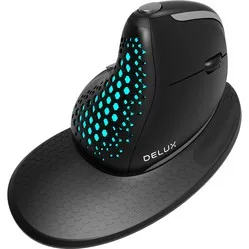
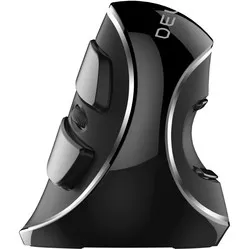
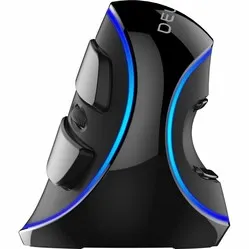
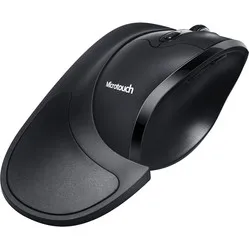
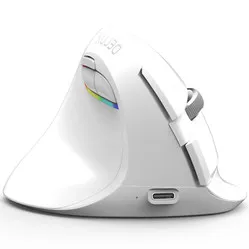
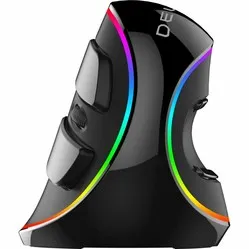
Gaming mice are often designed differently from traditional mice. For example, they often have multiple (customisable) buttons, adjustable sensitivity, and as an extra, they come with cool (RGB) lights. The gaming mice at Ergowerken also have the characteristic of a vertical design,
allowing you to game for longer without discomfort. Additionally, the sensitivity of a gaming mouse is usually adjustable. This allows you to precisely eliminate your opponent in Battlefield or comfortably build a new neighbourhood in Simcity.
What should I consider when buying an ergonomic gaming mouse?
Wired or wireless?
When looking for a new gaming mouse, it's important to consider whether you want to use it wired or wirelessly. Both options have pros and cons. With a wireless mouse, your desk looks neat and tidy, and you have more freedom of movement. However, a disadvantage of a wireless mouse is that you have to charge it or replace batteries.
Additionally, the response time can be a fraction longer than when using a wired mouse. And vice versa: with a wired mouse, you always have a direct connection and never run out of battery, but you have limited freedom of movement and a (slightly) messier desk. The choice is yours!
Which games do you play?
To ensure you get the most out of your gaming mouse, it's important to choose a mouse that suits your favourite games. For this, we have selected three categories.
Shooters
Perhaps the most frequently played games are shooters. To aim accurately at your opponent, it's important that your mouse responds quickly and doesn't suddenly lose its (Bluetooth) connection. The DPI button, in particular, is crucial for the precision you need in shooters. Also, avoid a mouse that is too heavy, as this will compromise its agility.
MOBAs
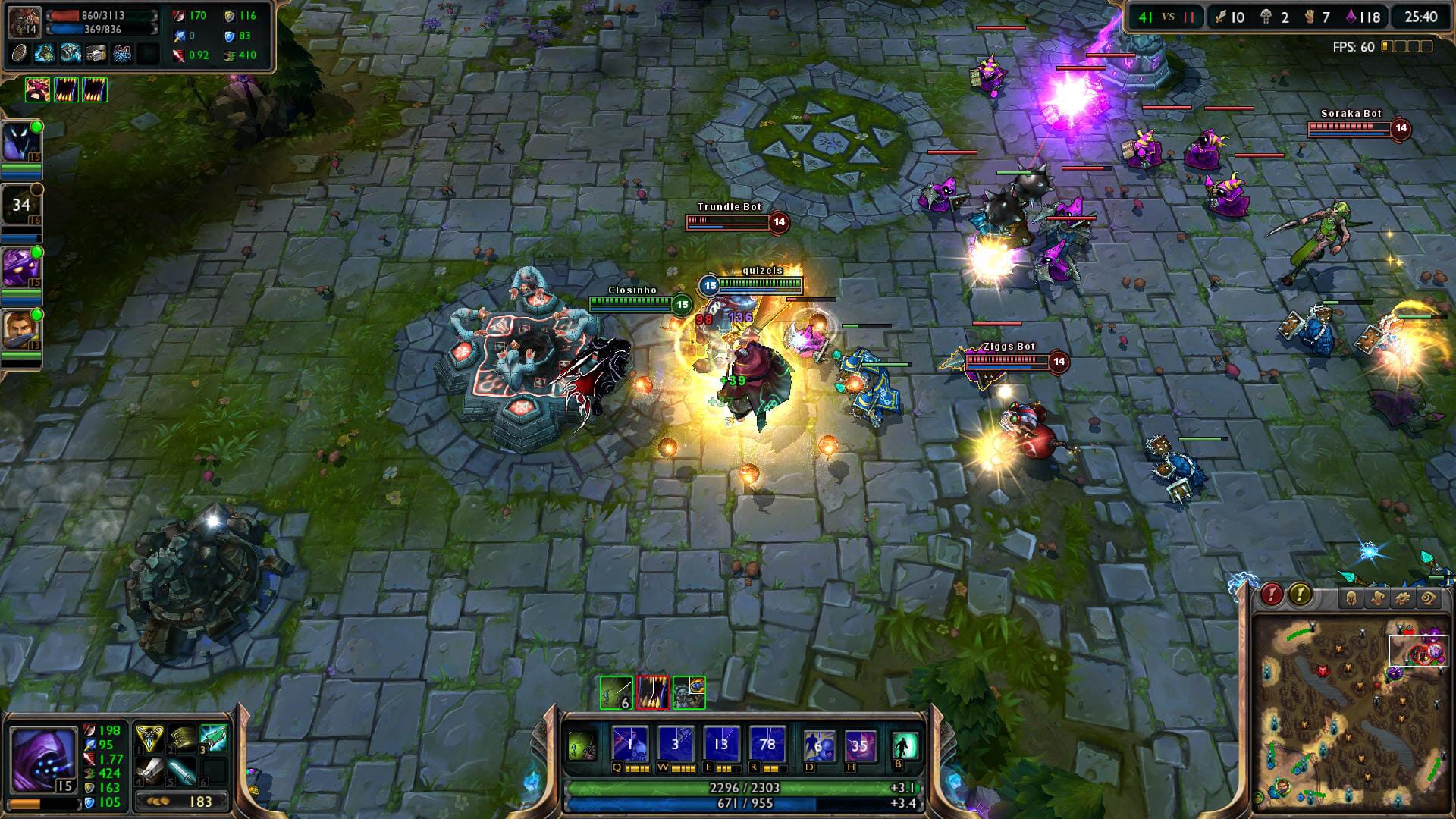
Also known as ARTS games. Perhaps the most famous example is League of Legends. As a rule of thumb, the mouse you buy for this should have approximately 4 to 6 buttons. This way, you'll earn all the trophies in no time.
MMOs
MMO games like Runescape or World of Warcraft are often best played with mice that have as many buttons as possible. This way, you can easily switch weapons, reload, or throw grenades with a single press of a button. Typically, this type of mouse has 10 to 14 buttons.
Unfortunately for MMO players, Ergowerken does not have such mice in its range, as we believe it's important to maintain a focus on ergonomics, and these types of mice often lack in that aspect.
Left- or right-handed mouse
Less than 10% of the world's population is left-handed. Unfortunately for them, this is reflected in the choices available for mice. The selection is much smaller than for right-handed mice. In the table below, we have
indicated whether the gaming mice in our range are available in a left-handed version. Unfortunately, there aren't many. The easiest solution in that case is to learn to game with a right-handed ergonomic mouse.
Compare ergonomic gaming mice
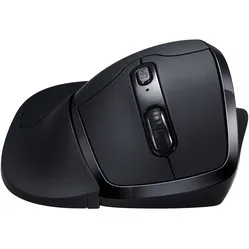
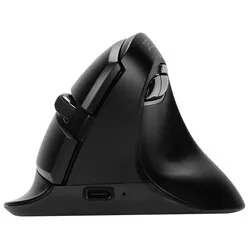
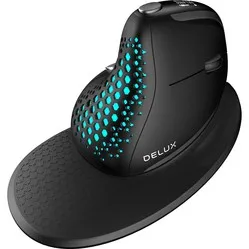
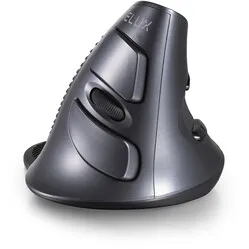
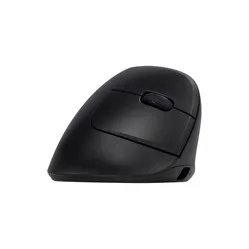
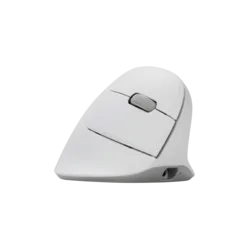
In the table below, you can compare all our ergonomic gaming mice. Scroll from left to right in the table to view all specifications. Click on the product name in the first column to go to the respective product page. Here you can read extensively about the mouse and find even more specifications.










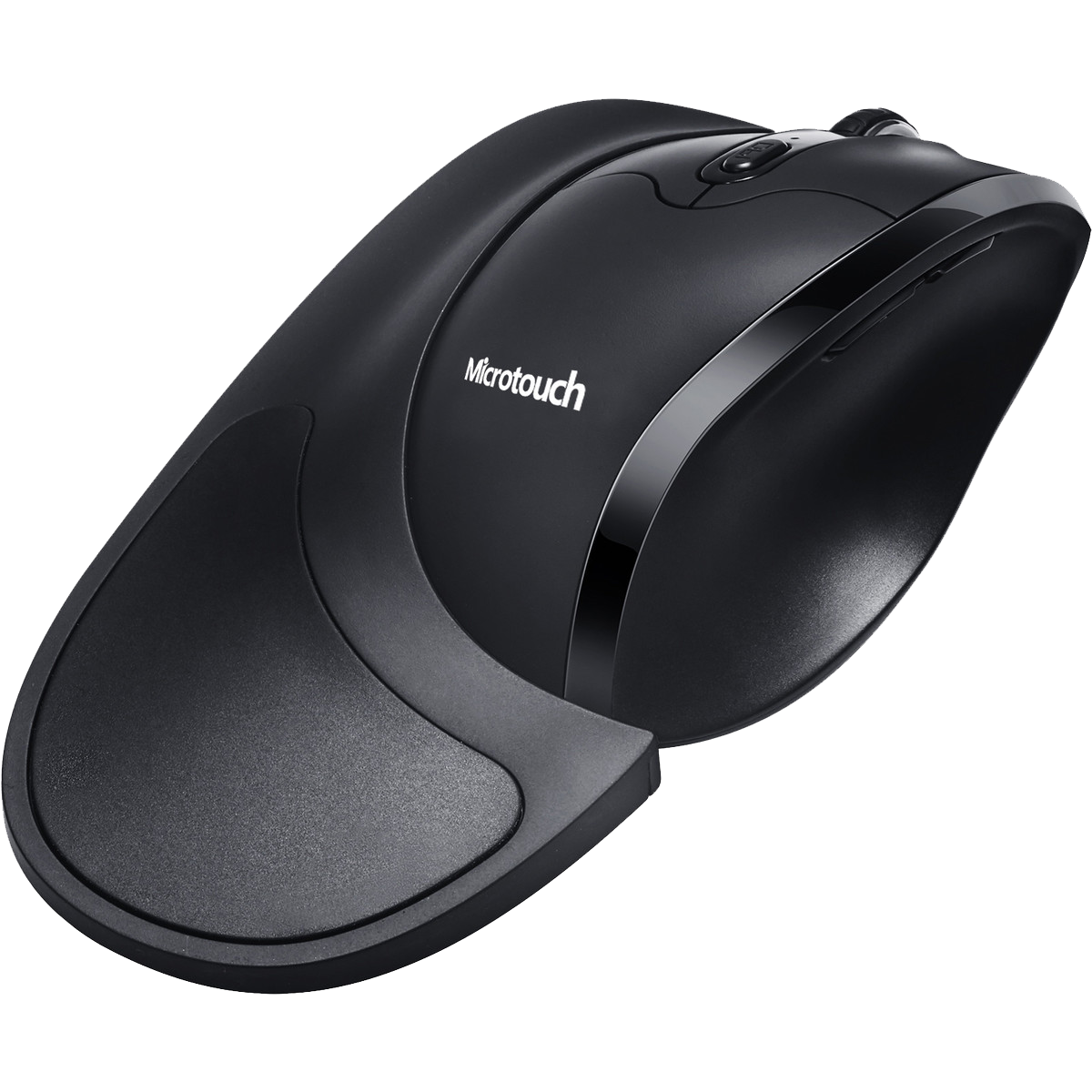 Less than 10% of the world's population is left-handed. Unfortunately for them, this is reflected in the choices available for mice. The selection is much smaller than for right-handed mice. In the table below, we have
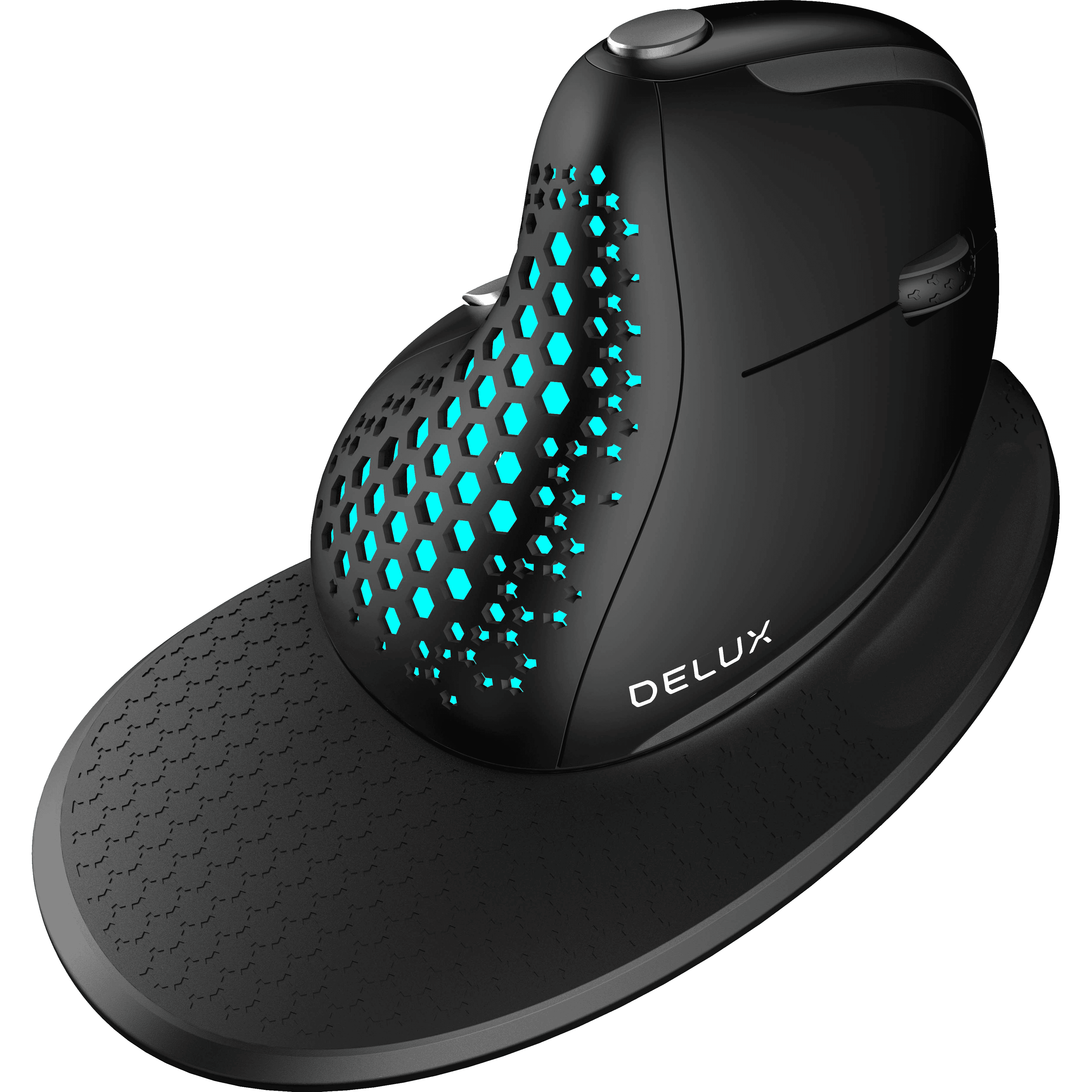 indicated whether the gaming mice in our range are available in a left-handed version. Unfortunately, there aren't many. The easiest solution in that case is to learn to game with a right-handed ergonomic mouse.